
Ornate Fantasy Character Lineup
Generates a detailed 2x4 concept art sheet of eight ornate dark-fantasy characters for costume, creature, or film design exploration.
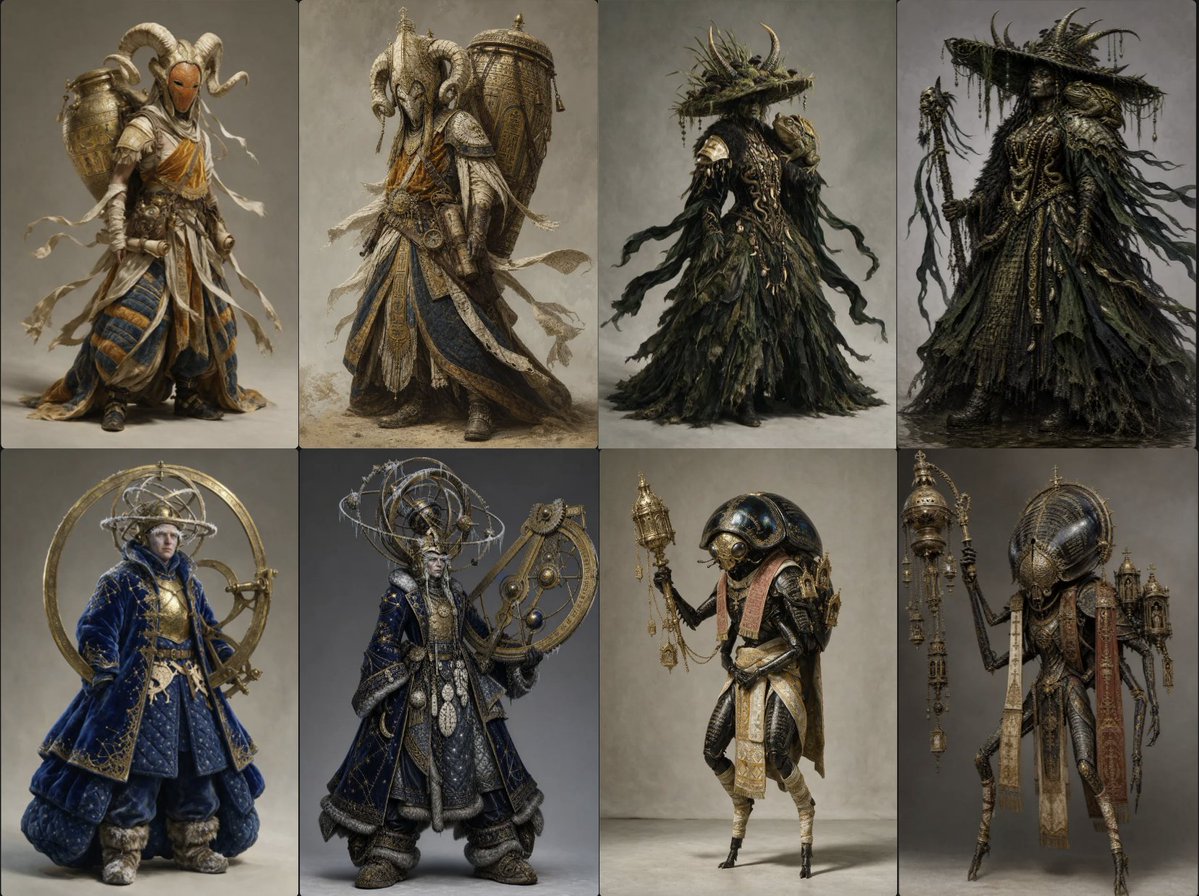
- Prompt included
- Model and format preset
- Premium template
The prompt behind this image
Copy the exact prompt behind Ornate Fantasy Character Lineup, or open it in the studio and make it yours.
Goal: Create a high-end fantasy character design sheet showing exactly 8 full-body costume concepts for {argument name="fantasy faction" default="ornate nomadic mystics and swamp occultists"}, arranged as a clean 2-row by 4-column lineup. Canvas: Wide landscape canvas, approximately 4:3 aspect ratio, divided into 8 equal vertical character panels with thin dark separators. Neutral gray-beige studio backdrop in every panel, soft floor shadows, no text, no logos, no UI. Layout: Each panel contains one centered standing figure, full body visible, posed like a museum-quality concept art turnaround. Top row has 4 figures; bottom row has 4 figures. Keep the characters distinct but unified by extremely detailed materials, ancient ritual fashion, layered robes, weathered metalwork, and handcrafted ornamentation. Subject details: Depict exactly 8 discrete characters: 1. Top-left: A masked desert pilgrim warrior wearing curved ram horns, an orange-brown face mask, layered ivory wrappings, white ribbons blowing outward, blue-and-gold striped lower robes, sandals, leather straps, small armor pieces, and a large brass vessel or urn strapped on the back. 2. Top-second: A heavier robed ram-horned figure seen in a partial back/side pose, with a massive decorated cylindrical gold vessel on the back, carved horned headpiece, layered cream and blue robes, embroidered panels, dangling cloth strips, belts, and tarnished metal ornaments. 3. Top-third: A dark swamp shaman in a ragged black-green cloak made of leaves, moss, roots, and torn fabric; wide flat brim hat covered in vegetation, antler-like twigs rising from it, trailing black ribbons, hidden face, ornate organic chest details, mysterious silhouette. 4. Top-right: A more elaborate black-robed occult priest with a very wide spiked hat, hanging moss and cords, horn-like protrusions, dense rope necklaces, layered tattered foliage cloak, black and olive palette, holding a gnarled staff with dangling strips and charms. 5. Bottom-left: A blue celestial noble or astrologer wearing a deep cobalt velvet quilted robe with gold embroidery, fur cuffs and boots, pale face, hood, and a huge golden astrolabe ring structure behind the body like a halo, with circular mechanical arcs. 6. Bottom-second: A richly dressed astronomer-mage in dark navy robes with gold trim, bulky boots, fur edging, coin-like medallions, ornate chest plates, and an enormous armillary sphere headdress with multiple metal orbital rings; holding a large crescent-shaped astronomical instrument at the side. 7. Bottom-third: An insectoid or birdlike mechanical pilgrim with thin legs, beaked helmet, rounded blue-black shell helmet, layered cream-and-gold apron cloths, small backpack, curved arms, and one raised hand holding a small ornate lantern or censer. 8. Bottom-right: A taller insectoid reliquary carrier with a long narrow body, thin jointed legs, domed ribbed helmet, vertical hanging red-and-cream cloth banners, miniature architectural shrine structures strapped to the back, and a tall staff topped with stacked lantern-like relics and dangling chains. Visual style: Ultra-detailed dark fantasy concept art, couture costume design, cinematic realism, painterly digital rendering, muted earthy palette with accents of tarnished gold, deep blue, ivory, black, olive green, and rust. Intricate embroidery, beadwork, filigree, rope, metal vessels, astrolabe machinery, ceremonial objects, torn fabric, and aged patina. Lighting is soft studio illumination from upper front, realistic shadows, crisp silhouettes, high texture detail. Constraints: Use exactly 8 characters and exactly 8 panels. No captions or labels. No modern clothing, weapons, buildings, background scenery, or extra characters. The sheet should look like professional production concept art for {argument name="media type" default="a dark fantasy film"}.
How to use Ornate Fantasy Character Lineup in 3 steps
- 1Upload ImagePNG, JPG or paste
Add your photo
Upload the photo the template builds on. The prompt, model and format are already set.
- 2…a portrait of your subject in softgolden-hour light, 85mm…
Personalize
Edit the subject and creative details for your destination.
- 3Generate
Generate
Press Generate — your image is created in PicX Studio, so you can compare it with the original and refine one variable at a time.
More like this
Templates with the same subject, style or setup. Open one to see its prompt.

Anime Fantasy Celestial Movie Poster
Anime Fantasy Celestial Movie Poster

Minecraft Fantasy Kingdom Voxel Landscape

Unfinished Sketch Comes Alive Portrait

Open Travel Journal Overhead Still Life

Tiny Woman Miniature Fantasy Macro Scene
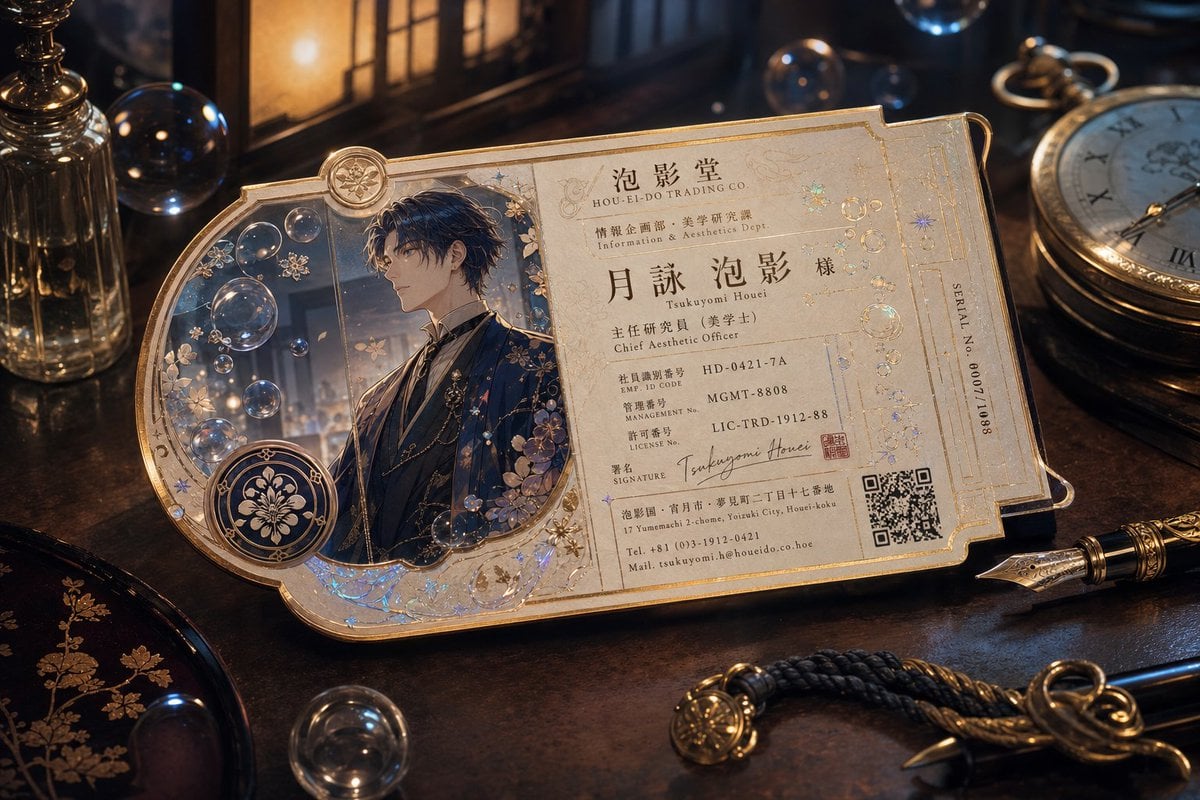
Ornate Fantasy Business Card
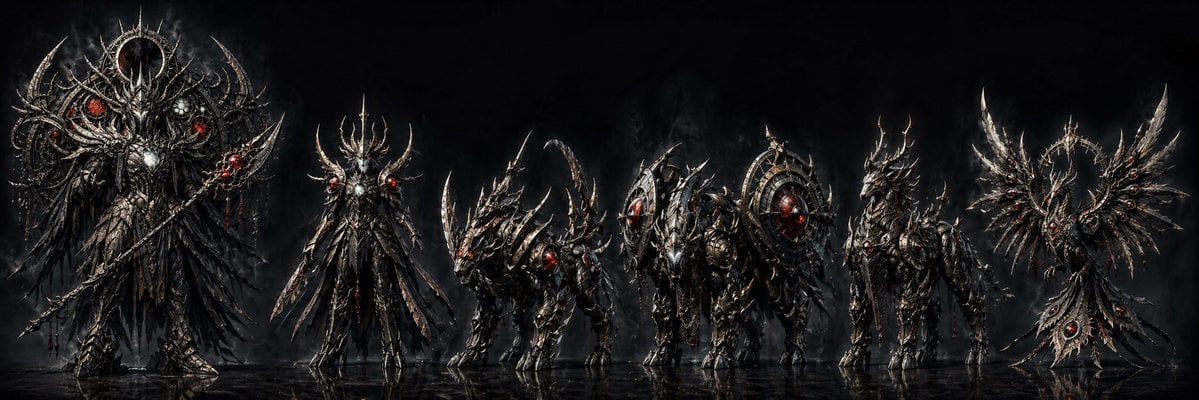
Dark Fantasy Combining Mecha Lineup
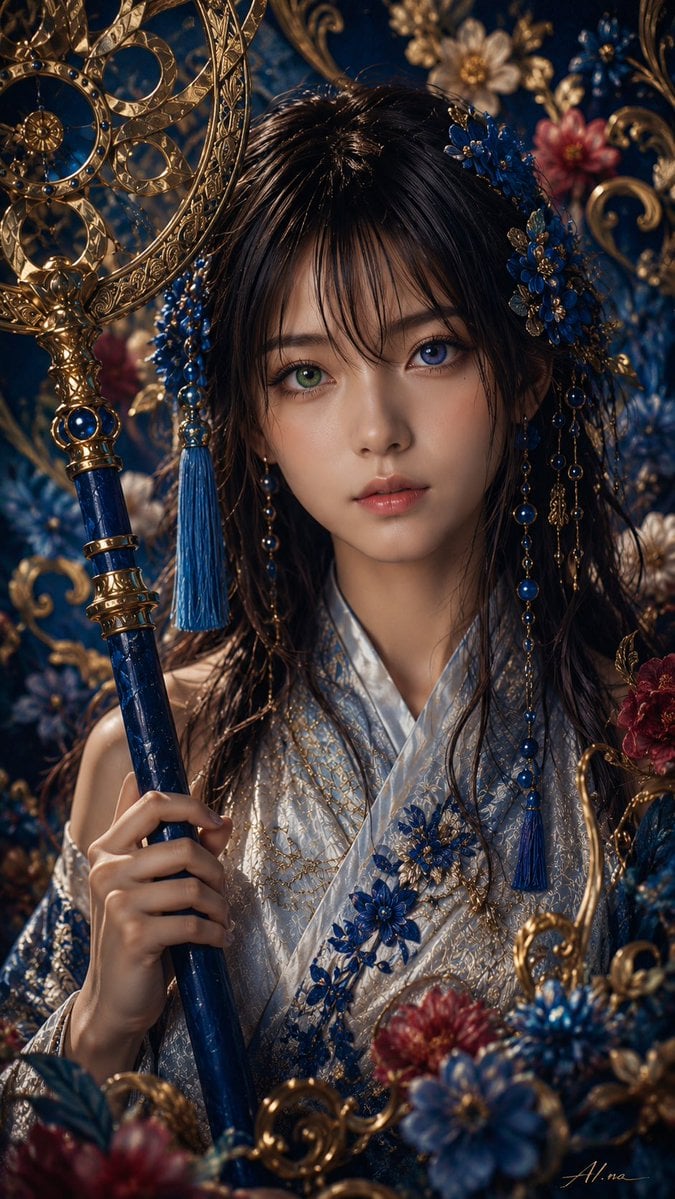
Ornate Yuna Fantasy Portrait
JSON Seedance - Fairy Macro Flight
Videogame Cinematic Trailer - Seedance 2.0
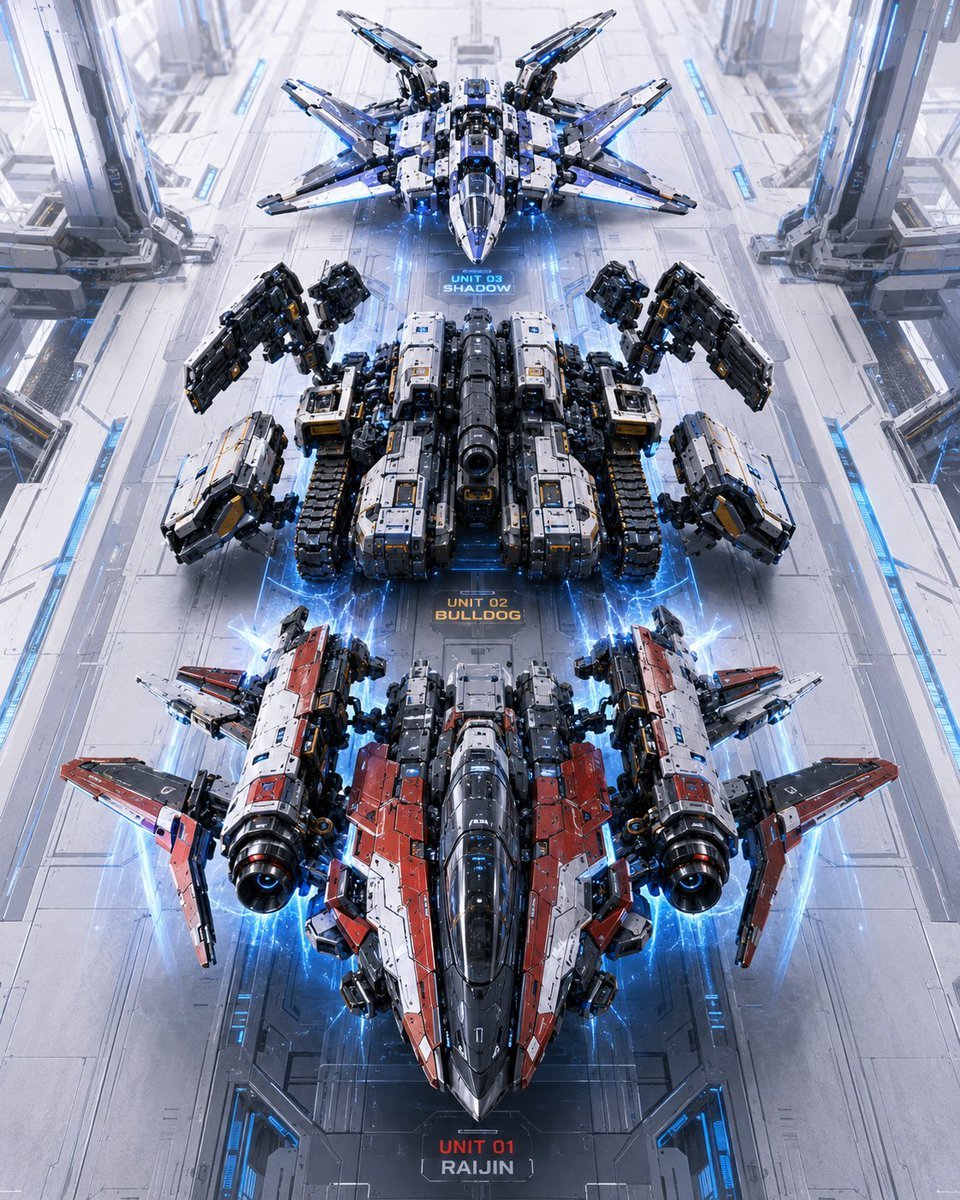
Three Mecha Combination Lineup
Make it yours
Ornate Fantasy Character Lineup works as-is. These are the safest ways to change it without losing the look.
Change one field
Copy a single group, rewrite it, and generate again so you can see what that field is doing.
Keep the frame, change the subject
Hold the composition and light of Ornate Fantasy Character Lineup, then swap wardrobe, props or the person for a new take.
| If the result… | Why | Fix |
|---|---|---|
| The result drifts from the preview | Too many fields changed at once. | Reuse Ornate Fantasy Character Lineup as-is first, then change one group — subject, light, or setting. |
| The model over-stylizes the scene | The prose prompt leaves finish and camera underspecified. | Add one camera or lighting sentence and stay on GPT Image 2. |
More GPT Image 2 templates
Other prompts made for GPT Image 2.

Six VTuber Japanese Logo Sheet

Realistic Portrait of Woman and Deer

The Vista Modular Condo Poster

AI Model Routing Comparison Infographic

2.5D Anime Art Board

Isometric Productivity Desk Scene

New York Double Exposure Poster

Four-Panel AI Landscape Comparison

Japanese Tatami Lifestyle Magazine Cover

NESCAFÉ Coffee Map Poster
More image prompts
Fresh picks from across the catalog.
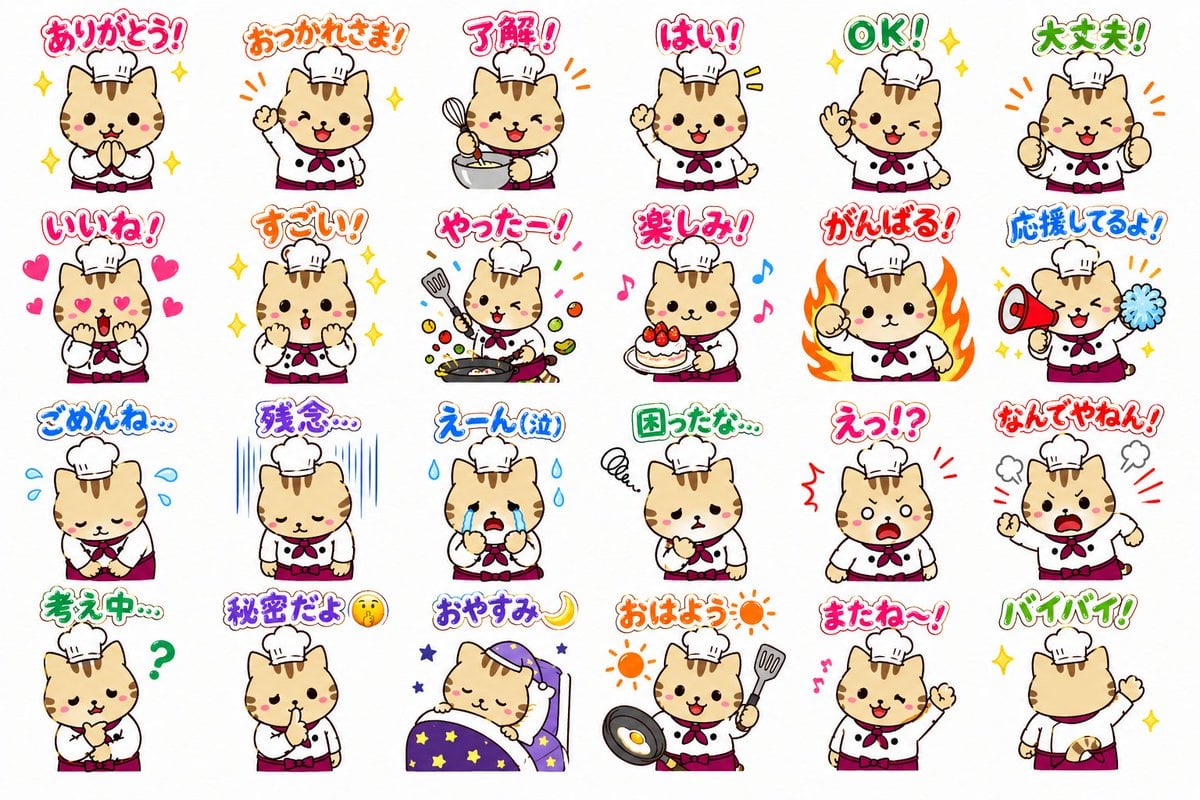
Chef Cat LINE Sticker Sheet
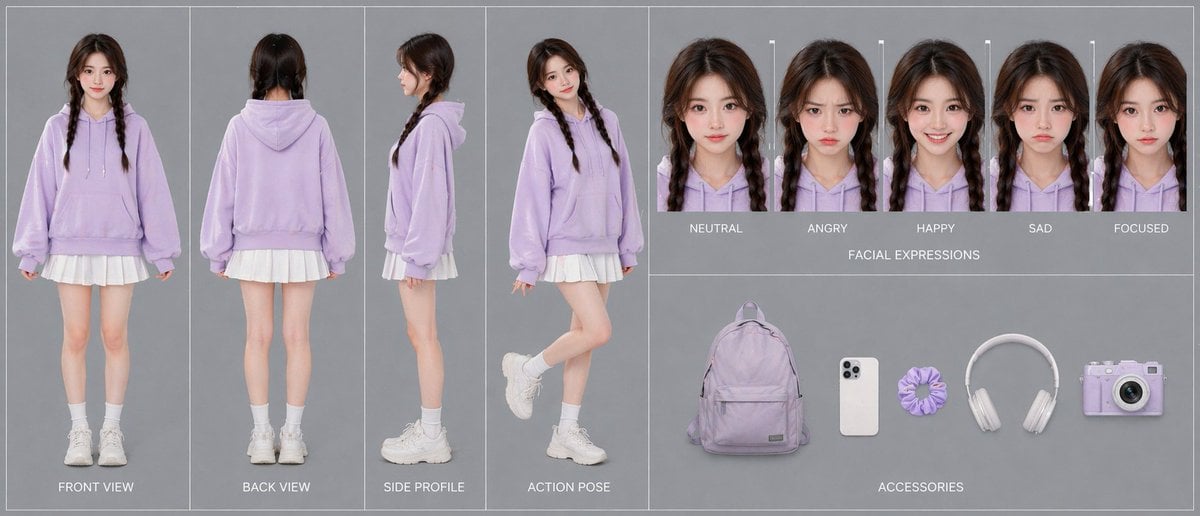
Lavender Hoodie Character Reference Sheet
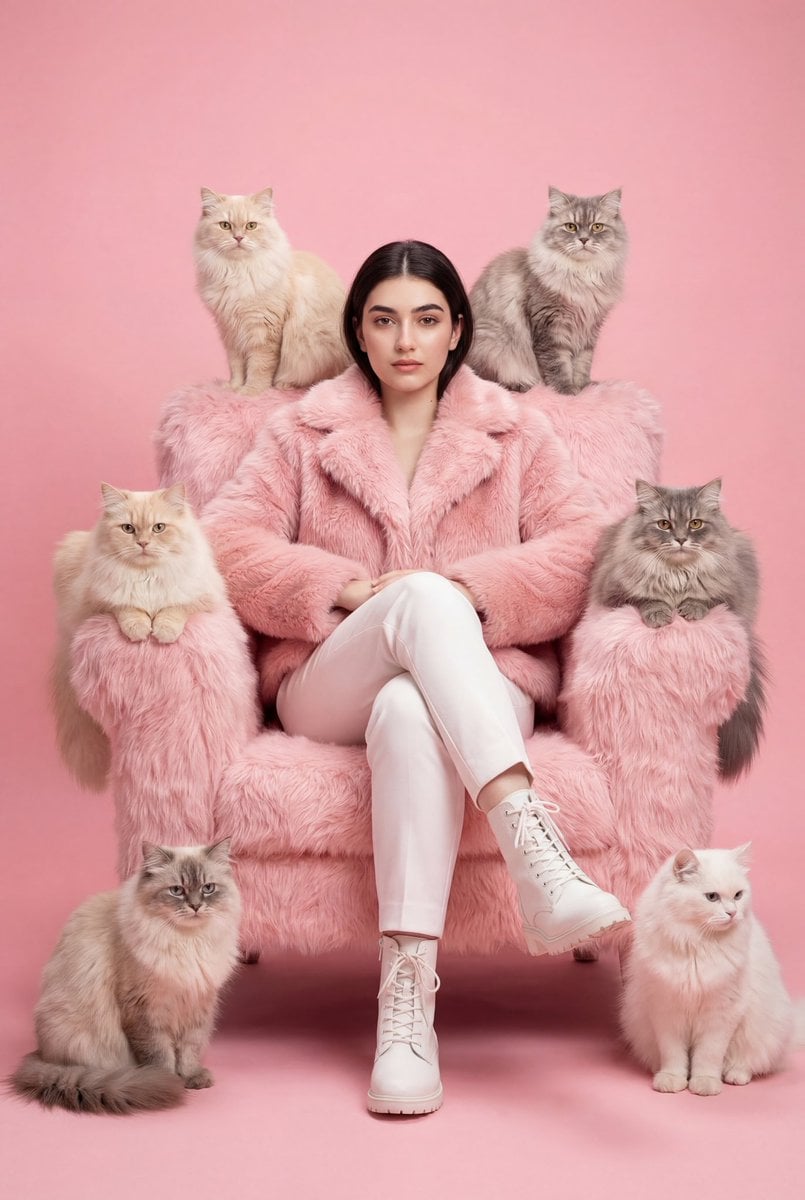
Fashion Editorial Portrait Prompt for Gemini Nano Banana Pro
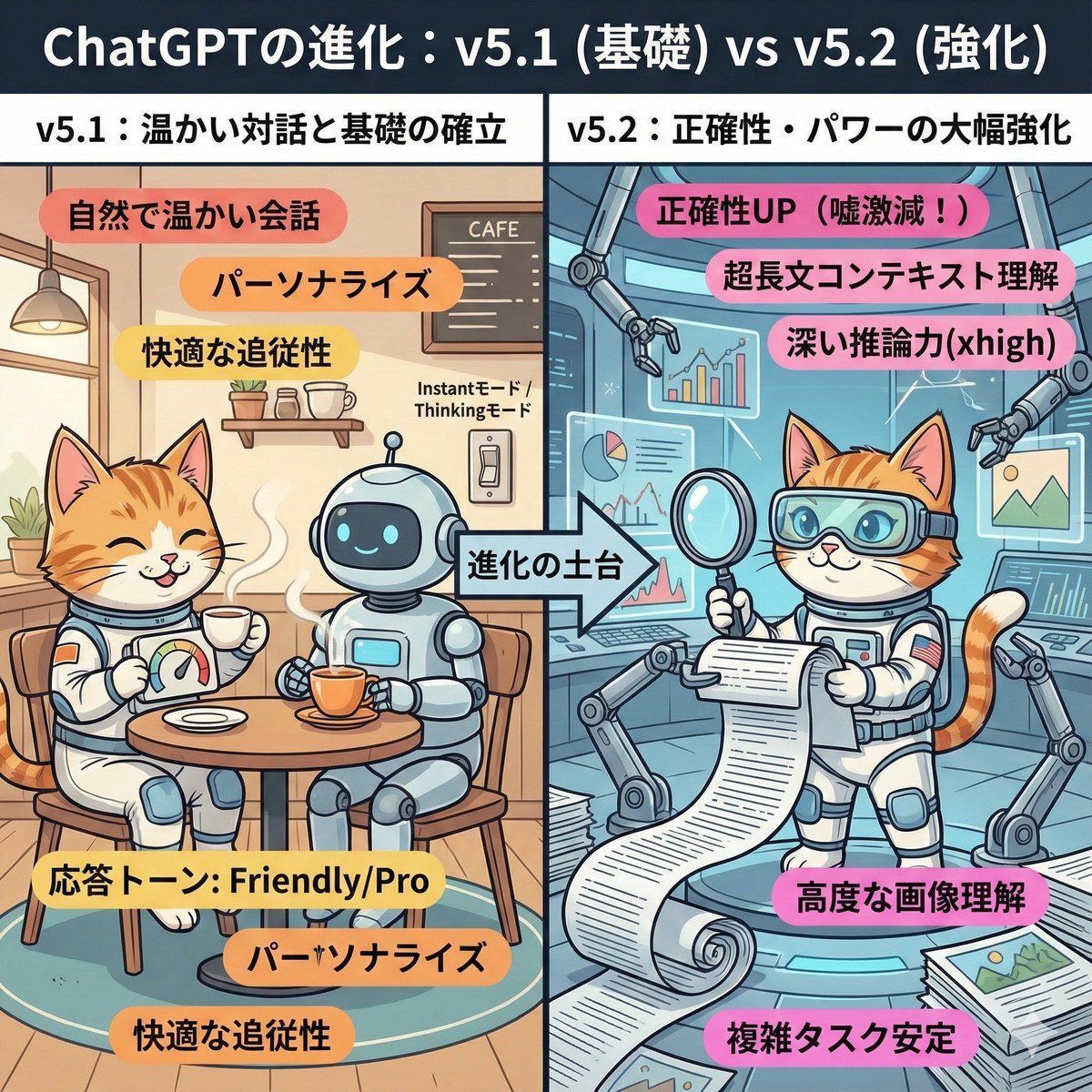
ChatGPT v5.1 vs v5.2 Evolution Infographic Prompt
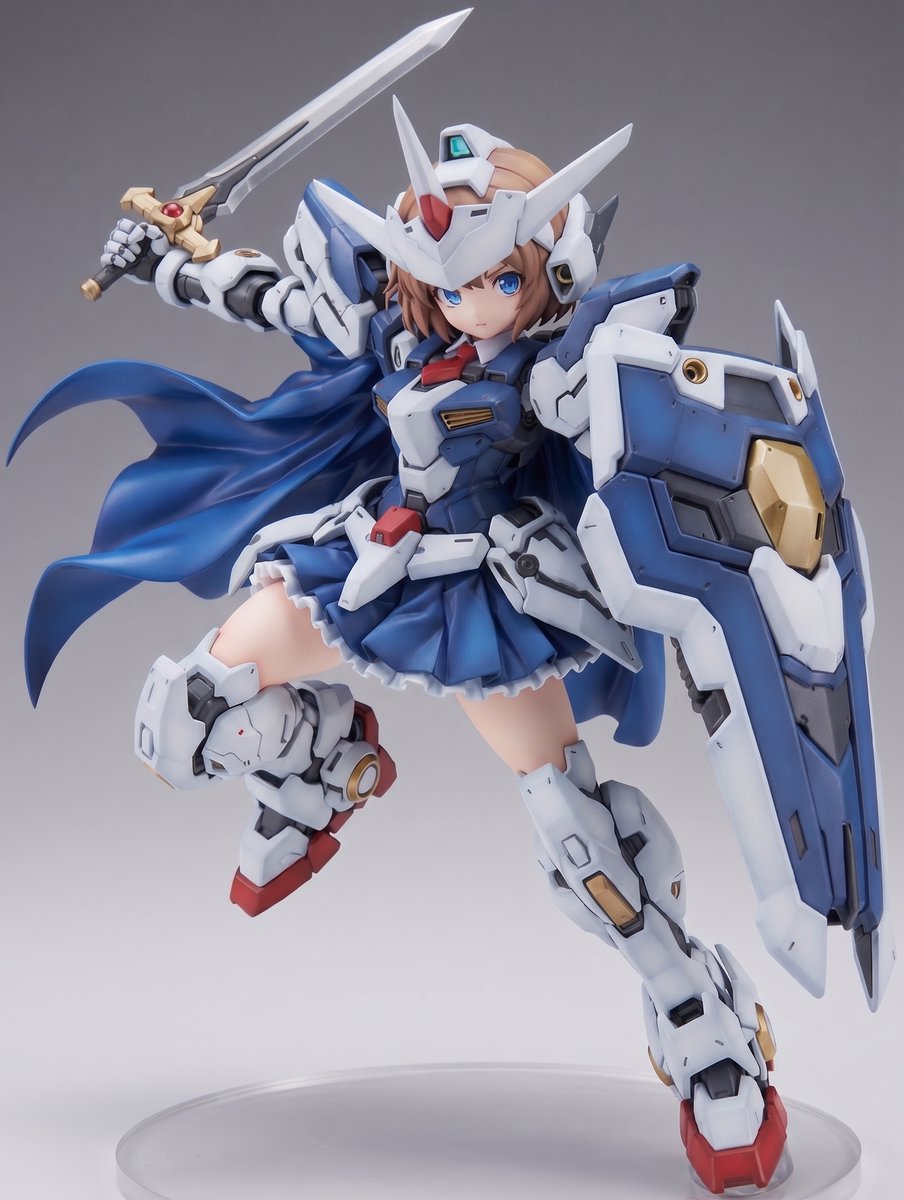
Mecha Girl Figure Product Render
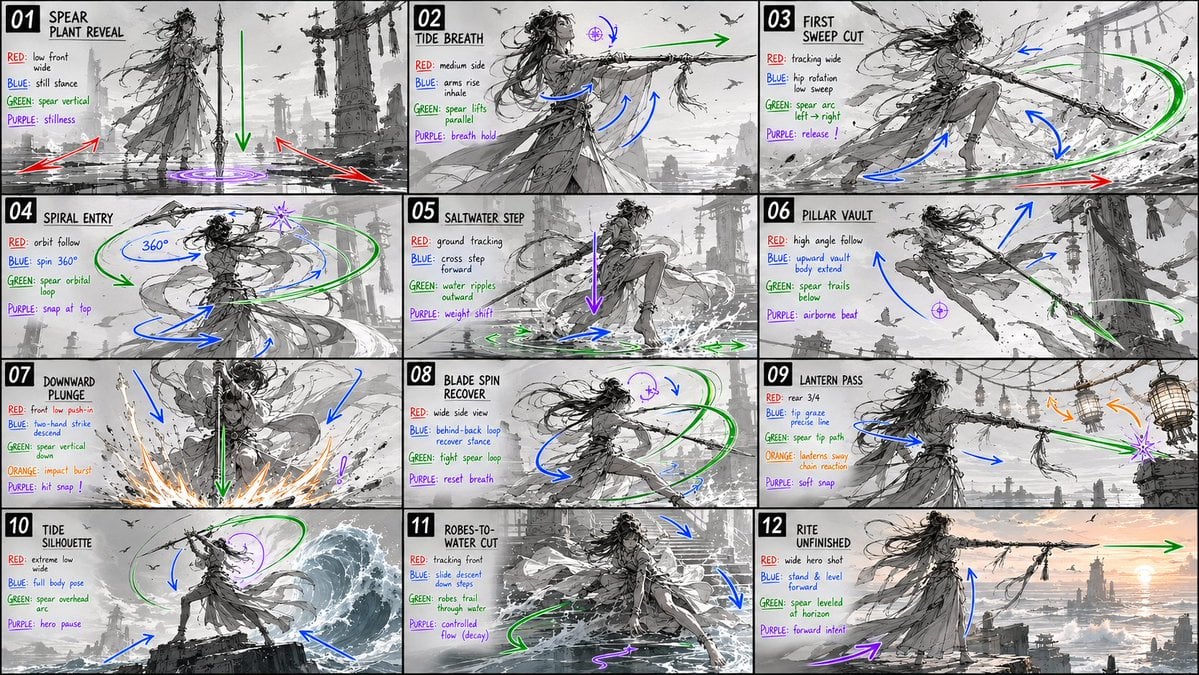
Panel Spear Sakuga Storyboard
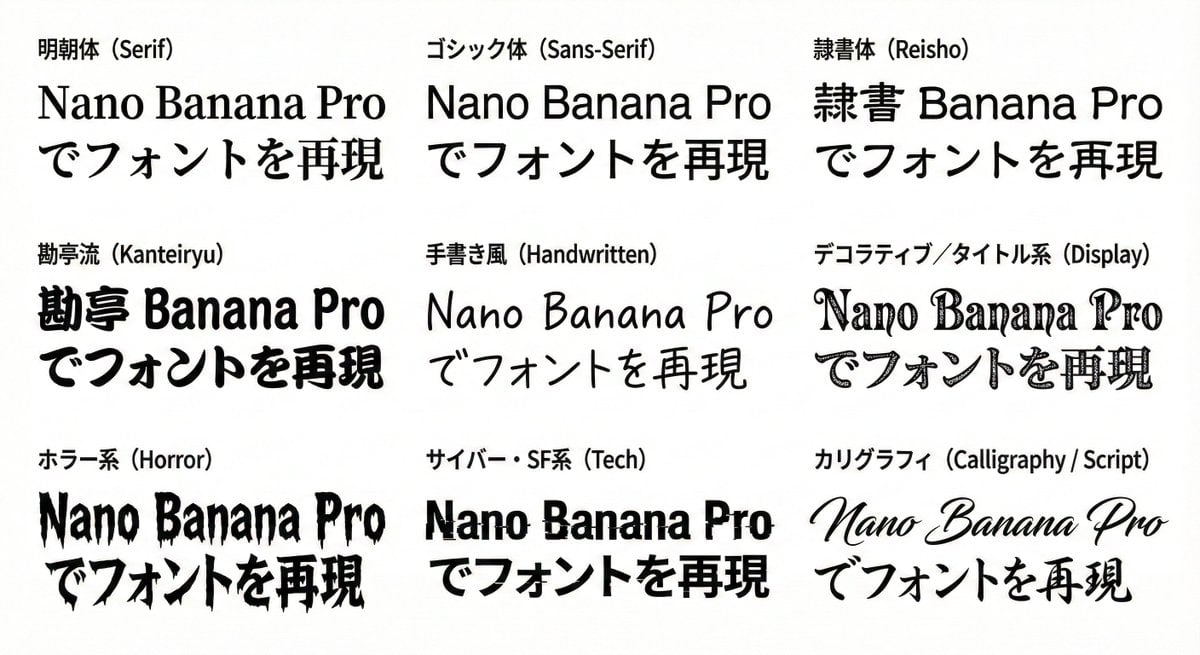
Multi-Font Text Generation and Control
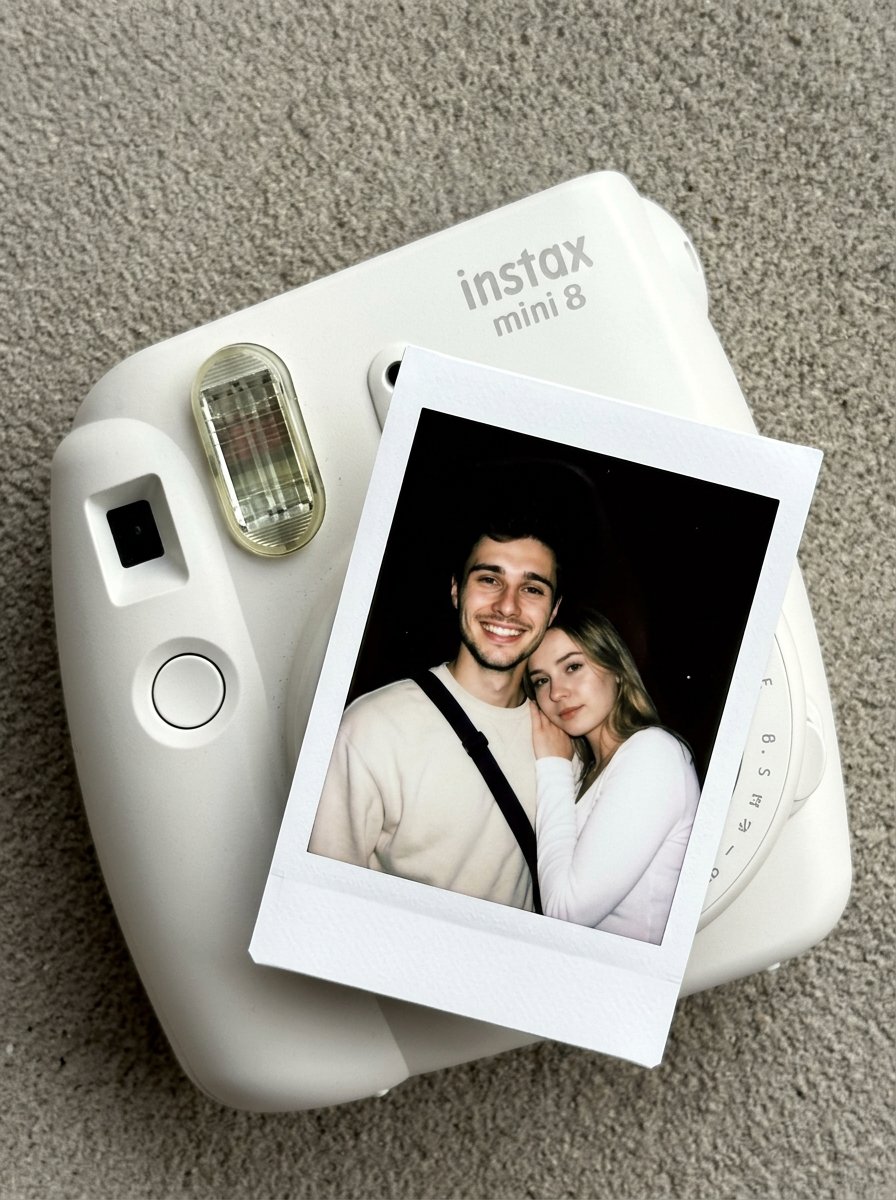
02 Instax Camera Product — Nano Banana 2
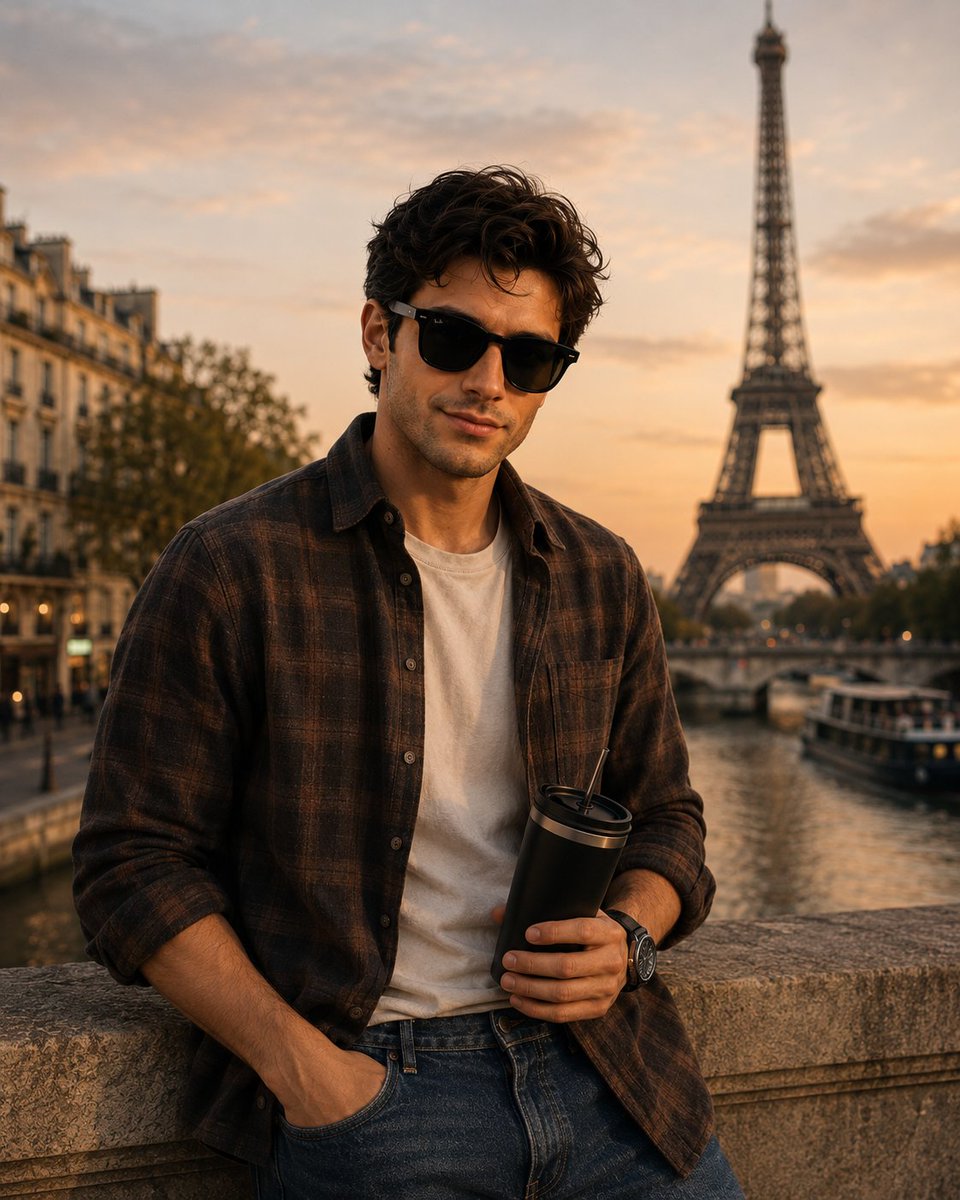
Parisian Golden Hour Portrait
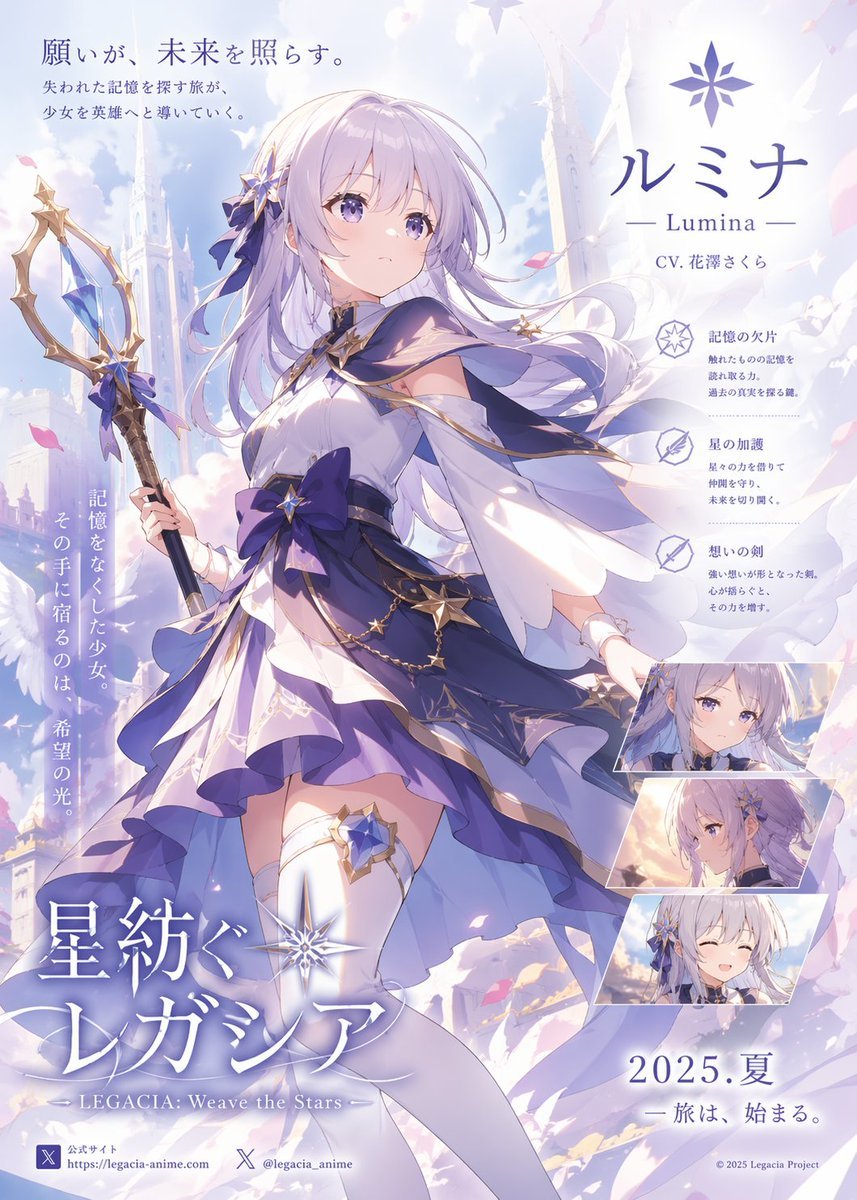
Pastel Anime Fantasy Poster with Heroine
Browse template categories
Ornate Fantasy Character Lineup questions
How do I use the Ornate Fantasy Character Lineup template?
Add your photo if the template asks for one, edit the prompt if you like — the template's model and format are already selected — and press Generate. Your version opens in PicX Studio.
Can I customize the Ornate Fantasy Character Lineup template?
Yes. You can change the subject, setting, lighting, mood, format, and available model controls before creating your image.
Is the Ornate Fantasy Character Lineup template free?
Opening and editing this template is free. Generating uses credits, shown on the Generate button when you are signed in.
Which AI model should I use?
Start with GPT Image 2, which is the model associated with this template. You can compare another compatible model for a different finish.
Looking for something else? Browse all templates.

Your photo, any look
Thousands of ready templates for every top image and video model, from one credit balance.