
ChatGPT v5.1 vs v5.2 Evolution Infographic Prompt
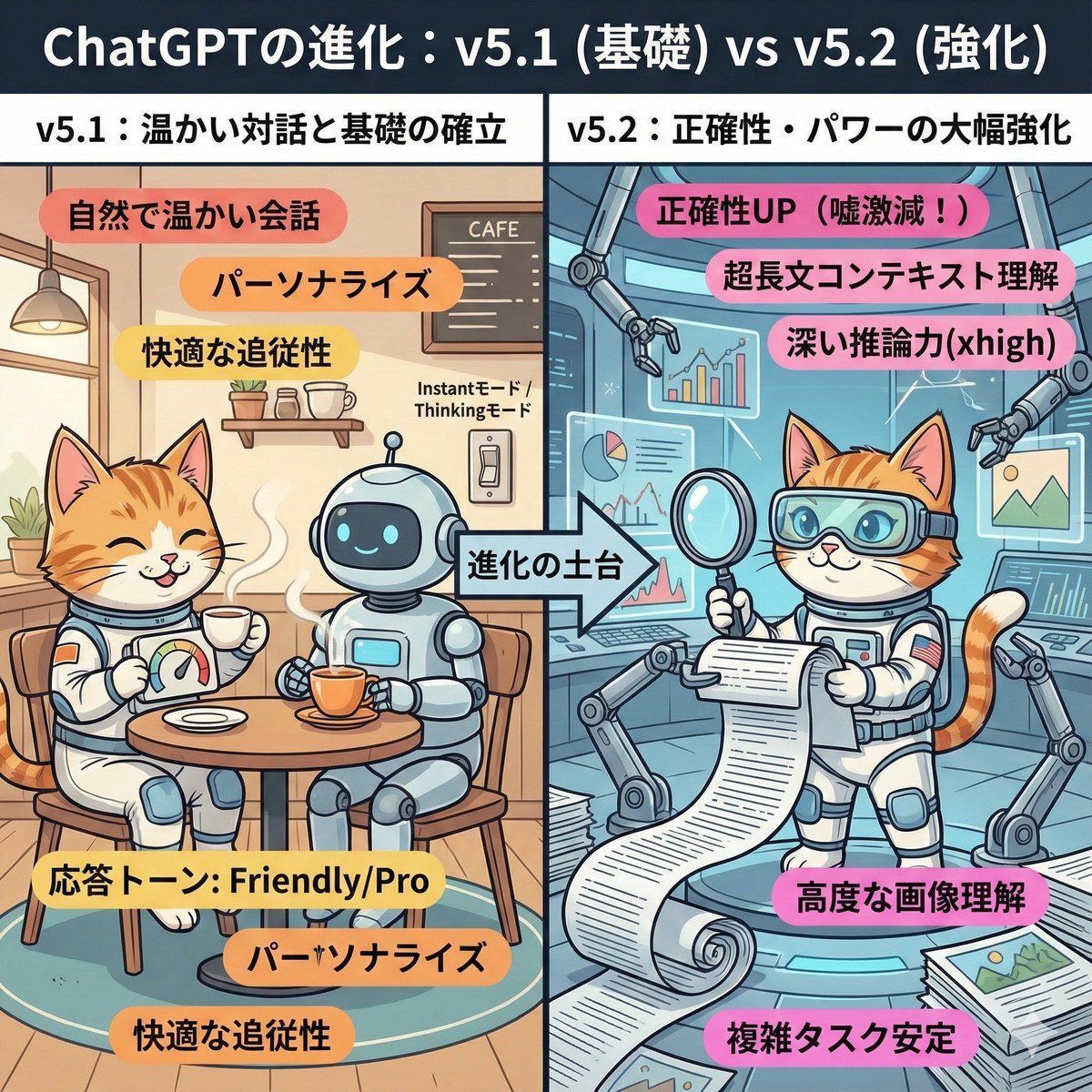
A detailed prompt for Nano Banana Pro (Gemini) to create a cute, comic-style infographic comparing ChatGPT v5.1 (warm dialogue, foundation) and v5.2 (accuracy, power enhancement).
- Prompt included
- Model and format preset
- Premium template
The prompt behind this image
Copy the exact prompt behind ChatGPT v5.1 vs v5.2 Evolution Infographic Prompt, or open it in the studio and make it yours.
A cute, playful, comic-style infographic illustration. A comparison chart split left and right, with a large title at the top reading "The Evolution of ChatGPT: v5.1 (Foundation) vs v5.2 (Enhanced)." The left half is titled "v5.1: Warm Conversation and Building the Foundation." The background is a cozy, tidy café-like room. The character (or person) from the uploaded reference image is depicted here, relaxed and smiling, naturally enjoying a conversation with a friendly round robot over a steaming cup of tea. In their hand is a custom dial labeled "Response Tone: Friendly/Pro." Around them float warm-colored keywords: "Natural, warm conversation," "Personalization," "Comfortable responsiveness." In the center is an arrow labeled "Foundation for Evolution," showing that the right side builds upon the left side. The right half is titled "v5.2: Major Boost in Accuracy and Power." A futuristic, giant high-tech research lab, expanded upon and built on top of the room on the left. The same character (or person) from the reference image is depicted here, with a confident expression, wearing high-tech analysis goggles. They are unrolling a mountain of giant scrolls (long documents), precisely scanning complex graphs and images floating in the air, and busily working with multiple mechanical arms. Around them float bold, vivid keywords: "Accuracy UP (drastically fewer errors!)," "Ultra-long-context understanding," "Deep reasoning power (xhigh)," "Advanced image understanding." Overall, the contrast between the left side's comfortable everyday feel and the right side's reliable, professional power is expressed in a cute way.
How to use ChatGPT v5.1 vs v5.2 Evolution Infographic Prompt in 3 steps
- 1Upload ImagePNG, JPG or paste
Add your photo
Upload the photo the template builds on. The prompt, model and format are already set.
- 2…a portrait of your subject in softgolden-hour light, 85mm…
Personalize
Edit the subject and creative details for your destination.
- 3Generate
Generate
Press Generate — your image is created in PicX Studio, so you can compare it with the original and refine one variable at a time.
More like this
Templates with the same subject, style or setup. Open one to see its prompt.
Gpt2 3d Stone Staircase Evolution Infographic

Japan Travel Brochure Poster

Floraverse Botanical Fusion

FLORAVERSE BOTANICAL FUSION

Isometric Process Educational Diorama

Face-Locked Train Window Lifestyle Portrait
Female Chef Chicken Biryani Luxury Kitchen
Leather Jacket Cream Trousers Fashion Sketch

Golden Hour Fedora Bar Doorway Street Style

Luxury Toothpaste Commercial Storyboard

Unfinished Sketch Comes Alive Portrait
Surreal Minimalist Dark Collage Poster II
Make it yours
ChatGPT v5.1 vs v5.2 Evolution Infographic Prompt works as-is. These are the safest ways to change it without losing the look.
Change one field
Copy a single group, rewrite it, and generate again so you can see what that field is doing.
Keep the frame, change the subject
Hold the composition and light of ChatGPT v5.1 vs v5.2 Evolution Infographic Prompt, then swap wardrobe, props or the person for a new take.
| If the result… | Why | Fix |
|---|---|---|
| The result drifts from the preview | Too many fields changed at once. | Reuse ChatGPT v5.1 vs v5.2 Evolution Infographic Prompt as-is first, then change one group — subject, light, or setting. |
| The model over-stylizes the scene | The prose prompt leaves finish and camera underspecified. | Add one camera or lighting sentence and stay on Nano Banana 2. |
More Nano Banana 2 templates
Other prompts made for Nano Banana 2.

Photorealistic Leaf Shaped Like a Dragon

K-Pop Idol Portrait Grid for Rapid Selection

Poetic Rain Forest Portrait During Golden Hour

Urban Street Portrait with Cartoon Inner Self Duo

Candid Nighttime Photo with Cat Prompt

High-Concept 3D Diorama Generation Prompt

Cinematic Futuristic Studio Portrait Template

Skincare Editorial Photography Collage Prompt

Hyper-Realistic Commercial Product Photography (Splash Effect)

Hyper-Realistic Nightclub Portrait Prompt
More image prompts
Fresh picks from across the catalog.
Premium Tech Product Photography
Silver Maid Cosplay in High-Rise Kitchen
Luxury Ski Influencer Collage and Portraits (iPhone 16 Pro Style)
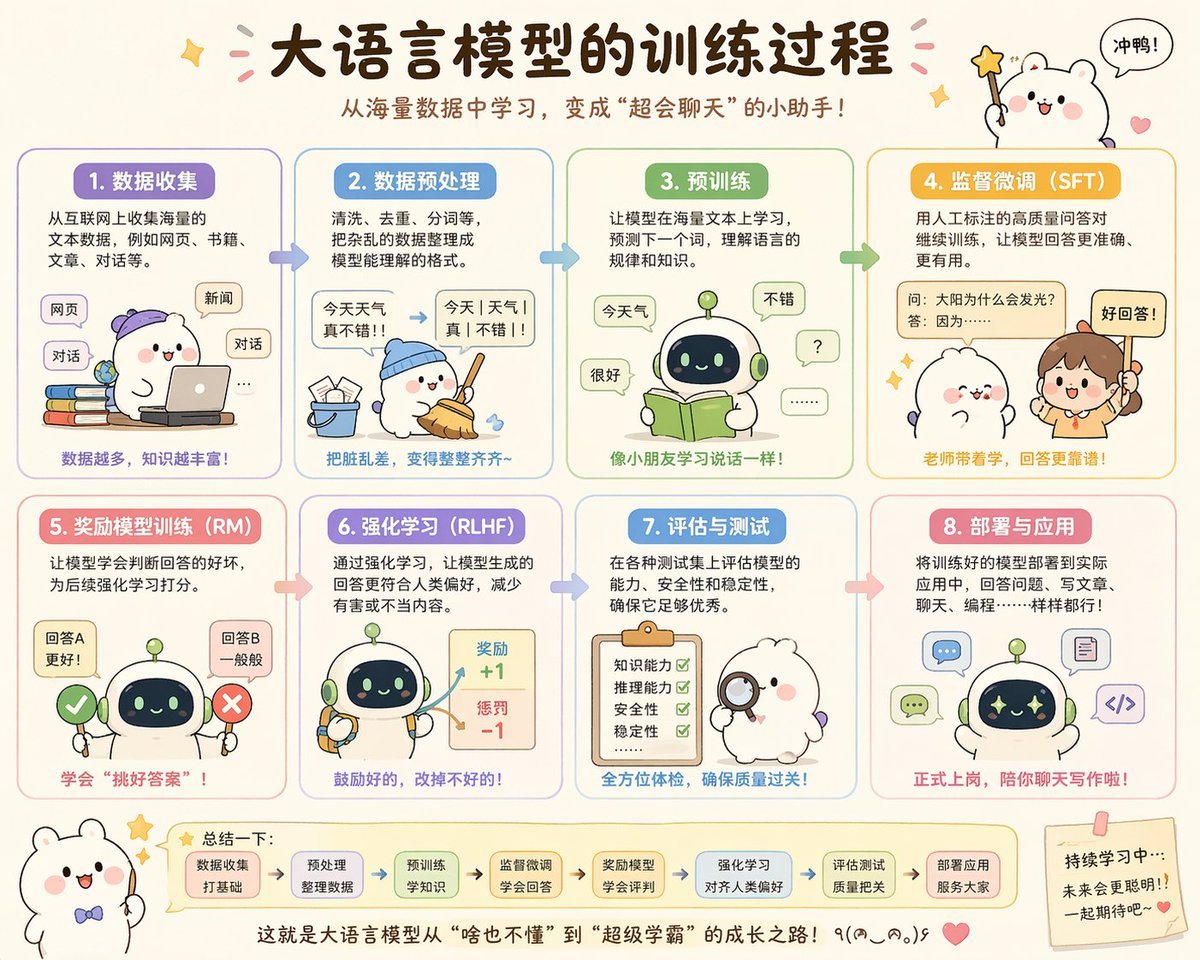
Cute Chinese LLM Training Infographic
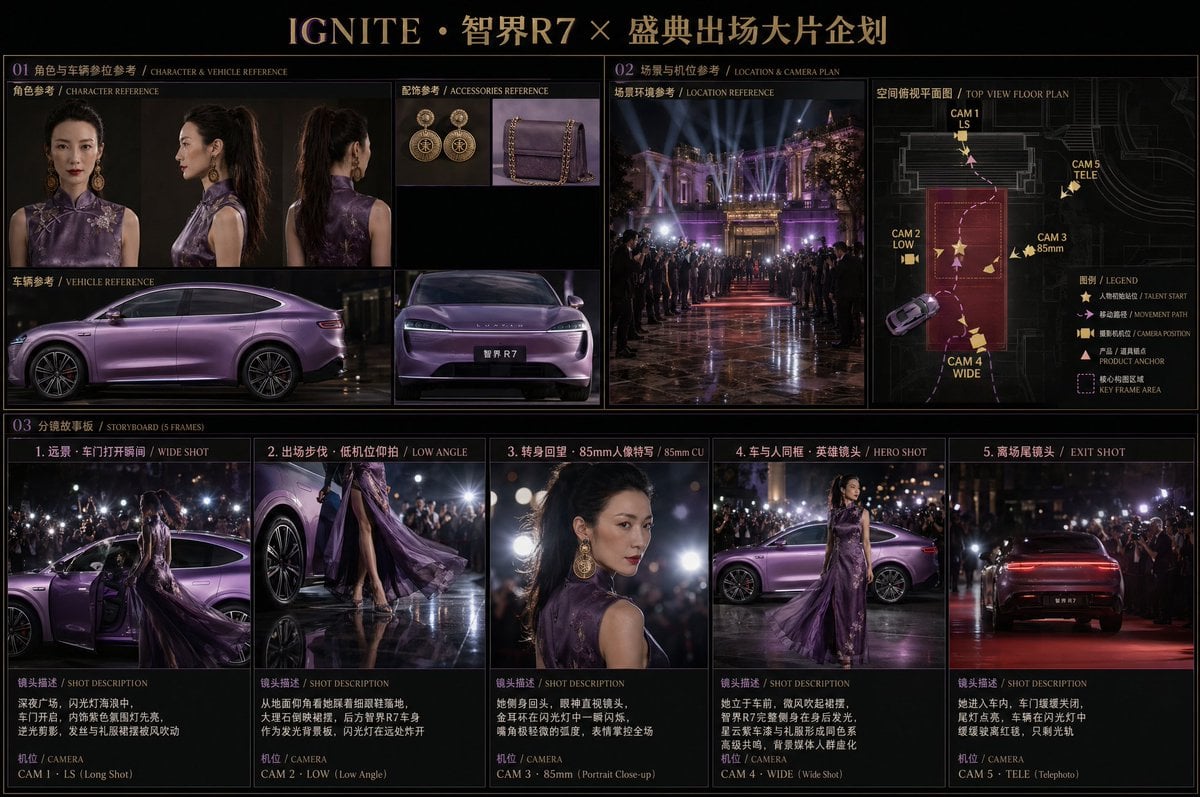
Cinematic Editorial Storyboard
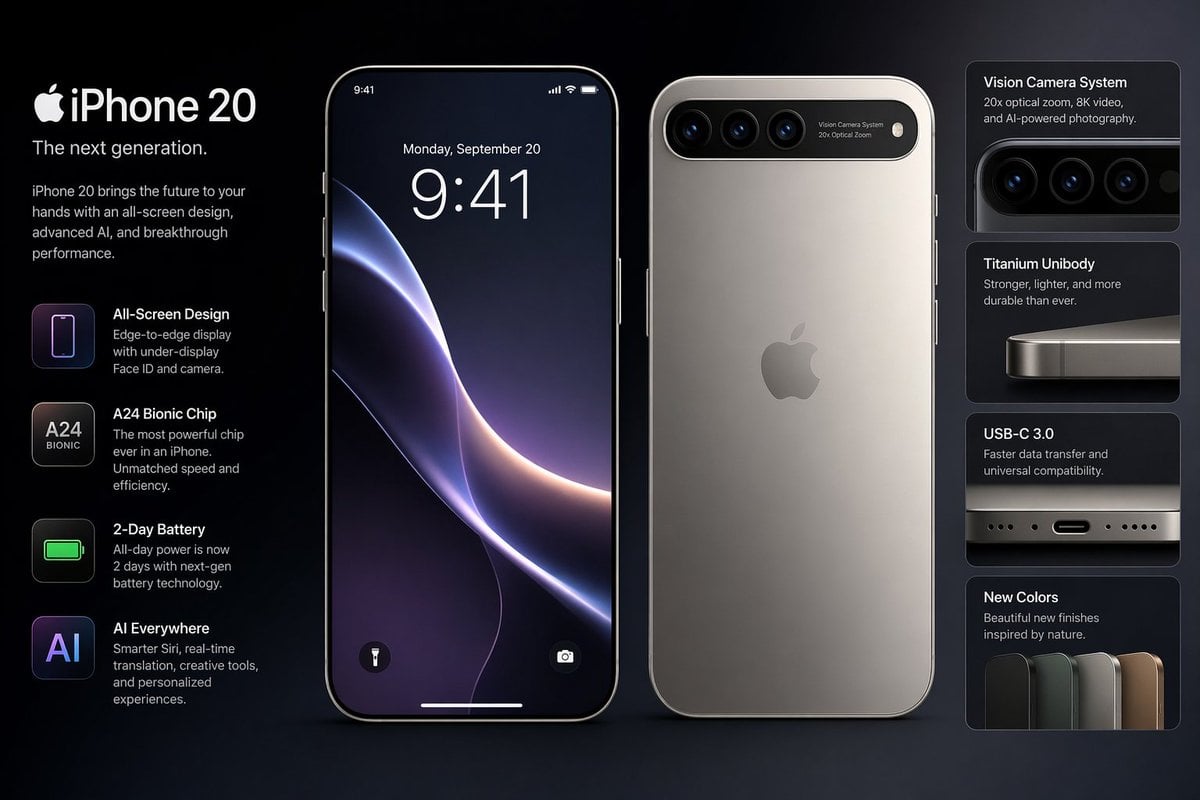
Future iPhone Design
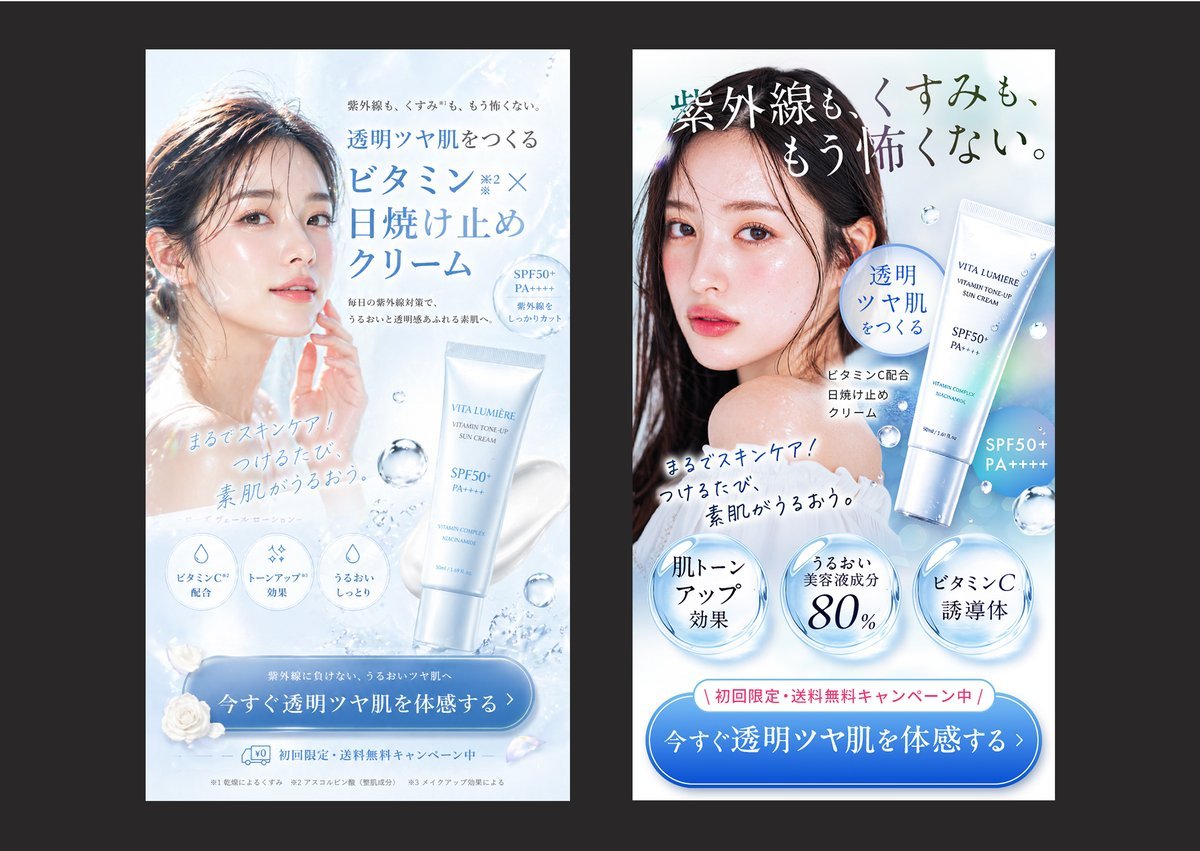
Japanese Skincare Ad Comparison
Fashion Editorial in Italian Villa at Golden Hour
Origami Living Room Architecture Concept

Split Scene Street Photography
Browse template categories
ChatGPT v5.1 vs v5.2 Evolution Infographic Prompt questions
How do I use the ChatGPT v5.1 vs v5.2 Evolution Infographic Prompt template?
Add your photo if the template asks for one, edit the prompt if you like — the template's model and format are already selected — and press Generate. Your version opens in PicX Studio.
Can I customize the ChatGPT v5.1 vs v5.2 Evolution Infographic Prompt template?
Yes. You can change the subject, setting, lighting, mood, format, and available model controls before creating your image.
Is the ChatGPT v5.1 vs v5.2 Evolution Infographic Prompt template free?
Opening and editing this template is free. Generating uses credits, shown on the Generate button when you are signed in.
Which AI model should I use?
Start with Nano Banana 2, which is the model associated with this template. You can compare another compatible model for a different finish.
Looking for something else? Browse all templates.

Your photo, any look
Thousands of ready templates for every top image and video model, from one credit balance.