
Cinematic Editorial Storyboard
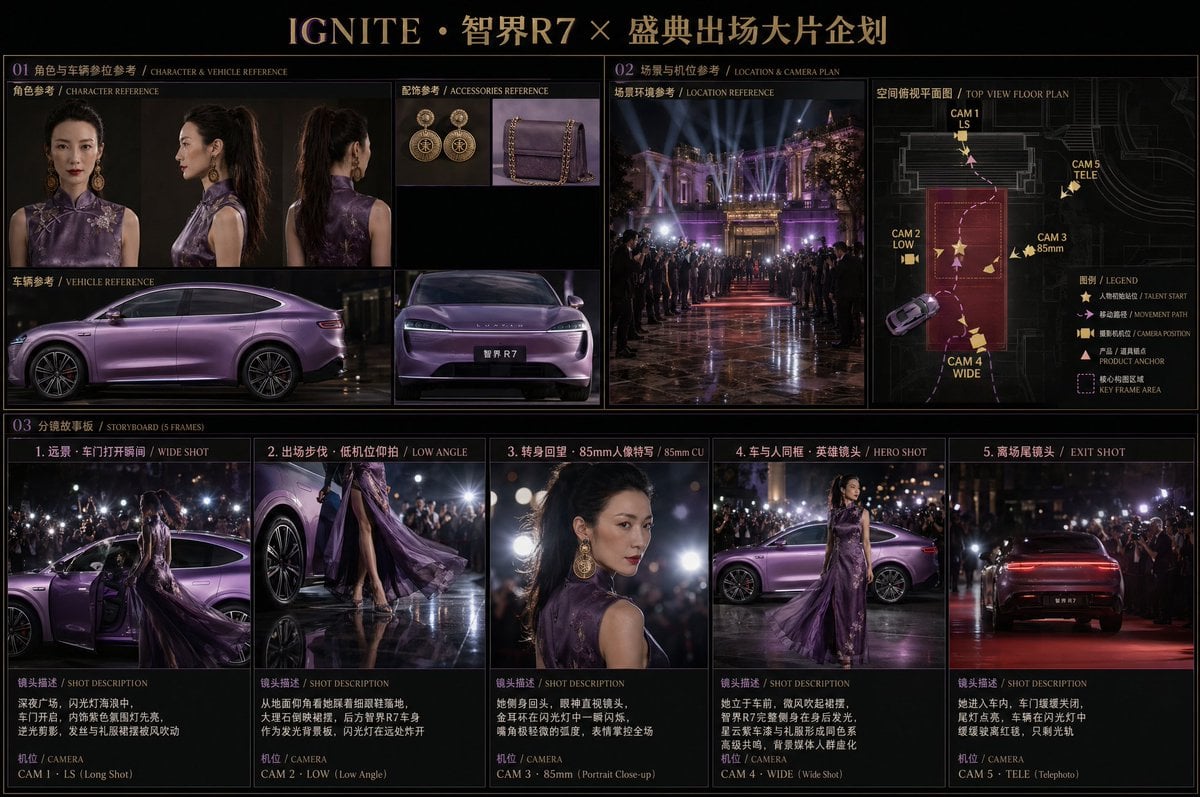
A complex, multi-layered prompt for a high-end cinematic storyboard featuring a character and luxury vehicle.
- Prompt included
- Model and format preset
- Free template
The prompt behind this image
Copy the exact prompt behind Cinematic Editorial Storyboard, or open it in the studio and make it yours.
- 角色:东方女性@image_1,黑色高马尾,旗袍改良款{argument name="礼服颜色" default="深紫色"}礼服@image_2, 金色复古大圆耳环,红唇,气质冷峻高贵 - 车辆:@image_3{argument name="车名" default="华为智界R7"},星云紫车漆,流线型轿车轮廓,汽车牌照上写中文“智界R7‘ 场景:夜间顶级颁奖典礼或国际电影节场馆外 大理石广场,两侧站满媒体长焦镜头与闪光灯 远处建筑有巨型灯光装置与红毯延伸 分镜方案图,深黑色高端编辑排版,紫金配色标题: "{argument name="分镜标题" default="IGNITE · 智界R7 × 盛典出场大片企划"}" 第一区块——角色与车辆参考(仿照专业lookbook排版): 从参考图提取——人物正面、侧面、车辆全侧、车头特写、 配饰耳环与手包微距 第二区块——第二区块分为左右两部分—— 左:场景环境参考实景图(夜间大堂氛围照) 右:空间俯视平面图 标注内容: - 空间轮廓线(楼梯/广场/通道) - 人物初始站位 + 移动路径虚线箭头 - 5个机位标注(编号 + 拍摄方式英文缩写) - 摄影机朝向箭头 - 产品/道具摆放锚点 - 核心构图区域高亮框 5帧分镜故事板(2.39:1宽银幕): 帧1:远景 · 车门打开瞬间 深夜广场,闪光灯海浪中, 车门开启,内饰紫色氛围灯先亮, 逆光剪影,发丝与礼服裙摆被风吹动 帧2:出场步伐 · 低机位仰拍 从地面仰角看她踩着细跟鞋落地, 大理石倒映裙摆,后方智界R7车身 作为发光背景板,闪光灯在远处炸开 帧3:转身回望 · 85mm人像特写 她侧身回头,眼神直视镜头, 金耳环在闪光灯中一瞬闪烁, 嘴角极轻微的弧度,表情掌控全场 帧4:车与人同框英雄镜头 她立于车前,微风吹起裙摆, 智界R7完整侧身在身后发光, 星云紫车漆与礼服形成同色系 高级共鸣,背景媒体人群虚化 帧5:离场尾镜头 她进入车内,车门缓缓关闭, 尾灯点亮,车辆在闪光灯中 缓缓驶离红毯,只剩光轨 光影与风格: 夜间强侧逆光 · 闪光灯瞬间曝光感 深黑背景 · 紫色车身作为唯一光源之一 2.39:1变形宽银幕 · 大光圈人像浅景深 关键词:绝对主角光环 · 事件级叙事 · 电影首映质感
How to use Cinematic Editorial Storyboard in 3 steps
- 1Upload ImagePNG, JPG or paste
Add your photo
Upload the photo the template builds on. The prompt, model and format are already set.
- 2…a portrait of your subject in softgolden-hour light, 85mm…
Personalize
Edit the subject and creative details for your destination.
- 3Generate
Generate
Press Generate — your image is created in PicX Studio, so you can compare it with the original and refine one variable at a time.
More like this
Templates with the same subject, style or setup. Open one to see its prompt.

Urban Fashion Editorial Collage Streetwear Poster

Monochrome Hypebeast Street Fashion Editorial Motion

Elegant Green Evening Gown Studio Fashion Portrait

Artistic Patchwork Fashion Portrait Spring Festival

Japanese Architectural Concrete Studio Fashion Campaign

Monroe and Ash Mediterranean Luxury Fashion Campaign

Premium Fashion Editorial Cover Layout System

Korean Luxury Fashion Editorial 2x2 Grid Series

Monochrome Halftone Editorial Fashion Poster

Retro Mirror Luxury Fashion Campaign Poster

Luxury Fashion Campaign Typography Poster System

Geometric Color-Block Beauty Editorial Portrait
Make it yours
Cinematic Editorial Storyboard works as-is. These are the safest ways to change it without losing the look.
Change one field
Copy a single group, rewrite it, and generate again so you can see what that field is doing.
Keep the frame, change the subject
Hold the composition and light of Cinematic Editorial Storyboard, then swap wardrobe, props or the person for a new take.
| If the result… | Why | Fix |
|---|---|---|
| The result drifts from the preview | Too many fields changed at once. | Reuse Cinematic Editorial Storyboard as-is first, then change one group — subject, light, or setting. |
| The model over-stylizes the scene | The prose prompt leaves finish and camera underspecified. | Add one camera or lighting sentence and stay on GPT Image 2. |
More GPT Image 2 templates
Other prompts made for GPT Image 2.

Six VTuber Japanese Logo Sheet

Realistic Portrait of Woman and Deer

The Vista Modular Condo Poster

AI Model Routing Comparison Infographic

2.5D Anime Art Board

Isometric Productivity Desk Scene

New York Double Exposure Poster

Four-Panel AI Landscape Comparison

Japanese Tatami Lifestyle Magazine Cover

NESCAFÉ Coffee Map Poster
More image prompts
Fresh picks from across the catalog.
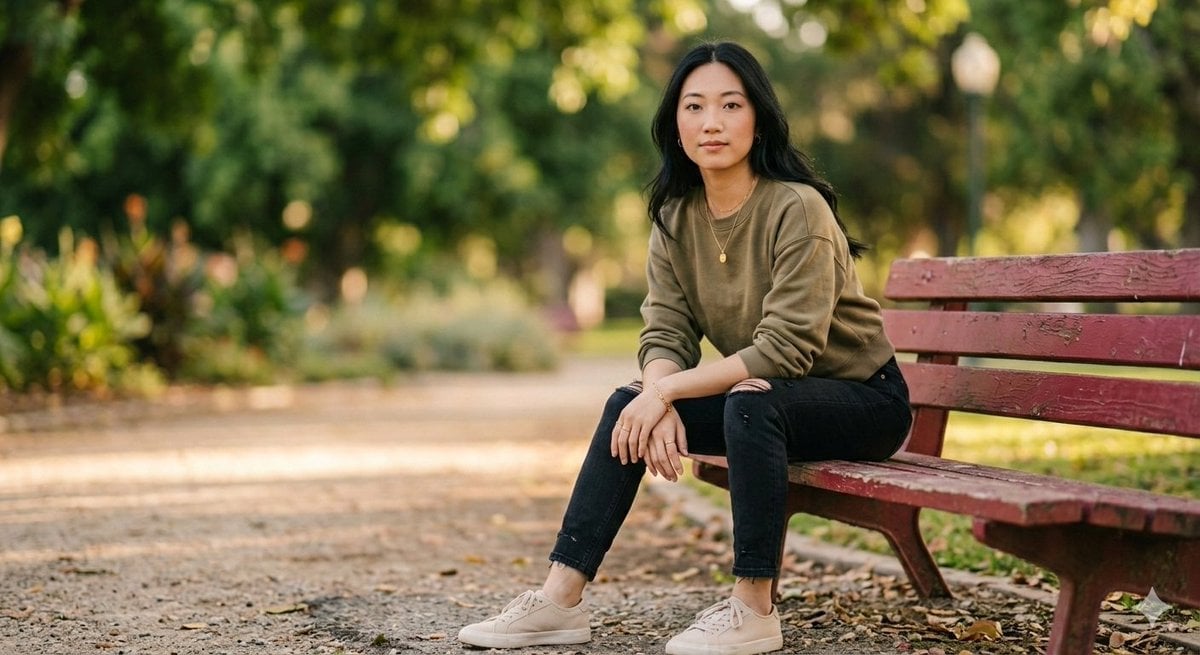
Fashionable Young Woman in Park Setting Prompt
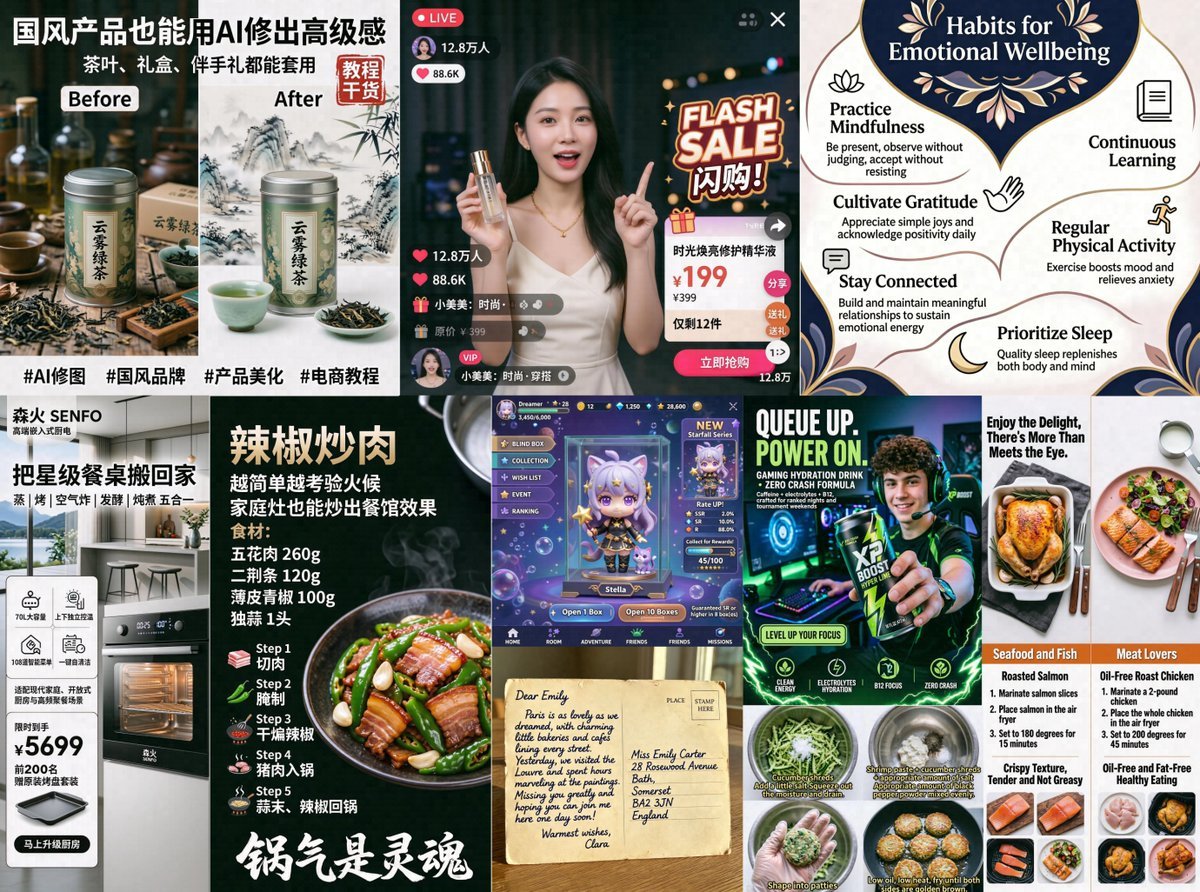
AI Ad and Infographic Capability Collage
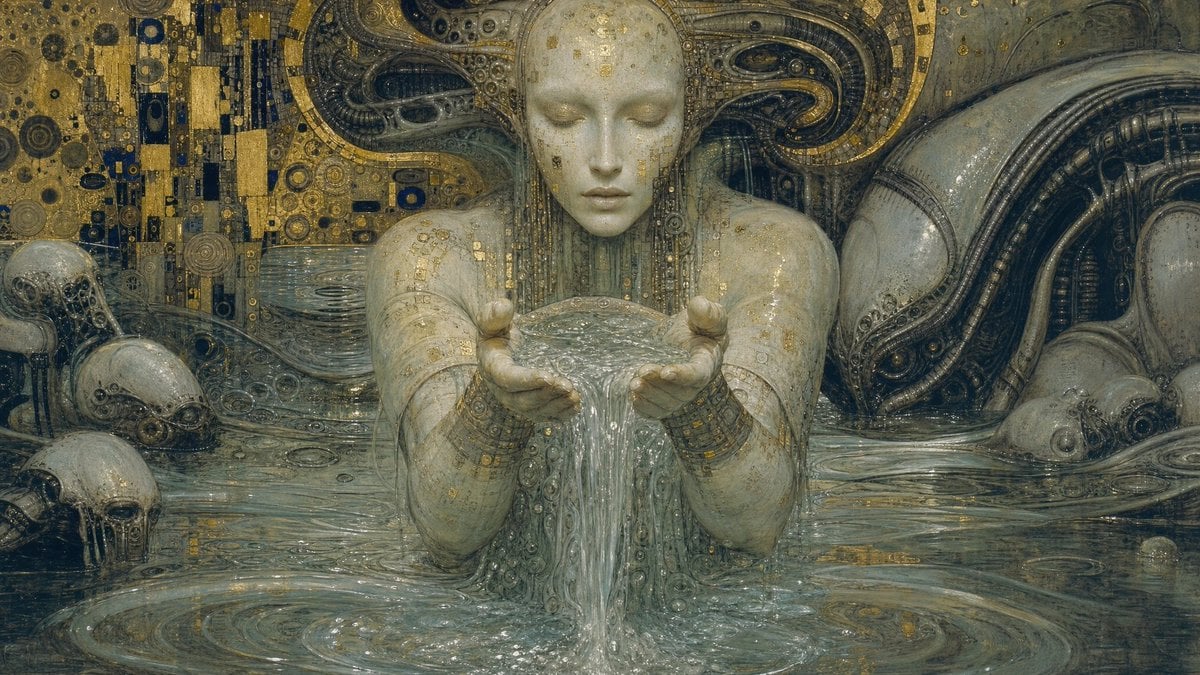
Biomechanical Surrealism with Gold Leaf
Great Wall Travel Photography
Surreal Advertising Concept Grid
Minimalist Risograph Poetic Style
Indie Sleaze 2000s Street Style Portrait Prompt
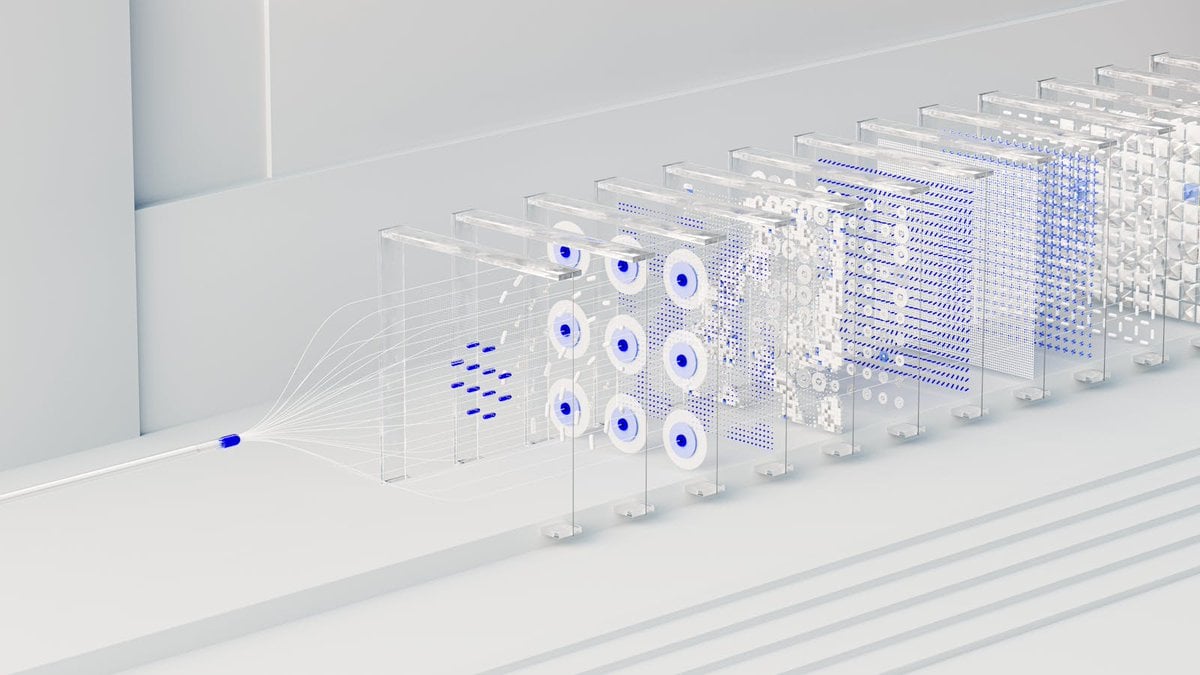
3D Abstract Data Pipeline Visualization
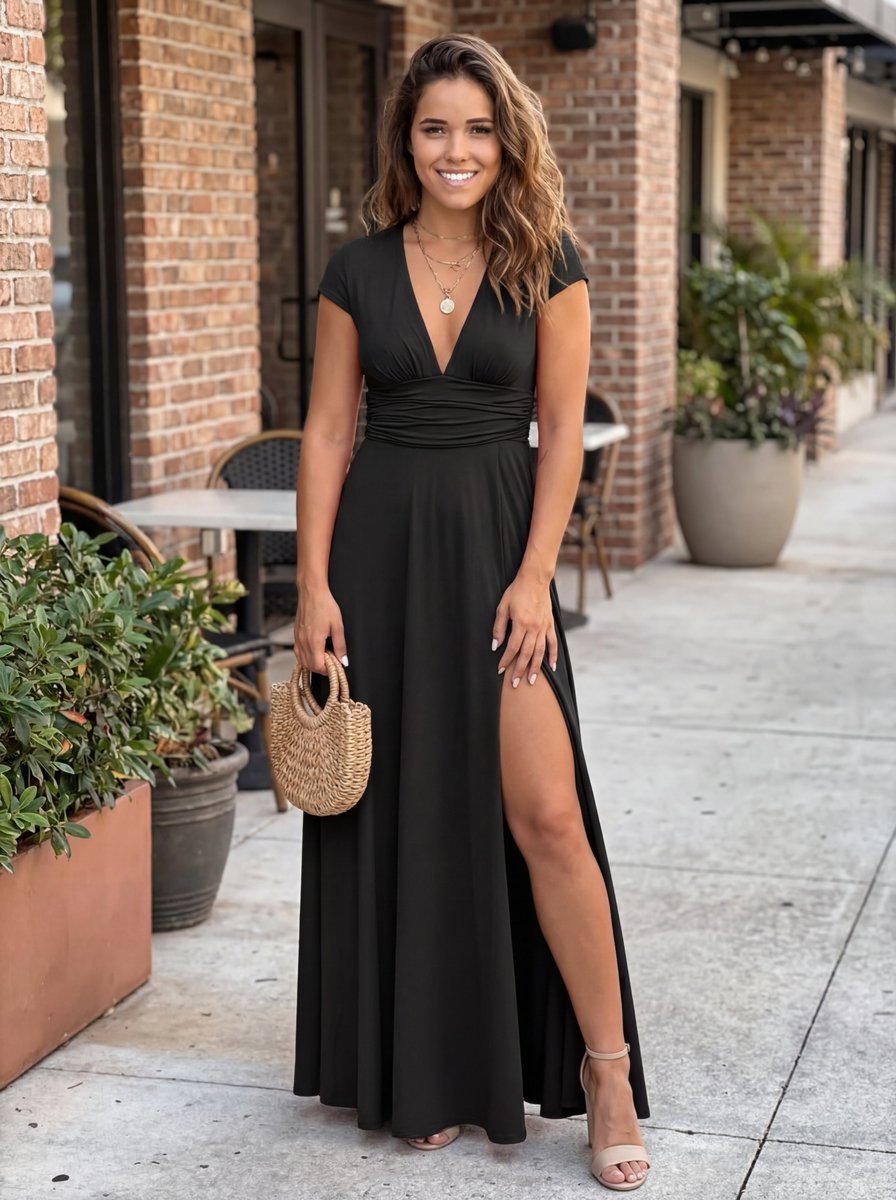
Commercial Lifestyle Photograph with Garment Preservation Prompt

Nano Banana Is So Addictive
Browse template categories
Cinematic Editorial Storyboard questions
How do I use the Cinematic Editorial Storyboard template?
Add your photo if the template asks for one, edit the prompt if you like — the template's model and format are already selected — and press Generate. Your version opens in PicX Studio.
Can I customize the Cinematic Editorial Storyboard template?
Yes. You can change the subject, setting, lighting, mood, format, and available model controls before creating your image.
Is the Cinematic Editorial Storyboard template free?
Opening and editing this template is free. Generating uses credits, shown on the Generate button when you are signed in.
Which AI model should I use?
Start with GPT Image 2, which is the model associated with this template. You can compare another compatible model for a different finish.
Looking for something else? Browse all templates.

Your photo, any look
Thousands of ready templates for every top image and video model, from one credit balance.