
Three Mecha Combination Lineup
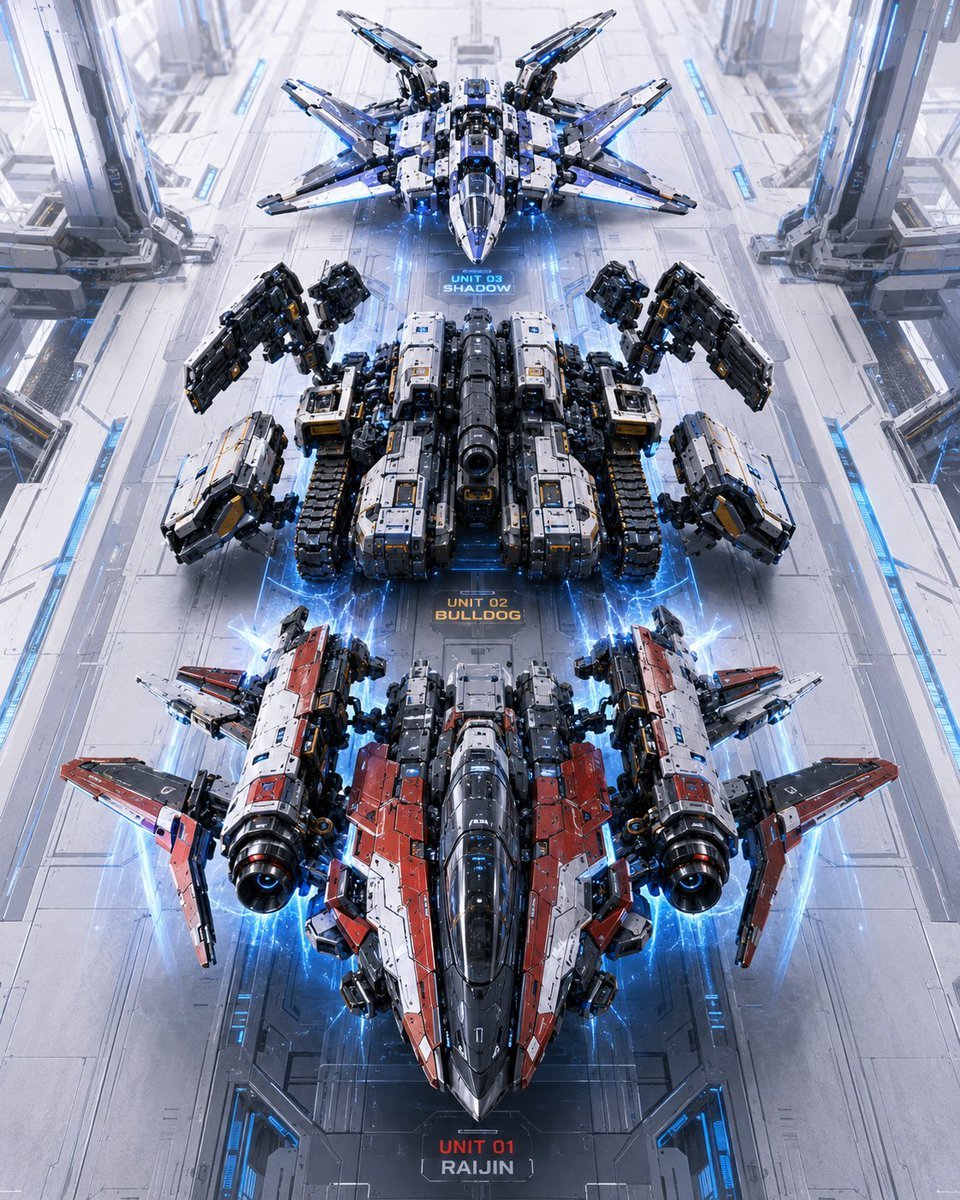
A cinematic sci-fi hangar scene showing three labeled transformable mecha units lined up for a robot combination sequence.
- Prompt included
- Model and format preset
- Free template
The prompt behind this image
Copy the exact prompt behind Three Mecha Combination Lineup, or open it in the studio and make it yours.
Create a high-detail vertical sci-fi concept art scene showing a “combination sequence” lineup of three futuristic transformable combat mecha vehicles inside a vast white-and-silver orbital hangar. Use a centered, perfectly symmetrical top-down / high three-quarter perspective looking down a long runway, with the three units aligned in a straight vertical column from top to bottom, as if waiting to combine into one giant robot. The hangar floor is glossy pale metal with panel seams, blue illuminated guide strips, recessed tracks, and tall mechanical support pylons along both left and right sides. Add electric blue energy arcs, glowing thruster halos, and holographic aura effects around each unit. Subject details: include exactly 3 discrete mecha units, each with a visible floor label directly beneath or near it: 1) top unit labeled “UNIT 03 SHADOW”, a sleek white, black, and blue winged stealth fighter-drone mecha with eight sharp radiating wing/fin assemblies and a pointed nose; 2) middle unit labeled “UNIT 02 BULLDOG”, a heavy black, gray, and white tank-like armored mecha with caterpillar treads, bulky rectangular shoulder weapons, large articulated mechanical arms raised outward, and a central cannon barrel; 3) bottom unit labeled “UNIT 01 RAIJIN”, the largest red, white, black, and gunmetal jet-mecha with twin cylindrical engine pods, angular red wing armor, a long dark cockpit nose, and blue thruster glow. Make the bottom unit dominate the foreground, the middle unit occupy the center, and the top unit appear smaller in the distance. Text content: render the three labels clearly in a compact futuristic HUD font on the floor: “UNIT 03 SHADOW” in blue, “UNIT 02 BULLDOG” in orange, and “UNIT 01 RAIJIN” in red and white. Optional customization: the unit names may be {argument name="unit names" default="UNIT 03 SHADOW, UNIT 02 BULLDOG, UNIT 01 RAIJIN"}. Visual style: ultra-detailed hard-surface mecha design, cinematic Japanese robot-anime inspiration, photorealistic CGI rendering, crisp panel lines, micro decals, metallic bevels, exposed pistons, weapon mounts, glowing blue LEDs, volumetric light, clean futuristic industrial environment, high contrast but bright white hangar lighting. Use a vertical 4:5 composition, symmetrical layout, sharp focus throughout, no people, no smoke obscuring the units, no extra robots beyond the three listed units.
How to use Three Mecha Combination Lineup in 3 steps
- 1Upload ImagePNG, JPG or paste
Add your photo
Upload the photo the template builds on. The prompt, model and format are already set.
- 2…a portrait of your subject in softgolden-hour light, 85mm…
Personalize
Edit the subject and creative details for your destination.
- 3Generate
Generate
Press Generate — your image is created in PicX Studio, so you can compare it with the original and refine one variable at a time.
More like this
Templates with the same subject, style or setup. Open one to see its prompt.
Dark Fantasy Combining Mecha Lineup
Insect Mecha Cannon Attack

Three Character Asset Comparison Board
Identical Baseball Players Lineup
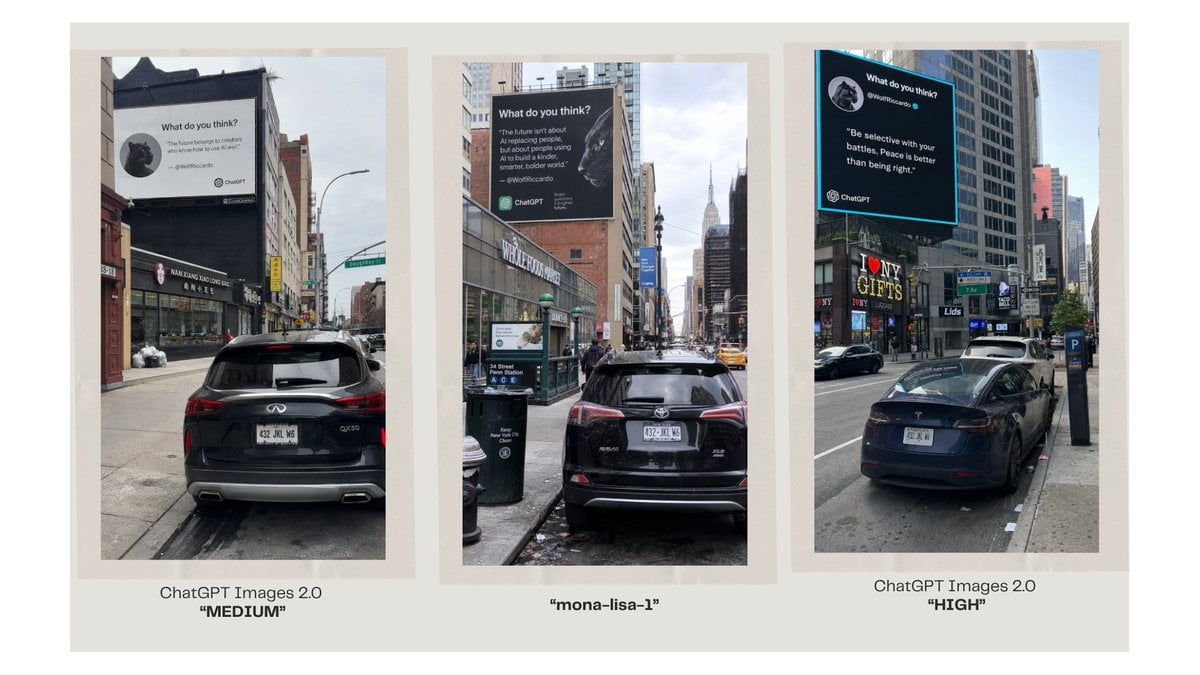
Three-Panel AI Billboard Comparison

A luxury brand advertisement featuring three stylish arranged
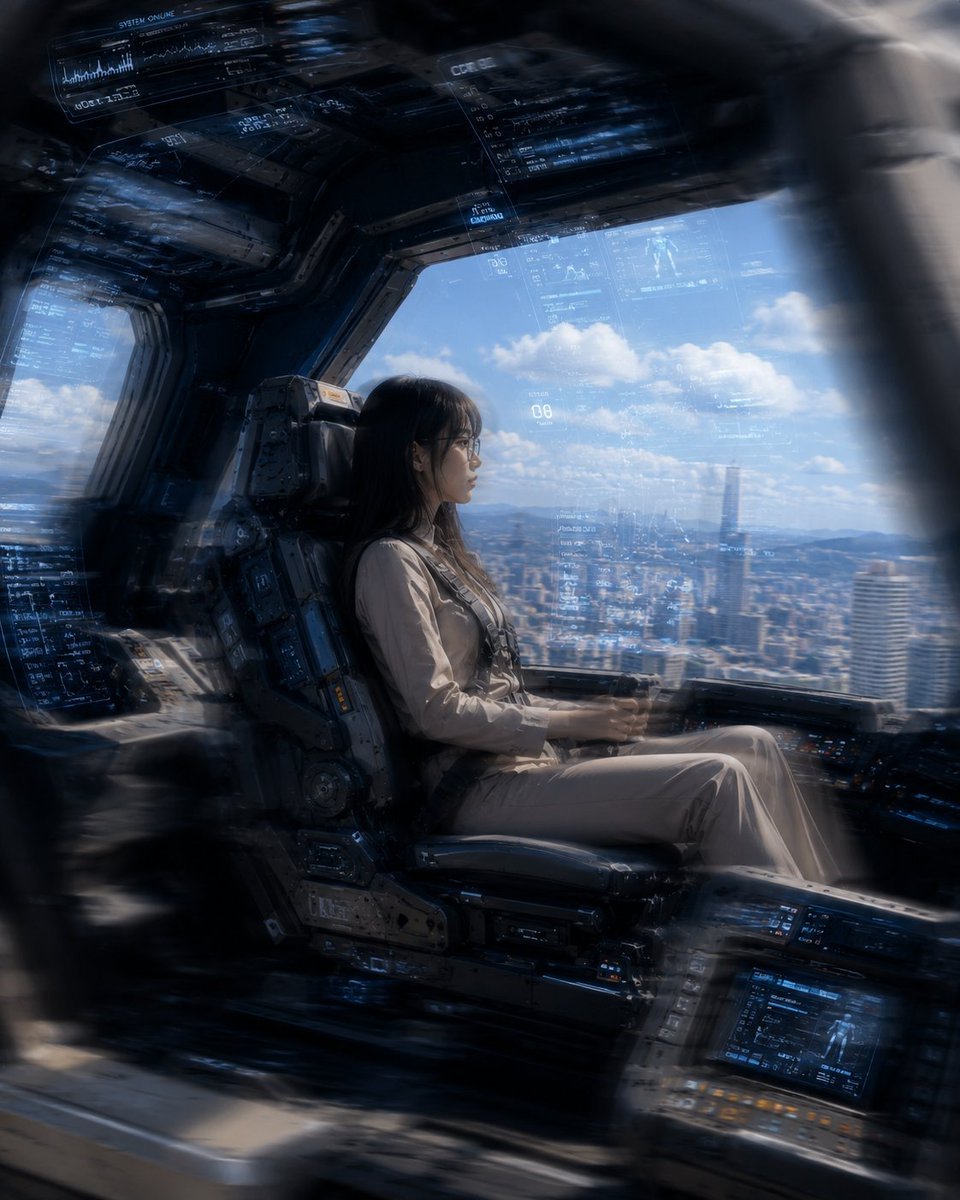
Mecha Cockpit Pilot Scene
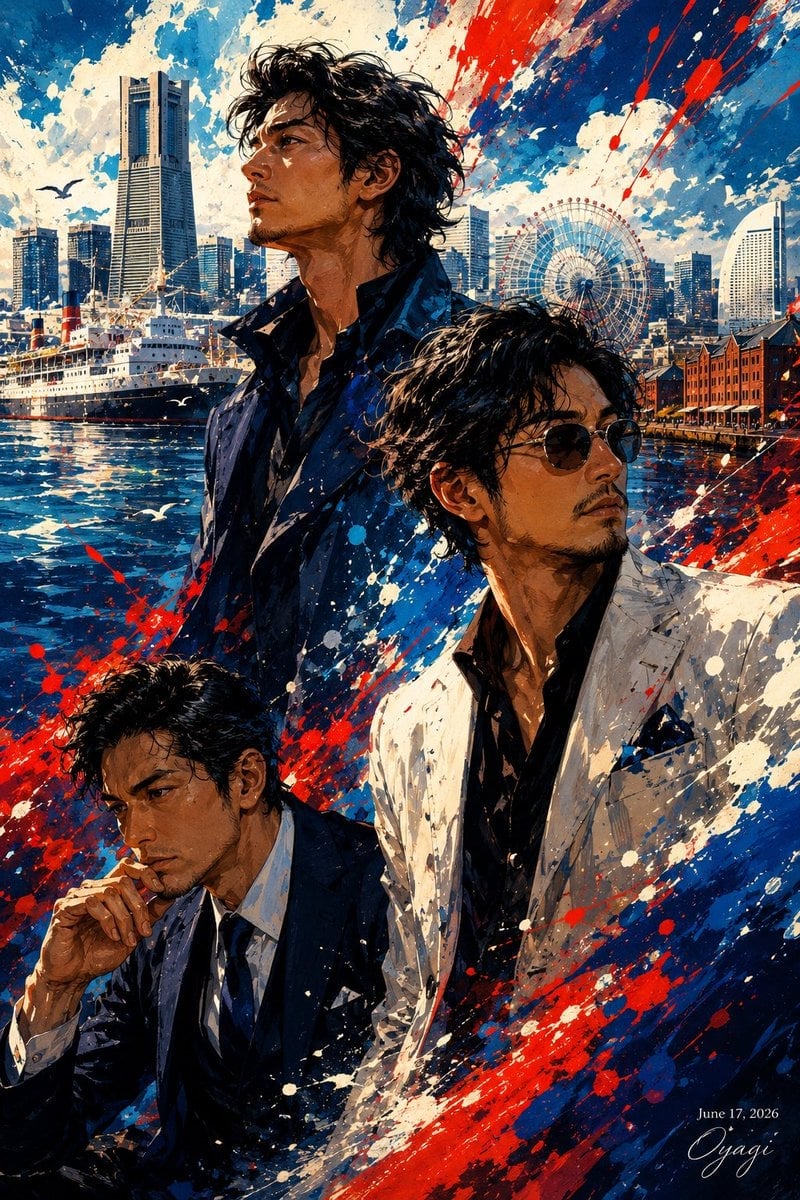
Yokohama Three Men Splash Art

Gothic Mecha Sword Warrior
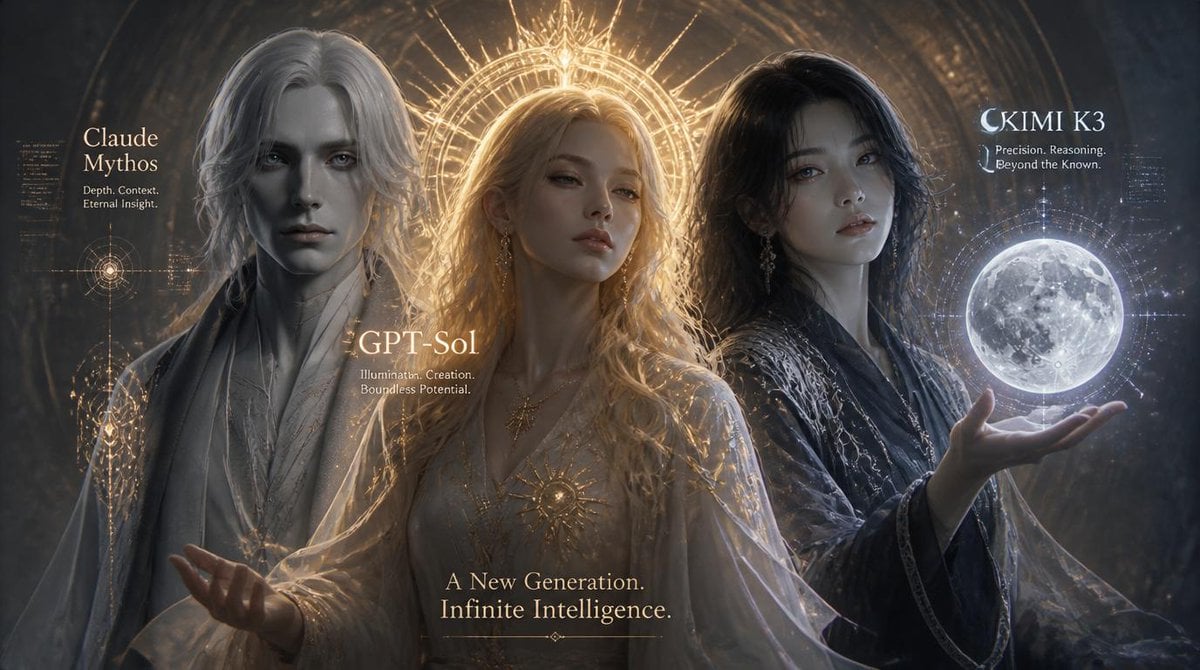
Three AI Deities Fantasy Poster

Three Steps to a Happy Life Infographic
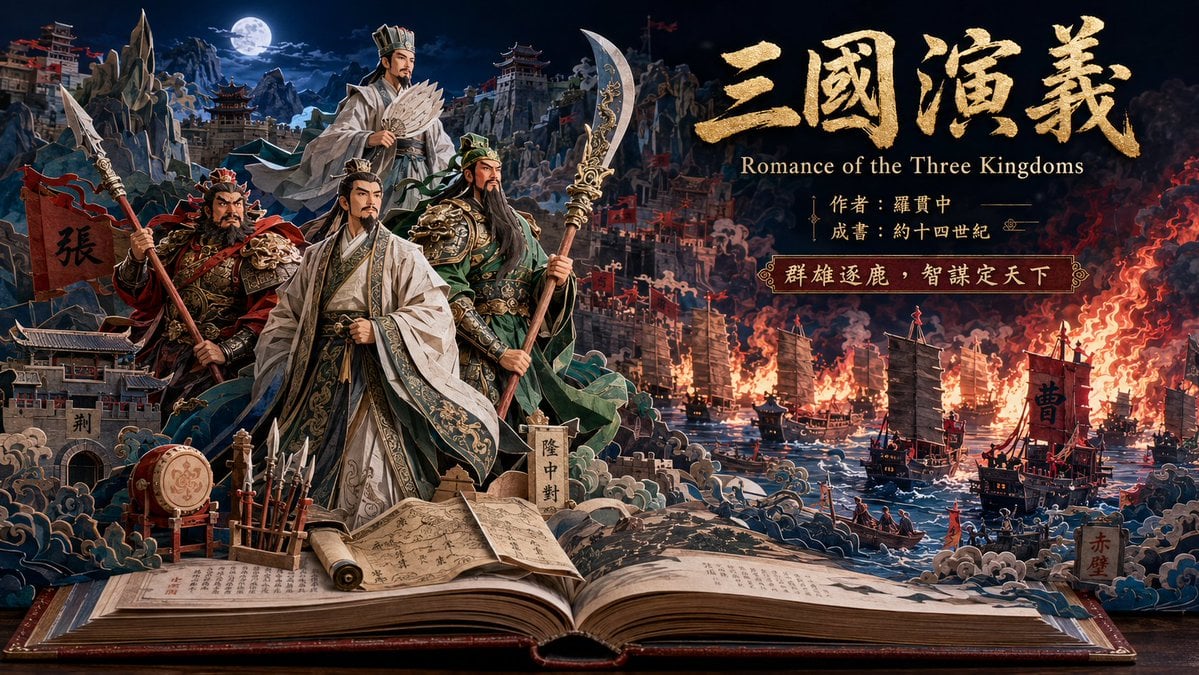
Three Kingdoms Pop-Up Book Scene
Make it yours
Three Mecha Combination Lineup works as-is. These are the safest ways to change it without losing the look.
Change one field
Copy a single group, rewrite it, and generate again so you can see what that field is doing.
Keep the frame, change the subject
Hold the composition and light of Three Mecha Combination Lineup, then swap wardrobe, props or the person for a new take.
| If the result… | Why | Fix |
|---|---|---|
| The result drifts from the preview | Too many fields changed at once. | Reuse Three Mecha Combination Lineup as-is first, then change one group — subject, light, or setting. |
| The model over-stylizes the scene | The prose prompt leaves finish and camera underspecified. | Add one camera or lighting sentence and stay on GPT Image 2. |
More GPT Image 2 templates
Other prompts made for GPT Image 2.

Six VTuber Japanese Logo Sheet

Realistic Portrait of Woman and Deer

The Vista Modular Condo Poster

AI Model Routing Comparison Infographic

2.5D Anime Art Board

Isometric Productivity Desk Scene

New York Double Exposure Poster

Four-Panel AI Landscape Comparison

Japanese Tatami Lifestyle Magazine Cover

NESCAFÉ Coffee Map Poster
More image prompts
Fresh picks from across the catalog.
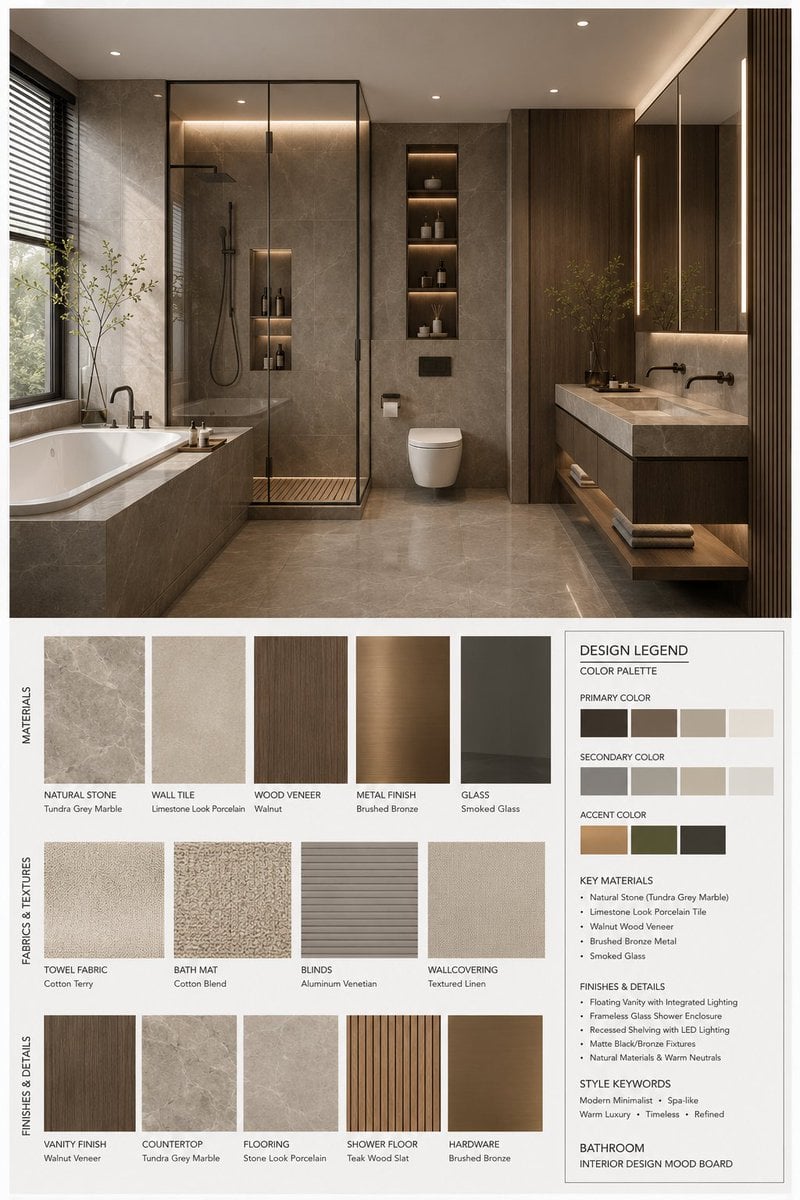
Interior Design Mood Board Generator
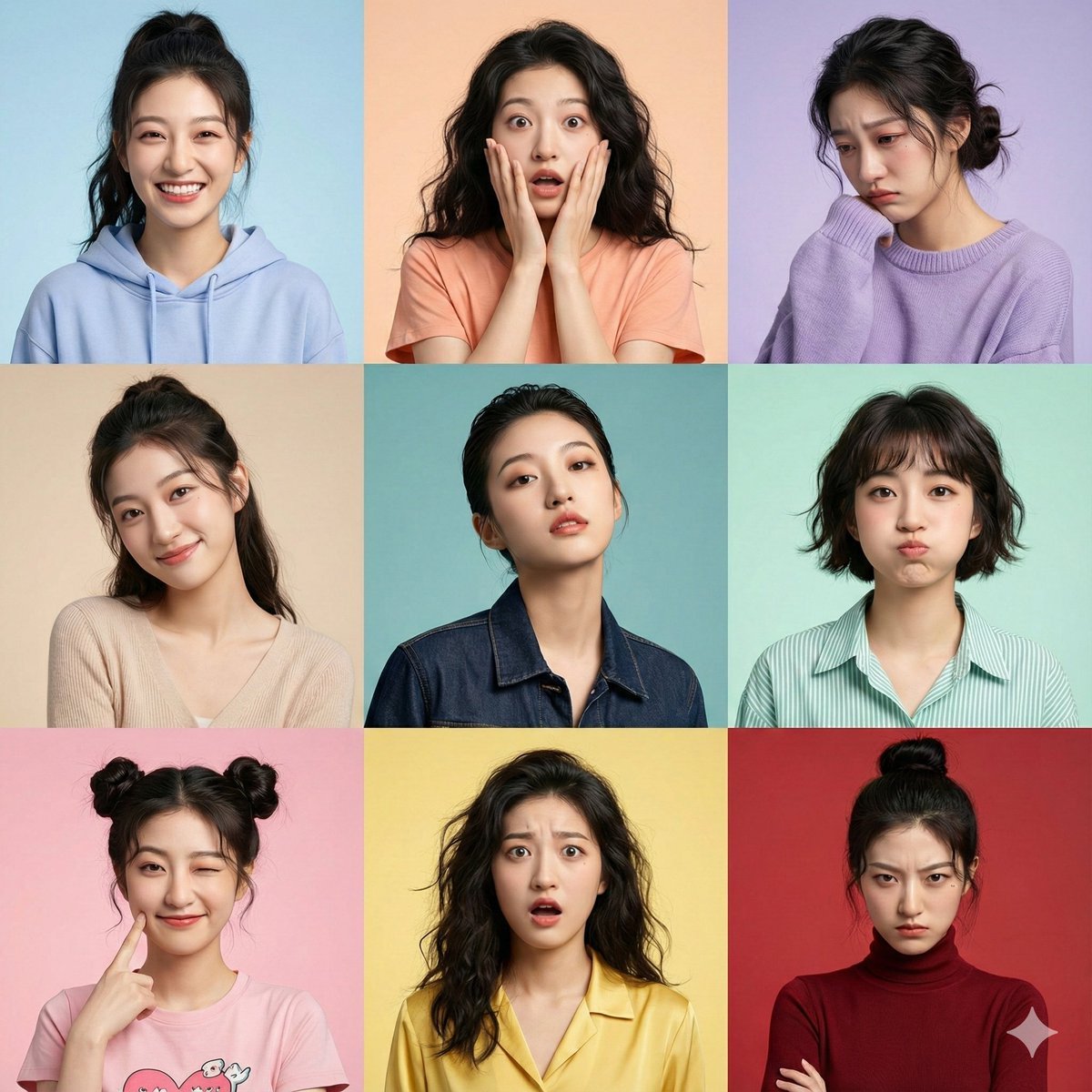
Hyper-Realistic 3x3 Grid Portrait with Fixed Identity
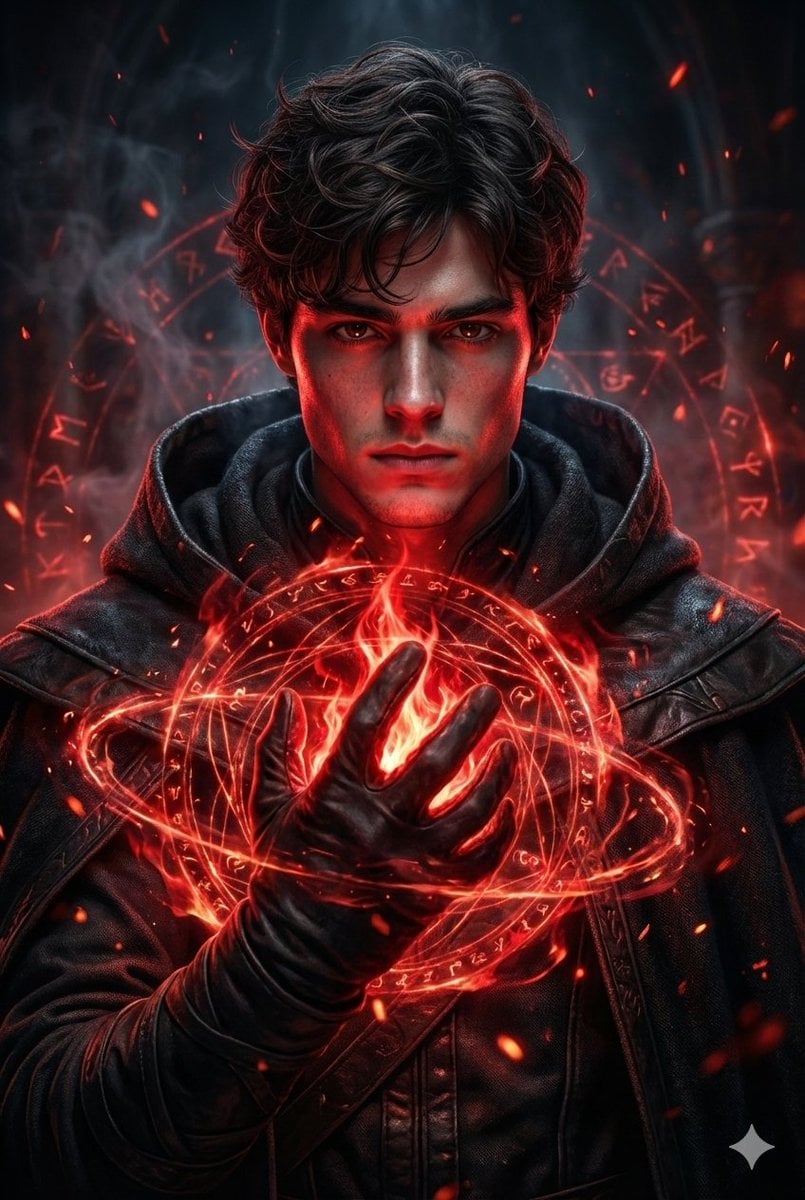
Hyperrealistic Dark Sorcerer Portrait
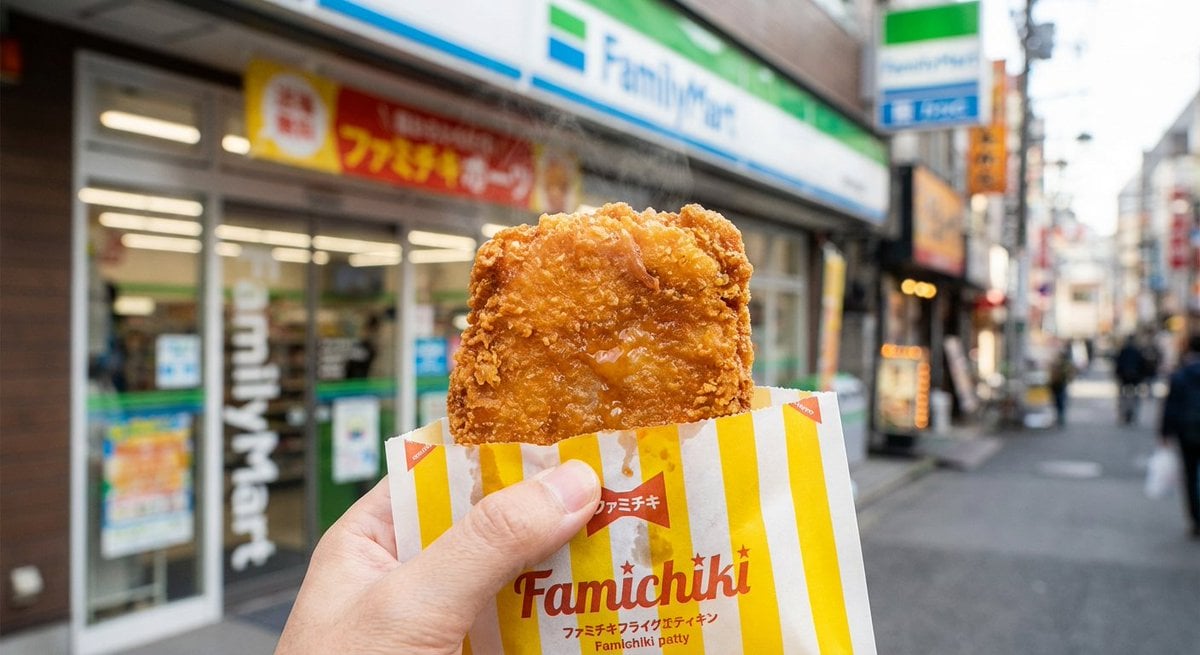
Generating 'Famichiki' Image with Nano Banana Pro
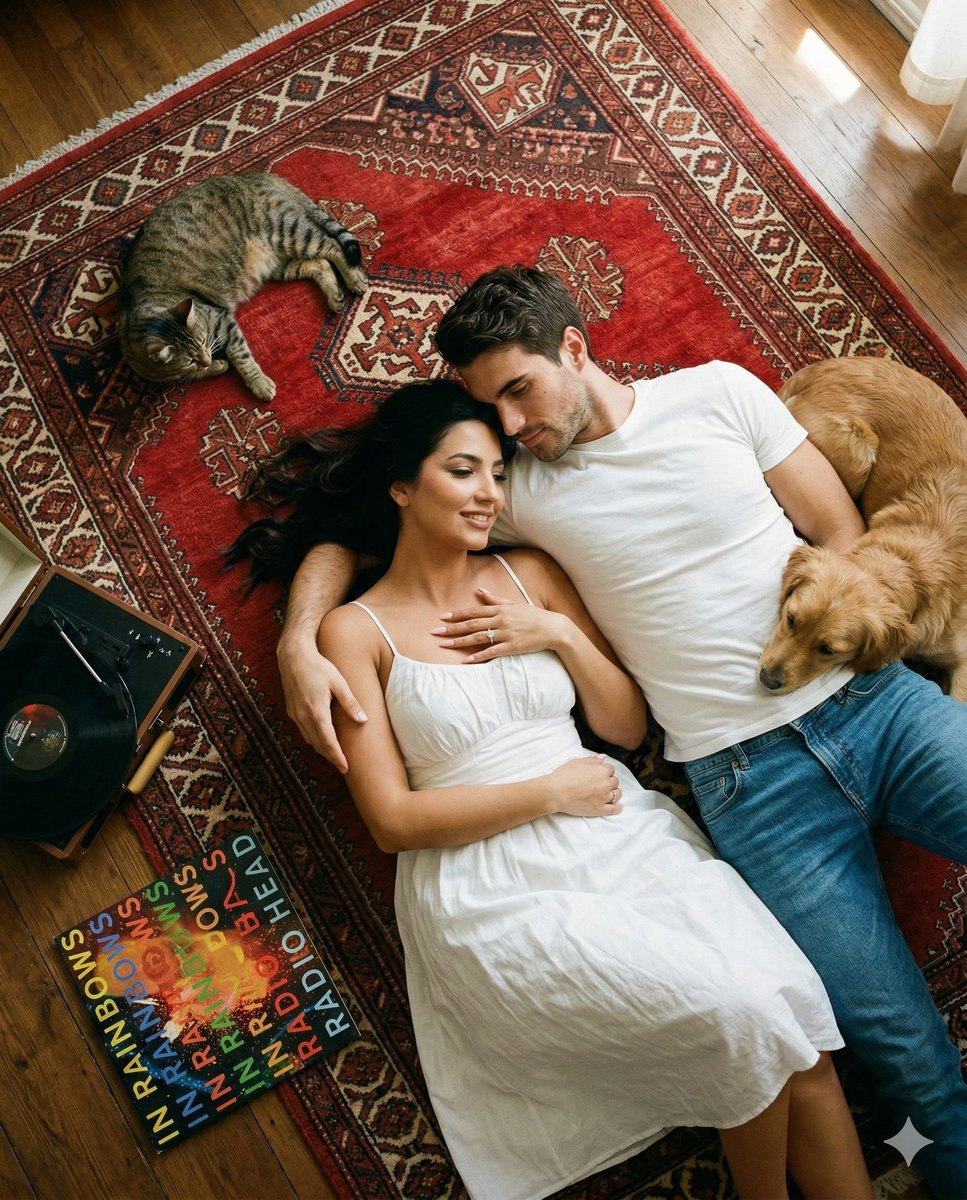
Top-Down Cinematic Couple Portrait on a Turkish Rug (Image-to-Image)
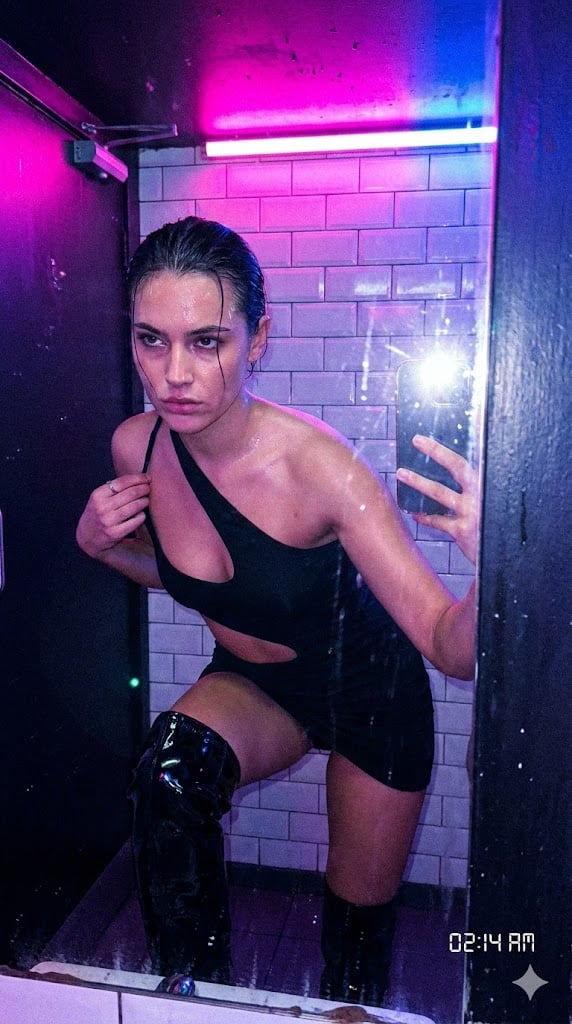
Authentic, Frantic Nightlife Selfie
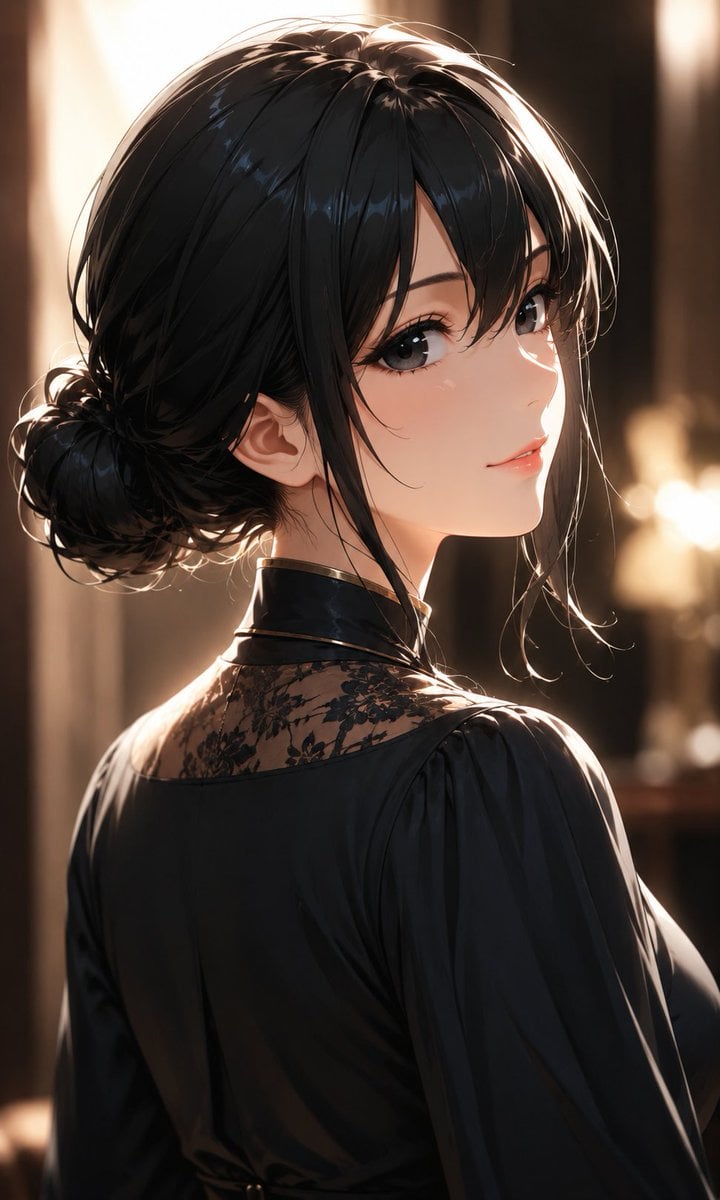
Elegant Backlit Anime Woman Portrait
Ultra-Realistic Cinematic Winter Portrait
Style Anime Photo Transformation Grid
untitled
Browse template categories
Three Mecha Combination Lineup questions
How do I use the Three Mecha Combination Lineup template?
Add your photo if the template asks for one, edit the prompt if you like — the template's model and format are already selected — and press Generate. Your version opens in PicX Studio.
Can I customize the Three Mecha Combination Lineup template?
Yes. You can change the subject, setting, lighting, mood, format, and available model controls before creating your image.
Is the Three Mecha Combination Lineup template free?
Opening and editing this template is free. Generating uses credits, shown on the Generate button when you are signed in.
Which AI model should I use?
Start with GPT Image 2, which is the model associated with this template. You can compare another compatible model for a different finish.
Looking for something else? Browse all templates.

Your photo, any look
Thousands of ready templates for every top image and video model, from one credit balance.