
Cinematic Vintage Portrait - NB Pro
Cinematic Vintage Portrait - NB Pro is a ready photo look.
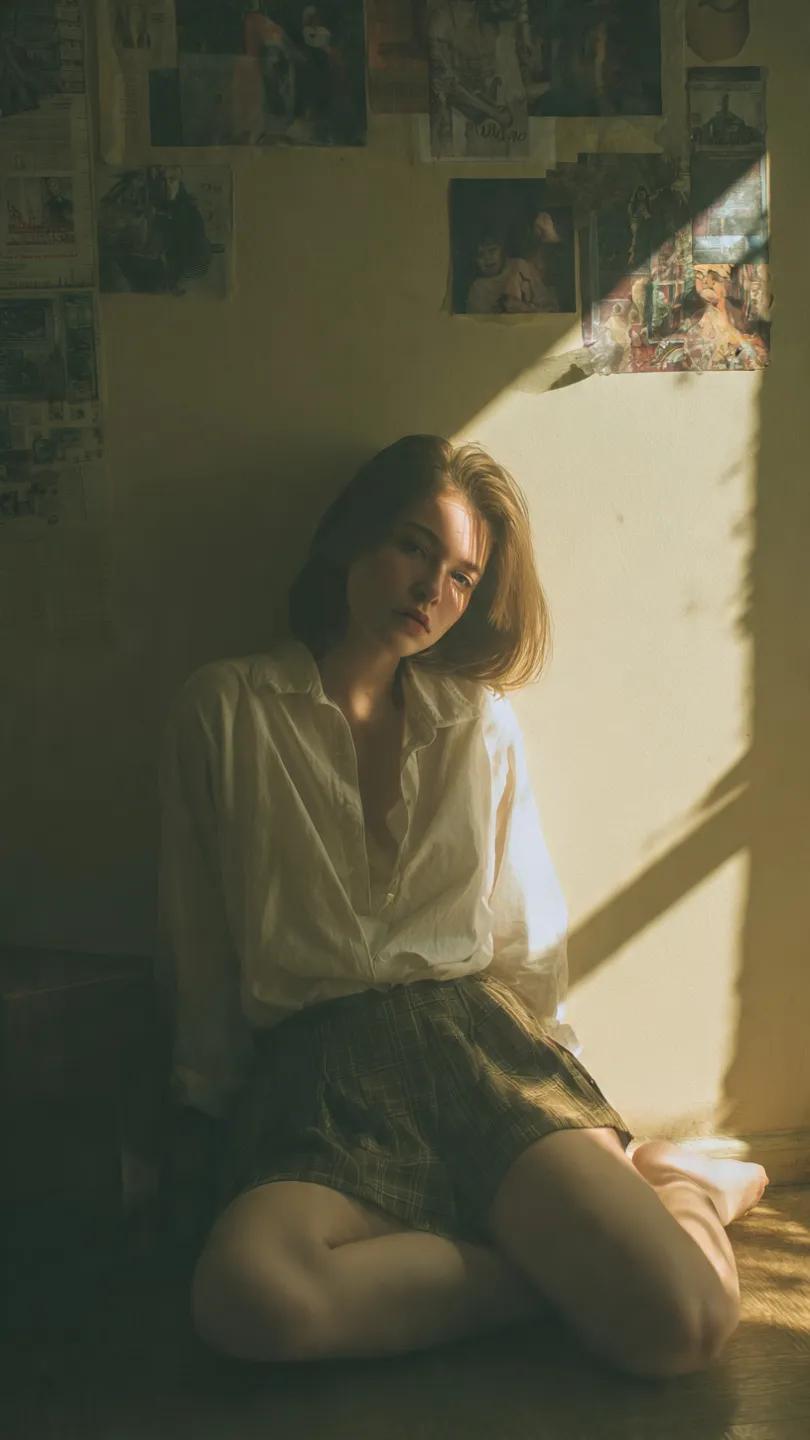
- Prompt included
- Model and format preset
- Free template
The prompt behind this image
Copy the exact prompt behind Cinematic Vintage Portrait - NB Pro, or open it in the studio and make it yours.
Cinematic portrait of a young woman sitting on the floor in a small vintage room, leaning slightly against a wall, relaxed but introspective expression, soft gaze toward camera, wearing a loose white shirt and plaid skirt, natural pose with legs folded, messy room with posters, papers, and old objects on the wall, nostalgic lived-in environment, quiet and melancholic mood lighting: natural sunlight entering from a side window, strong directional side lighting casting sharp rectangular window shadows on wall and floor, warm sunlight hitting subject's face and body, contrast between lit and shadow areas, soft light diffusion, gentle highlight bloom, slightly underexposed shadows color grading: warm golden-yellow highlights, soft amber tones, midtones shifted to warm beige and muted orange, shadows tinted greenish-teal (subtle olive tone), overall slightly desaturated, faded blacks (matte), soft contrast, vintage film tone, gentle color fading, creamy skin tones style: analog film photography, nostalgic mood, slightly dusty and hazy atmosphere, soft grain texture, imperfect texture on walls, cinematic still frame, wong kar-wai inspired warmth with natural light camera: 50mm lens, eye-level or slightly low angle, shallow depth of field but environment still visible, subject in focus with soft falloff extra: film grain, subtle vignette, light haze, natural imperfections, no modern clean look, slightly muted dynamic range
How to use Cinematic Vintage Portrait - NB Pro in 3 steps
- 1
Open
The prompt is already in the box next to the preview, with the template's model and format selected.
- 2…a portrait of your subject in softgolden-hour light, 85mm…
Personalize
Edit the subject and creative details for your destination.
- 3Generate
Generate
Press Generate — your image is created in PicX Studio, so you can compare it with the original and refine one variable at a time.
More like this
Templates with the same subject, style or setup. Open one to see its prompt.

80s Bollywood Star

Found Photograph: Us, 1970

80s Couple Studio Portrait

Toddler Version of a Person in 3d Pixar

Ultra Detailed 3d Plush Cartoon Characte

Nano Banana 2

Nano Banana 2 Gourmet Ice Cream Commerci
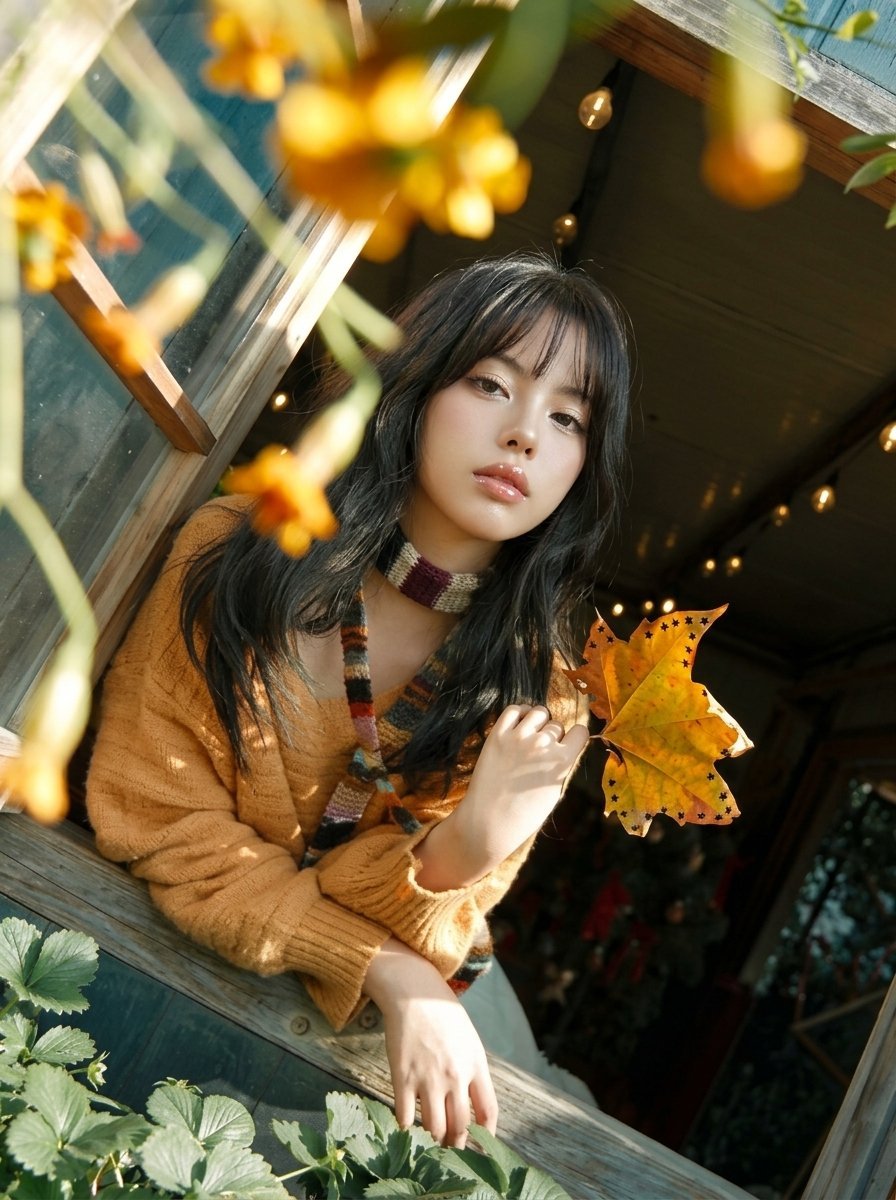
Y2K Windowsill Maple Leaf — Early 2000s Digital Photo

B&W Photobooth Expression Grid 4x4 — Nano Banana
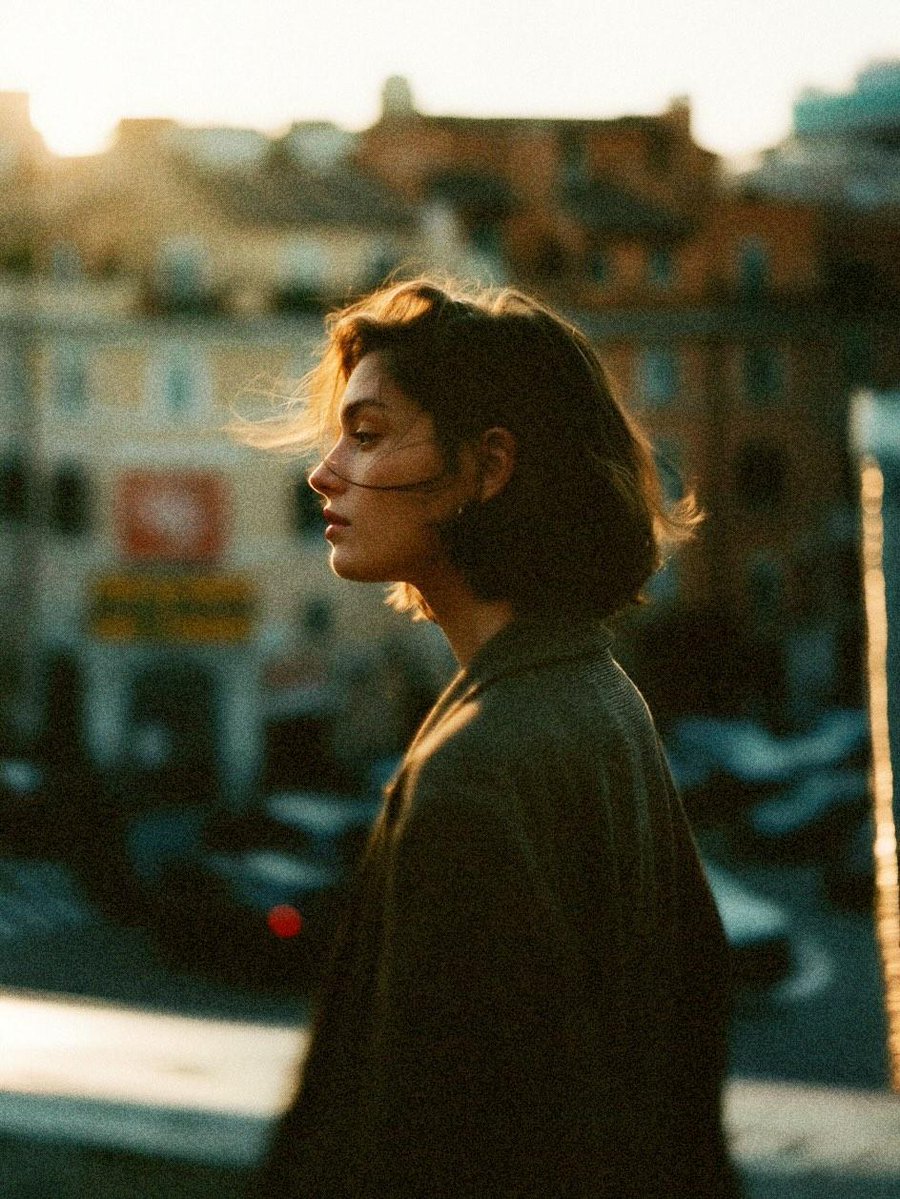
Cinematic 35mm Analog Film Photo Series
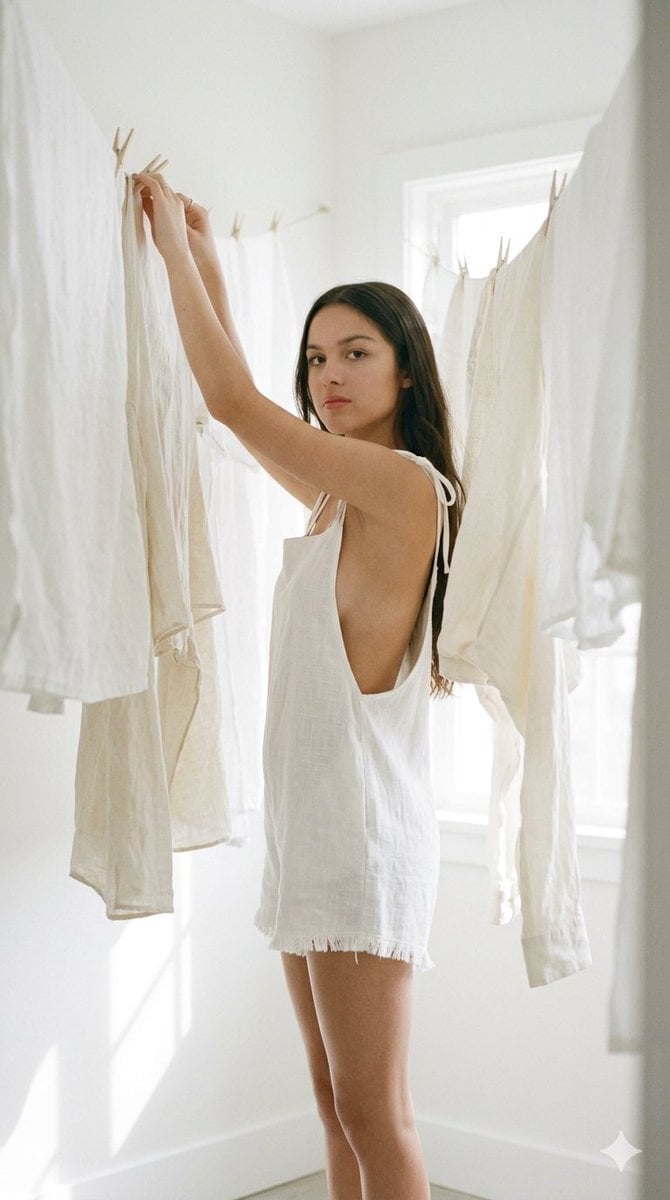
Cinematic Japanese Film Style Portrait
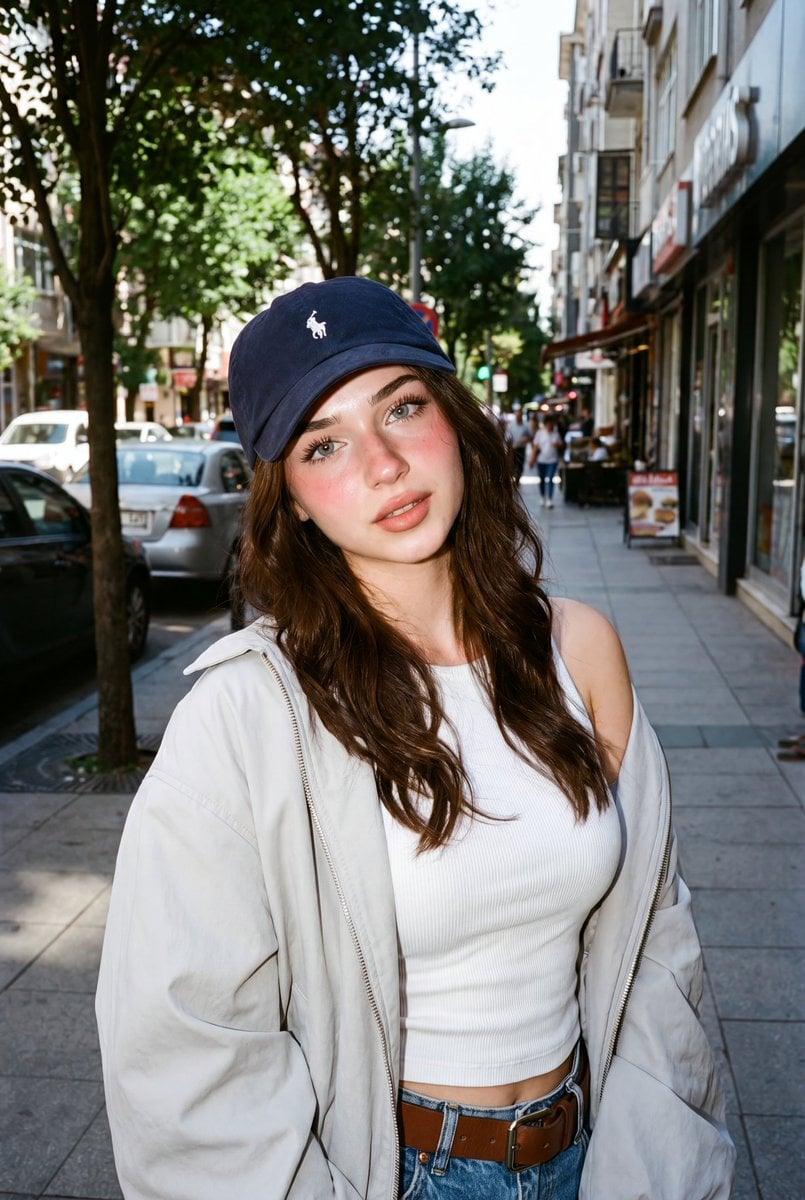
Analog Film Filipina Portrait
Make it yours
Cinematic Vintage Portrait - NB Pro works as-is. These are the safest ways to change it without losing the look.
Change one field
Copy a single group, rewrite it, and generate again so you can see what that field is doing.
Keep the frame, change the subject
Hold the composition and light of Cinematic Vintage Portrait - NB Pro, then swap wardrobe, props or the person for a new take.
| If the result… | Why | Fix |
|---|---|---|
| The result drifts from the preview | Too many fields changed at once. | Reuse Cinematic Vintage Portrait - NB Pro as-is first, then change one group — subject, light, or setting. |
| The model over-stylizes the scene | The prose prompt leaves finish and camera underspecified. | Add one camera or lighting sentence and stay on PicX Studio. |
More image prompts
Fresh picks from across the catalog.
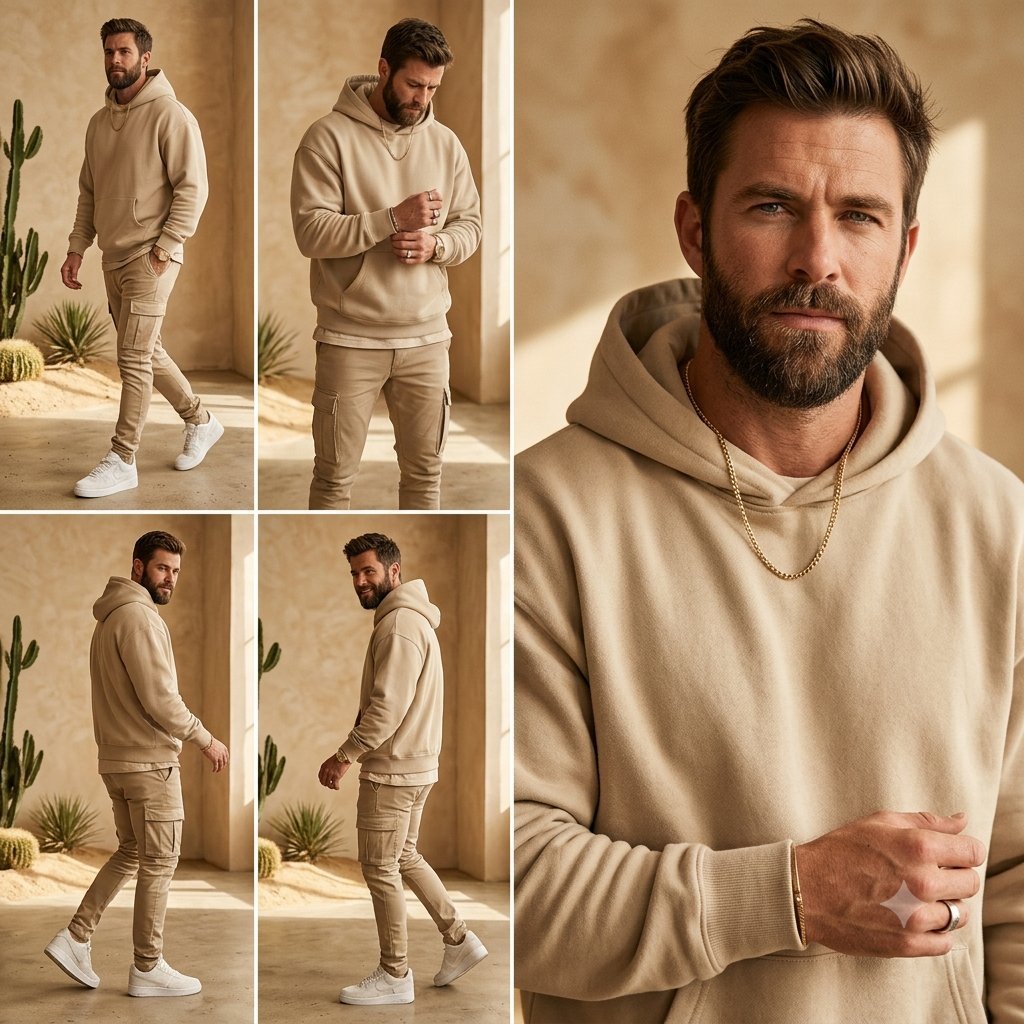
Beige Menswear Lookbook Collage
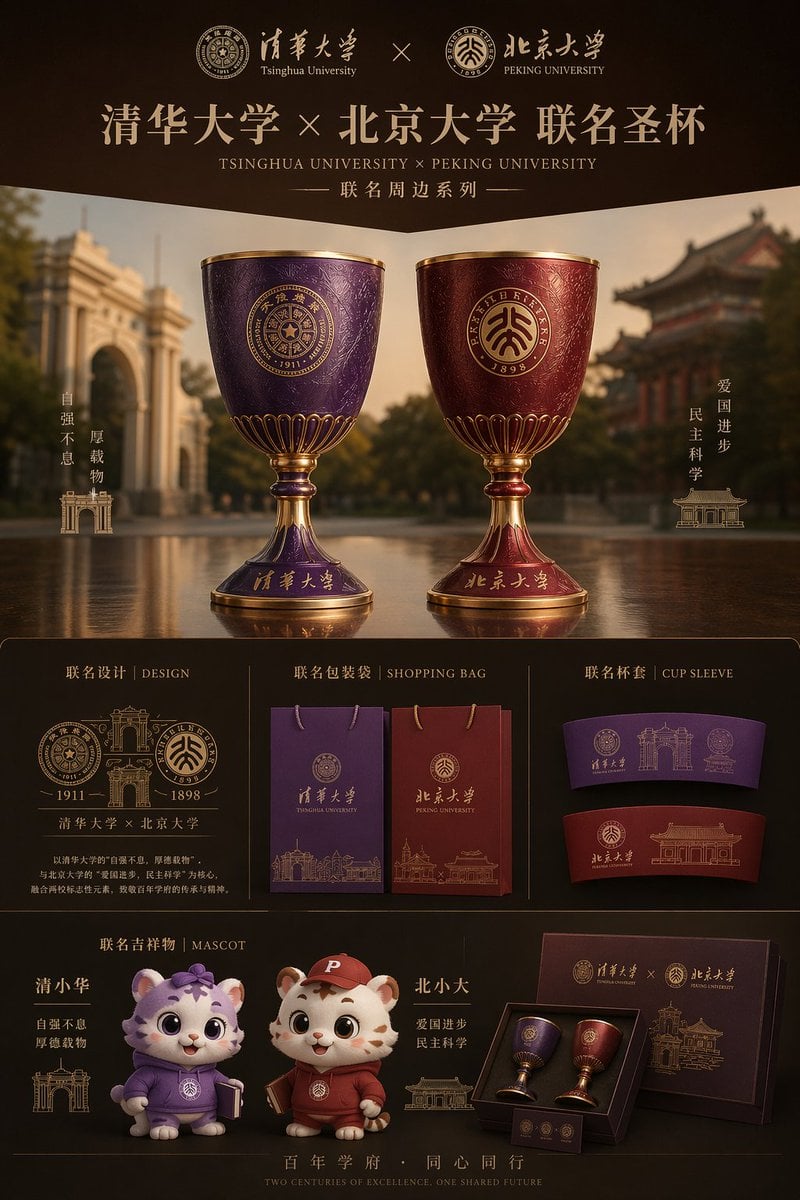
Luxury University Co-Branded Gift Poster
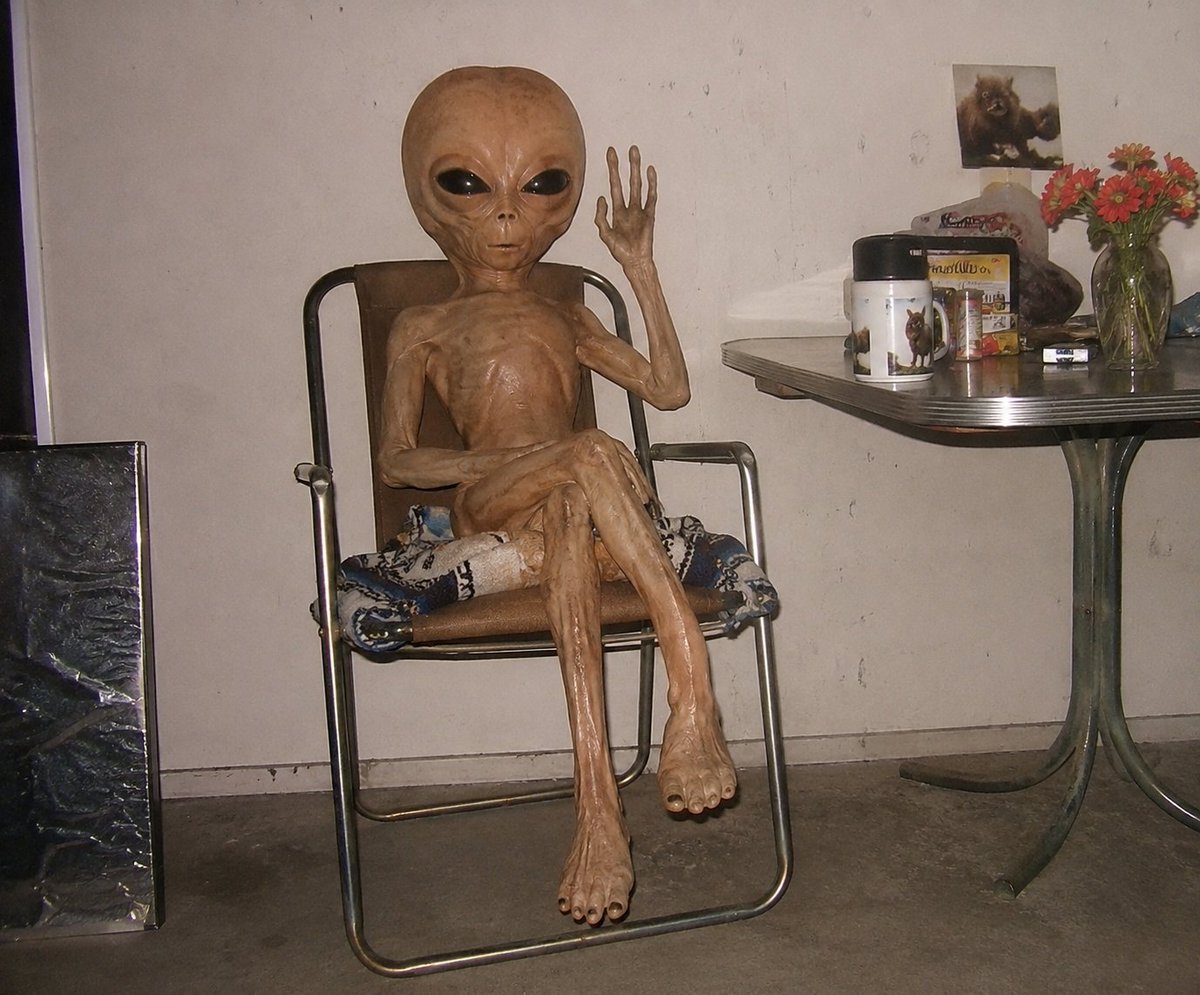
Censored Humanoid Snapshot
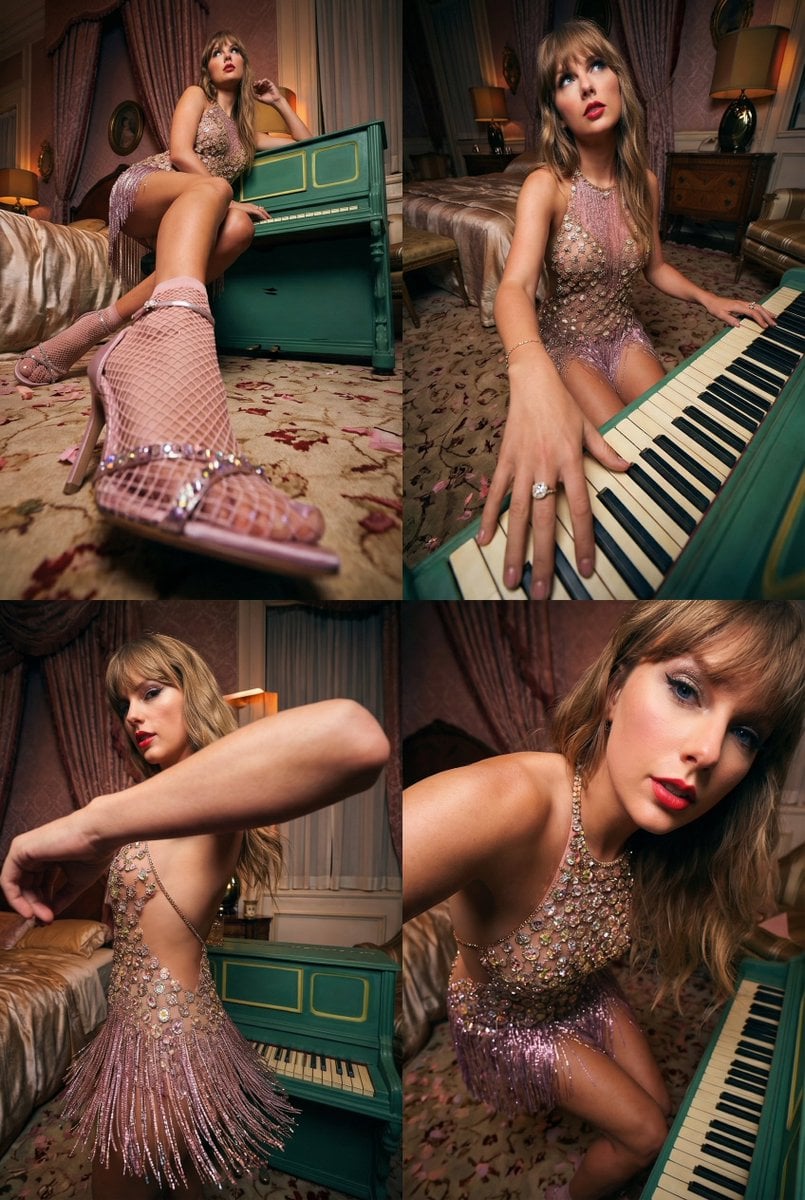
Transformative Photo Enhancement Prompt
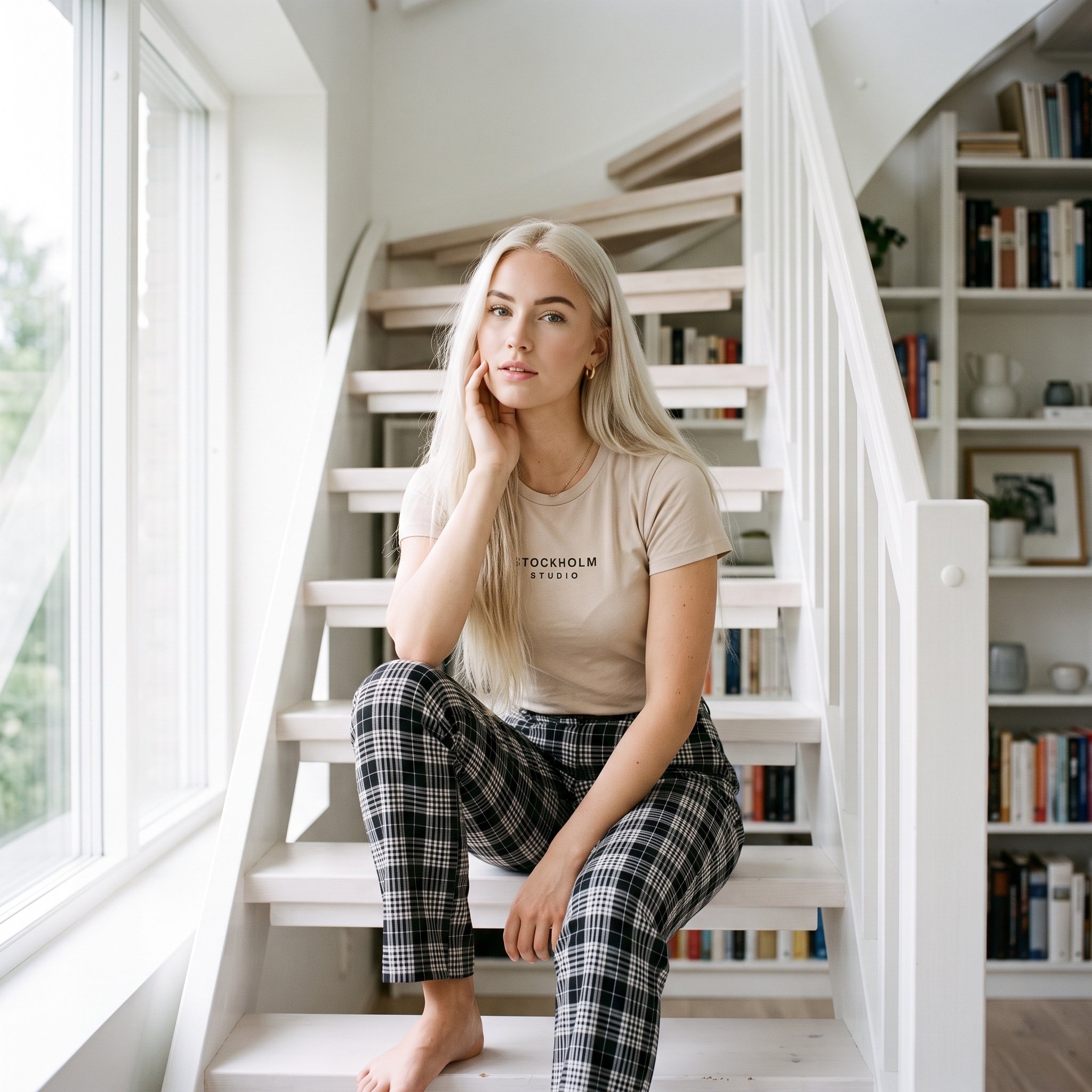
Scandinavian Interior Editorial Portrait Prompt

Gpt2 Infographic Edu Visual Earth Signs Zodiac Character Poster
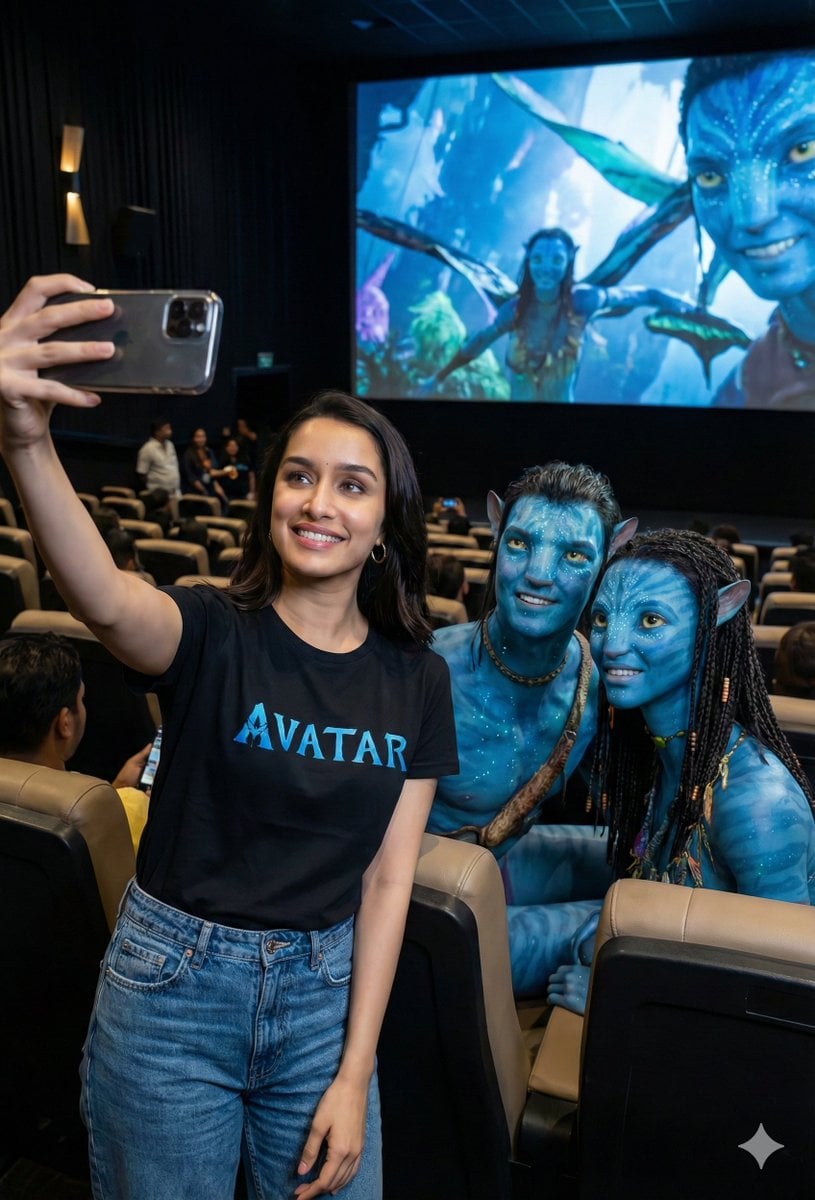
Avatar Movie Selfie in a Cinema Hall
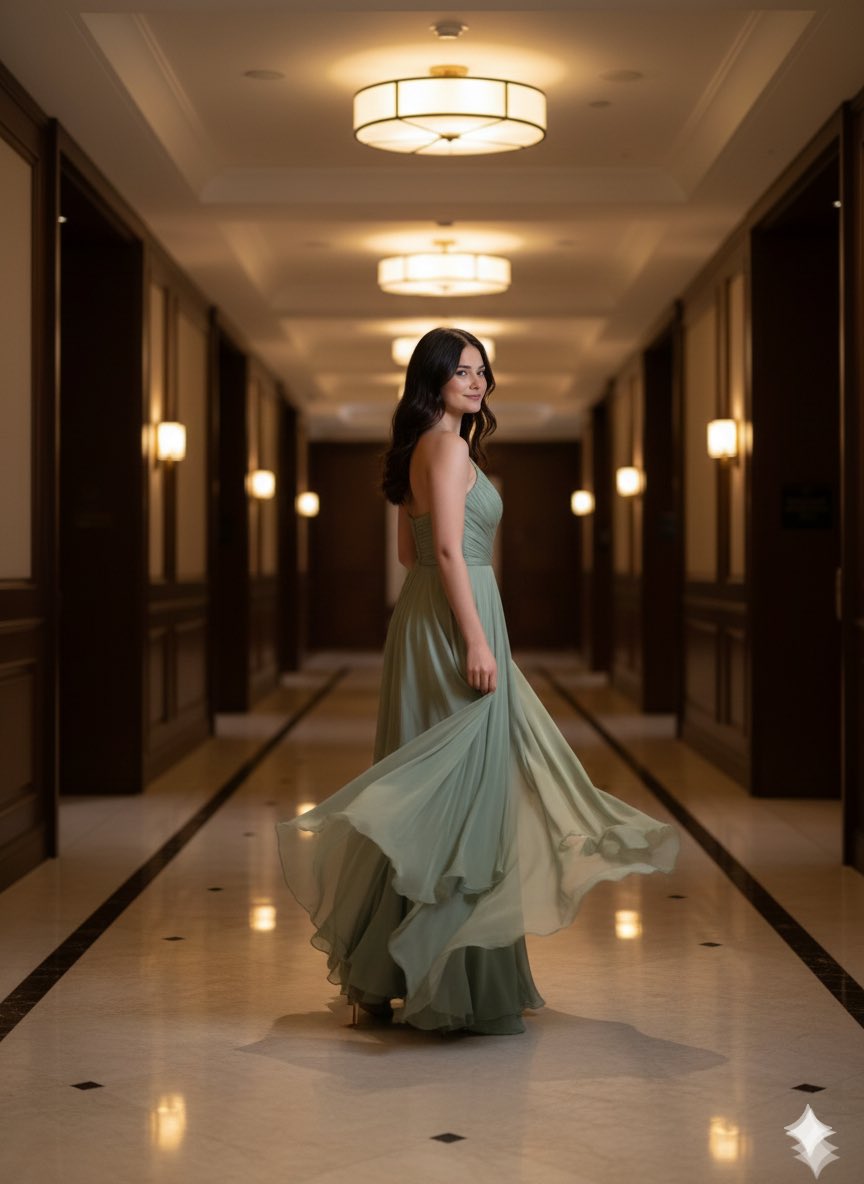
High-Fashion Motion Capture Image Prompt
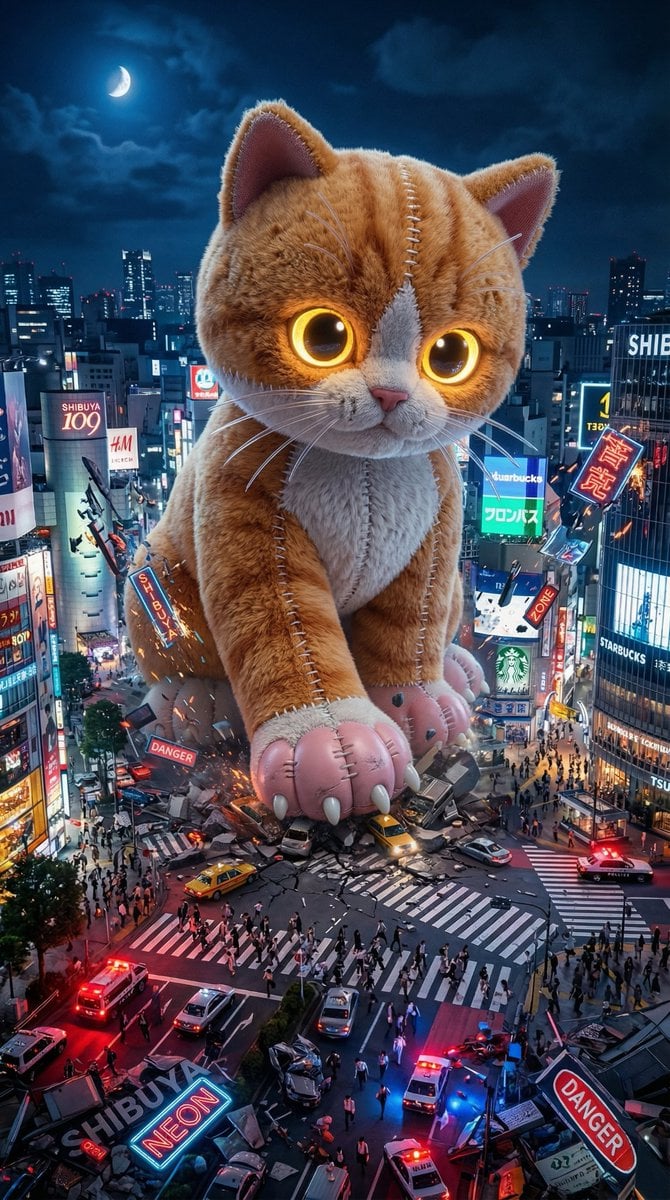
Plush Kaiju Cat Smashing Tokyo
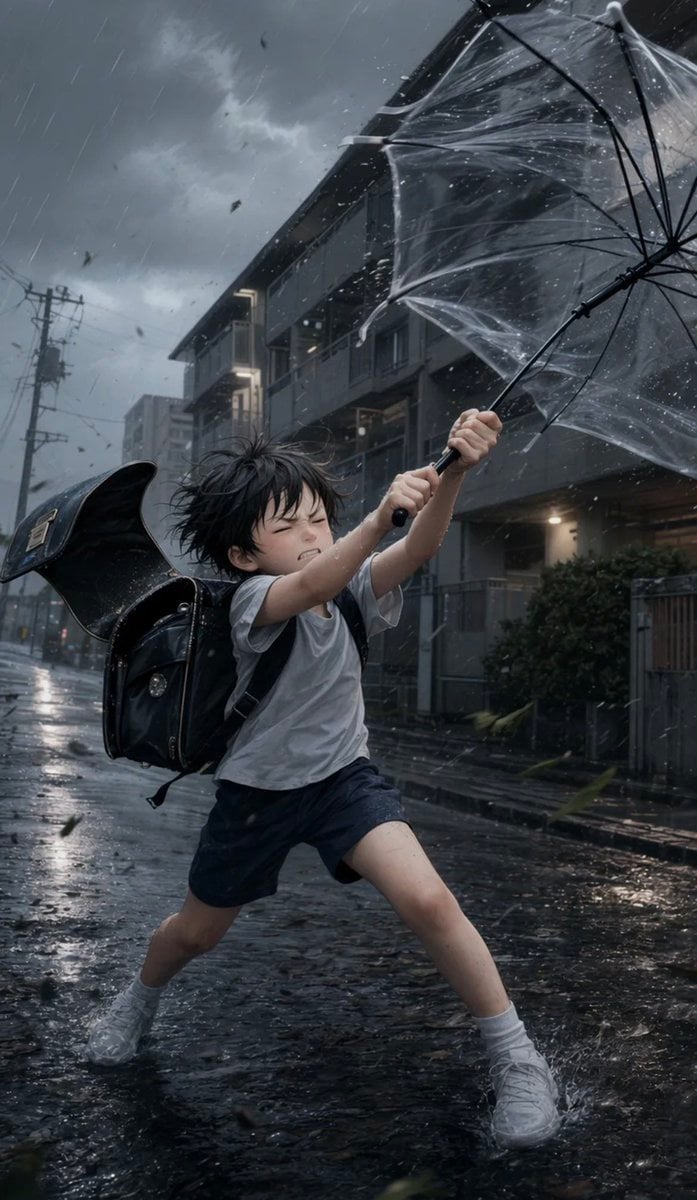
Boy Fighting Storm With Umbrella
Browse template categories
Cinematic Vintage Portrait - NB Pro questions
How do I use the Cinematic Vintage Portrait - NB Pro template?
Add your photo if the template asks for one, edit the prompt if you like — the template's model and format are already selected — and press Generate. Your version opens in PicX Studio.
Can I customize the Cinematic Vintage Portrait - NB Pro template?
Yes. You can change the subject, setting, lighting, mood, format, and available model controls before creating your image.
Is the Cinematic Vintage Portrait - NB Pro template free?
Opening and editing this template is free. Generating uses credits, shown on the Generate button when you are signed in.
Which AI model should I use?
Choose a compatible model in PicX Studio based on the style, speed, and output controls your project needs.
Looking for something else? Browse all templates.

Your photo, any look
Thousands of ready templates for every top image and video model, from one credit balance.