How do I use the Cinematic Japanese Film Style Portrait template?
Choose the primary action to open PicX Studio with the available template settings. Review the model and format, personalize the creative direction, and generate when ready.
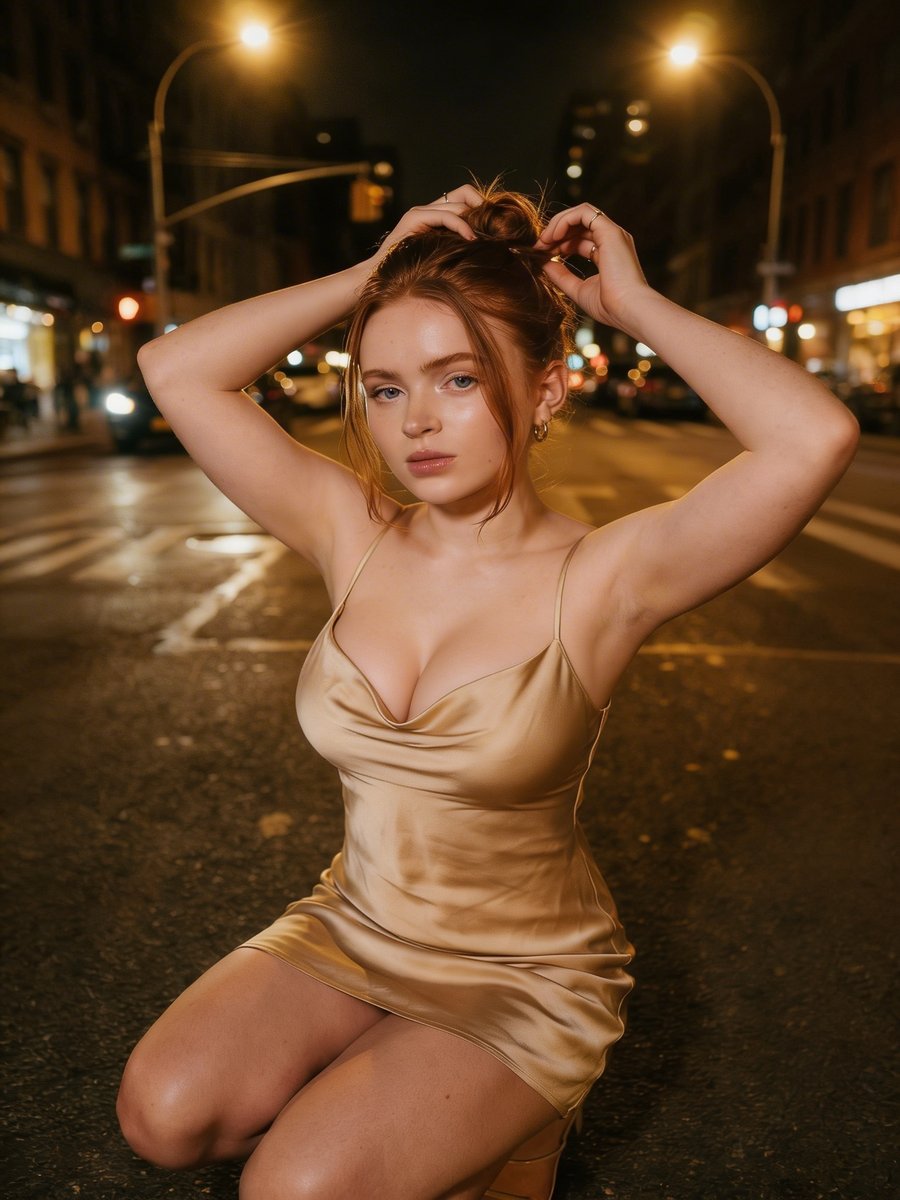
A detailed structured prompt for achieving a Japanese negative film aesthetic in a domestic laundry setting.
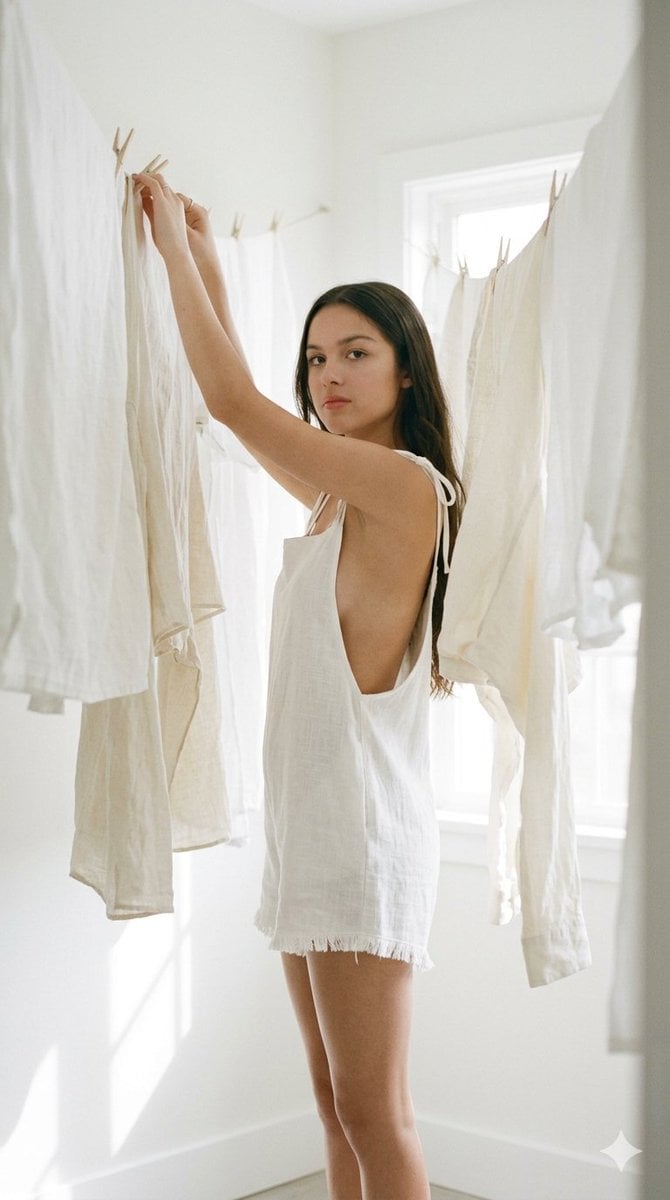
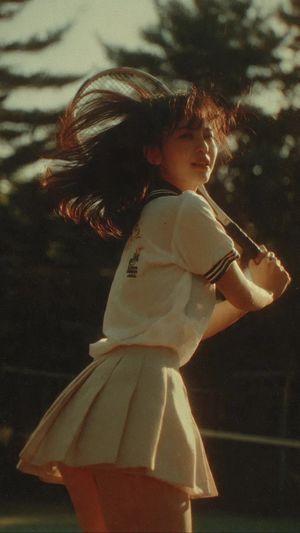
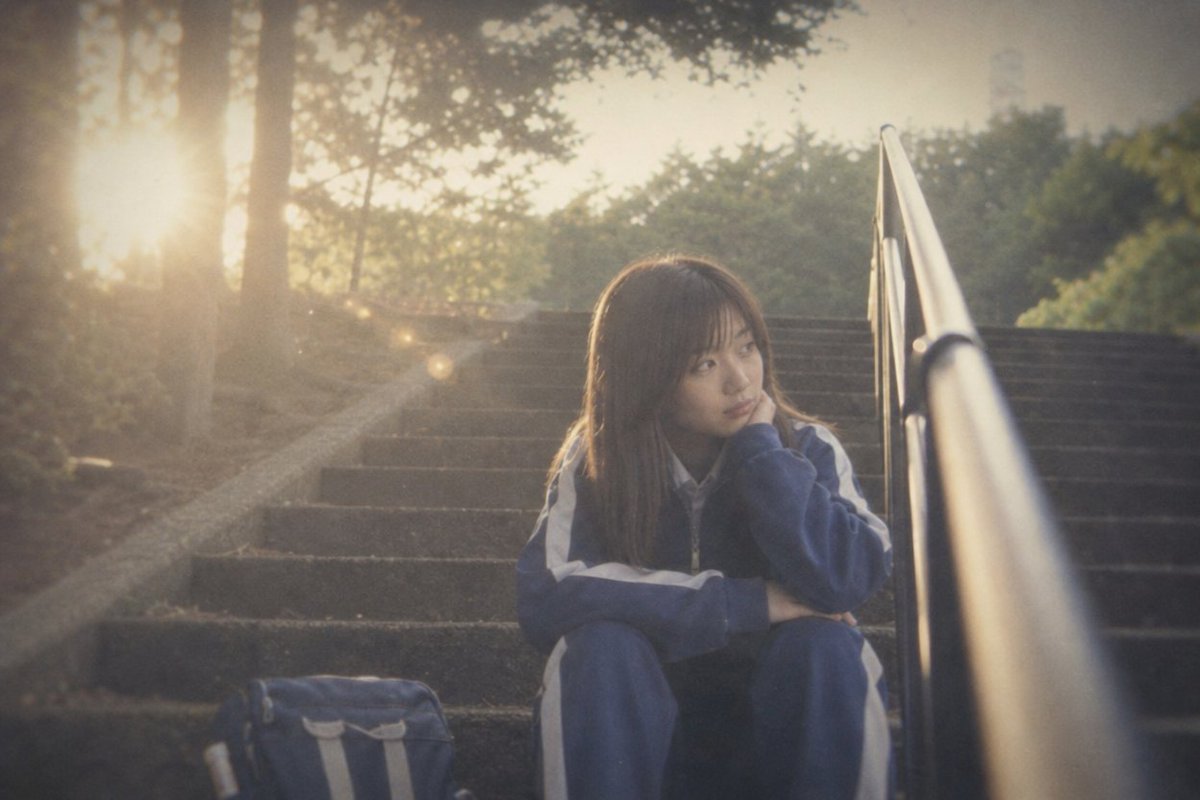
{ "type": "image_prompt", "title": "Cinematic Portrait in a Minimalist Laundry Space", "style": { "genre": "cinematic photography", "aesthetic": "Japanese negative film", "mood": [ "quiet domesticity", "poetic", "everyday realism", "intimate", "bright and airy" ], "texture": [ "subtle grain", "gentle bloom in highlights" ], "keywords": [ "cinematic", "delicate", "nostalgic", "artistic", "realistic", "clean aesthetic", "soft light" ] }, "scene": { "location": "{argument name="location" default="minimalist laundry area with hanging clothes"}", "atmosphere": [ "soft wind moving the fabrics", "calm environment", "natural spontaneity", "fresh and serene feeling" ], "lighting": { "main": "bright high-key diffused lighting", "secondary": "sunlight filtering through the fabrics", "portrait": "flat and even facial lighting", "shadows": "no harsh shadows, only soft shadows", "overall_effect": "white, clean, luminous environment with delicate glow in illuminated areas", "contrast": "low contrast" } }, "subject": { "description": "{argument name="subject" default="A Japanese woman"}", "wardrobe": { "garment": "{argument name="clothing" default="white textured linen romper"}", "details": [ "thin strap shoulder ties", "short legs", "slightly frayed hems", "deep side cut design revealing the side profile", "open back" ] }, "pose": { "position": "sideways, partially hidden behind hanging clothes", "action": "arms raised while adjusting clothes on the line", "posture": "relaxed", "gaze": "looking directly at the viewer" }, "face": { "visibility": "partially obscured", "detail": "facial contour visible", "lighting": "soft, even, beauty portrait style" }, "body": { "silhouette": "silhouette softened by the fabric" } }, "composition": { "framing": "imperfect and natural framing, from the knees up", "focus": [ "silhouette", "moving fabrics", "softness of light" ], "aspect_ratio": "9:16", "camera_feel": "spontaneous, observational capture" }, "rendering": { "priority": [ "photorealism", "soft natural light", "delicate textures", "serene atmosphere", "minimalist editorial aesthetic" ] } }
Choose the primary action to open PicX Studio with the available template settings. Review the model and format, personalize the creative direction, and generate when ready.
Yes. You can change the subject, setting, lighting, mood, format, and available model controls before creating your image.
This template is free to open and customize. Generation usage is shown in PicX Studio before you create.
Start with Nano Banana 2, which is the model associated with this template. You can compare another compatible model for a different finish.
Follow a topic to a crawlable collection of related PicX Studio templates.