
Aged 1980s Film Snapshot Portrait
Generates a nostalgic 1980s-style physical photo print with realistic film artifacts, aging, and period-accurate fashion.
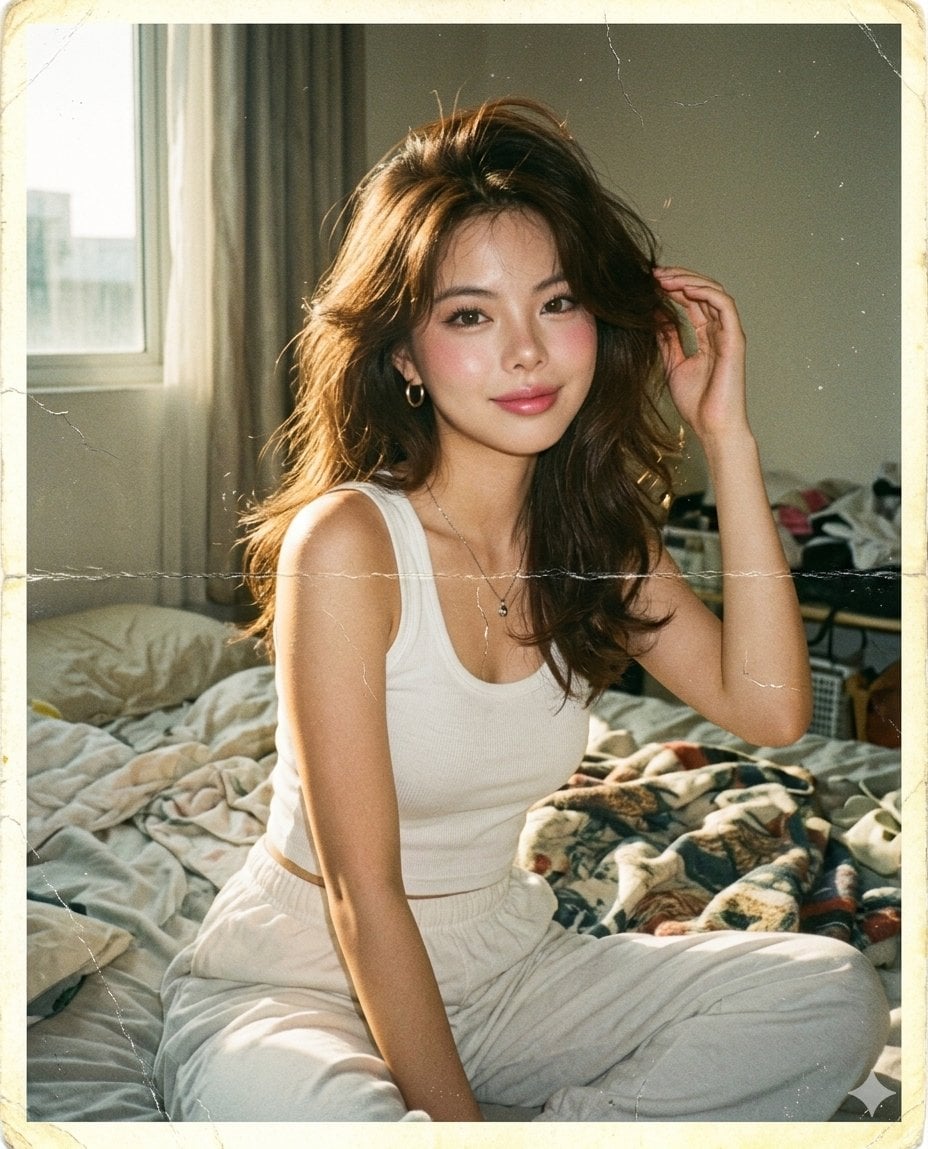
- Prompt included
- Model and format preset
- Free template
The prompt behind this image
Copy the exact prompt behind Aged 1980s Film Snapshot Portrait, or open it in the studio and make it yours.
A hyper-realistic 1980s personal snapshot of the same subject in the {argument name="reference" default="attached image"}, sitting on a bed near a window with strong sunlight hitting her face and shoulders. She is leaning slightly forward, one hand lifted near her hair, relaxed soft smile, candid bedroom pose. Style the subject with authentic late-1980s fashion: {argument name="outfit" default="white ribbed tank top, loose high-waist cotton lounge pants, thin silver necklace, small hoop earrings"}. Hair is {argument name="hair style" default="voluminous feathered 1980s blowout"}, slightly messy, lifted roots, soft flyaways, warm brunette tone. Makeup is 1980s soft glam: powdery base, rosy blush, frosted pink lips, thin eyeliner, natural mascara, no modern contour. Photo quality: shot on consumer 35mm film camera in 1988, direct sunlight mixed with weak indoor fill flash, faded analog colors, warm yellow highlights, green-magenta color shift, soft focus, low dynamic range, crushed shadows, visible film grain. Old damage artifacts: scanned from an aged physical photo print, visible paper fibers, faint horizontal fold line across the middle, tiny hairline cracks on the glossy surface, worn corners, yellowed edges, small dust specks, scanner noise, subtle water stain near one edge, minor crease marks, faded emulsion patches, imperfect border. Negative prompt: modern DSLR clarity, iPhone quality, cinematic grading, HDR, ultra-sharp, clean digital skin, AI smoothness, modern beauty retouch, perfect lighting, modern outfit, modern makeup, glossy editorial look.
How to use Aged 1980s Film Snapshot Portrait in 3 steps
- 1Upload ImagePNG, JPG or paste
Add your photo
Upload the photo the template builds on. The prompt, model and format are already set.
- 2…a portrait of your subject in softgolden-hour light, 85mm…
Personalize
Edit the subject and creative details for your destination.
- 3Generate
Generate
Press Generate — your image is created in PicX Studio, so you can compare it with the original and refine one variable at a time.
More like this
Templates with the same subject, style or setup. Open one to see its prompt.











Make it yours
Aged 1980s Film Snapshot Portrait works as-is. These are the safest ways to change it without losing the look.
Change one field
Copy a single group, rewrite it, and generate again so you can see what that field is doing.
Keep the frame, change the subject
Hold the composition and light of Aged 1980s Film Snapshot Portrait, then swap wardrobe, props or the person for a new take.
| If the result… | Why | Fix |
|---|---|---|
| The result drifts from the preview | Too many fields changed at once. | Reuse Aged 1980s Film Snapshot Portrait as-is first, then change one group — subject, light, or setting. |
| The model over-stylizes the scene | The prose prompt leaves finish and camera underspecified. | Add one camera or lighting sentence and stay on Nano Banana 2. |
More Nano Banana 2 templates
Other prompts made for Nano Banana 2.

Photorealistic Leaf Shaped Like a Dragon

K-Pop Idol Portrait Grid for Rapid Selection

Poetic Rain Forest Portrait During Golden Hour

Urban Street Portrait with Cartoon Inner Self Duo

Candid Nighttime Photo with Cat Prompt

High-Concept 3D Diorama Generation Prompt

Cinematic Futuristic Studio Portrait Template

Skincare Editorial Photography Collage Prompt

Hyper-Realistic Commercial Product Photography (Splash Effect)

Hyper-Realistic Nightclub Portrait Prompt
More image prompts
Fresh picks from across the catalog.
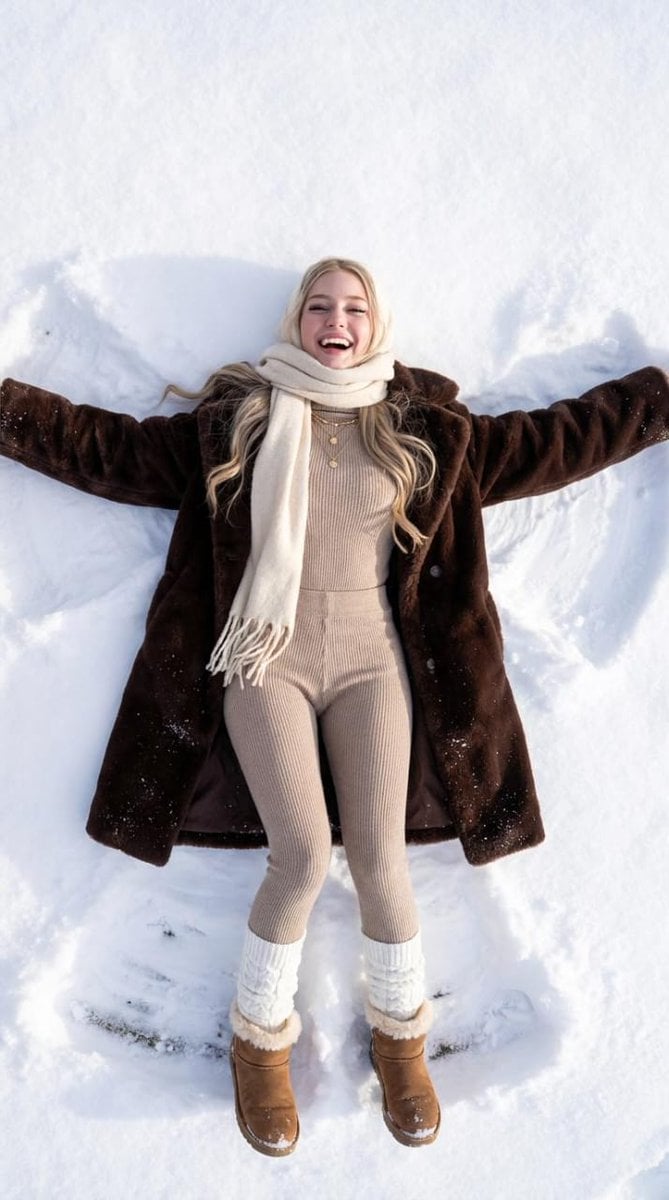
Joyful Snow Angel in 'Old Money' Winter Fashion
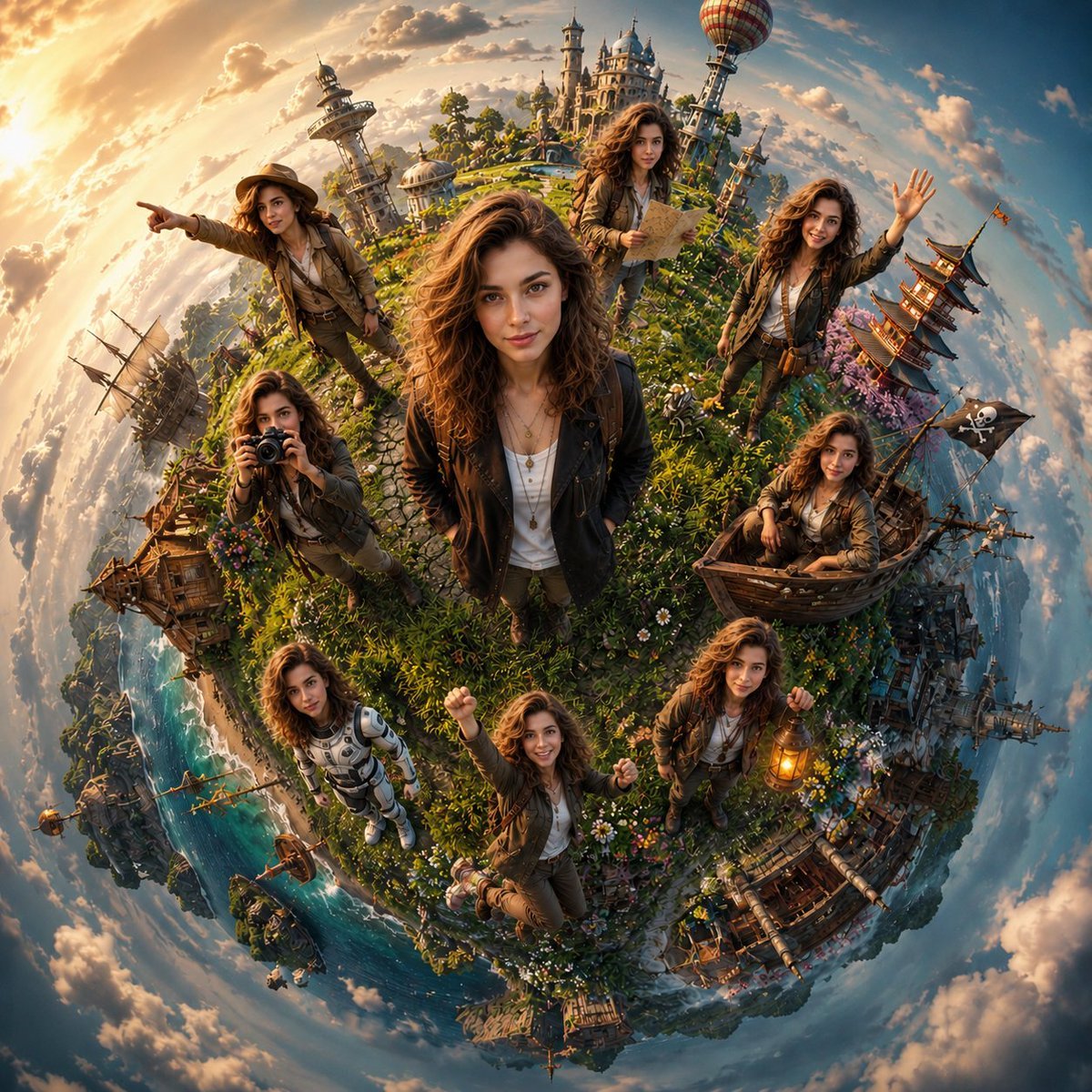
Cinematic Tiny Planet Fantasy World
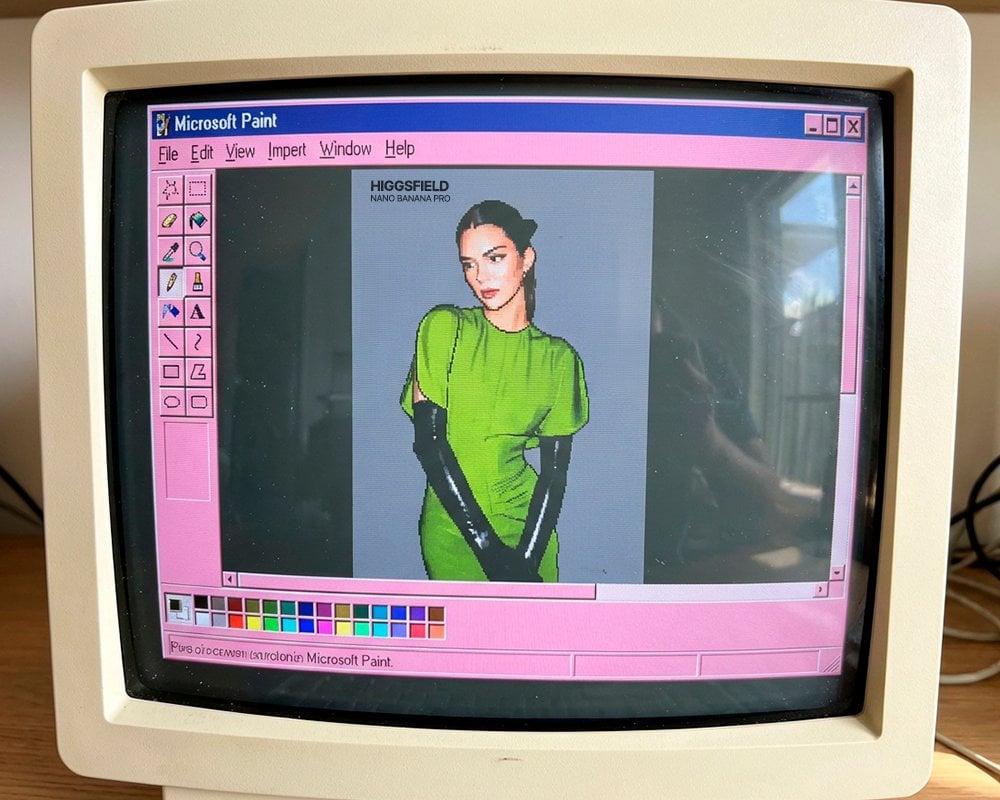
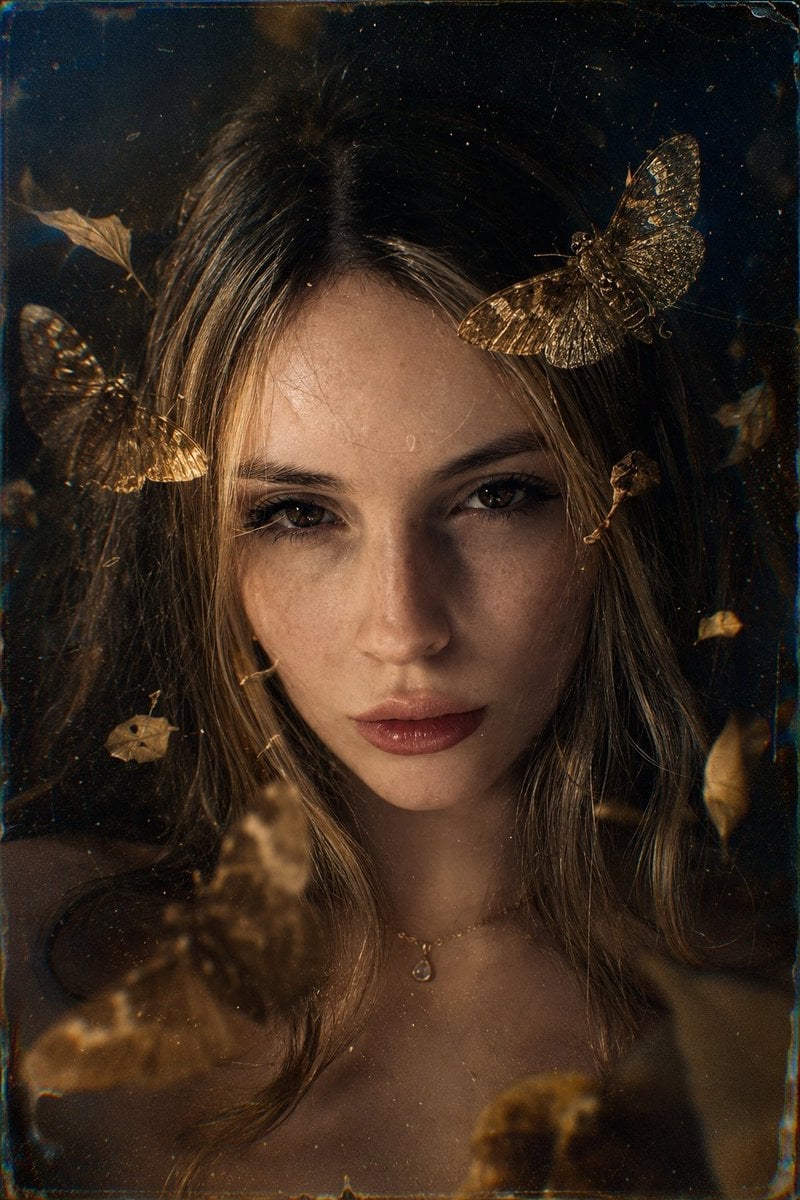
Cinematic black-and-white portrait of a woman
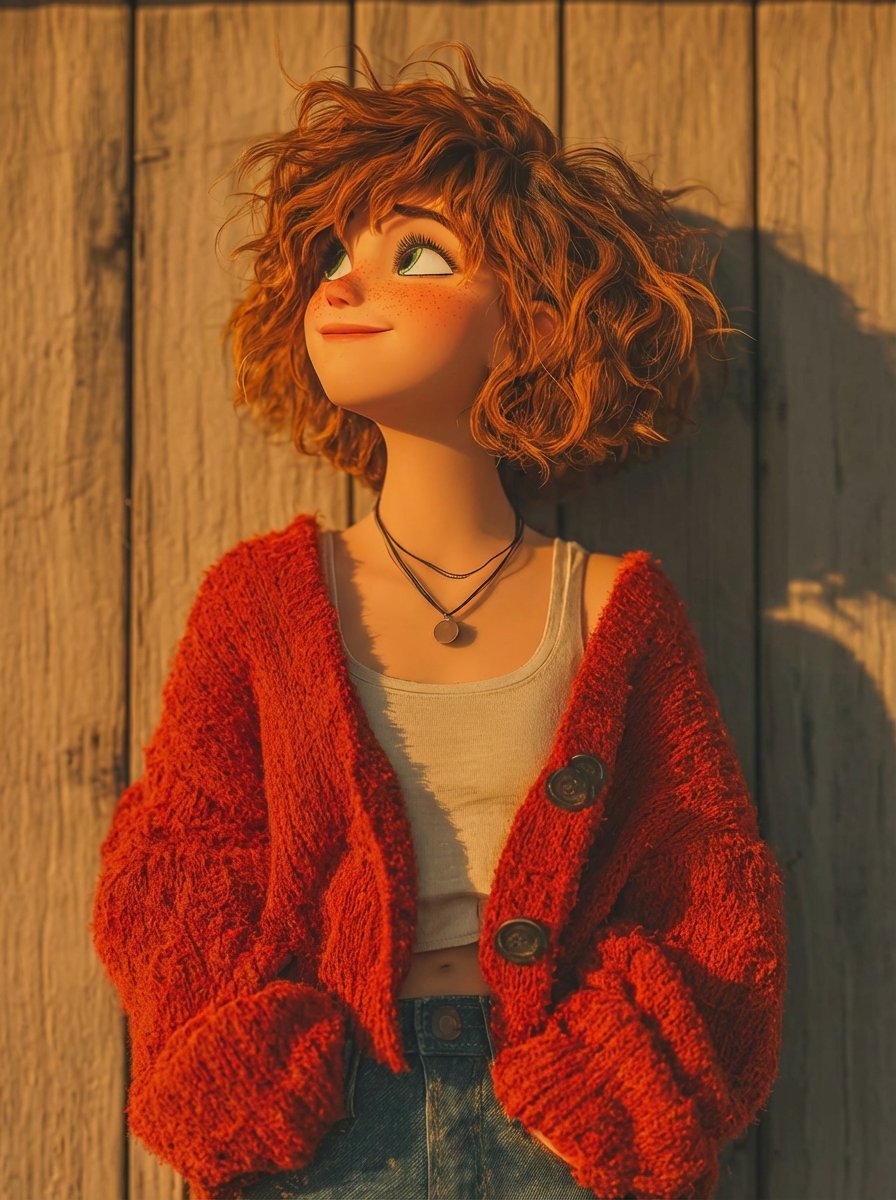
Pixar-Style 3D Animated Character Portraits
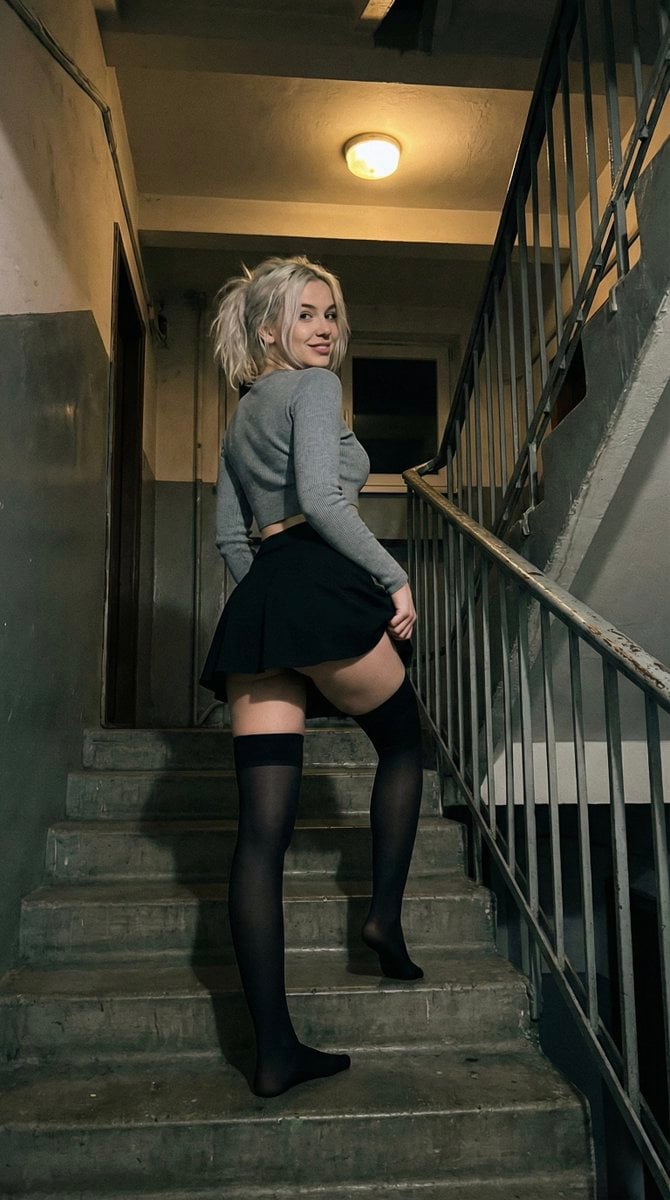
Suggestive Stairwell Candid Photo
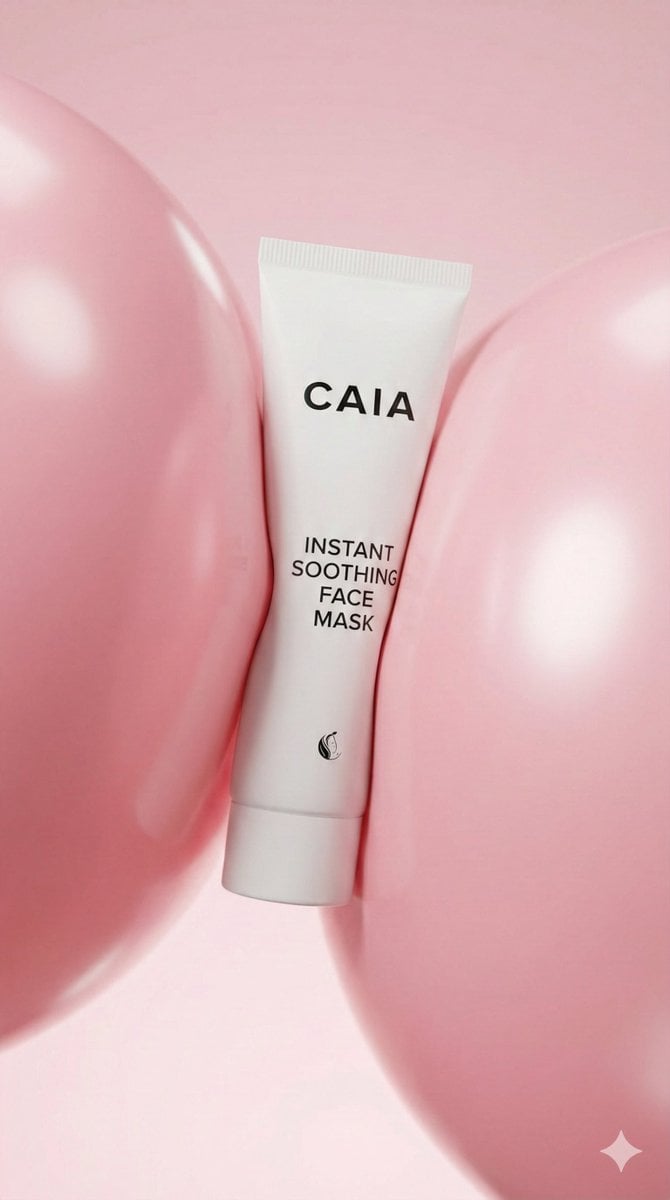
8K Beauty Product Shot with Balloons
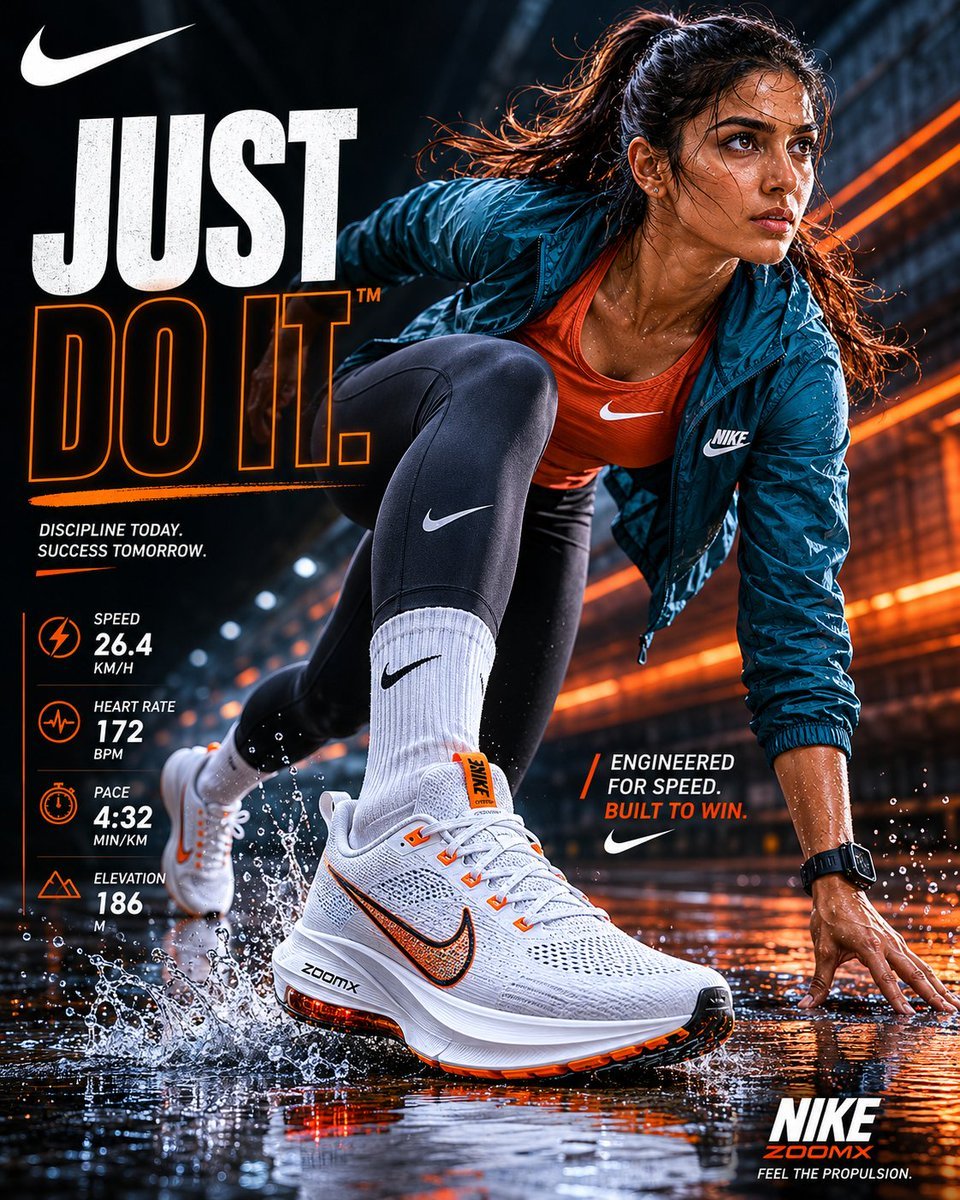
Nike Sportswear Editorial Advertisement
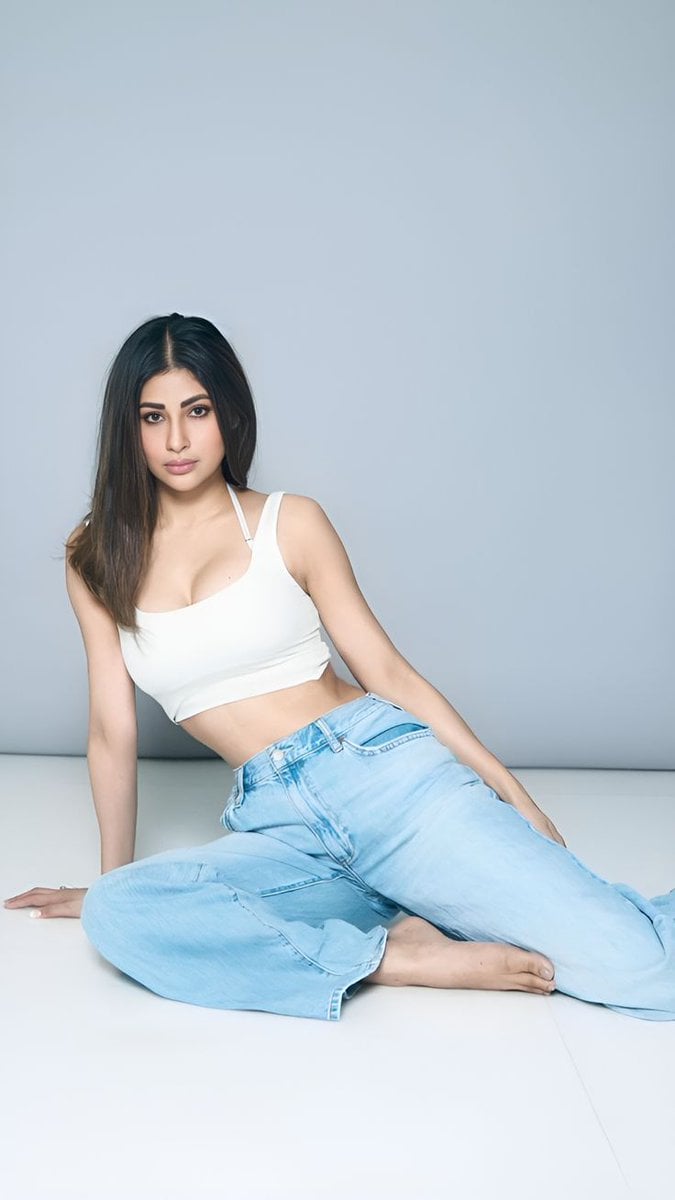
Quiet Luxury Travel Photography on the Amalfi Coast
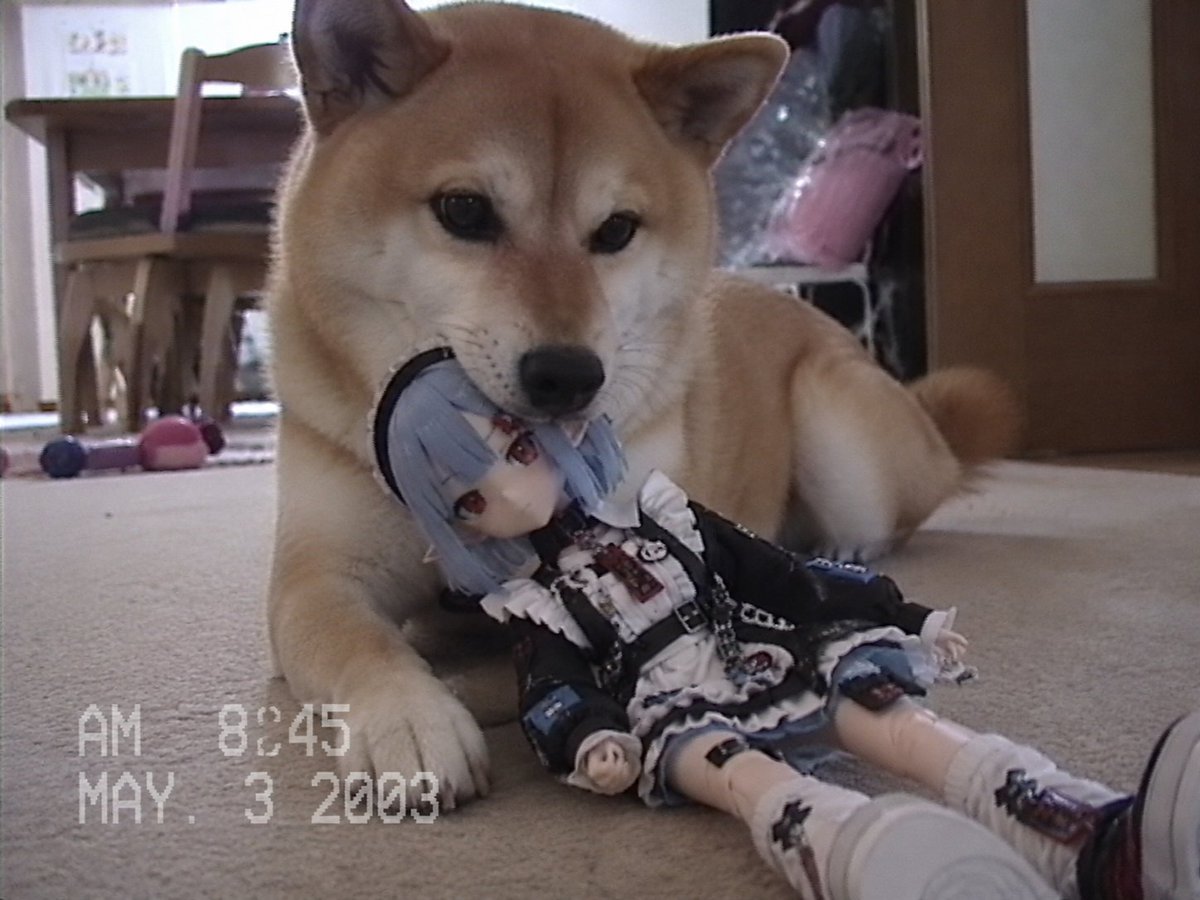
Nostalgic Home Video Doll Effect
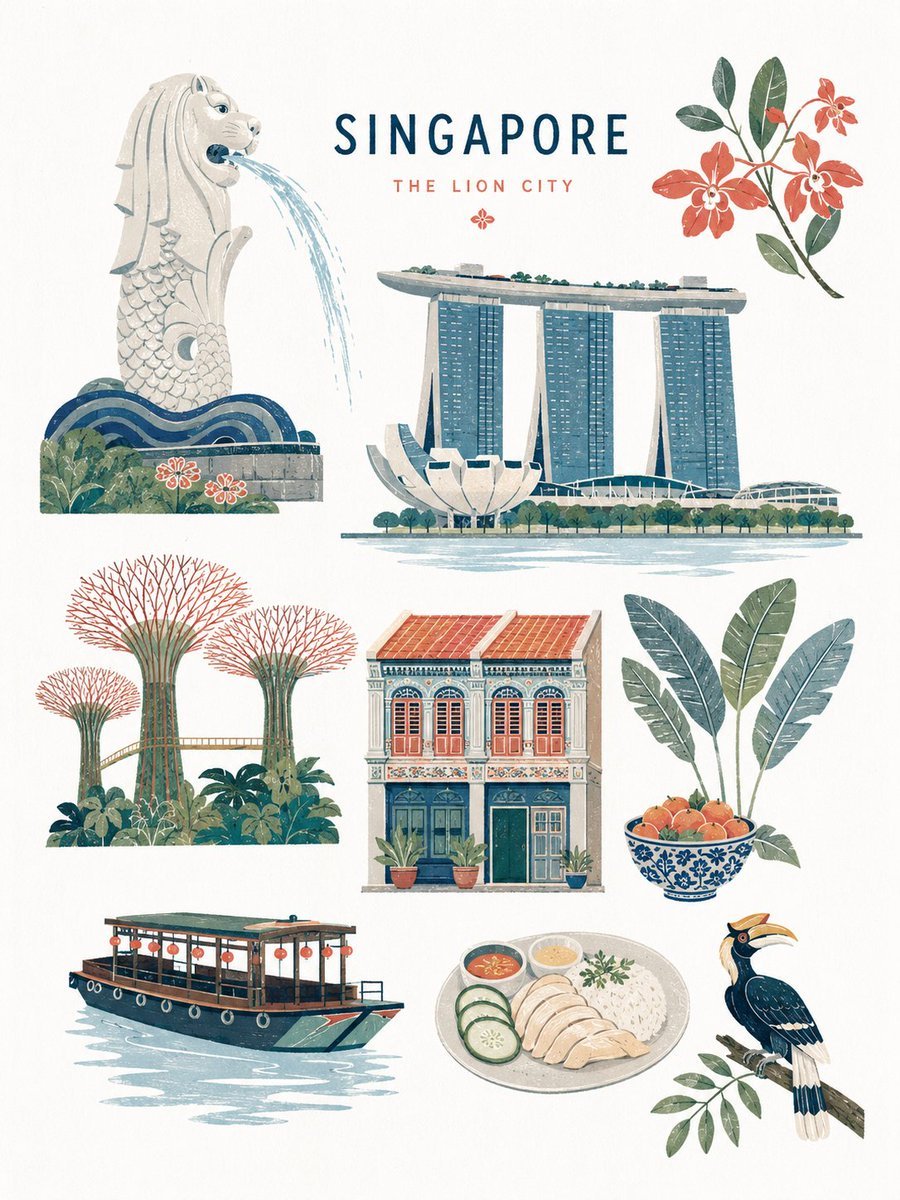
Mid-century Editorial Illustration
Featured in prompt roundups
Hand-picked collections that include this template.
Browse template categories
Aged 1980s Film Snapshot Portrait questions
How do I use the Aged 1980s Film Snapshot Portrait template?
Add your photo if the template asks for one, edit the prompt if you like — the template's model and format are already selected — and press Generate. Your version opens in PicX Studio.
Can I customize the Aged 1980s Film Snapshot Portrait template?
Yes. You can change the subject, setting, lighting, mood, format, and available model controls before creating your image.
Is the Aged 1980s Film Snapshot Portrait template free?
Opening and editing this template is free. Generating uses credits, shown on the Generate button when you are signed in.
Which AI model should I use?
Start with Nano Banana 2, which is the model associated with this template. You can compare another compatible model for a different finish.
Looking for something else? Browse all templates.

Your photo, any look
Thousands of ready templates for every top image and video model, from one credit balance.