
Ultra-Realistic Macro Diorama Product Photography Prompt
An extremely detailed prompt for generating an ultra-realistic macro photograph of a handcrafted miniature diorama.
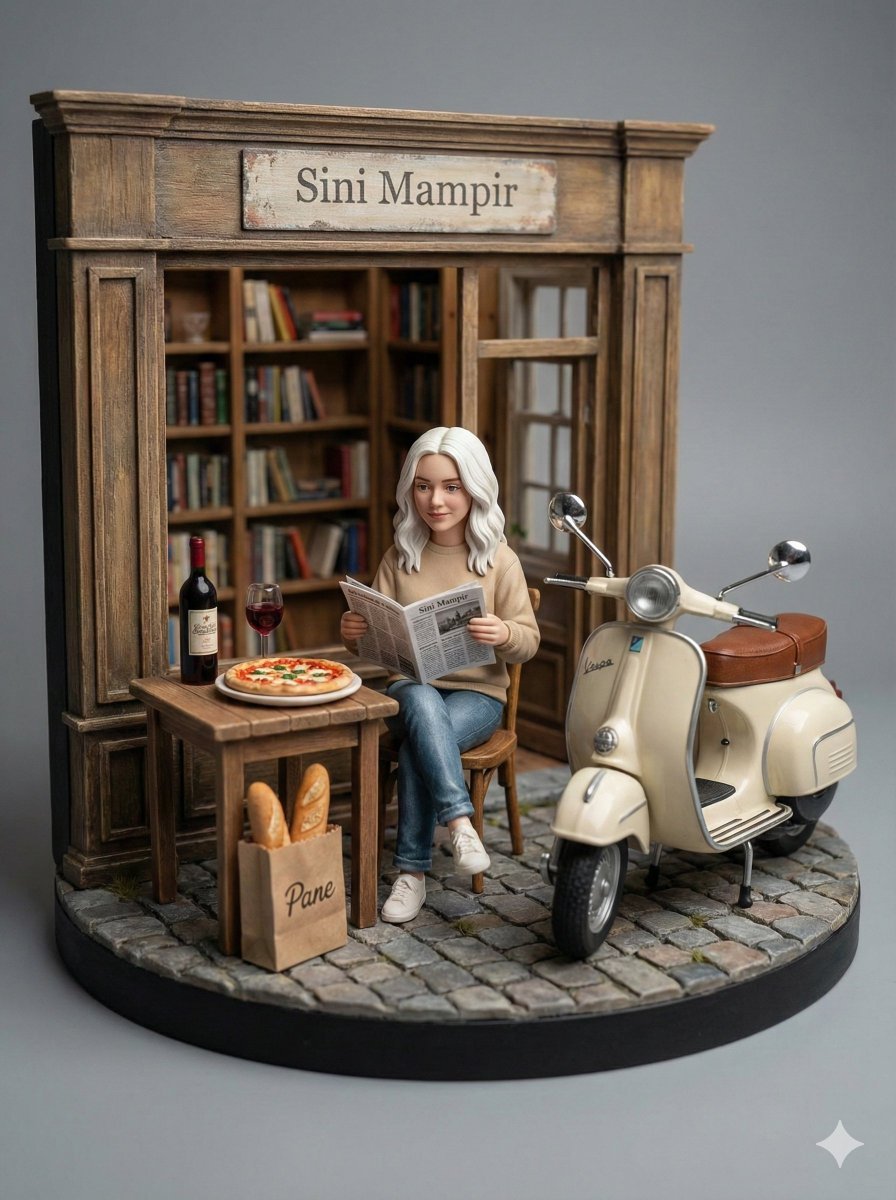
- Prompt included
- Model and format preset
- Premium template
The prompt behind this image
Copy the exact prompt behind Ultra-Realistic Macro Diorama Product Photography Prompt, or open it in the studio and make it yours.
Ultra-realistic macro photography of a handcrafted miniature diorama scene, featuring a young woman [use reference your face] sitting calmly on a small wooden chair while reading a newspaper, natural relaxed posture and realistic body proportions, wearing outfit [use reference photos] with accurate fabric texture, folds, and stitching details, realistic skin texture and feminine facial features, beside a small wooden table holding a full pizza on a ceramic plate, a bottle of red wine and a filled wine glass, a paper bag labeled “Pane” containing baguette bread placed naturally on the cobblestone ground, next to a classic cream-colored Vespa scooter with brown leather seat, realistic chrome mirrors and subtly worn paint details, the background structure replaced with product architecture based on [use reference photos], accurately matching shape, material, color, and surface details of the product while integrated seamlessly as a miniature building element, aged textures and believable scale adaptation, a wall-mounted sign clearly reading “{argument name="sign text" default="Sini Mampir"}”, realistic stone pavement with uneven cobblestone texture and subtle wear, all elements placed on a circular diorama base, studio product photography style with soft diffused lighting, gentle shadow falloff, balanced highlights, shallow depth of field from real macro lens physics, neutral gray seamless background, physical miniature model look, documentary-level realism, ultra-detailed textures, ultra-sharp focus, photorealistic RAW photo look, museum-quality craftsmanship, no CGI, no 3D render, no illustration, no cartoon style, no anime, no toy-like plastic shine, no exaggerated reflections, no oversharpening, no distortion, no incorrect proportions, no floating objects, no messy background, no watermark --ar 4:5 --v 6 --style raw --s 100 --q 1
How to use Ultra-Realistic Macro Diorama Product Photography Prompt in 3 steps
- 1
Open
The prompt is already in the box next to the preview, with the template's model and format selected.
- 2…a portrait of your subject in softgolden-hour light, 85mm…
Personalize
Edit the subject and creative details for your destination.
- 3Generate
Generate
Press Generate — your image is created in PicX Studio, so you can compare it with the original and refine one variable at a time.
More like this
Templates with the same subject, style or setup. Open one to see its prompt.
Seedance - Brand Commercial
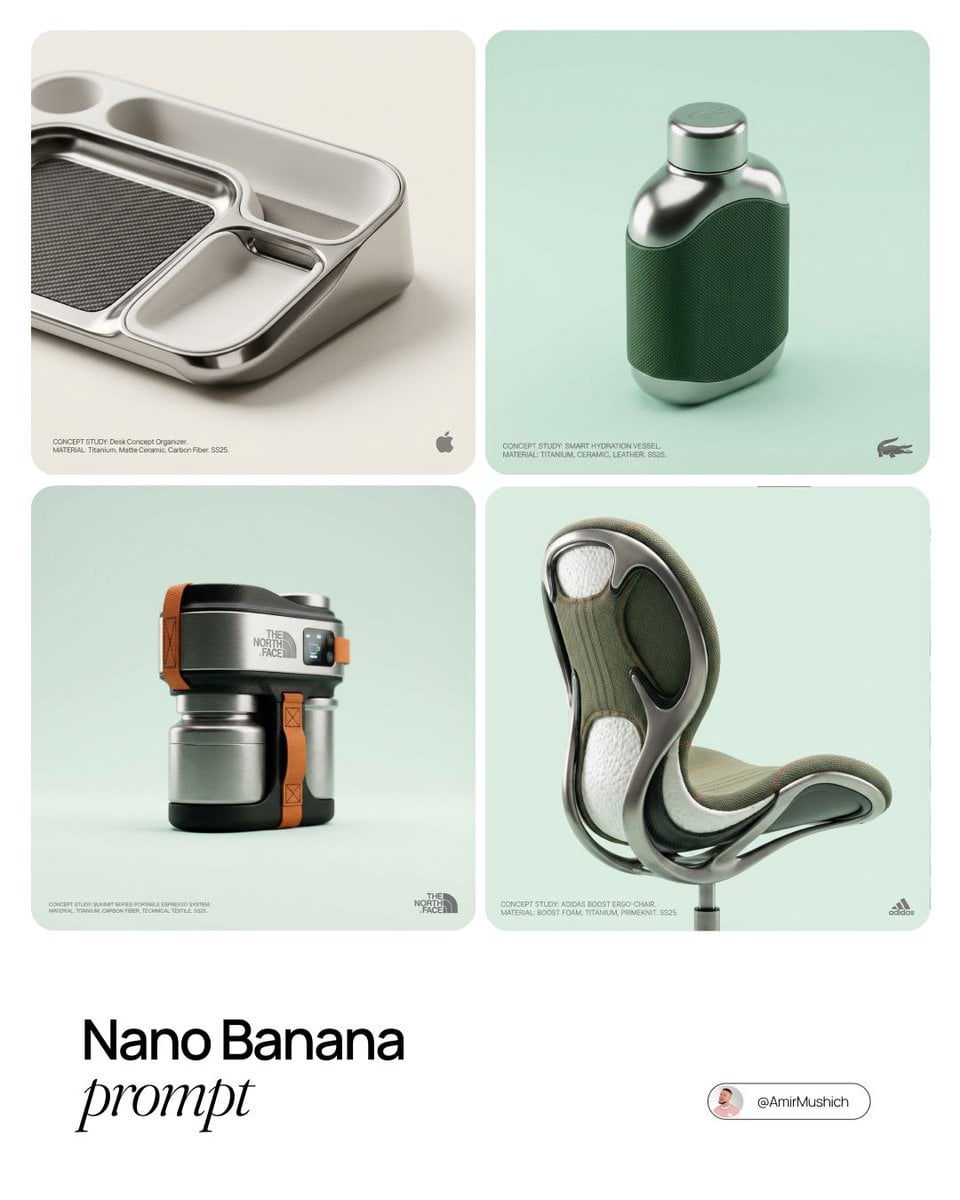
Editorial Concept Study Product Design

Flower Petal Sunglasses Couture Portrait

Mountain Valley Lifestyle Portrait

青蛇小青写真大片,绿色紧身蛇鳞裙,湿发红唇,妖娆妩媚

A double exposure, long exposure editorial photograph of a man Use image

Portrait of a young woman in her early 20s walking calmly on a beautiful

Artistic portrait of an elegant Asian woman wearing a black silk

A high-quality photo collage featuring the same person with identical

LIGHTING each element still lit by its original source, windows casting

A 3x3 grid storyboard contact sheet comprised of nine candid, cinematic

A high-definition cinematic portrait of a sophisticated woman sitting
Make it yours
Ultra-Realistic Macro Diorama Product Photography Prompt works as-is. These are the safest ways to change it without losing the look.
Change one field
Copy a single group, rewrite it, and generate again so you can see what that field is doing.
Keep the frame, change the subject
Hold the composition and light of Ultra-Realistic Macro Diorama Product Photography Prompt, then swap wardrobe, props or the person for a new take.
| If the result… | Why | Fix |
|---|---|---|
| The result drifts from the preview | Too many fields changed at once. | Reuse Ultra-Realistic Macro Diorama Product Photography Prompt as-is first, then change one group — subject, light, or setting. |
| The model over-stylizes the scene | The prose prompt leaves finish and camera underspecified. | Add one camera or lighting sentence and stay on Nano Banana 2. |
More Nano Banana 2 templates
Other prompts made for Nano Banana 2.

Photorealistic Leaf Shaped Like a Dragon

K-Pop Idol Portrait Grid for Rapid Selection

Poetic Rain Forest Portrait During Golden Hour

Urban Street Portrait with Cartoon Inner Self Duo

Candid Nighttime Photo with Cat Prompt

High-Concept 3D Diorama Generation Prompt

Cinematic Futuristic Studio Portrait Template

Skincare Editorial Photography Collage Prompt

Hyper-Realistic Commercial Product Photography (Splash Effect)

Hyper-Realistic Nightclub Portrait Prompt
More image prompts
Fresh picks from across the catalog.
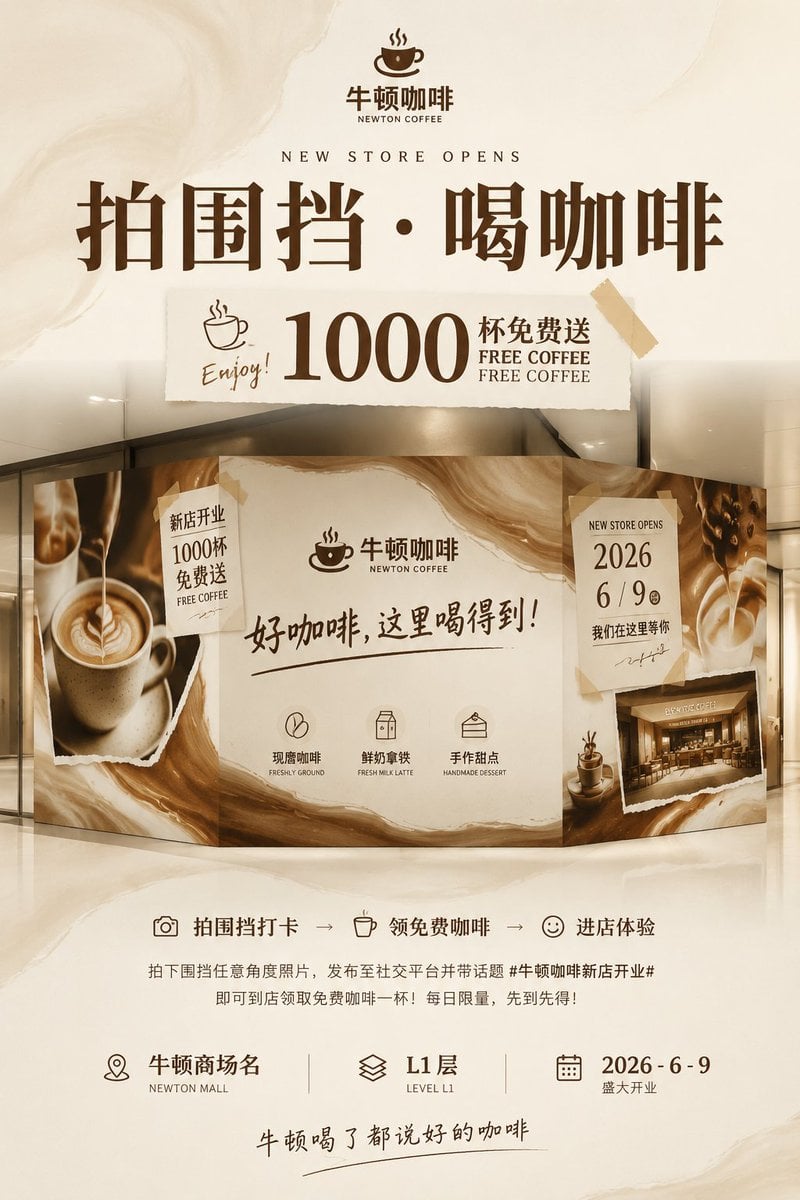
Newton Coffee Opening Poster
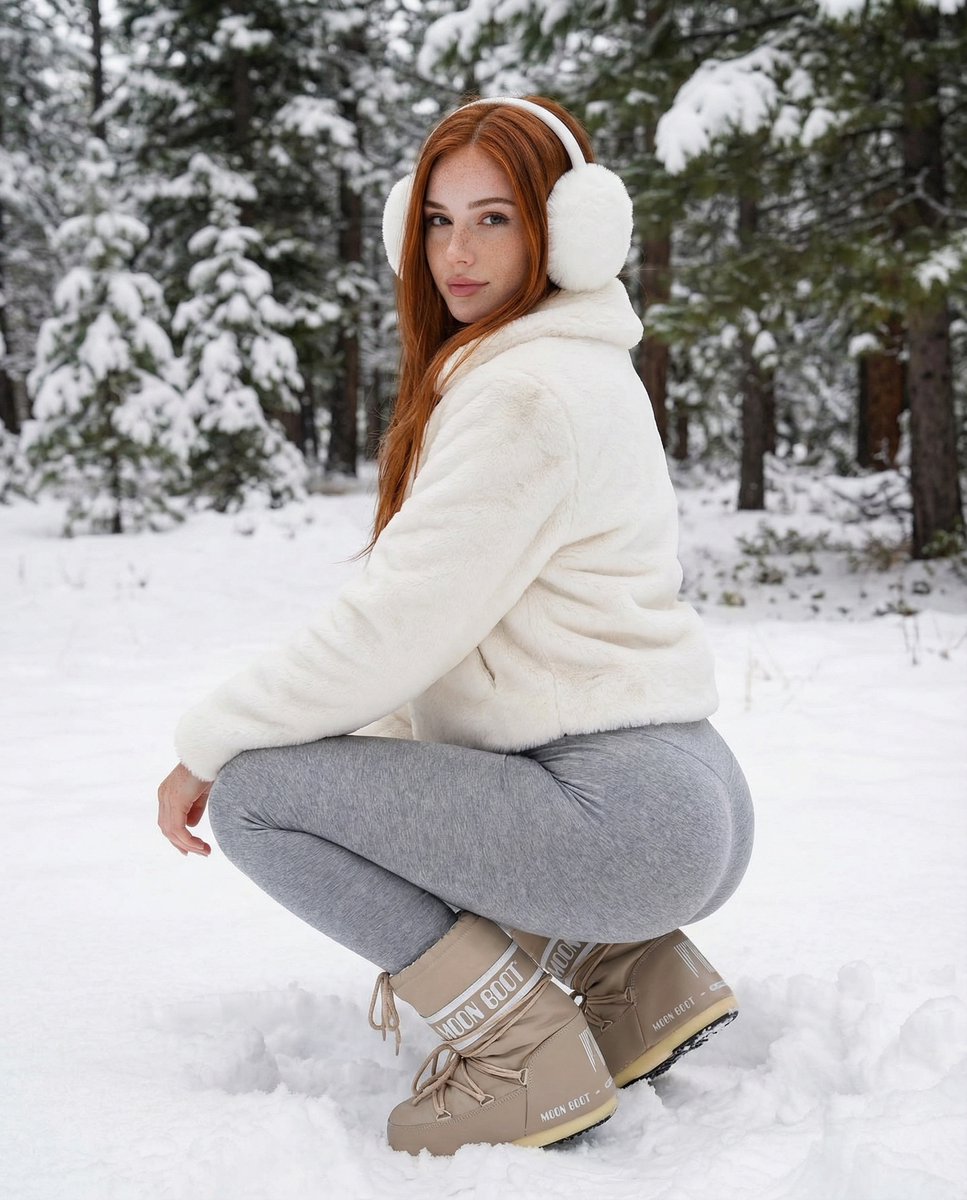
Photorealistic Winter Squat Pose in Faux Fur
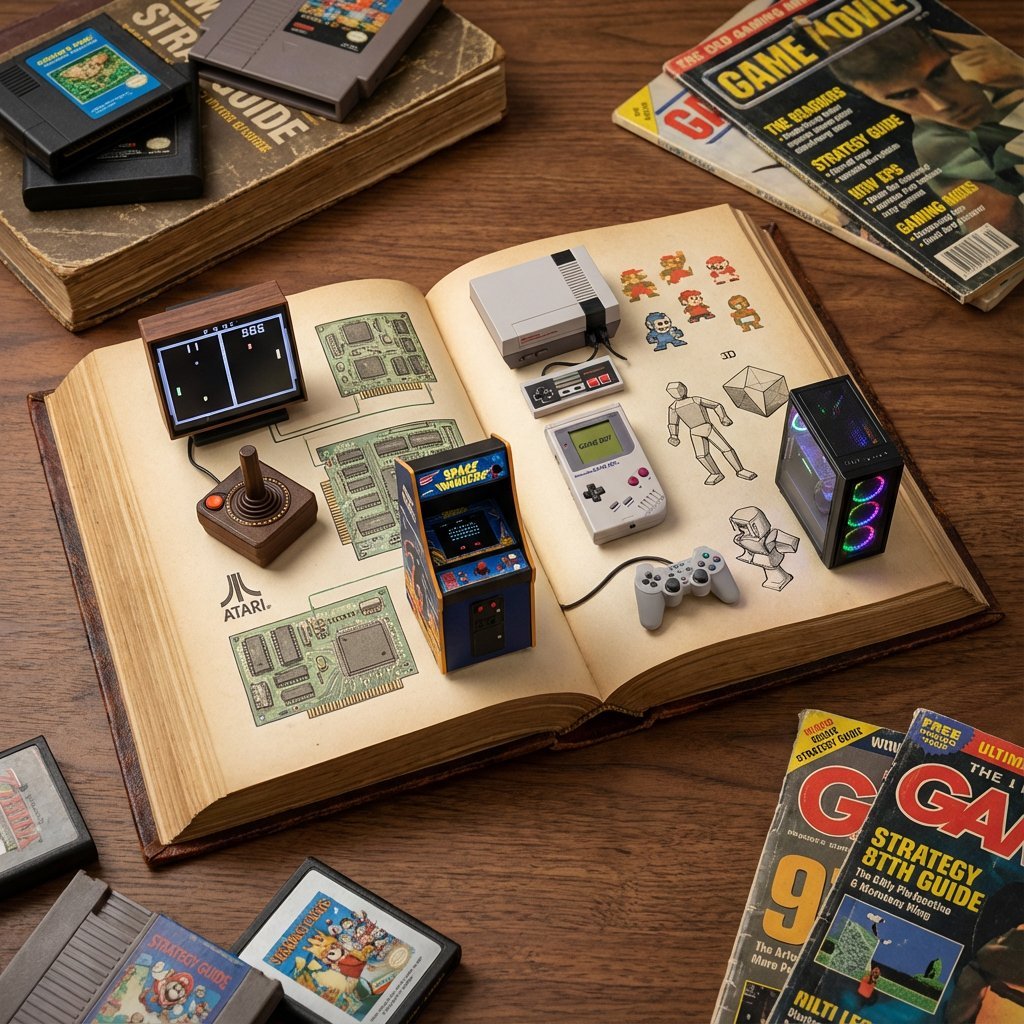
History of Gaming Diorama Book Template Prompt
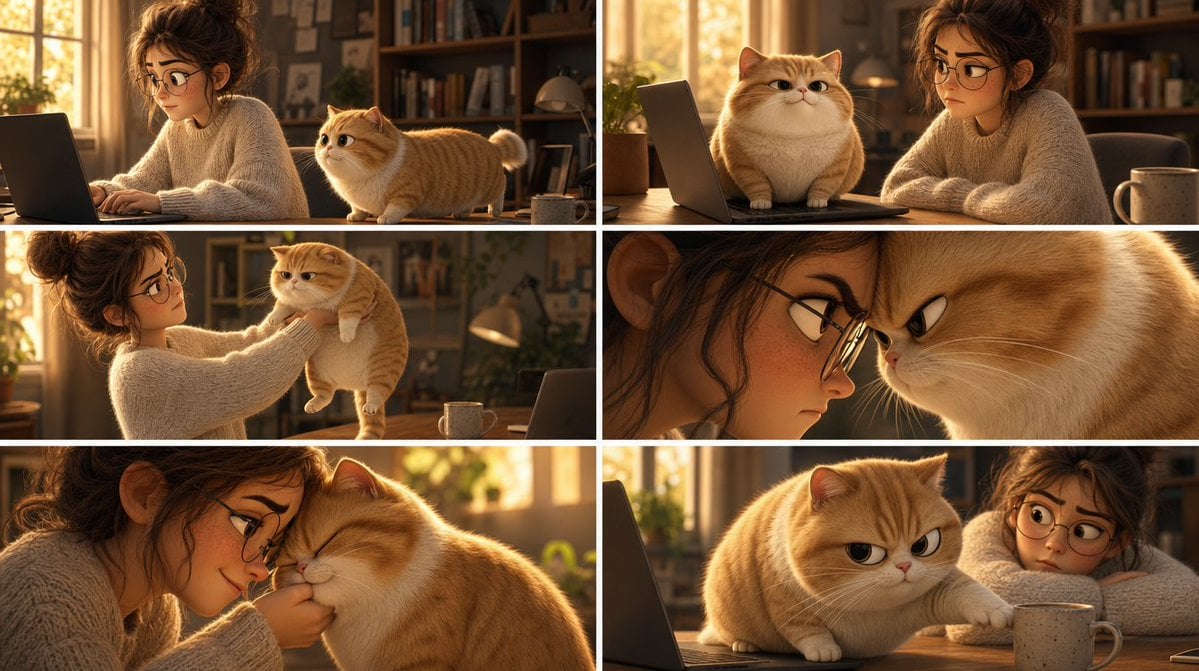
Pixar Cat Desk Storyboard
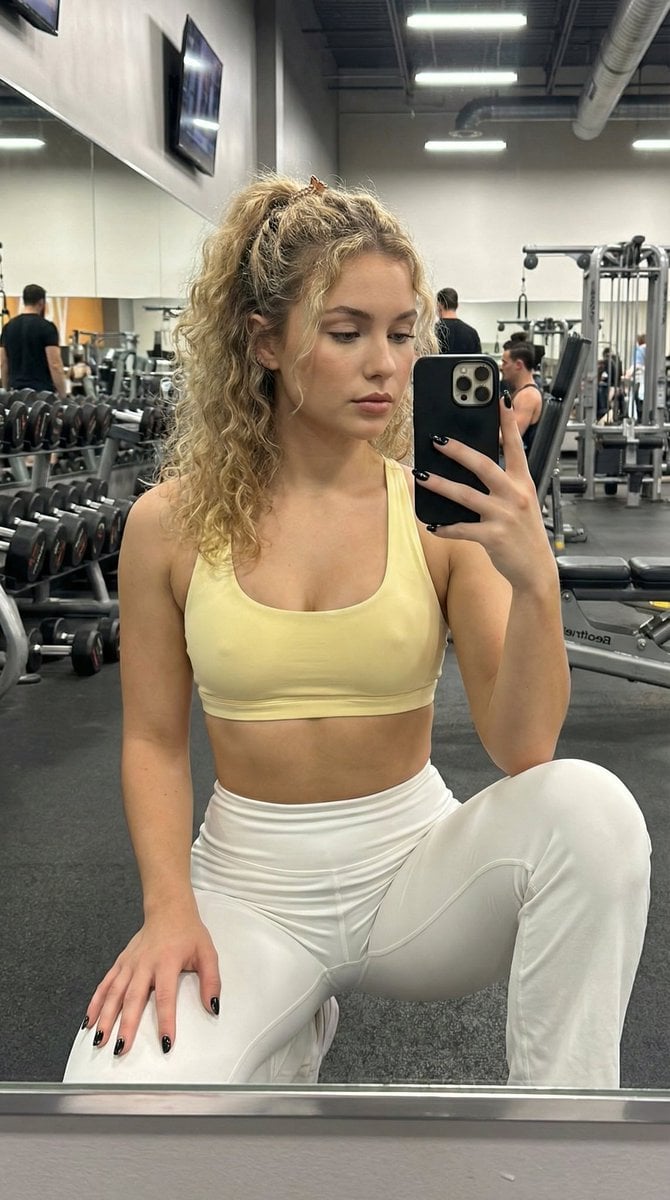
Granular Gym Mirror Selfie Prompt

JAL First Class Cabin Interior
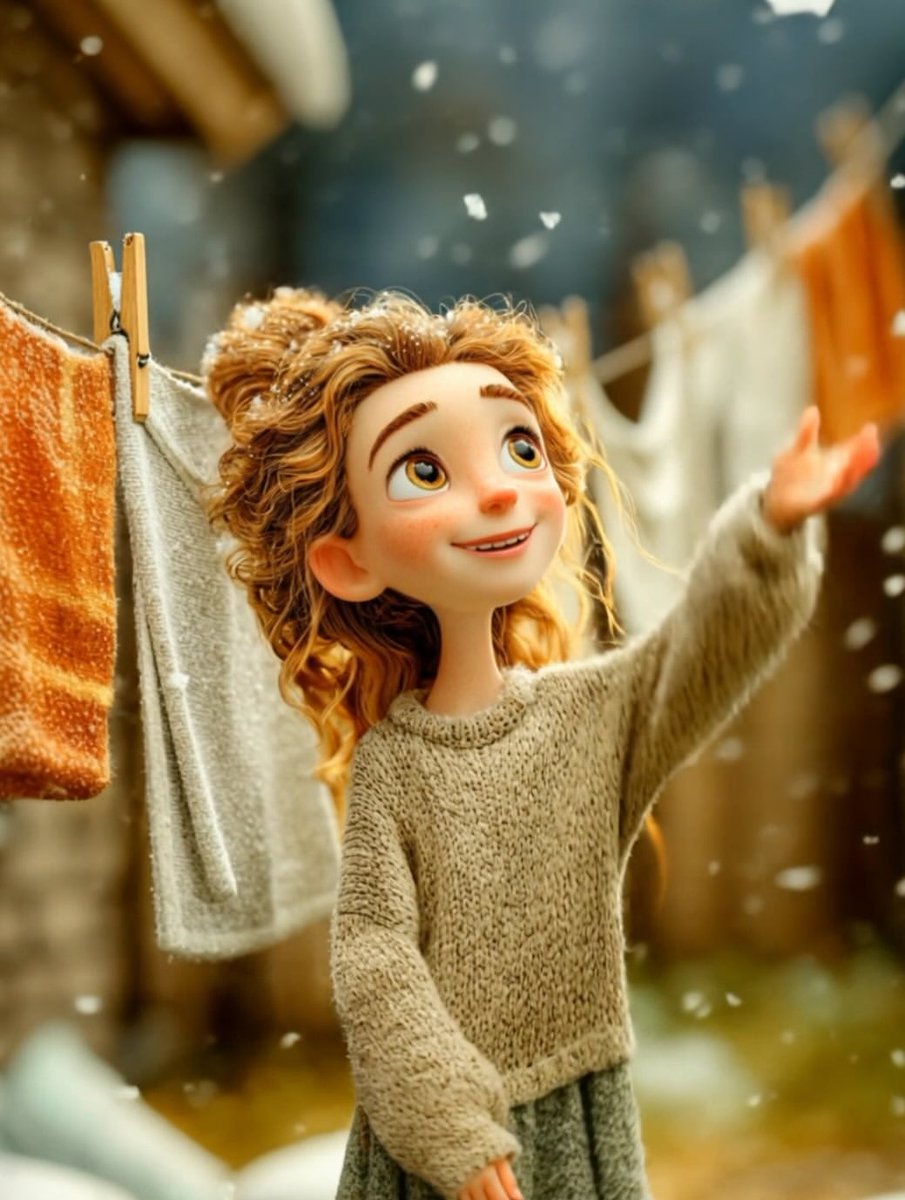
Cinematic Winter Portrait of Childlike Wonder Prompt
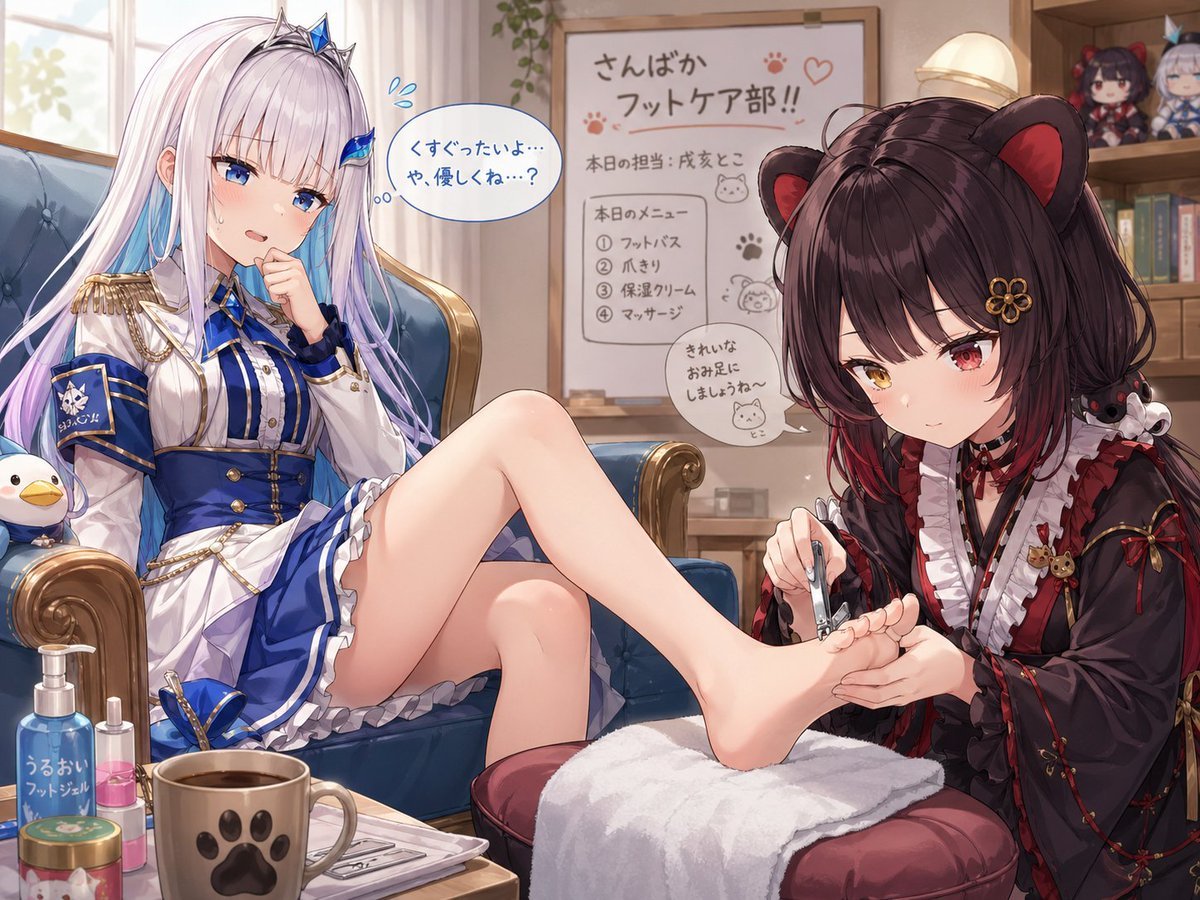
Toko Inui and Lize Helesta Illustration
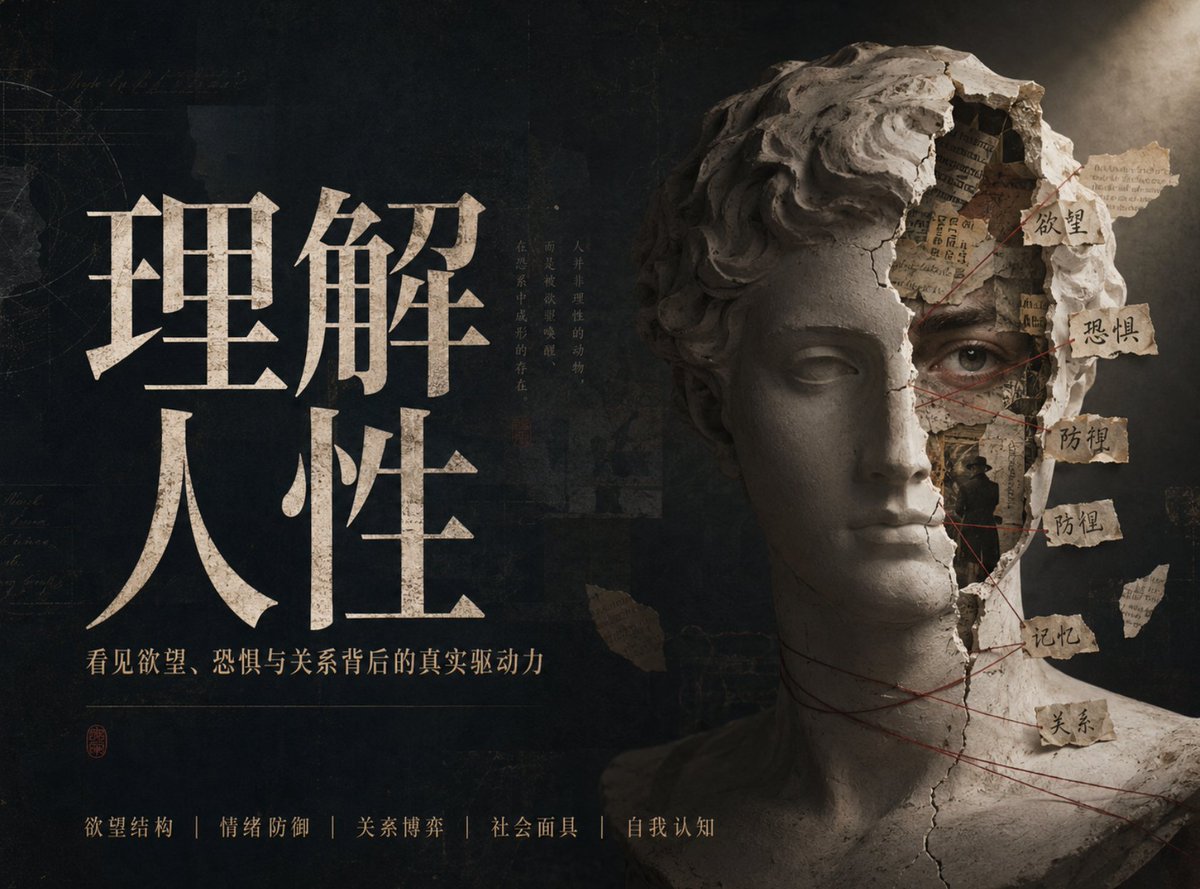
Chinese Conceptual Poster Generator
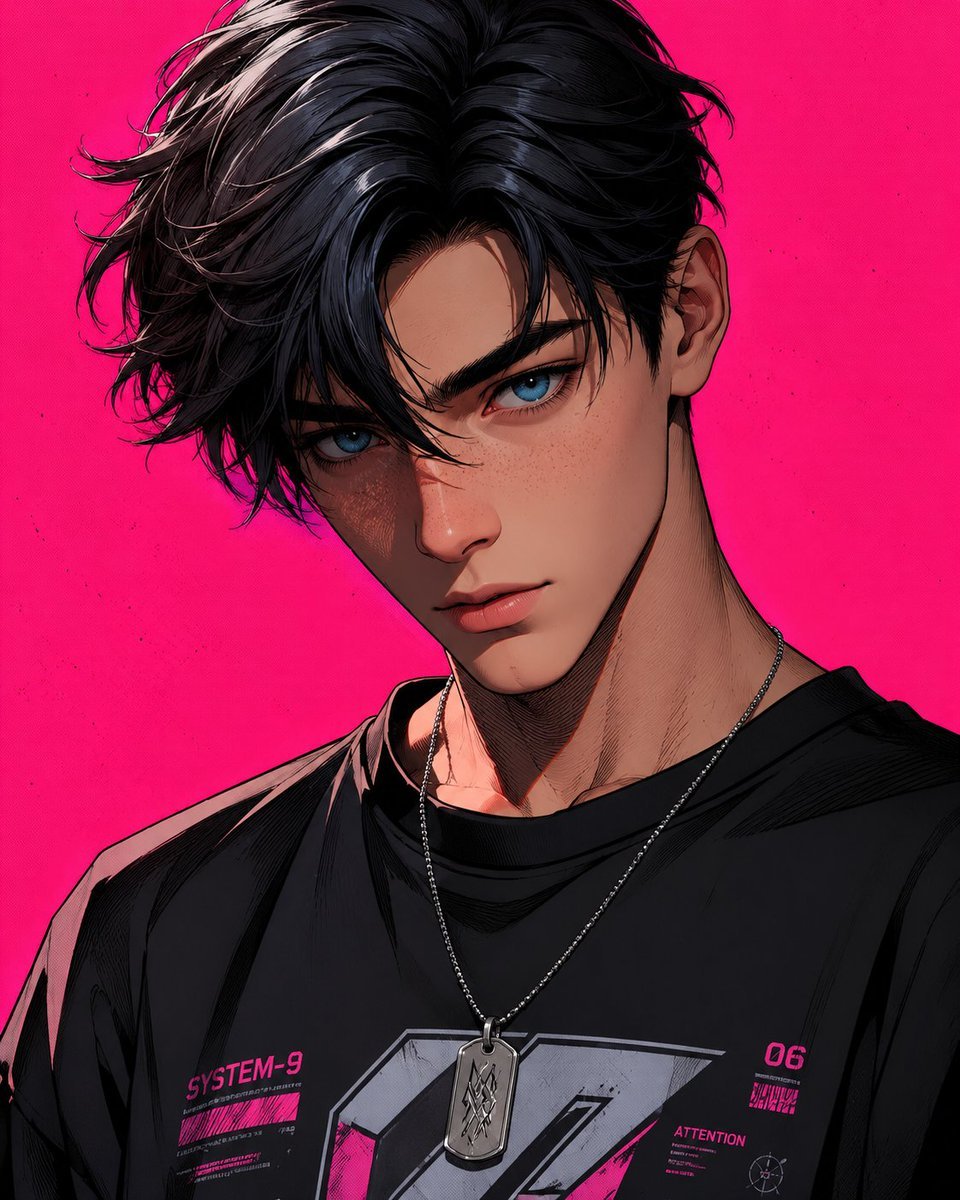
Stylized 3D Cartoon Male Portrait
Browse template categories
Ultra-Realistic Macro Diorama Product Photography Prompt questions
How do I use the Ultra-Realistic Macro Diorama Product Photography Prompt template?
Add your photo if the template asks for one, edit the prompt if you like — the template's model and format are already selected — and press Generate. Your version opens in PicX Studio.
Can I customize the Ultra-Realistic Macro Diorama Product Photography Prompt template?
Yes. You can change the subject, setting, lighting, mood, format, and available model controls before creating your image.
Is the Ultra-Realistic Macro Diorama Product Photography Prompt template free?
Opening and editing this template is free. Generating uses credits, shown on the Generate button when you are signed in.
Which AI model should I use?
Start with Nano Banana 2, which is the model associated with this template. You can compare another compatible model for a different finish.
Looking for something else? Browse all templates.

Your photo, any look
Thousands of ready templates for every top image and video model, from one credit balance.