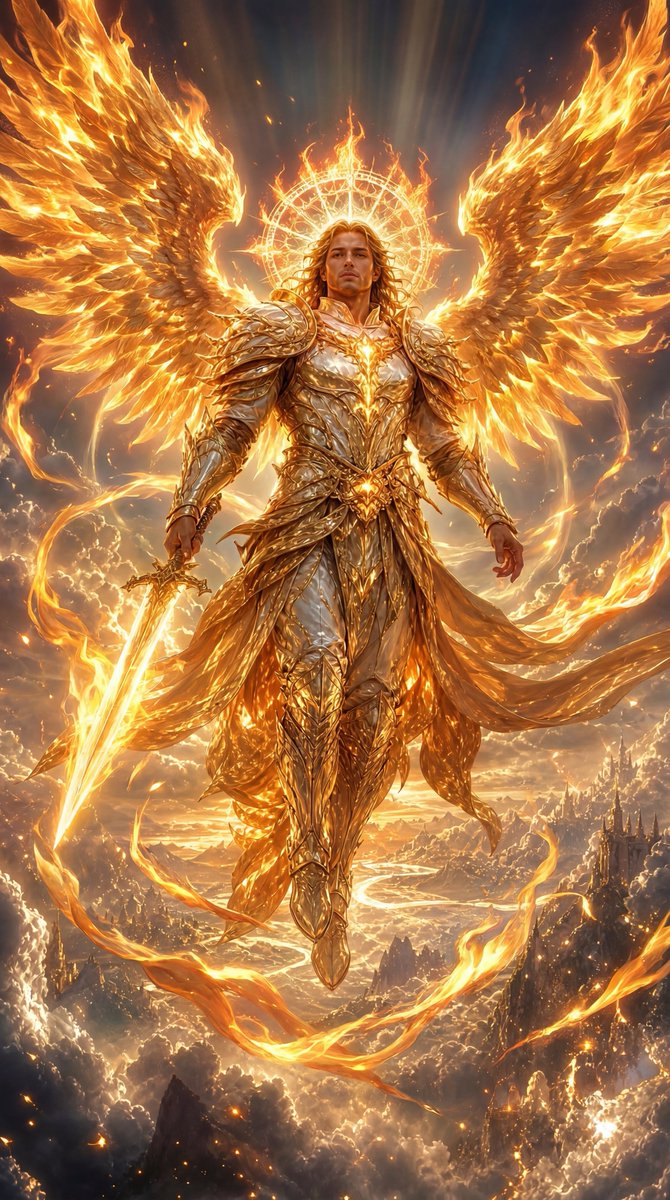
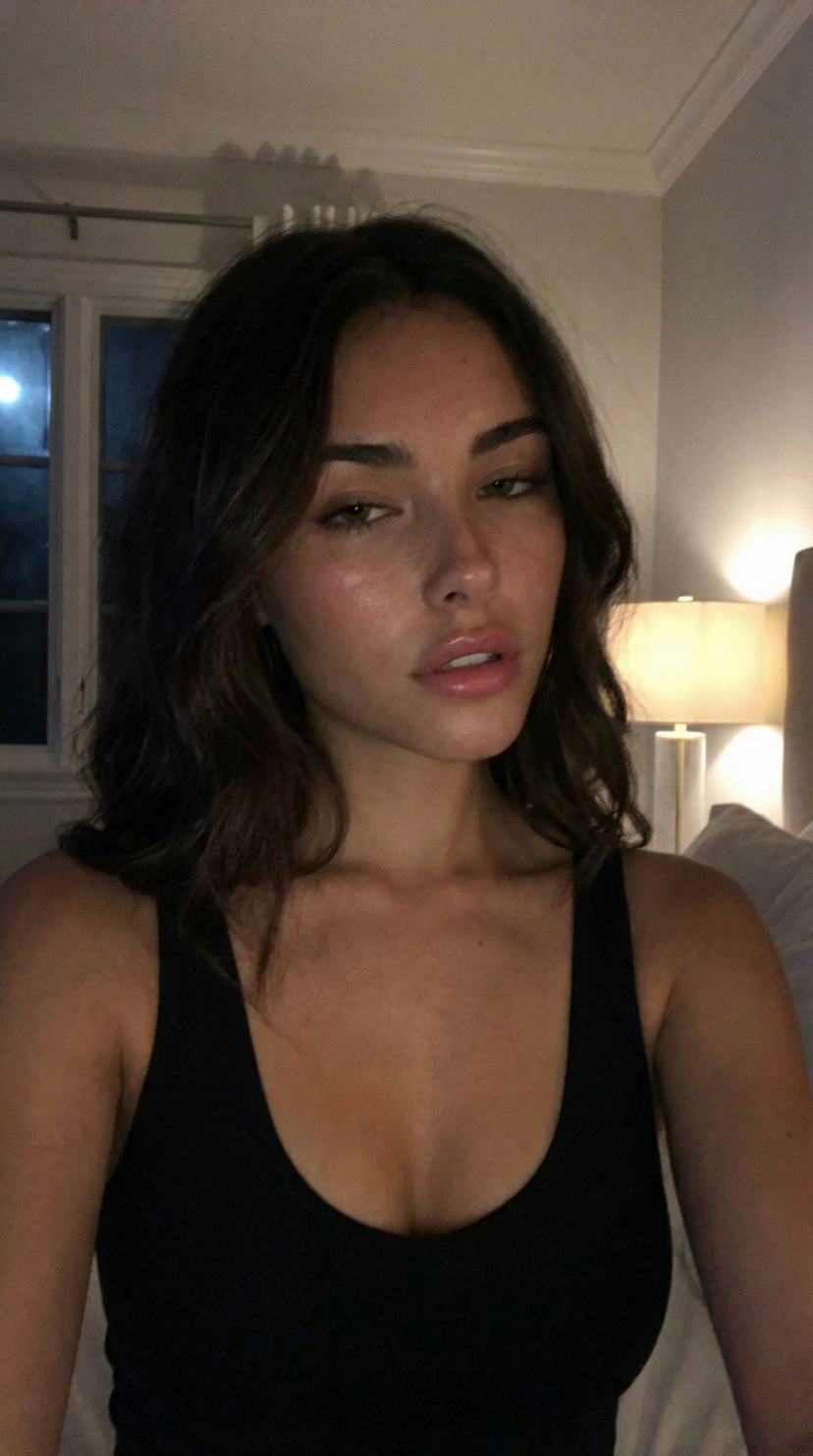
How do I use the Photorealistic Sydney Sweeney Car Selfie template?
Choose the primary action to open PicX Studio with the available template settings. Review the model and format, personalize the creative direction, and generate when ready.
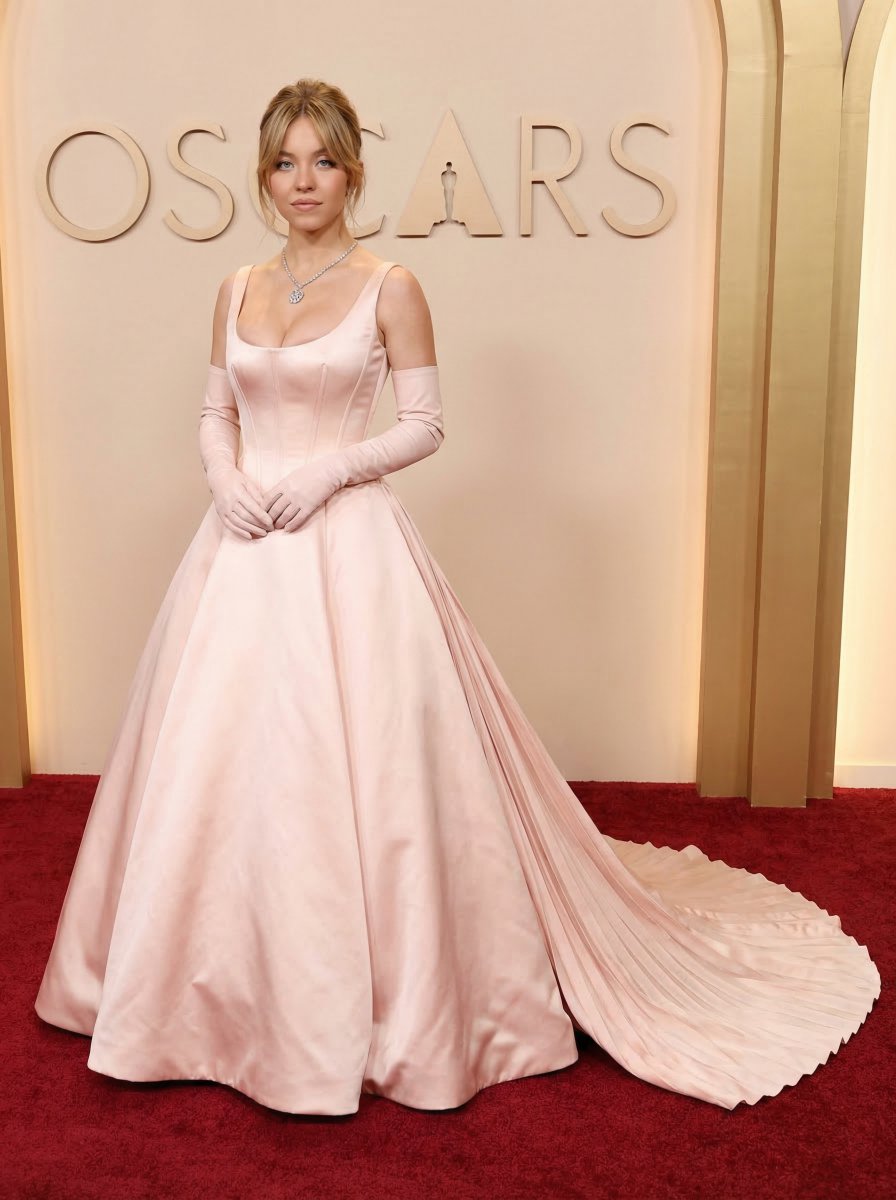
A highly structured JSON prompt designed to generate a photorealistic image of a young woman resembling Sydney Sweeney. Change the subject, setting, or lighting one variable at a time.

{ "subject": { "appearance": "Young woman resembling {argument name="subject name" default="Sydney Sweeney"}", "hair": ["Light Suede Blonde", "Bleached Suede Blonde"], "eyes": "Blue", "expression": "Playful, with a subtle pout, looking off to the side and slightly upwards" }, "clothing": { "top": "Blue denim corset-style crop top with a prominent front buckle strap", "bottoms": "Matching blue denim cargo shorts with a button closure and side pockets" }, "accessories": [ "Thick gold hoop earrings", "Two gold bangle bracelets on the right wrist", "A simple silver ring on the right index finger" ], "pose": "Sitting relaxed in a car, leaning slightly back against the seat, right arm raised with the hand resting lightly on the top of her head", "environment": { "setting": "Interior of a luxury car", "interior_details": "Tan leather seats, black door panel accents, open sunroof showing blue sky", "background": "Bright green trees and clear sky indicating a sunny day" }, "lighting_and_style": { "lighting": "Bright natural daytime sunlight casting soft realistic shadows", "style": "Photorealistic casual selfie style with vibrant colors" } }
Choose the primary action to open PicX Studio with the available template settings. Review the model and format, personalize the creative direction, and generate when ready.
Yes. You can change the subject, setting, lighting, mood, format, and available model controls before creating your image.
This template is free to open and customize. Generation usage is shown in PicX Studio before you create.
Start with Nano Banana 2, which is the model associated with this template. You can compare another compatible model for a different finish.
Follow a topic to a crawlable collection of related PicX Studio templates.
43,474 public templates available. Verified via the PicX Studio public templates API; refreshed hourly.








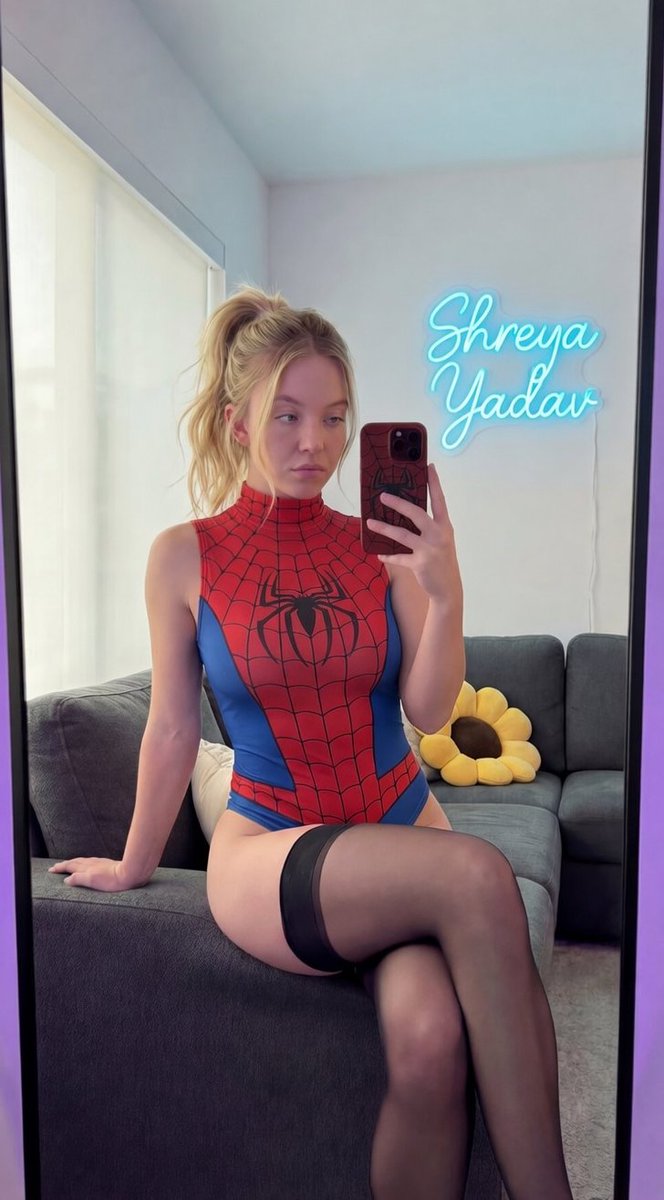
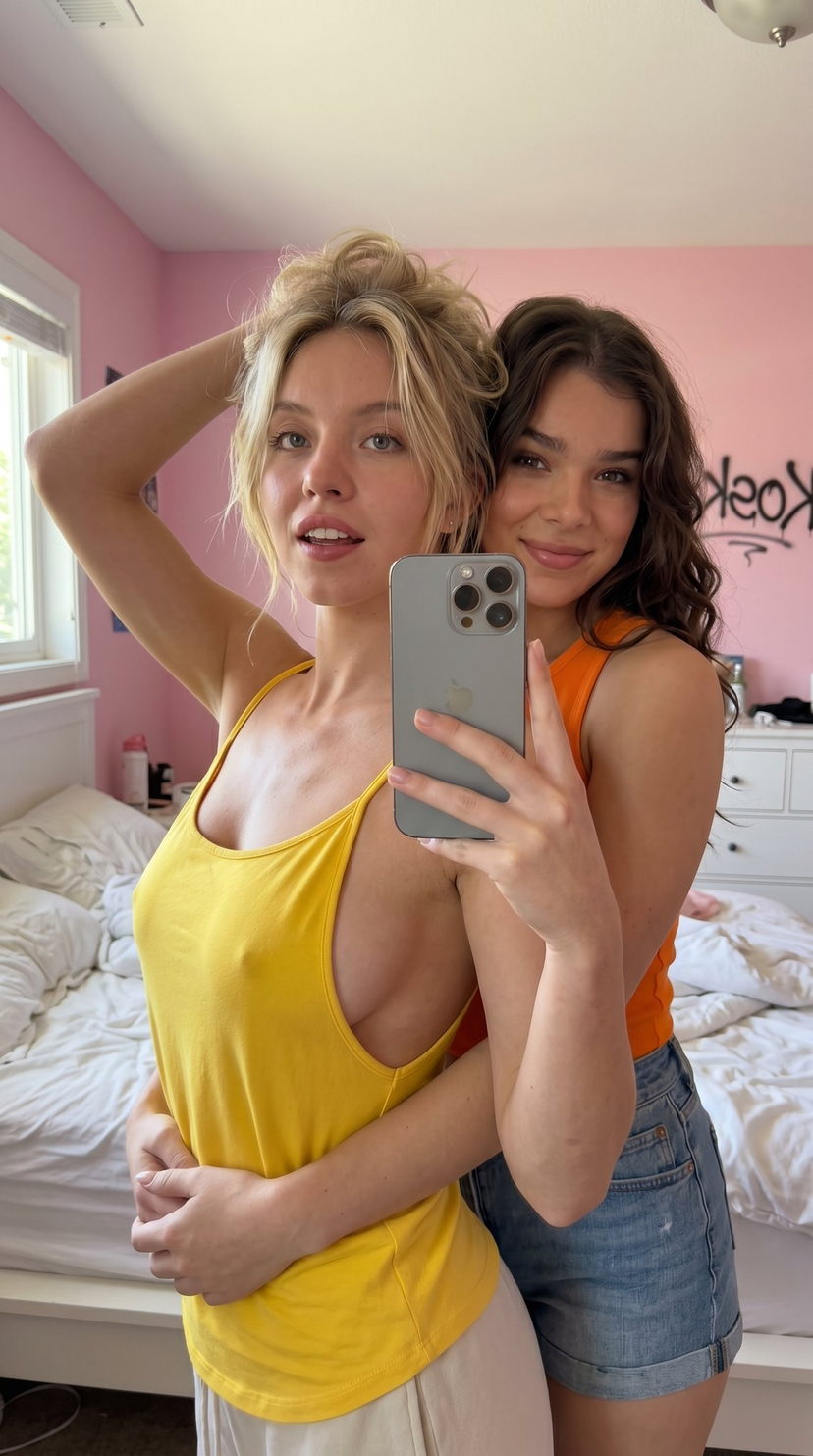
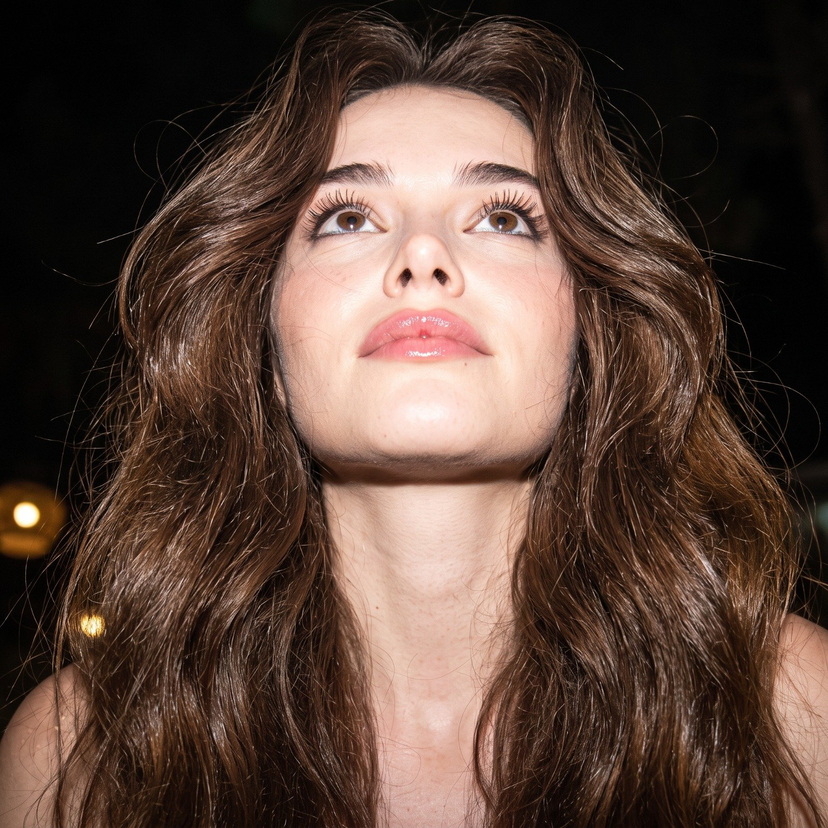


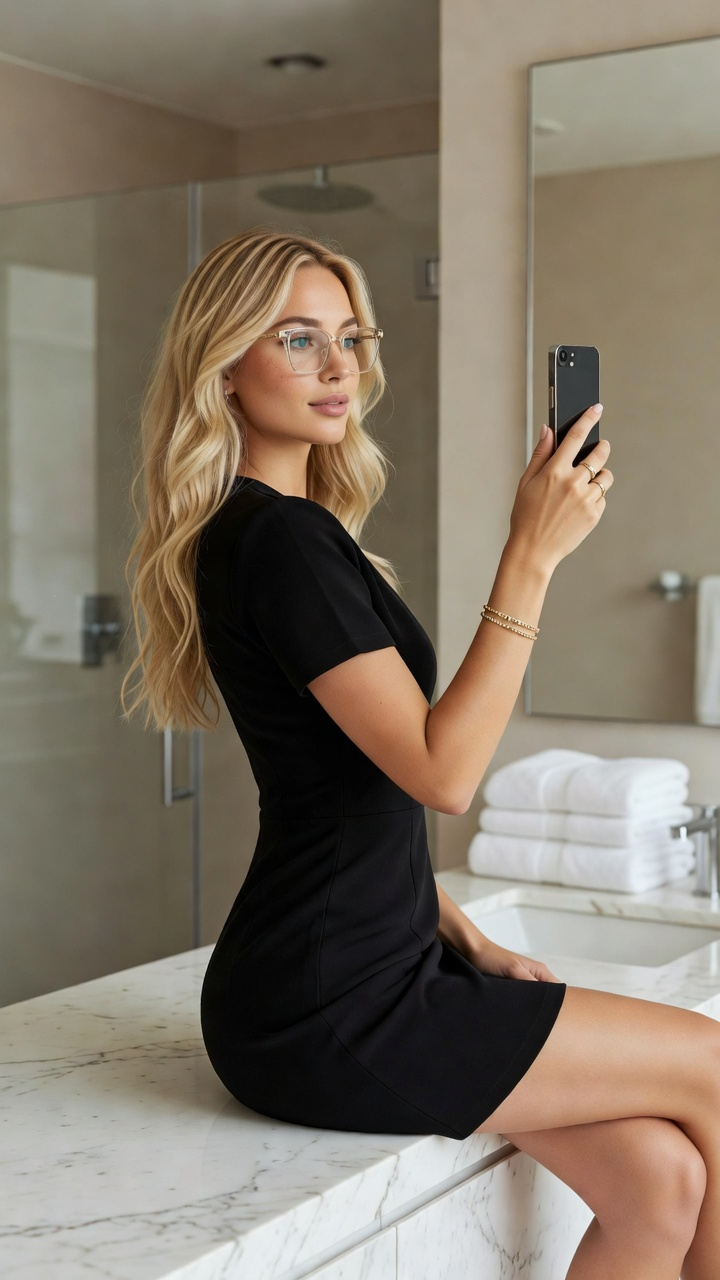




![Naive doodle-style subject illustration — A doodle-style {argument name="subject" default="[subject]"}, naive lines, humorous shape exaggeration](https://pbs.twimg.com/media/G6Wl2YxbsAARB2b.jpg)
















![Uzumaki Naruto Pop-Up Book Prompt — manga <Uzumaki Naruto>
[ OUT OF FOCUS LIBRARY BACKGROUND ]
[ VERTICAL M…](https://pbs.twimg.com/media/HCp3EbTboAAg1Ba.jpg)


![Exploded View Product Photography — [ {argument name="product name" default="Nintendo game"} ], high-end product advertising, white seamless background, explode](https://pbs.twimg.com/media/G-e7-58bQAM5PY1.jpg)