How do I use the Mirror Selfie Yoga Prompt (Sadie Sink) template?
Choose the primary action to open PicX Studio with the available template settings. Review the model and format, personalize the creative direction, and generate when ready.
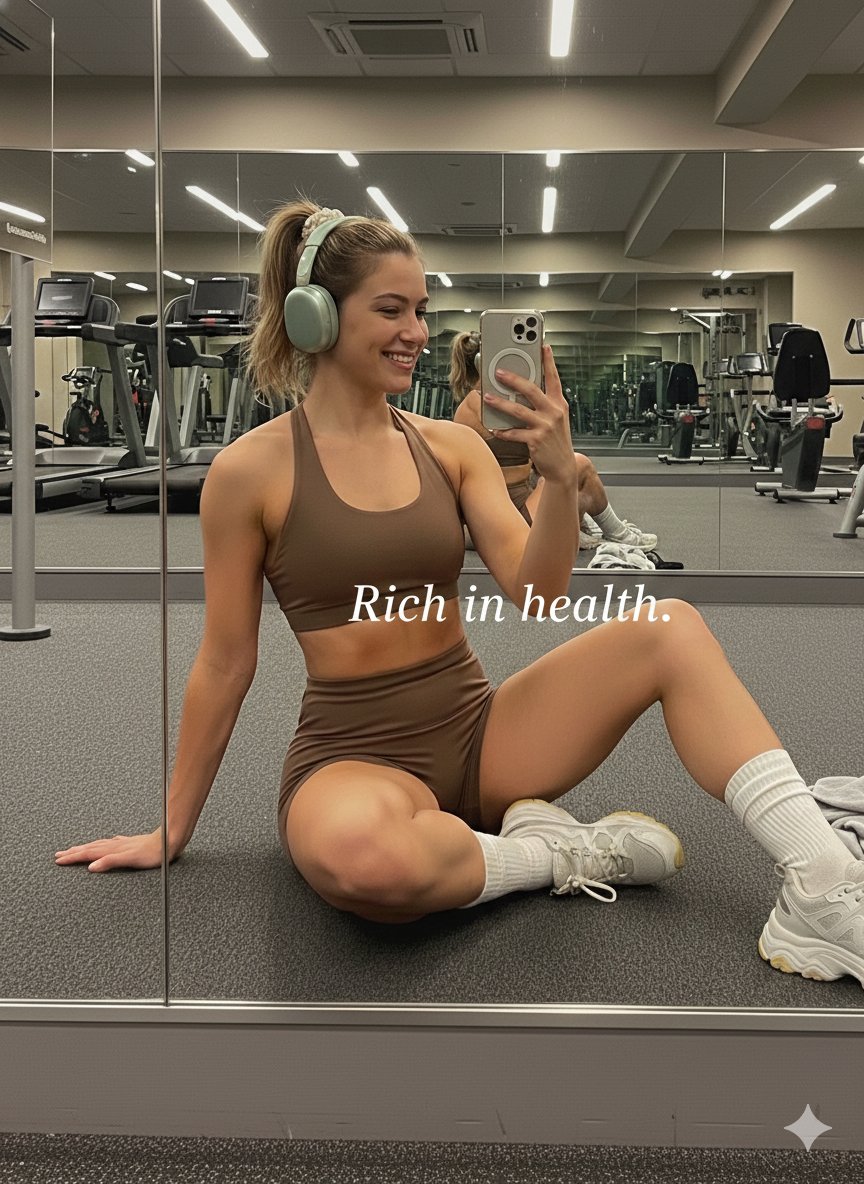
A JSON prompt for generating a fitness lifestyle image of a young woman (Sadie Sink) taking a mirror selfie while kneeling on a pink yoga mat in a bright, minimalist indoor workout space. Change the subject, setting, or lighting one variable at a time.

{ "description": "A young woman taking a mirror selfie while kneeling on a pink yoga mat in a bright minimalist room. She is wearing a {argument name="outfit color" default="light purple"} sports bra and matching shorts with a wristband, her hair tied in a ponytail. A water bottle and dumbbells are placed on the wooden floor beside the mat. Natural light is coming through a large window, creating a soft and clean fitness atmosphere.", "environment": { "location": "indoor home workout space", "lighting": "natural daylight from large window", "floor": "wooden floor", "background": ["standing mirror", "white sofa", "minimalist wall"] }, "subject": { "activity": "taking a mirror selfie during workout", "pose": "kneeling on yoga mat and leaning forward", "outfit": "light purple sports bra and shorts", "hair": "brown ponytail", "accessories": ["smartphone", "wristband"] }, "objects": [ "pink yoga mat", "dumbbells", "water bottle", "large mirror" ], "style": "fitness lifestyle, casual selfie, natural light" }
Choose the primary action to open PicX Studio with the available template settings. Review the model and format, personalize the creative direction, and generate when ready.
Yes. You can change the subject, setting, lighting, mood, format, and available model controls before creating your image.
This template is free to open and customize. Generation usage is shown in PicX Studio before you create.
Start with Nano Banana 2, which is the model associated with this template. You can compare another compatible model for a different finish.
Follow a topic to a crawlable collection of related PicX Studio templates.
43,474 public templates available. Verified via the PicX Studio public templates API; refreshed hourly.


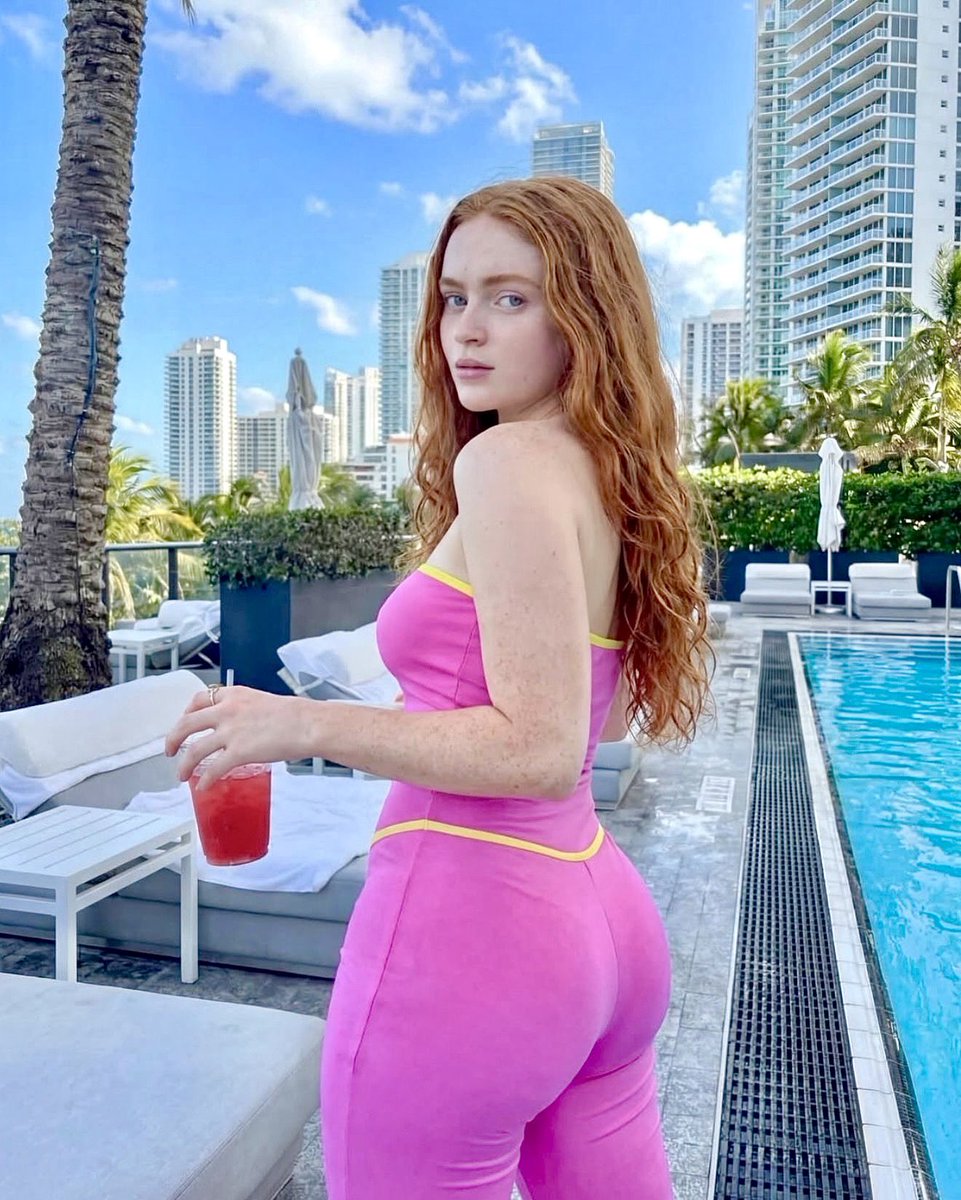
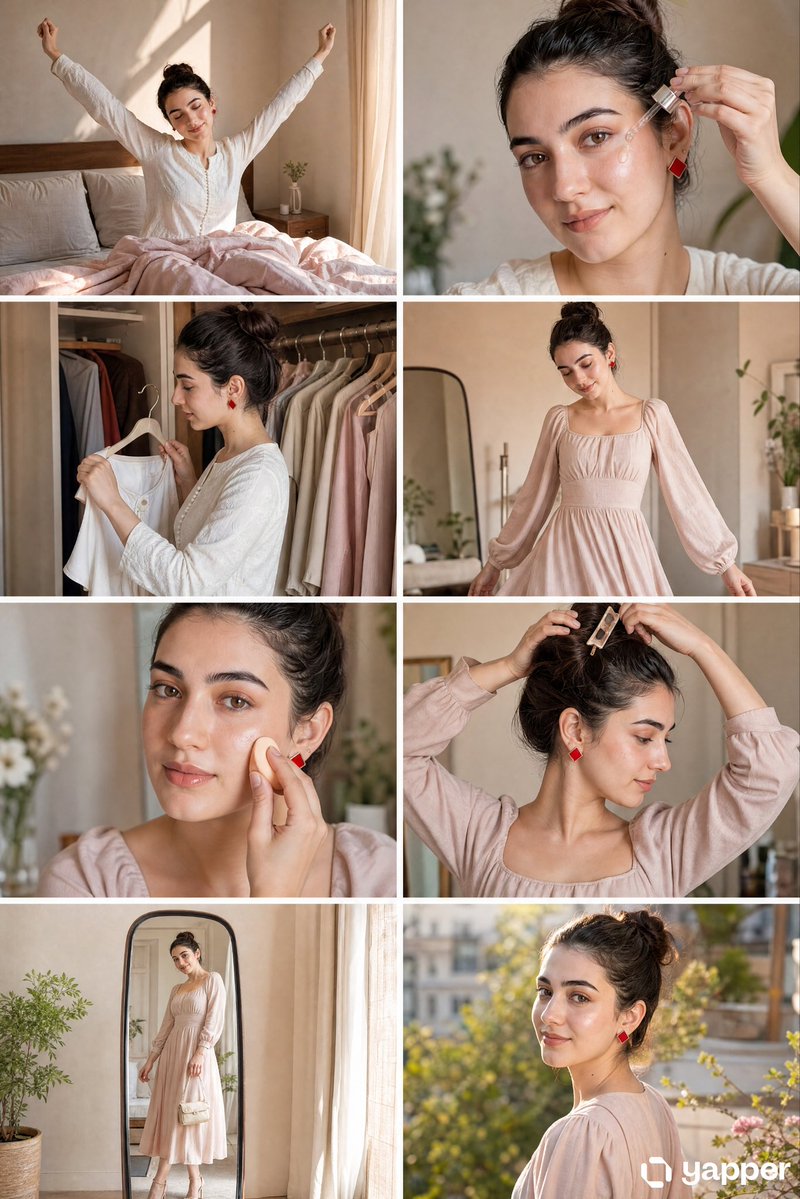
![nano-banana-grwm-mirror-selfie-pink — Nano Banana 2
Prompt (JSON):
{
"type": "image_prompt",
"description": {
"subject": {
"main": "[NAME] com o](/_next/image?url=https%3A%2F%2Fcdn.picxstudio.com%2Fuploads%2Ftweet_img_10a_612da6f9-cf6d-417e-bdd5-cc1300d1d830.jpg&w=828&q=100)













![Naive doodle-style subject illustration — A doodle-style {argument name="subject" default="[subject]"}, naive lines, humorous shape exaggeration](https://pbs.twimg.com/media/G6Wl2YxbsAARB2b.jpg)