Red Studio Fashion Editorial with Motion Echo Effect
{
"generation_request": {
"meta_data": {
"task_type": "studio_fashion_editorial_motion_echo_portrait",
"language": "en",
"priority": "highest",
"version": "v1.0_RED_STUDIO_TUX_MOTION_ECHO"
},
"input": {
"mode": "text_to_image",
"notes": "Create a high-fashion studio portrait of a stylish adult man in a classic black tuxedo with a bow tie and white pleated shirt. Solid deep-red seamless backdrop and red floor, monochrome red environment. Subject is leaning/sitting in a relaxed pose with one hand slightly raised near the face (fingers softly bent), the other hand resting lower near the waist. Add a strong multi-exposure / motion-echo effect: 2–3 translucent offset duplicates trailing to the right, like a long-exposure movement smear. Keep the main face sharp and dominant, with the echoes softer and semi-transparent. Lux editorial retouching, crisp fabric texture, subtle skin texture, cinematic contrast. Clean image: no text, no logos, no watermark."
},
"output": {
"aspect_ratio": "4:5",
"resolution": "ultra_high",
"num_images": 1,
"sharpness": "editorial_crisp",
"grain": "subtle_analog"
},
"scene": {
"environment": "studio cyclorama seamless backdrop, fully red, minimal set",
"lighting": {
"style": "hard studio key + subtle fill",
"key_light": "beauty dish or small softbox slightly above eye level, forward-left",
"fill": "very light fill to keep shadows readable",
"rim": "faint rim to separate tux from red background",
"look": "high contrast, glossy editorial finish"
},
"camera": {
"shot_type": "3/4 portrait",
"angle": "slightly above eye level",
"lens_look": "85mm portrait compression",
"depth_of_field": "medium shallow, face tack sharp"
},
"color_grade": {
"palette": "dominant deep reds, true blacks, clean whites",
"contrast": "high",
"highlights": "controlled",
"skin_tone": "natural but slightly warm under red bounce"
}
},
"subject": {
"person": "adult man",
"appearance": {
"hair": "short, styled, slightly tousled",
"facial_hair": "short beard/stubble, well-groomed",
"expression": "serious, confident gaze to camera"
},
"wardrobe": {
"tuxedo": "black tuxedo jacket, sharp lapels",
"shirt": "white pleated dress shirt",
"bow_tie": "black bow tie",
"pocket_square": "white pocket square",
"accessories": "watch on wrist, subtle ring if desired"
},
"pose": {
"body": "leaning/sitting with torso angled slightly",
"hands": "one hand lifted near face, other hand lower near waist",
"motion": "capture implied movement for multi-exposure echo"
}
},
"effects": {
"motion_echo": {
"enabled": true,
"echo_count": 3,
}


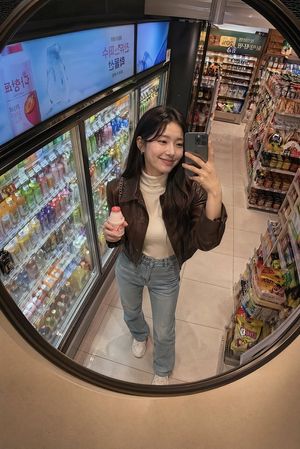
![nano-banana-grwm-mirror-selfie-pink — Nano Banana 2
Prompt (JSON):
{
"type": "image_prompt",
"description": {
"subject": {
"main": "[NAME] com o](/_next/image?url=https%3A%2F%2Fcdn.picxstudio.com%2Fuploads%2Ftweet_img_10a_612da6f9-cf6d-417e-bdd5-cc1300d1d830.jpg&w=828&q=100)













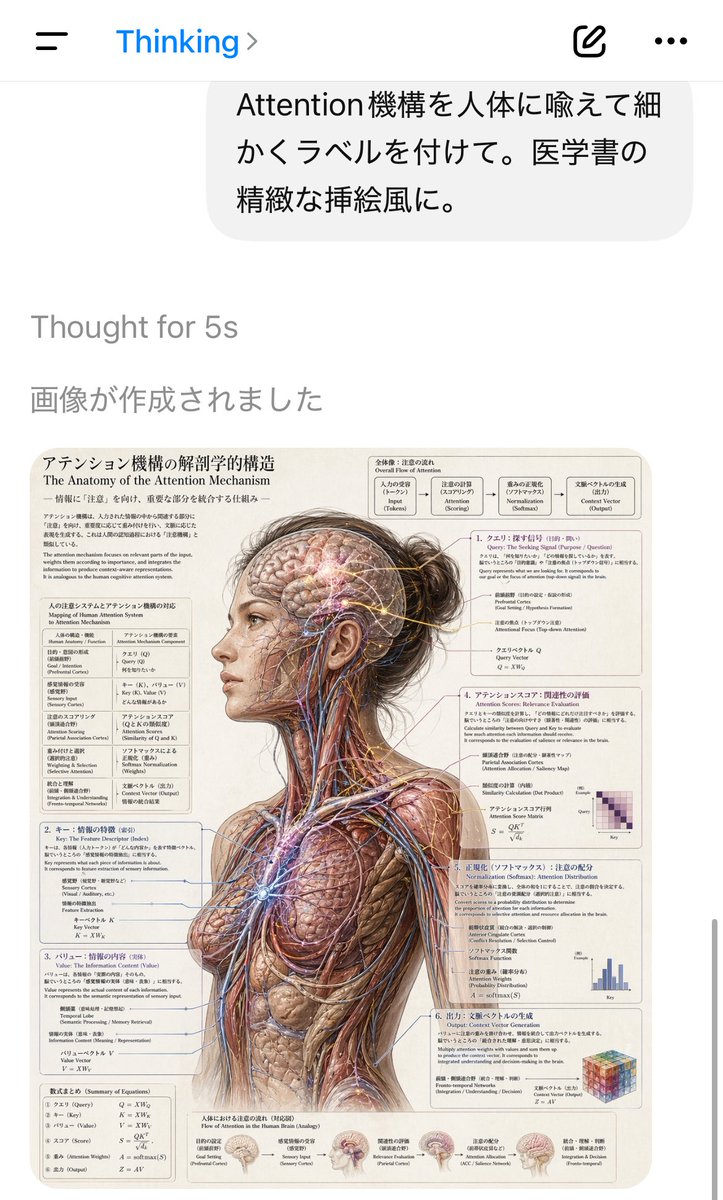
![Naive doodle-style subject illustration — A doodle-style {argument name="subject" default="[subject]"}, naive lines, humorous shape exaggeration](https://pbs.twimg.com/media/G6Wl2YxbsAARB2b.jpg)











![3D Exploded Assembly Drawing — Create a 3D Insane detailed exploded assembly drawing of {argument name="subject" default="[subject or object]"}](https://cms-assets.youmind.com/media/1777367268325_td7g6d_HG7r8UsawAAzN86.jpg)