How do I use the Pastel Sweet Lolita AI Doll template?
Choose the primary action to open PicX Studio with the available template settings. Review the model and format, personalize the creative direction, and generate when ready.
Generates a full-body faceless kawaii dress-up doll in an ornate pastel sweet lolita outfit for fashion character design. Change the subject, setting, or lighting one variable at a time.
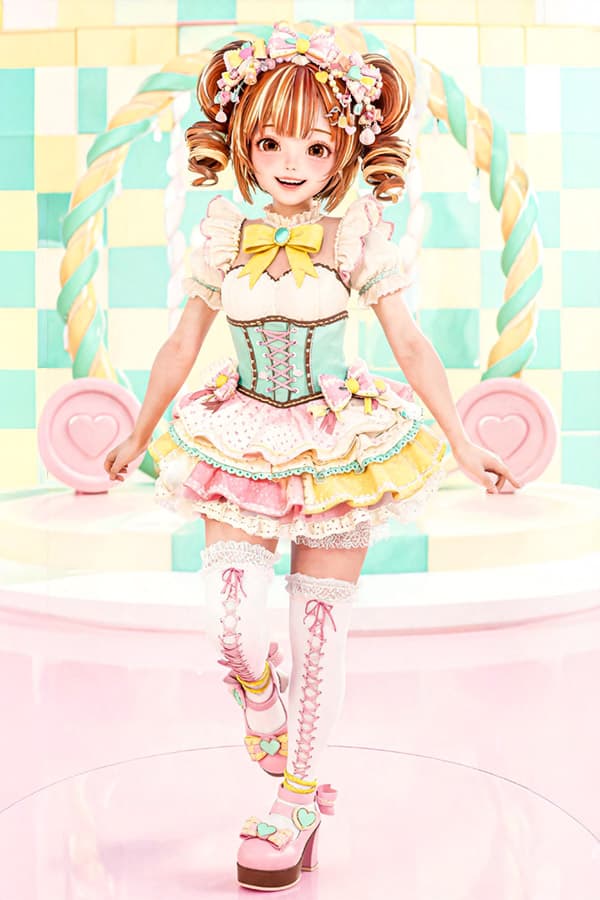
Create a full-body front-facing 2D fashion doll / anime-inspired dress-up character on a vertical 2:3 canvas, standing in a glossy pastel candy stage. The character is a cute young female AI doll with a deliberately blank smooth face with no eyes, nose, or mouth, light skin, and {argument name="hair color" default="warm caramel brown"} hair styled into exactly two high curled twin tails with ringlet curls and small bangs mostly hidden by accessories. She wears an elaborate sweet lolita idol outfit in {argument name="main outfit colors" default="mint green, cream, pink, yellow, and turquoise"}: a floral candy headband with many tiny bows, pearls, beads, flowers, and pastel dessert charms; a cream puff-sleeve blouse with pink edging; one large yellow bow at the chest with a turquoise gem center; a mint corset bodice with brown trim and pink crisscross lacing; a short layered cupcake skirt with exactly four visible ruffle tiers in cream, pink, yellow, and lace-trimmed pastel layers, decorated with tiny sprinkles, bows, hearts, and dessert ornaments; white thigh-high lace stockings with pink ribbon lacing; and pink platform Mary Jane heels with heart decorations and pastel straps. Count the main symmetrical elements clearly: 2 curled twin tails, 2 puff sleeves, 1 chest bow, 1 corset, 4 skirt ruffle tiers, 2 thigh-high stockings, 2 pink platform shoes, 2 large spiral candy-cane columns in the background, and 2 round pink heart medallions behind her. Pose her standing gracefully with one leg crossed forward, arms lowered slightly outward, fingers relaxed, like a collectible dress-up doll. Background: a high-key pastel confectionery set with a mint-and-cream checkerboard tiled wall, twisted mint-yellow candy columns forming an arch, pink heart disks on both sides, glossy pale pink floor, soft studio lighting, dreamy overexposed highlights, clean kawaii aesthetic, highly detailed fabric textures, lace, ribbons, beads, plastic-doll smoothness, sharp full-body composition. Use {argument name="style" default="polished Japanese 2D anime doll fashion illustration with realistic costume detail"}. Avoid text, logos, watermark, extra characters, and facial features.
Choose the primary action to open PicX Studio with the available template settings. Review the model and format, personalize the creative direction, and generate when ready.
Yes. You can change the subject, setting, lighting, mood, format, and available model controls before creating your image.
This template is free to open and customize. Generation usage is shown in PicX Studio before you create.
Start with GPT Image 2, which is the model associated with this template. You can compare another compatible model for a different finish.
© 2026 PicX Studio. All rights reserved.

Follow a topic to a crawlable collection of related PicX Studio templates.
43,474 public templates available. Verified via the PicX Studio public templates API; refreshed hourly.

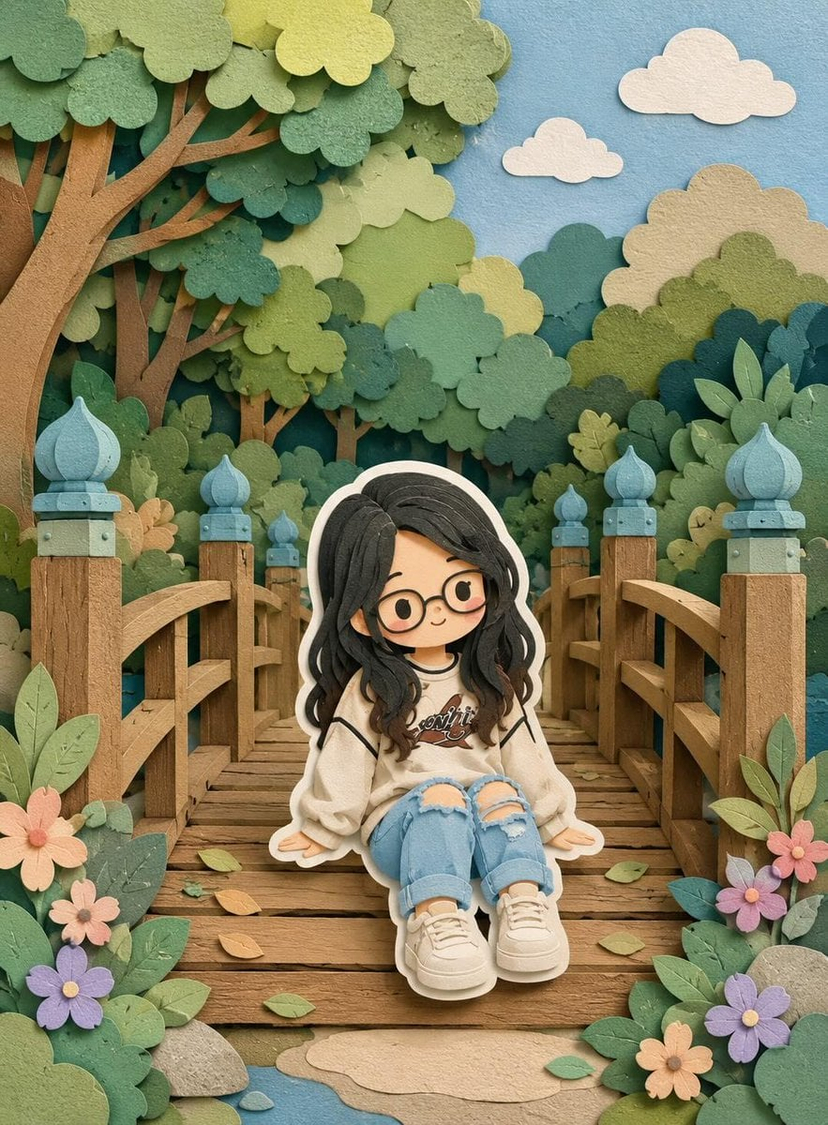
![Layered Paper Cut Illustration Template — Layered paper-cut illustration of [Subject], built with overlapping shapes in soft [Color One] and [Color Two], handcr](/_next/image?url=https%3A%2F%2Fcdn.picxstudio.com%2Fuploads%2F05_602c0848-52b7-4625-9ba2-2bd029e859d5.jpg&w=828&q=100)
![Premium Vintage Travel Poster Landscape — Create a premium minimalist vintage travel poster of [Location], inspired by Japanese editorial illu…](/_next/image?url=https%3A%2F%2Fcdn.picxstudio.com%2Fuploads%2Fmeigen_8730118324ec_e61a3b48-264a-4c69-9094-980eecdf0e49.jpg&w=828&q=100)
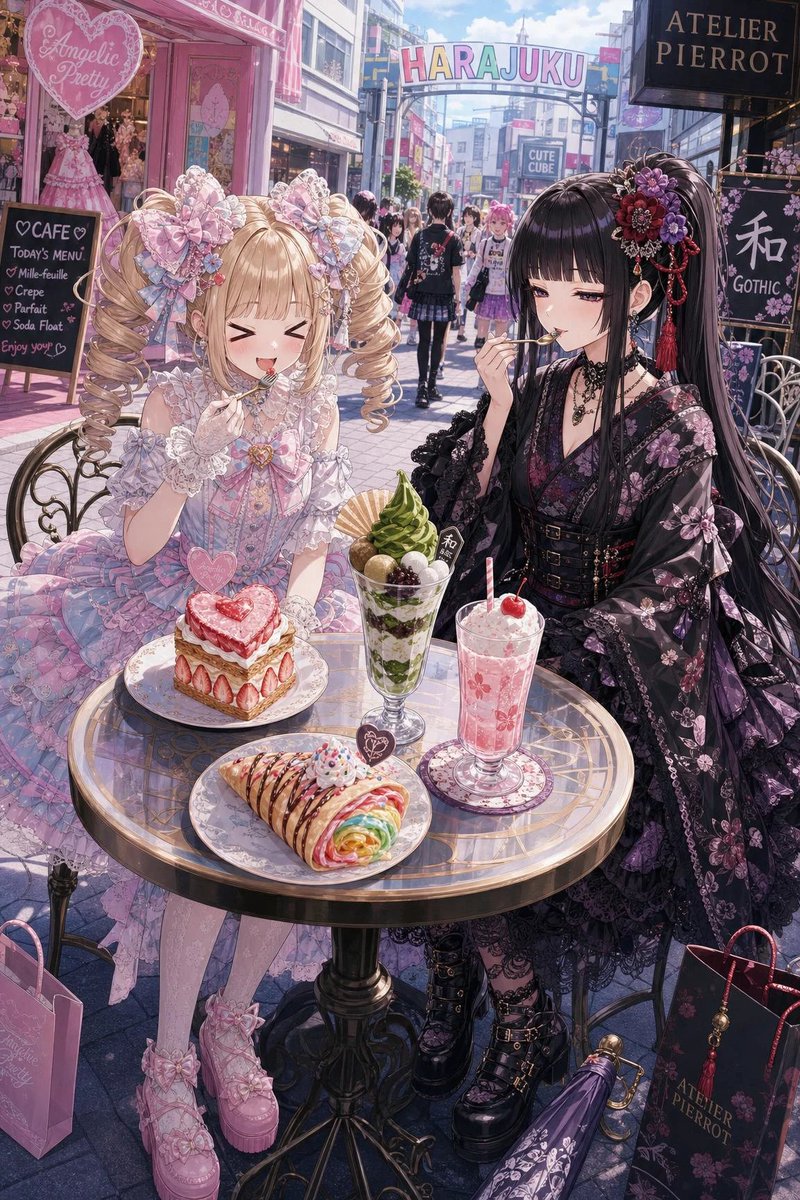







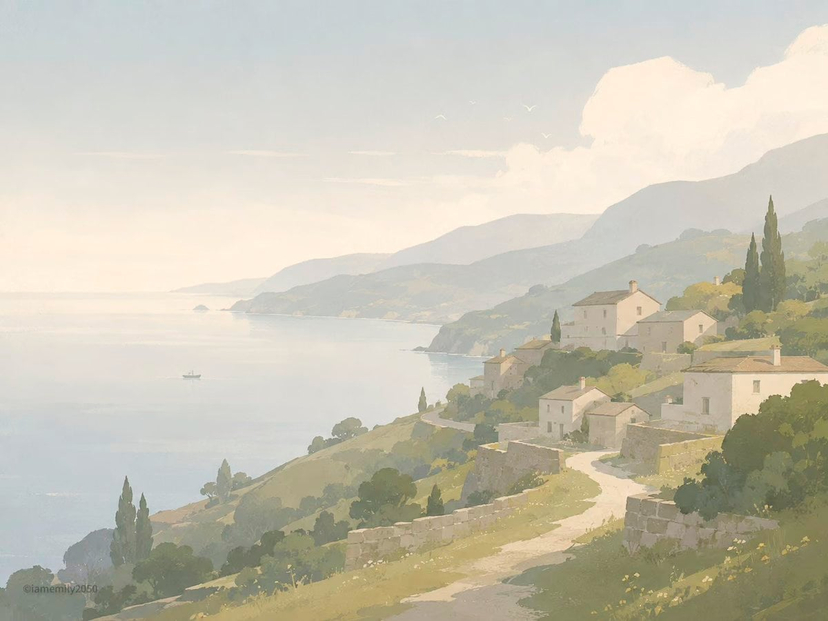



![Minimalist Flat Vector Travel Poster — Premium minimalist flat-vector travel poster for {argument name="city name" default="[CITY_NAME]"}, 3:4 vertical format.](https://cms-assets.youmind.com/media/1787917359711_3ug846_HQX205cbMAA6F6S-300x400.jpg)

























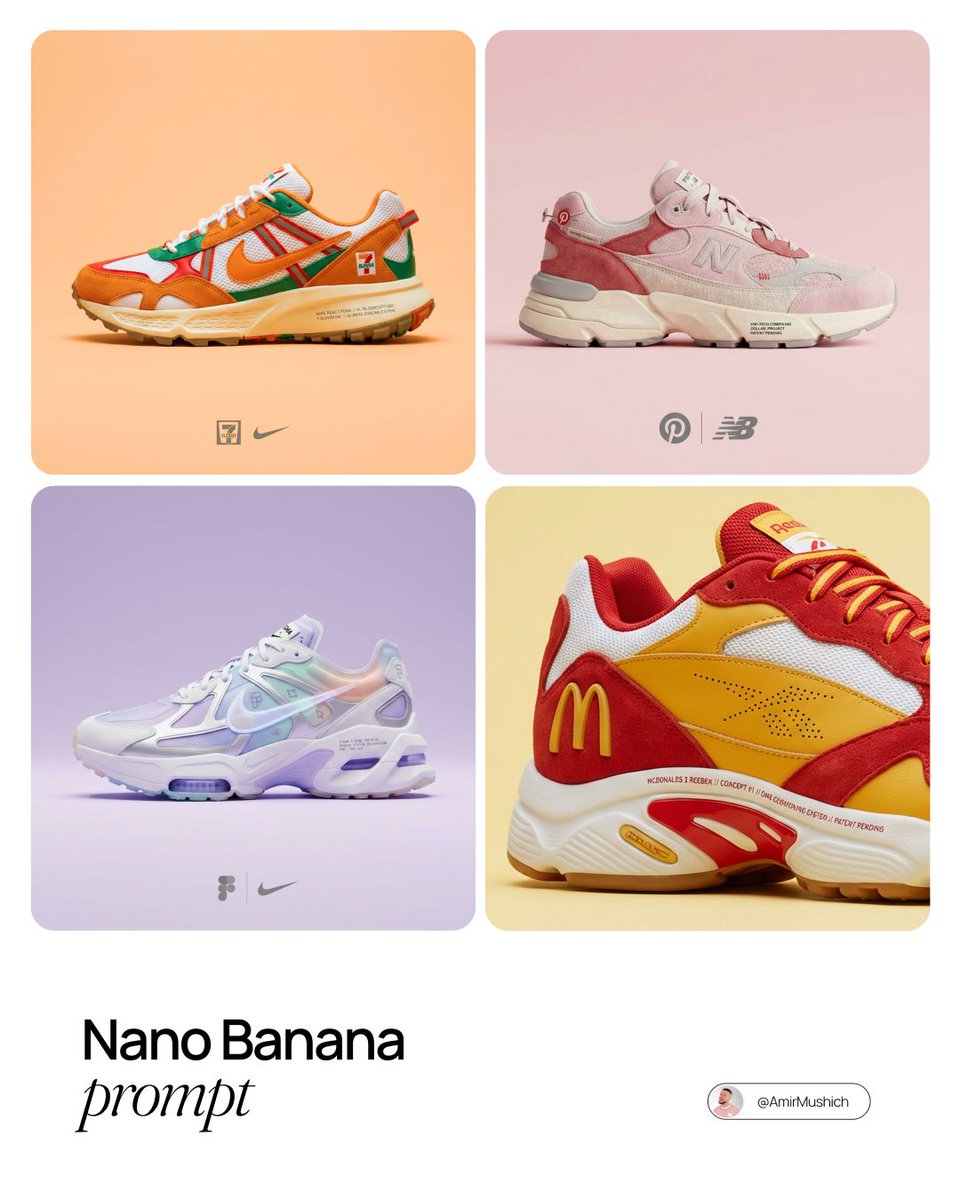
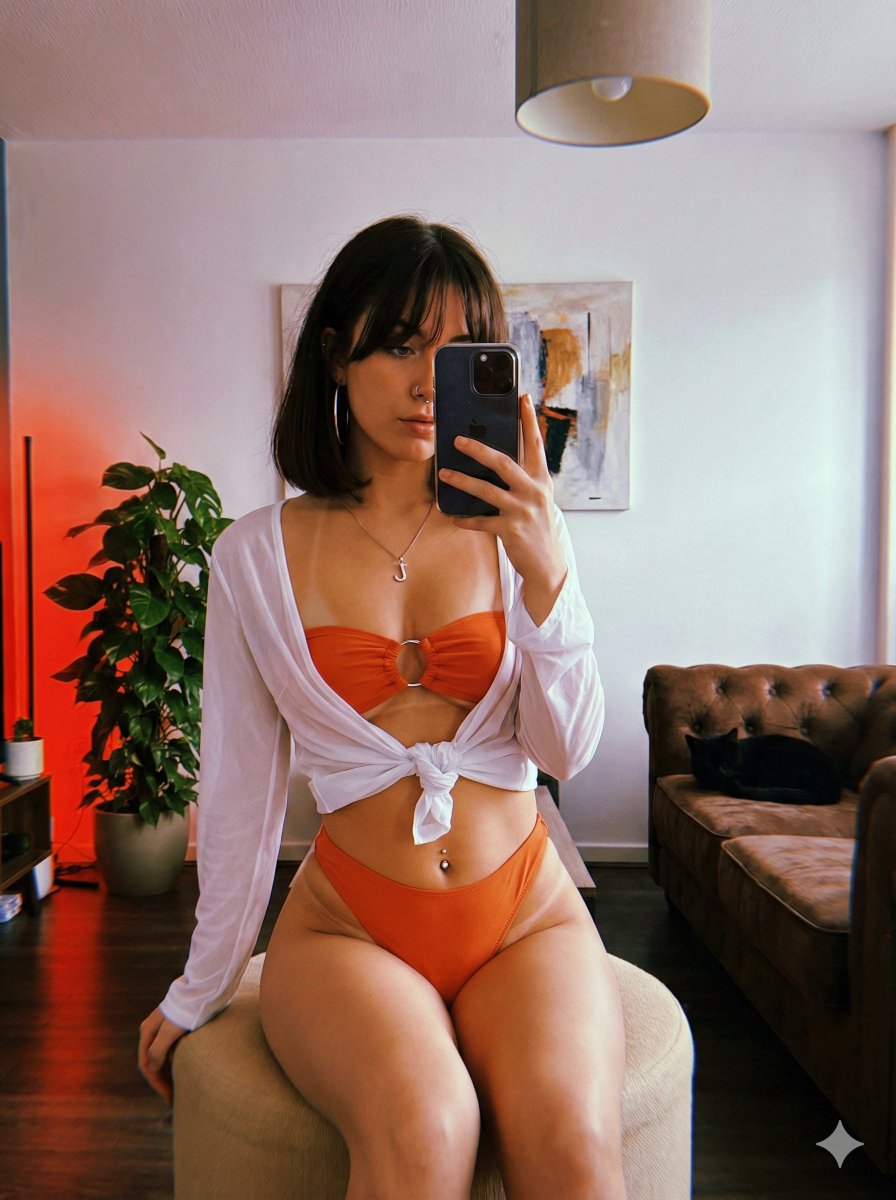
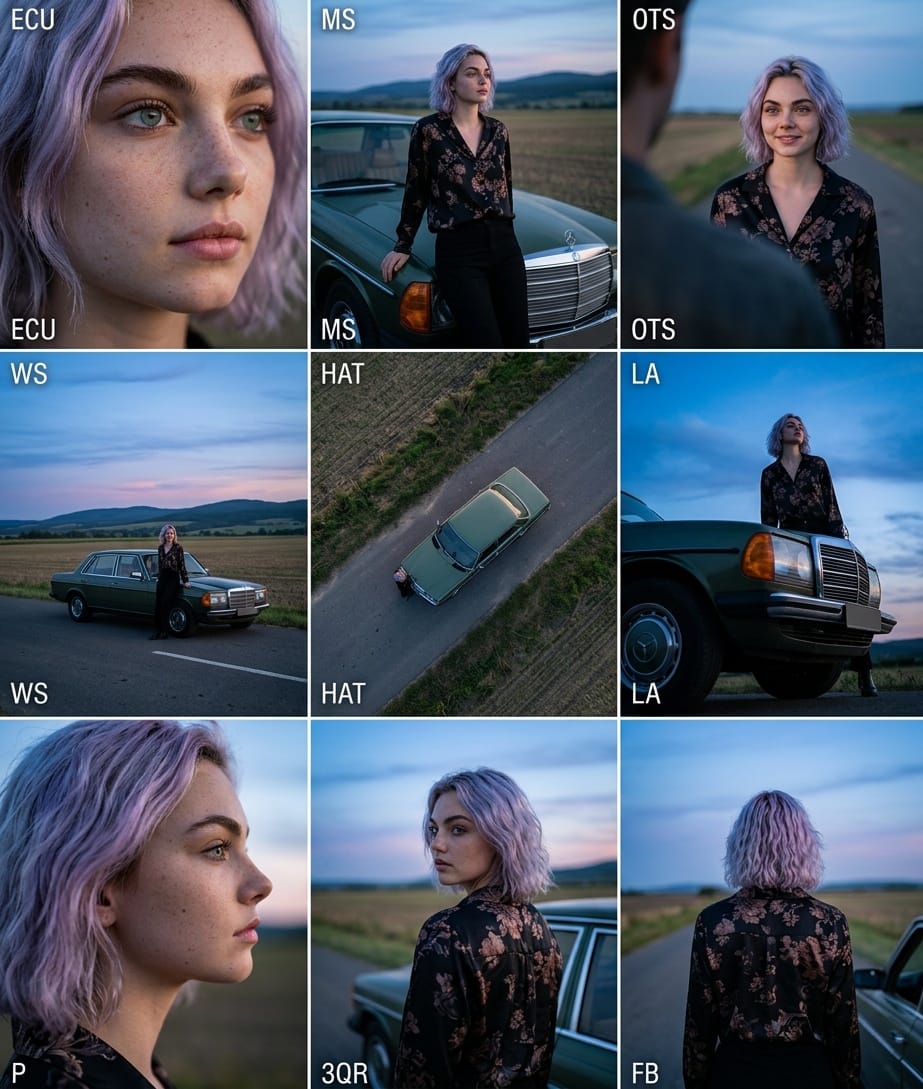
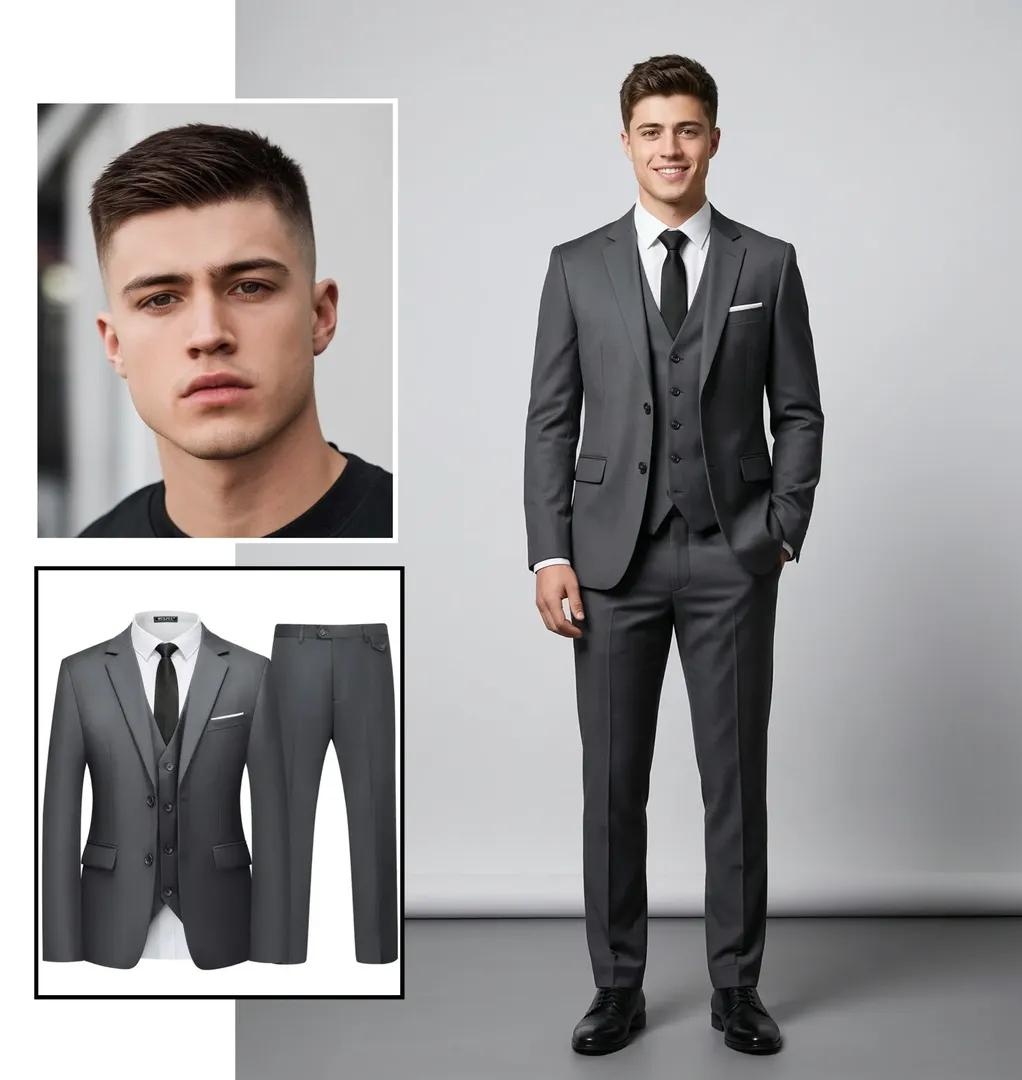



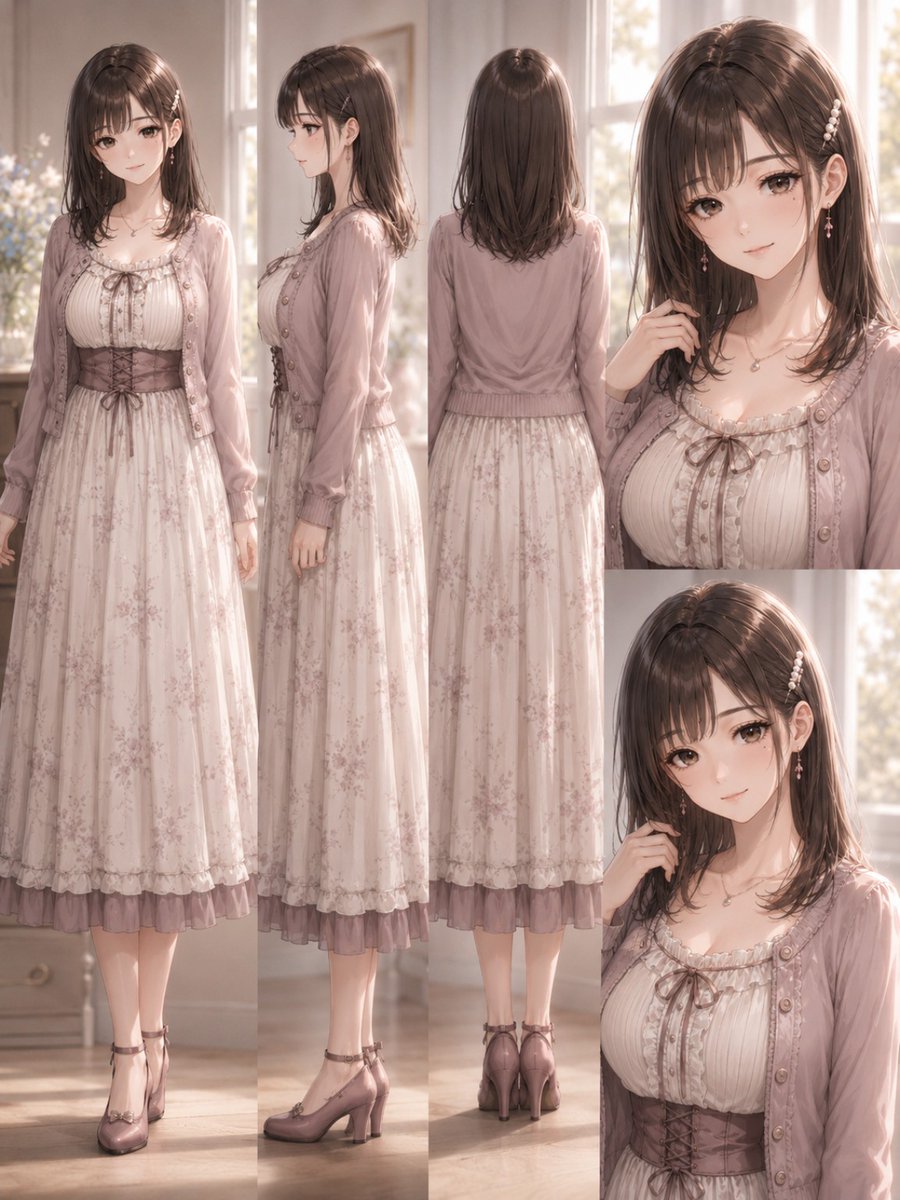
![130-nano-banana-2 — use the character turnaround format from [img1] to create [character name / image] in the same style](/_next/image?url=https%3A%2F%2Fcdn.picxstudio.com%2Fuploads%2Fpost130_img0_0e694b48-cf6e-4b8f-95c2-9349e63ed697.jpg&w=828&q=100)