
Pastel Anime Virtual Singer Debut Poster
Generates a glossy anime idol single-release poster with a central virtual singer, holographic UI elements, track list, release date, and tour information.
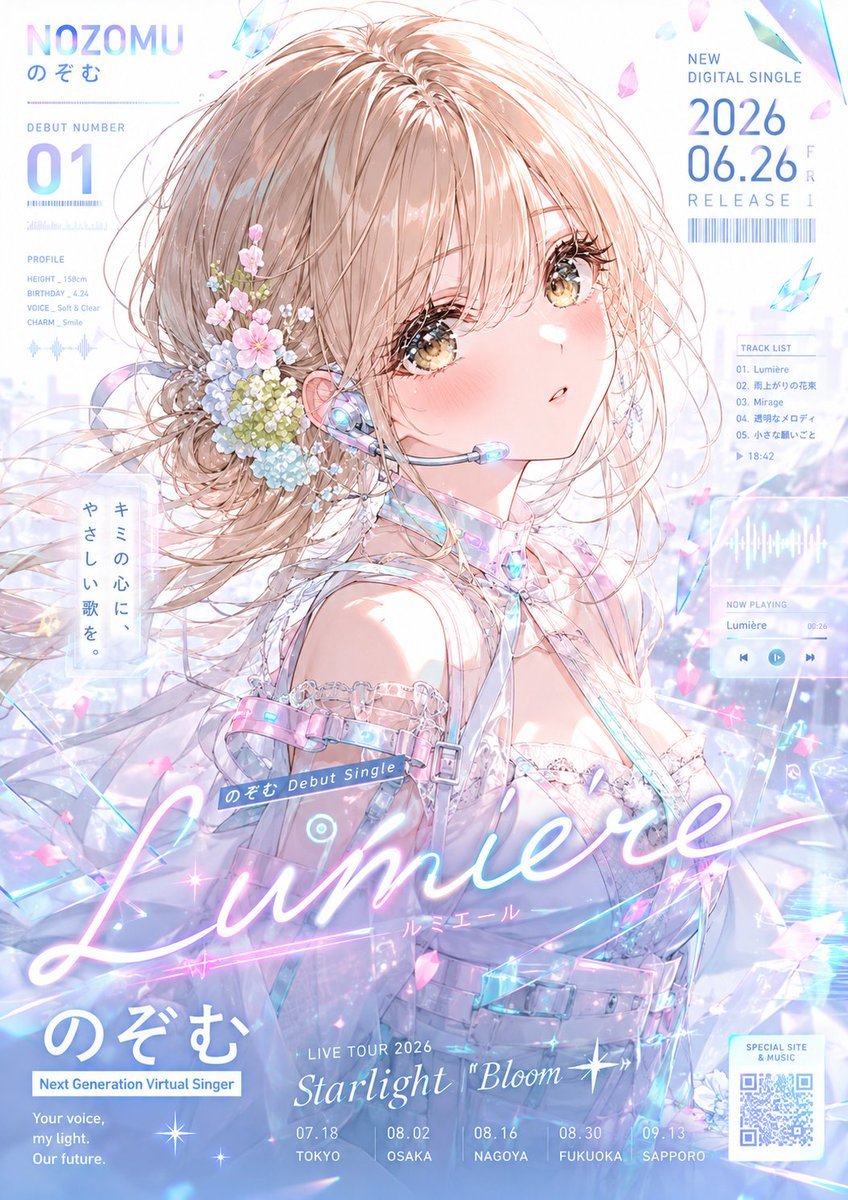
- Prompt included
- Model and format preset
- Free template
The prompt behind this image
Copy the exact prompt behind Pastel Anime Virtual Singer Debut Poster, or open it in the studio and make it yours.
Goal: Create a polished vertical anime music debut advertisement poster for a virtual singer named {argument name="character name" default="NOZOMU"}, themed around a crystalline pastel debut single. Canvas: Tall vertical poster, portrait orientation, high-resolution, airy white background with pale sky-blue, lavender, and pink gradients. Use a glossy idol-advertising layout with translucent UI panels, holographic shards, sparkles, bokeh, and soft music-wave graphics. Main subject: A single beautiful anime girl shown from bust to head, slightly turned over her shoulder toward the viewer. She has fluffy ash-blonde/light beige hair in a loose low side bun with windblown strands and long bangs, large golden-brown sparkling eyes, pink blush, and a delicate open-mouthed expression. Add a pastel flower hair arrangement on the left side of her head with exactly 5 visible flower/color clusters: pink cherry blossoms, pale blue hydrangea, tiny white baby’s breath, small yellow-green buds, and soft green leaves. She wears an iridescent white-and-silver futuristic idol outfit with translucent straps, lace trim, a crystal choker, shoulder harness, small buckles, glowing cyan and pink accents, and a headset microphone with a glowing blue earpiece and clear mic tip. Her mood is pure, gentle, dreamy, and slightly melancholic. Central title design: Place a large glowing cursive song title {argument name="song title" default="Lumière"} across the lower middle in neon white-pink script, with a faint underline light trail and sparkles. Beneath it add small Japanese katakana reading “ルミエール”. Add a small diagonal blue label above the title reading “のぞむ Debut Single”. Poster text and layout: Top left: large artist name “NOZOMU” in pale blue gradient, with smaller Japanese “のぞむ” below. Under it create a debut number block reading exactly “DEBUT NUMBER” and a huge “01”, with barcode-style lines. Left mid profile panel: include exactly 4 profile lines: “HEIGHT _ 158cm”, “BIRTHDAY _ 4.24”, “VOICE _ Soft & Clear”, “CHARM _ Smile”, plus a small waveform. Left side vertical slogan in a translucent panel: “キミの心に、やさしい歌を。” Top right release panel: “NEW DIGITAL SINGLE”, large date {argument name="release date" default="2026 06.26 FRI"}, “RELEASE”, and a barcode. Right mid track-list card: include exactly 5 numbered tracks: “01. Lumière”, “02. 雨上がりの花束”, “03. Mirage”, “04. 透明なメロディ”, “05. 小さな願いごと”, plus total time “18:42”. Right lower music player widget: waveform display, “NOW PLAYING”, “Lumière”, time “00:26”, and exactly 3 round control buttons: previous, play, next. Bottom left: large Japanese name “のぞむ”, a blue tag “Next Generation Virtual Singer”, and the English tagline with exactly 3 lines: “Your voice,” “my light.” “Our future.” Bottom center: live tour information “LIVE TOUR 2026” and tour name {argument name="tour title" default="Starlight ‘Bloom ✦’"}. Under it list exactly 5 tour dates/cities: “07.18 TOKYO”, “08.02 OSAKA”, “08.16 NAGOYA”, “08.30 FUKUOKA”, “09.13 SAPPORO”. Bottom right: a small white card labeled “SPECIAL SITE & MUSIC” containing a QR-code-like square. Visual style: Ultra-detailed modern anime illustration, delicate linework, soft watercolor-like skin shading, glossy eyes, high-key lighting, translucent holographic overlays, glassmorphism panels, pastel cyber-idol aesthetic, elegant typography mixing clean sans-serif UI text and large glowing cursive title. Add floating crystal shards and petals throughout; use exactly 3 prominent cyan crystal shards near the upper/right areas and many tiny pink petals and sparkles as atmospheric accents. Constraints: Keep the character as the clear focal point, avoid dark heavy colors, keep all text integrated like a real Japanese idol single poster, preserve the exact counts for profile lines, tracks, player buttons, tour stops, and flower clusters, and do not add extra characters.
How to use Pastel Anime Virtual Singer Debut Poster in 3 steps
- 1Upload ImagePNG, JPG or paste
Add your photo
Upload the photo the template builds on. The prompt, model and format are already set.
- 2…a portrait of your subject in softgolden-hour light, 85mm…
Personalize
Edit the subject and creative details for your destination.
- 3Generate
Generate
Press Generate — your image is created in PicX Studio, so you can compare it with the original and refine one variable at a time.
More like this
Templates with the same subject, style or setup. Open one to see its prompt.

Captain Tsubasa Anime World Cup Poster

Premium Vintage Travel Poster Landscape
Premium Vintage Travel Poster Landscape

Gpt2 Youtube Thumbnail Anime Music Bootcamp Promo Poster
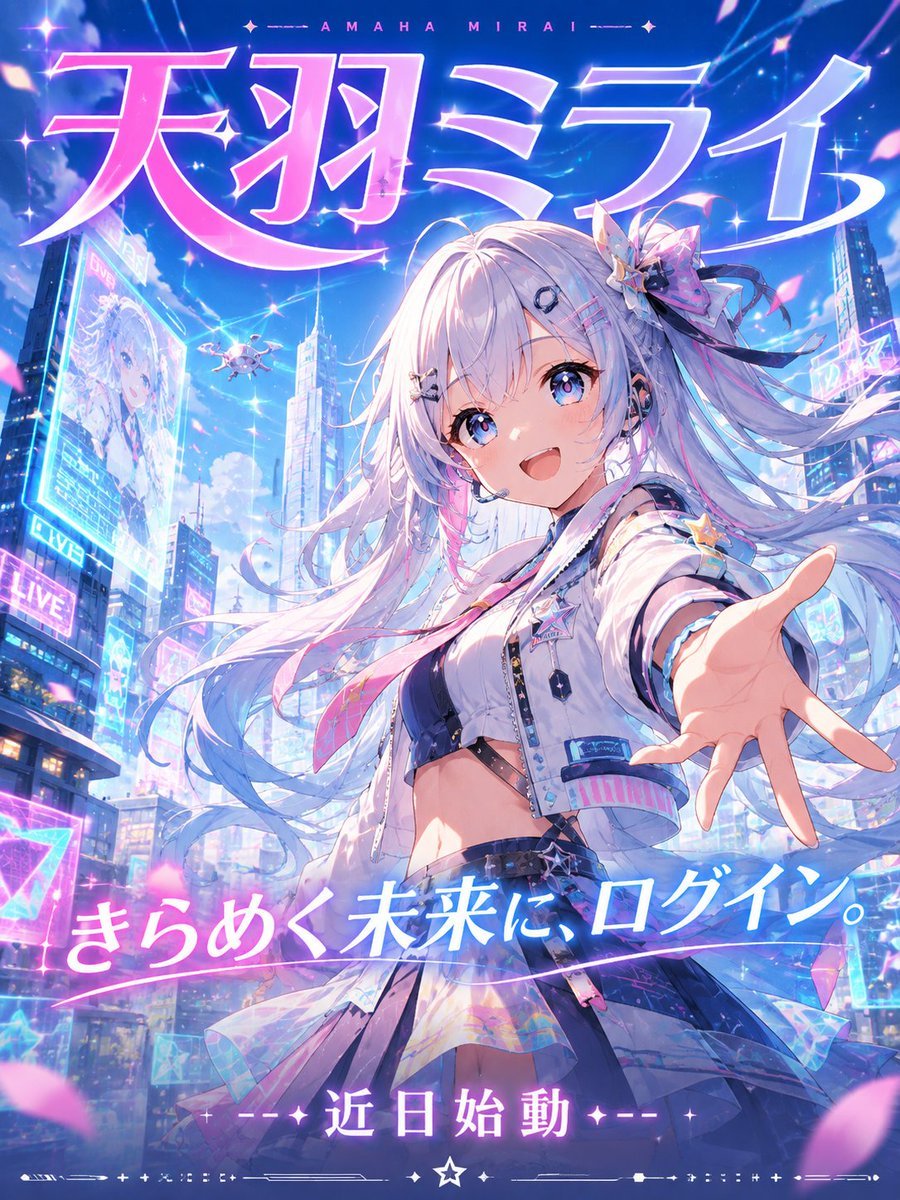
Futuristic VTuber Debut Poster

Japan Travel Brochure Poster

Pastel Anime Idol Concert Finale

Pastel Anime Summer Beach Collage

Nice Day Anime Poster

Layered Paper Cut Illustration Template

Cel 2D Finale Fireworks

Cel 2D Garden Maze
Make it yours
Pastel Anime Virtual Singer Debut Poster works as-is. These are the safest ways to change it without losing the look.
Change one field
Copy a single group, rewrite it, and generate again so you can see what that field is doing.
Keep the frame, change the subject
Hold the composition and light of Pastel Anime Virtual Singer Debut Poster, then swap wardrobe, props or the person for a new take.
| If the result… | Why | Fix |
|---|---|---|
| The result drifts from the preview | Too many fields changed at once. | Reuse Pastel Anime Virtual Singer Debut Poster as-is first, then change one group — subject, light, or setting. |
| The model over-stylizes the scene | The prose prompt leaves finish and camera underspecified. | Add one camera or lighting sentence and stay on GPT Image 2. |
More GPT Image 2 templates
Other prompts made for GPT Image 2.

Six VTuber Japanese Logo Sheet

Realistic Portrait of Woman and Deer

The Vista Modular Condo Poster

AI Model Routing Comparison Infographic

2.5D Anime Art Board

Isometric Productivity Desk Scene

New York Double Exposure Poster

Four-Panel AI Landscape Comparison

Japanese Tatami Lifestyle Magazine Cover

NESCAFÉ Coffee Map Poster
More image prompts
Fresh picks from across the catalog.
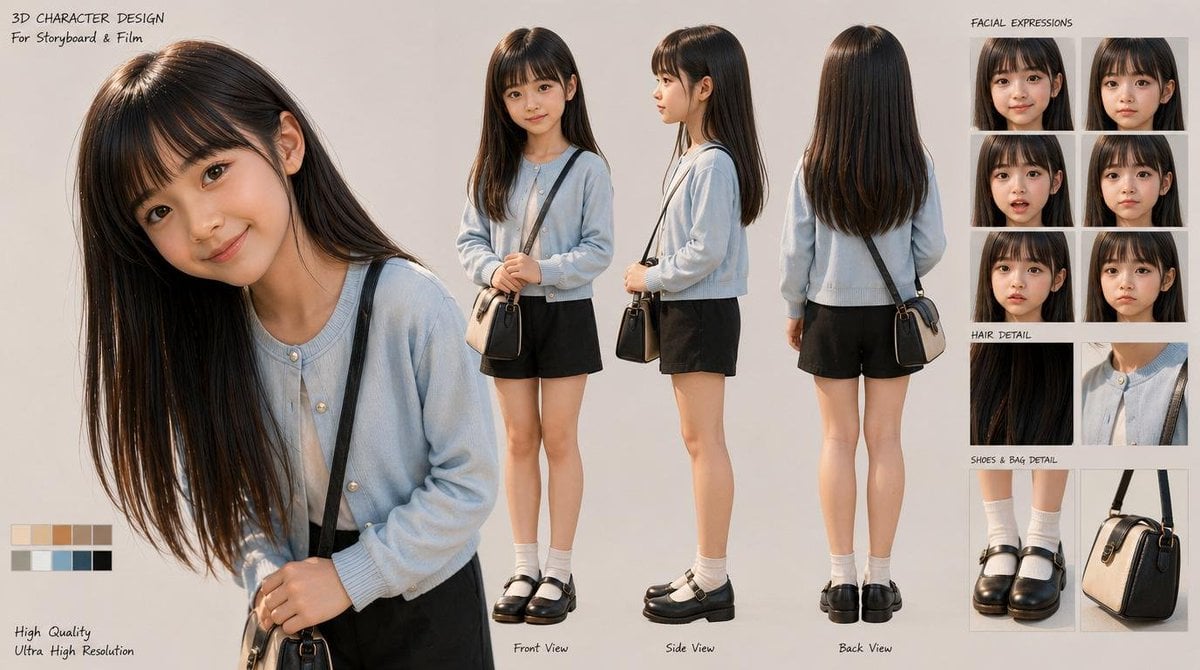
3D Schoolgirl Character Design Sheet
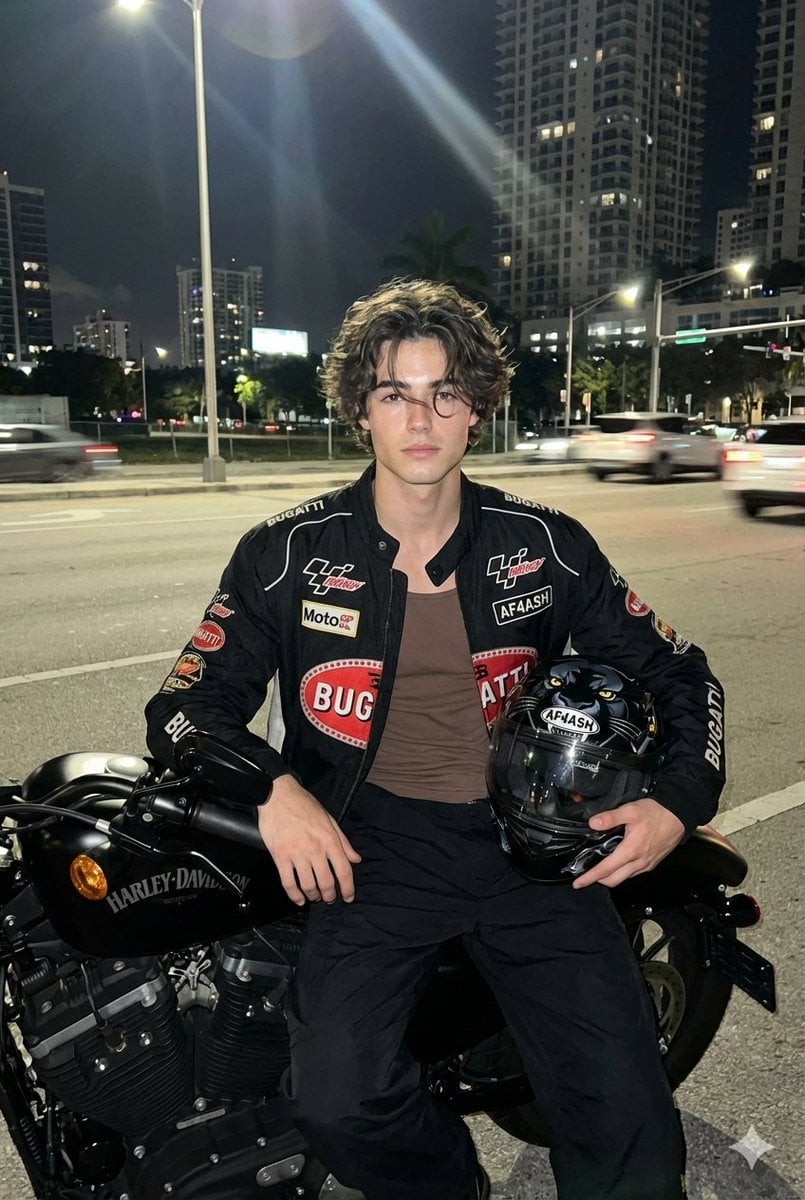
Nighttime Motorcycle Photo with Face Replacement Prompt

Tokyo Tilt-Shift Miniature Diorama
Mother-in-Law Admiring Assessment System Prompt
Wacky flowchart for toasting bread
Futuristic Sportswear Fashion Poster
Luxury Art Figure Museum Display
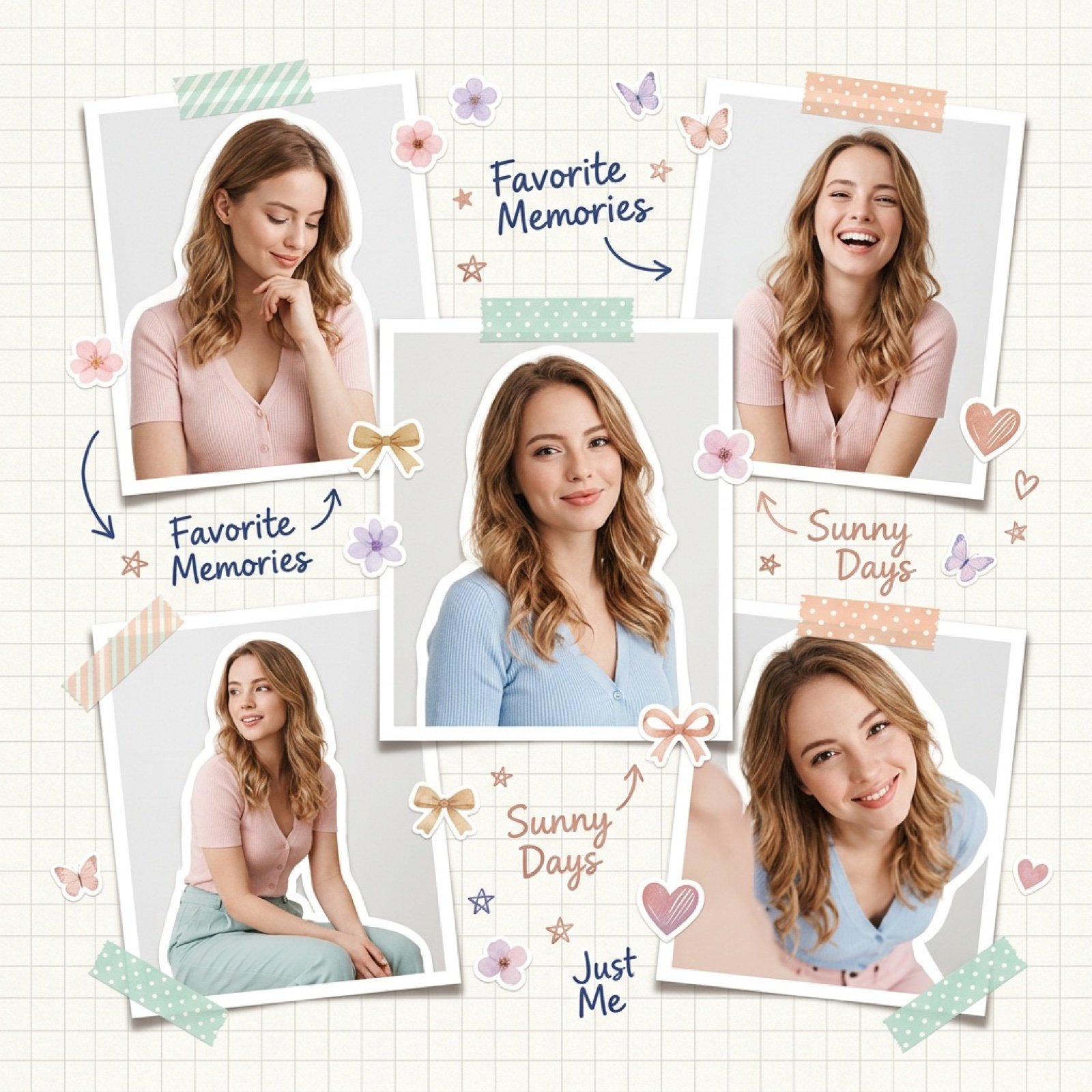
Dreamy Scrapbook Collage Aesthetic with Identity Preservation

Image-to-3D Conversion Prompt for nano banana pro
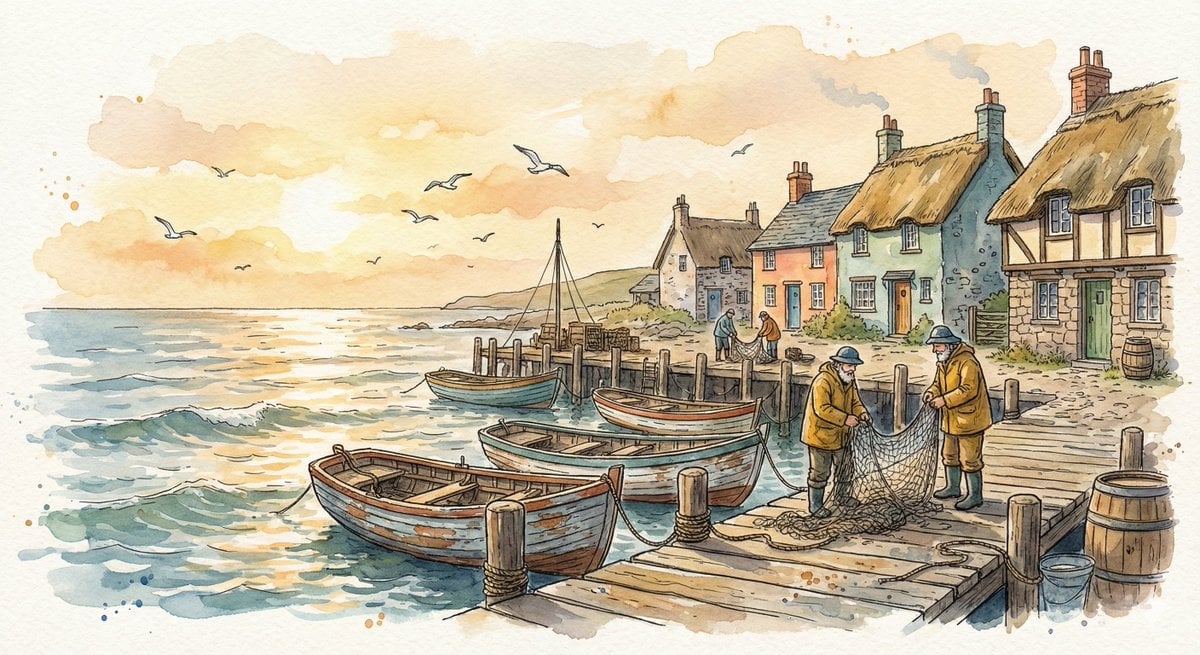
Watercolor Illustration of a Cozy Seaside Harbor Village
Browse template categories
Pastel Anime Virtual Singer Debut Poster questions
How do I use the Pastel Anime Virtual Singer Debut Poster template?
Add your photo if the template asks for one, edit the prompt if you like — the template's model and format are already selected — and press Generate. Your version opens in PicX Studio.
Can I customize the Pastel Anime Virtual Singer Debut Poster template?
Yes. You can change the subject, setting, lighting, mood, format, and available model controls before creating your image.
Is the Pastel Anime Virtual Singer Debut Poster template free?
Opening and editing this template is free. Generating uses credits, shown on the Generate button when you are signed in.
Which AI model should I use?
Start with GPT Image 2, which is the model associated with this template. You can compare another compatible model for a different finish.
Looking for something else? Browse all templates.

Your photo, any look
Thousands of ready templates for every top image and video model, from one credit balance.