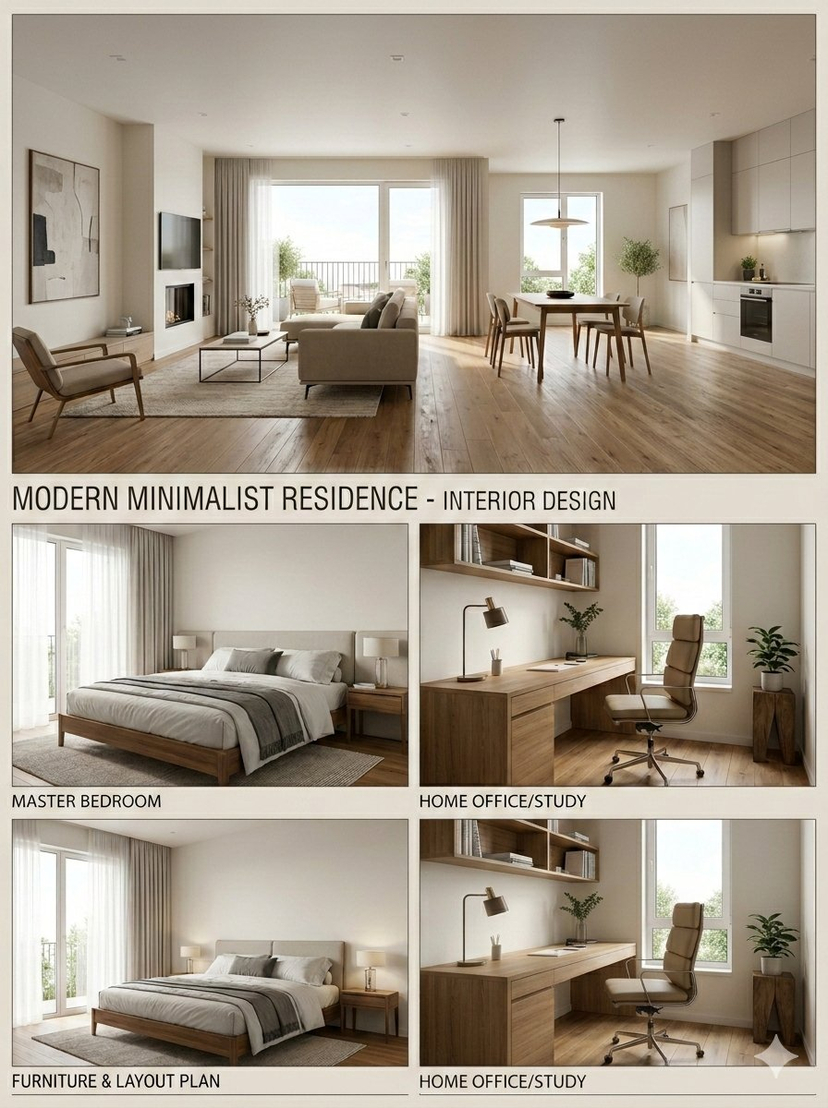
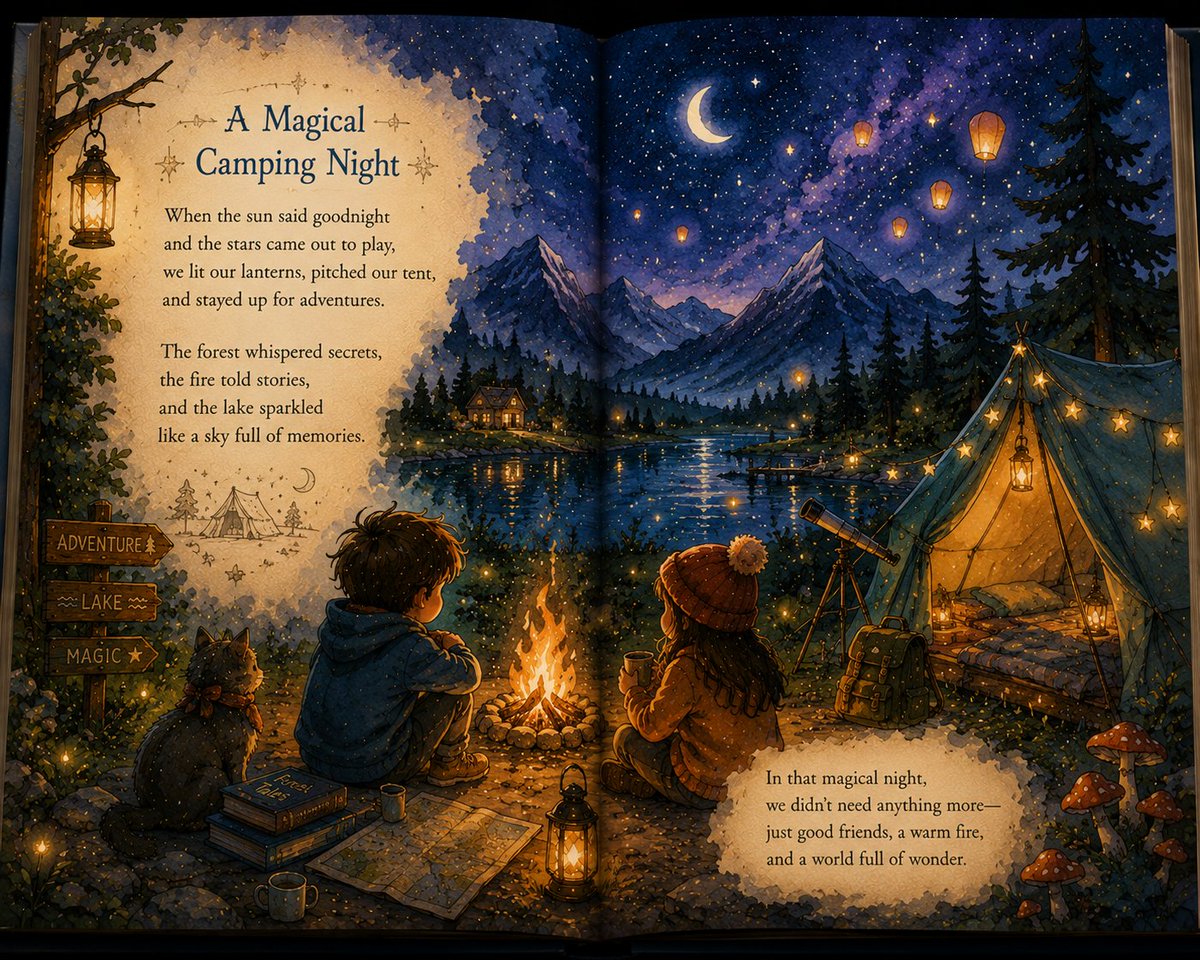
How do I use the 3D Schoolgirl Character Design Sheet template?
Choose the primary action to open PicX Studio with the available template settings. Review the model and format, personalize the creative direction, and generate when ready.
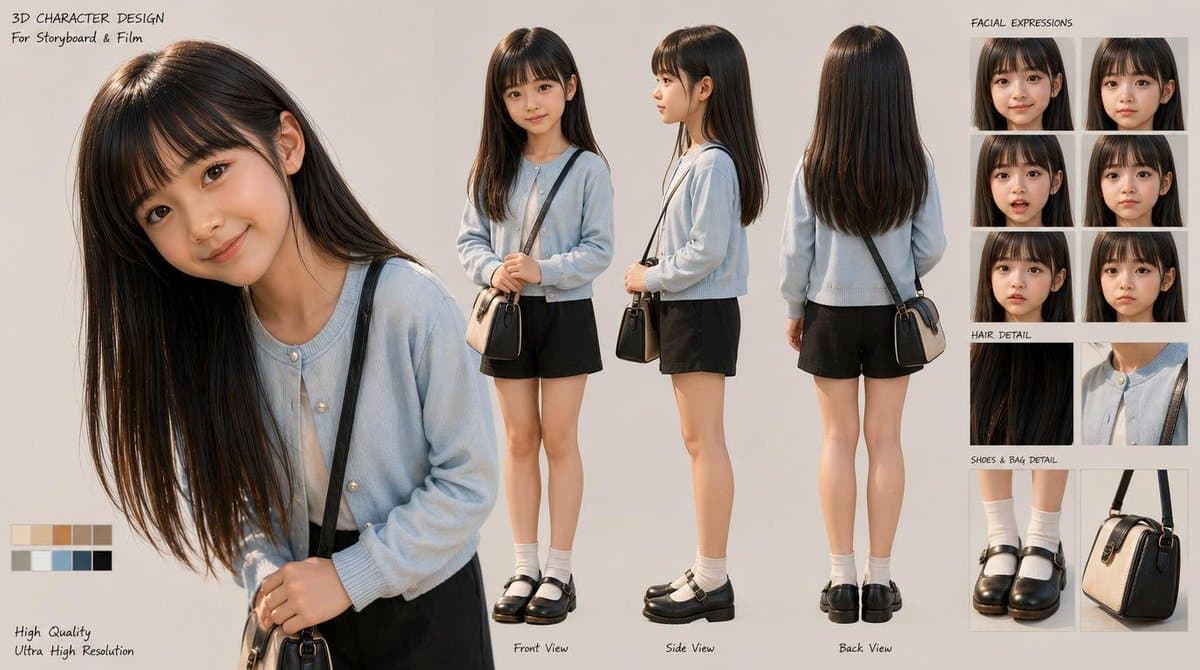
A polished 3D character turnaround sheet showing a young girl with expression studies, detail callouts, and production-style presentation for storyboard or film previsualization. (free to use) — Free AI image template on PicX Studio.
{"type":"3D character design sheet","style":"photorealistic stylized 3D character model presentation for storyboard and film development","subject":{"gender presentation":"young girl, elementary-school age","build":"slim, petite","ethnicity":"East Asian appearance","character role":"quiet everyday school-age character","face":"soft youthful features, natural skin, neutral expression","hair":{"color":"{argument name=\"hair color\" default=\"dark brown\"}","style":"very long, straight, smooth hair with a center part and subtle shine, reaching below the chest in front and to the upper back behind"},"outfit":{"count":6,"items":["light powder-blue cardigan with round neckline and small pearl-like buttons","white inner top visible at the collar","black shorts with a simple clean silhouette","white mid-calf socks","black leather Mary Jane shoes with thick soles and straps","small structured crossbody bag in beige and black with a dark strap"]}},"layout":{"background":"clean warm light gray studio backdrop","sections":[{"title":"main portrait","position":"left","count":1,"labels":["large close-up three-quarter portrait with head slightly tilted down"]},{"title":"turnaround views","position":"center","count":3,"labels":["Front View","Side View","Back View"]},{"title":"FACIAL EXPRESSIONS","position":"top-right","count":6,"labels":["neutral front","soft smile front","gentle concern front","subtle smile three-quarter","calm downcast gaze three-quarter","shy reserved look three-quarter"]},{"title":"HAIR DETAIL","position":"mid-right","count":2,"labels":["close-up of straight glossy hair strands","close-up of cardigan neckline and shoulder strap"]},{"title":"SHOES & BAG DETAIL","position":"bottom-right","count":2,"labels":["close-up of socks and Mary Jane shoes","close-up of structured crossbody bag"]},{"title":"color palette","position":"bottom-left","count":10,"labels":["cream","light beige","tan","camel","warm brown","olive gray","soft gray","dusty blue","charcoal","black"]}],"text elements":{"count":7,"labels":["3D CHARACTER DESIGN","For Storyboard & Film","FACIAL EXPRESSIONS","HAIR DETAIL","SHOES & BAG DETAIL","High Quality","Ultra High Resolution"]}},"composition":"large hero portrait on the left, three full-body turnaround renders across the middle, stacked reference panels on the right, small color swatches at the bottom left","lighting":"soft studio lighting, even illumination, gentle shadows, realistic material rendering","rendering notes":"high-resolution polished character-sheet presentation, realistic fabric texture, glossy hair strands, subtle skin shading, clean product-design layout, professional preproduction style","camera":"orthographic-like character sheet framing for full-body views, portrait lens feel for the close-up"}
Use 3D Schoolgirl Character Design Sheet to plan an AI image around gpt-image-2 generation, themes such as en and gpt-image-2. Match the preview's composition first, then personalize the subject, setting, and mood for your own project.
Use the primary action to load the template settings in PicX Studio.
Adjust the subject and creative details for your destination.
Create the image, compare the result with the preview, and refine one variable at a time.
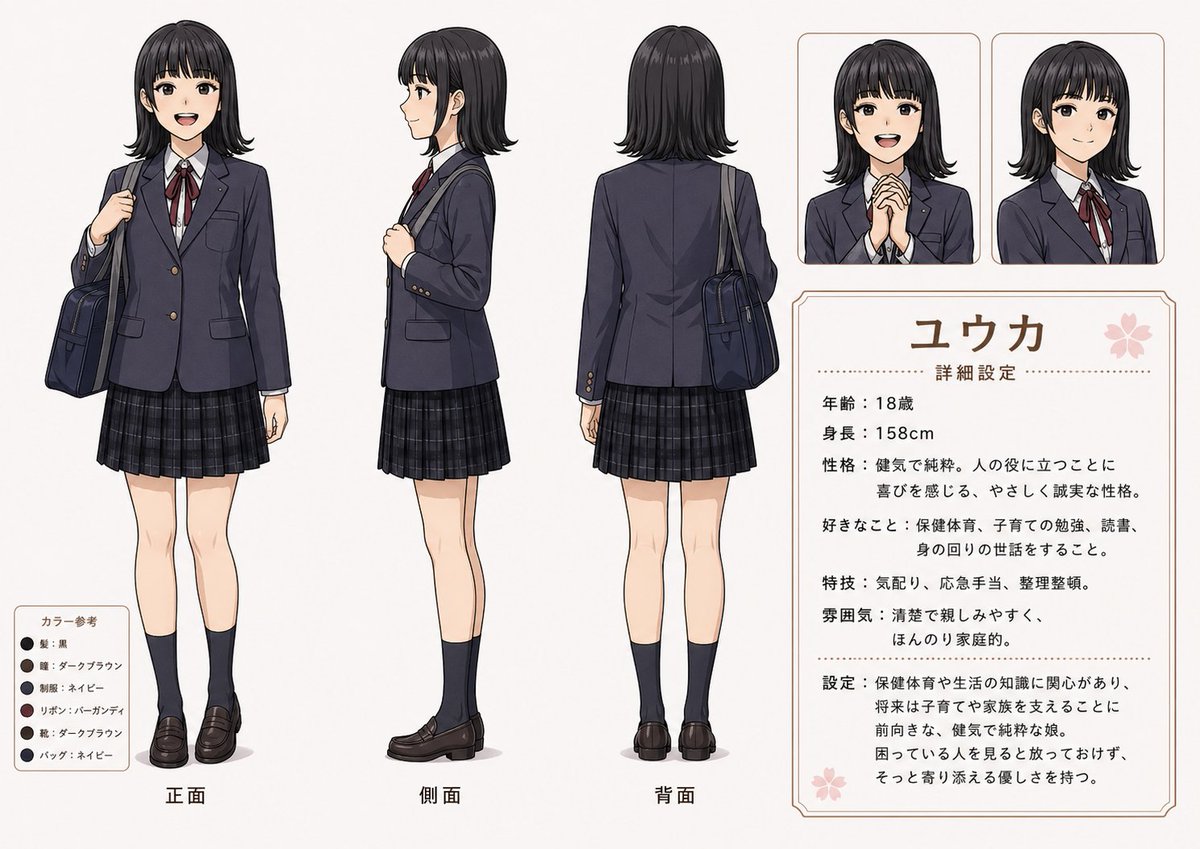
A continuous mix — similar concepts first, woven with same-model prompts and fresh picks from the catalog.
Choose the primary action to open PicX Studio with the available template settings. Review the model and format, personalize the creative direction, and generate when ready.
Yes. You can change the subject, setting, lighting, mood, format, and available model controls before creating your image.
This template is free to open and customize. Generation usage is shown in PicX Studio before you create.
Start with gpt-image-2, which is the model associated with this template. You can compare another compatible model for a different finish.
A continuous mix — similar concepts first, woven with same-model prompts and fresh picks from the catalog.
Follow a topic to a crawlable collection of related PicX Studio templates.
36,410 public templates available. Verified via the PicX Studio public templates API; refreshed hourly.