
Four-Panel Schoolgirl Sunday Manga
Generates a vertical four-panel anime manga page showing a schoolgirl oversleeping, rushing to school, and discovering it is Sunday.
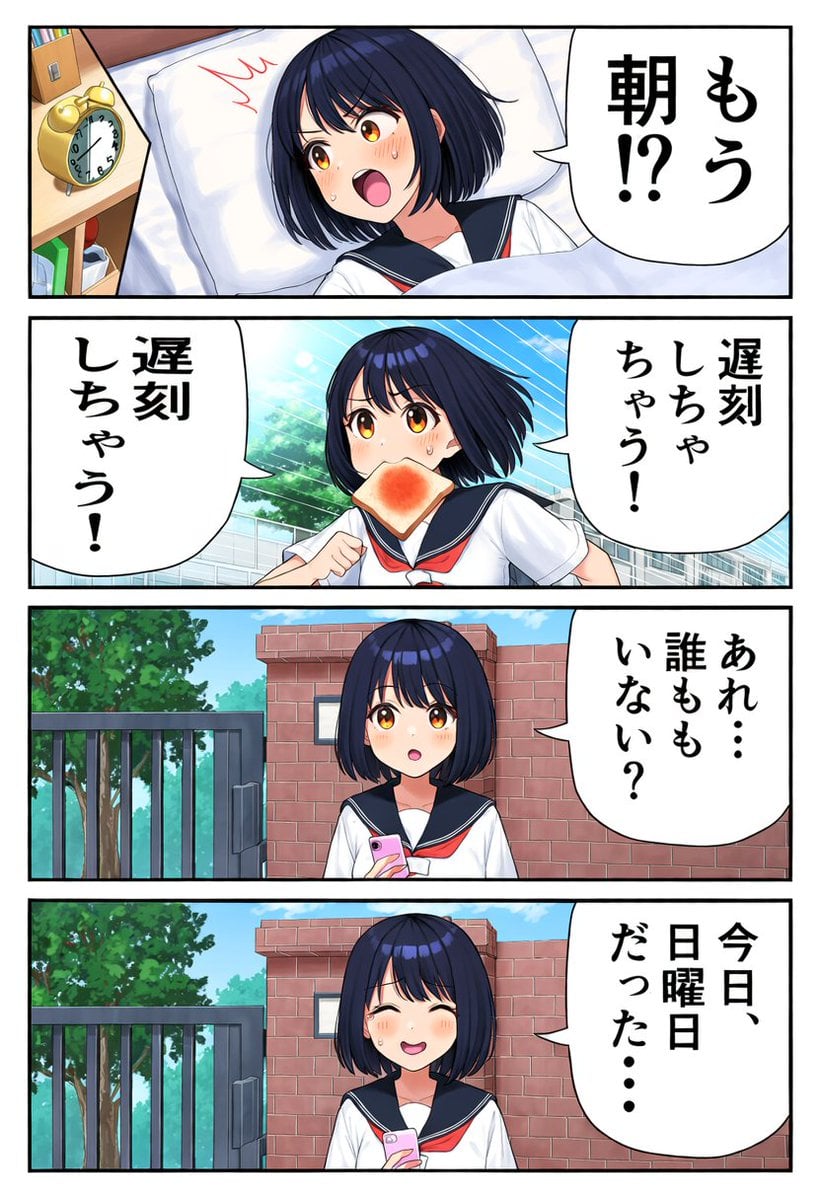
- Prompt included
- Model and format preset
- Free template
The prompt behind this image
Copy the exact prompt behind Four-Panel Schoolgirl Sunday Manga, or open it in the studio and make it yours.
Goal: Create a vertical Japanese manga page in polished anime style about a schoolgirl oversleeping, rushing to school, then realizing it is Sunday. Canvas: Portrait comic page, roughly 3:4 aspect ratio, white margins, thick black outer border, divided into exactly 4 horizontal panels stacked from top to bottom with clean black gutters. Main character: A cute teenage Japanese schoolgirl with short dark navy bob hair, straight bangs, large amber-gold eyes, fair skin, blush marks, and expressive sweat drops. She wears a classic white sailor school uniform with a dark navy collar and a red neckerchief. Keep her design consistent in all 4 panels. Panel count and layout: Use exactly 4 panels. 1. Top panel: bedroom wake-up scene, angled view from above. The girl lies in bed on a white pillow and blanket, eyes wide and mouth open in panic. A wooden bedside table at left holds a yellow twin-bell alarm clock and books. Add a jagged red panic mark near her head. One large speech bubble on the right with vertical Japanese text: {argument name="wake up text" default="もう朝!?"}. 2. Second panel: outdoor rushing-to-school scene. The girl runs in her sailor uniform with toast in her mouth, cheeks flushed, sweat drops, one fist raised. Background shows blue sky, speed lines, school-like fence/building and green trees. Include exactly 2 large speech bubbles: right bubble text {argument name="right rushing text" default="遅刻しちゃう!"}; left bubble text {argument name="left rushing text" default="遅刻しちゃう!"}. 3. Third panel: school gate scene. The girl stands front-facing in front of a brick school gate and metal fence, holding a pink smartphone, looking surprised and confused with a small open mouth. Background includes leafy green trees and bright blue sky. One speech bubble on the right with vertical Japanese text: {argument name="empty school text" default="あれ…誰もいない?"}. 4. Bottom panel: same school gate composition as panel 3. The girl smiles awkwardly with closed happy eyes, blushing, still holding the pink smartphone, realizing her mistake. One speech bubble on the right with vertical Japanese text: {argument name="sunday realization text" default="今日、日曜日だった…"}. Visual style: Bright, clean modern anime manga coloring, crisp line art, soft gradients, expressive face close-ups, high saturation but gentle lighting. Use large rounded white speech bubbles with black outlines and bold brush-style vertical Japanese lettering. Maintain a humorous slice-of-life tone. Constraints: Use exactly 4 panels and exactly 5 speech bubbles total. Do not add extra characters, extra narration boxes, logos, watermarks, or page numbers. Make the Japanese text legible and placed inside the speech bubbles only.
How to use Four-Panel Schoolgirl Sunday Manga in 3 steps
- 1Upload ImagePNG, JPG or paste
Add your photo
Upload the photo the template builds on. The prompt, model and format are already set.
- 2…a portrait of your subject in softgolden-hour light, 85mm…
Personalize
Edit the subject and creative details for your destination.
- 3Generate
Generate
Press Generate — your image is created in PicX Studio, so you can compare it with the original and refine one variable at a time.
More like this
Templates with the same subject, style or setup. Open one to see its prompt.
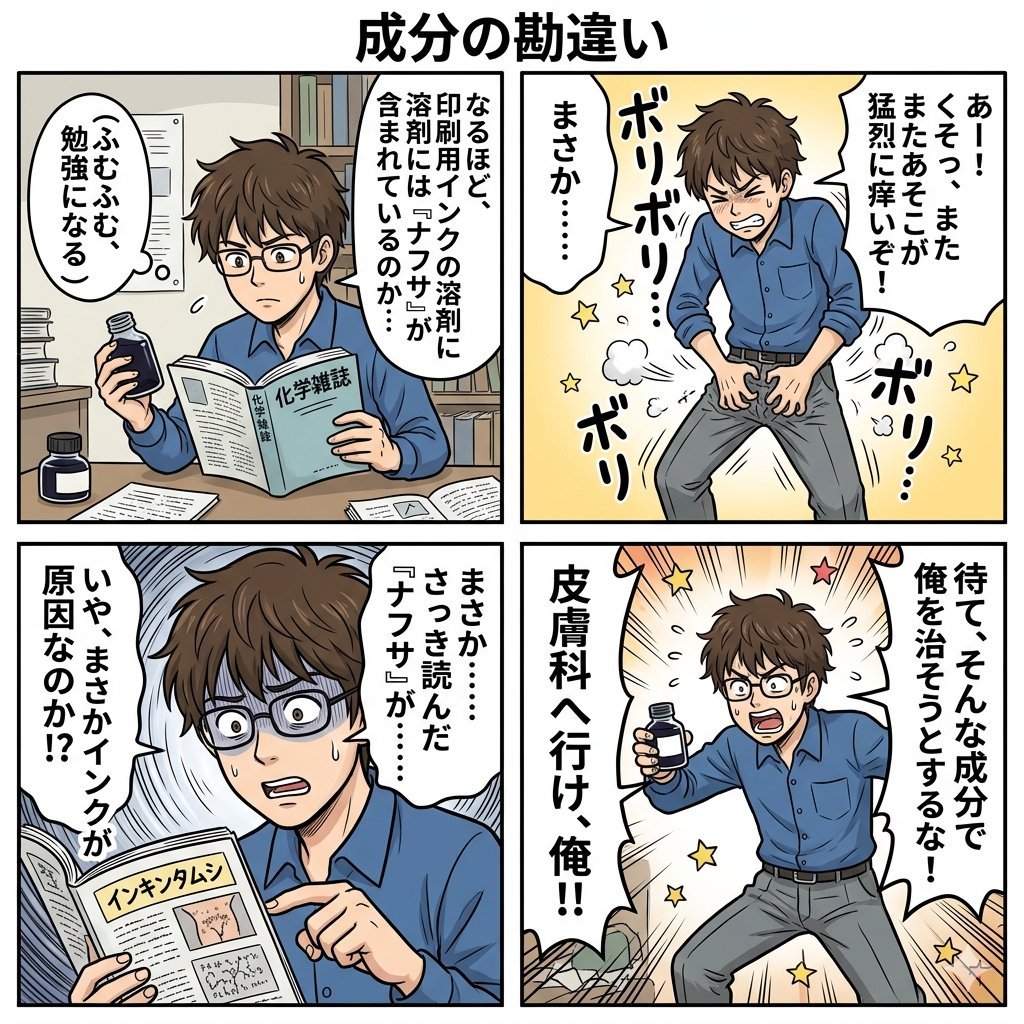
Component Differences Four-Panel Manga
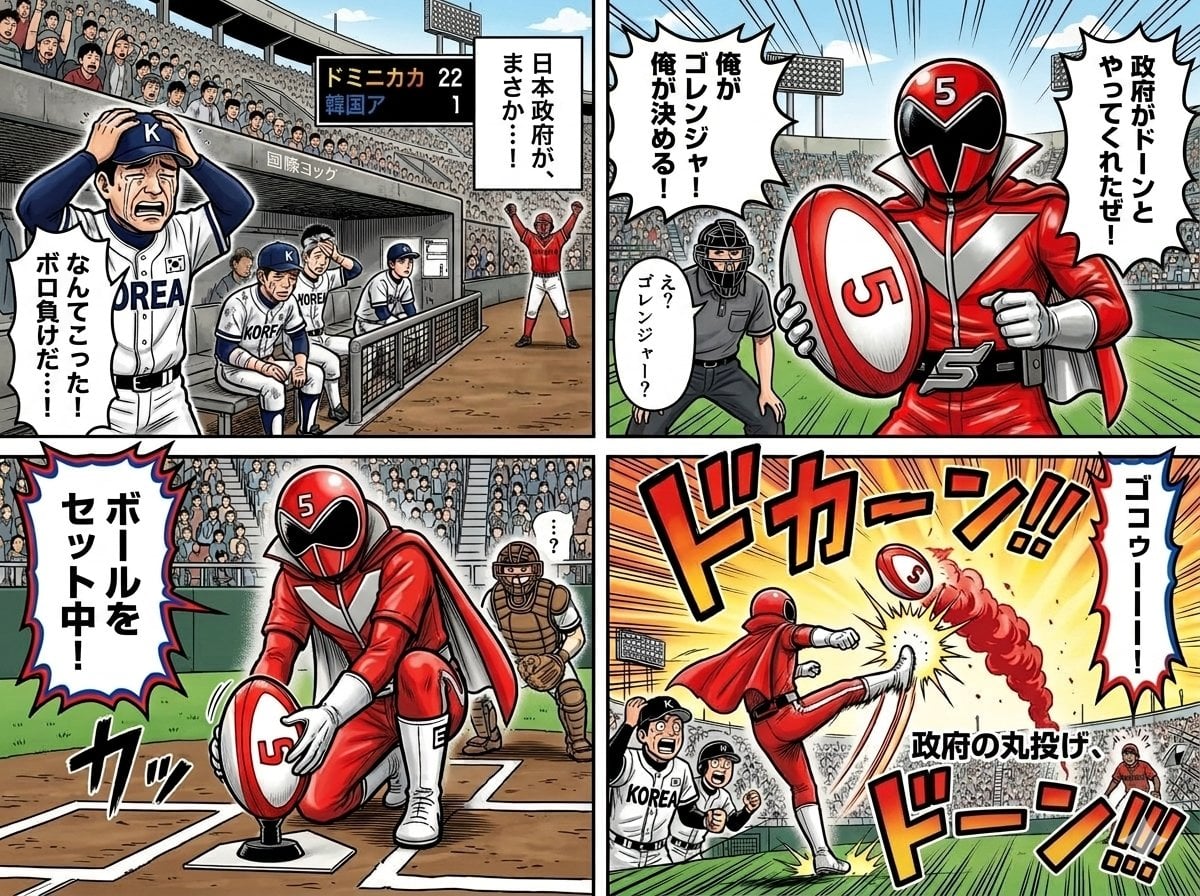
Four-Panel Manga with Sentai and Rugby

Four-Panel AI Landscape Comparison

Four-Panel Anime Face Comparison

Four-Panel AI Landscape Comparison

Seven-Panel Cyberpunk Manga Alley

Pixar 6-Panel Streethero Expression Grid
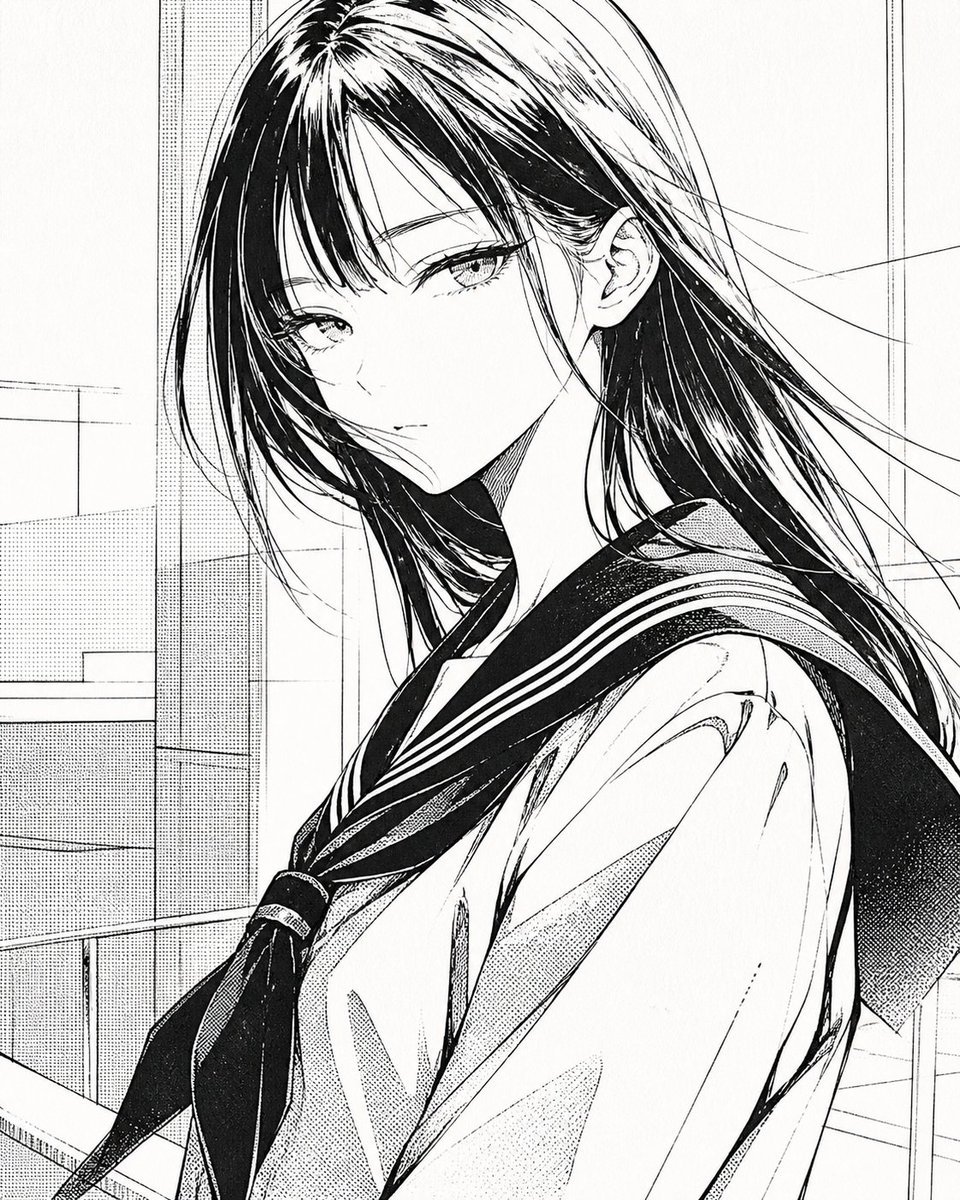
Censored Manga Schoolgirl Portrait
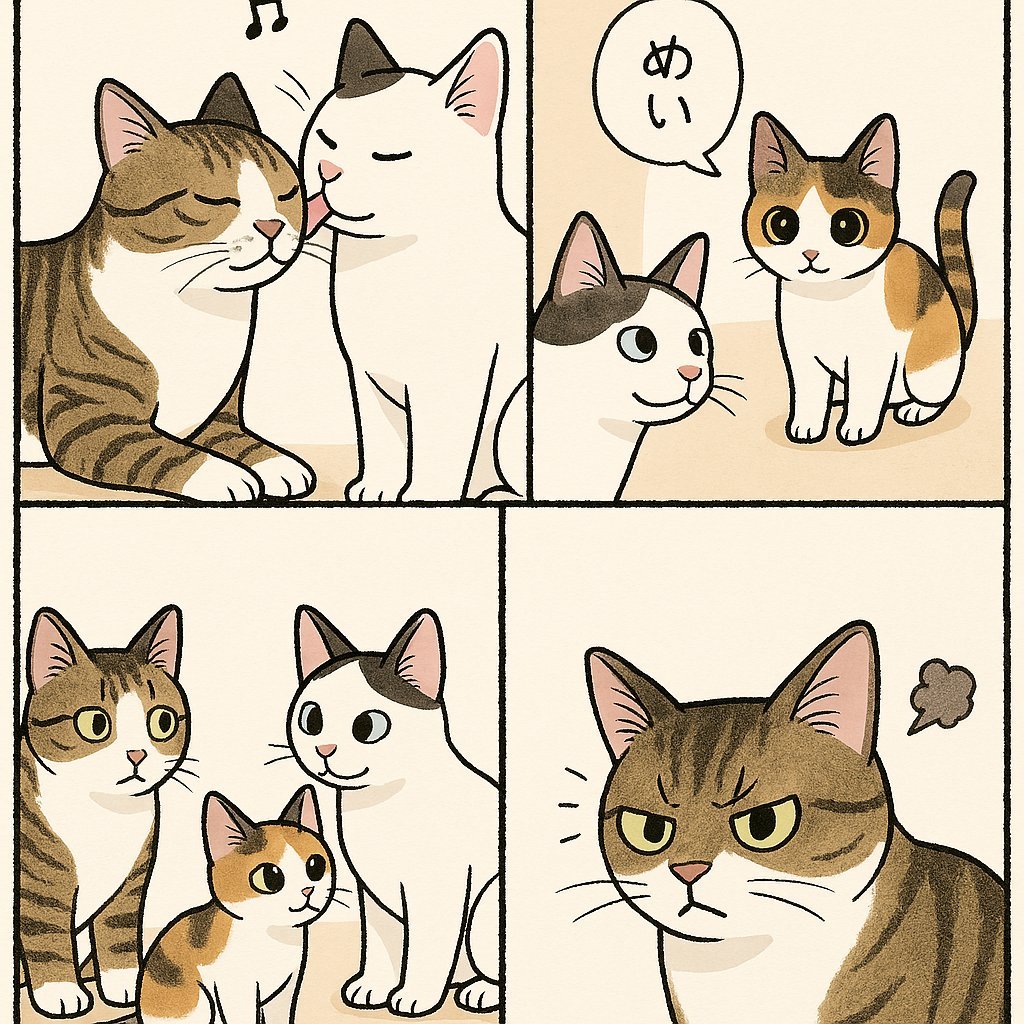
Cute Four-Panel Cat Jealousy Comic
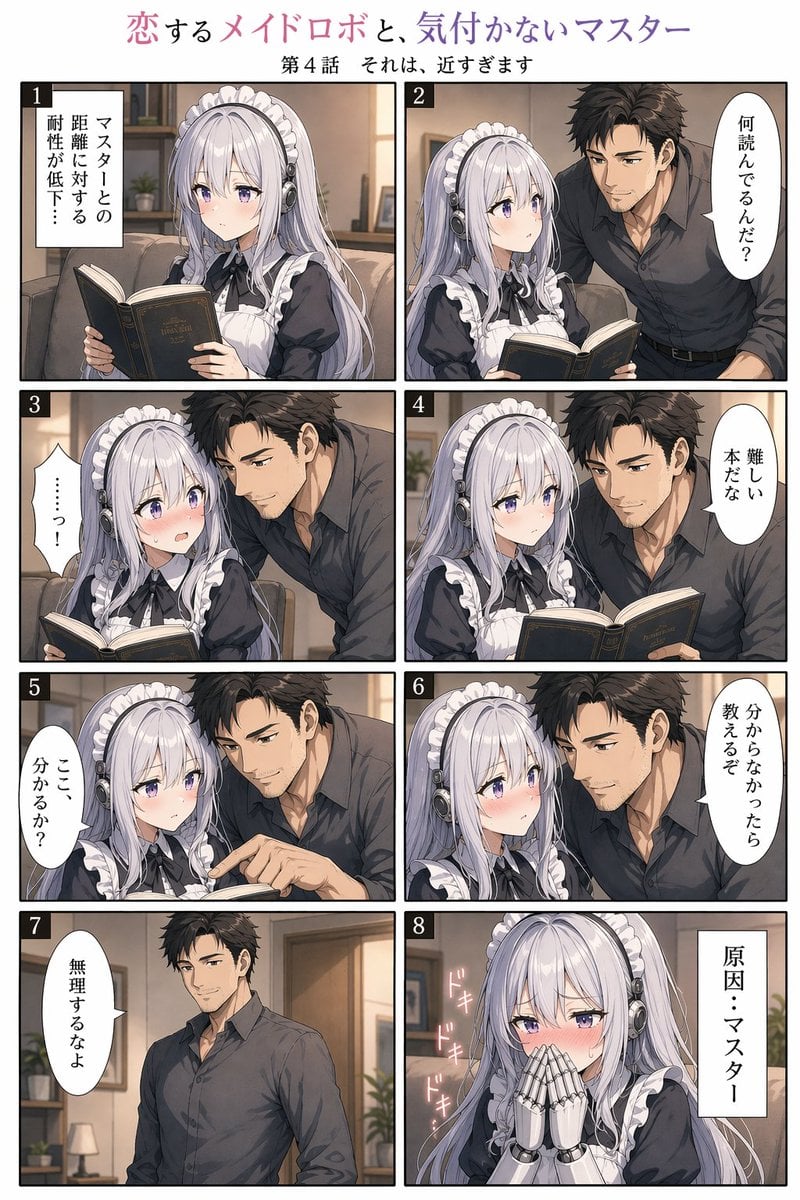
Eight-Panel Maid Robot Romance Manga
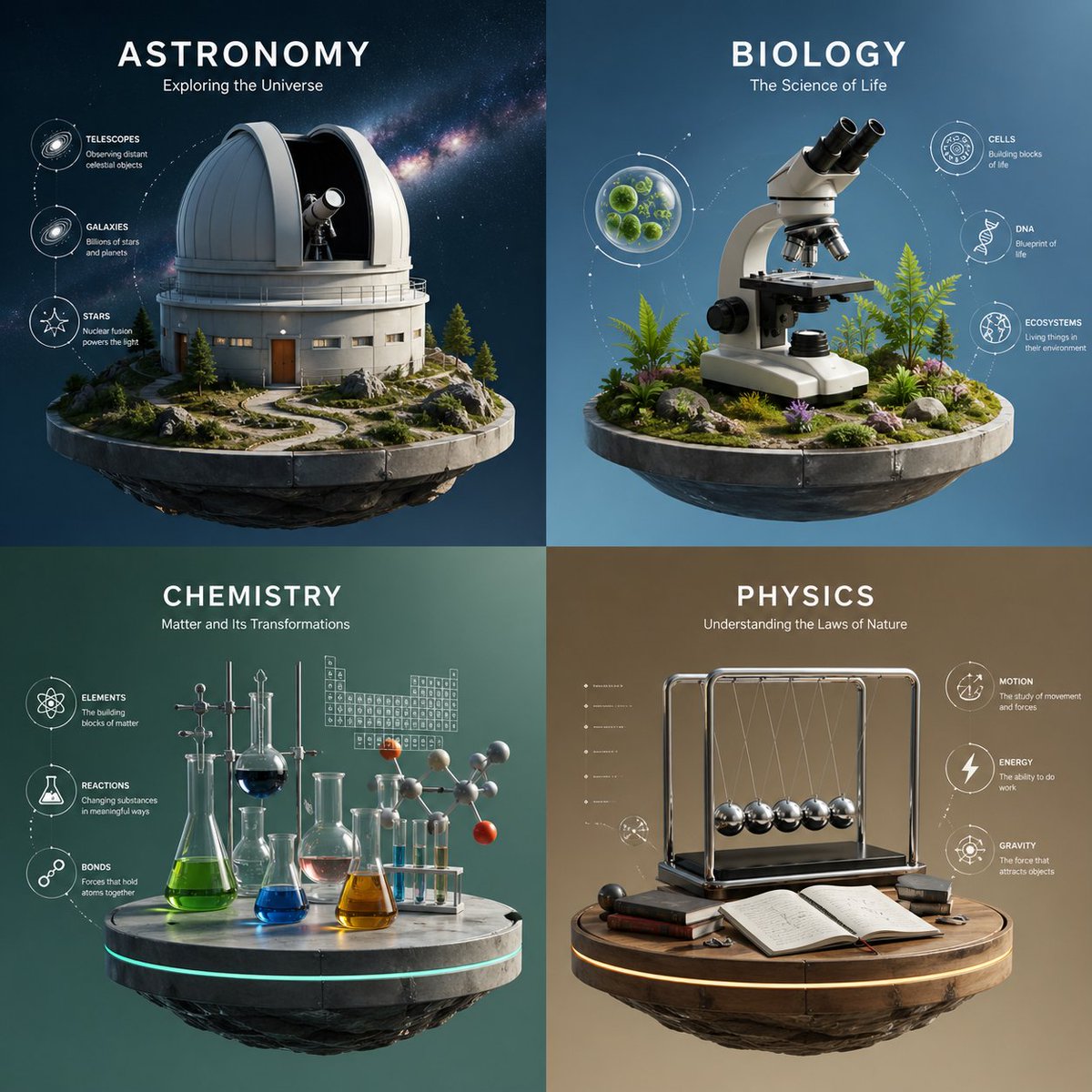
Four-Panel Science Concept Poster
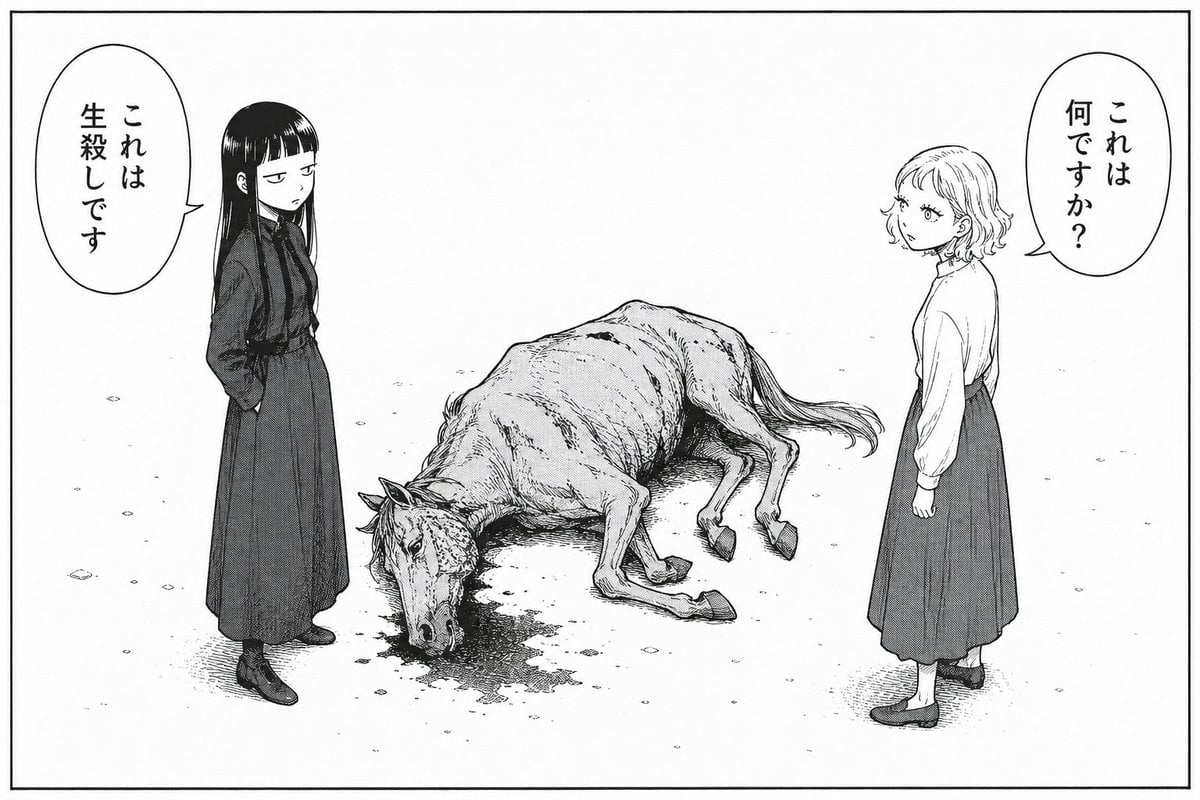
Bleak Manga Panel with Dead Horse
Make it yours
Four-Panel Schoolgirl Sunday Manga works as-is. These are the safest ways to change it without losing the look.
Change one field
Copy a single group, rewrite it, and generate again so you can see what that field is doing.
Keep the frame, change the subject
Hold the composition and light of Four-Panel Schoolgirl Sunday Manga, then swap wardrobe, props or the person for a new take.
| If the result… | Why | Fix |
|---|---|---|
| The result drifts from the preview | Too many fields changed at once. | Reuse Four-Panel Schoolgirl Sunday Manga as-is first, then change one group — subject, light, or setting. |
| The model over-stylizes the scene | The prose prompt leaves finish and camera underspecified. | Add one camera or lighting sentence and stay on GPT Image 2. |
More GPT Image 2 templates
Other prompts made for GPT Image 2.

Six VTuber Japanese Logo Sheet

Realistic Portrait of Woman and Deer

The Vista Modular Condo Poster

AI Model Routing Comparison Infographic

2.5D Anime Art Board

Isometric Productivity Desk Scene

New York Double Exposure Poster

Japanese Tatami Lifestyle Magazine Cover

NESCAFÉ Coffee Map Poster

Brutalist Cogito Chinese Typography Poster
More image prompts
Fresh picks from across the catalog.
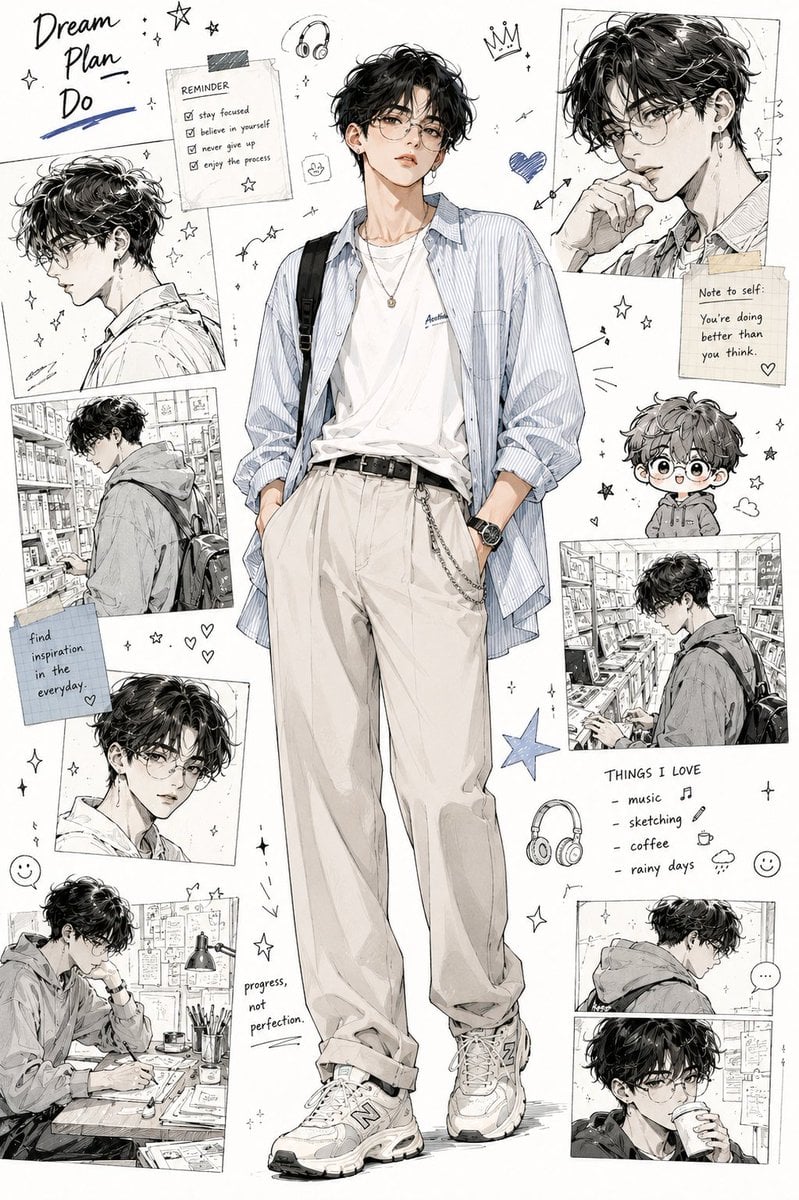
Anime Fashion Design Moodboard
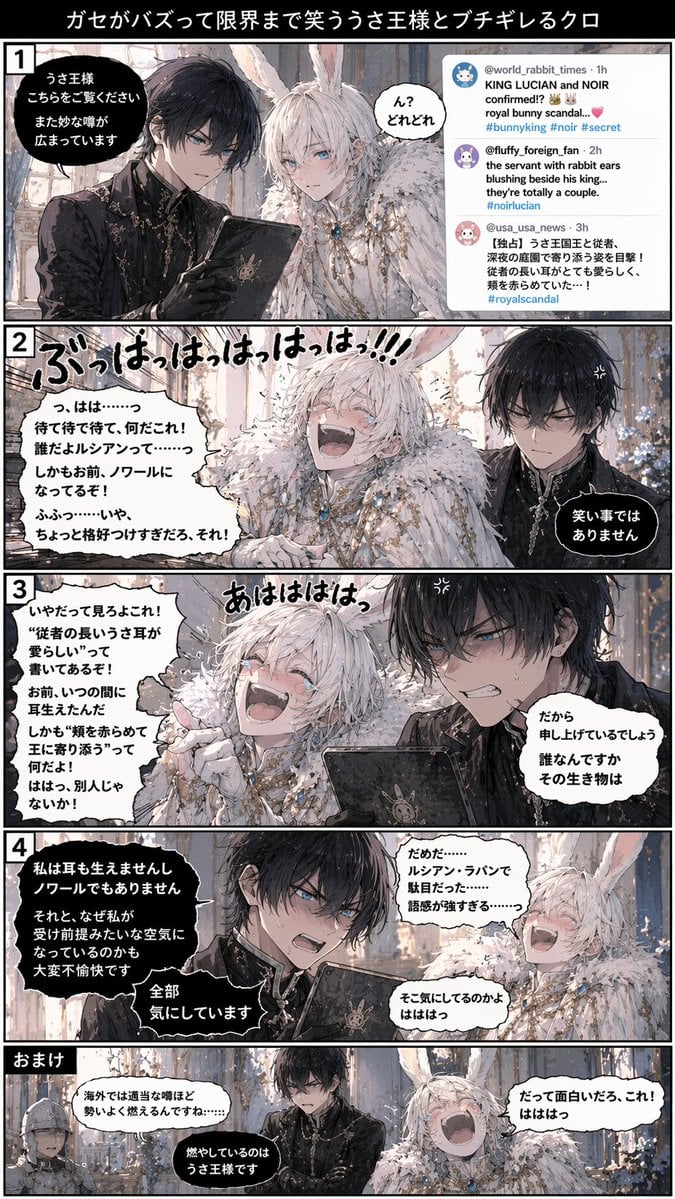
Vertical 5-Panel Anime Comic Strip
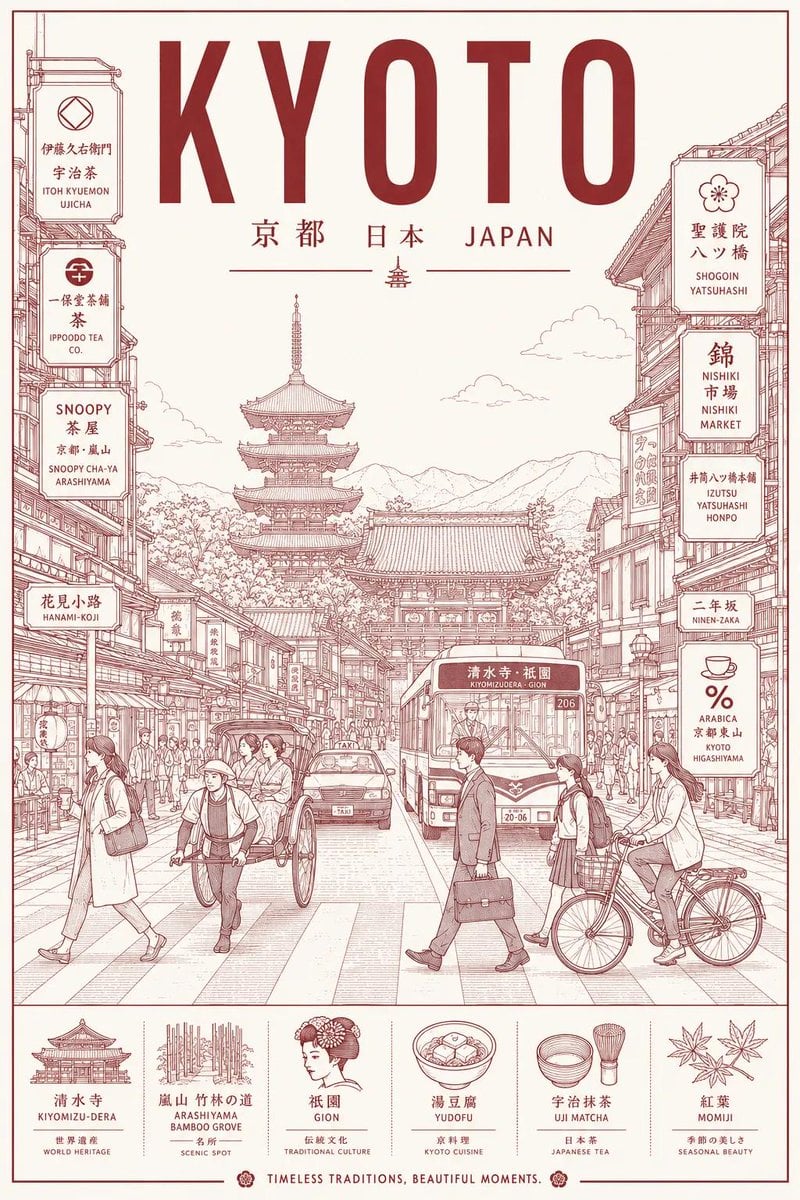
Minimalist Line Art Travel Poster
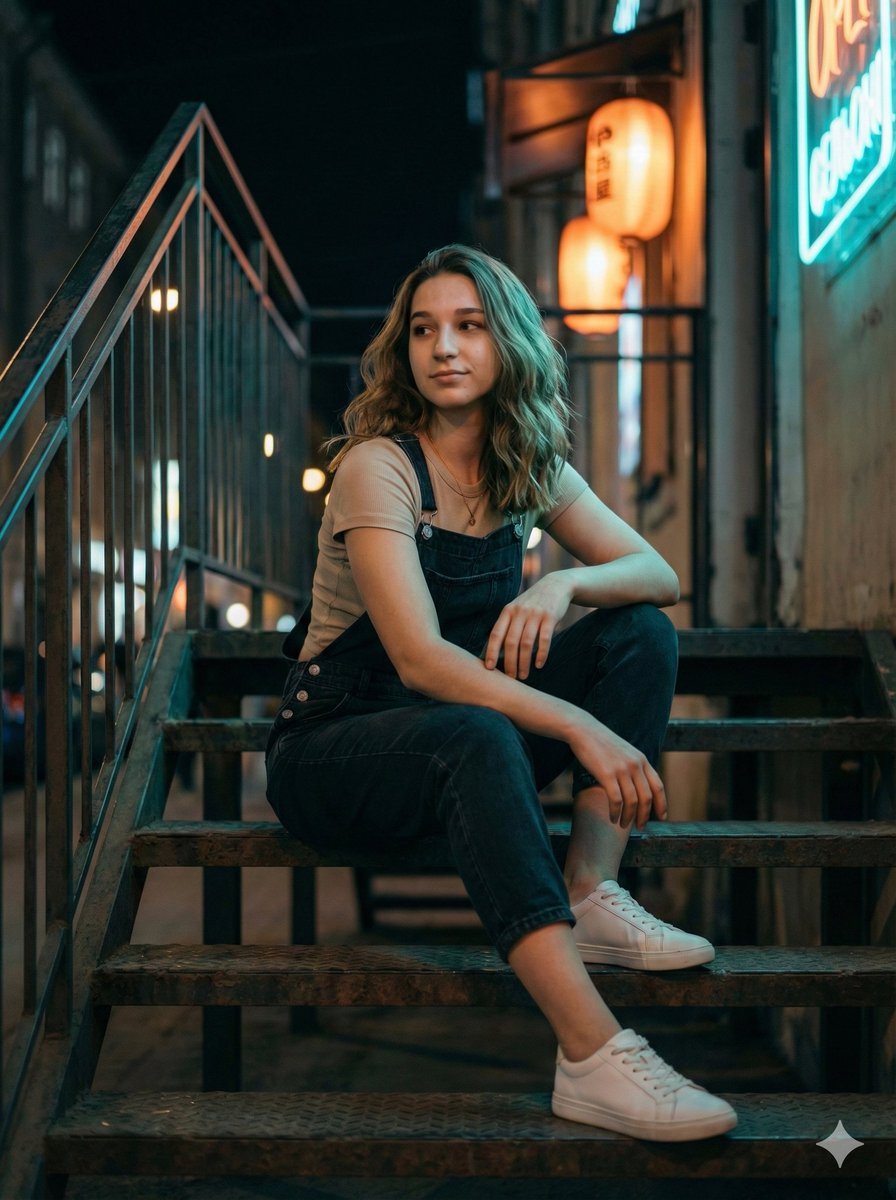
Cinematic Night Portrait on Urban Stairs

Legendary Football Photo That Never Happened
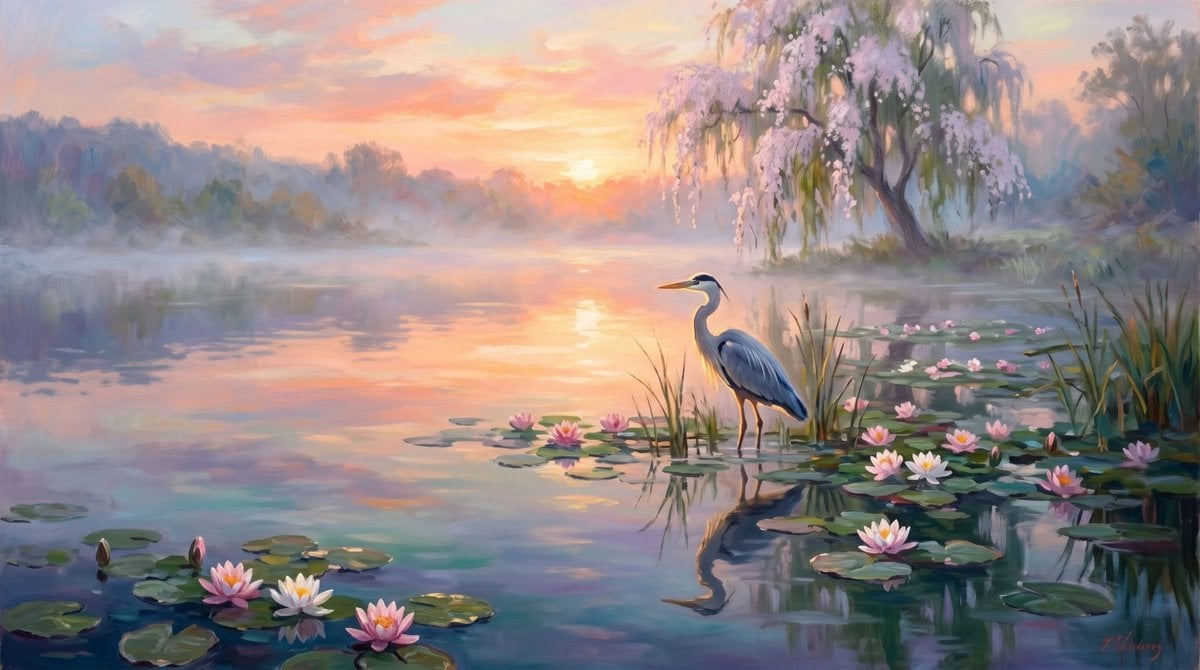
Misty Lotus Pond Heron Sunrise
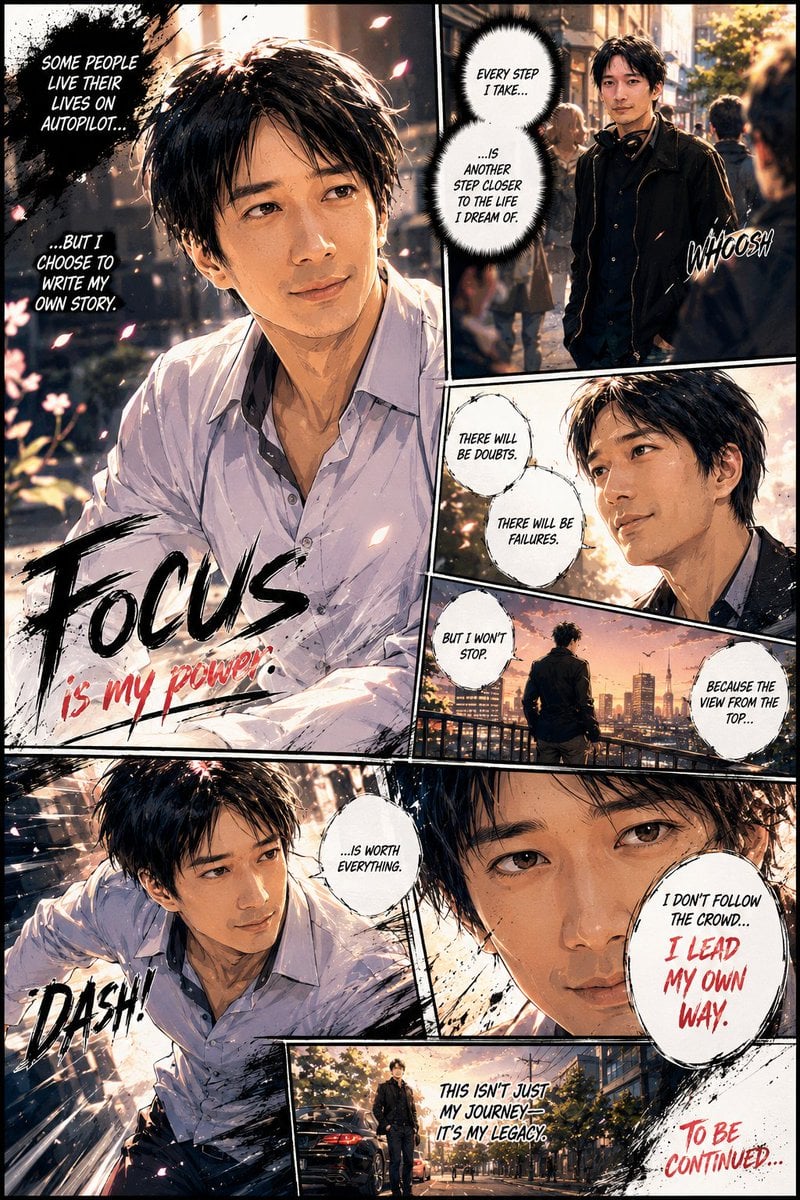
Personalized Manga Storyboard Page
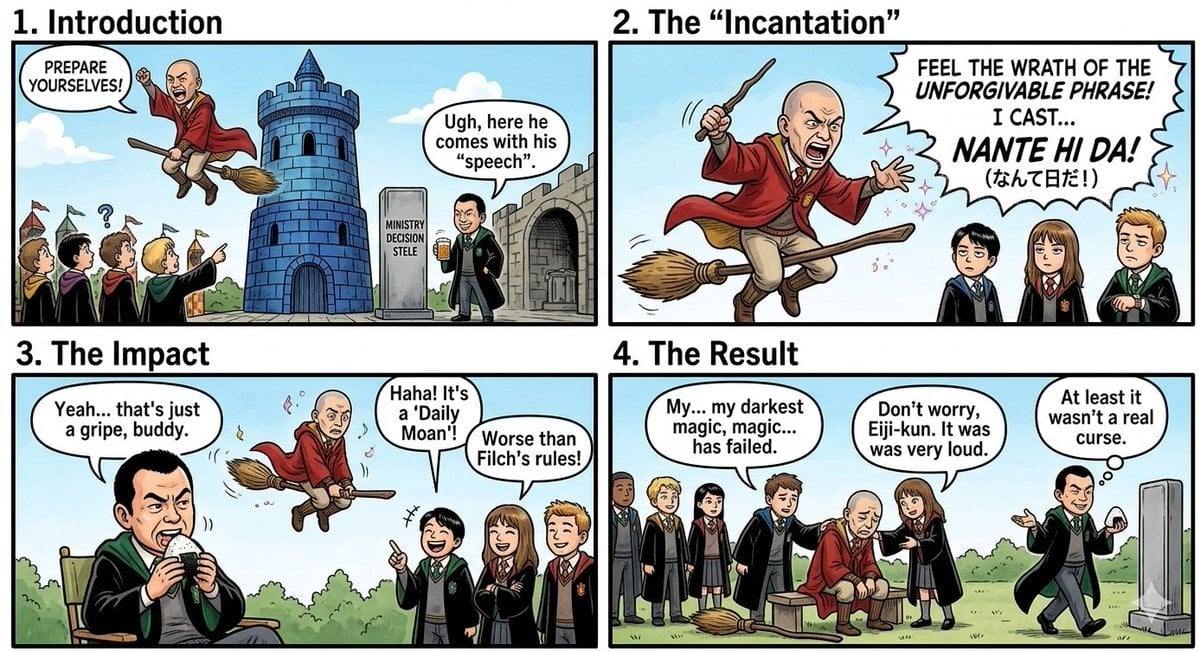
Nano Banana Pro Prompt: Harry Potter Style Slander
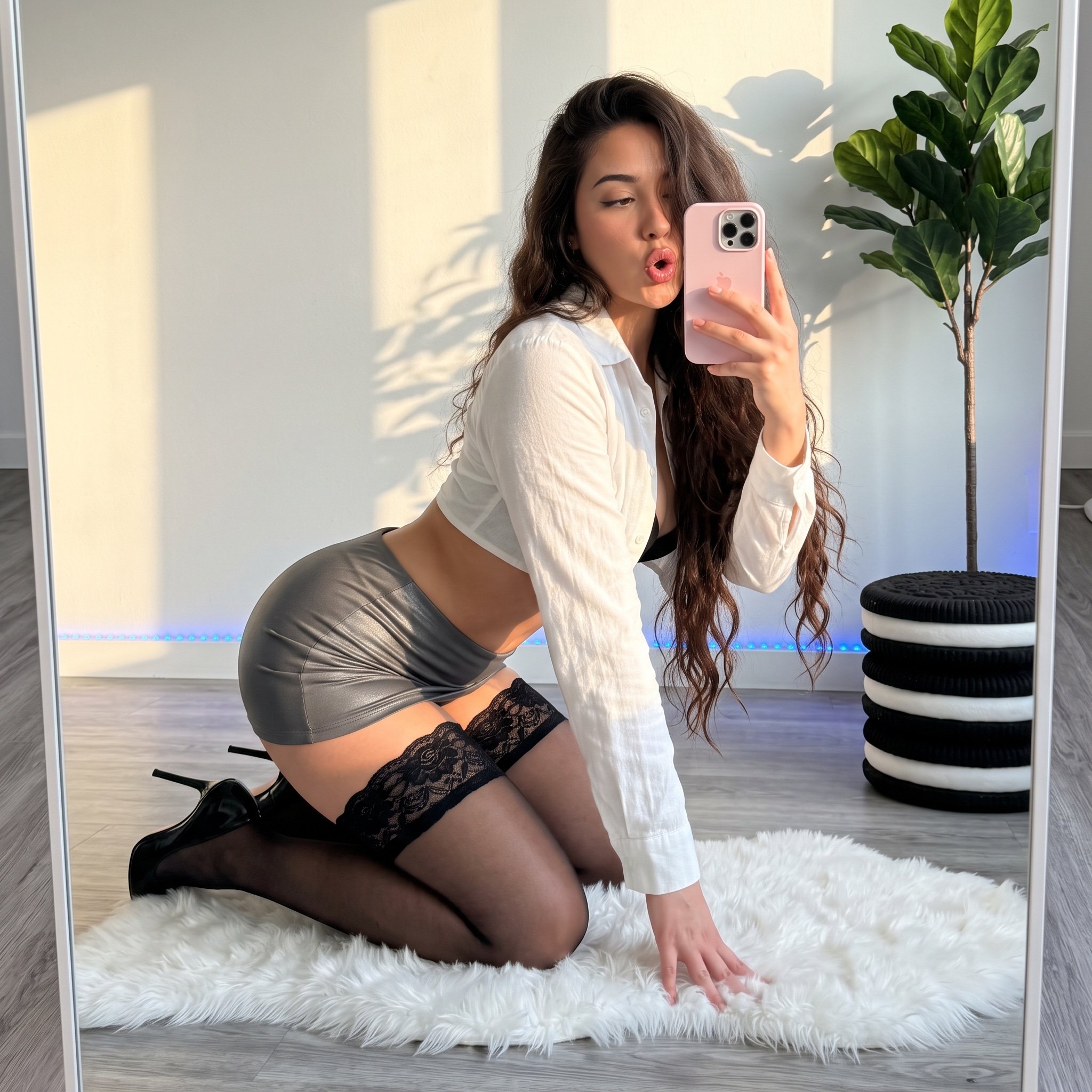
Mirror Selfie 'Thirst Trap' Aesthetic in Domestic Setting
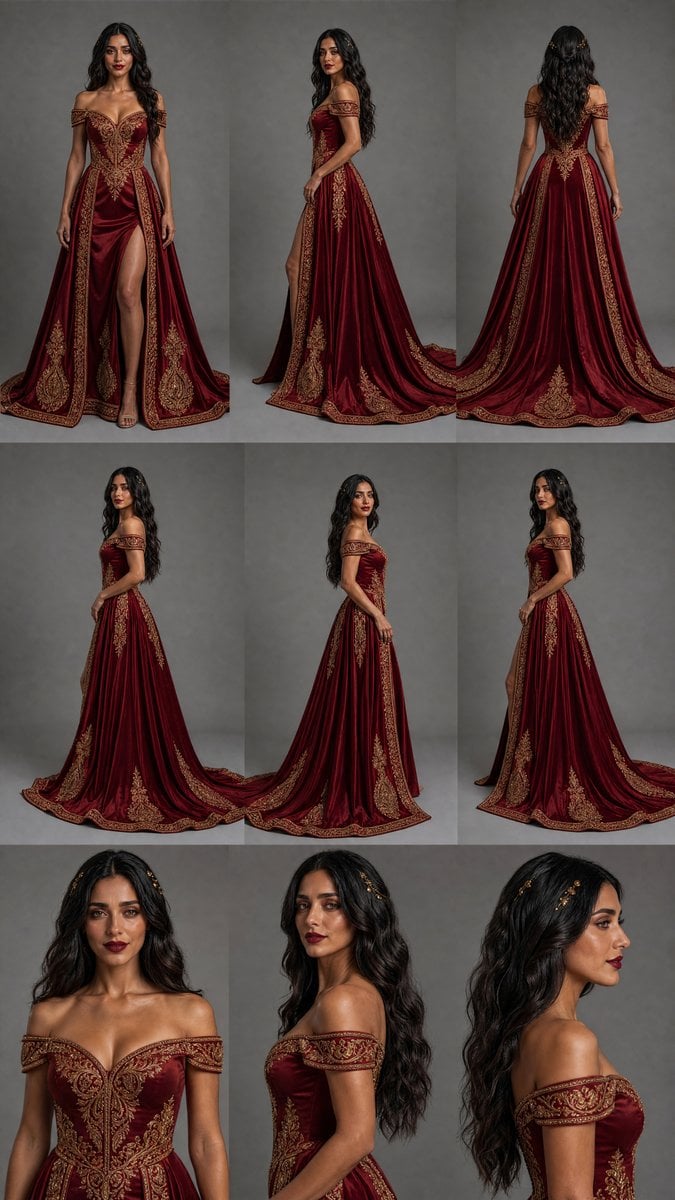
Burgundy Gown Fashion Reference Grid
Browse template categories
Four-Panel Schoolgirl Sunday Manga questions
How do I use the Four-Panel Schoolgirl Sunday Manga template?
Add your photo if the template asks for one, edit the prompt if you like — the template's model and format are already selected — and press Generate. Your version opens in PicX Studio.
Can I customize the Four-Panel Schoolgirl Sunday Manga template?
Yes. You can change the subject, setting, lighting, mood, format, and available model controls before creating your image.
Is the Four-Panel Schoolgirl Sunday Manga template free?
Opening and editing this template is free. Generating uses credits, shown on the Generate button when you are signed in.
Which AI model should I use?
Start with GPT Image 2, which is the model associated with this template. You can compare another compatible model for a different finish.
Looking for something else? Browse all templates.

Your photo, any look
Thousands of ready templates for every top image and video model, from one credit balance.