
Watercolor Chibi Schoolgirl Swordswoman
A prompt for generating a vertical fantasy watercolor character illustration of a chibi schoolgirl katana wielder surrounded by cute blue spirits and a lantern.
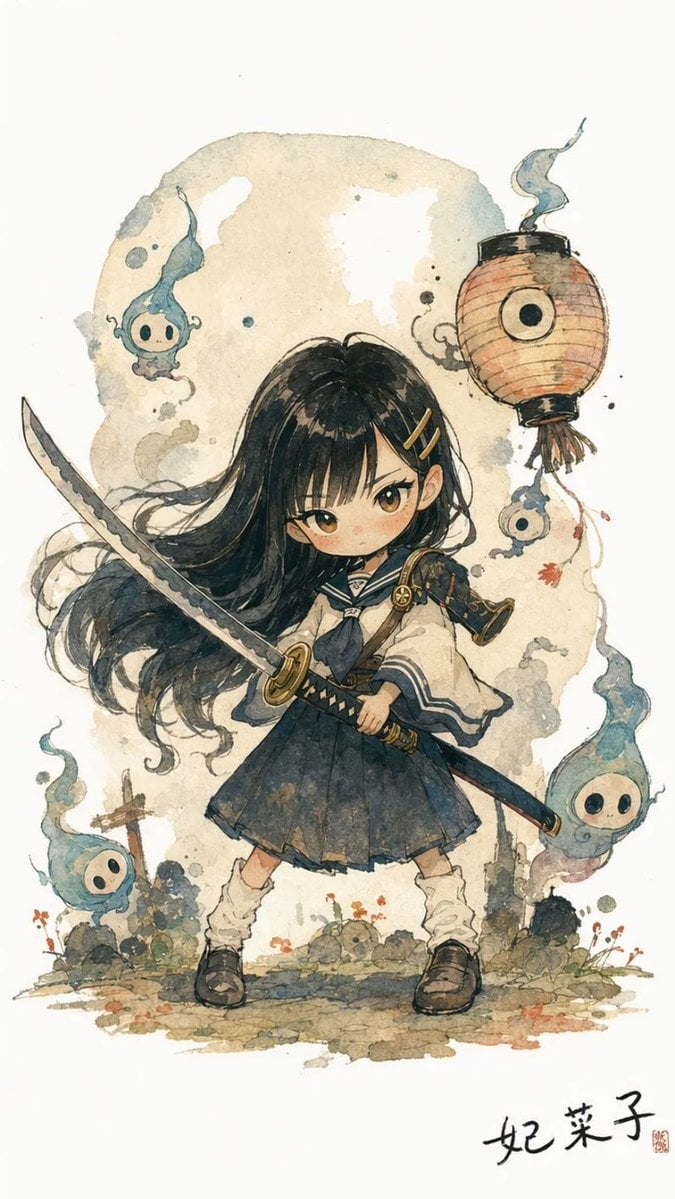
- Prompt included
- Model and format preset
- Free template
The prompt behind this image
Copy the exact prompt behind Watercolor Chibi Schoolgirl Swordswoman, or open it in the studio and make it yours.
Create a vertical fantasy anime watercolor illustration of {argument name="character name" default="Kinako"}, a small chibi-style schoolgirl swordswoman standing in a determined battle pose on a white paper background. She has long flowing {argument name="hair color" default="black"} hair blowing dramatically to the left, straight bangs, two gold hairpins on one side, large amber-brown eyes, rosy cheeks, and a serious expression. Her outfit is a Japanese sailor-style school uniform with a cream blouse, navy collar and necktie, dark pleated skirt, loose white socks, dark brown shoes, and a small shoulder guard/armor detail with a star-like emblem. She holds exactly one katana with both hands across the front of her body: the curved blade extends diagonally upward to the left, the black-and-gold handle and scabbard run diagonally down to the right. Her right hand is partly hidden by the sword and clothing. Surround her with exactly four cute blue ghost spirits: one floating near the upper left beside the hair, one small spirit dangling below the lantern on the right, one larger spirit rising from the lower right, and one spirit rising from the lower left. Each spirit has a pale round face, black oval eyes, a small simple mouth, and wispy blue flame-like tails. Add exactly one orange paper lantern in the upper right with black caps, thin hanging cords, tassels, and a single bold black circular eye-like mark on its front. The background should be a soft beige watercolor wash with ink splatters, smoky gray curls, faint stains, tiny flowers, small rocks, and sparse grass at the character’s feet, leaving plenty of clean white margin. Visual style: delicate hand-painted watercolor and ink, fantasy character art, storybook cover atmosphere, muted navy, cream, teal-blue, warm beige, and orange palette, visible paper texture, loose sketch lines, soft bleeding pigments, whimsical yet slightly mysterious mood. Composition: full-body centered character, portrait orientation, no panel borders, no speech bubbles, no modern UI, no extra characters or weapons. Add a small handwritten Japanese-style signature at the bottom right reading {argument name="signature text" default="妃菜子"} with a tiny red seal stamp.
How to use Watercolor Chibi Schoolgirl Swordswoman in 3 steps
- 1Upload ImagePNG, JPG or paste
Add your photo
Upload the photo the template builds on. The prompt, model and format are already set.
- 2…a portrait of your subject in softgolden-hour light, 85mm…
Personalize
Edit the subject and creative details for your destination.
- 3Generate
Generate
Press Generate — your image is created in PicX Studio, so you can compare it with the original and refine one variable at a time.
More like this
Templates with the same subject, style or setup. Open one to see its prompt.

Cute Layered Paper Cut Chibi Girl

Watercolor Anim Finale Fireworks

Watercolor Anim Garden Maze

Watercolor Anim Rooftop Concert

Watercolor Anim Bicycle Coast

Watercolor Anim Castle Gate

Watercolor Anim Kitchen Chaos

Watercolor Anim Carnival Ride

Watercolor Anim Rainy Bus Stop

Watercolor Anim Space Dock

Watercolor Anim Cafe Morning

Watercolor Anim Mountain Summit
Make it yours
Watercolor Chibi Schoolgirl Swordswoman works as-is. These are the safest ways to change it without losing the look.
Change one field
Copy a single group, rewrite it, and generate again so you can see what that field is doing.
Keep the frame, change the subject
Hold the composition and light of Watercolor Chibi Schoolgirl Swordswoman, then swap wardrobe, props or the person for a new take.
| If the result… | Why | Fix |
|---|---|---|
| The result drifts from the preview | Too many fields changed at once. | Reuse Watercolor Chibi Schoolgirl Swordswoman as-is first, then change one group — subject, light, or setting. |
| The model over-stylizes the scene | The prose prompt leaves finish and camera underspecified. | Add one camera or lighting sentence and stay on GPT Image 2. |
More GPT Image 2 templates
Other prompts made for GPT Image 2.

Six VTuber Japanese Logo Sheet

Realistic Portrait of Woman and Deer

The Vista Modular Condo Poster

AI Model Routing Comparison Infographic

2.5D Anime Art Board

Isometric Productivity Desk Scene

New York Double Exposure Poster

Four-Panel AI Landscape Comparison

Japanese Tatami Lifestyle Magazine Cover

NESCAFÉ Coffee Map Poster
More image prompts
Fresh picks from across the catalog.
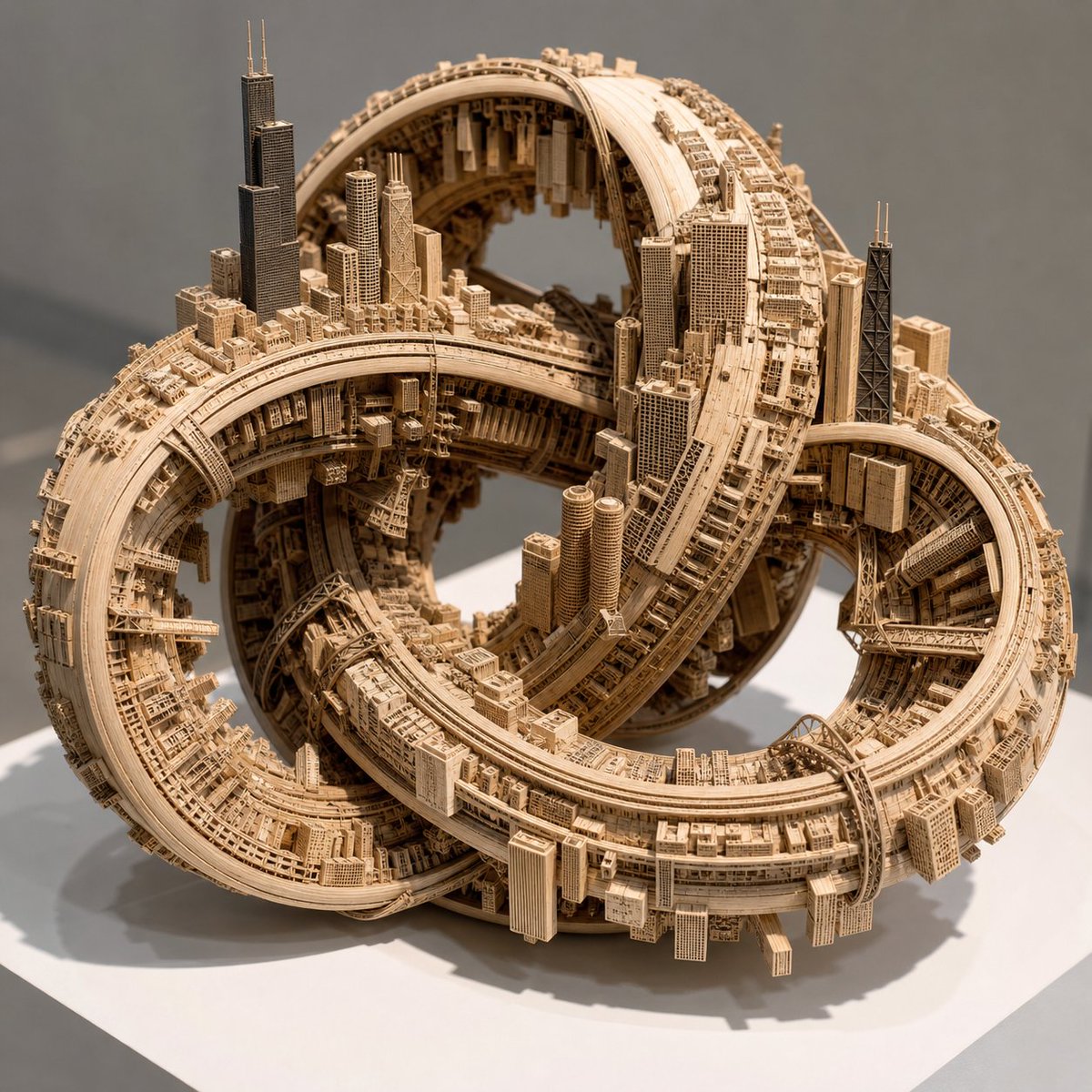
Impossible Wooden Chicago Knot City

Horror Cinematic Portrait
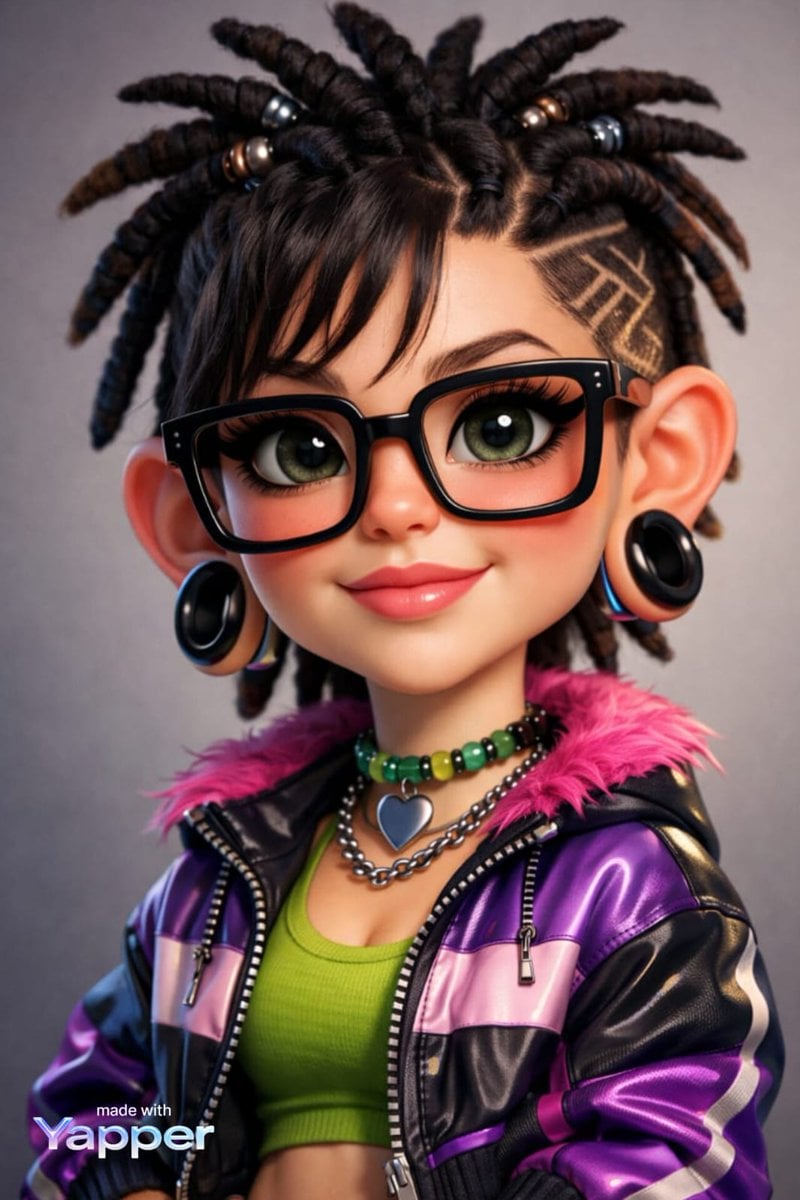
Caricature Style Portrait
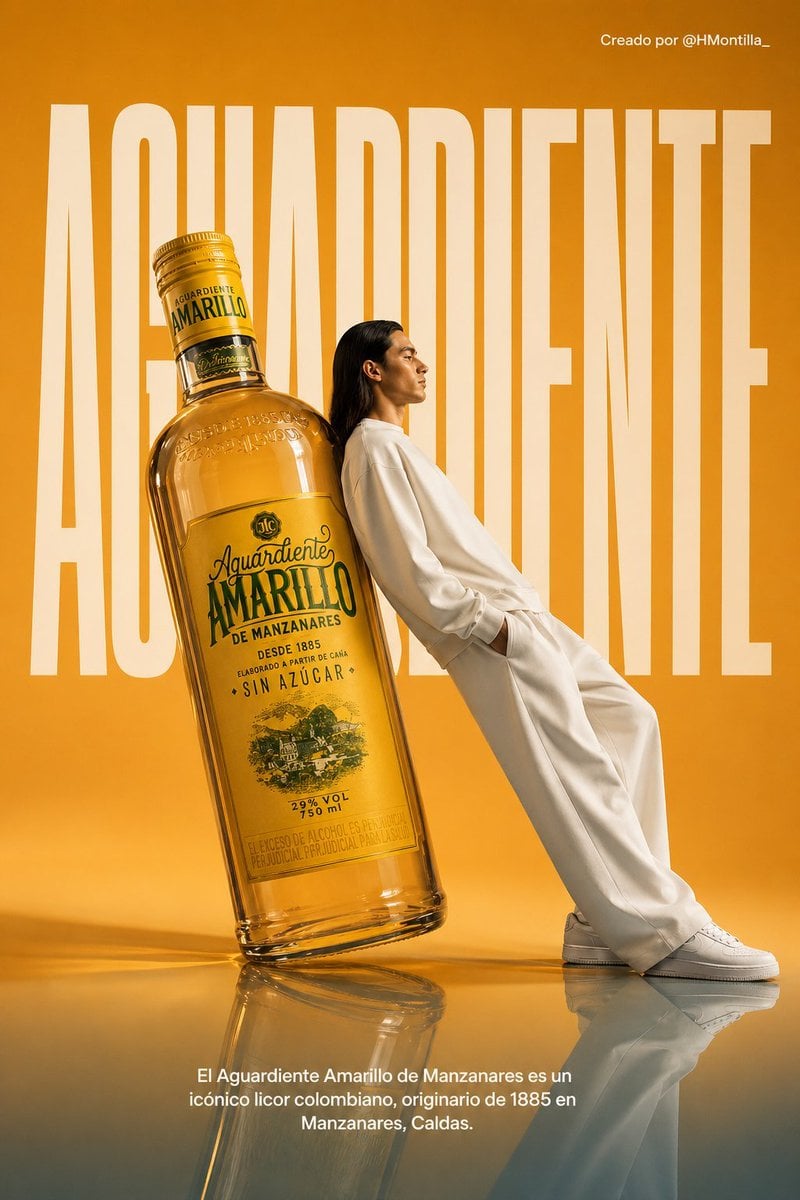
Aguardiente fashion ad from portrait reference
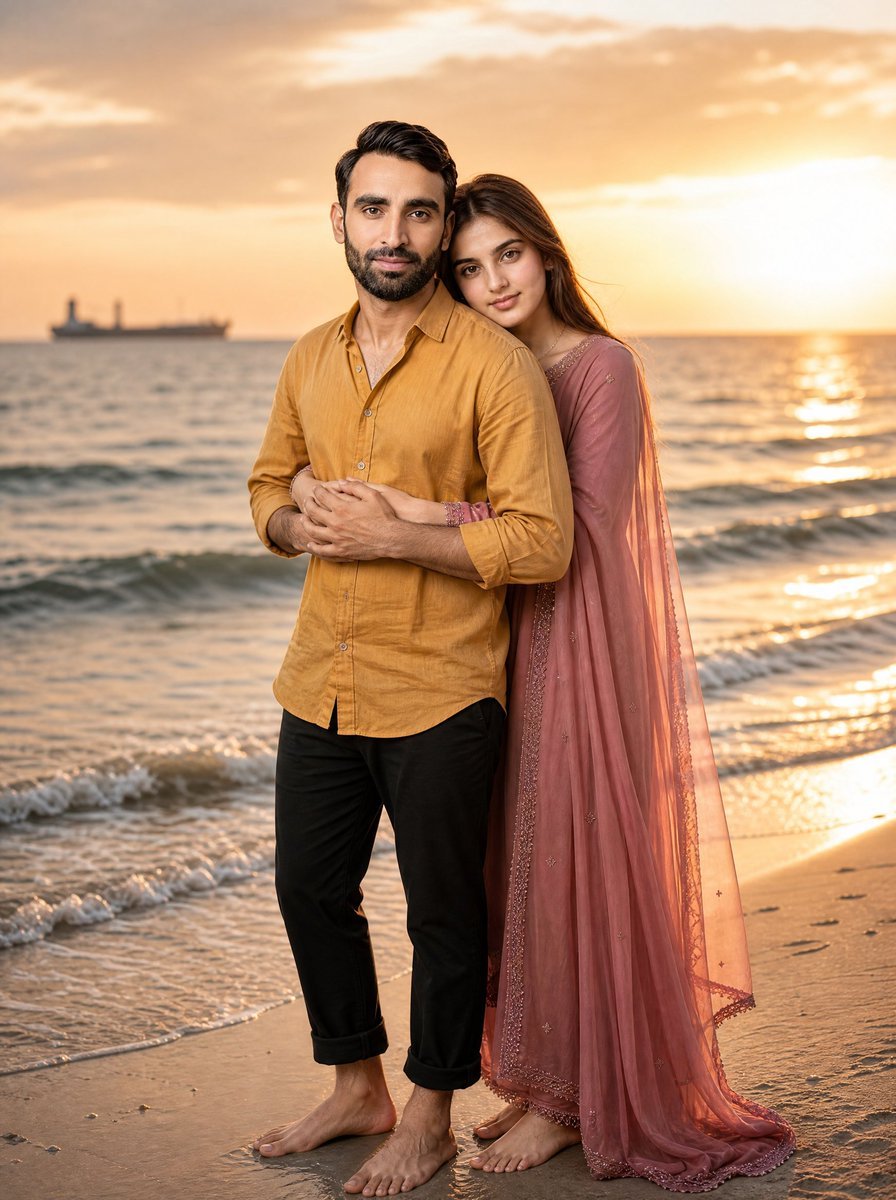
Romantic Beach Sunset Couple
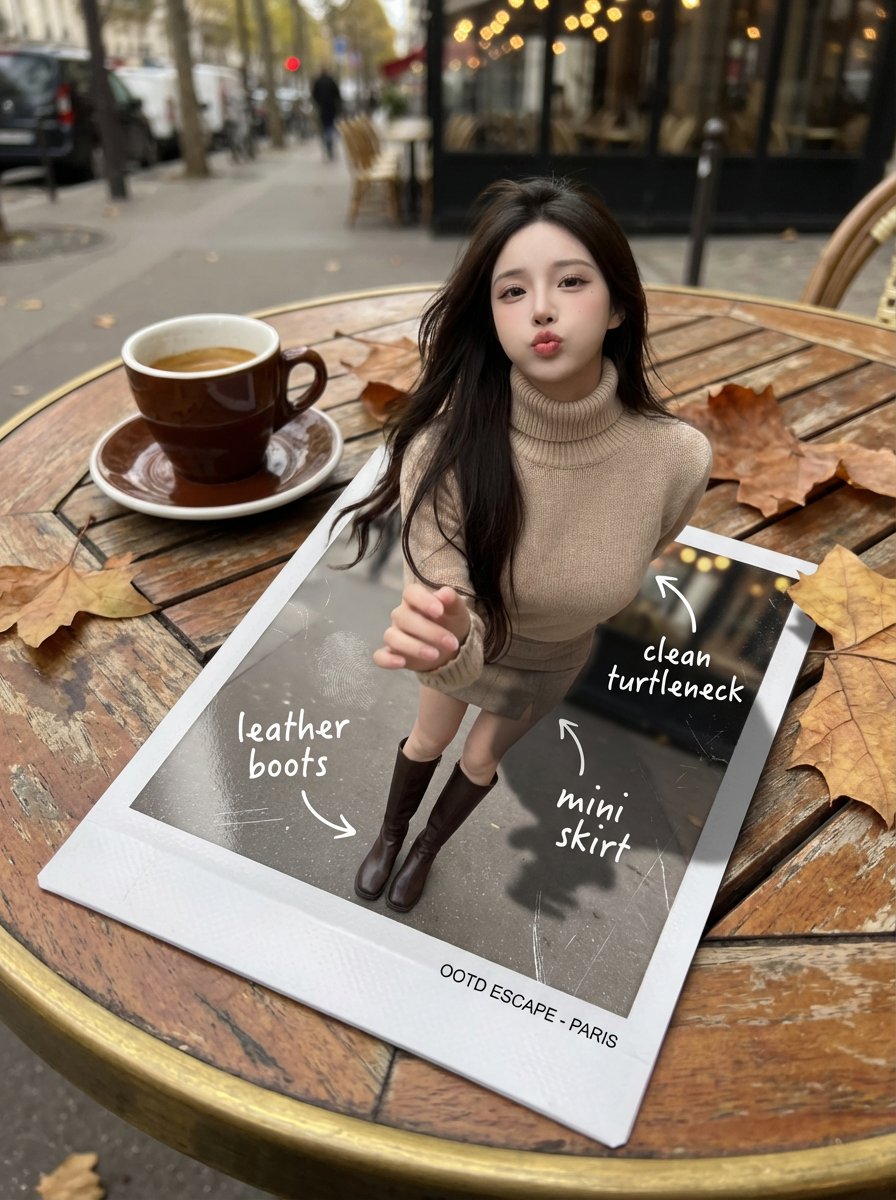
Instant Polaroid Portal Optical Illusion Prompt
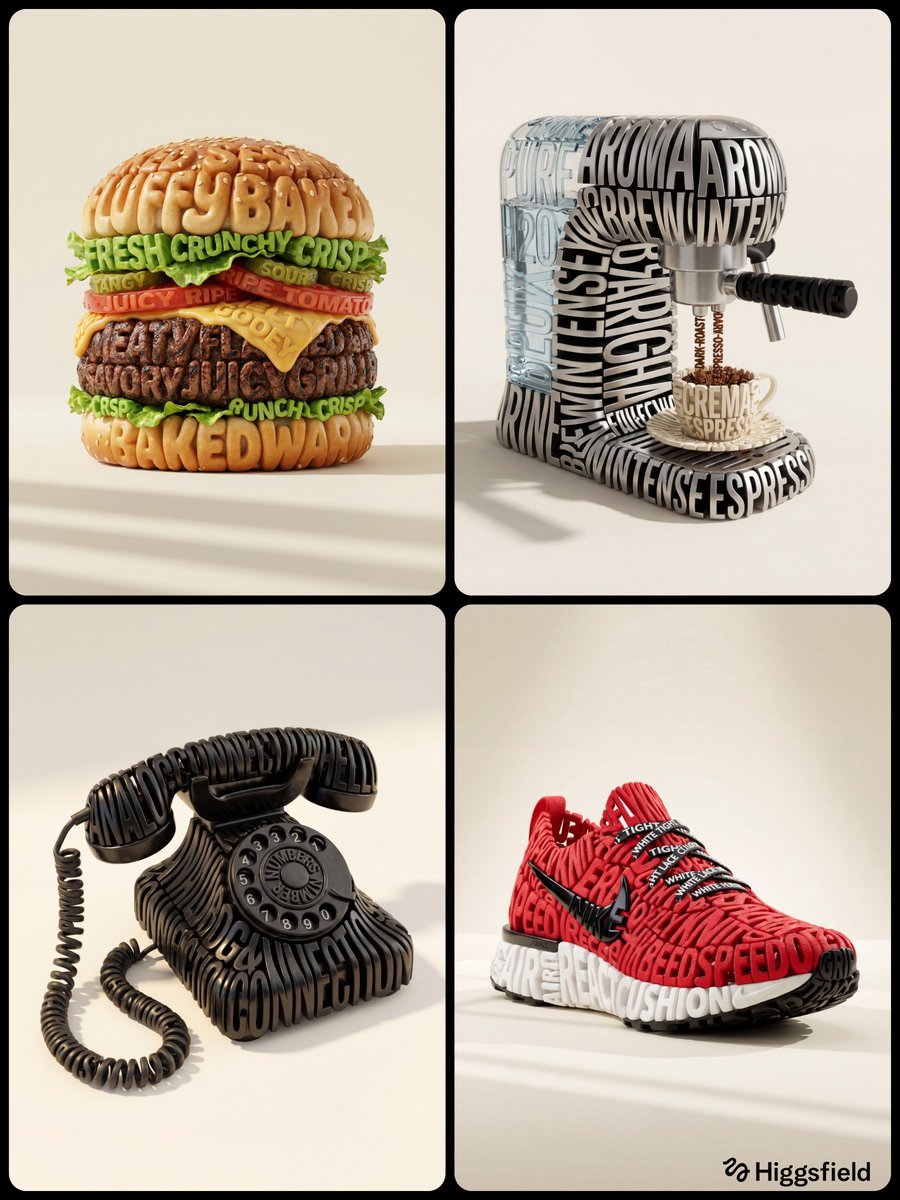
Hyper-Realistic 3D Typographic Sculpture Product Concept
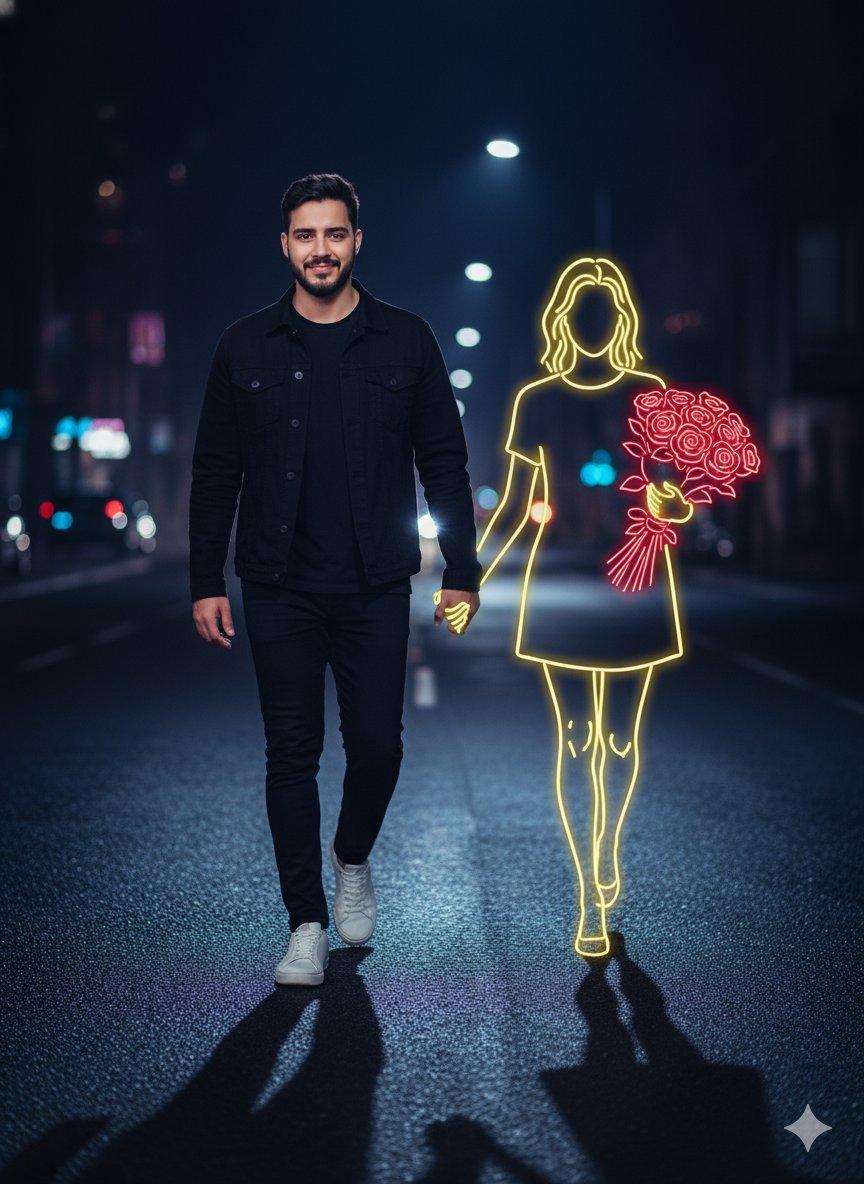
Cinematic Night Portrait with Neon Silhouette
Prompt for 3D Caricature from Uploaded Image
Fantasy Masquerade Ball Treasure Item
Browse template categories
Watercolor Chibi Schoolgirl Swordswoman questions
How do I use the Watercolor Chibi Schoolgirl Swordswoman template?
Add your photo if the template asks for one, edit the prompt if you like — the template's model and format are already selected — and press Generate. Your version opens in PicX Studio.
Can I customize the Watercolor Chibi Schoolgirl Swordswoman template?
Yes. You can change the subject, setting, lighting, mood, format, and available model controls before creating your image.
Is the Watercolor Chibi Schoolgirl Swordswoman template free?
Opening and editing this template is free. Generating uses credits, shown on the Generate button when you are signed in.
Which AI model should I use?
Start with GPT Image 2, which is the model associated with this template. You can compare another compatible model for a different finish.
Looking for something else? Browse all templates.

Your photo, any look
Thousands of ready templates for every top image and video model, from one credit balance.