
Anime Schoolgirl on the Moon
This prompt generates a polished sci-fi anime illustration of a schoolgirl seated on the moon with Earth in the background, ideal for character art, posters, or social media visuals.
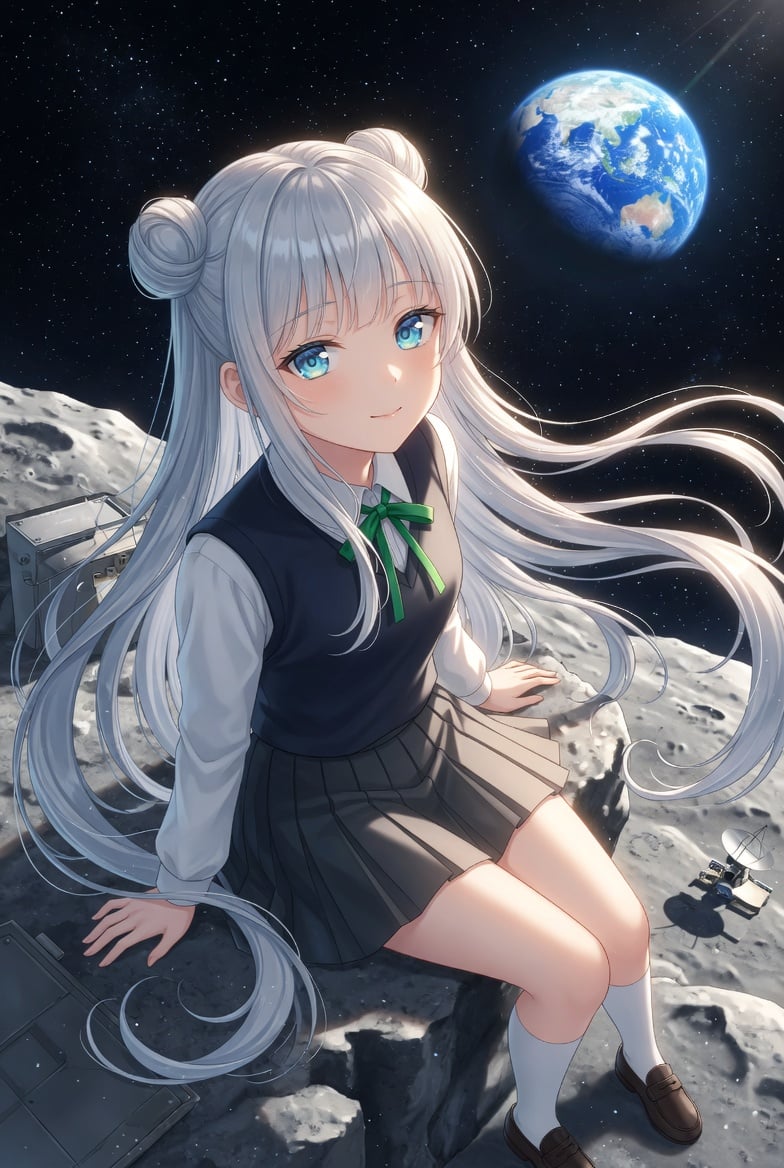
- Prompt included
- Model and format preset
- Free template
The prompt behind this image
Copy the exact prompt behind Anime Schoolgirl on the Moon, or open it in the studio and make it yours.
A highly detailed anime illustration of a teenage schoolgirl sitting on a rocky lunar surface in outer space, viewed from a slightly elevated three-quarter angle. She has very long flowing {argument name="hair color" default="silver-white"} hair with two round odango buns on top and loose strands streaming dramatically to the right as if in low gravity or solar wind. Her face is obscured by a plain rectangular censor block in a muted beige-gray color, centered over the entire face. She wears a Japanese-style school uniform: a white long-sleeve blouse, a dark navy sleeveless sweater vest, a small green ribbon bow at the collar, a gray pleated skirt, white knee socks, and brown loafers. She is seated on the edge of a moon rock with one hand braced behind her and the other resting near her side, legs angled forward in a relaxed pose. The background is a deep star-filled black sky with the planet Earth glowing in the upper right, showing the Asia-Pacific region, with a soft sunbeam entering diagonally from the top right. The moon terrain is bright gray and heavily textured with craters and jagged rocks. Include exactly 3 pieces of lunar equipment: 2 metallic boxy panels or instrument cases on the left side of the foreground and midground, and 1 small rover or antenna-like device on the lower right. Lighting is cinematic and cool, with bright rim light on the hair and soft highlights on the uniform and legs. Render in polished modern anime key visual style, ultra-clean linework, luminous hair strands, subtle depth, and a wistful sci-fi mood.
How to use Anime Schoolgirl on the Moon in 3 steps
- 1Upload ImagePNG, JPG or paste
Add your photo
Upload the photo the template builds on. The prompt, model and format are already set.
- 2…a portrait of your subject in softgolden-hour light, 85mm…
Personalize
Edit the subject and creative details for your destination.
- 3Generate
Generate
Press Generate — your image is created in PicX Studio, so you can compare it with the original and refine one variable at a time.
More like this
Templates with the same subject, style or setup. Open one to see its prompt.










Make it yours
Anime Schoolgirl on the Moon works as-is. These are the safest ways to change it without losing the look.
Change one field
Copy a single group, rewrite it, and generate again so you can see what that field is doing.
Keep the frame, change the subject
Hold the composition and light of Anime Schoolgirl on the Moon, then swap wardrobe, props or the person for a new take.
| If the result… | Why | Fix |
|---|---|---|
| The result drifts from the preview | Too many fields changed at once. | Reuse Anime Schoolgirl on the Moon as-is first, then change one group — subject, light, or setting. |
| The model over-stylizes the scene | The prose prompt leaves finish and camera underspecified. | Add one camera or lighting sentence and stay on GPT Image 2. |
More GPT Image 2 templates
Other prompts made for GPT Image 2.

Six VTuber Japanese Logo Sheet

Realistic Portrait of Woman and Deer

The Vista Modular Condo Poster

AI Model Routing Comparison Infographic

2.5D Anime Art Board

Isometric Productivity Desk Scene

New York Double Exposure Poster

Four-Panel AI Landscape Comparison

Japanese Tatami Lifestyle Magazine Cover

NESCAFÉ Coffee Map Poster
More image prompts
Fresh picks from across the catalog.
Augmented Reality Spotify Player Visual Prompt
Late Night Luxury Mirror Selfie
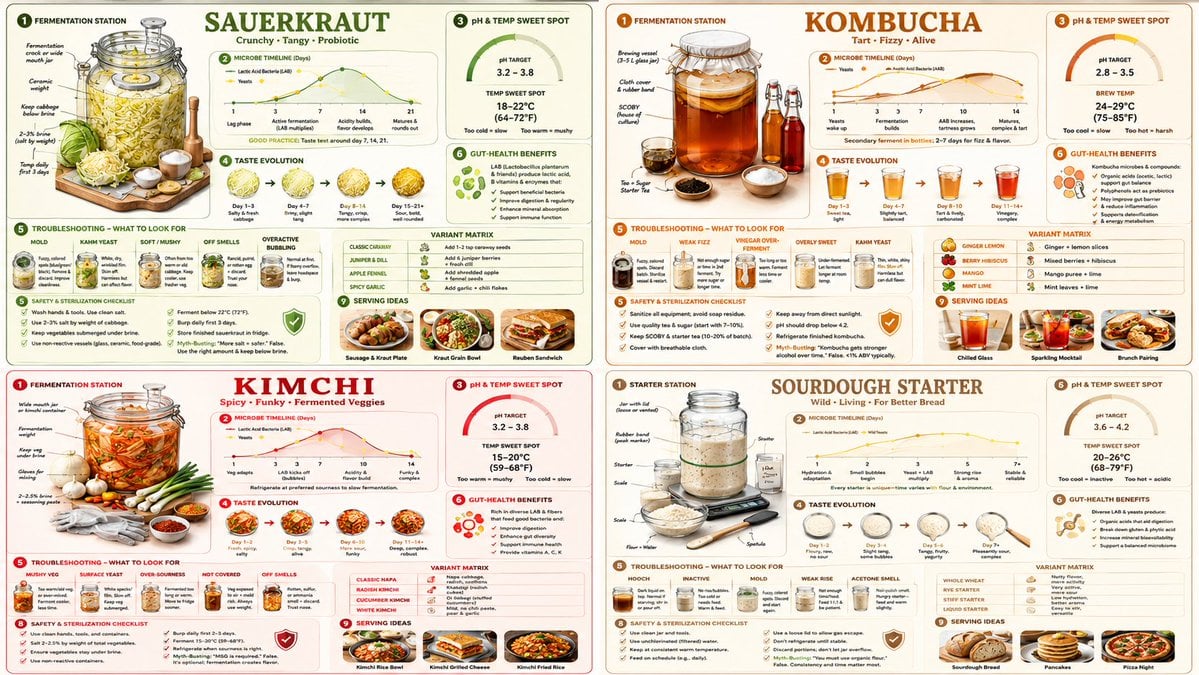
Fermentation Science Infographic Grid
Silver Maid Cosplay in High-Rise Kitchen
Four-Panel Streetwear Advertisement Grid
Dexter Morgan Cinematic Portrait with Banana Prop Prompt
Vintage Patent Drawing Technical Illustration
Next-Gen Voxel Game Screenshot
Selfie to Professional LinkedIn Headshot Conversion
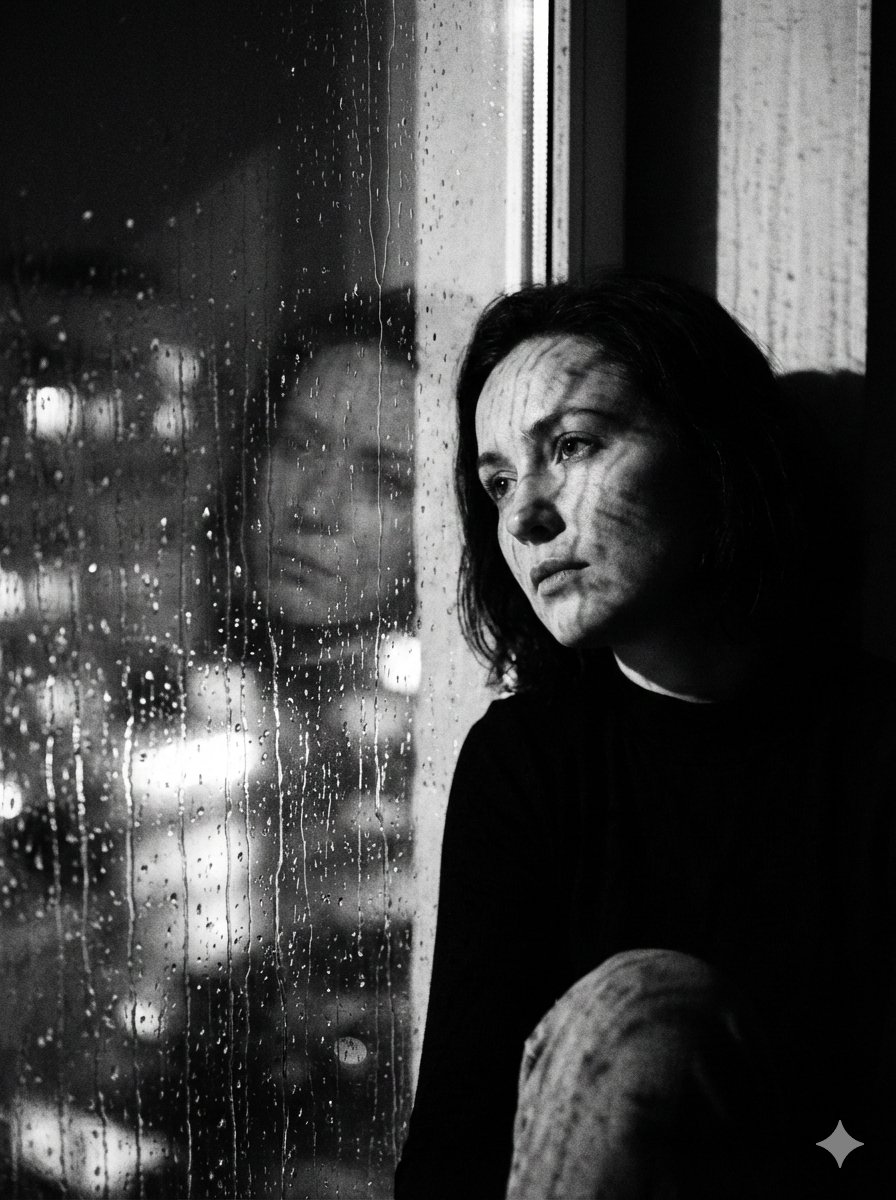
Black and White Rainy Window Portrait Prompt
Browse template categories
Anime Schoolgirl on the Moon questions
How do I use the Anime Schoolgirl on the Moon template?
Add your photo if the template asks for one, edit the prompt if you like — the template's model and format are already selected — and press Generate. Your version opens in PicX Studio.
Can I customize the Anime Schoolgirl on the Moon template?
Yes. You can change the subject, setting, lighting, mood, format, and available model controls before creating your image.
Is the Anime Schoolgirl on the Moon template free?
Opening and editing this template is free. Generating uses credits, shown on the Generate button when you are signed in.
Which AI model should I use?
Start with GPT Image 2, which is the model associated with this template. You can compare another compatible model for a different finish.
Looking for something else? Browse all templates.

Your photo, any look
Thousands of ready templates for every top image and video model, from one credit balance.