
Dexter Morgan Cinematic Portrait with Banana Prop Prompt
A highly detailed, cinematic prompt for Nano Banana Pro to generate a hyper-photorealistic editorial portrait of Michael C.
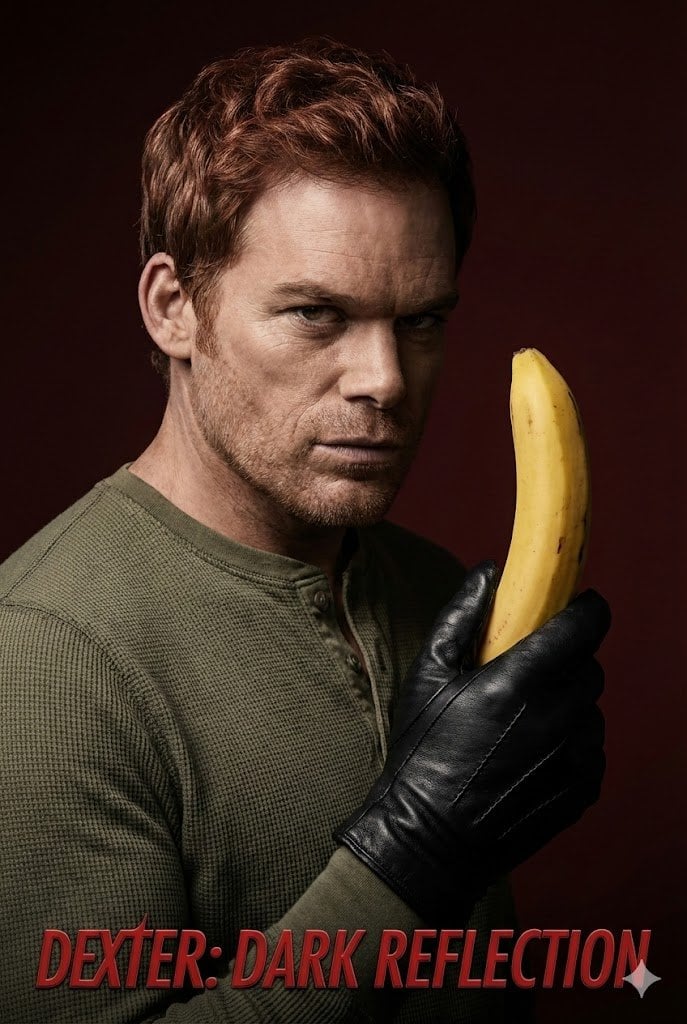
- Prompt included
- Model and format preset
- Free template
The prompt behind this image
Copy the exact prompt behind Dexter Morgan Cinematic Portrait with Banana Prop Prompt, or open it in the studio and make it yours.
{ "image_type": "Studio Portrait, Editorial Campaign for TV Series", "shot": "Medium Close-Up (Torso Shot)", "shot_details": "Vertical orientation, high confrontation, subject turned slightly left but looking frontal into the camera with unsettling intensity.", "style": "Hyper-photorealism, Cinematic, High Drama, Psychological Thriller Aesthetic, TV Series Key Art", "quality": "16K UHD, Editorial Quality, Extreme Textural Fidelity, Poster Print Standard", "color_grade": "Heavy contrast, reduced color palette focusing on deep browns, olives, blacks, and skin tones. Cool tones dominate the shadows, with slightly warm, clinical highlights on skin and the object.", "meta": { "aspect_ratio": "2:3", "resolution": "16K UHD" }, "camera": { "device": "Professional DSLR (Sony A1 or Canon EOS R5)", "lens": "85mm to 105mm prime lens (Medium Telephoto)", "aperture": "f/2.8 to f/4.0", "distance": "Close", "angle": "Slightly below eye level (to convey dominance and unease)", "framing": "Torso Shot", "pov": "Confrontational direct stare into the lens", "focus": "Extreme sharpness on eyes, stubble, the texture of the leather glove, and the waxy surface of the banana peel.", "lens_effect": "Soft, creamy bokeh background, shallow depth of field." }, "lighting": { "description": "Extreme Low-Key Lighting for maximum psychological intensity, adapting the classic 'Dexter' look.", "type": "Hard, directional studio light setup.", "source": "Key Light (Beauty Dish or tightly gridded reflector), Rim Light (Strip box or snoot).", "primary": "Hard Key Light positioned high and front-left, creating a deep Split Lighting/Rembrandt shadow mix, heavily obscuring the right side of the face, emphasizing facial structure.", "secondary": "Bright, precise Rim Light from the rear-right, sharply defining the contours of the head, jawline, and the shoulder.", "highlights": "Slightly warm, glossy sheen on the skin and the waxy texture of the banana.", "shadows": "Deep, dramatic, cool-toned shadows hiding details in the periphery." }, "scene": { "location": "Professional Photography Studio", "environment": "Minimalist background in deep Mahogany or blood-red Burgundy, transitioning into dark brown/black via a strong vignette.", "atmosphere": "Heavy, intense, dangerous, secretive, with a touch of dark irony." }, "subject": { "specific_character": "Michael C. Hall as Dexter Morgan", "gender": "Male", "age": "Mid 40s (during series run)", "ethnicity": "European", "appearance": "Intense demeanor, recognizable facial structure of Michael C. Hall, athletic build hinted at under clothes.",
How to use Dexter Morgan Cinematic Portrait with Banana Prop Prompt in 3 steps
- 1
Open
The prompt is already in the box next to the preview, with the template's model and format selected.
- 2…a portrait of your subject in softgolden-hour light, 85mm…
Personalize
Edit the subject and creative details for your destination.
- 3Generate
Generate
Press Generate — your image is created in PicX Studio, so you can compare it with the original and refine one variable at a time.
More like this
Templates with the same subject, style or setup. Open one to see its prompt.

Nano Banana Is So Addictive

Nano Banana 2 Perspective Experiment

Gemini Nano Banana 2 Isometric 3d City D

Nano Banana 2

Gemini Nano Banana 2

Gemini Nano Banana 2 Logo in Wet Sand Be

Nano Banana 2 Gourmet Ice Cream Commerci

Nano Banana Pro Photoreal Playful Couple

Nano Banana 2 High Fashion Sports Campai

Nano Banana 2 Editorial Fashion Portrait

B&W Photobooth Expression Grid 4x4 — Nano Banana

Gen Z TikTok Viral Expression Grid 4x4 — Nano Banana
Make it yours
Dexter Morgan Cinematic Portrait with Banana Prop Prompt works as-is. These are the safest ways to change it without losing the look.
Change one field
Copy a single group, rewrite it, and generate again so you can see what that field is doing.
Keep the frame, change the subject
Hold the composition and light of Dexter Morgan Cinematic Portrait with Banana Prop Prompt, then swap wardrobe, props or the person for a new take.
| If the result… | Why | Fix |
|---|---|---|
| The result drifts from the preview | Too many fields changed at once. | Reuse Dexter Morgan Cinematic Portrait with Banana Prop Prompt as-is first, then change one group — subject, light, or setting. |
| The model over-stylizes the scene | The prose prompt leaves finish and camera underspecified. | Add one camera or lighting sentence and stay on Nano Banana 2. |
More Nano Banana 2 templates
Other prompts made for Nano Banana 2.

Photorealistic Leaf Shaped Like a Dragon

K-Pop Idol Portrait Grid for Rapid Selection

Poetic Rain Forest Portrait During Golden Hour

Urban Street Portrait with Cartoon Inner Self Duo

Candid Nighttime Photo with Cat Prompt

High-Concept 3D Diorama Generation Prompt

Cinematic Futuristic Studio Portrait Template

Skincare Editorial Photography Collage Prompt

Hyper-Realistic Commercial Product Photography (Splash Effect)

Hyper-Realistic Nightclub Portrait Prompt
More image prompts
Fresh picks from across the catalog.
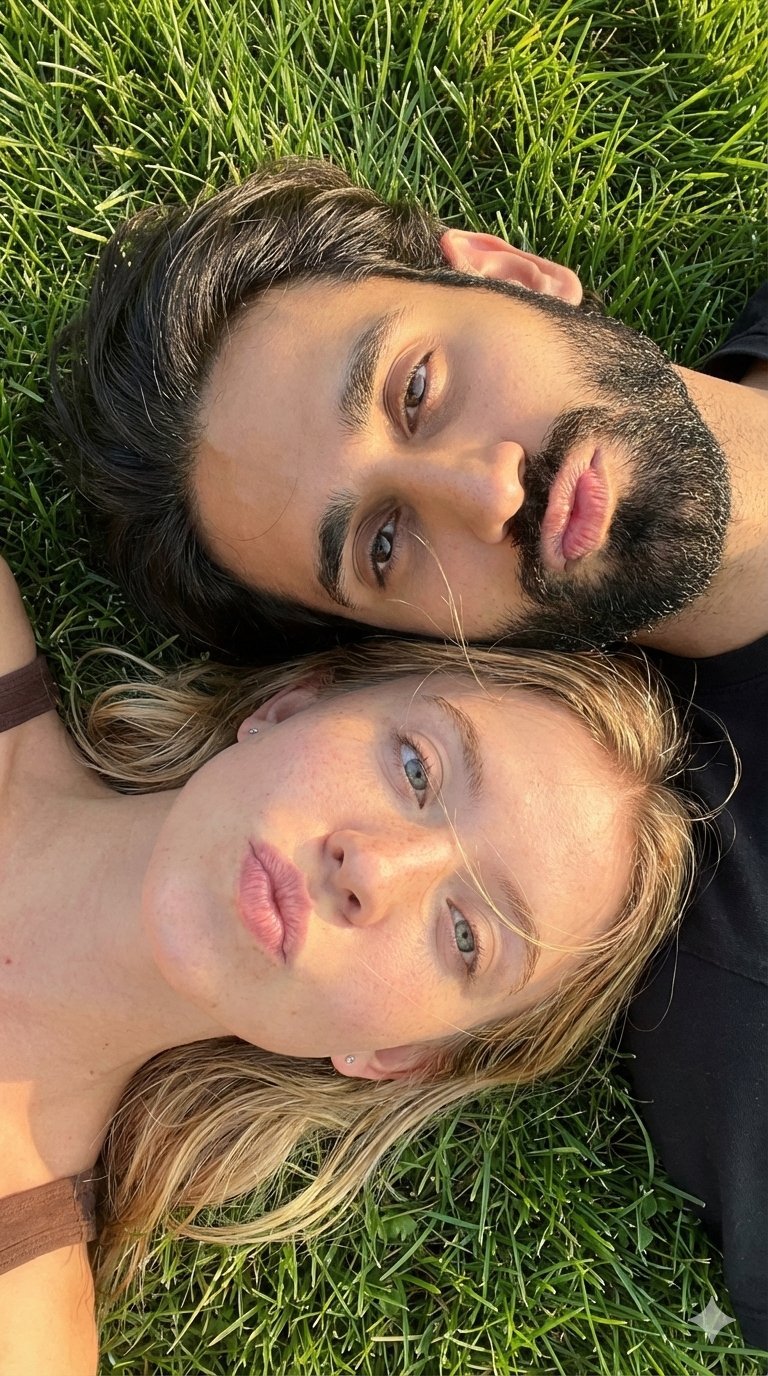
9 Grid Travel Profile Photo Series
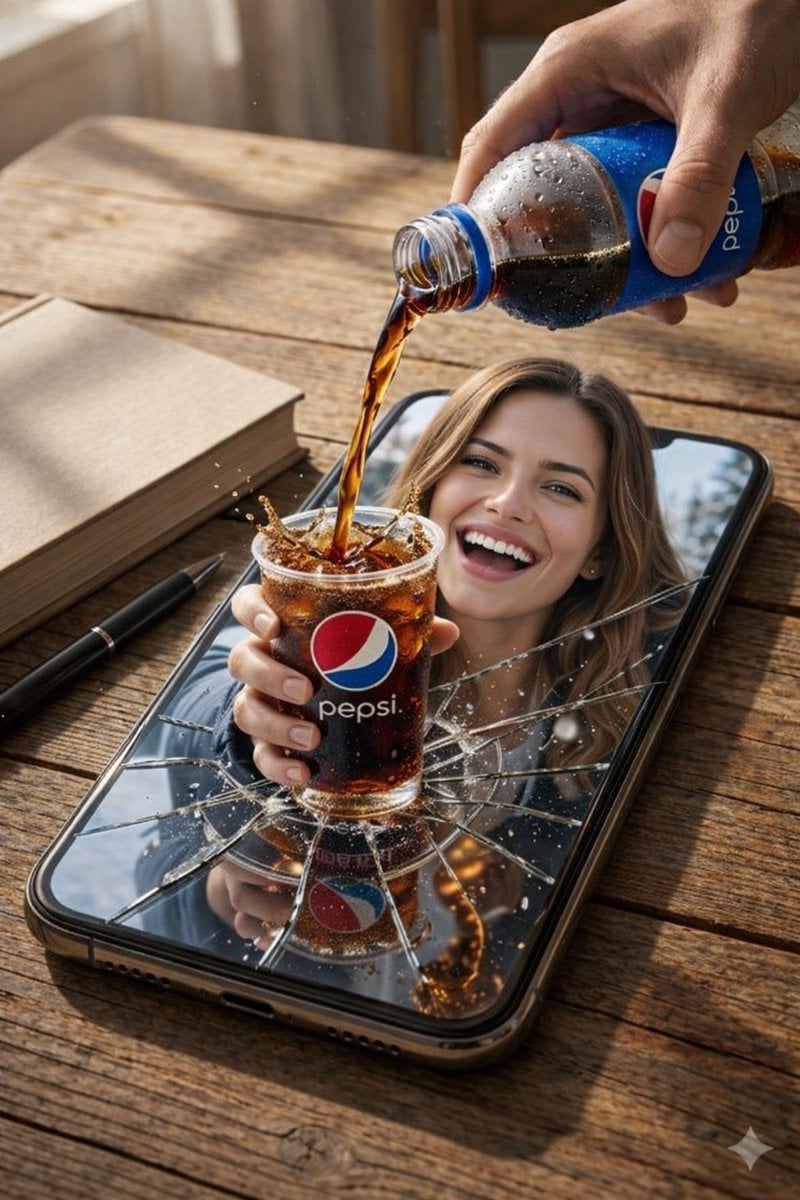
Surreal Product Composite: Subject Emerging from Cracked Phone Screen
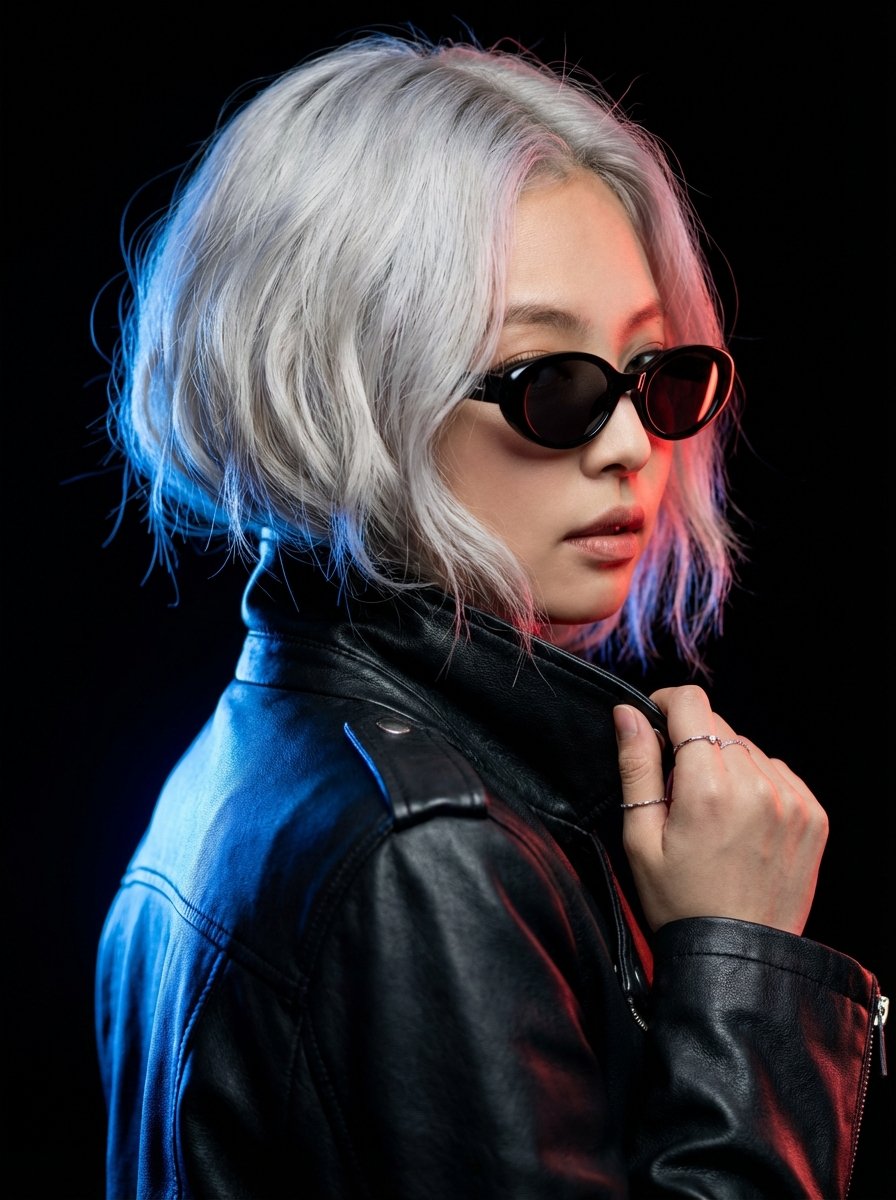
Hyper-realistic Portrait of Blackpink Jennie in Cinematic Dual-Tone Lighting
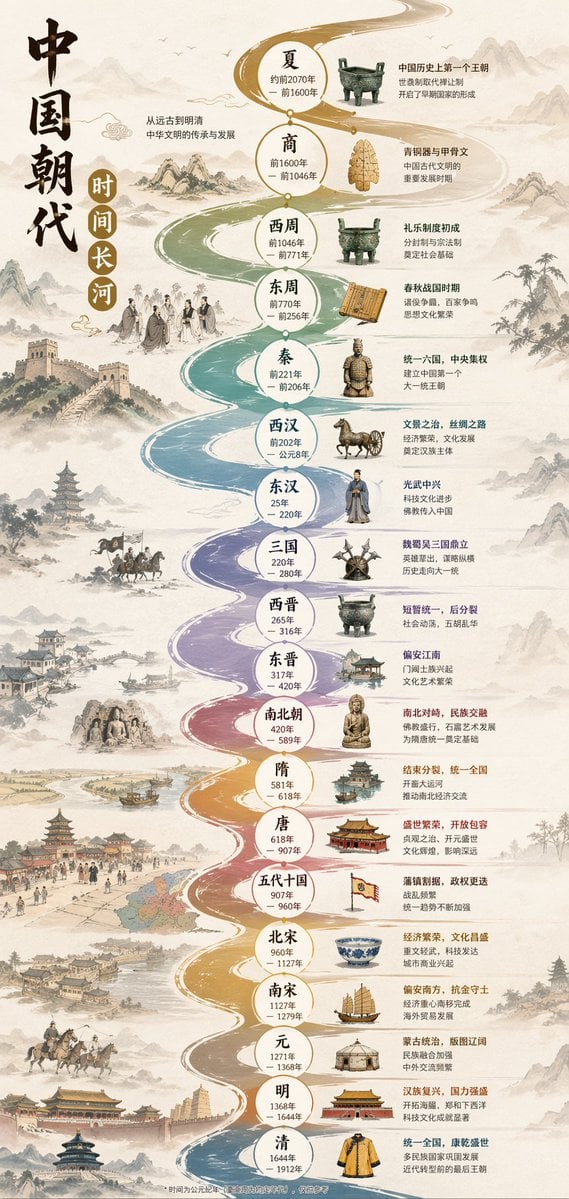
Chinese Dynasty Infographic

Business Presentation Icon Set
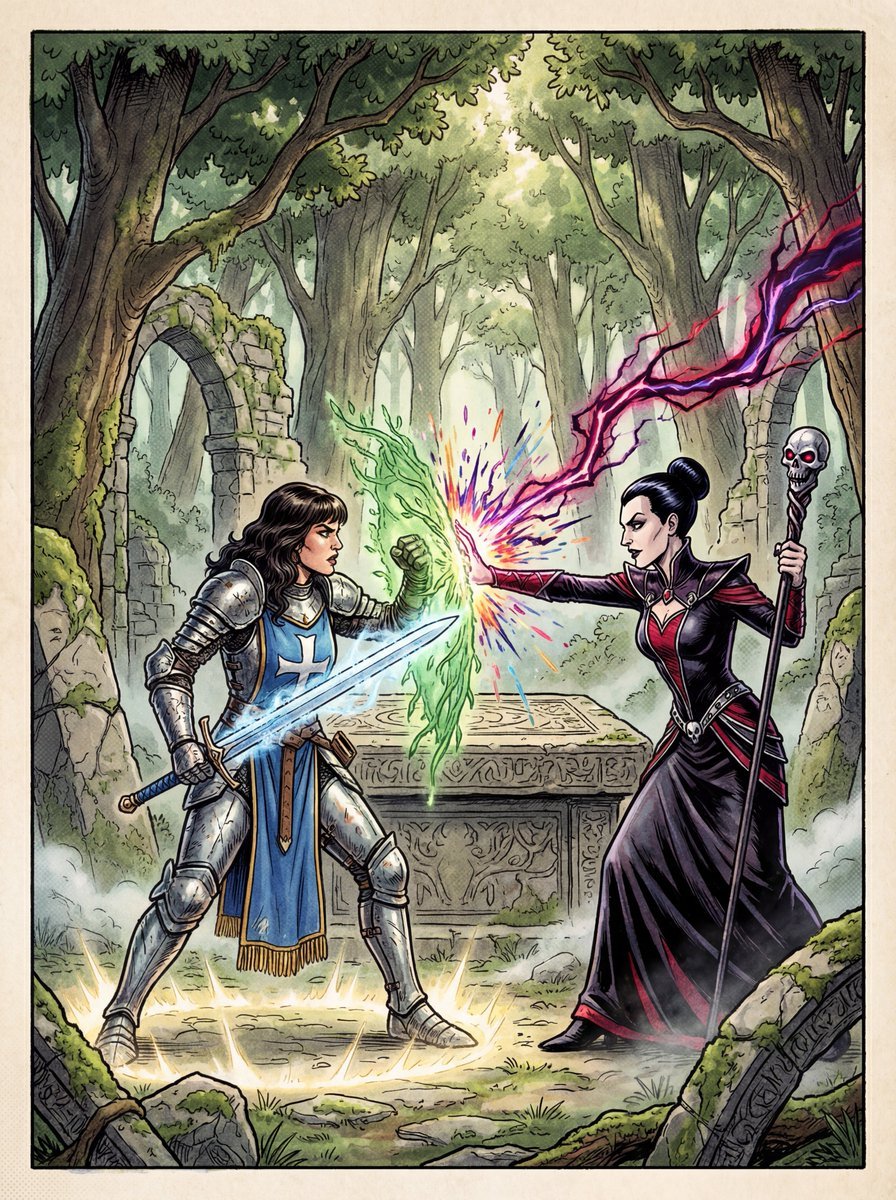
1980s RPG manual cover in 4K
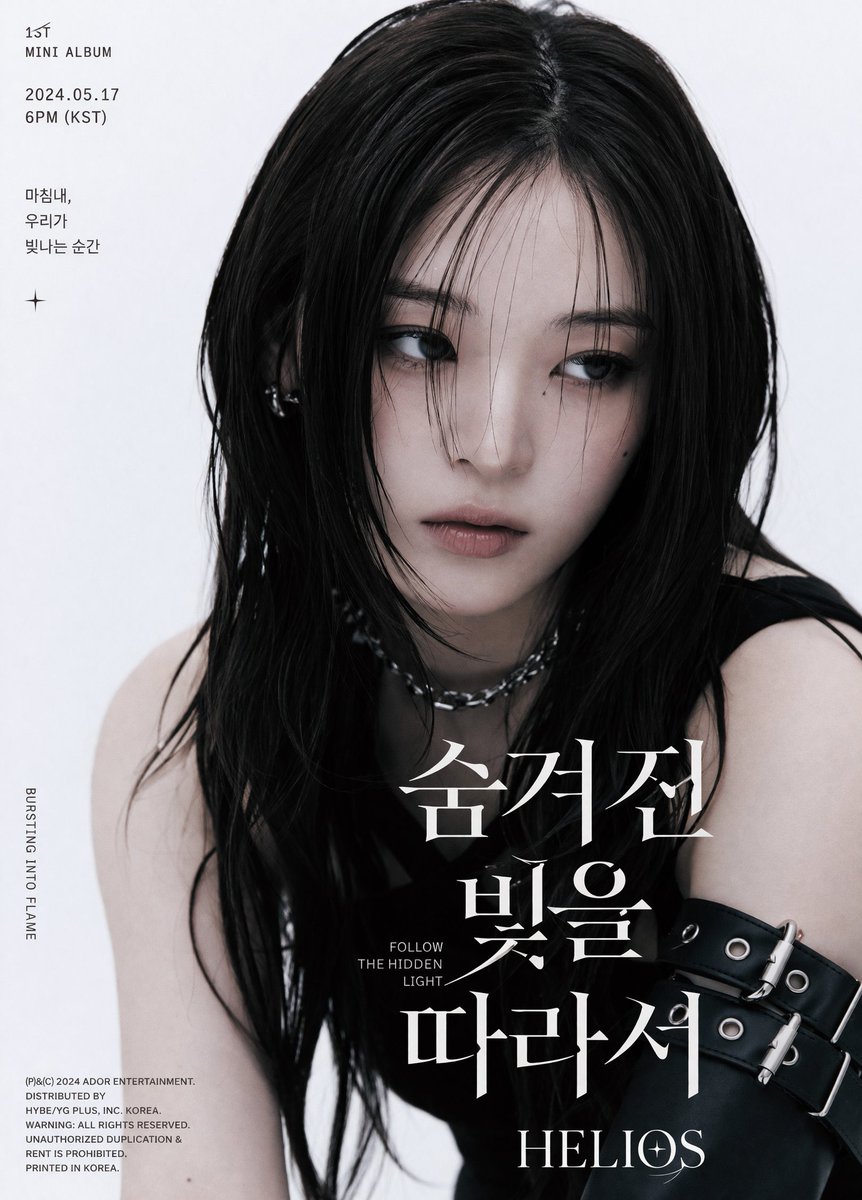
K-Pop Album Teaser Poster

Luxury Perfume Bottle Editorial Image Prompt

AI Creator Holographic Promo Portrait
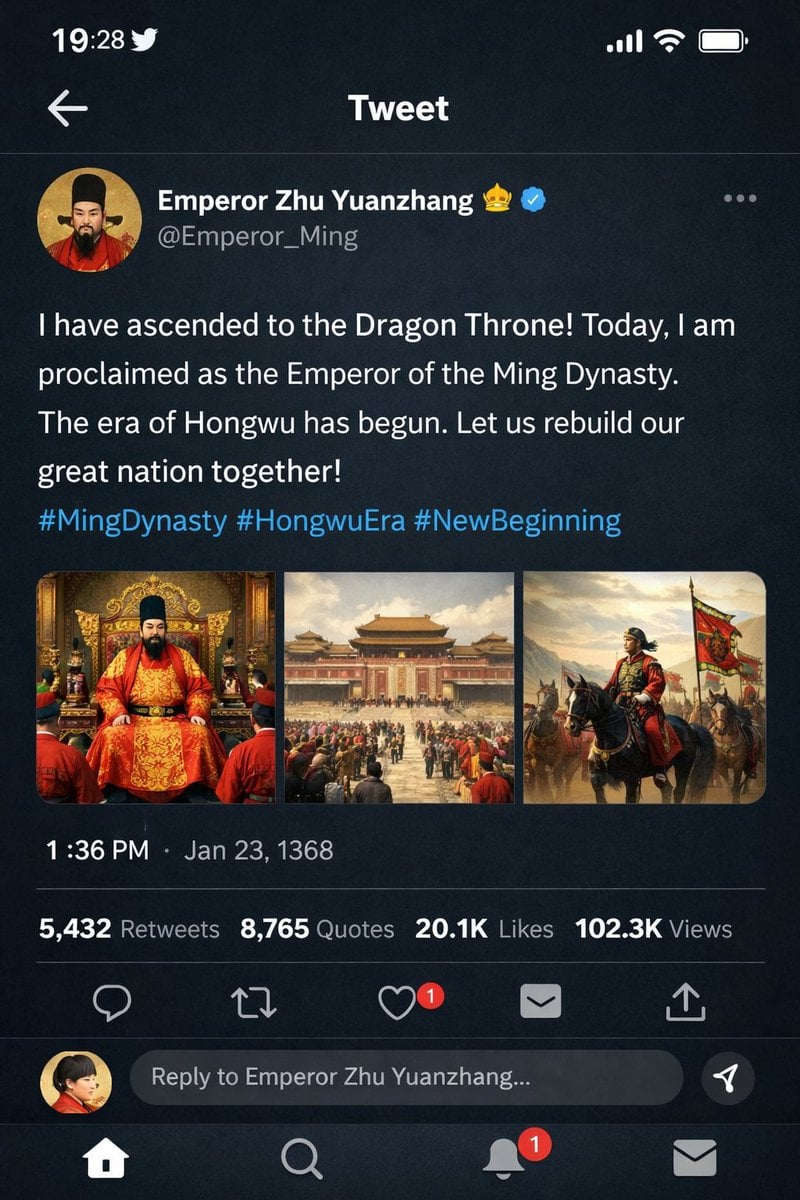
Historical Figure Social Media Mockup
Browse template categories
Dexter Morgan Cinematic Portrait with Banana Prop Prompt questions
How do I use the Dexter Morgan Cinematic Portrait with Banana Prop Prompt template?
Add your photo if the template asks for one, edit the prompt if you like — the template's model and format are already selected — and press Generate. Your version opens in PicX Studio.
Can I customize the Dexter Morgan Cinematic Portrait with Banana Prop Prompt template?
Yes. You can change the subject, setting, lighting, mood, format, and available model controls before creating your image.
Is the Dexter Morgan Cinematic Portrait with Banana Prop Prompt template free?
Opening and editing this template is free. Generating uses credits, shown on the Generate button when you are signed in.
Which AI model should I use?
Start with Nano Banana 2, which is the model associated with this template. You can compare another compatible model for a different finish.
Looking for something else? Browse all templates.

Your photo, any look
Thousands of ready templates for every top image and video model, from one credit balance.