
Cinematic Schoolgirl Parking Garage
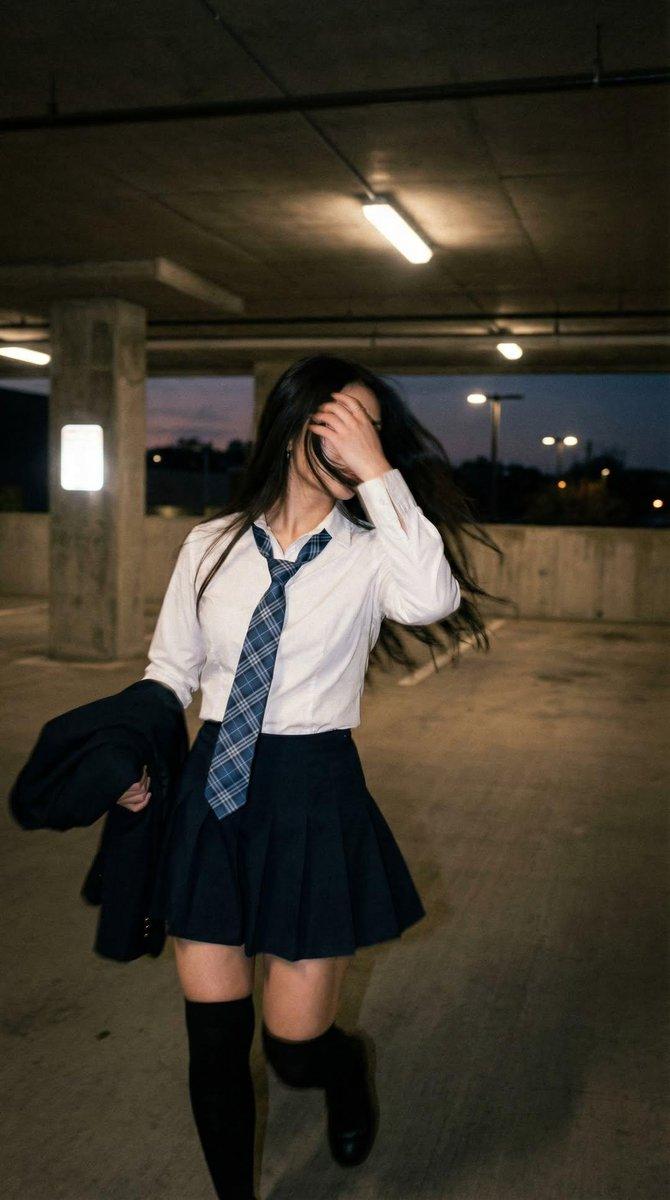
A cinematic vertical street-fashion photo of a schoolgirl walking through a dim parking garage with motion-blurred hair and face occlusion.
- Prompt included
- Model and format preset
- Free template
The prompt behind this image
Copy the exact prompt behind Cinematic Schoolgirl Parking Garage, or open it in the studio and make it yours.
Create a cinematic vertical photograph of {argument name="subject" default="a teenage schoolgirl"} walking toward the camera inside a dim concrete parking garage at dusk. She is centered slightly left, captured mid-stride with natural motion blur: long {argument name="hair color" default="black"} hair whipping sideways, her right hand raised in front of her face so it partially hides her features, creating strong foreground occlusion. She wears a crisp white button-up shirt with sleeves slightly loose, a blue plaid necktie hanging casually, a dark navy pleated skirt, black knee-high socks, and black loafers; she carries a dark blazer or jacket bunched in her left arm. The environment is an empty multi-level garage with rough concrete floor, square pillars, low ceiling panels, exposed pipes, fluorescent strip lights overhead, and open sides showing a blue-purple evening sky and distant blurry parking-lot lights. Use a handheld candid fashion-photo feel, full-body framing from slightly below eye level, shallow depth of field, realistic physics in the clothing and hair, soft low-contrast lighting mixed with harsh fluorescent highlights, subtle film grain, muted colors, and a moody urban coming-of-age atmosphere. No text, no watermark, no posed studio look.
How to use Cinematic Schoolgirl Parking Garage in 3 steps
- 1Upload ImagePNG, JPG or paste
Add your photo
Upload the photo the template builds on. The prompt, model and format are already set.
- 2…a portrait of your subject in softgolden-hour light, 85mm…
Personalize
Edit the subject and creative details for your destination.
- 3Generate
Generate
Press Generate — your image is created in PicX Studio, so you can compare it with the original and refine one variable at a time.
More like this
Templates with the same subject, style or setup. Open one to see its prompt.
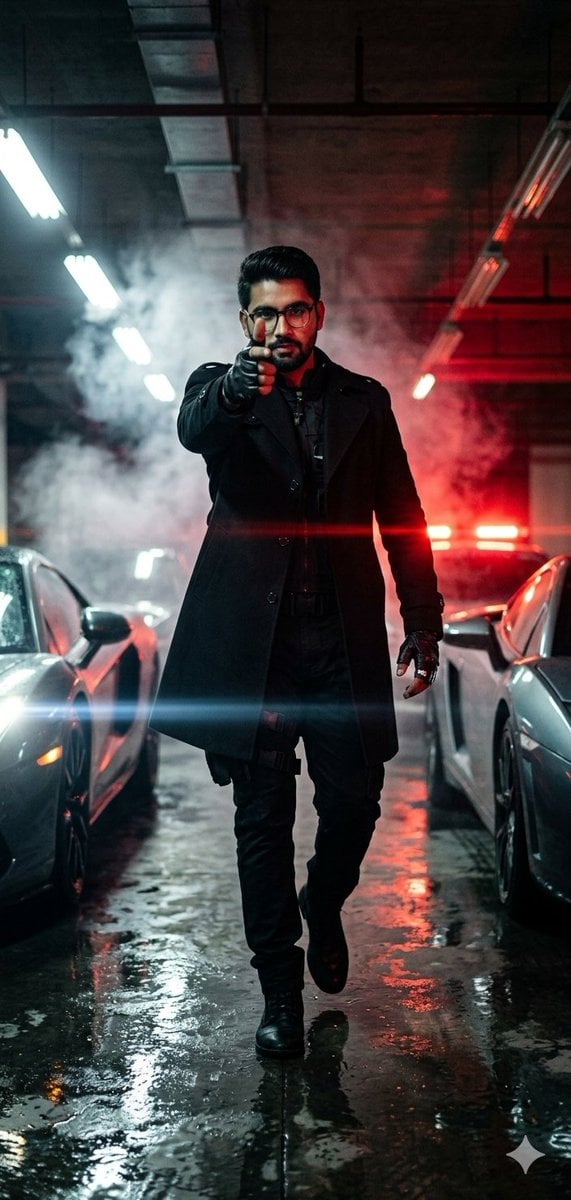
Cinematic Parking Garage Action Portrait
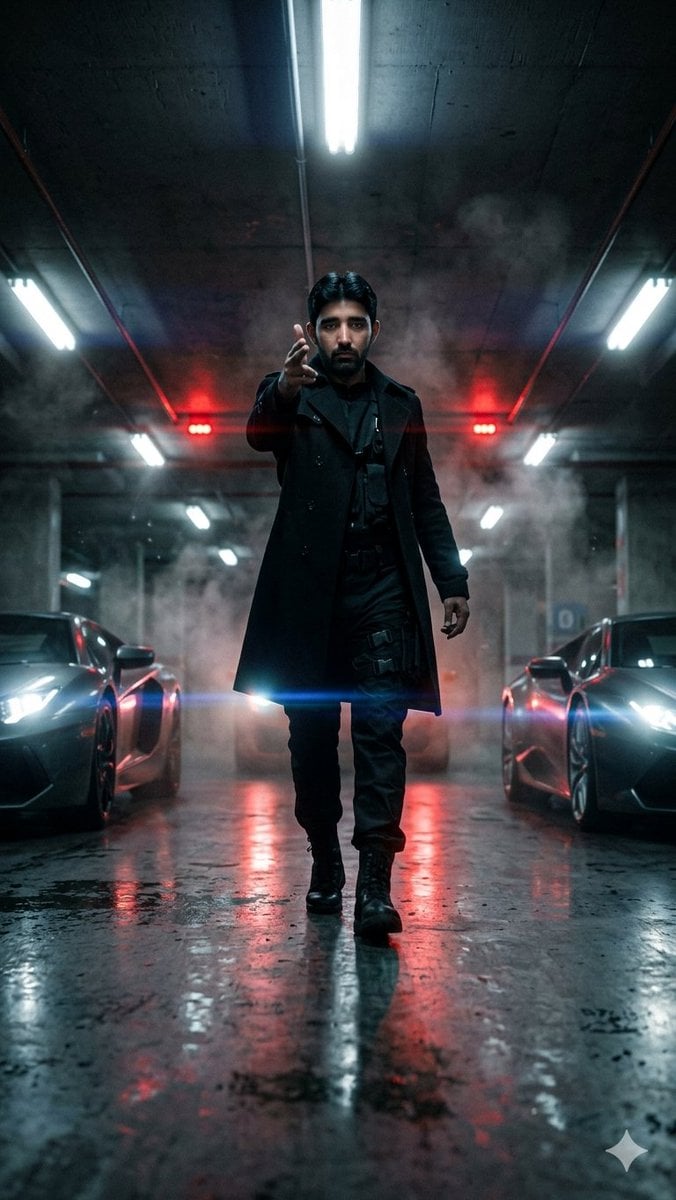
Cinematic Parking Garage Walk
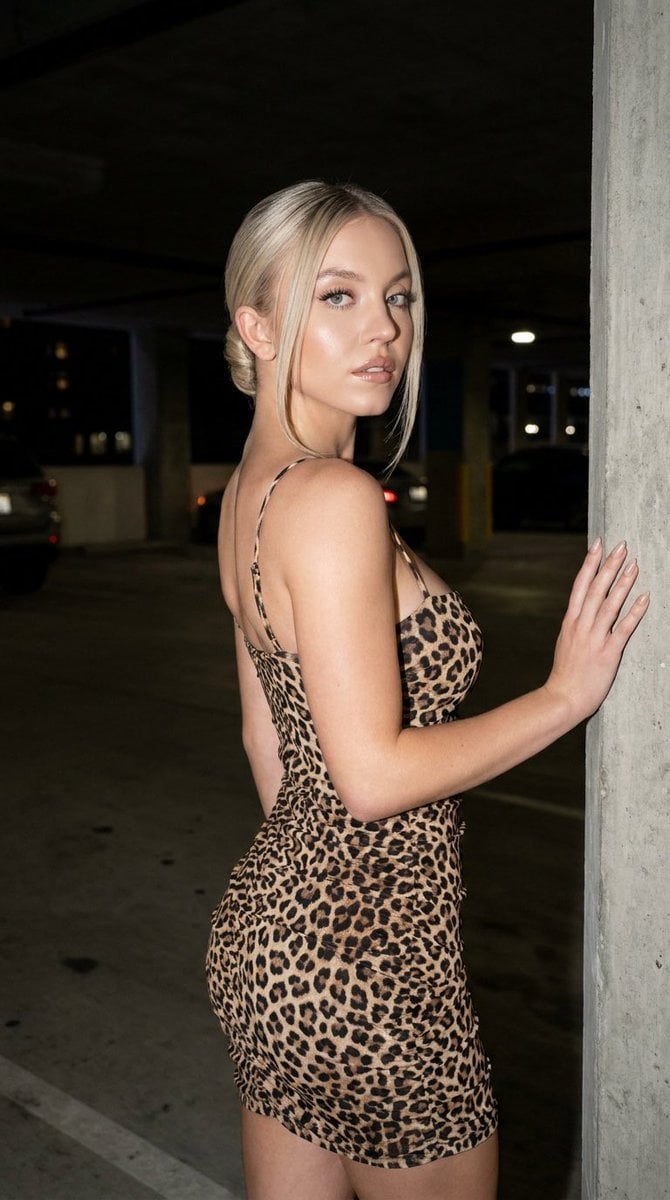
Fashion Editorial Parking Garage Portrait

Hungry Man in Sunlit Garage
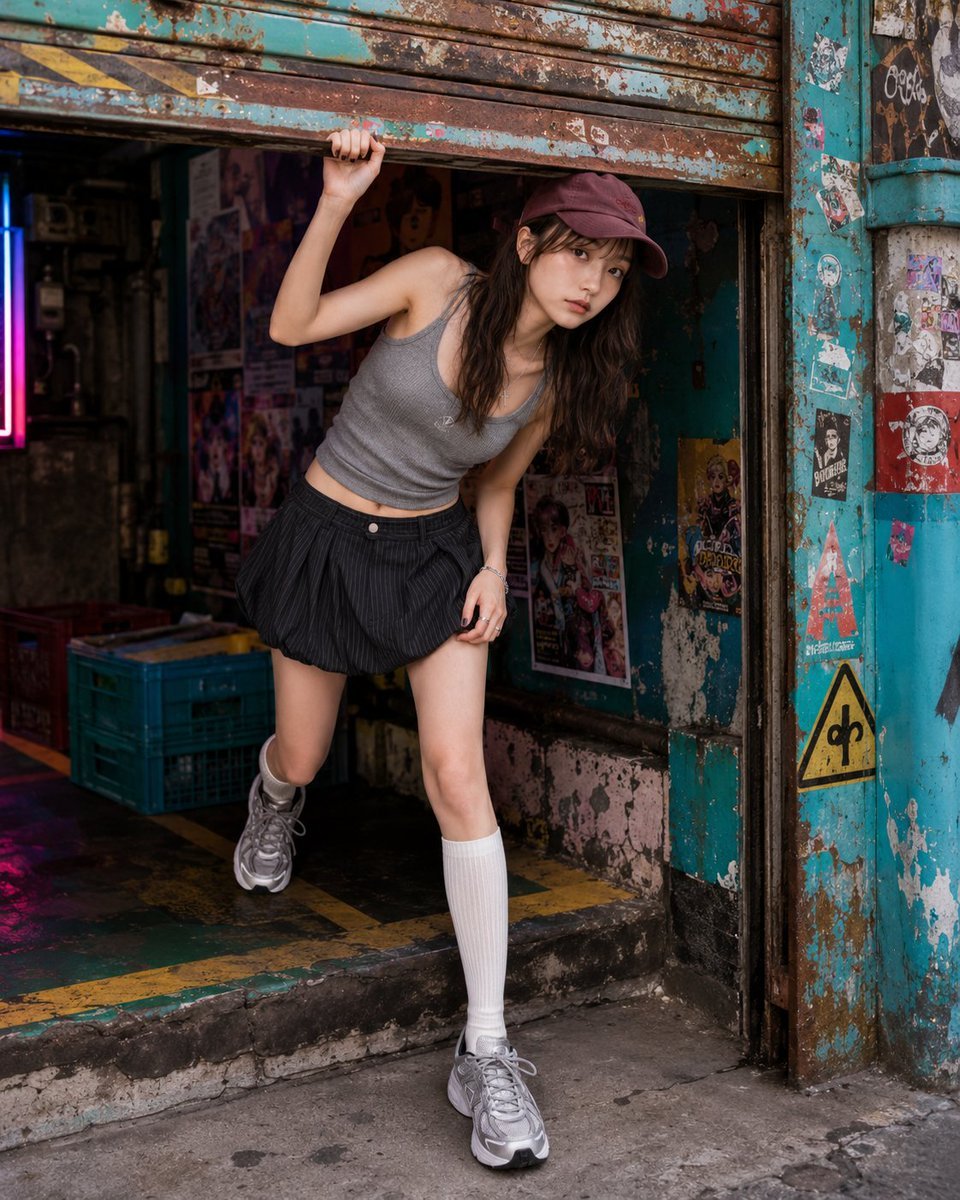
Fashion Portrait Under Garage Shutter
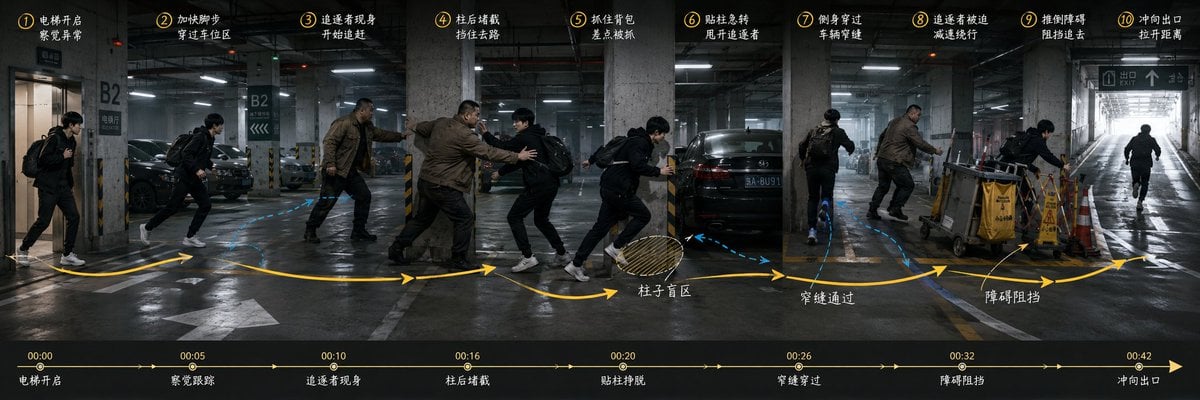
Underground Parking Chase Storyboard
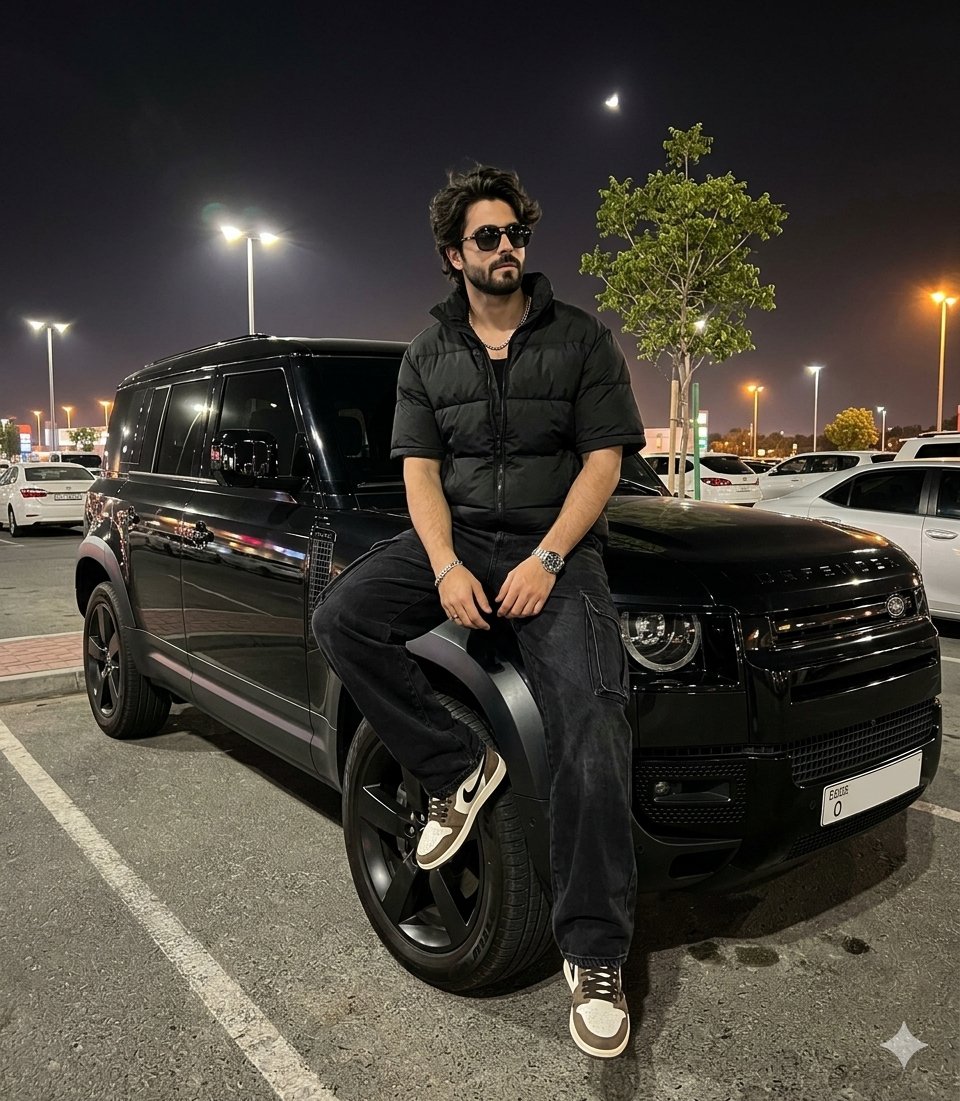
Night Parking Defender Car Portrait
Muscle Car Garage Door
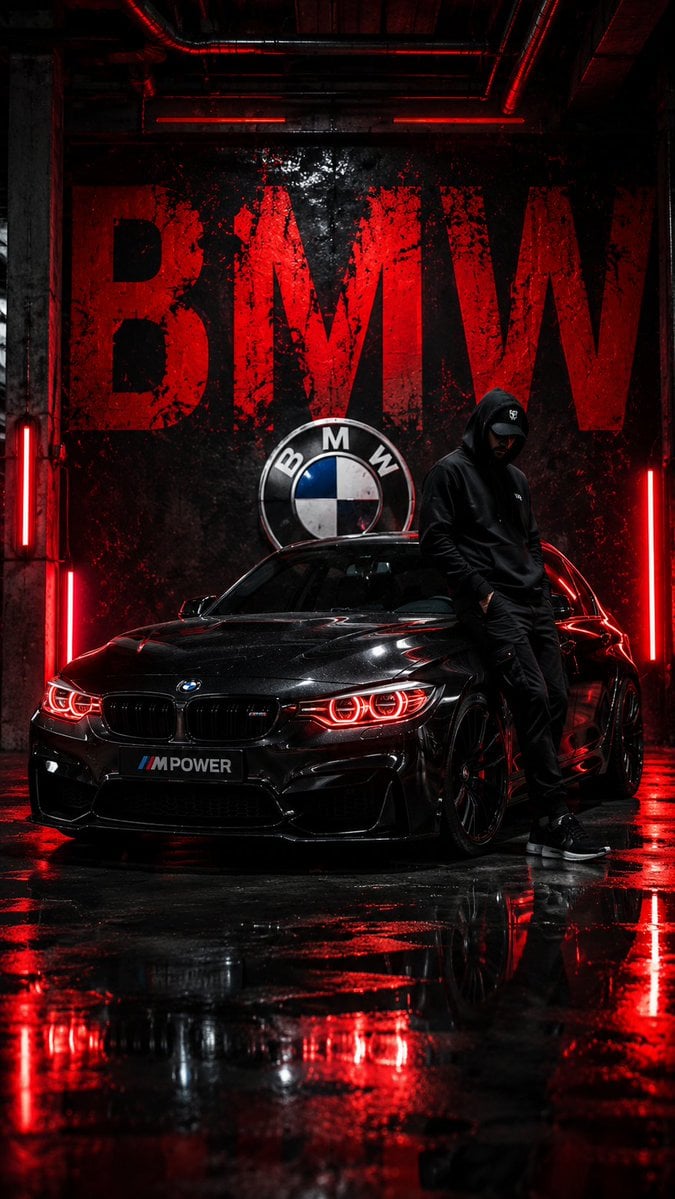
BMW Cyberpunk Garage Wallpaper
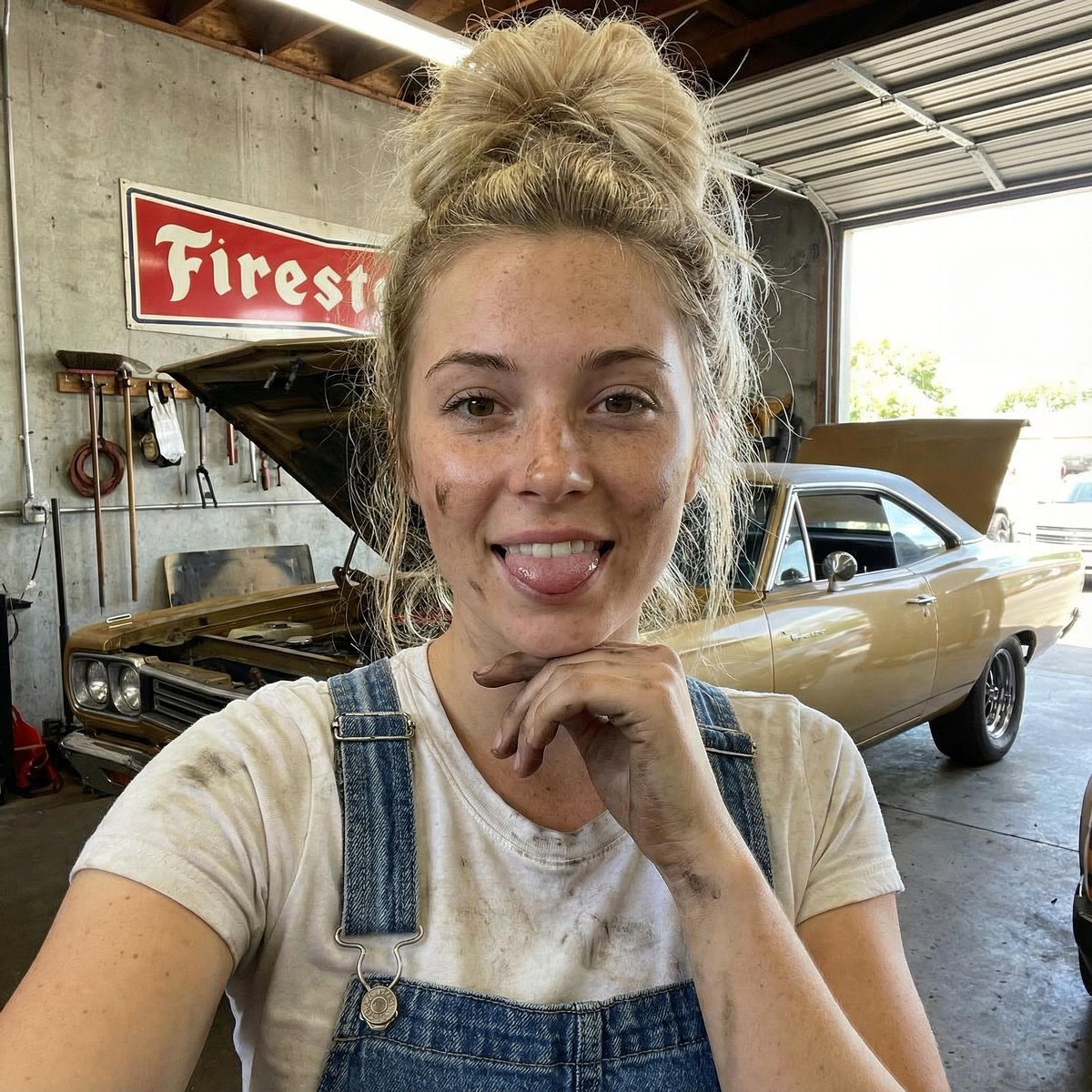
Mechanic Garage Selfie with iPhone 17 Pro Max Specs (JSON)

Isometric Vertical Timeline Prompt (Garage to Futuristic Peak)
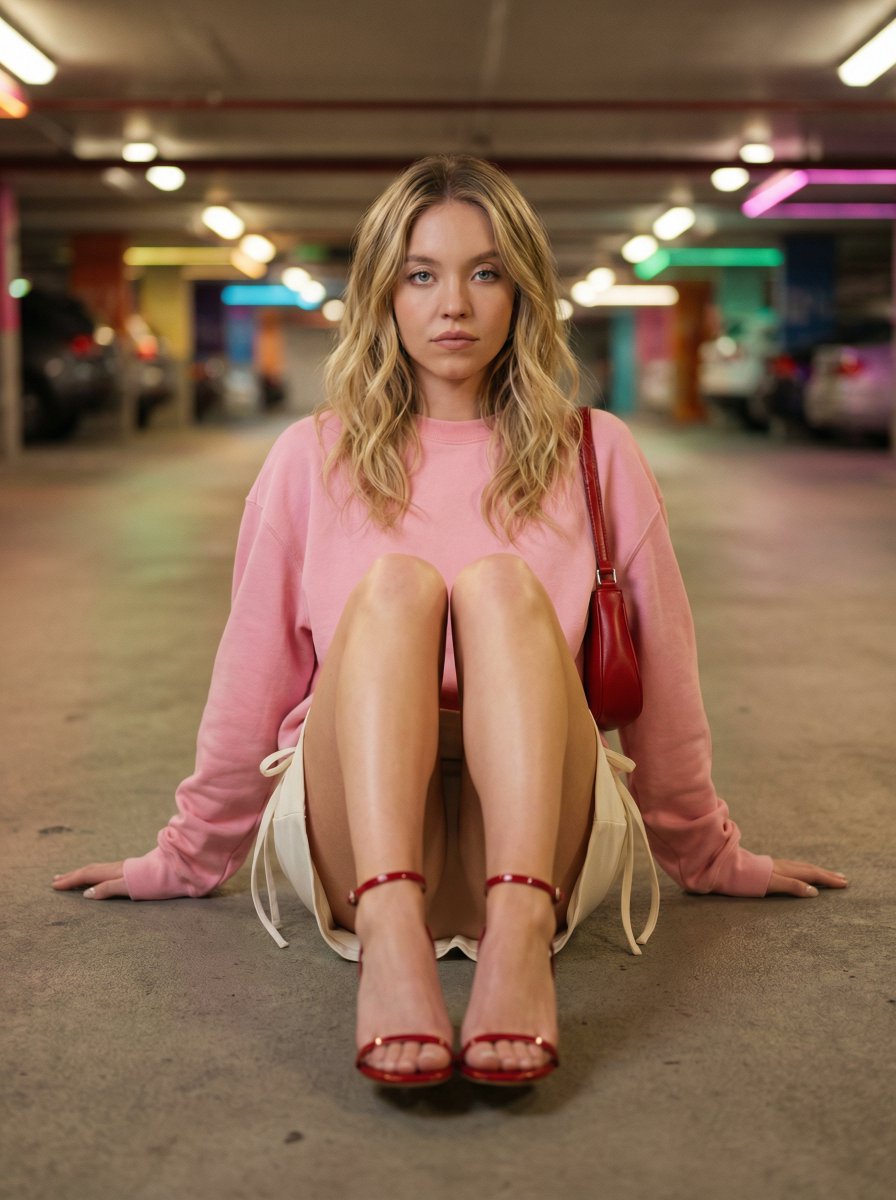
Cinematic Fashion Portrait in Underground Parking
Make it yours
Cinematic Schoolgirl Parking Garage works as-is. These are the safest ways to change it without losing the look.
Change one field
Copy a single group, rewrite it, and generate again so you can see what that field is doing.
Keep the frame, change the subject
Hold the composition and light of Cinematic Schoolgirl Parking Garage, then swap wardrobe, props or the person for a new take.
| If the result… | Why | Fix |
|---|---|---|
| The result drifts from the preview | Too many fields changed at once. | Reuse Cinematic Schoolgirl Parking Garage as-is first, then change one group — subject, light, or setting. |
| The model over-stylizes the scene | The prose prompt leaves finish and camera underspecified. | Add one camera or lighting sentence and stay on GPT Image 2. |
More GPT Image 2 templates
Other prompts made for GPT Image 2.

Six VTuber Japanese Logo Sheet

Realistic Portrait of Woman and Deer

The Vista Modular Condo Poster

AI Model Routing Comparison Infographic

2.5D Anime Art Board

Isometric Productivity Desk Scene

New York Double Exposure Poster

Four-Panel AI Landscape Comparison

Japanese Tatami Lifestyle Magazine Cover

NESCAFÉ Coffee Map Poster
More image prompts
Fresh picks from across the catalog.
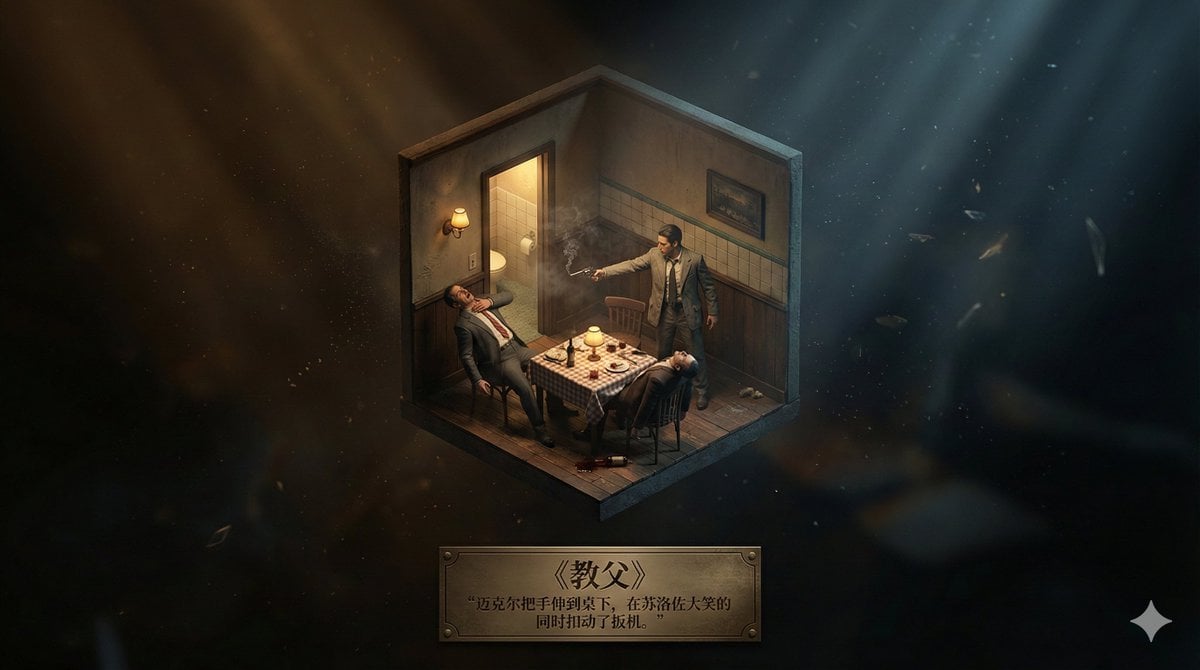
Realistic Axonometric Miniature Model with Narrative Abstract Background

3D Animated Tourism Infographic Poster
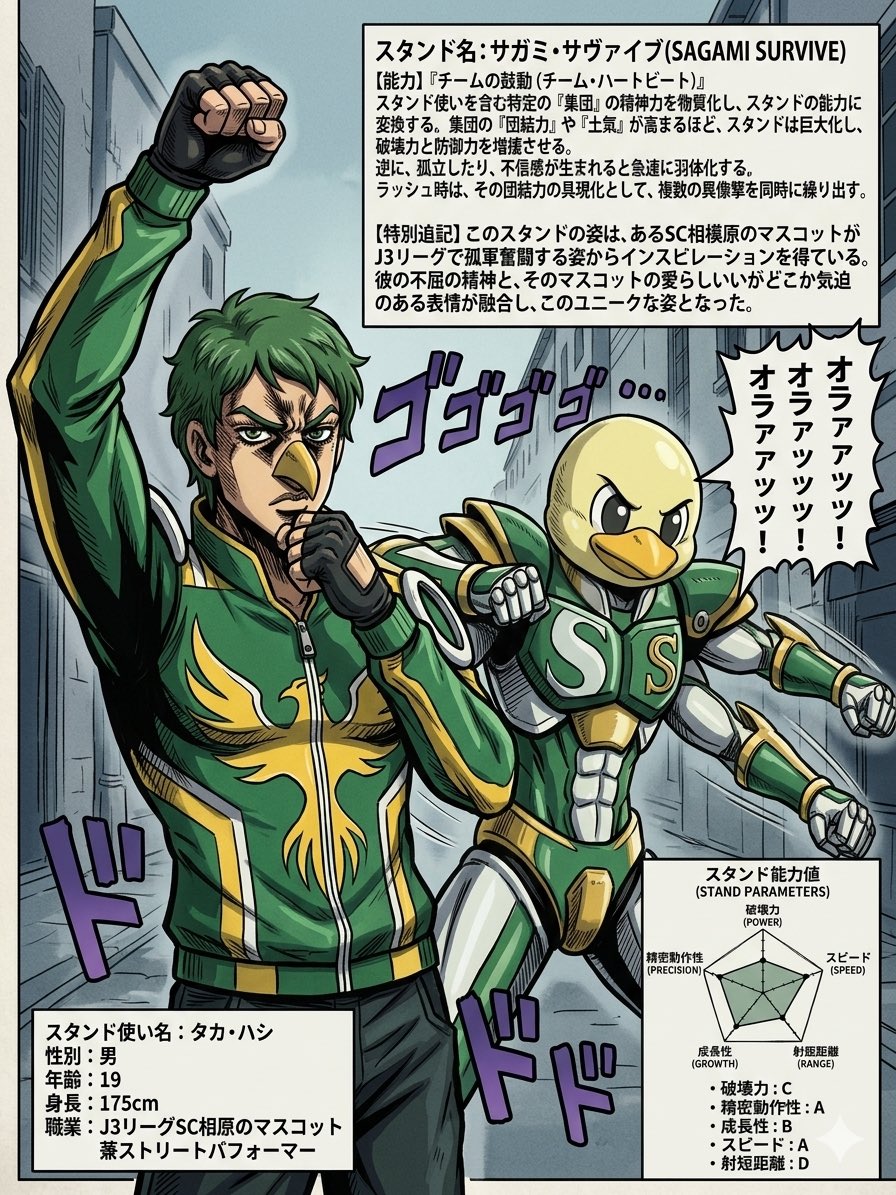
JoJo-Style Stand Character Poster
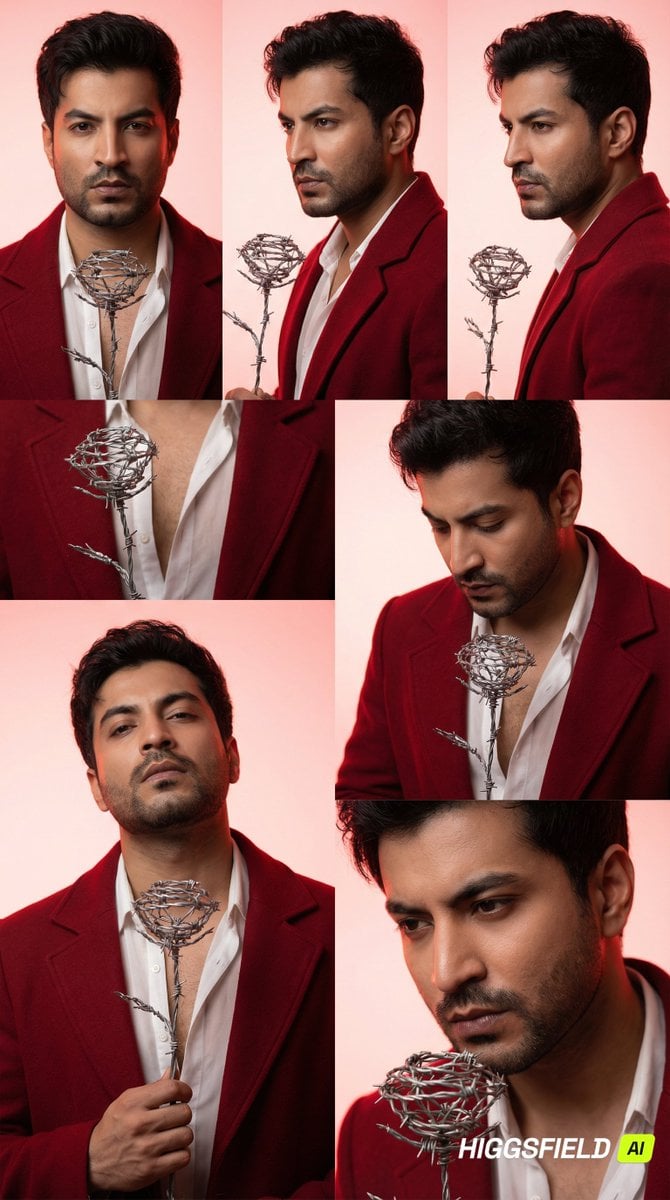
3x2 Grid Portrait of South Asian Man with Barbed Wire Rose
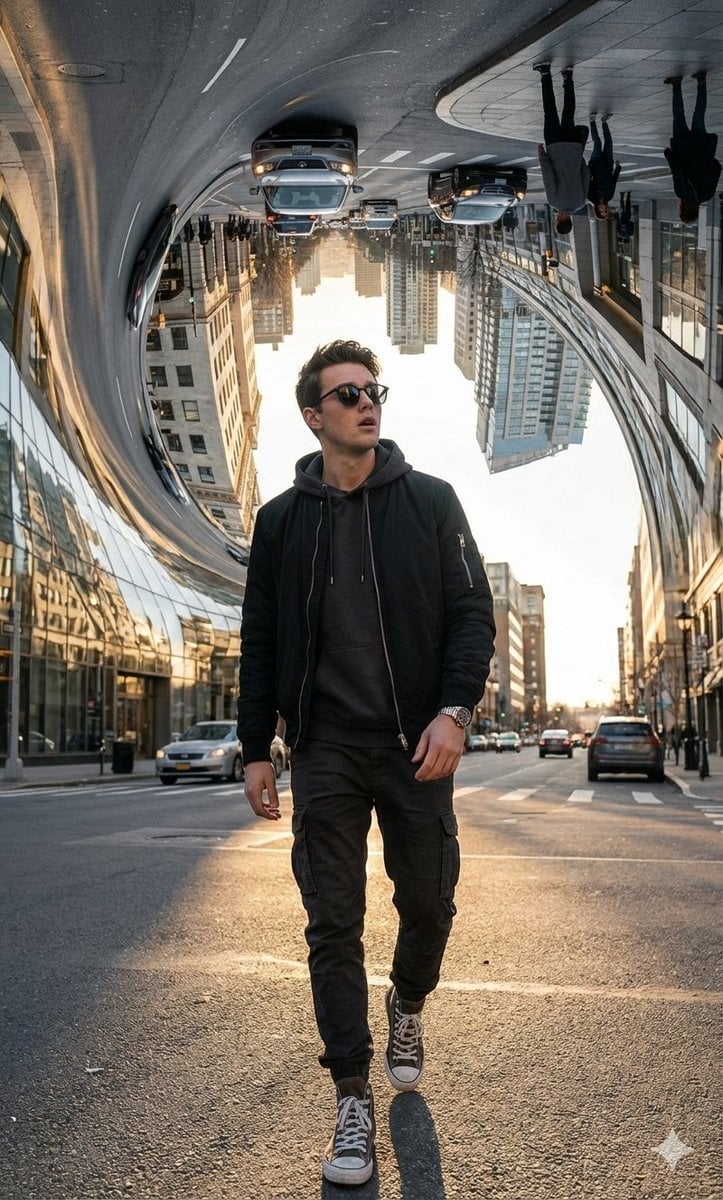
Surreal Bending City Streetwear Portrait
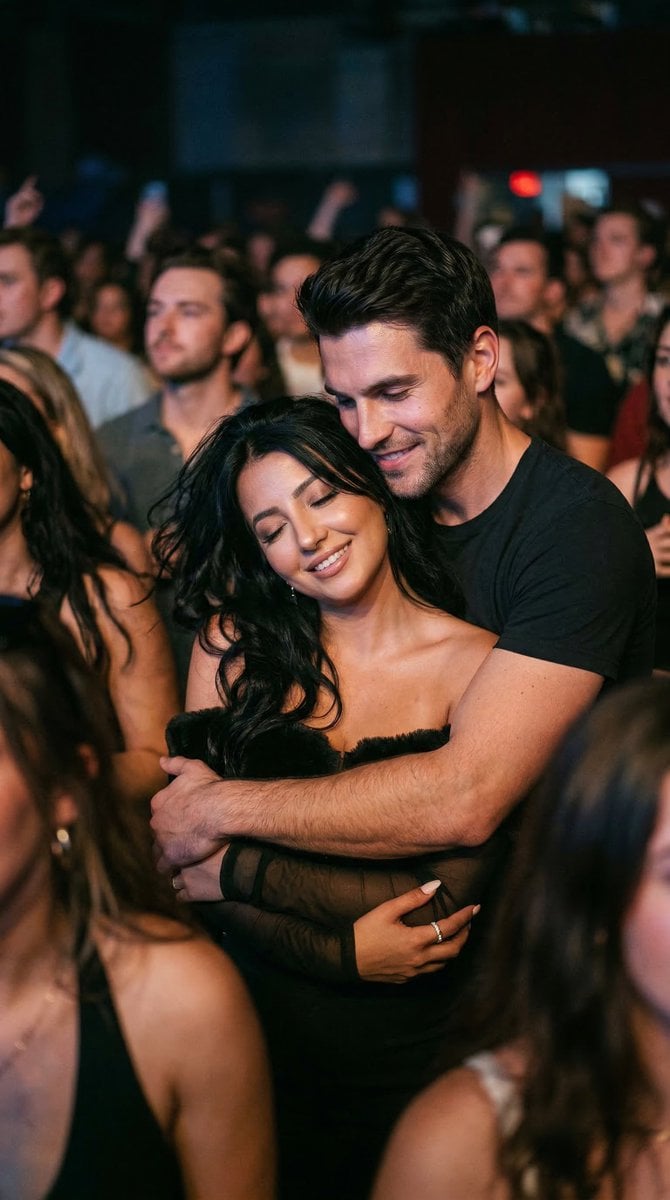
Photorealistic Concert Embrace Scene
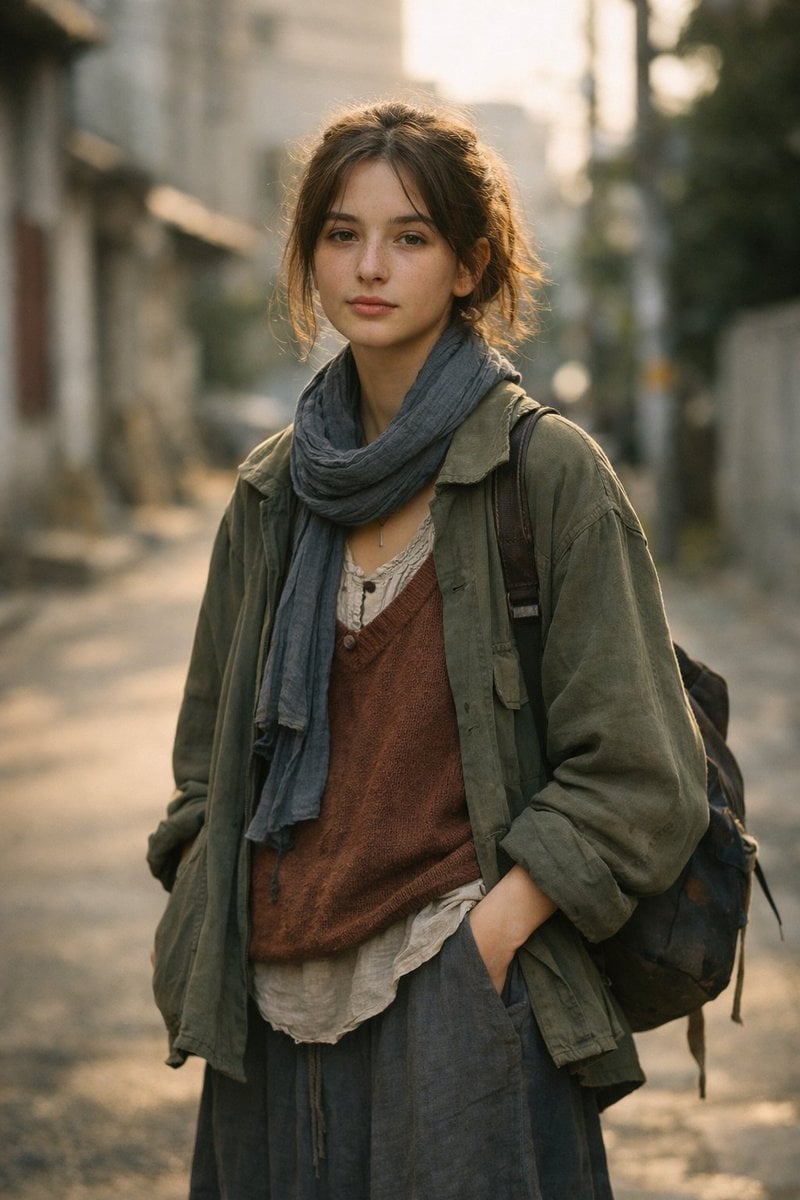
LLM prompt for generating a detailed travel itinerary for a trip to Japan
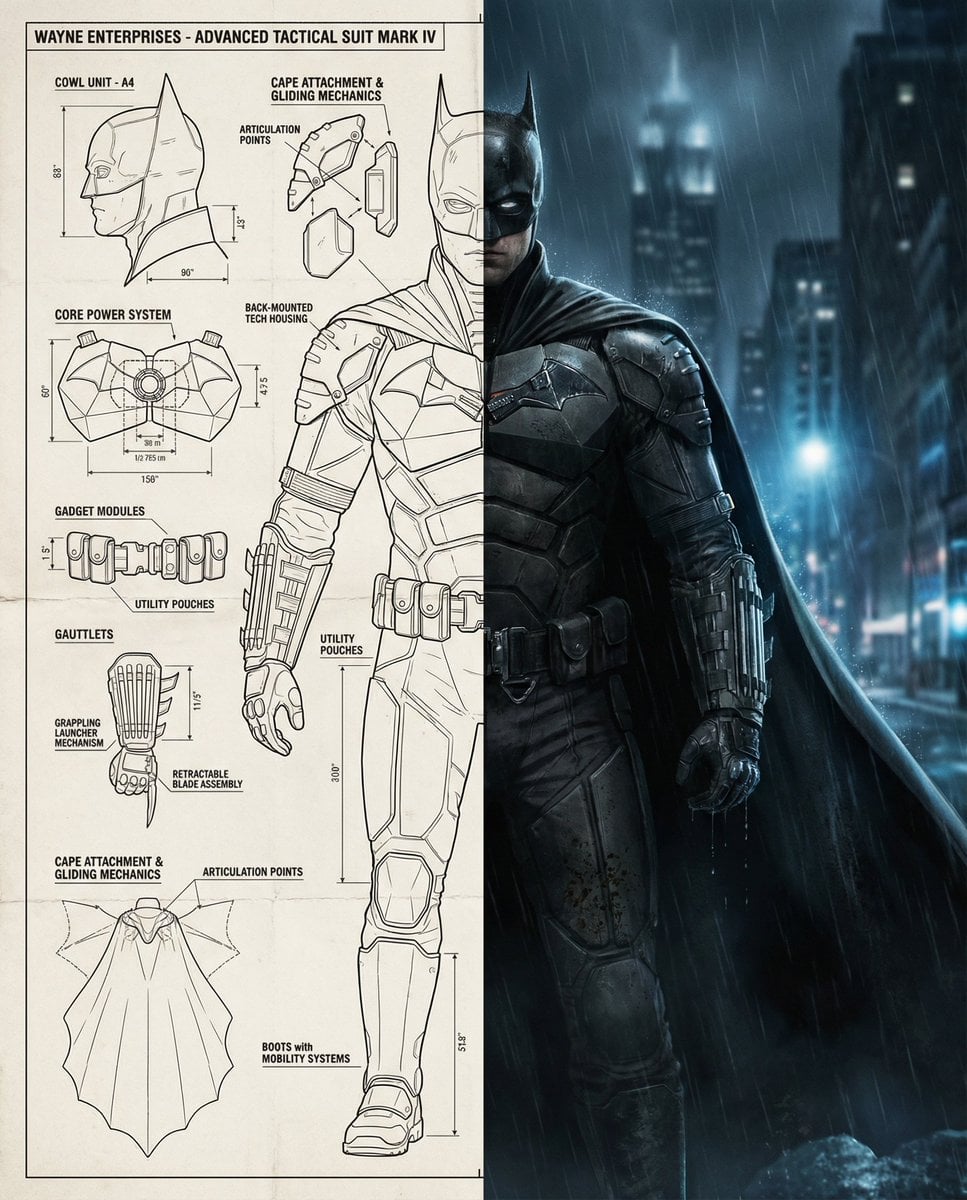
Split-Screen Cinematic Batman Blueprint
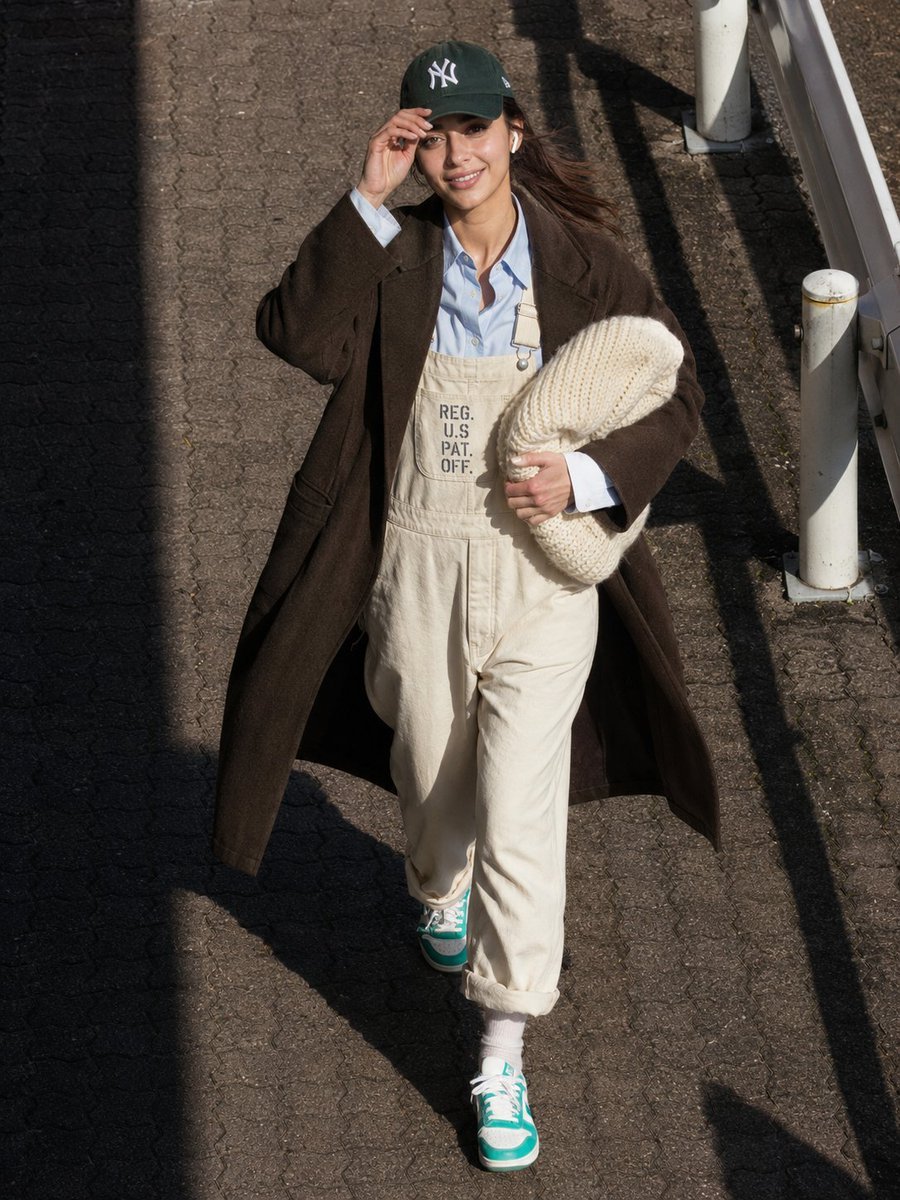
Candid Street Style Fashion
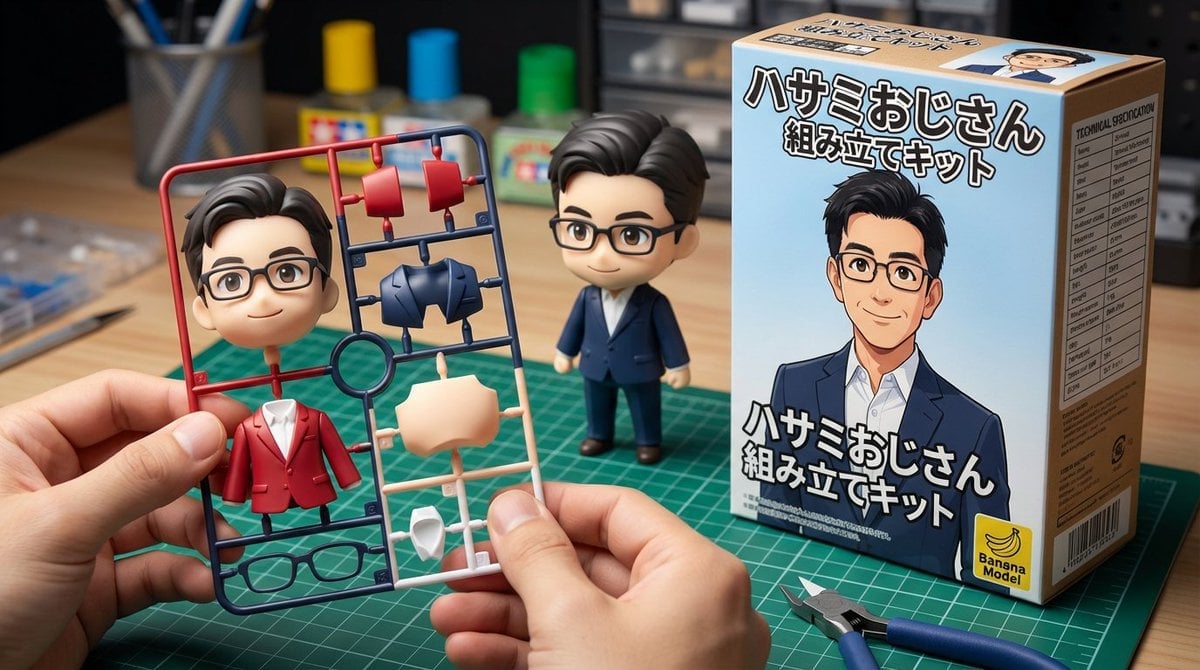
Scissor Man Figure Generation (Plastic Model and Flocked)
Browse template categories
Cinematic Schoolgirl Parking Garage questions
How do I use the Cinematic Schoolgirl Parking Garage template?
Add your photo if the template asks for one, edit the prompt if you like — the template's model and format are already selected — and press Generate. Your version opens in PicX Studio.
Can I customize the Cinematic Schoolgirl Parking Garage template?
Yes. You can change the subject, setting, lighting, mood, format, and available model controls before creating your image.
Is the Cinematic Schoolgirl Parking Garage template free?
Opening and editing this template is free. Generating uses credits, shown on the Generate button when you are signed in.
Which AI model should I use?
Start with GPT Image 2, which is the model associated with this template. You can compare another compatible model for a different finish.
Looking for something else? Browse all templates.

Your photo, any look
Thousands of ready templates for every top image and video model, from one credit balance.