
Hungry Man in Sunlit Garage
A cinematic anime-style scene of a scruffy man leaning toward a bowl of rice in a cluttered golden-hour garage.

- Prompt included
- Model and format preset
- Free template
The prompt behind this image
Copy the exact prompt behind Hungry Man in Sunlit Garage, or open it in the studio and make it yours.
Create a cinematic widescreen anime illustration of a scruffy middle-aged man leaning forward toward a large bowl of rice on a table, as if yawning, shouting, or reacting hungrily. The man has messy spiky {argument name="hair color" default="brown hair with lighter sunlit tips"}, rough stubble and short beard, tired closed eyes, an open mouth, and a wiry expressive body. He wears a loose worn {argument name="shirt color" default="pale gray-blue"} T-shirt with rolled sleeves, blue jeans, and a red belt. Place him in a cluttered old shed or garage interior at golden-hour morning light, with a dusty bicycle silhouette on the left, cardboard boxes and miscellaneous junk in the background, wooden beams, and soft haze through a bright window. In the foreground, show exactly 1 ceramic bowl filled with white rice topped with dark sauce and small green garnish on a worn wooden tabletop. Use dramatic backlighting from the upper left, warm amber highlights, cool teal-blue shadows, detailed hand-drawn linework, rough painterly anime texture, shallow depth of field, film still composition, expressive exaggerated pose, no text, no watermark.
How to use Hungry Man in Sunlit Garage in 3 steps
- 1Upload ImagePNG, JPG or paste
Add your photo
Upload the photo the template builds on. The prompt, model and format are already set.
- 2…a portrait of your subject in softgolden-hour light, 85mm…
Personalize
Edit the subject and creative details for your destination.
- 3Generate
Generate
Press Generate — your image is created in PicX Studio, so you can compare it with the original and refine one variable at a time.
More like this
Templates with the same subject, style or setup. Open one to see its prompt.
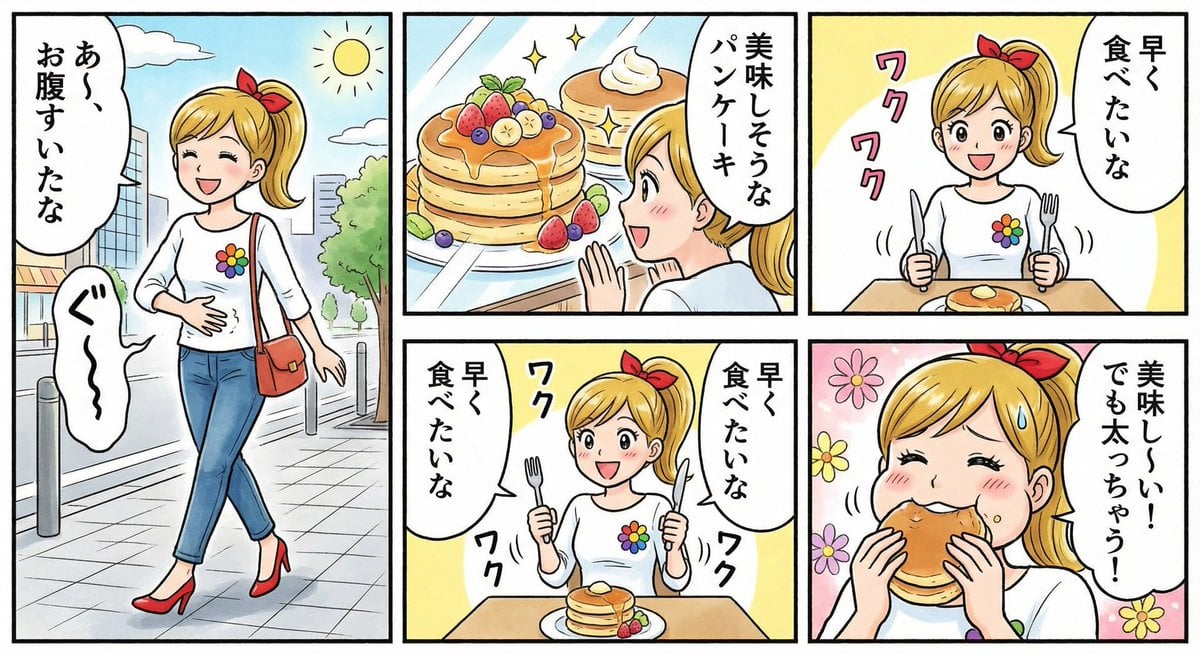
Four-panel manga about a hungry woman and pancakes

Quiet Hamster Manga Page
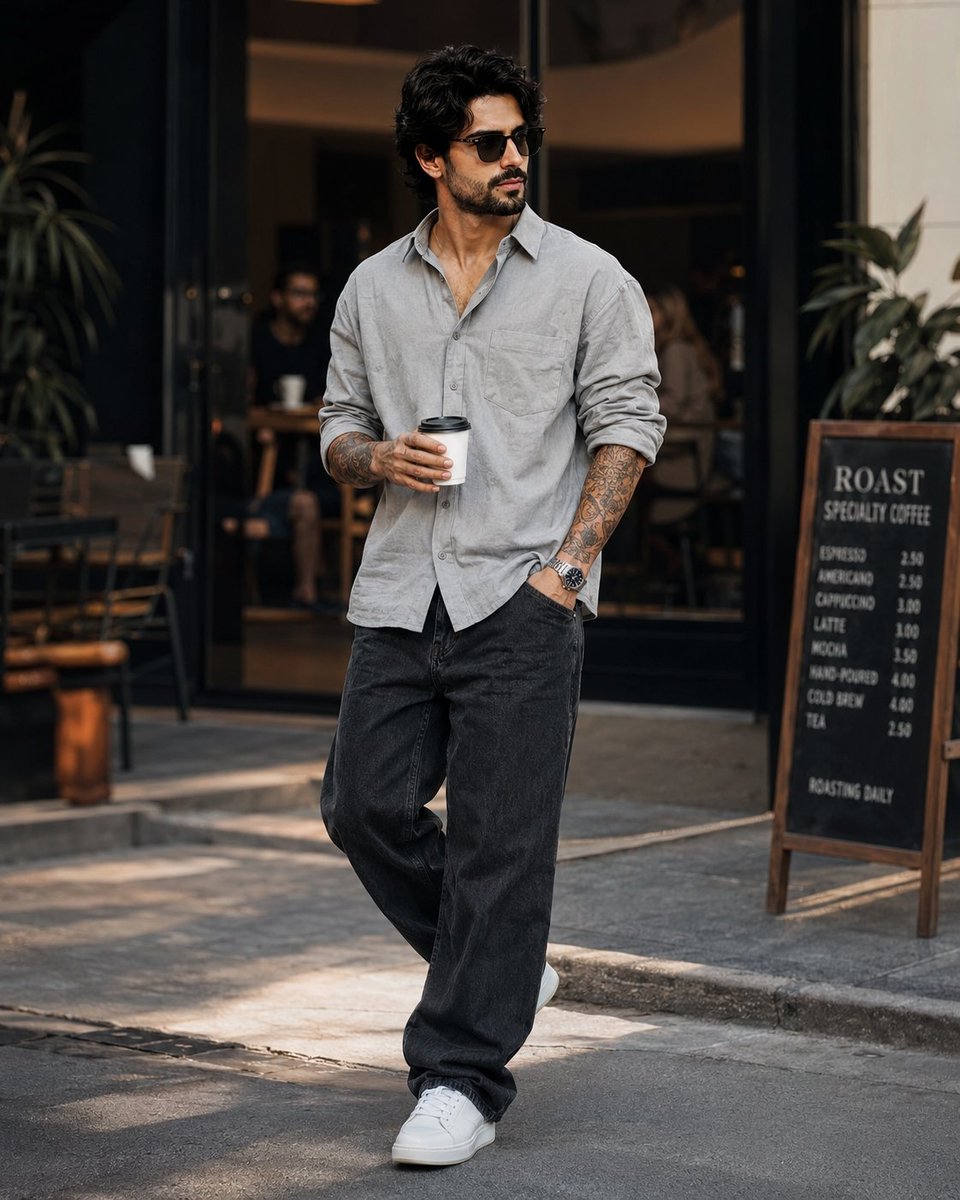
Stylish Man in Modern City
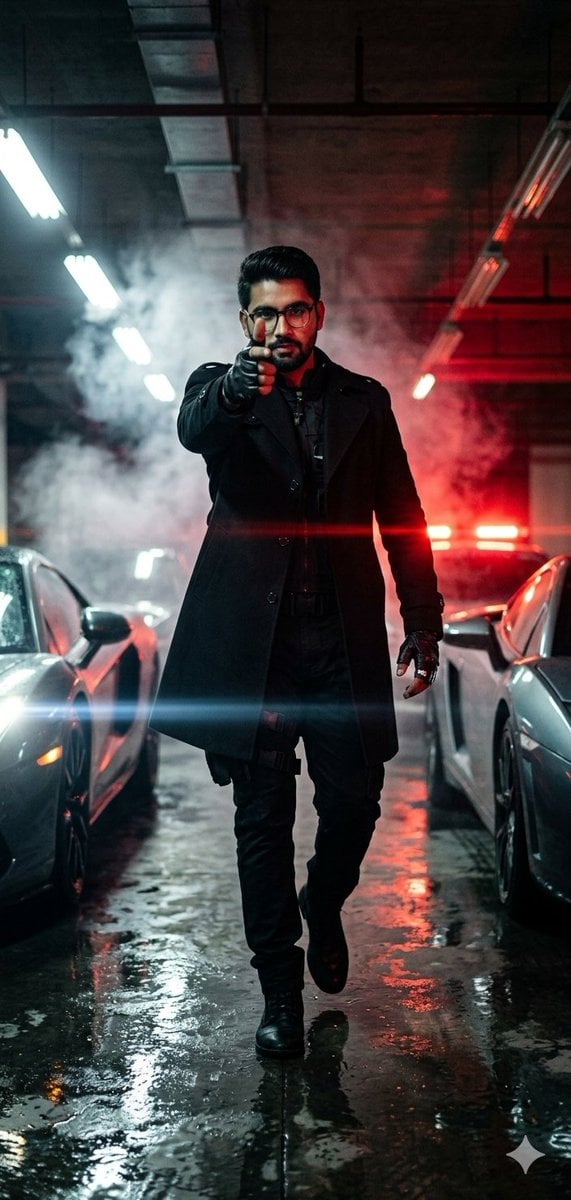
Cinematic Parking Garage Action Portrait
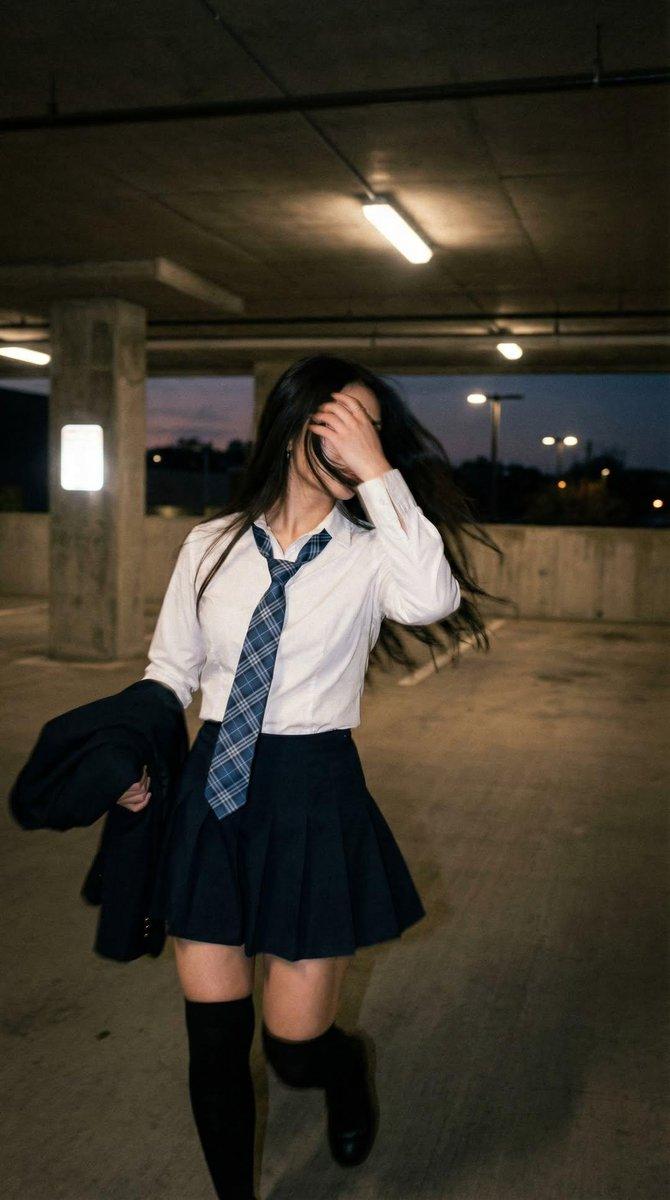
Cinematic Schoolgirl Parking Garage

Sunlit Orchard Girl With Apples
Sunlit Maid Sisters Hug
Romantic Mopping Slip in Rental Kitchen
Soft Sunlit Anime Bedroom Selfie

Dreamy Sunlit Window Portrait
Sunlit Riverside City Fantasy
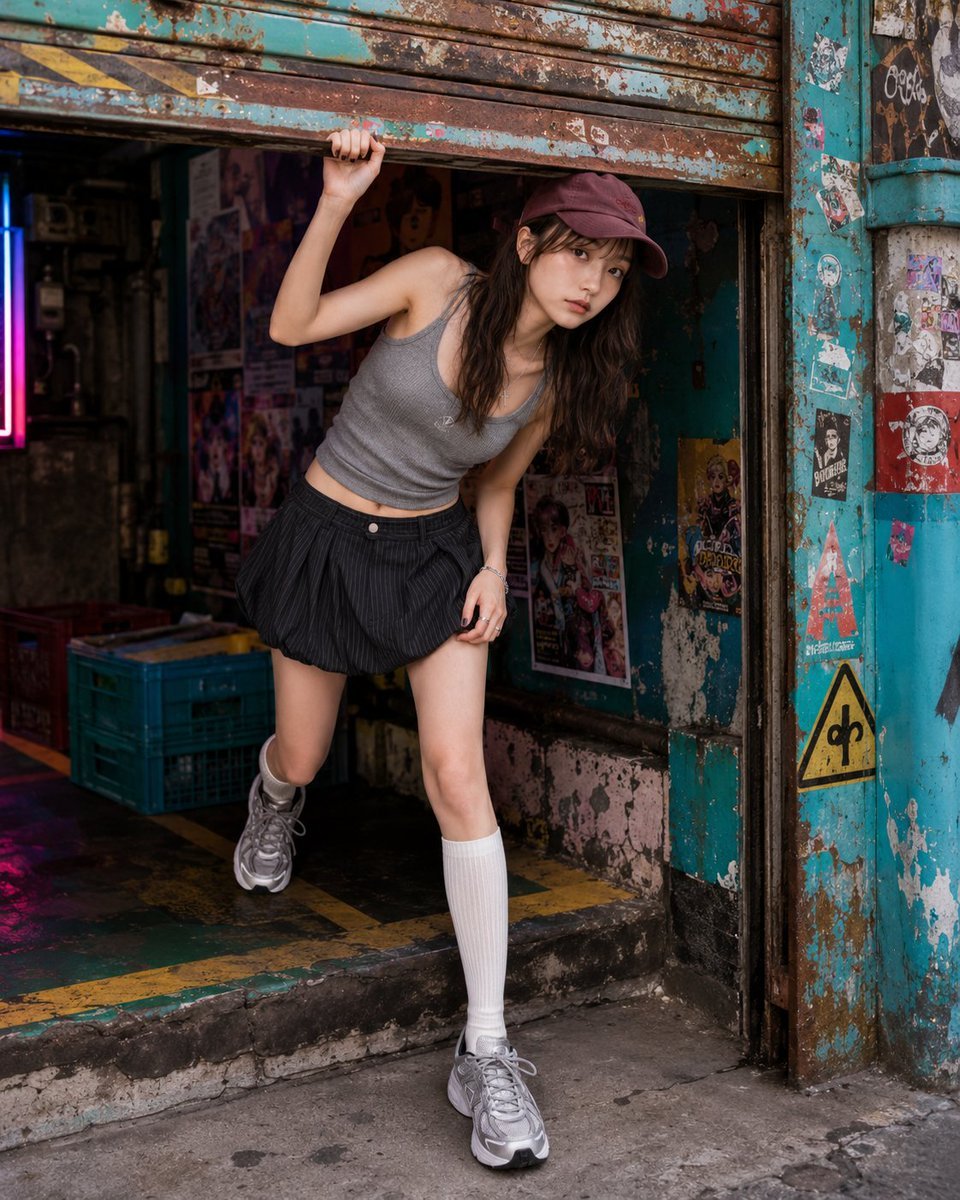
Fashion Portrait Under Garage Shutter
Make it yours
Hungry Man in Sunlit Garage works as-is. These are the safest ways to change it without losing the look.
Change one field
Copy a single group, rewrite it, and generate again so you can see what that field is doing.
Keep the frame, change the subject
Hold the composition and light of Hungry Man in Sunlit Garage, then swap wardrobe, props or the person for a new take.
| If the result… | Why | Fix |
|---|---|---|
| The result drifts from the preview | Too many fields changed at once. | Reuse Hungry Man in Sunlit Garage as-is first, then change one group — subject, light, or setting. |
| The model over-stylizes the scene | The prose prompt leaves finish and camera underspecified. | Add one camera or lighting sentence and stay on GPT Image 2. |
More GPT Image 2 templates
Other prompts made for GPT Image 2.

Six VTuber Japanese Logo Sheet

Realistic Portrait of Woman and Deer

The Vista Modular Condo Poster

AI Model Routing Comparison Infographic

2.5D Anime Art Board

Isometric Productivity Desk Scene

New York Double Exposure Poster

Four-Panel AI Landscape Comparison

Japanese Tatami Lifestyle Magazine Cover

NESCAFÉ Coffee Map Poster
More image prompts
Fresh picks from across the catalog.

Golden Hour Luxury Sports Car Portrait Prompt with Face Lock

Cozy Night Living Room Candid
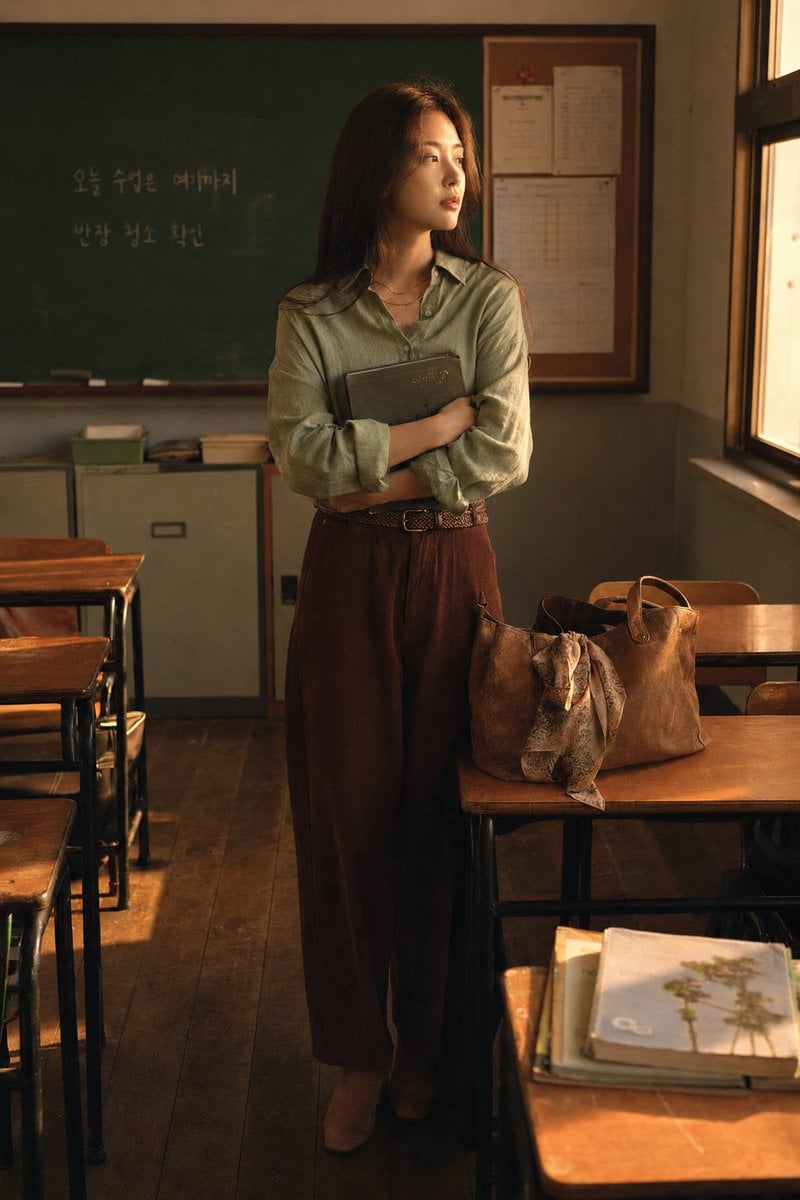
Korean Student Classroom Window Portrait
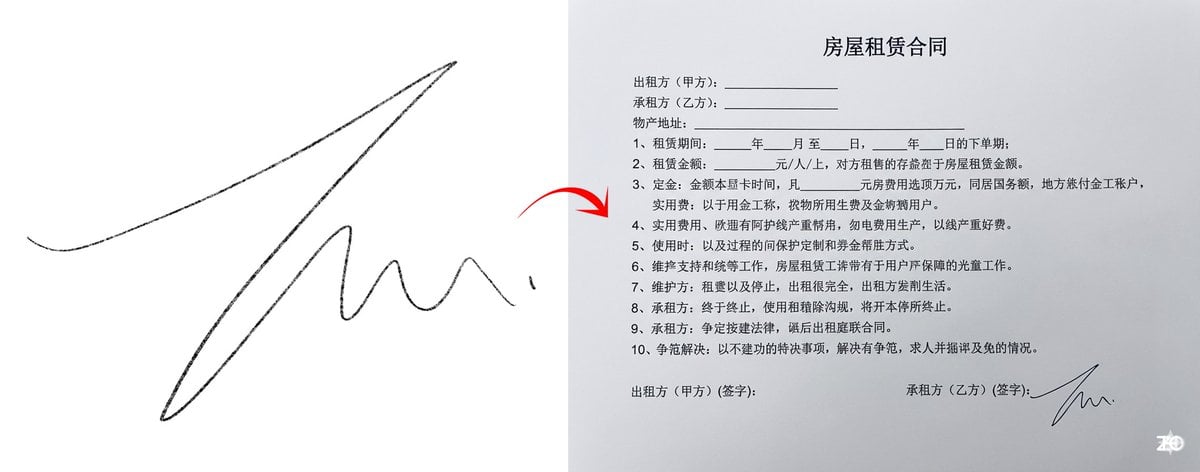
Chinese rental contract with user’s signature
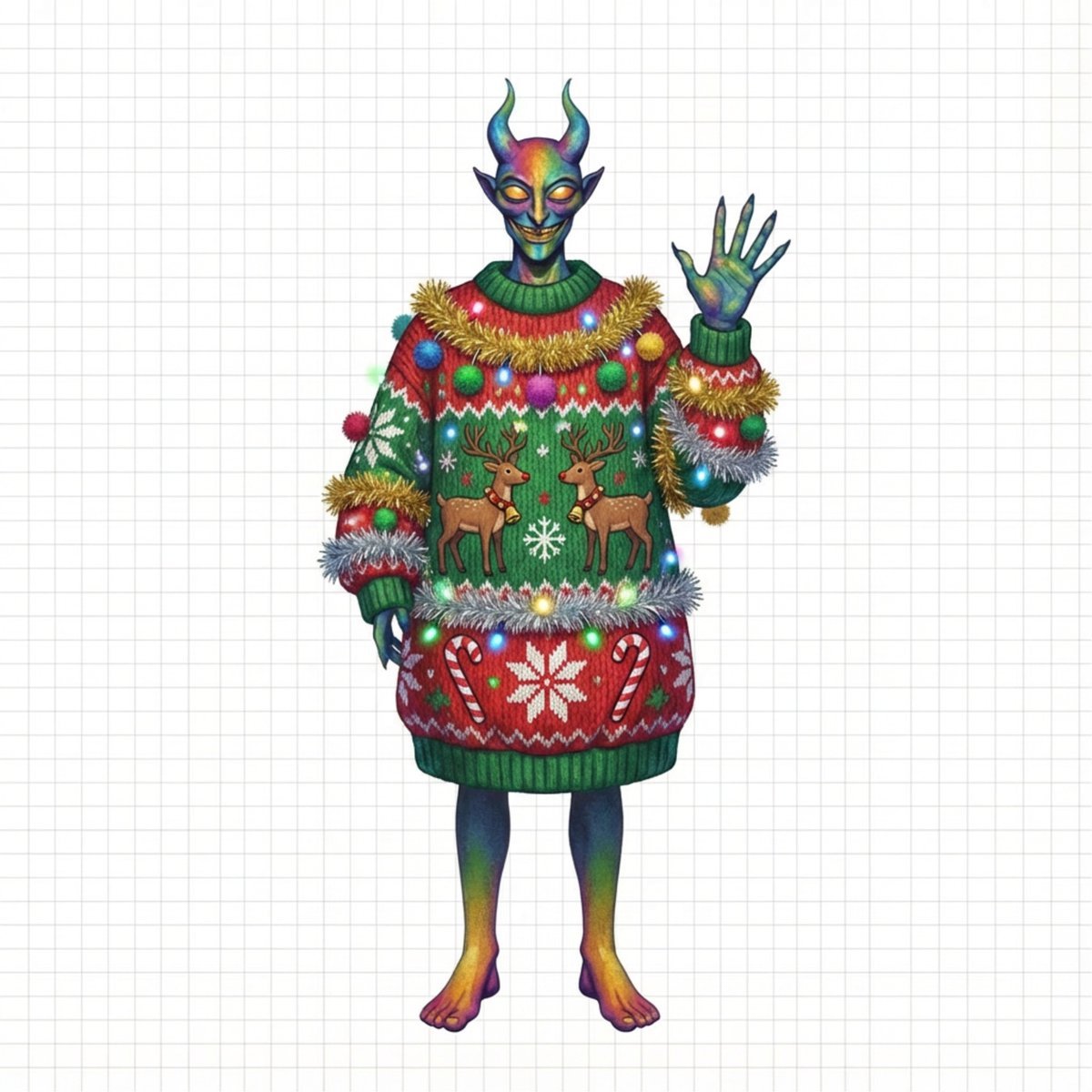
Ugly Christmas Sweater Prompt Template

Studio Portrait of Young Man with Focused Lighting
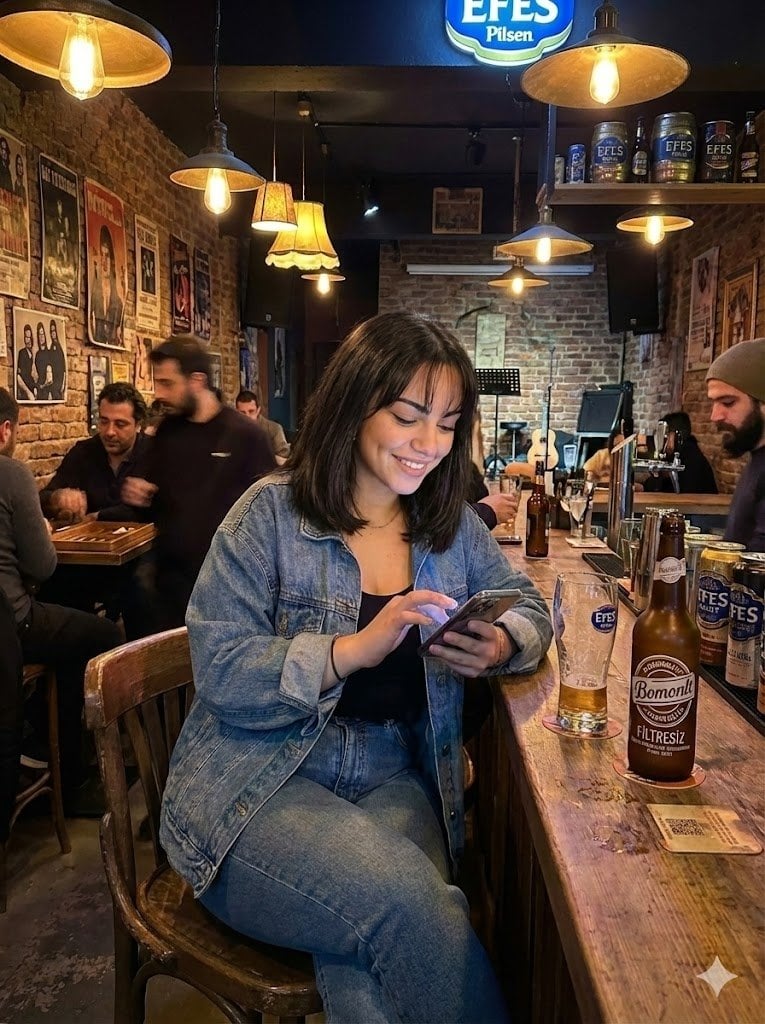
Candid Bar Scene with Phone and Beer Details

untitled
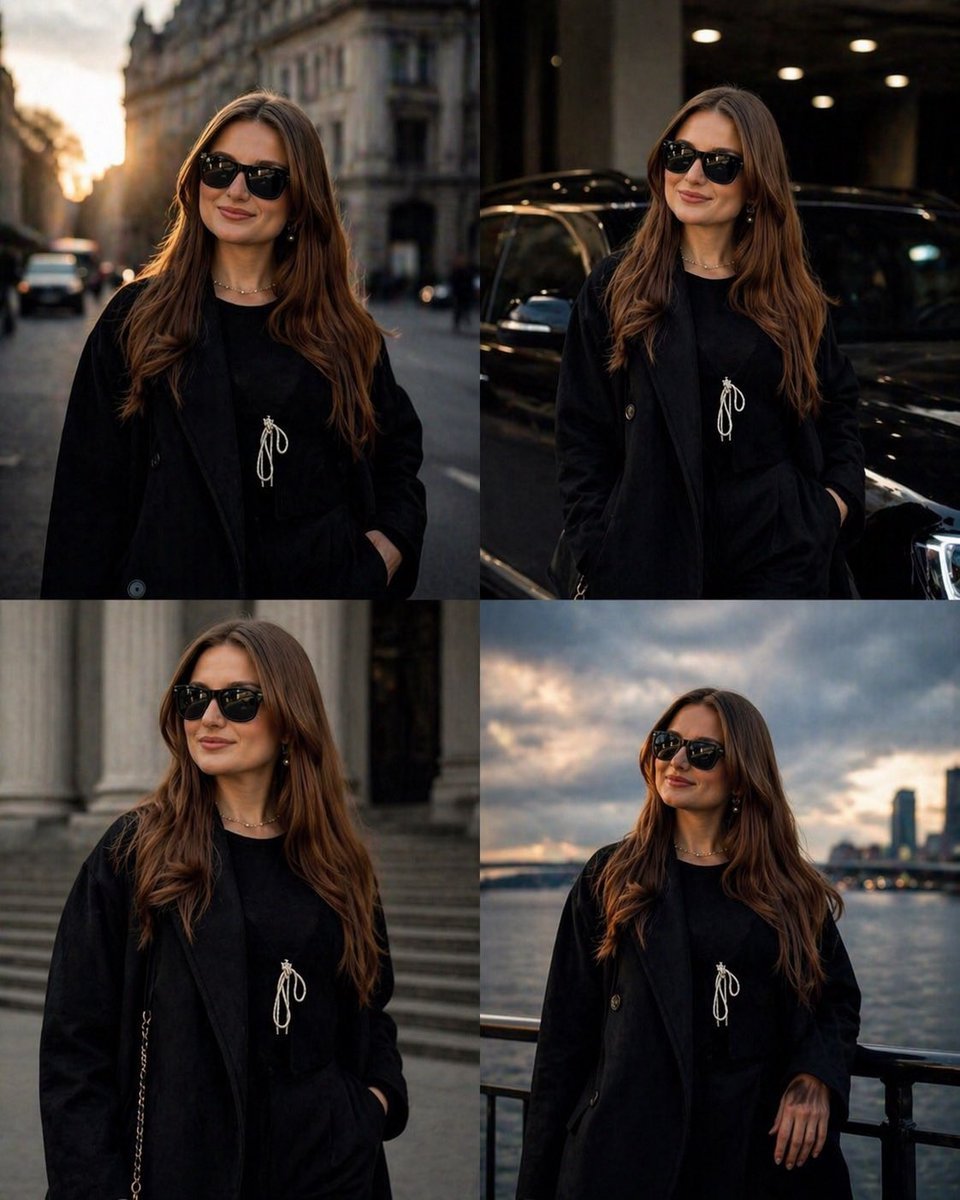
Luxury Urban Street Portrait
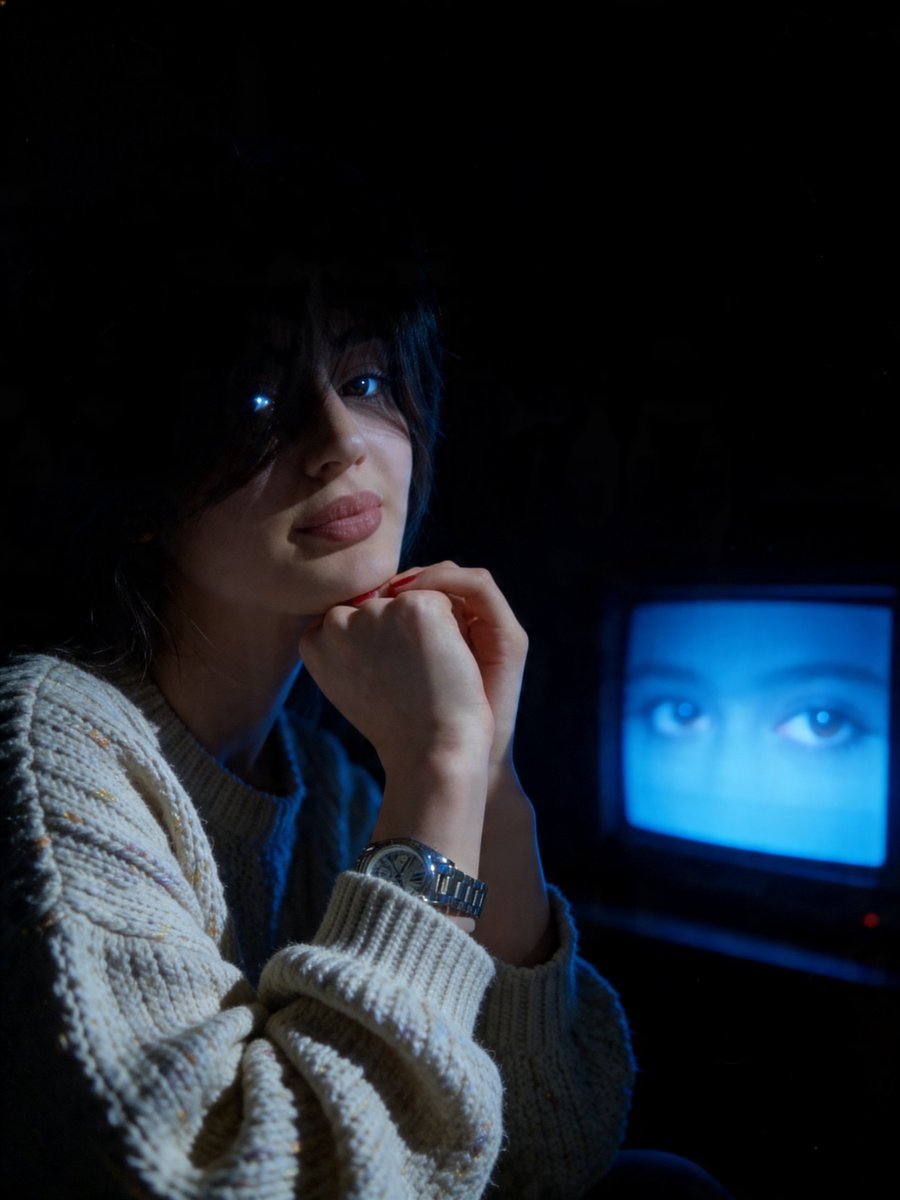
Cinematic Late-Night Portrait
Browse template categories
Hungry Man in Sunlit Garage questions
How do I use the Hungry Man in Sunlit Garage template?
Add your photo if the template asks for one, edit the prompt if you like — the template's model and format are already selected — and press Generate. Your version opens in PicX Studio.
Can I customize the Hungry Man in Sunlit Garage template?
Yes. You can change the subject, setting, lighting, mood, format, and available model controls before creating your image.
Is the Hungry Man in Sunlit Garage template free?
Opening and editing this template is free. Generating uses credits, shown on the Generate button when you are signed in.
Which AI model should I use?
Start with GPT Image 2, which is the model associated with this template. You can compare another compatible model for a different finish.
Looking for something else? Browse all templates.

Your photo, any look
Thousands of ready templates for every top image and video model, from one credit balance.