
Fashion Portrait Under Garage Shutter
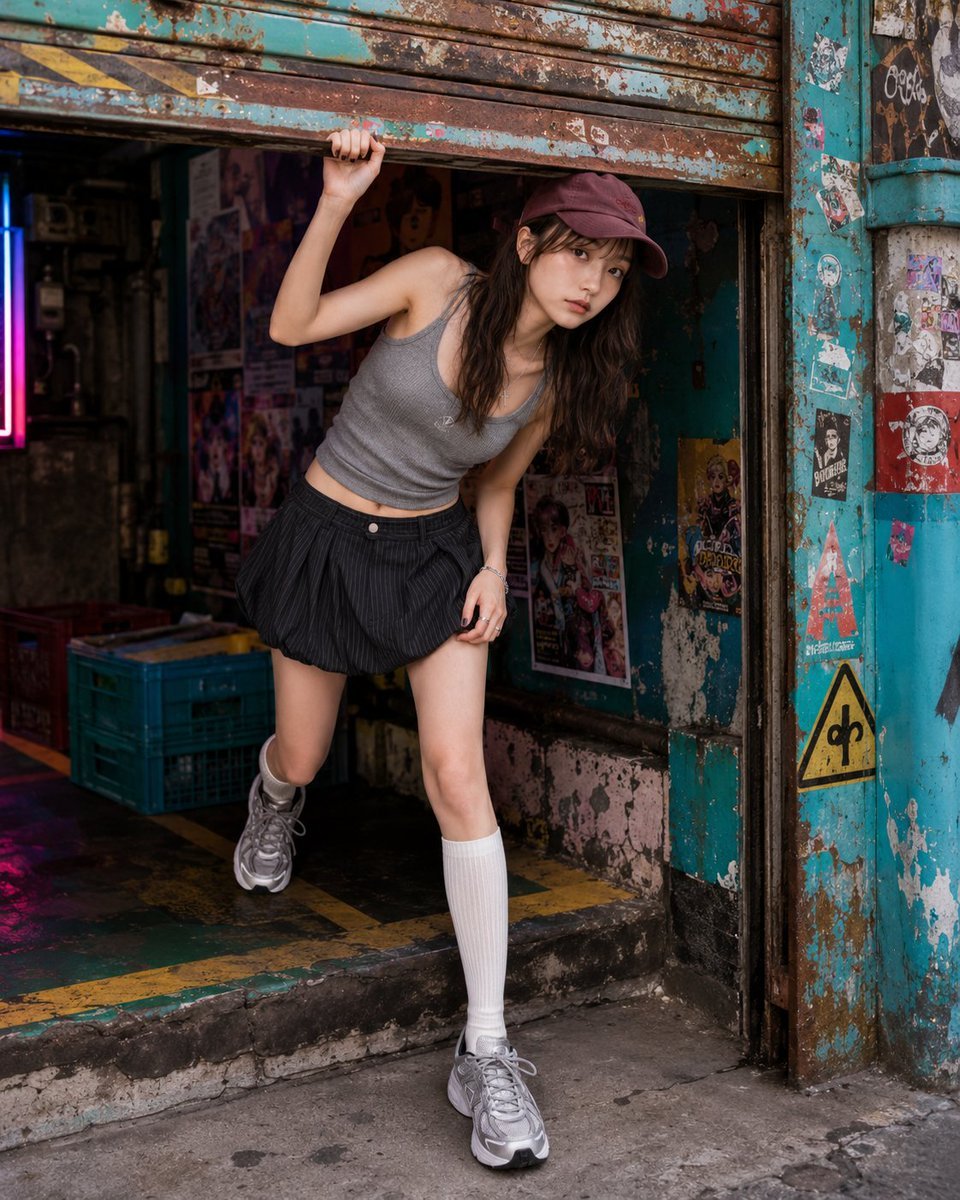
A detailed fashion editorial prompt for a realistic portrait of a woman ducking under a colorful, rusted garage shutter with industrial textures.
- Prompt included
- Model and format preset
- Premium template
The prompt behind this image
Copy the exact prompt behind Fashion Portrait Under Garage Shutter, or open it in the studio and make it yours.
Pose-first photorealistic fashion editorial photo: {argument name="subject" default="a clearly adult woman in her twenties"} caught halfway while ducking under a half-open rusty garage shutter. The pose is created by passing through the shutter, not by posing. Background identity: {argument name="location" default="a colorful rusted urban garage front"} with a half-open corrugated metal shutter, peeling turquoise and red paint, sticker-bombed panels, faded warning graphics, painted floor arrows, colorful plastic crates, exposed pipes, oil-stained concrete, small neon spill, fictional anime posters, torn event flyers, tape marks, and pop-colored graffiti accents. The scene should feel gritty, colorful, lived-in, and visually loud, not a plain dirty garage. Pose lock: {argument name="action" default="one hand grips the bottom edge of the half-open shutter at about shoulder height, elbow bent naturally"}. The other hand stays near the waist, side seam, or thigh to keep the outfit line clean. One foot has already stepped out onto the painted concrete, while the other foot remains just inside the garage threshold. Her torso tilts slightly forward to pass under the shutter, shoulders angled against the hips, waist visible, neck long. The shutter edge creates a strong horizontal line above her body, while the body twists through it. The pose must read as ducking through a garage shutter, not standing in front of it. Composition lock: vertical 4:5 photorealistic fashion editorial crop, camera around waist-to-chest height with slight low angle. Crop from upper thigh or knee to head if needed. The shutter edge, twisting torso, hand on metal, rusty color blocks, poster wall, and face carry the image. Gaze lock: direct eye contact as if she noticed the camera while coming out from under the shutter. Chin slightly lowered, expression calm, sharp, and caught mid-motion. Avoid: anime style, illustration style, plain standing, random crouch, arm-over-head glamour pose, clean garage, real logos, readable text, posters covering the face or torso.
How to use Fashion Portrait Under Garage Shutter in 3 steps
- 1
Open
The prompt is already in the box next to the preview, with the template's model and format selected.
- 2…a portrait of your subject in softgolden-hour light, 85mm…
Personalize
Edit the subject and creative details for your destination.
- 3Generate
Generate
Press Generate — your image is created in PicX Studio, so you can compare it with the original and refine one variable at a time.
More like this
Templates with the same subject, style or setup. Open one to see its prompt.

Nano Banana 2 High Fashion Sports Campai

Couture Fashion Editorial Woman and Drag

Ive Yujin Fashion Portrait in Blue

Nano Banana 2 Editorial Fashion Portrait

Caution Tape Fashion — Industrial Editorial
Fashion Editorial Parking Garage Portrait

Miniature Self Portrait Collage

Found Photograph: Us, 1970

80s Couple Studio Portrait

80s College Gate

1988 Mall Style

80s Polka Dot Saree
Make it yours
Fashion Portrait Under Garage Shutter works as-is. These are the safest ways to change it without losing the look.
Change one field
Copy a single group, rewrite it, and generate again so you can see what that field is doing.
Keep the frame, change the subject
Hold the composition and light of Fashion Portrait Under Garage Shutter, then swap wardrobe, props or the person for a new take.
| If the result… | Why | Fix |
|---|---|---|
| The result drifts from the preview | Too many fields changed at once. | Reuse Fashion Portrait Under Garage Shutter as-is first, then change one group — subject, light, or setting. |
| The model over-stylizes the scene | The prose prompt leaves finish and camera underspecified. | Add one camera or lighting sentence and stay on GPT Image 2. |
More GPT Image 2 templates
Other prompts made for GPT Image 2.

Six VTuber Japanese Logo Sheet

Realistic Portrait of Woman and Deer

The Vista Modular Condo Poster

AI Model Routing Comparison Infographic

2.5D Anime Art Board

Isometric Productivity Desk Scene

New York Double Exposure Poster

Four-Panel AI Landscape Comparison

Japanese Tatami Lifestyle Magazine Cover

NESCAFÉ Coffee Map Poster
More image prompts
Fresh picks from across the catalog.

Japanese Ink Illustration Style
Japanese Winter Mystery Poster Grid
Realistic Subway Candid Portrait
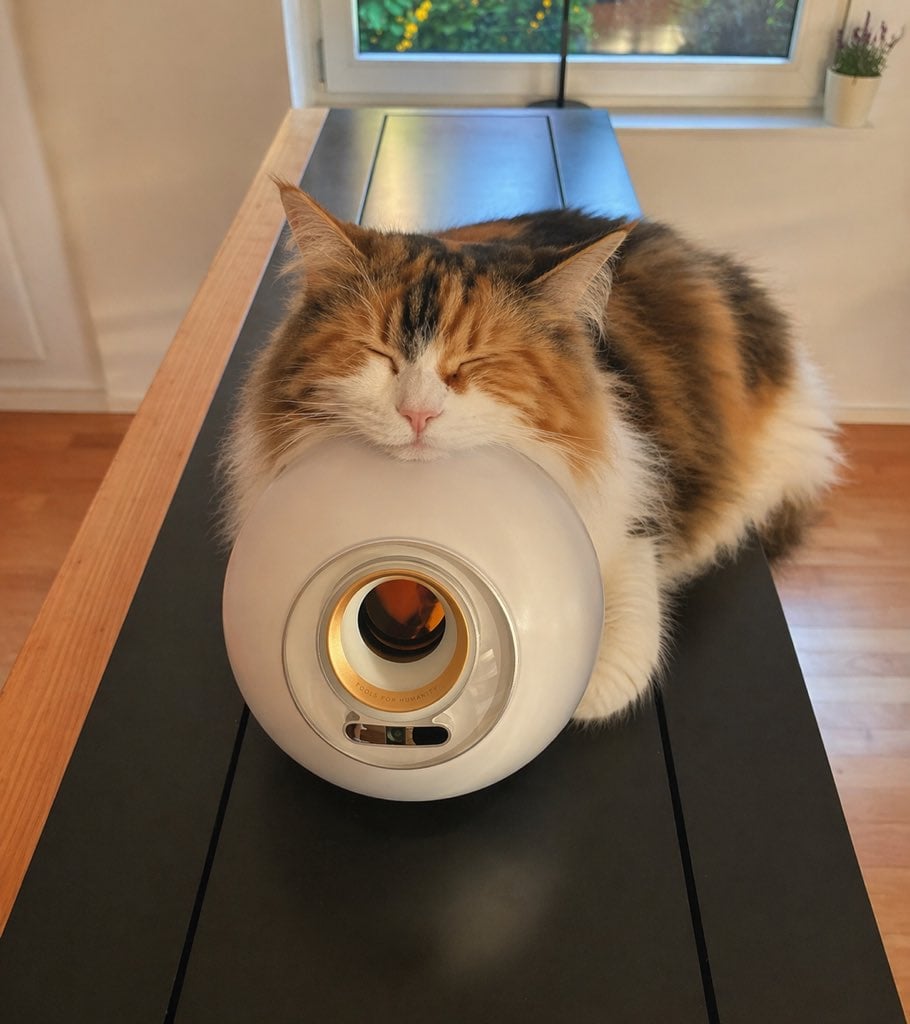
Sleeping Calico on White Appliance
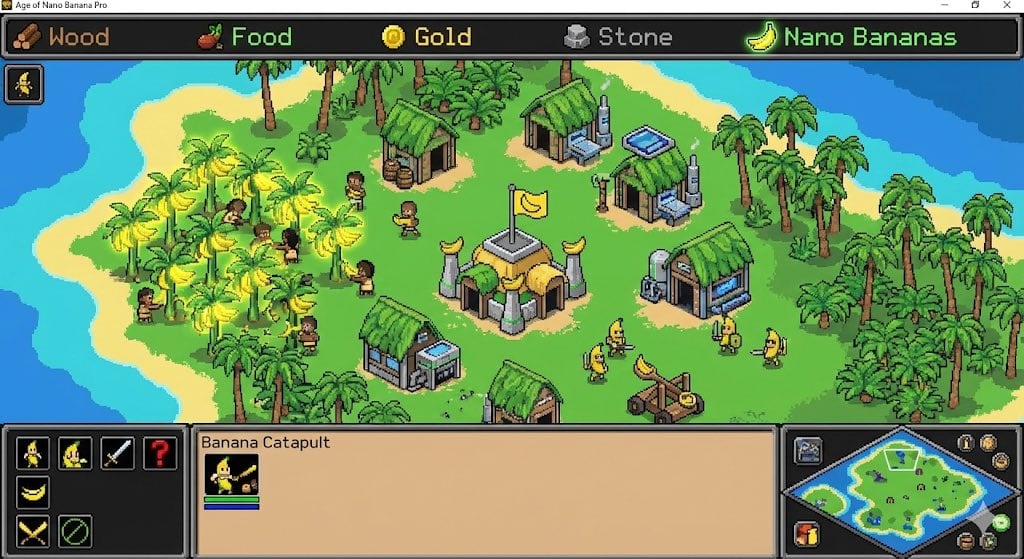
Videogame Screenshot Prompt
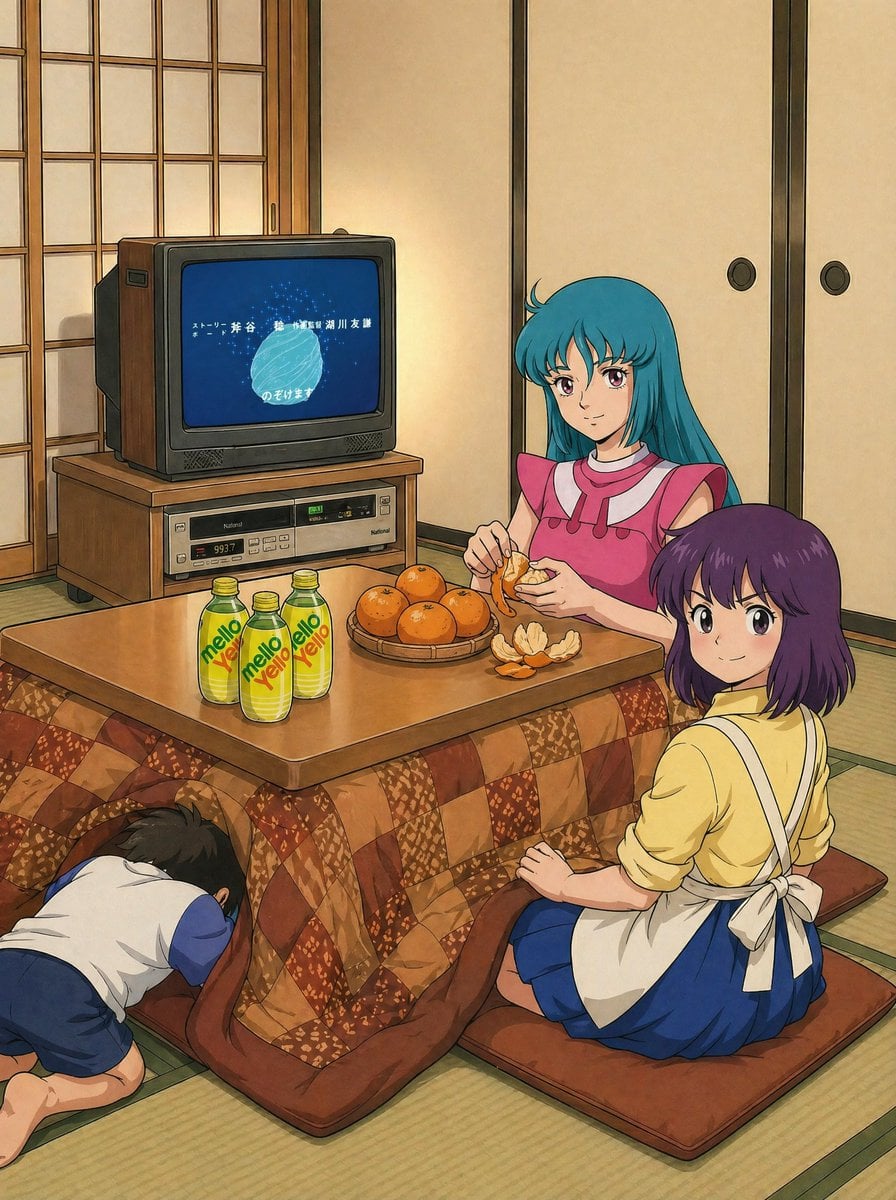
Retro Anime Kotatsu Family Scene
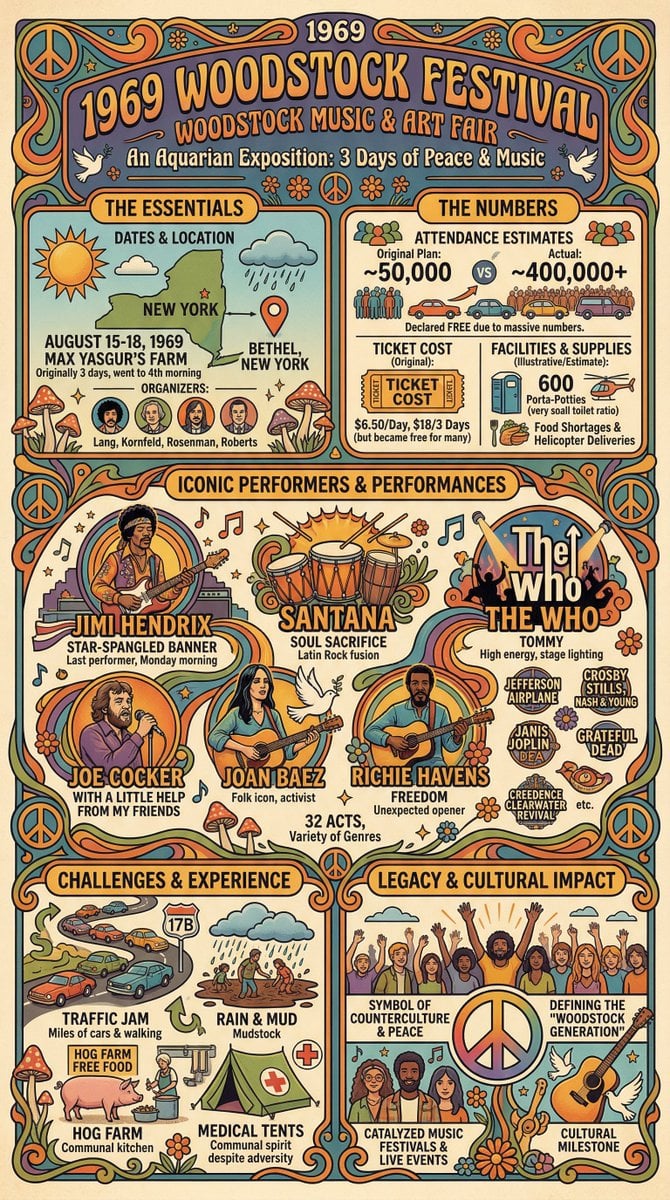
Infographic Creation with Simple Text Prompt
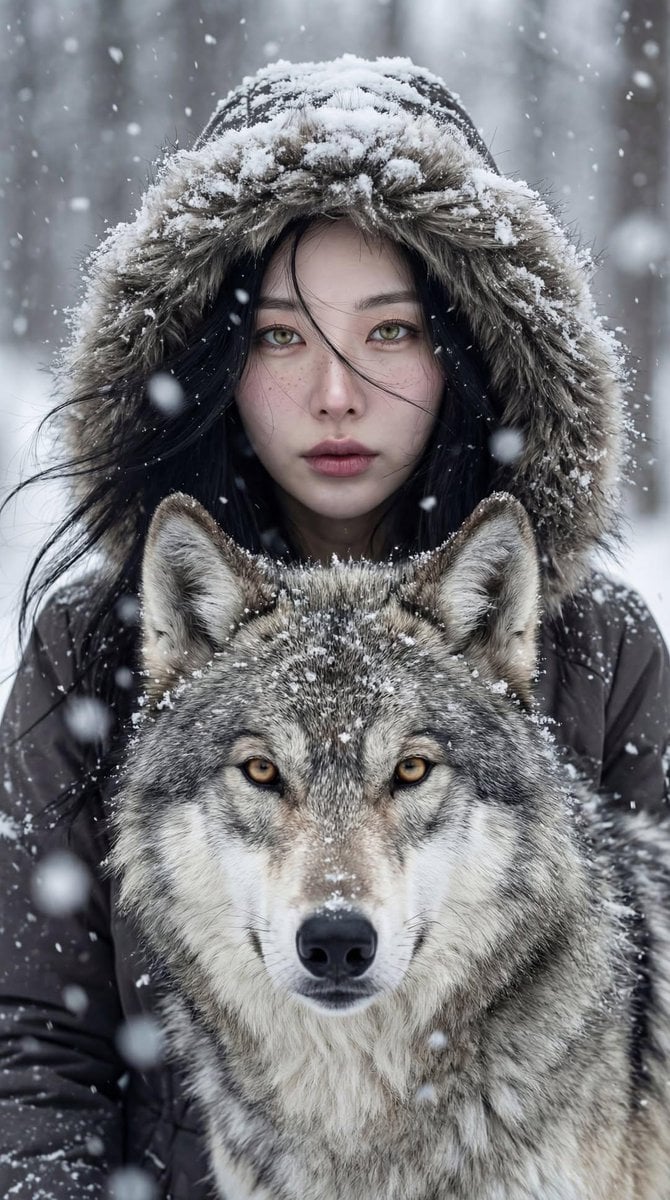
Cinematic Winter Portrait: Woman and Wolf
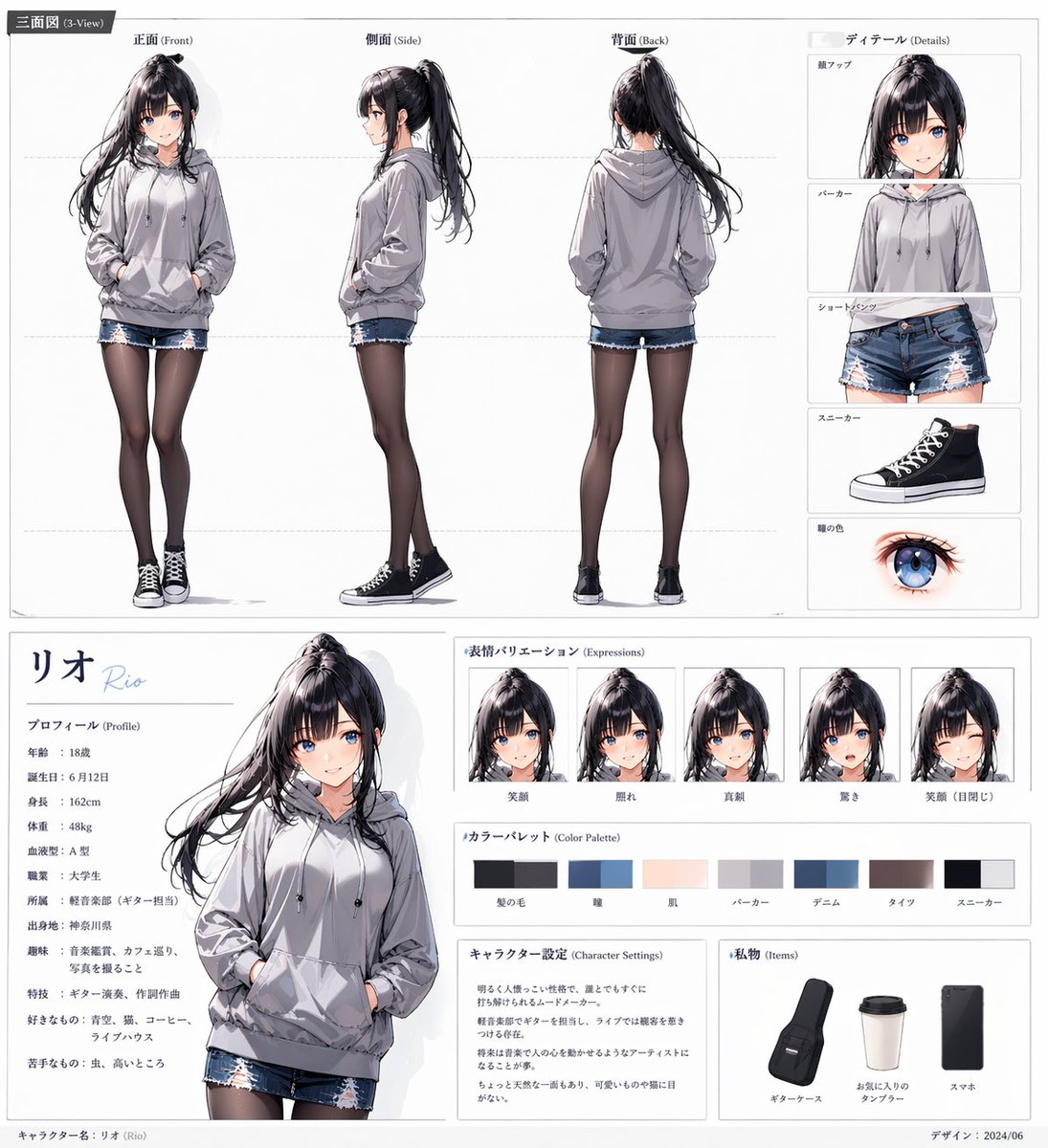
Anime Character Sheet for Rio
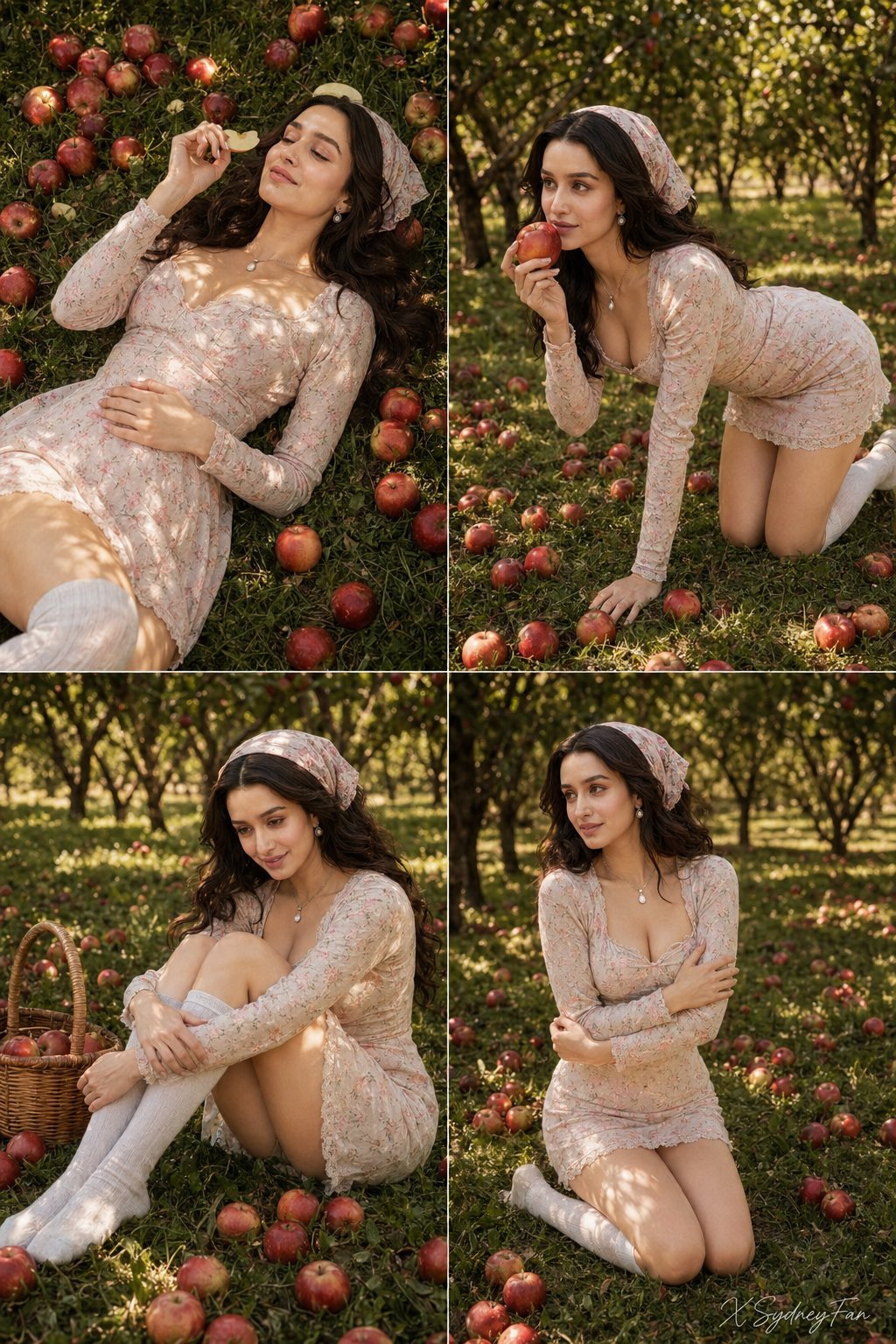
Nano Banana Apple Orchard Collage
Browse template categories
Fashion Portrait Under Garage Shutter questions
How do I use the Fashion Portrait Under Garage Shutter template?
Add your photo if the template asks for one, edit the prompt if you like — the template's model and format are already selected — and press Generate. Your version opens in PicX Studio.
Can I customize the Fashion Portrait Under Garage Shutter template?
Yes. You can change the subject, setting, lighting, mood, format, and available model controls before creating your image.
Is the Fashion Portrait Under Garage Shutter template free?
Opening and editing this template is free. Generating uses credits, shown on the Generate button when you are signed in.
Which AI model should I use?
Start with GPT Image 2, which is the model associated with this template. You can compare another compatible model for a different finish.
Looking for something else? Browse all templates.

Your photo, any look
Thousands of ready templates for every top image and video model, from one credit balance.