
Candid Bar Scene with Phone and Beer Details
A highly detailed JSON prompt for generating a candid, moody medium shot of a woman seated in a dimly lit pub.
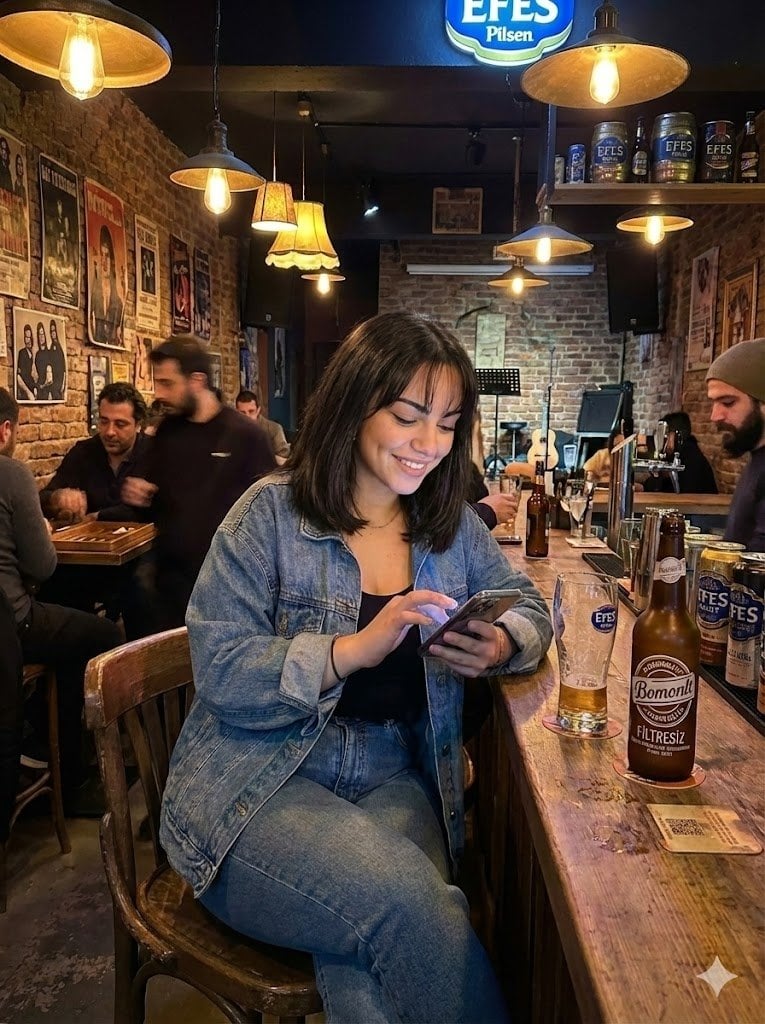
- Prompt included
- Model and format preset
- Free template
The prompt behind this image
Copy the exact prompt behind Candid Bar Scene with Phone and Beer Details, or open it in the studio and make it yours.
{ "scene": "A candid indoor shot inside a warm, dimly lit pub or bar with exposed brick walls.", "subject": { "character": "Young woman, appearing relaxed and happy.", "face": { "structure": "Oval face shape, soft jawline.", "skin": "Light to medium tone, smooth texture.", "eyes": { "shape": "Almond, looking downward at the phone.", "color": "Dark.", "expression": "Focused but smiling gently." }, "mouth": { "lips": "Natural pink, smiling." }, "makeup": "Minimal, natural look, subtle eyeliner." }, "hair": { "color": "Dark brown or black.", "length": "Shoulder-length bob.", "texture": "Straight with slight volume.", "style": "Loose with bangs (fringe) covering the forehead.", "shine": "Healthy sheen under warm lights." }, "accessories": { "necklace": "Very thin, delicate gold or silver chain.", "held_item": "Smartphone held in both hands." } }, "pose": { "overall": "Seated casually on a wooden bar chair.", "position": { "base": "Sitting.", "orientation": "Angled slightly towards the right, body facing the bar." }, "torso": { "direction": "Leaning slightly forward.", "posture": "Relaxed slouch." }, "arms": { "position": "Bent at elbows, hands holding a phone at chest level.", "other": "Elbows resting near the body/bar edge." }, "legs": { "position": "Thighs visible, knees bent, seated.", "visible": "Upper legs visible." }, "head": { "turn": "Tilted downwards towards the phone screen.", "expression": "Smiling at the screen." } }, "outfit": { "outerwear": { "type": "Denim jacket.", "color": "Medium wash blue.", "style": "Oversized, casual, buttoned cuffs.", "details": { "texture": "Denim fabric.", "collar": "Folded collar." } }, "top": { "type": "Tank top or t-shirt.", "color": "Black.", "style": "Scoop neckline, simple." }, "bottoms": { "type": "Jeans.", "color": "Medium wash blue (matching jacket).", "material": "Denim." } }, "body": { "type": "Average build.", "skin": "Light/Medium." }, "environment": { "location": "Indoor bar/pub.", "bar_counter": { "material": "Distressed wood.", "items": { "bottle": "Brown '{argument name="beer brand 1" default="Bomonti Filtresiz"}' beer bottle.", "glass": "Empty beer glass with '{argument name="beer brand 2" default="Efes"}' logo.", "coaster": "Cardboard coaster under the bottle." } }, "background": { "walls": "Exposed red brick.", "decor": "Framed movie/music posters, shelves with '{argument name="beer brand 2" default="Efes"}' beer kegs/cans.", "people": "Other patrons sitting at tables in the blurred background.", "furniture": "Wooden chairs and tables." }, "ceiling": { "lights": "Hanging pendant lights with warm Edison bulbs." } }, "lighting": { "type": "Artificial, ambient.", "quality": { "intensity": "Dim, moody.", "direction": "Overhead from pendant lamps." }, "on_subject": { "skin": "Warm highlights on the face and hands.", "hair": "Soft shine on the top of the head." } }, "photography": { "angle": "Eye-level, slightly side-on.", "framing": "Medium shot, capturing su"
How to use Candid Bar Scene with Phone and Beer Details in 3 steps
- 1
Open
The prompt is already in the box next to the preview, with the template's model and format selected.
- 2…a portrait of your subject in softgolden-hour light, 85mm…
Personalize
Edit the subject and creative details for your destination.
- 3Generate
Generate
Press Generate — your image is created in PicX Studio, so you can compare it with the original and refine one variable at a time.
More like this
Templates with the same subject, style or setup. Open one to see its prompt.

Sunday Afternoon, 1988

Our Song was on a Cassette

The Date After College

80s College Gate

Teen Girl Alpine Lake Mountain View
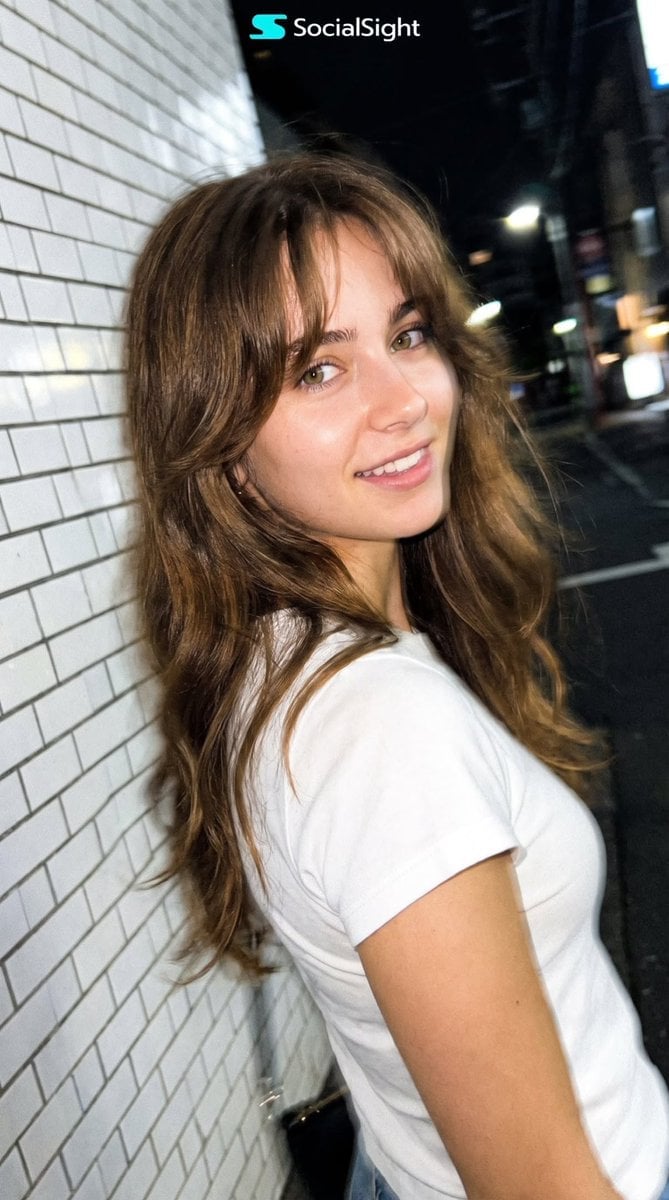
Candid Tokyo Night Smartphone Snapshot
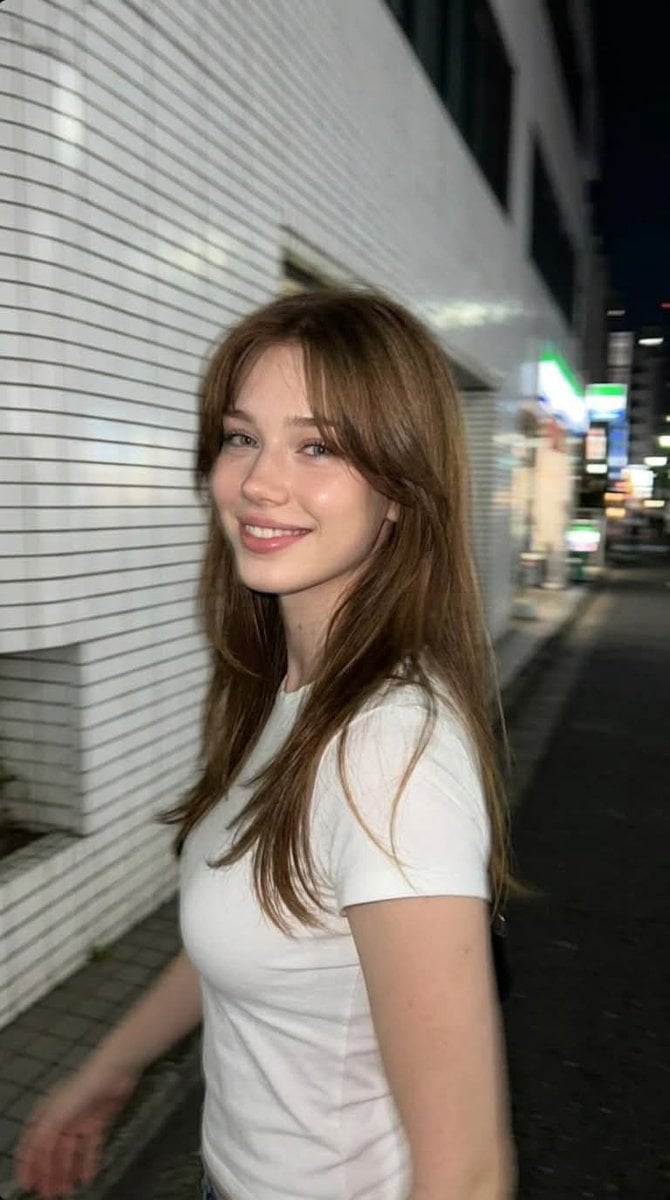
Candid Tokyo Smartphone Night Photo
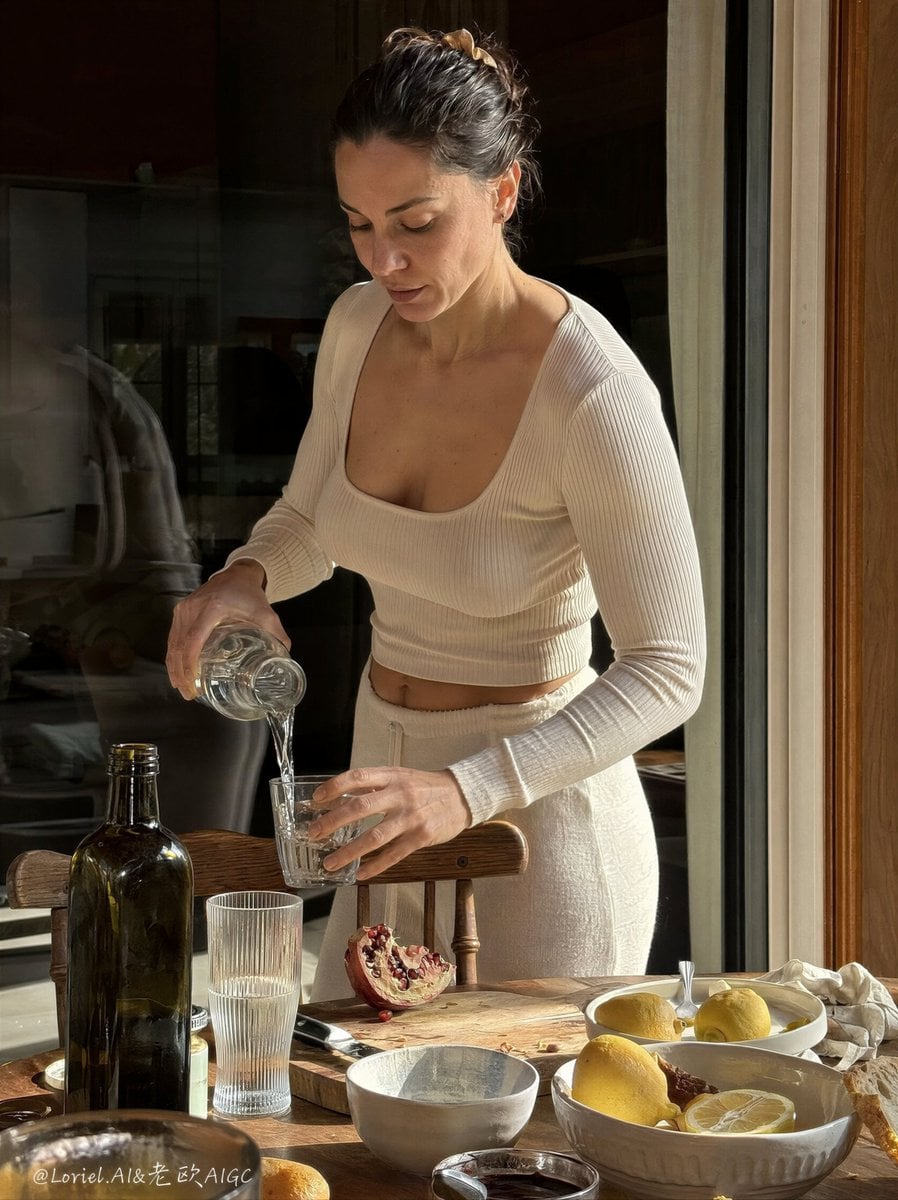
Anti-AI Candid iPhone Snapshot

Cat Photobomb Selfie — 0.5x Wide Angle Café Chaos
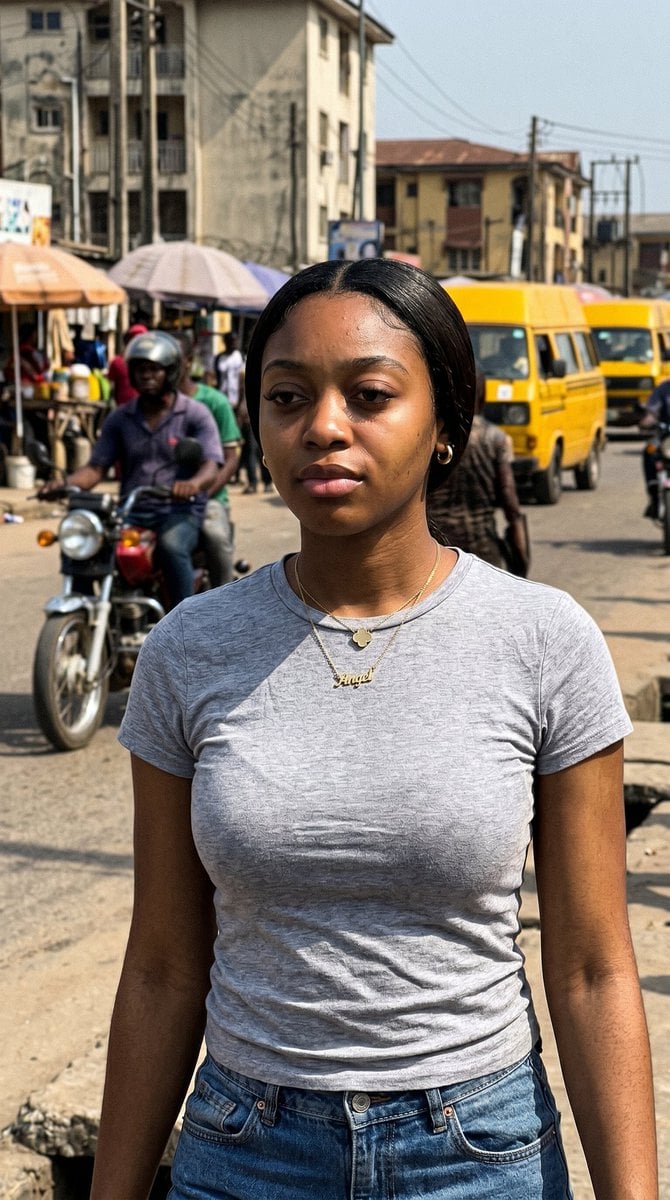
Lagos Street Candid iPhone Shot
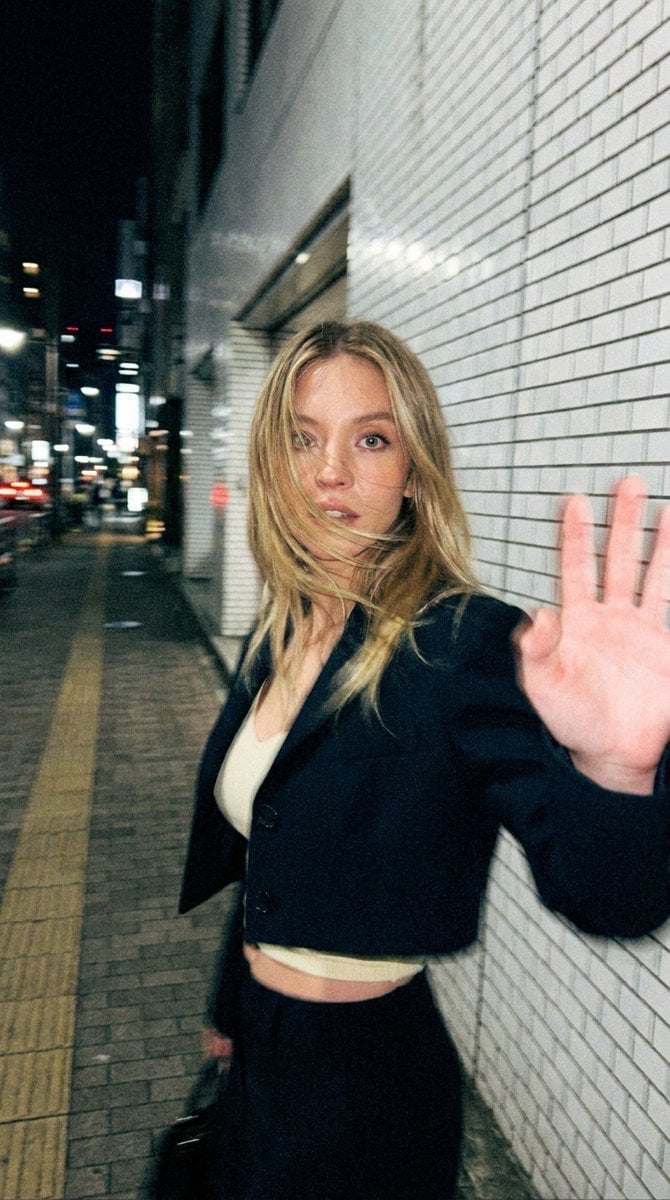
Candid Tokyo Smartphone Night Photo
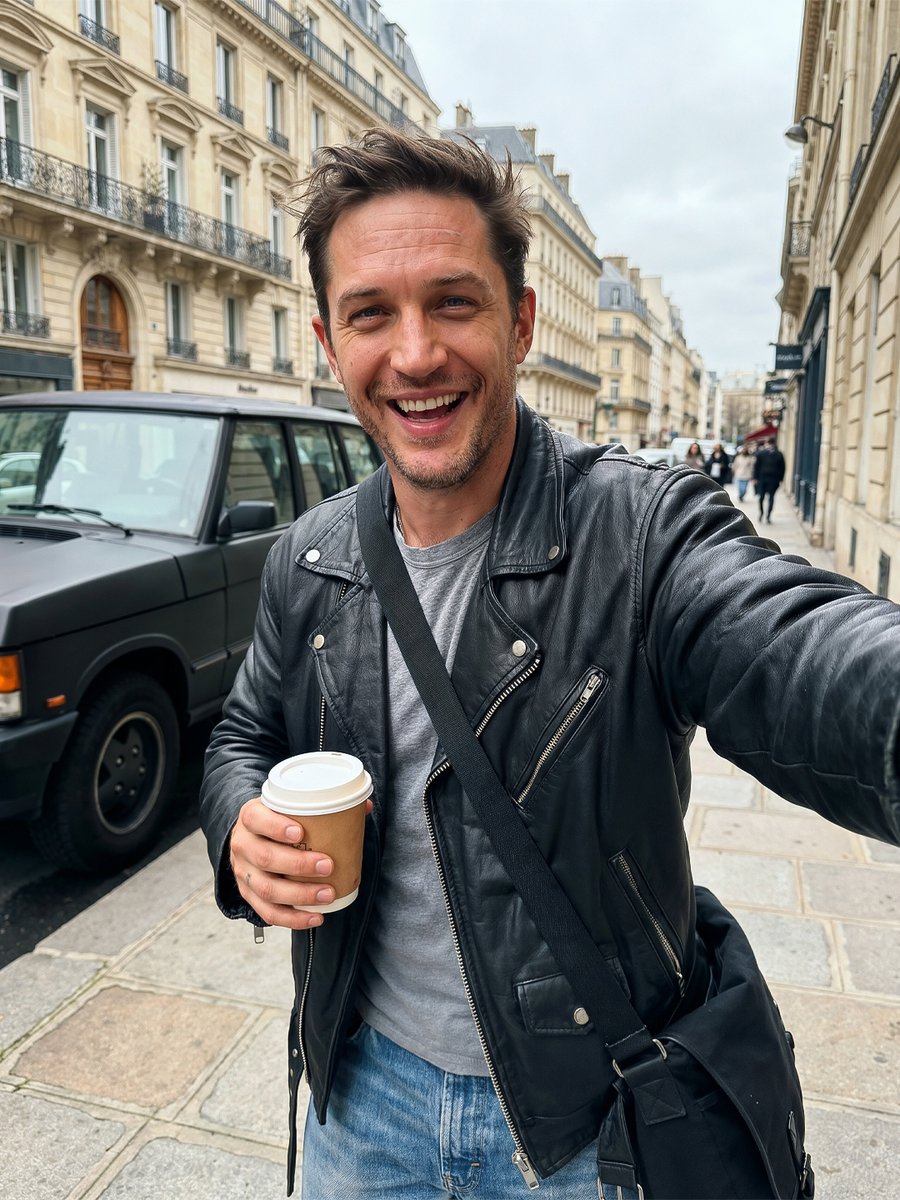
Candid iPhone Street Selfie
Make it yours
Candid Bar Scene with Phone and Beer Details works as-is. These are the safest ways to change it without losing the look.
Change one field
Copy a single group, rewrite it, and generate again so you can see what that field is doing.
Keep the frame, change the subject
Hold the composition and light of Candid Bar Scene with Phone and Beer Details, then swap wardrobe, props or the person for a new take.
| If the result… | Why | Fix |
|---|---|---|
| The result drifts from the preview | Too many fields changed at once. | Reuse Candid Bar Scene with Phone and Beer Details as-is first, then change one group — subject, light, or setting. |
| The model over-stylizes the scene | The prose prompt leaves finish and camera underspecified. | Add one camera or lighting sentence and stay on Nano Banana 2. |
More Nano Banana 2 templates
Other prompts made for Nano Banana 2.

Photorealistic Leaf Shaped Like a Dragon

K-Pop Idol Portrait Grid for Rapid Selection

Poetic Rain Forest Portrait During Golden Hour

Urban Street Portrait with Cartoon Inner Self Duo

Candid Nighttime Photo with Cat Prompt

High-Concept 3D Diorama Generation Prompt

Cinematic Futuristic Studio Portrait Template

Skincare Editorial Photography Collage Prompt

Hyper-Realistic Commercial Product Photography (Splash Effect)

Hyper-Realistic Nightclub Portrait Prompt
More image prompts
Fresh picks from across the catalog.
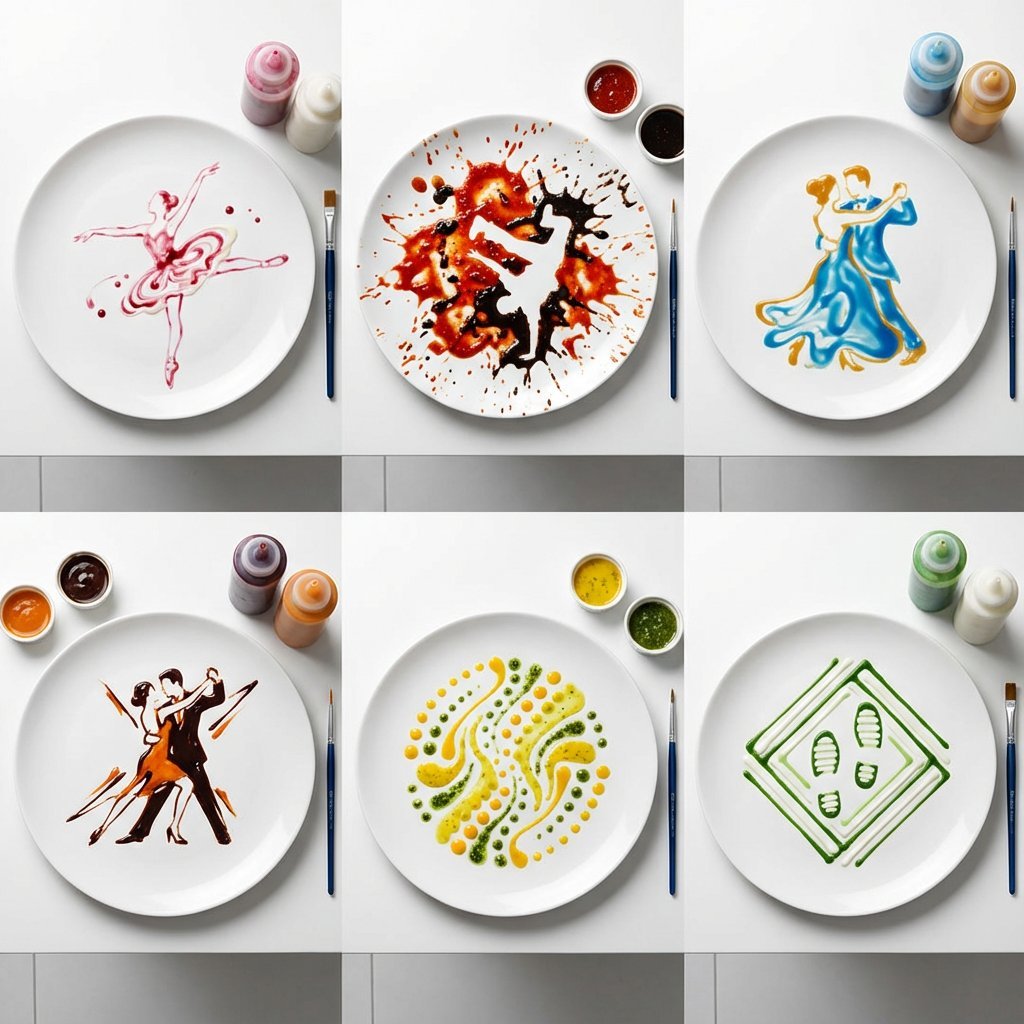
High-Speed Photography of Dance Forms in Sauce Choreography
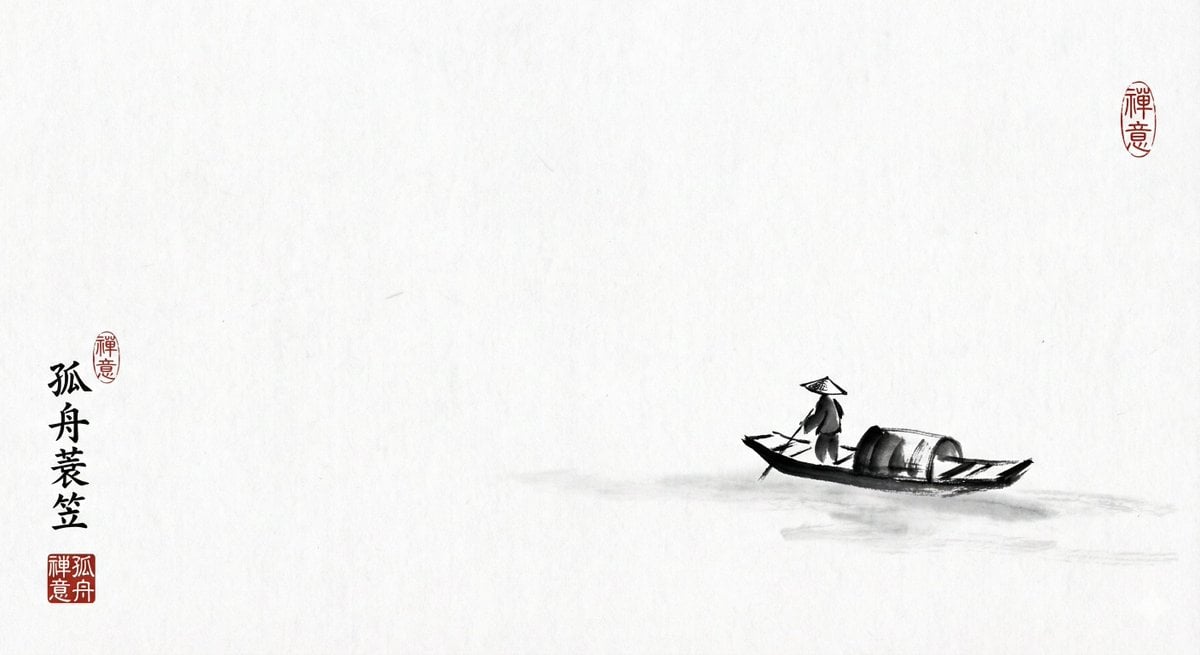
Ink painting lone boat prompt for Nano Banana Pro

Clockwork Titan Baroque Painting
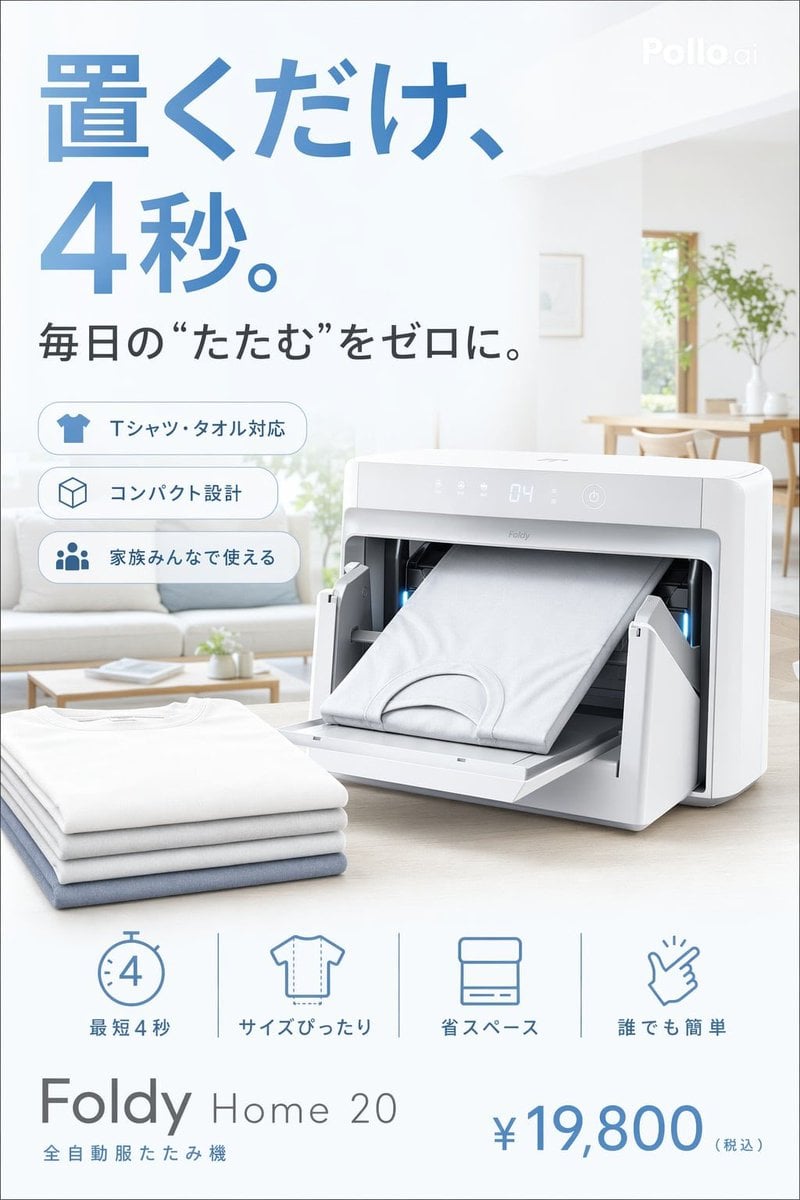
Japanese Auto Laundry Folder Ad
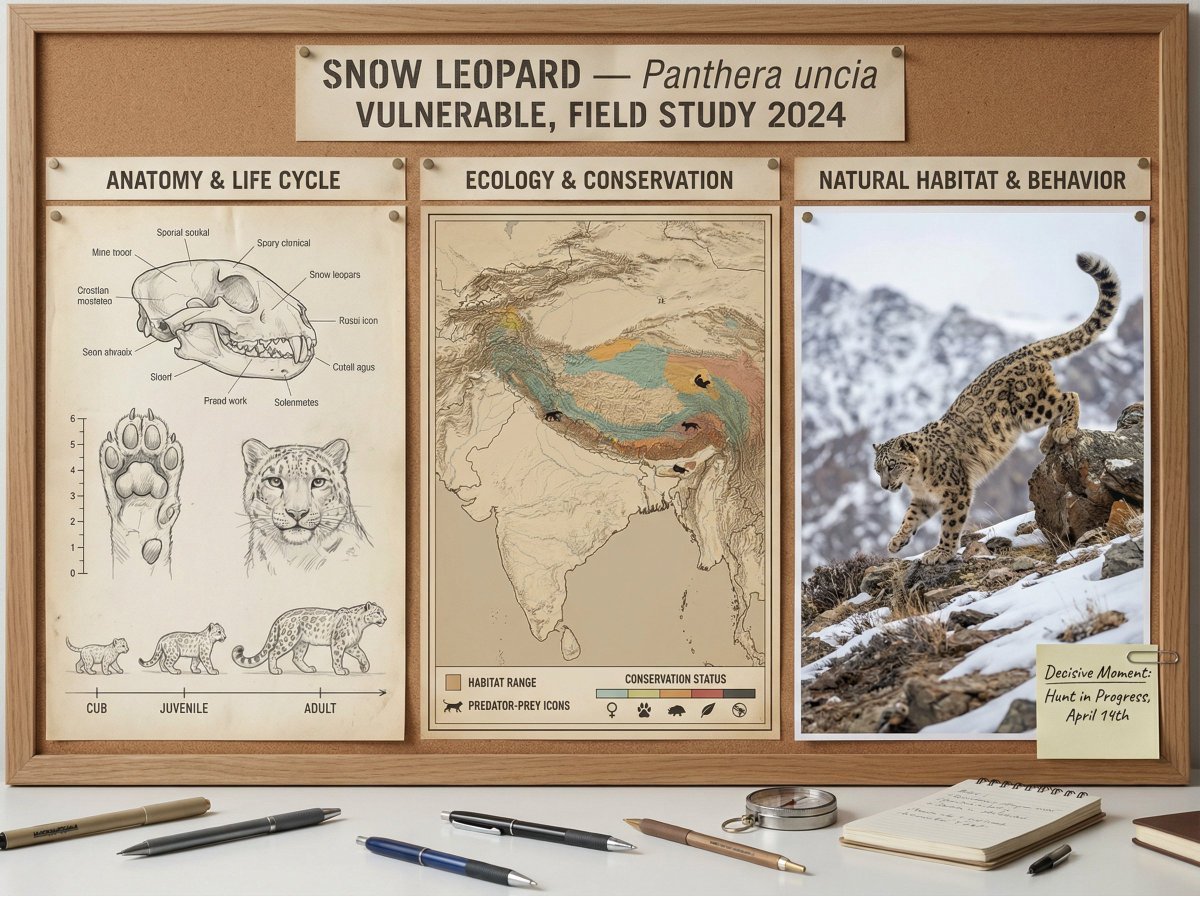
Scientific field researcher's documentation board prompt
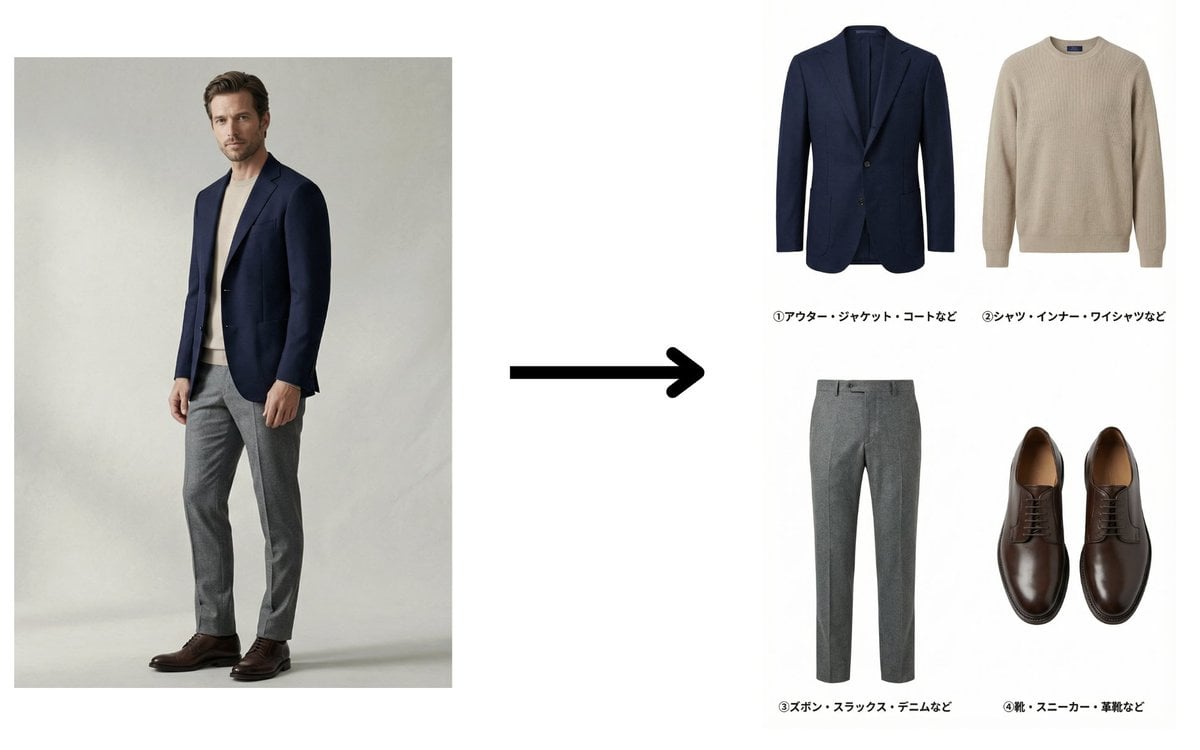
Fashion Catalog Item Extraction from Reference Image

Character Generation from Google Slides Shapes
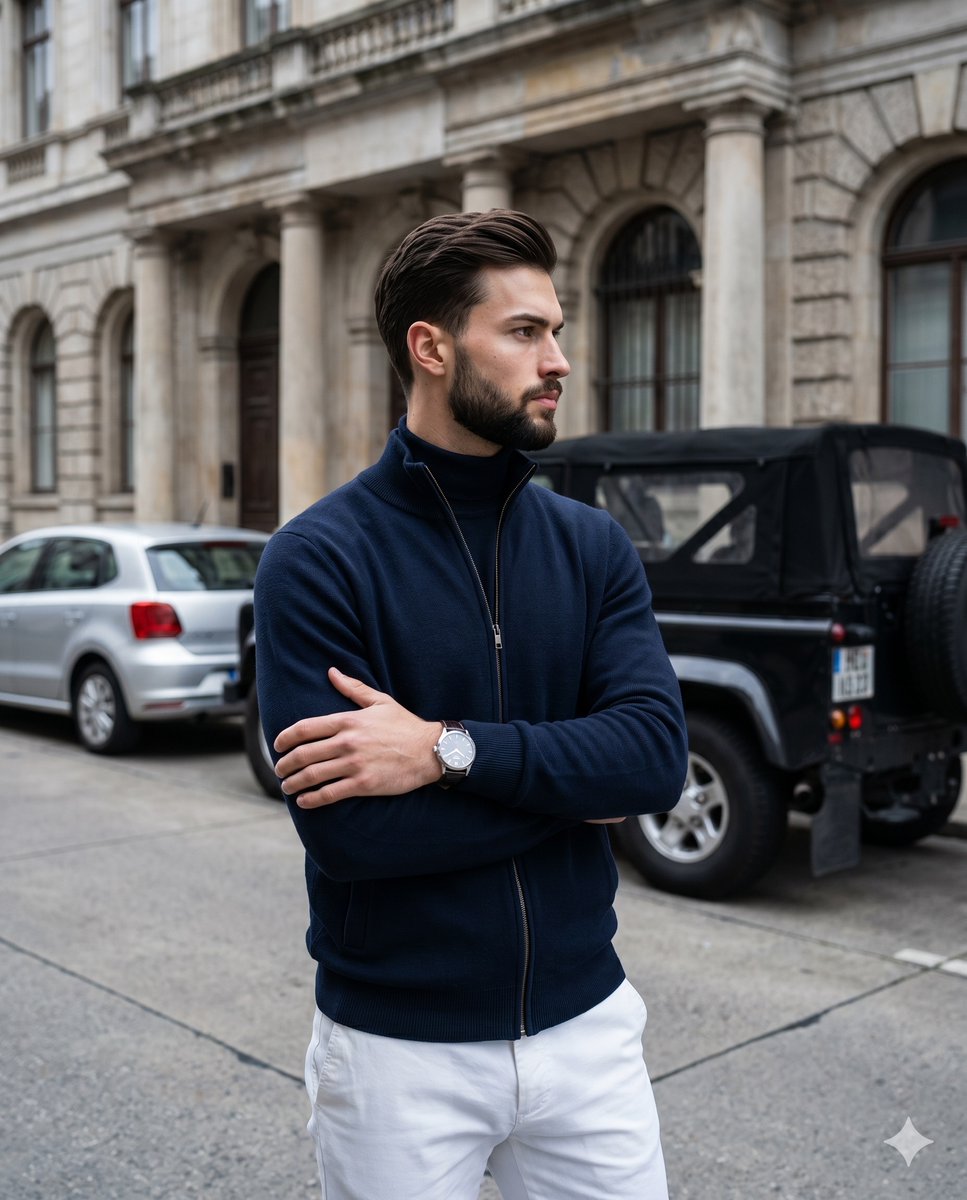
Old Money Men's Fashion Portrait
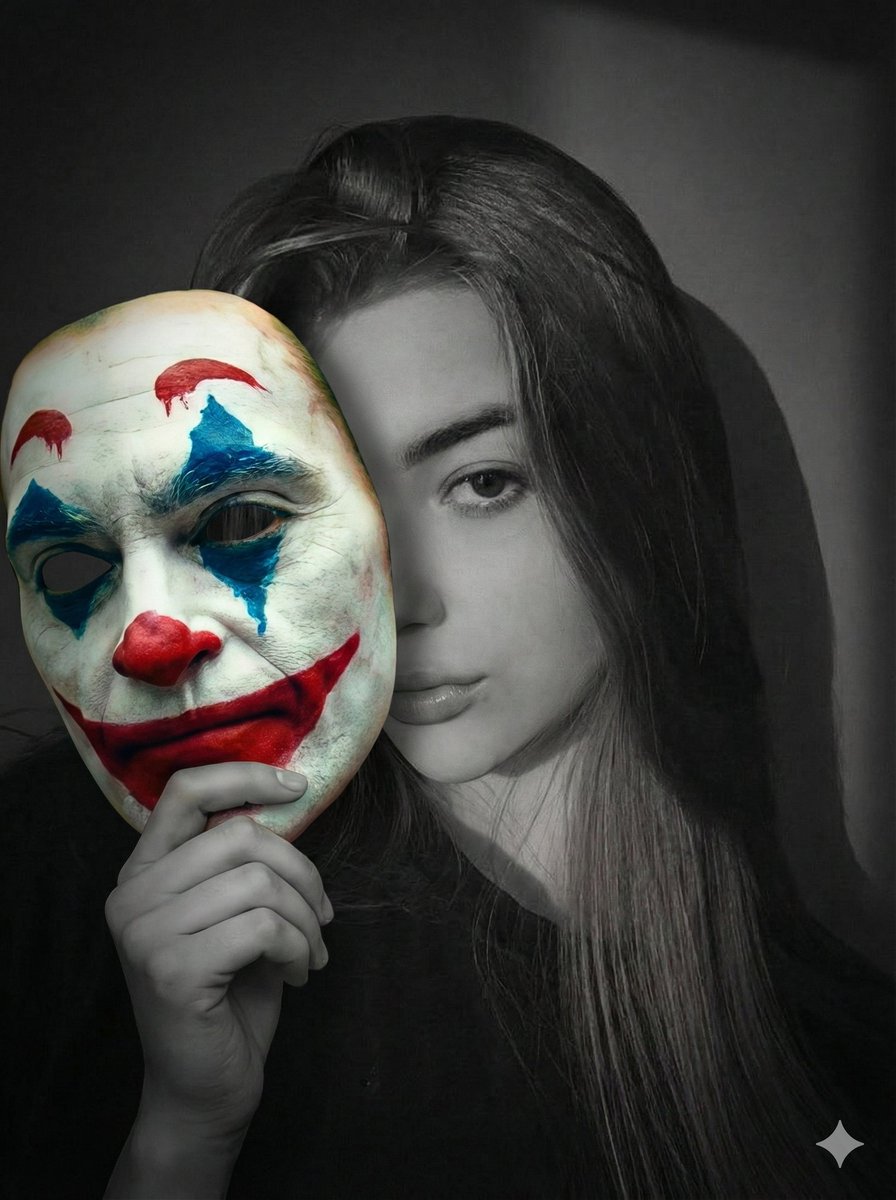
Cinematic Portrait Prompt: Grayscale Subject with Colorful Joker Mask
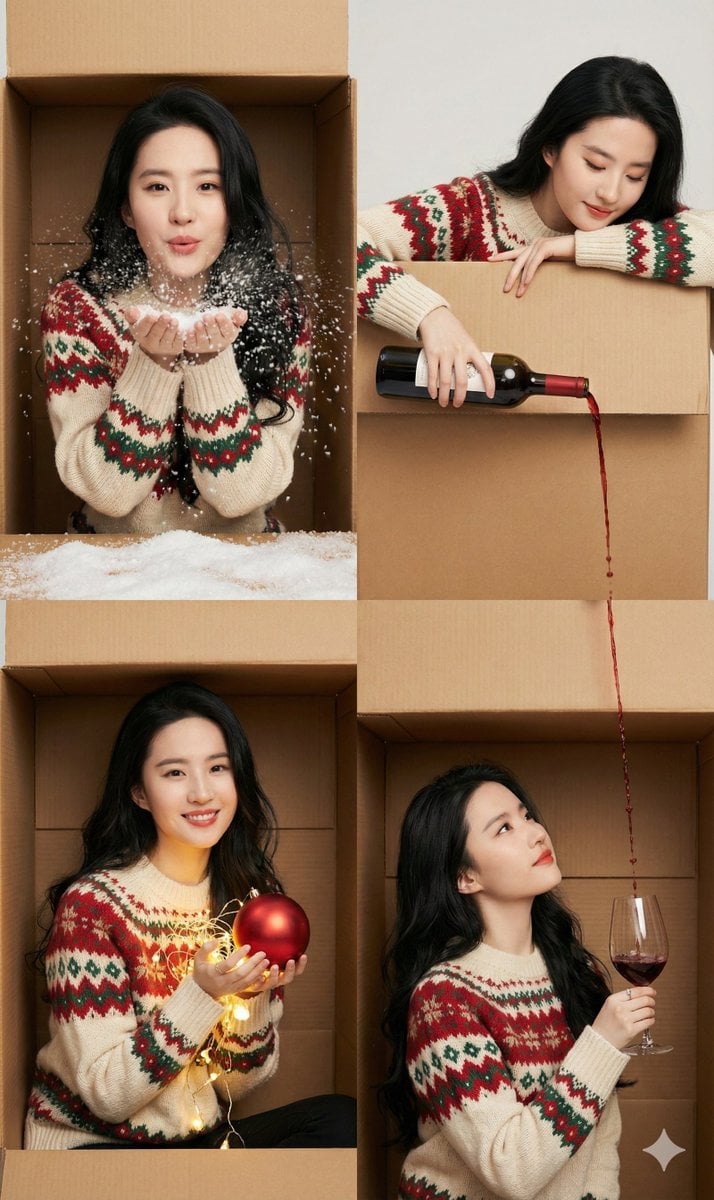
Seamless 2x2 Christmas Box Challenge Photo Collage
Browse template categories
Candid Bar Scene with Phone and Beer Details questions
How do I use the Candid Bar Scene with Phone and Beer Details template?
Add your photo if the template asks for one, edit the prompt if you like — the template's model and format are already selected — and press Generate. Your version opens in PicX Studio.
Can I customize the Candid Bar Scene with Phone and Beer Details template?
Yes. You can change the subject, setting, lighting, mood, format, and available model controls before creating your image.
Is the Candid Bar Scene with Phone and Beer Details template free?
Opening and editing this template is free. Generating uses credits, shown on the Generate button when you are signed in.
Which AI model should I use?
Start with Nano Banana 2, which is the model associated with this template. You can compare another compatible model for a different finish.
Looking for something else? Browse all templates.

Your photo, any look
Thousands of ready templates for every top image and video model, from one credit balance.