
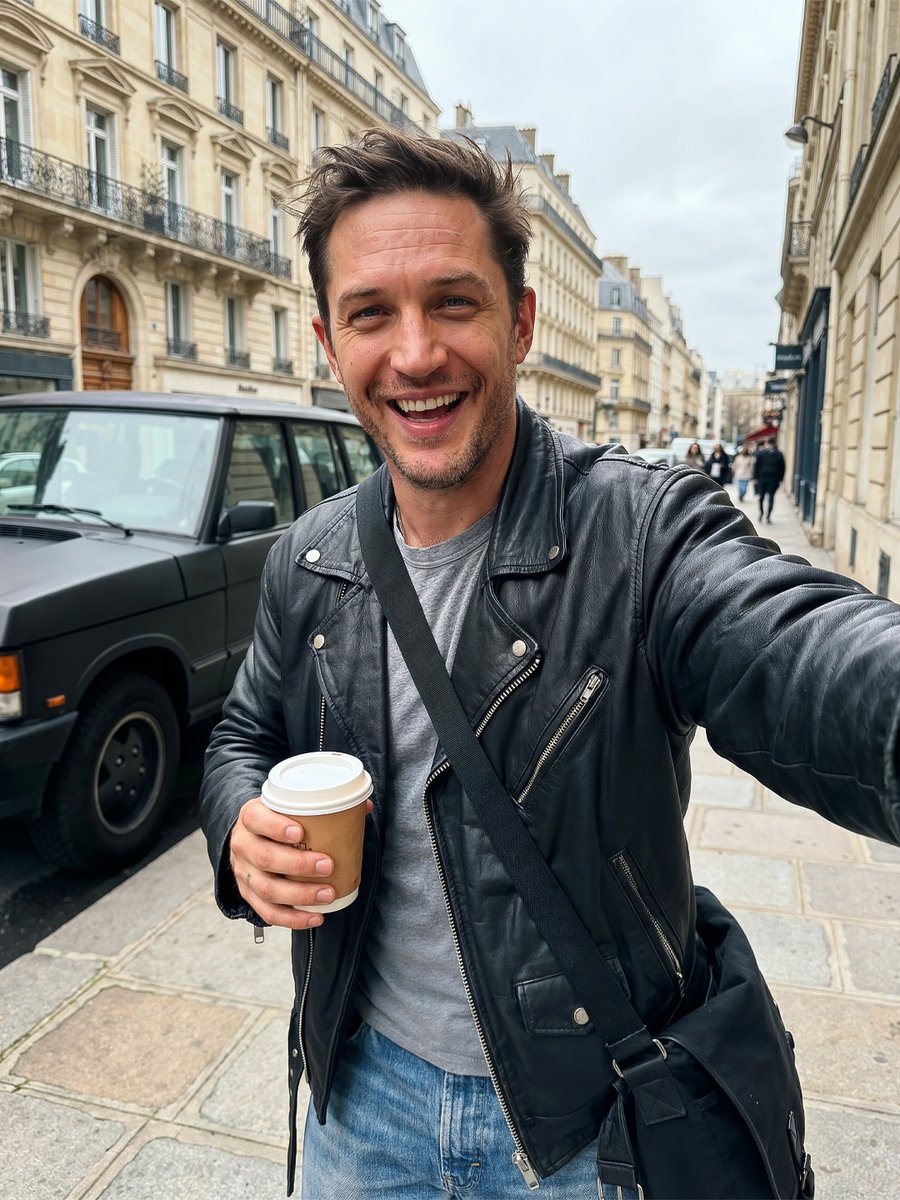
Candid iPhone Street Selfie
A hyper-realistic prompt for a vertical Instagram-style selfie of a man walking in a European city, focusing on authentic textures and flat lighting.
- Prompt included
- Model and format preset
- Free template
The prompt behind this image
Copy the exact prompt behind Candid iPhone Street Selfie, or open it in the studio and make it yours.
Photorealism. Ultra-photorealistic vertical 9:16 candid iPhone street selfie of a {argument name="subject" default="man in his early 30s"} walking on a {argument name="location" default="European city sidewalk"}. Real Instagram snapshot, NOT cinematic, NOT golden hour. FACE: Sun-kissed warm complexion. Deep brown eyes with natural lashes. Bold natural eyebrows, slightly thick. Strong masculine nose. Full natural lips in neutral tone. Light freckles across nose bridge and cheeks. Light stubble (1-2 days growth) across jaw and upper lip. HAIR: Short to medium dark brown hair, slightly tousled and windswept, natural texture. Some strands falling forward on forehead. Natural hairline with minor recession at temples. FACIAL HAIR: Light stubble, 1-2 days growth, slightly uneven. Natural shadow on jawline and upper lip. POSE: Mid-stride walking forward toward the camera, body slightly turned three-quarter, holding the phone in his right hand extended toward camera. Left hand holding a takeaway coffee cup. Joyful natural expression, mouth slightly open in a small laugh, teeth visible. OUTFIT: {argument name="outfit" default="Oversized vintage black leather biker jacket. Plain black or grey crew-neck t-shirt visible underneath. Faded blue jeans. Black canvas messenger bag or simple black crossbody bag with adjustable strap. Black or brown leather boots (Chelsea or lace-up)."} ENVIRONMENT: Narrow European city street lined with classic 19th-century stone buildings on both sides, cream stone facades, tall windows with black wrought-iron balconies. A vintage matte black SUV parked along the curb behind him. A few blurred pedestrians in the distance. Beige paved sidewalk visible in the foreground. LIGHTING: Overcast natural afternoon daylight. Soft diffused light from evenly clouded sky. NO direct sunlight, NO golden hour, NO warm orange tones. Lighting is flat, balanced, slightly cool. Soft ambient shadows. NOT cinematic. SKIN: Hyper-realistic with visible pores, facial hair texture, light freckles, subtle redness, micro-imperfections, natural sheen. Fine lines starting around eyes (crow's feet). Slight nasolabial folds. NO smoothing, NO beauty filter. CAMERA: iPhone front camera selfie at arm's length, 9:16 vertical, slight low angle. Sharp focus on his face. Authentic phone grain, slight chromatic noise. STYLE: Real Instagram street selfie, joyful candid energy. Authentic Parisian or Milanese afternoon vibe. Zero AI artifacts, zero cinematic stylization.
How to use Candid iPhone Street Selfie in 3 steps
- 1
Open
The prompt is already in the box next to the preview, with the template's model and format selected.
- 2…a portrait of your subject in softgolden-hour light, 85mm…
Personalize
Edit the subject and creative details for your destination.
- 3Generate
Generate
Press Generate — your image is created in PicX Studio, so you can compare it with the original and refine one variable at a time.
More like this
Templates with the same subject, style or setup. Open one to see its prompt.
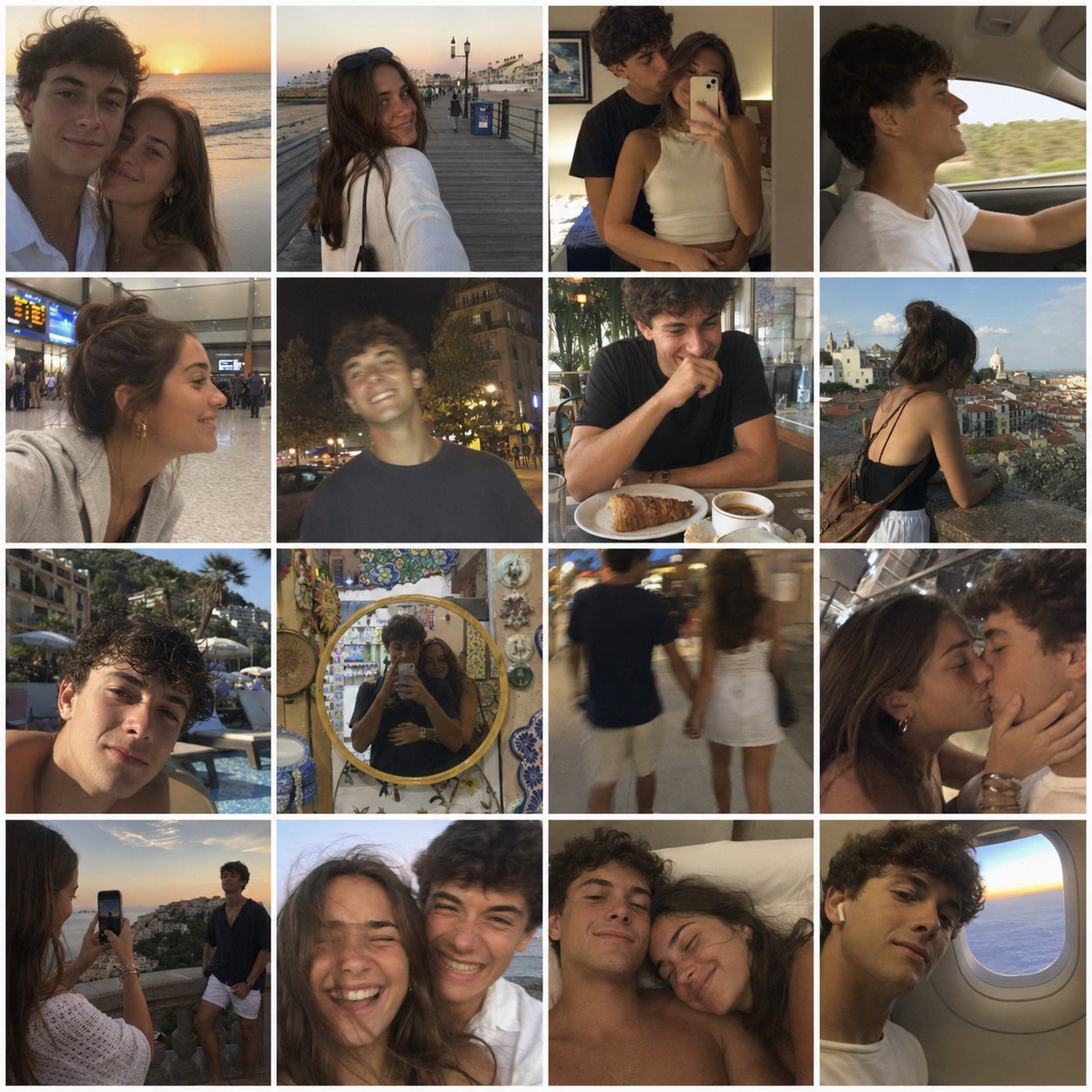
4x4 Grid - Candid Nostalgic Vacation Selfies
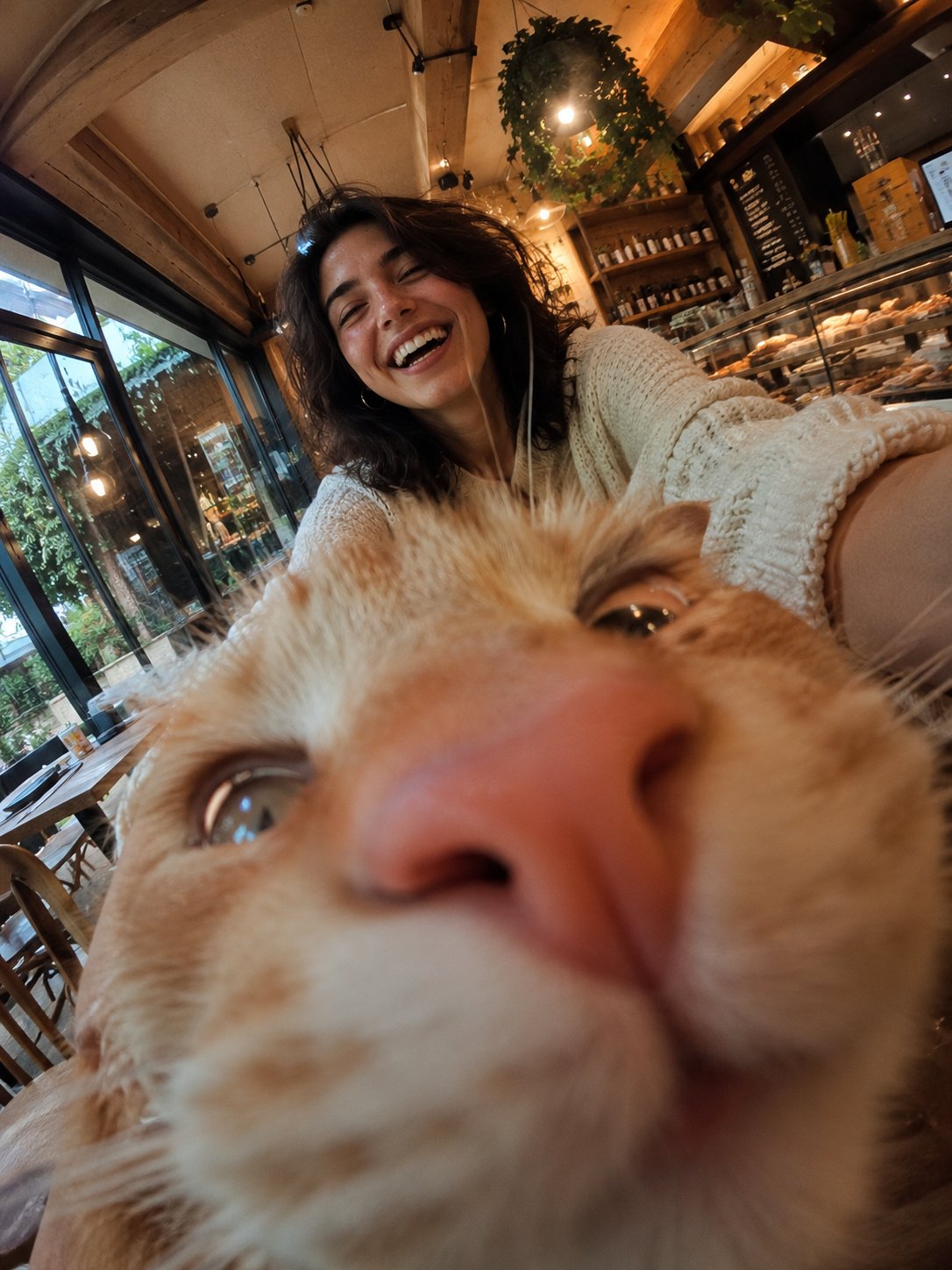
Cat Photobomb Selfie — 0.5x Wide Angle Café Chaos
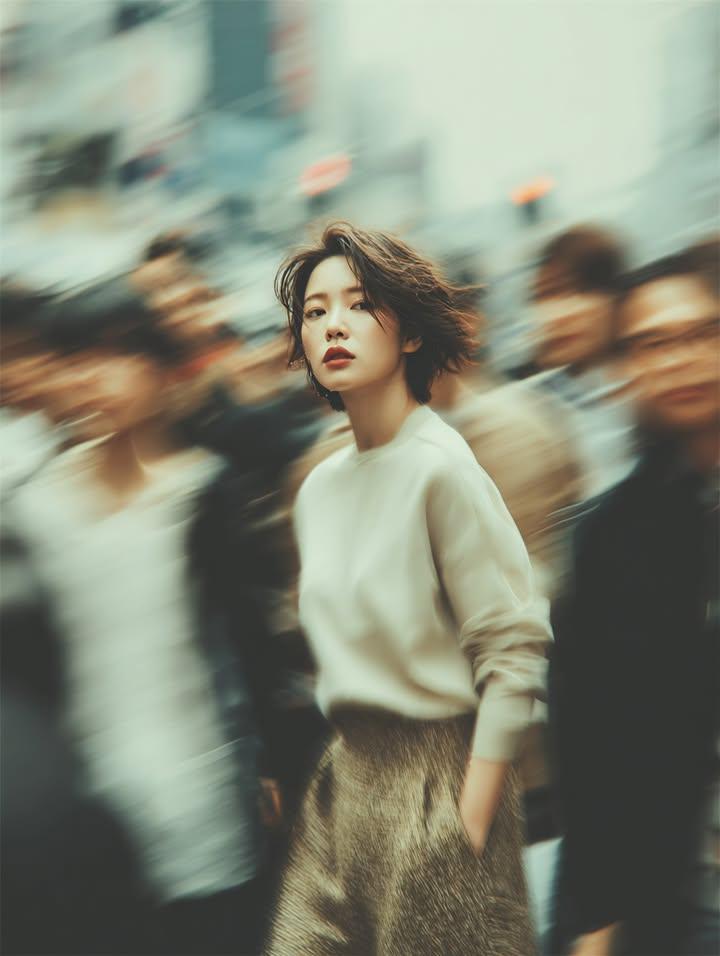
Cinematic Street Fashion Portrait Motion Blur Crowd
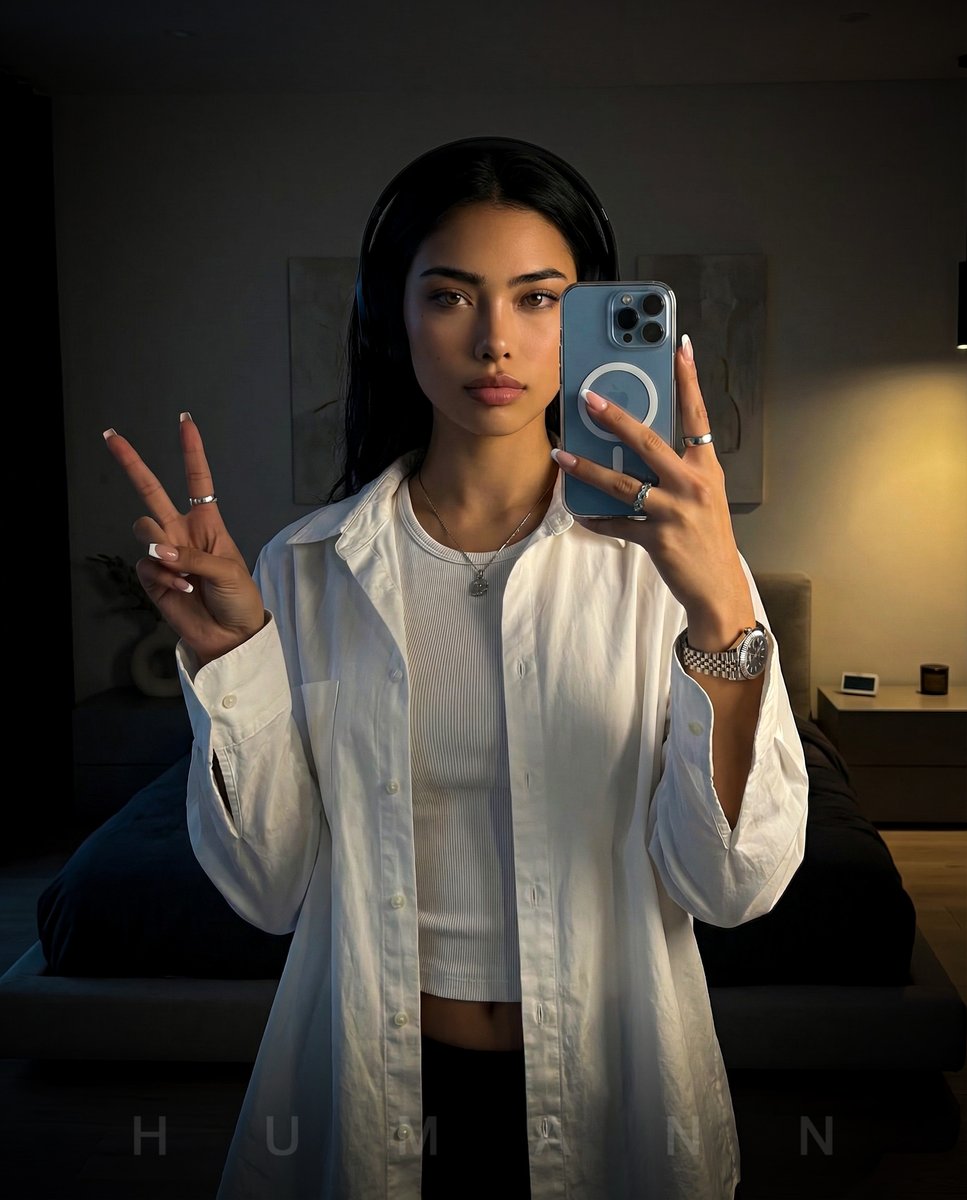
Nano Banana - Peace Sign Bedroom Selfie
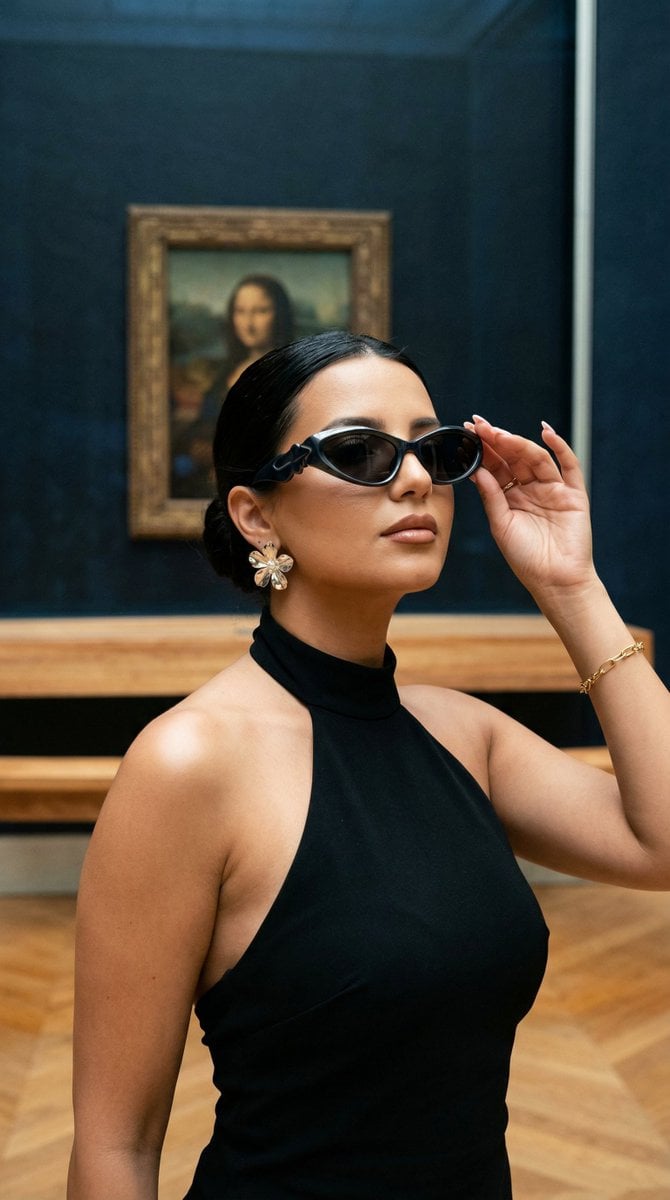
Nano Banana - Street Paris T-Shirt
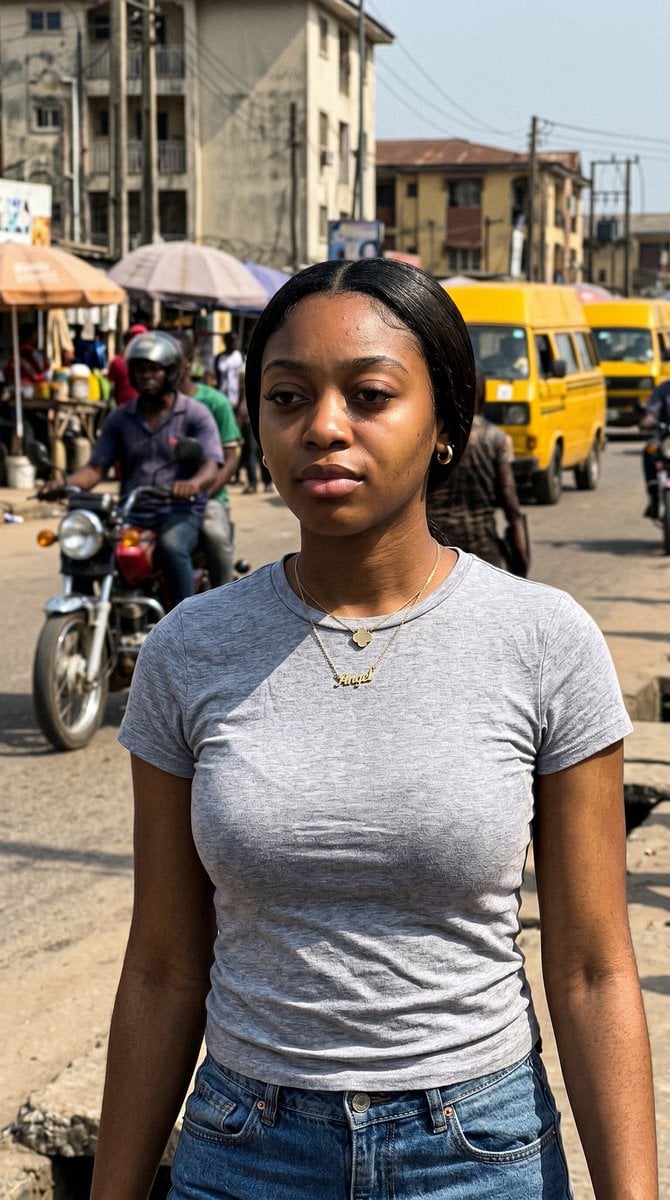
Lagos Street Candid iPhone Shot
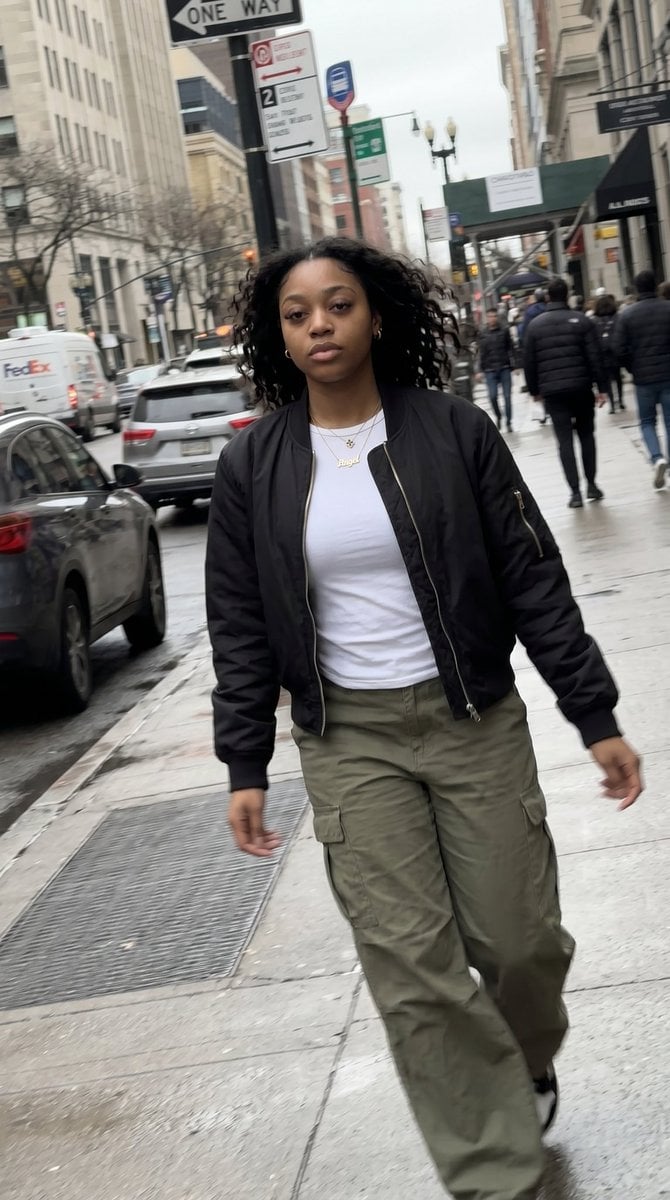
Candid iPhone Streetwear Photography
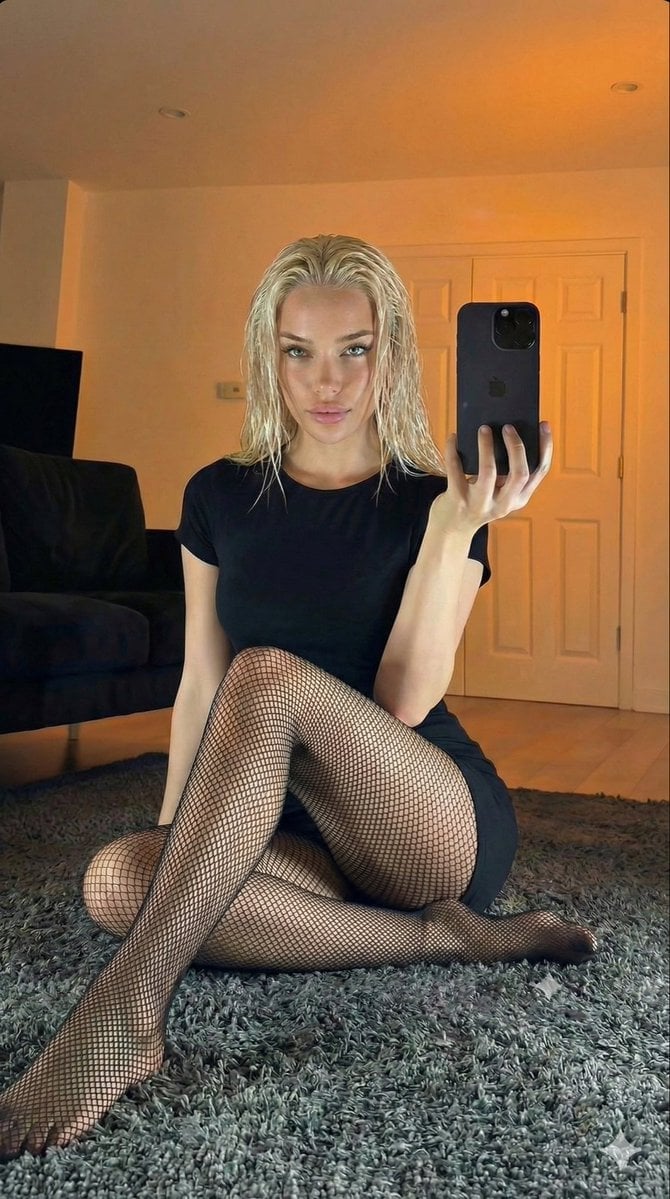
Living Room Rug Evening Mirror Selfie
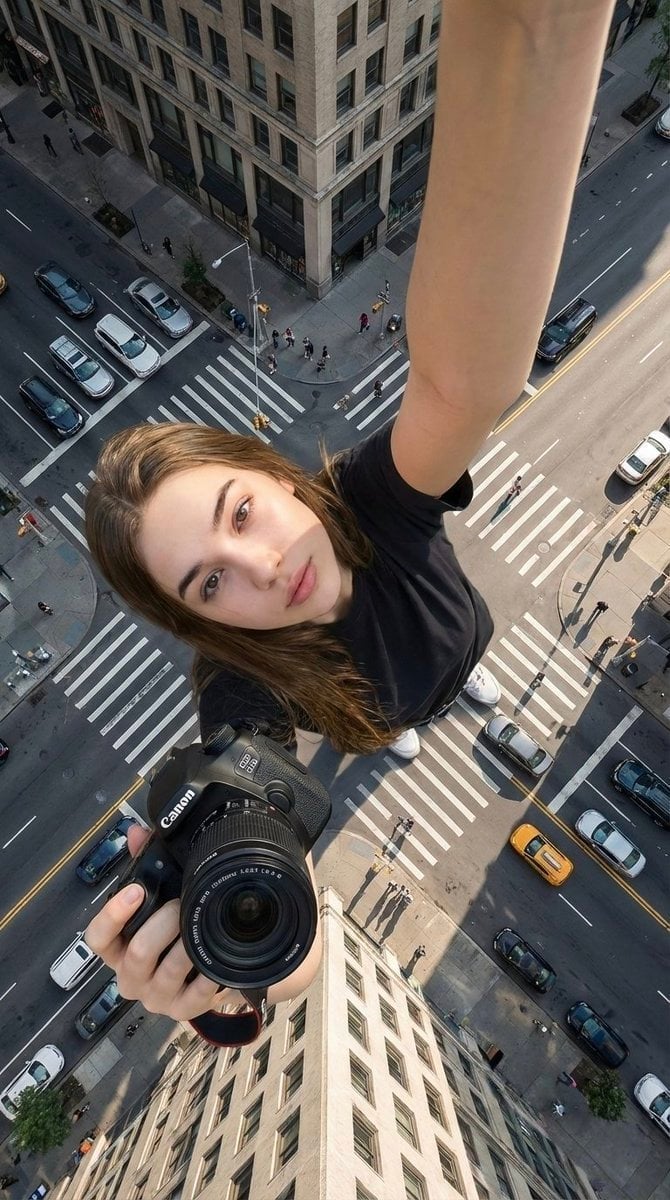
Giant Forced Perspective Street Product Selfie

Sunday Afternoon, 1988

Two Tickets, One Night

Our Song was on a Cassette
Make it yours
Candid iPhone Street Selfie works as-is. These are the safest ways to change it without losing the look.
Change one field
Copy a single group, rewrite it, and generate again so you can see what that field is doing.
Keep the frame, change the subject
Hold the composition and light of Candid iPhone Street Selfie, then swap wardrobe, props or the person for a new take.
| If the result… | Why | Fix |
|---|---|---|
| The result drifts from the preview | Too many fields changed at once. | Reuse Candid iPhone Street Selfie as-is first, then change one group — subject, light, or setting. |
| The model over-stylizes the scene | The prose prompt leaves finish and camera underspecified. | Add one camera or lighting sentence and stay on Nano Banana 2. |
More Nano Banana 2 templates
Other prompts made for Nano Banana 2.

Photorealistic Leaf Shaped Like a Dragon

K-Pop Idol Portrait Grid for Rapid Selection

Poetic Rain Forest Portrait During Golden Hour

Urban Street Portrait with Cartoon Inner Self Duo

Candid Nighttime Photo with Cat Prompt

High-Concept 3D Diorama Generation Prompt

Cinematic Futuristic Studio Portrait Template

Skincare Editorial Photography Collage Prompt

Hyper-Realistic Commercial Product Photography (Splash Effect)

Hyper-Realistic Nightclub Portrait Prompt
More image prompts
Fresh picks from across the catalog.
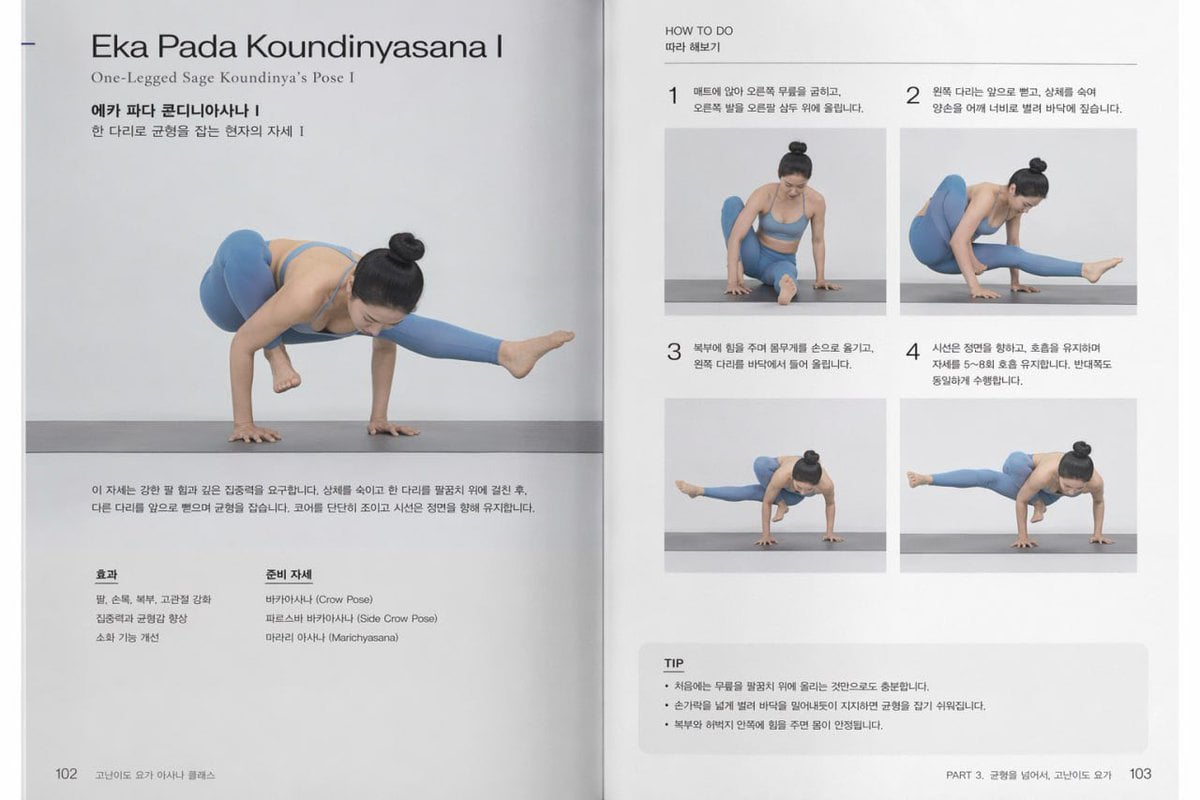
Yoga Book Two-Page Spread
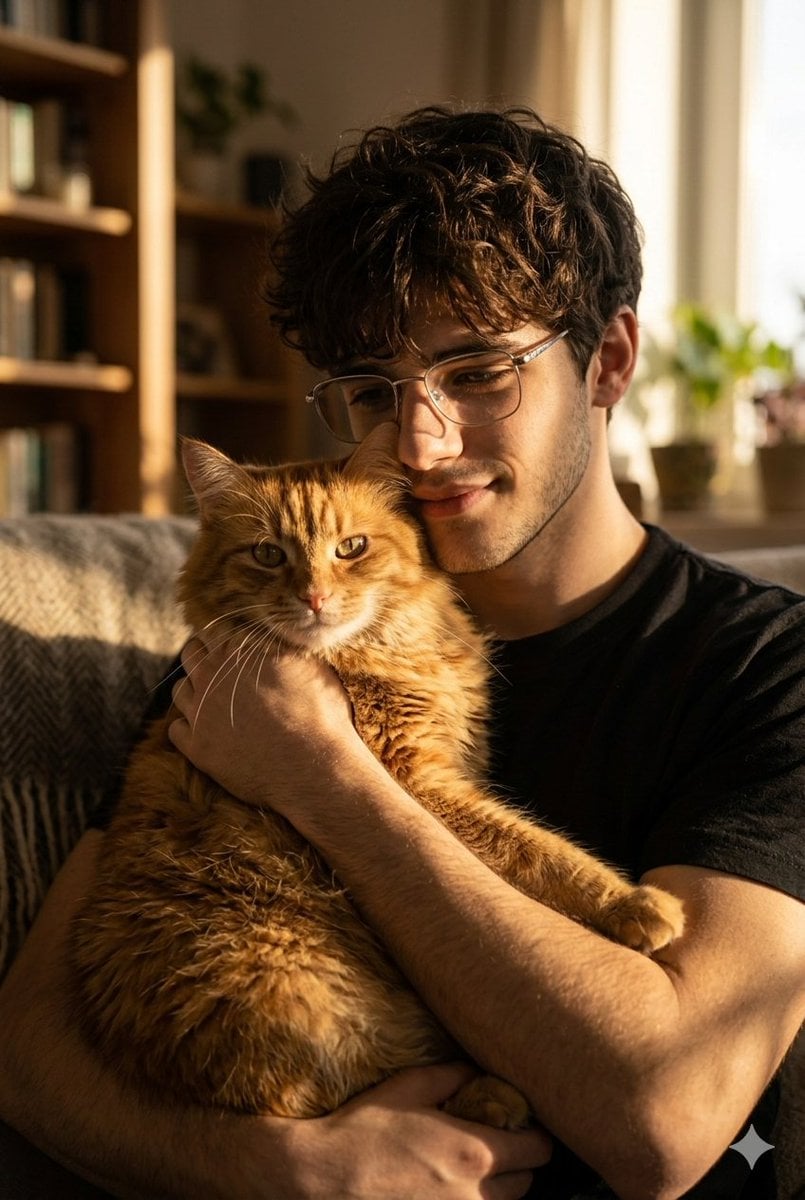
Golden Hour Portrait of Man and Cat
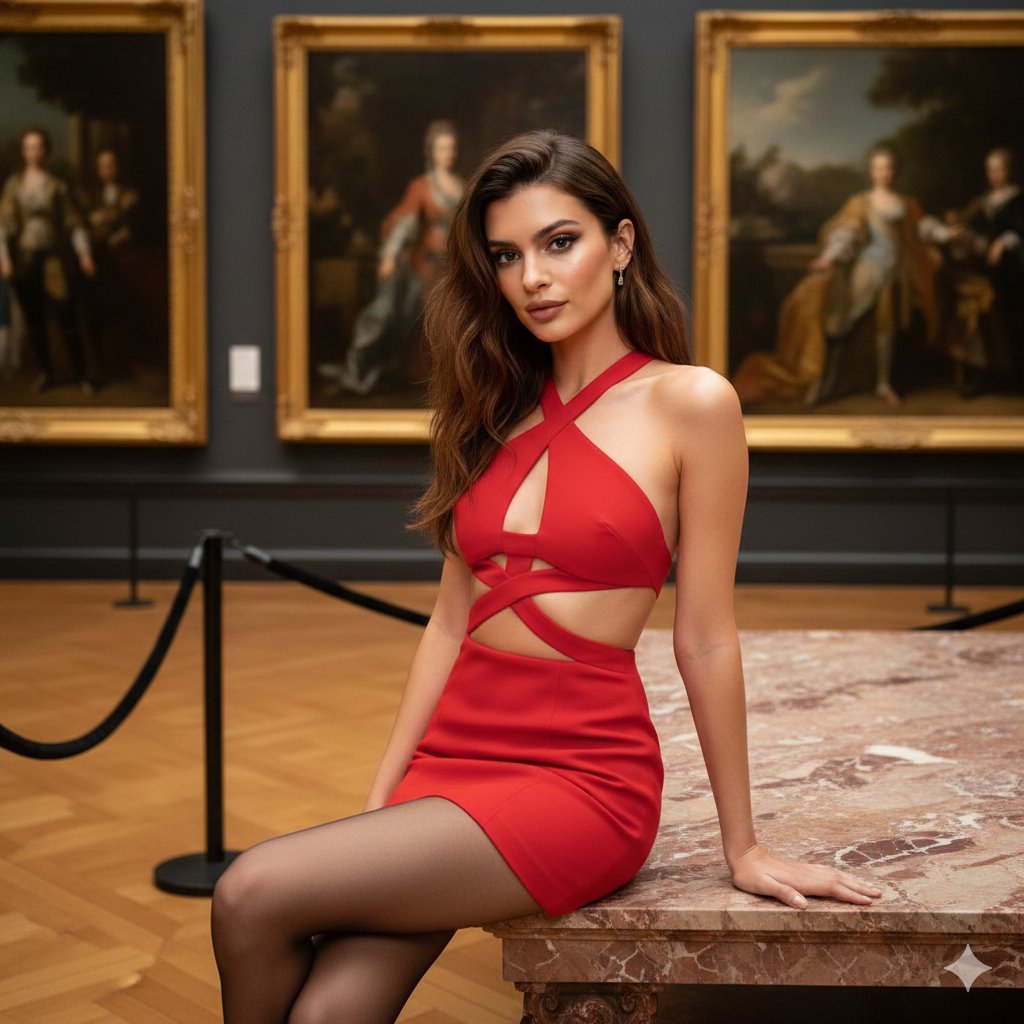
Fashion Portrait in Museum with Red Dress
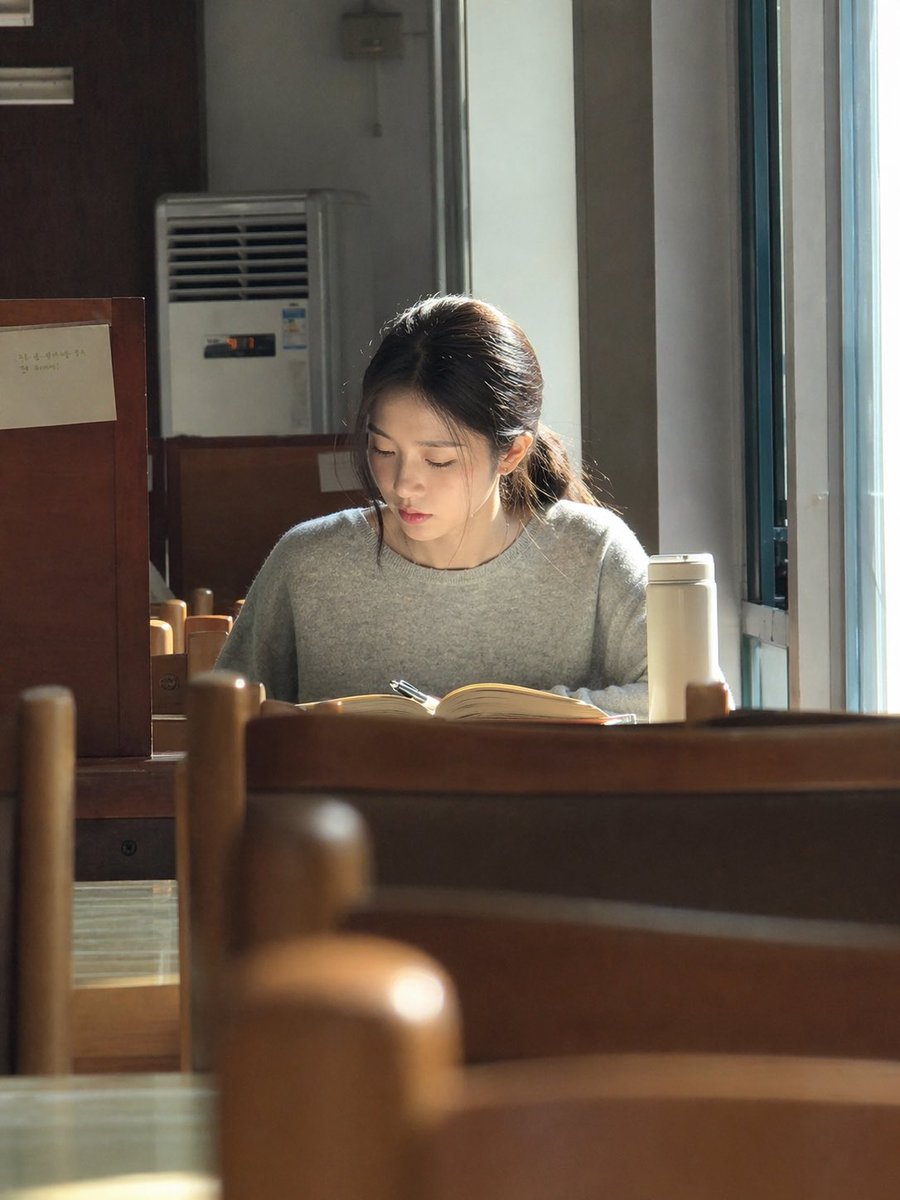
Sunlit Library Study Portrait
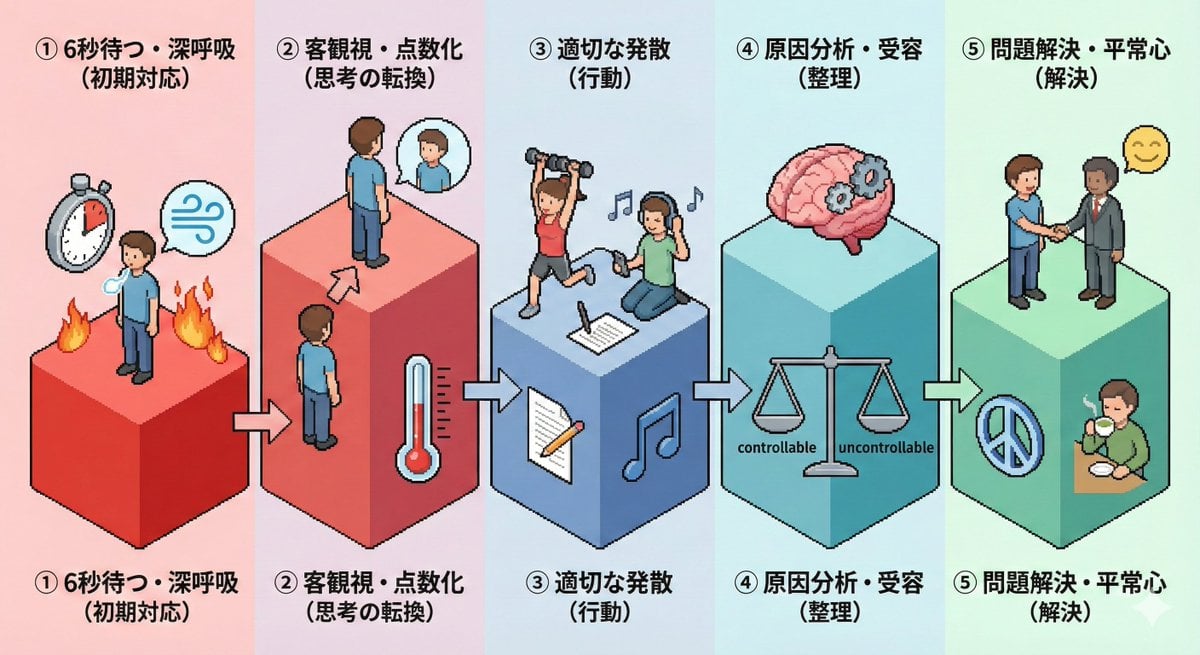
Isometric Pictogram Diagram Prompt for Nano Banana Pro
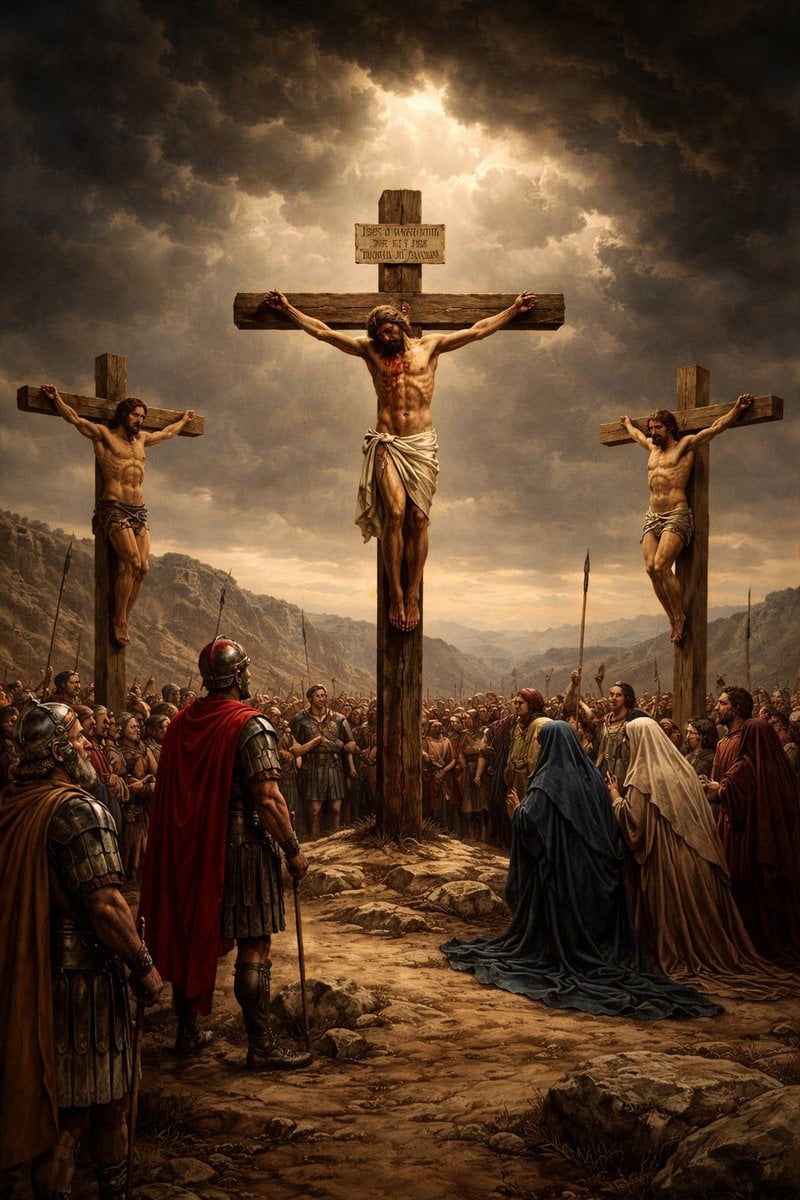
Geospatial and Temporal Image Generation Prompt

Sorcery Magazine Anime Cover
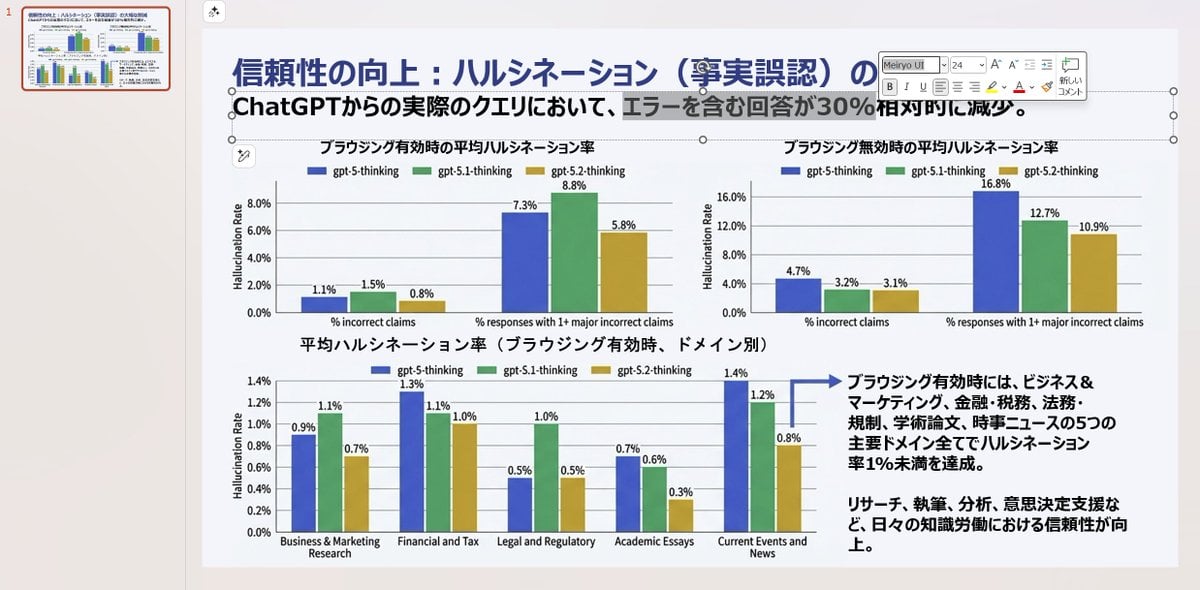
Convert Image to Editable PowerPoint Slide Prompt
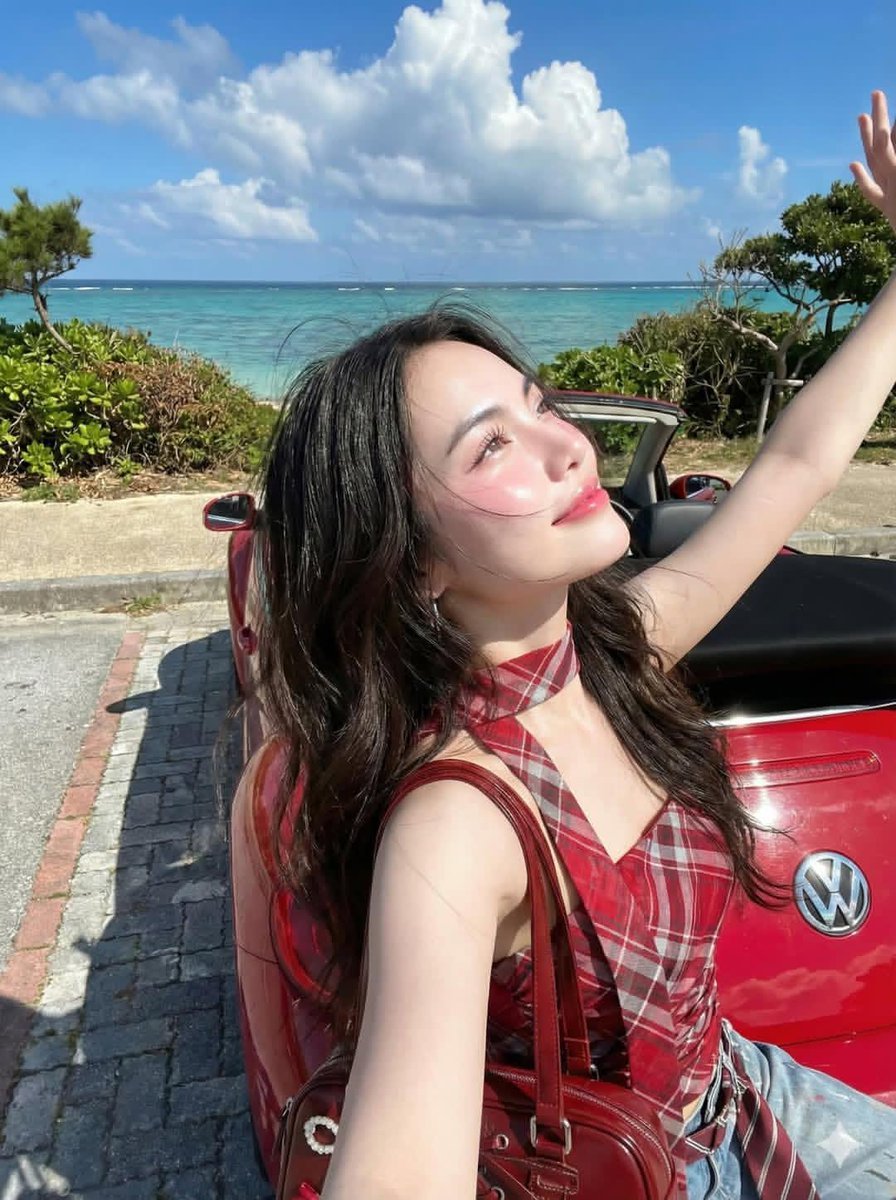
Okinawa Seaside Fashion Editorial with Car
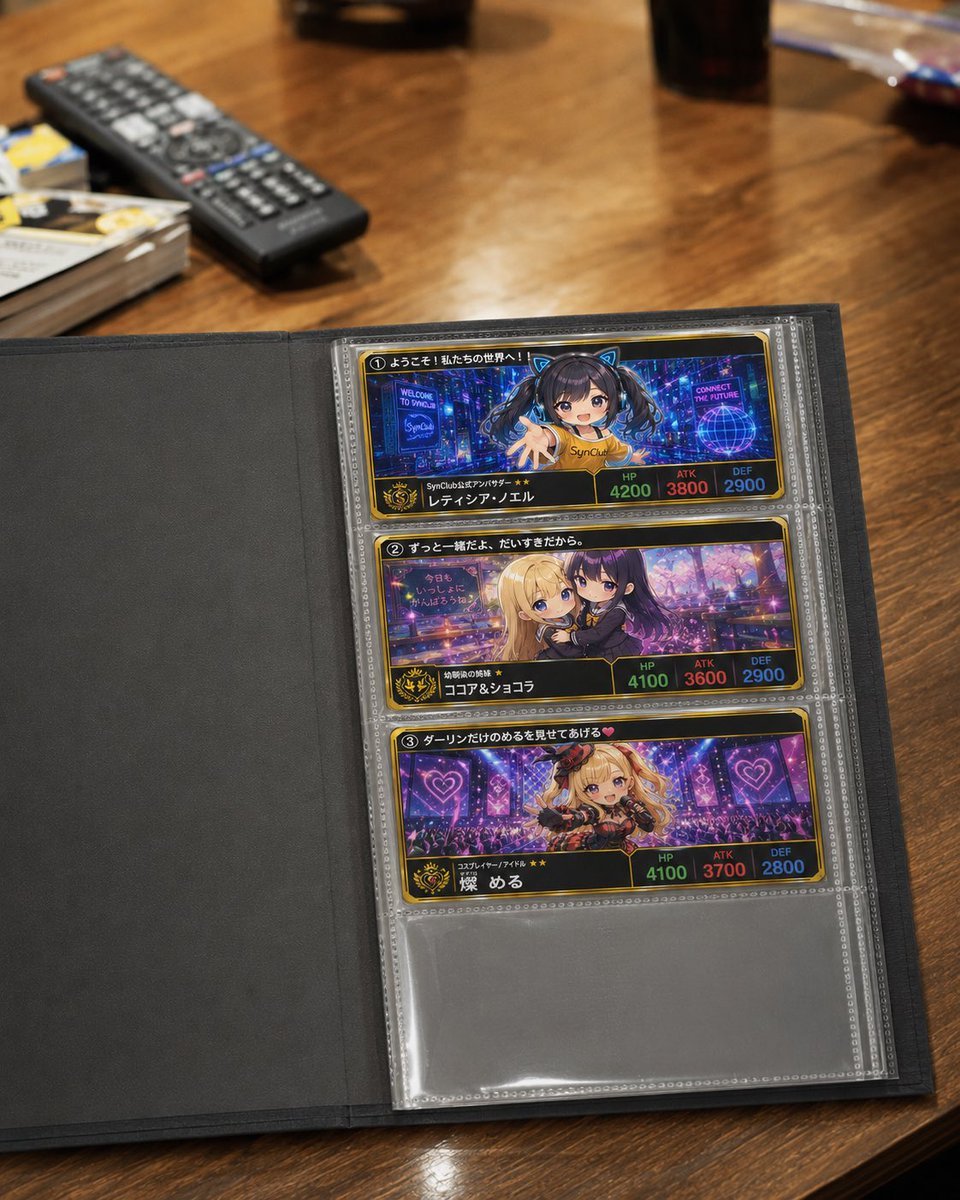
Anime Trading Card Album Photo
Browse template categories
Candid iPhone Street Selfie questions
How do I use the Candid iPhone Street Selfie template?
Add your photo if the template asks for one, edit the prompt if you like — the template's model and format are already selected — and press Generate. Your version opens in PicX Studio.
Can I customize the Candid iPhone Street Selfie template?
Yes. You can change the subject, setting, lighting, mood, format, and available model controls before creating your image.
Is the Candid iPhone Street Selfie template free?
Opening and editing this template is free. Generating uses credits, shown on the Generate button when you are signed in.
Which AI model should I use?
Start with Nano Banana 2, which is the model associated with this template. You can compare another compatible model for a different finish.
Looking for something else? Browse all templates.

Your photo, any look
Thousands of ready templates for every top image and video model, from one credit balance.