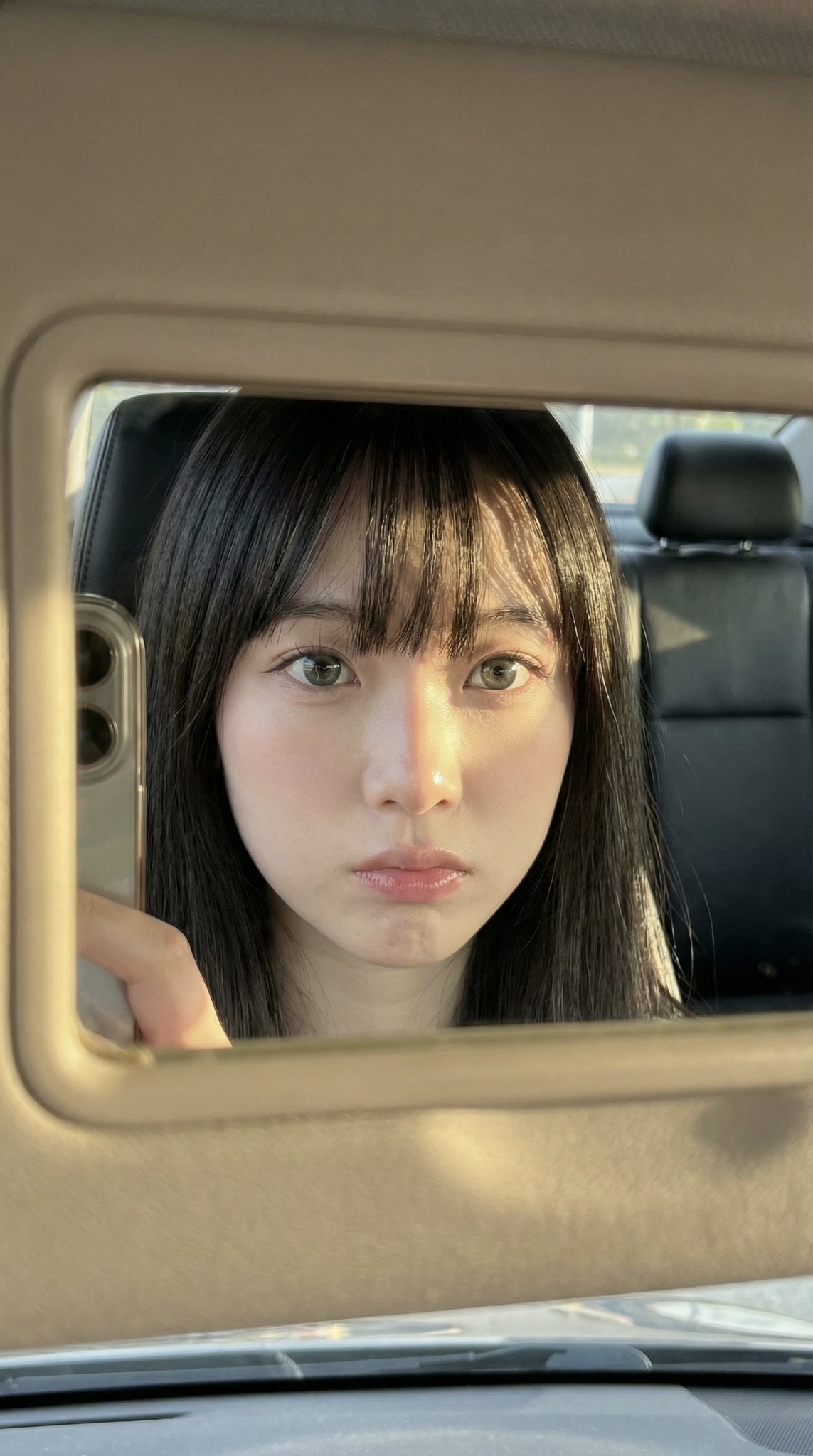
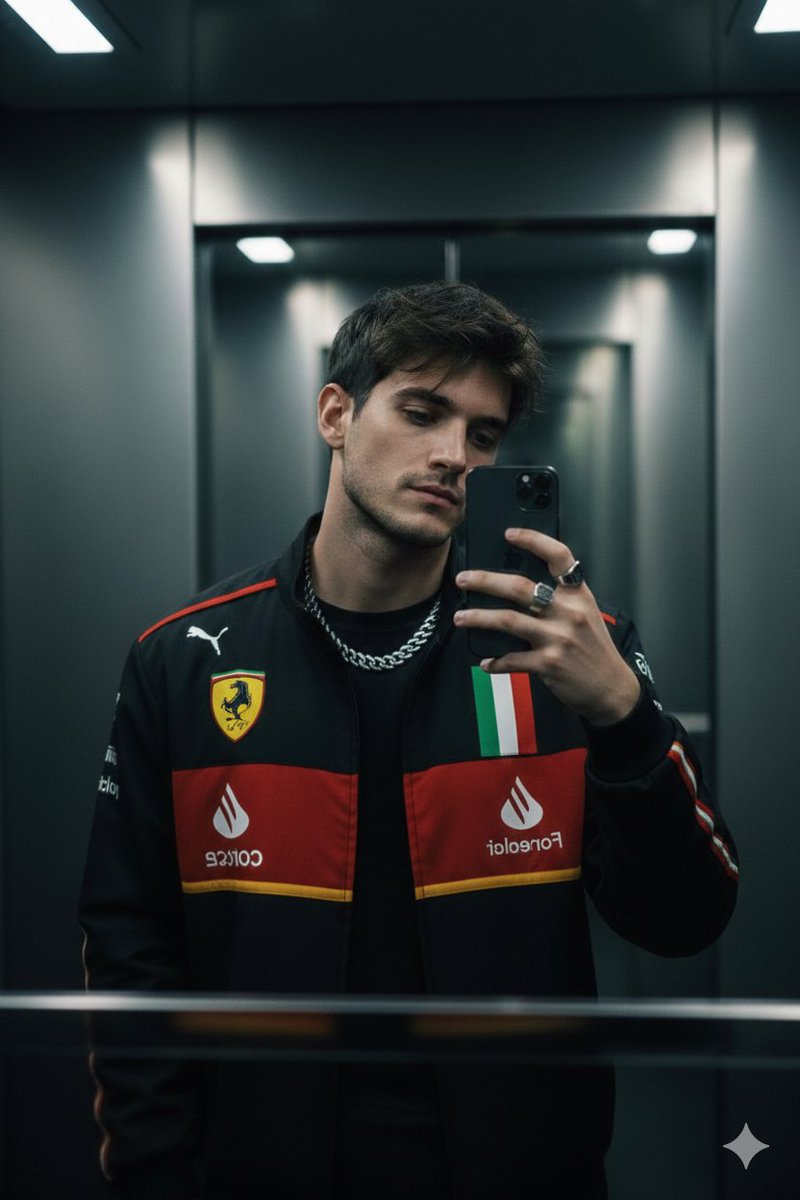
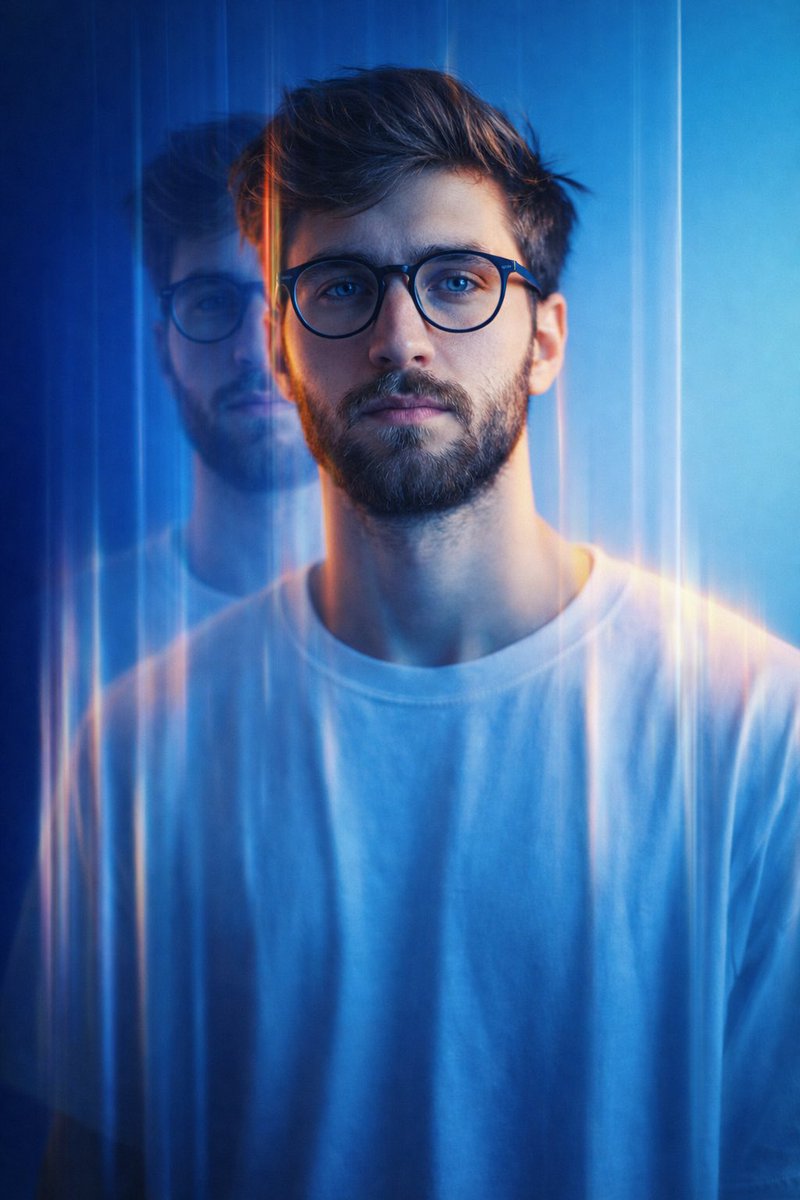
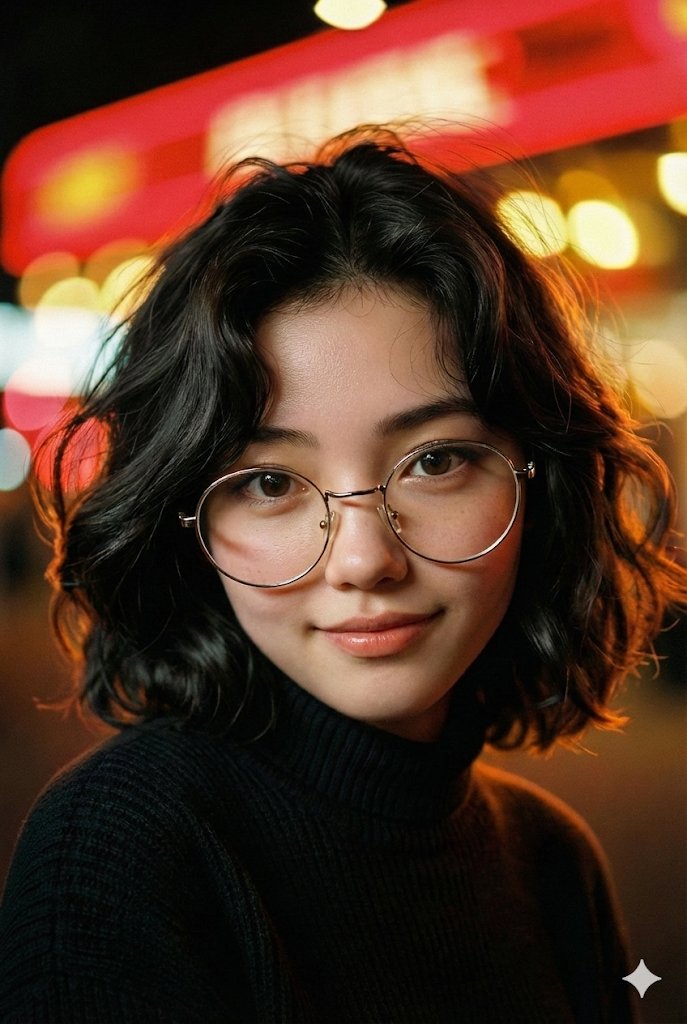
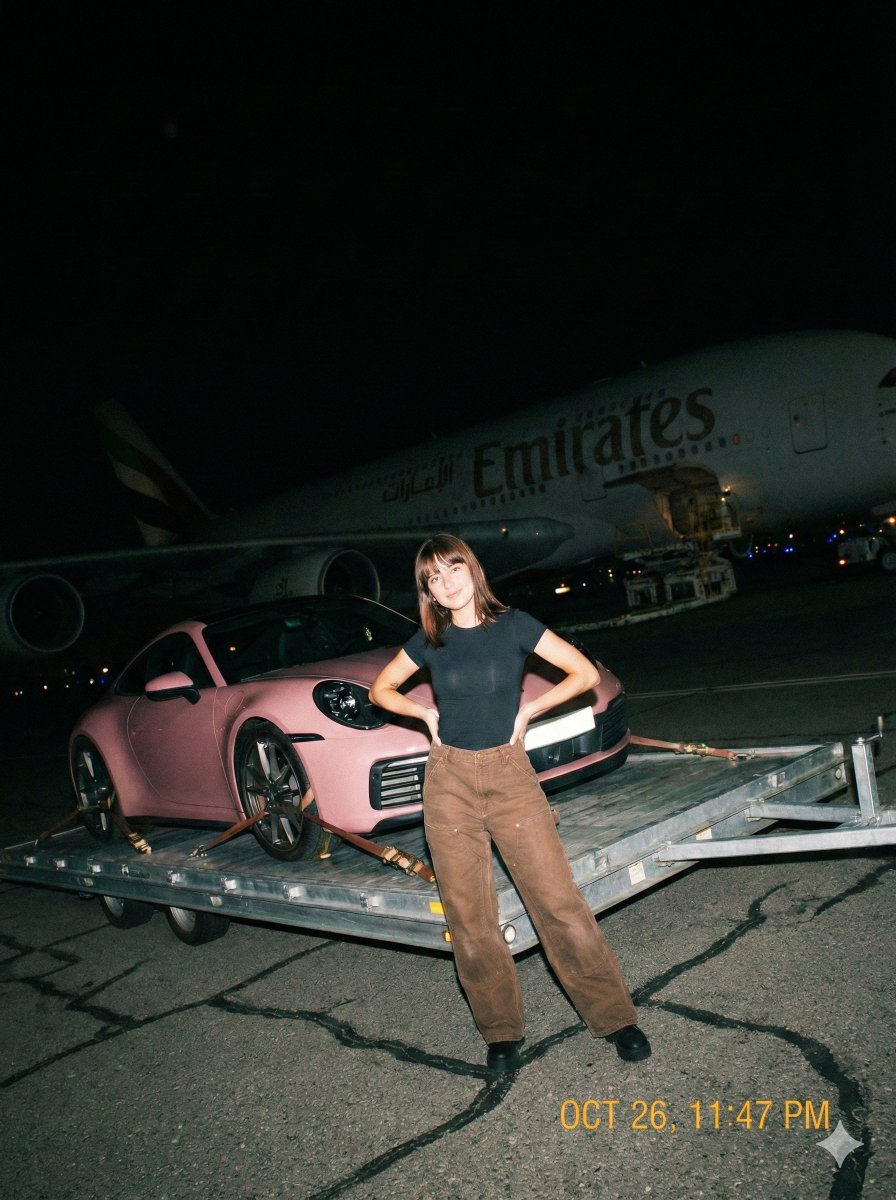
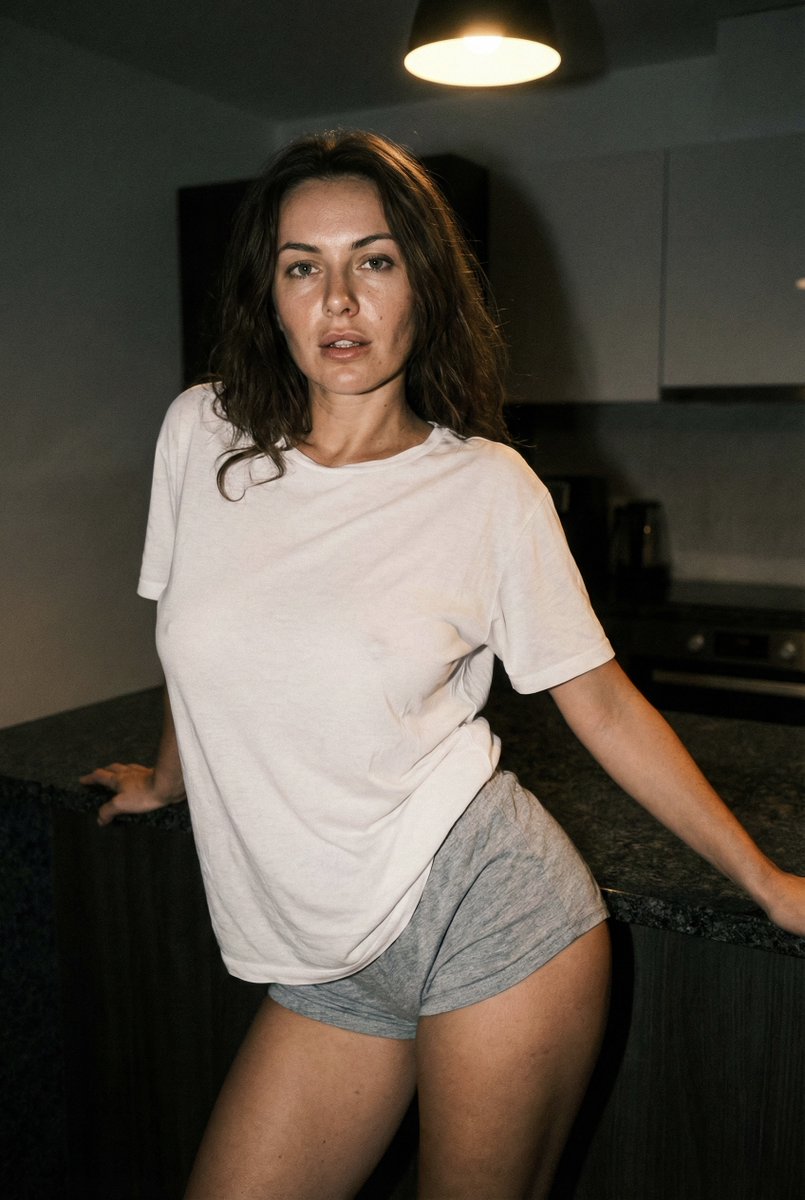
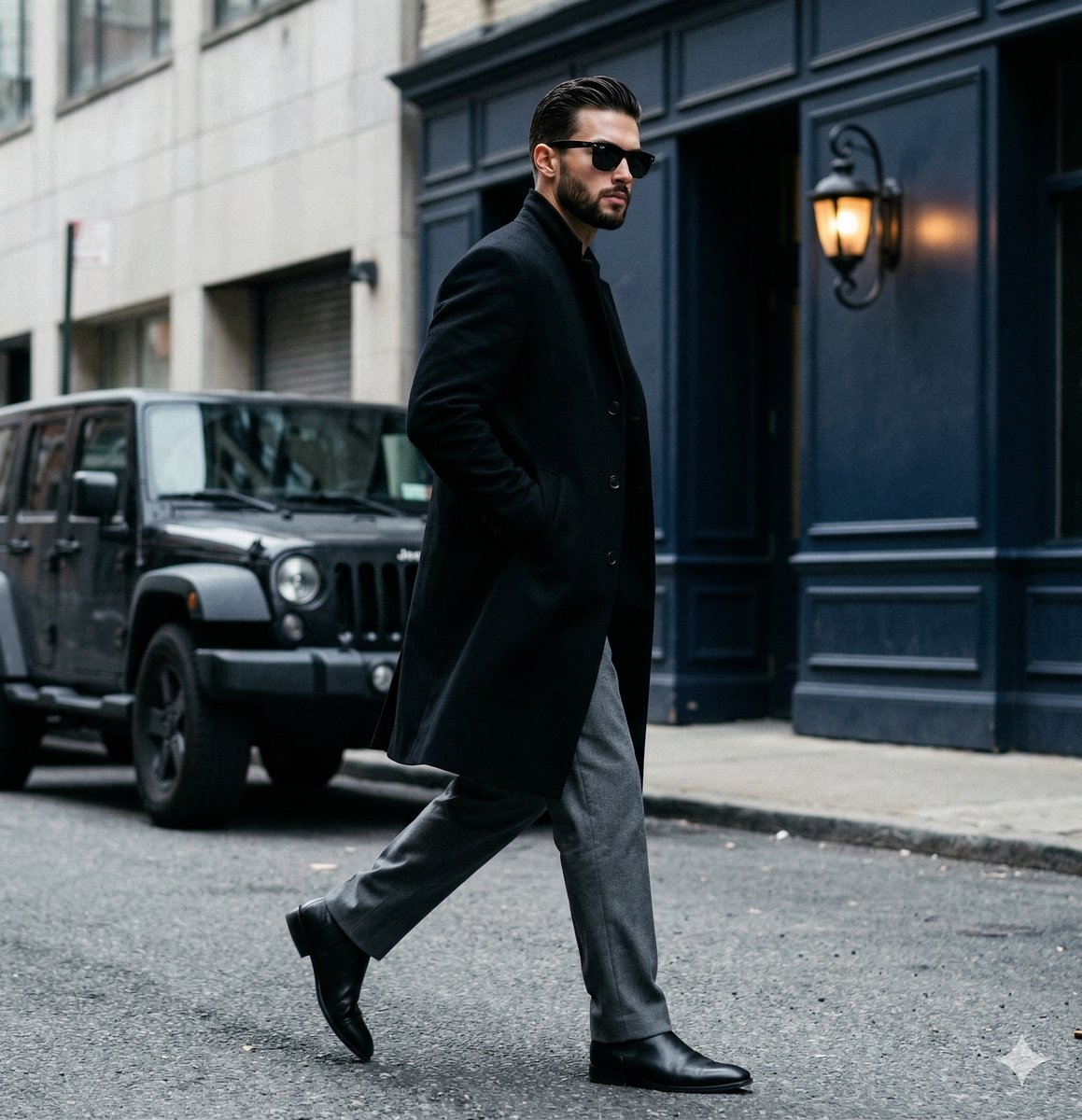
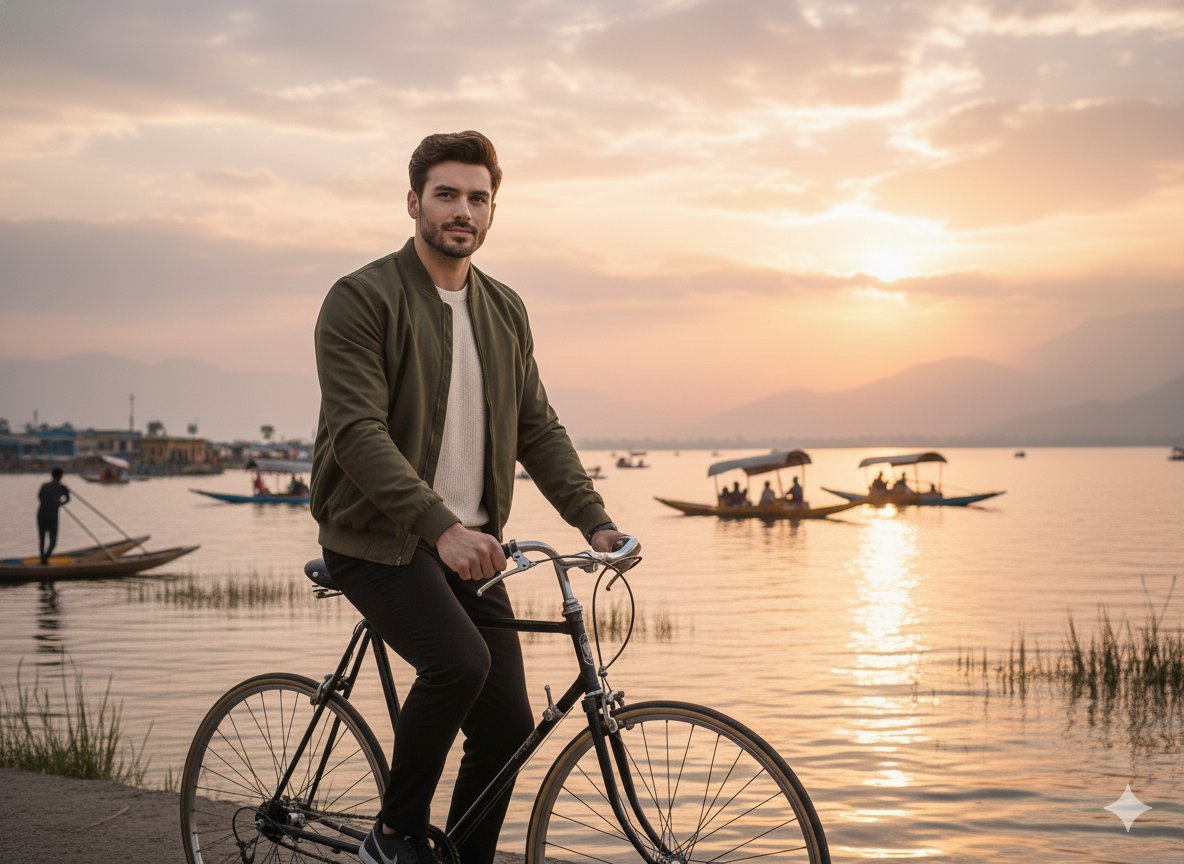
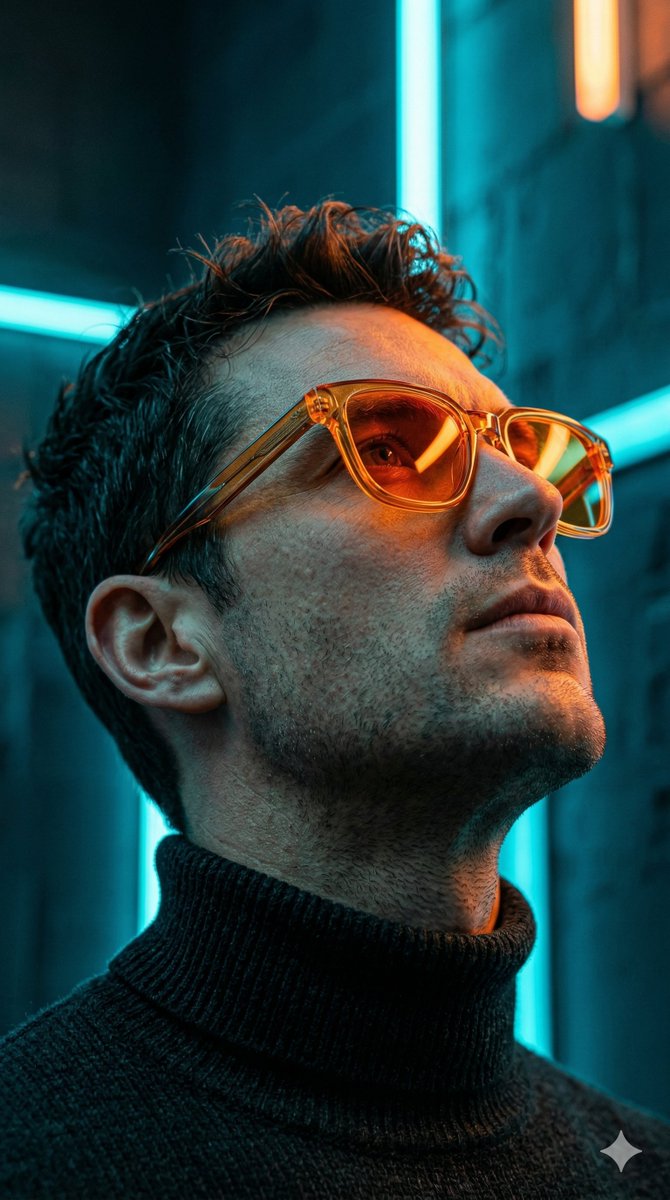
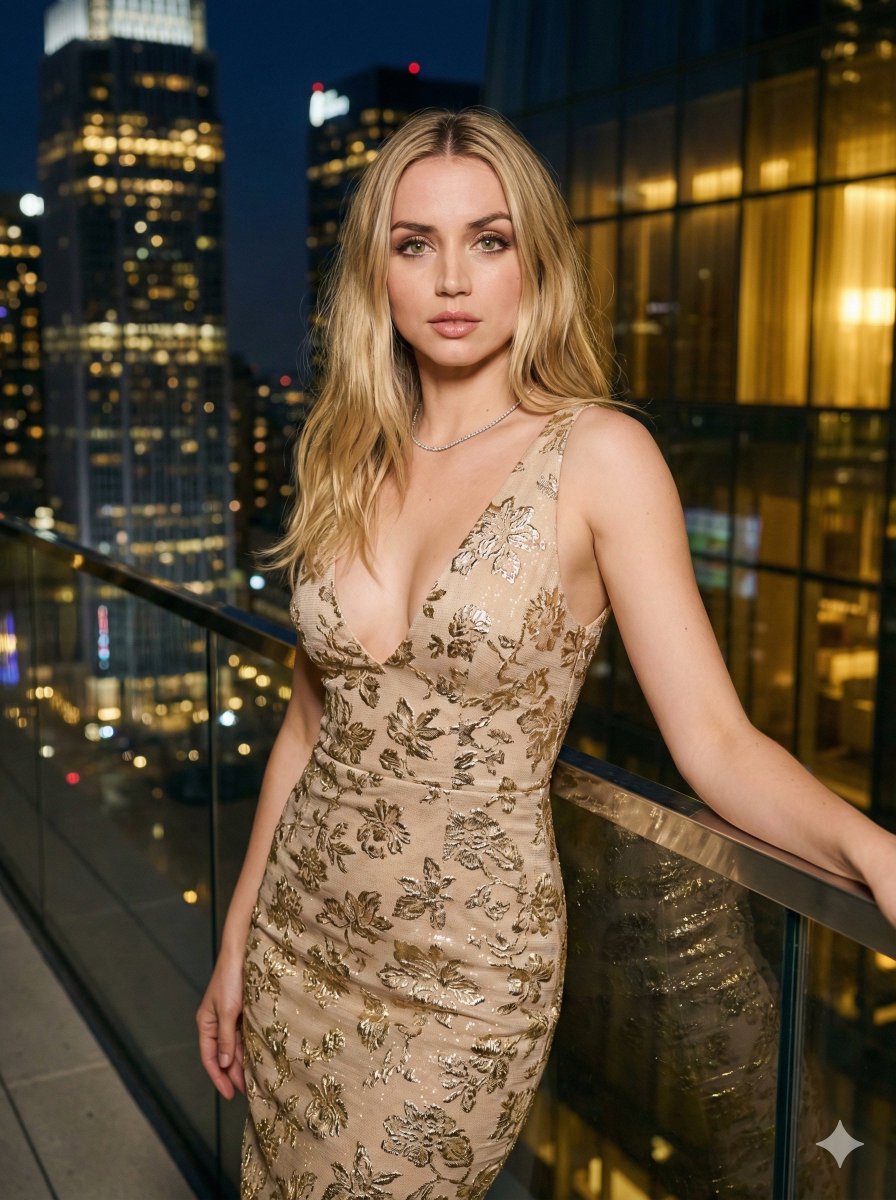
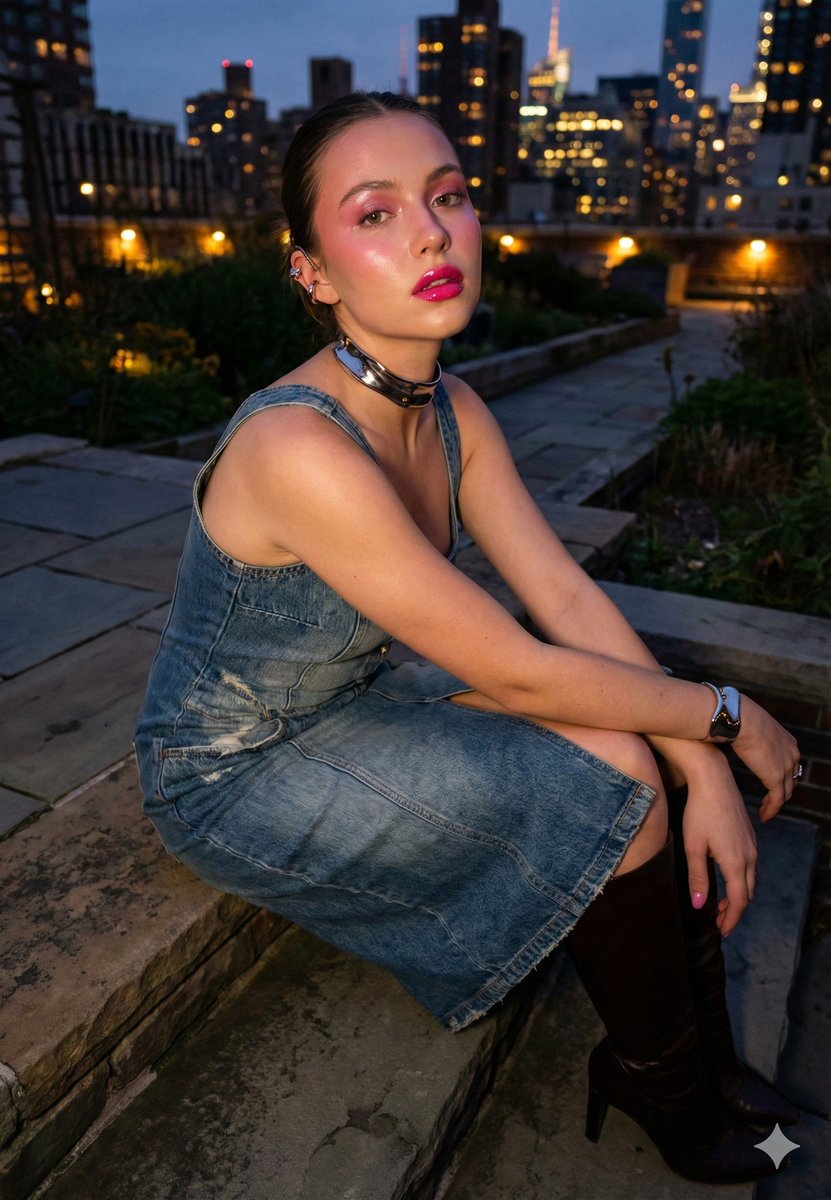
How do I use the Candid iPhone Streetwear Photography template?
Choose the primary action to open PicX Studio with the available template settings. Review the model and format, personalize the creative direction, and generate when ready.
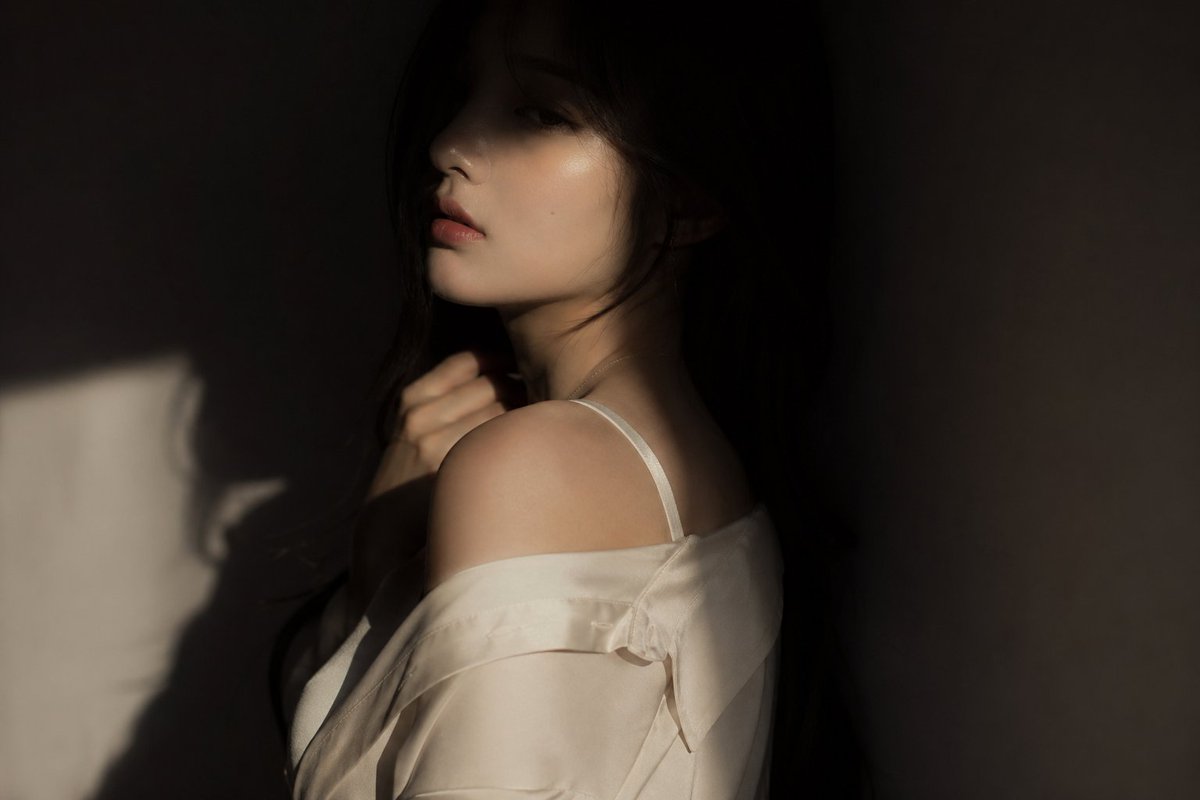
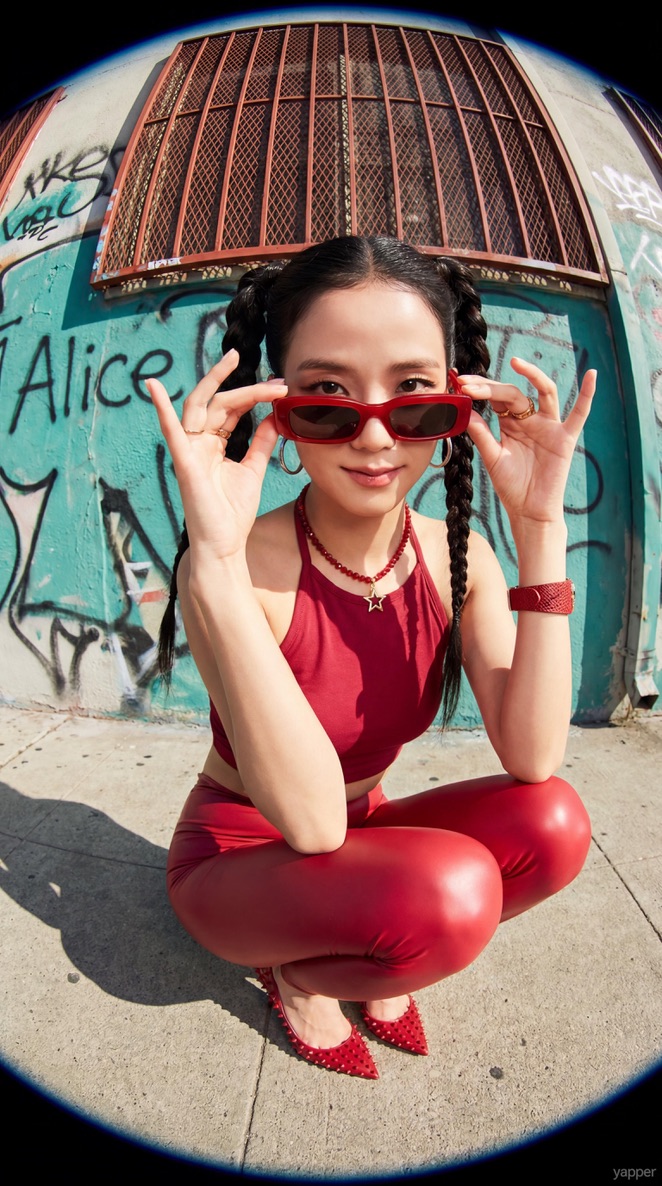
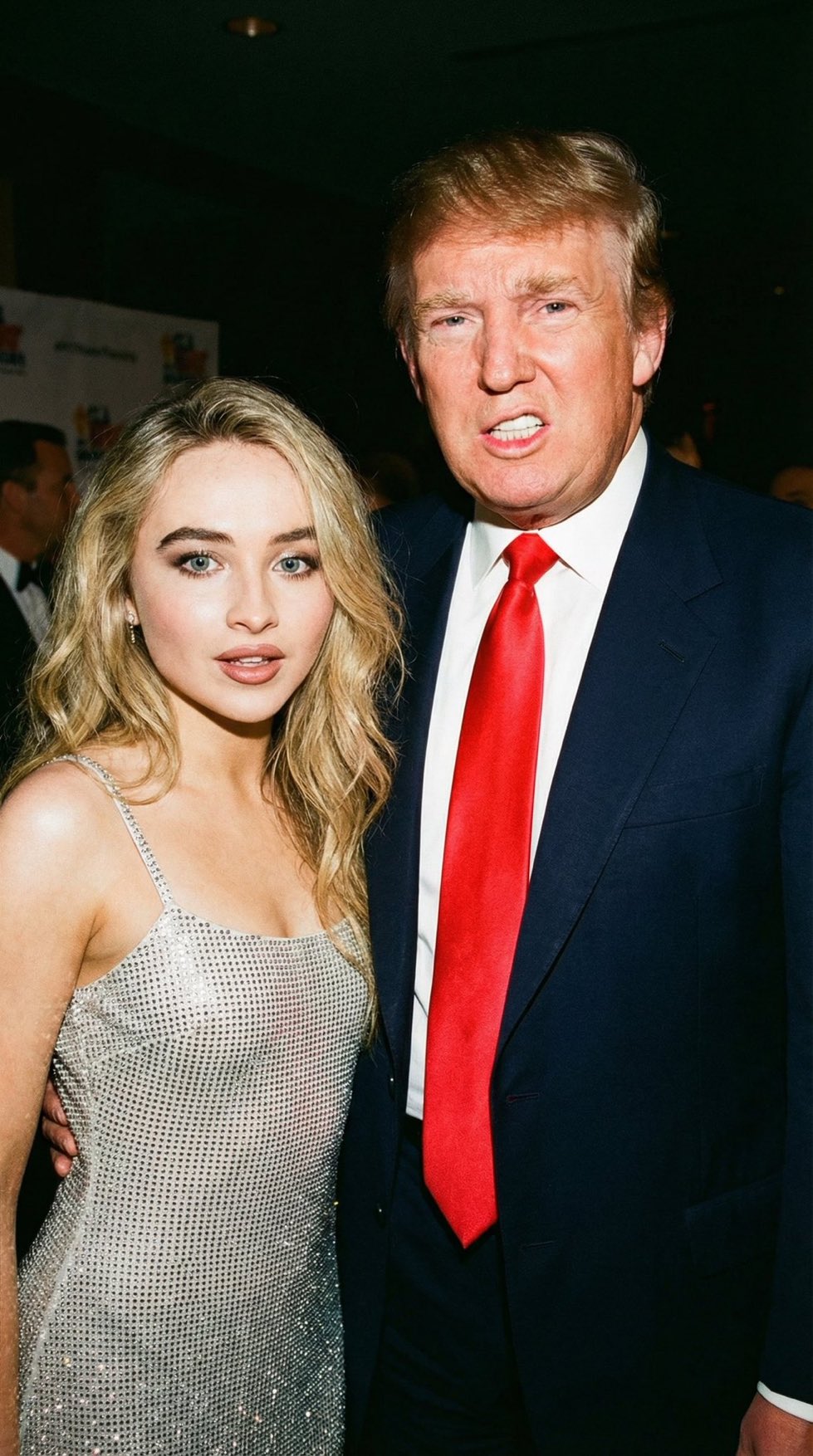
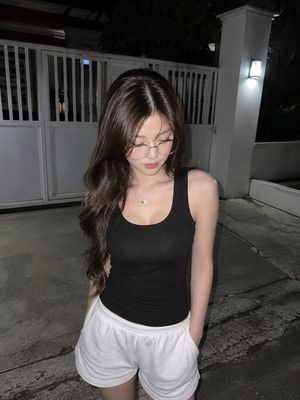
A prompt designed to replicate a candid iPhone street photo with natural textures and realistic motion blur.
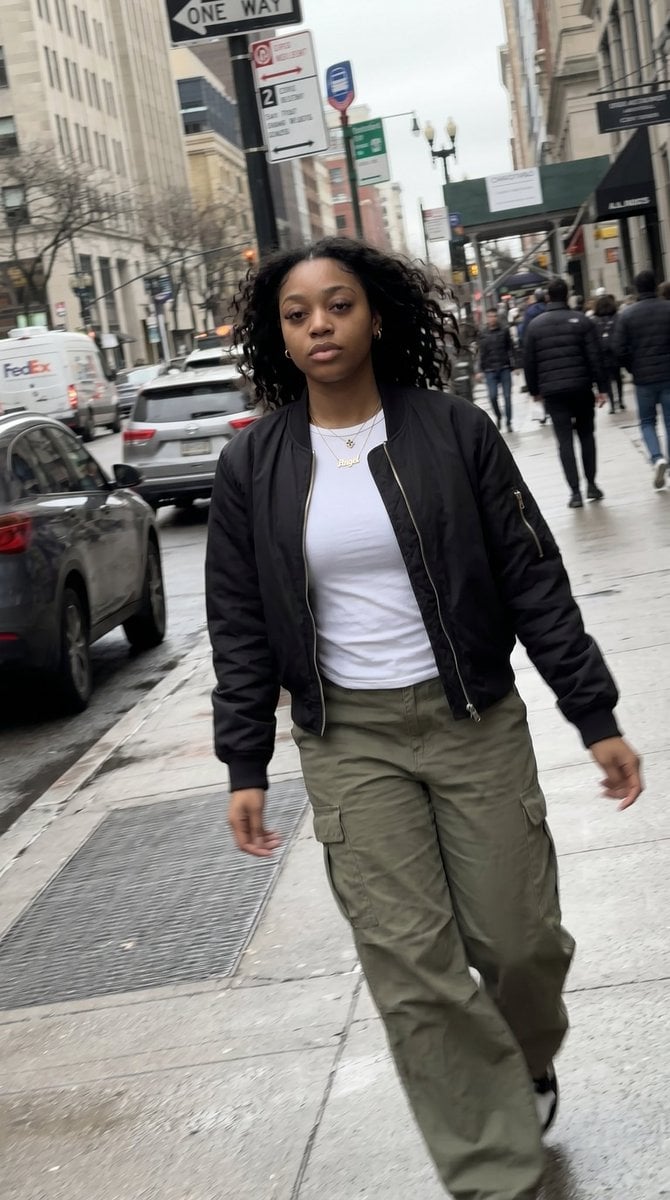
{ "type": "ultra_realistic_iphone_photo", "style": "streetwear candid realism", "expression": { "description": "neutral walking expression, unaware of camera", "FACS": [ "AU62 (Neutral lips)", "AU5 (Subtle upper lid tension)", "AU45 (Natural blink timing)" ] }, "skin": "natural texture, slight sweat shine, uneven tone", "hair": "wind affected loose curls", "outfit": "{argument name="clothing style" default="black bomber jacket, white tee, loose cargos"}", "action": "walking past camera quickly", "environment": { "location": "{argument name="street location" default="busy urban street"}", "details": [ "cars passing", "blurred pedestrians", "street signs", "wet pavement" ] }, "lighting": "harsh cloudy daylight with uneven reflections", "camera": { "device": "{argument name="camera device" default="iPhone zoom lens"}", "angle": "slightly tilted tracking shot", "quality": "motion blur, imperfect focus lock, slight digital sharpening" } }
Choose the primary action to open PicX Studio with the available template settings. Review the model and format, personalize the creative direction, and generate when ready.
Yes. You can change the subject, setting, lighting, mood, format, and available model controls before creating your image.
This template is free to open and customize. Generation usage is shown in PicX Studio before you create.
Start with Nano Banana 2, which is the model associated with this template. You can compare another compatible model for a different finish.
Follow a topic to a crawlable collection of related PicX Studio templates.