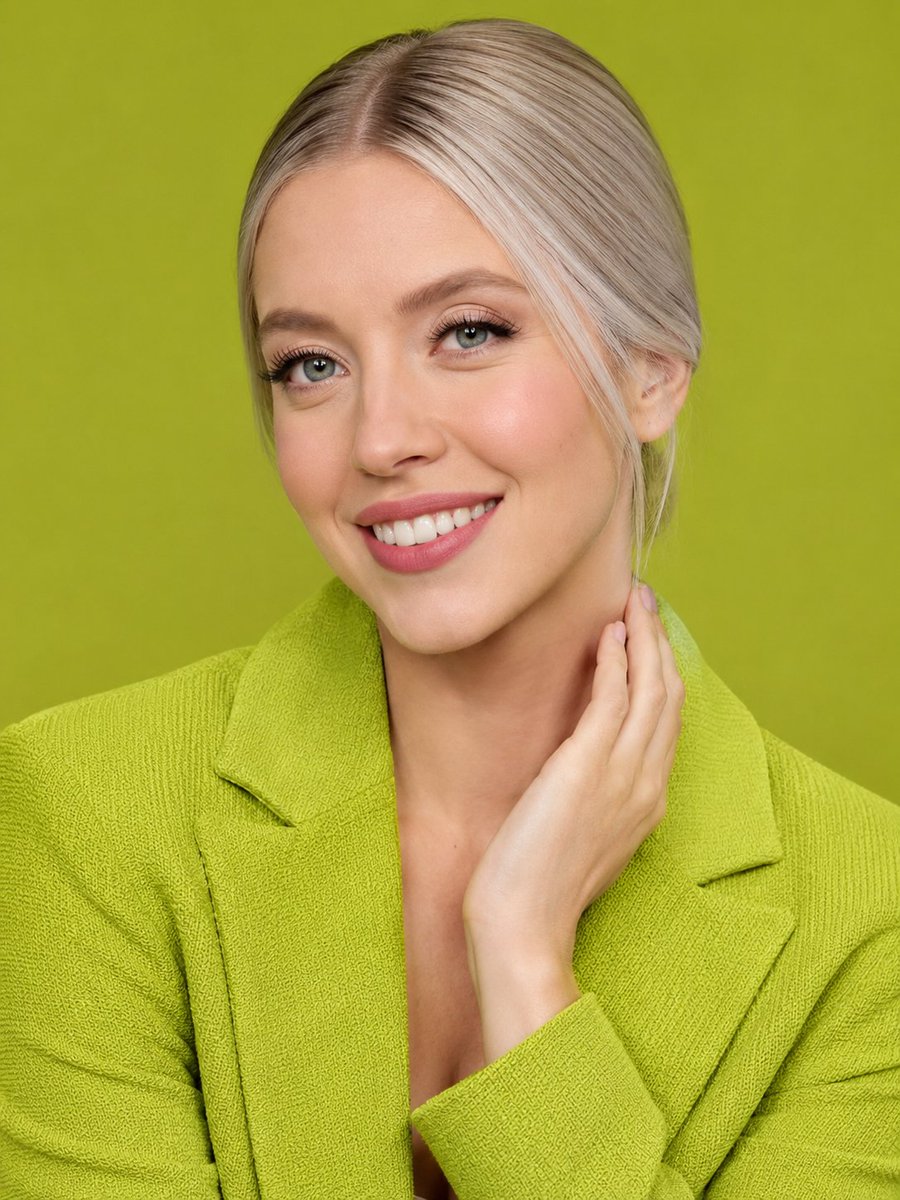
How do I use the Realistic iPhone Candid Photography template?
Choose the primary action to open PicX Studio with the available template settings. Review the model and format, personalize the creative direction, and generate when ready.
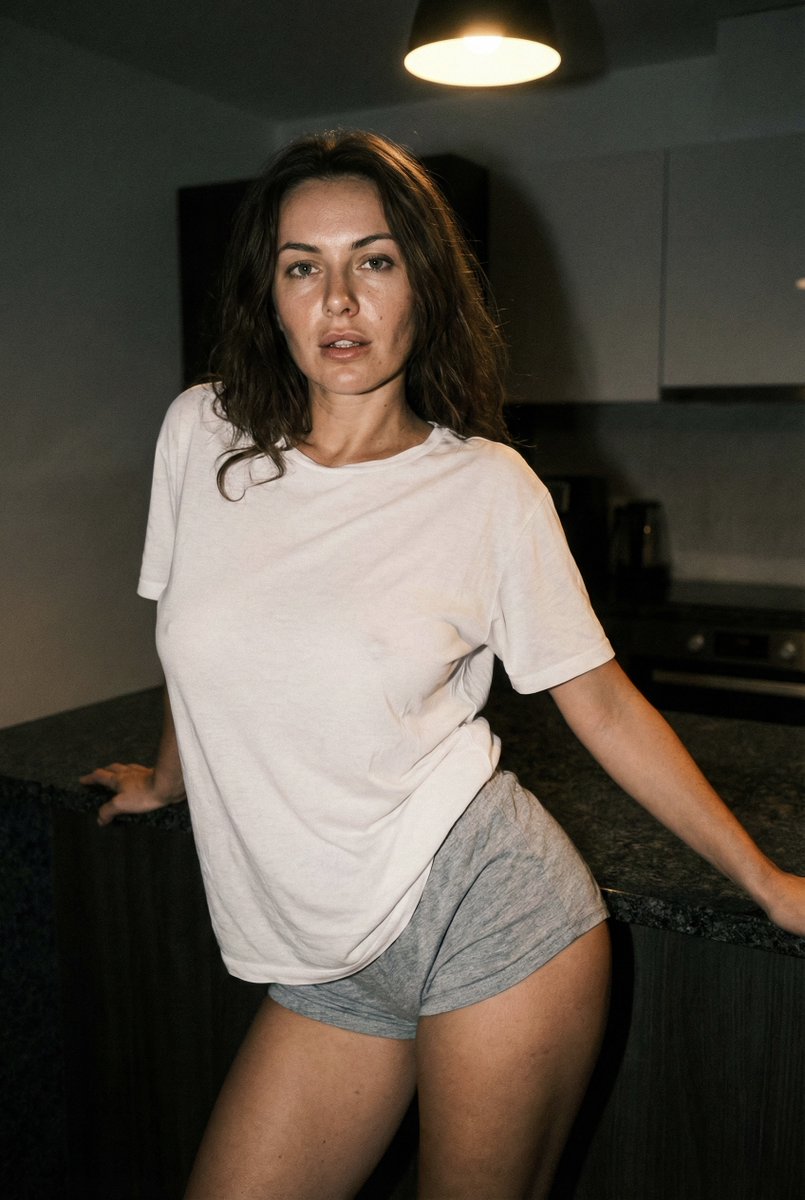
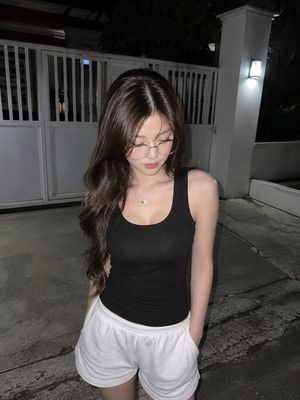
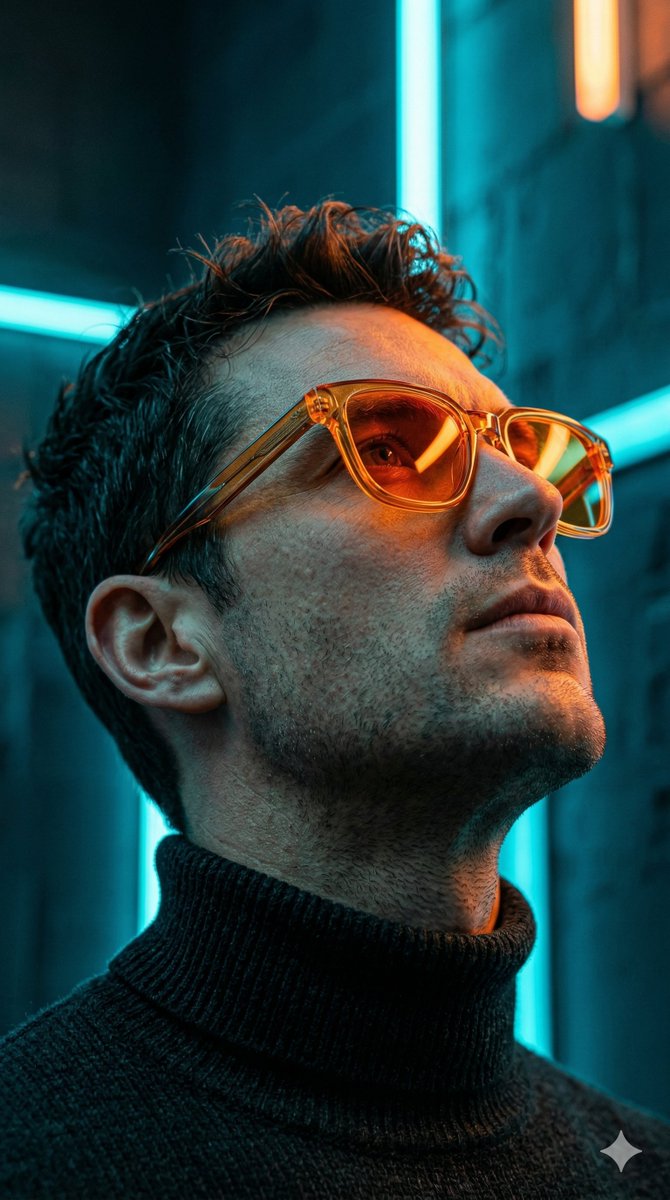
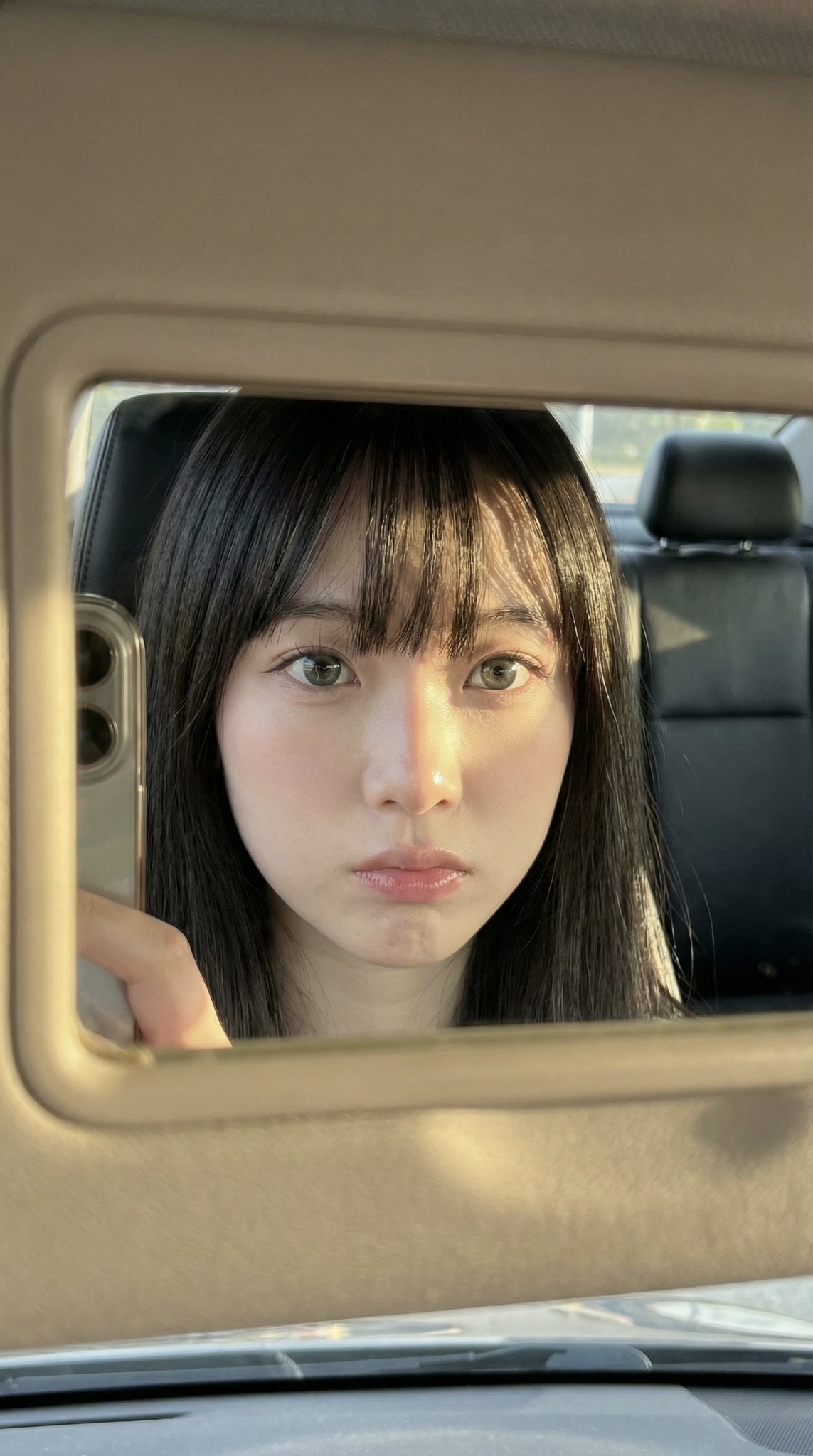
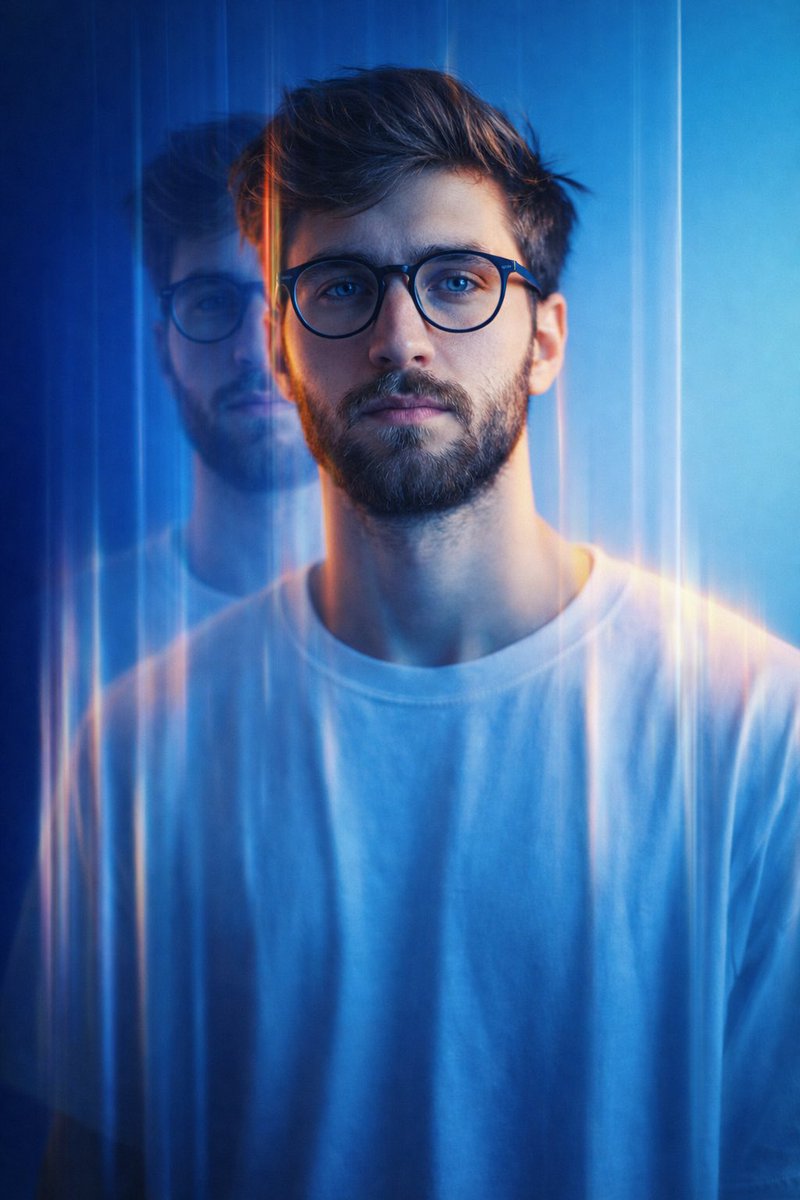
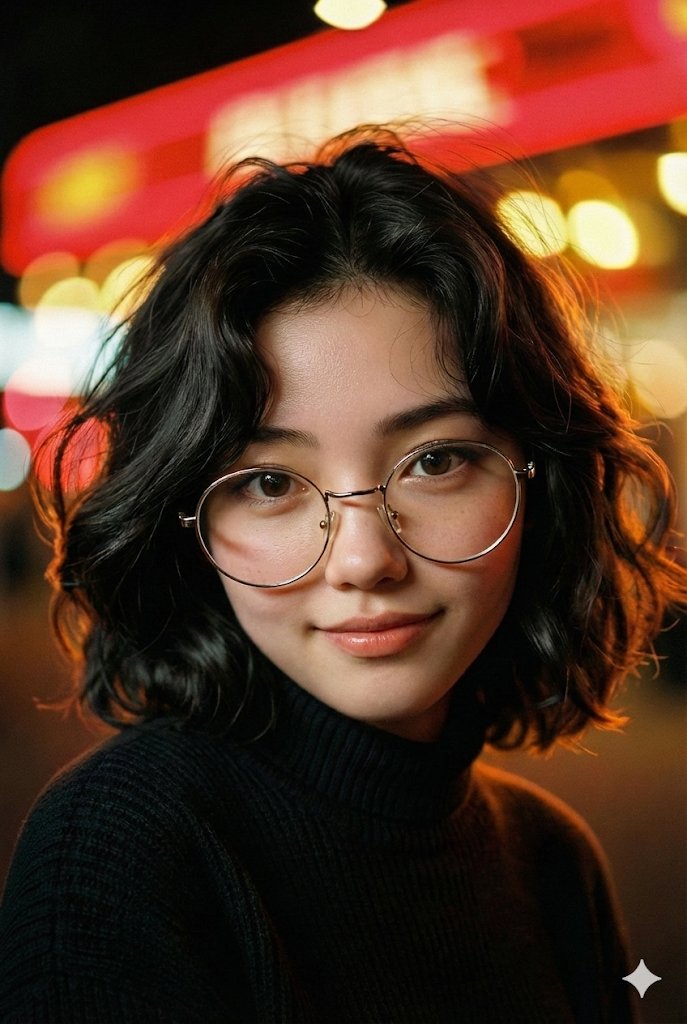
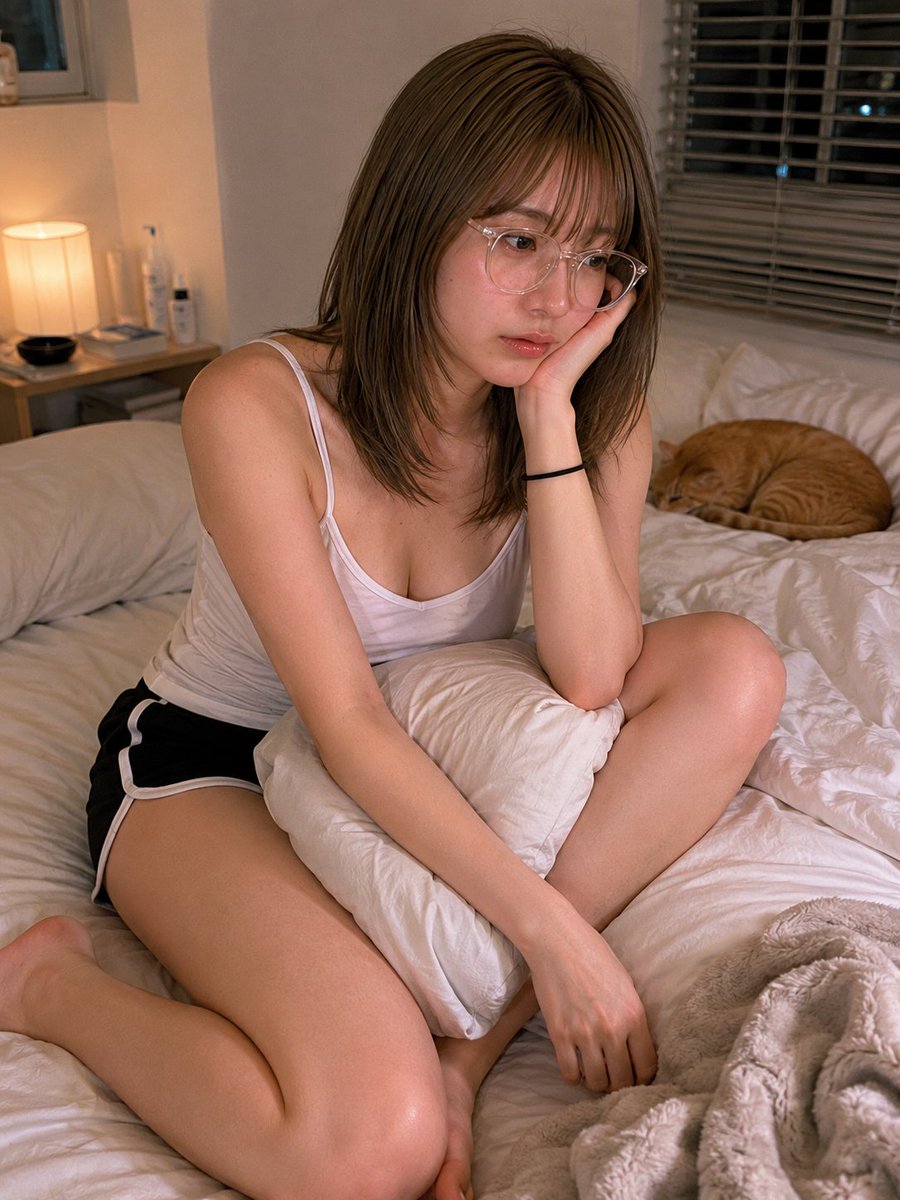
A complex JSON-formatted prompt designed to simulate an iPhone candid shot with extreme attention to skin realism and facial expressions. (free to use) — Free AI image template on PicX Studio.

{ "style": "ultra-realistic iphone candid photography", "subject": { "description": "young woman sitting inside a quiet coffee shop early in the morning near the window", "expression": { "mood": "sleepy, calm, slightly distracted", "FACS": [ "AU43 (heavy relaxed eyelids)", "AU25 (slightly parted lips)", "AU14 (natural mouth asymmetry)", "AU17 (soft chin tension)", "AU45 (subtle blink fatigue)" ] }, "facial_realism": { "skin_texture": [ "visible pores", "natural skin grain", "slight under-eye puffiness", "peach fuzz catching window light", "tiny freckles", "subtle forehead texture", "non-uniform skin tone", "natural nose shine", "real lip texture", "minor skin redness around cheeks" ] }, "hair": "messy dark hair tied in a loose bun with two strands framing the face", "outfit": { "top": "oversized faded black hoodie", "inner": "white ribbed tank top", "bottom": "loose grey sweatpants", "accessories": [ "thin silver necklace", "small silver hoop earrings" ] } }, "scene": { "location": "small coffee shop morning atmosphere", "details": [ "soft sunlight through window", "coffee cup on table", "blurred people in background", "warm cozy tones" ] }, "lighting": { "style": "natural morning light with soft shadows and realistic highlights" }, "camera": { "device": "iPhone 15 Pro", "angle": "slightly low candid angle from across the table", "imperfections": [ "slight grain", "minor motion softness", "natural depth blur", "imperfect framing", "subtle iphone HDR inconsistencies" ] }, "avoid": [ "plastic skin", "beauty filter", "studio lighting", "CGI look", "airbrushed skin", "overly perfect face" ] }
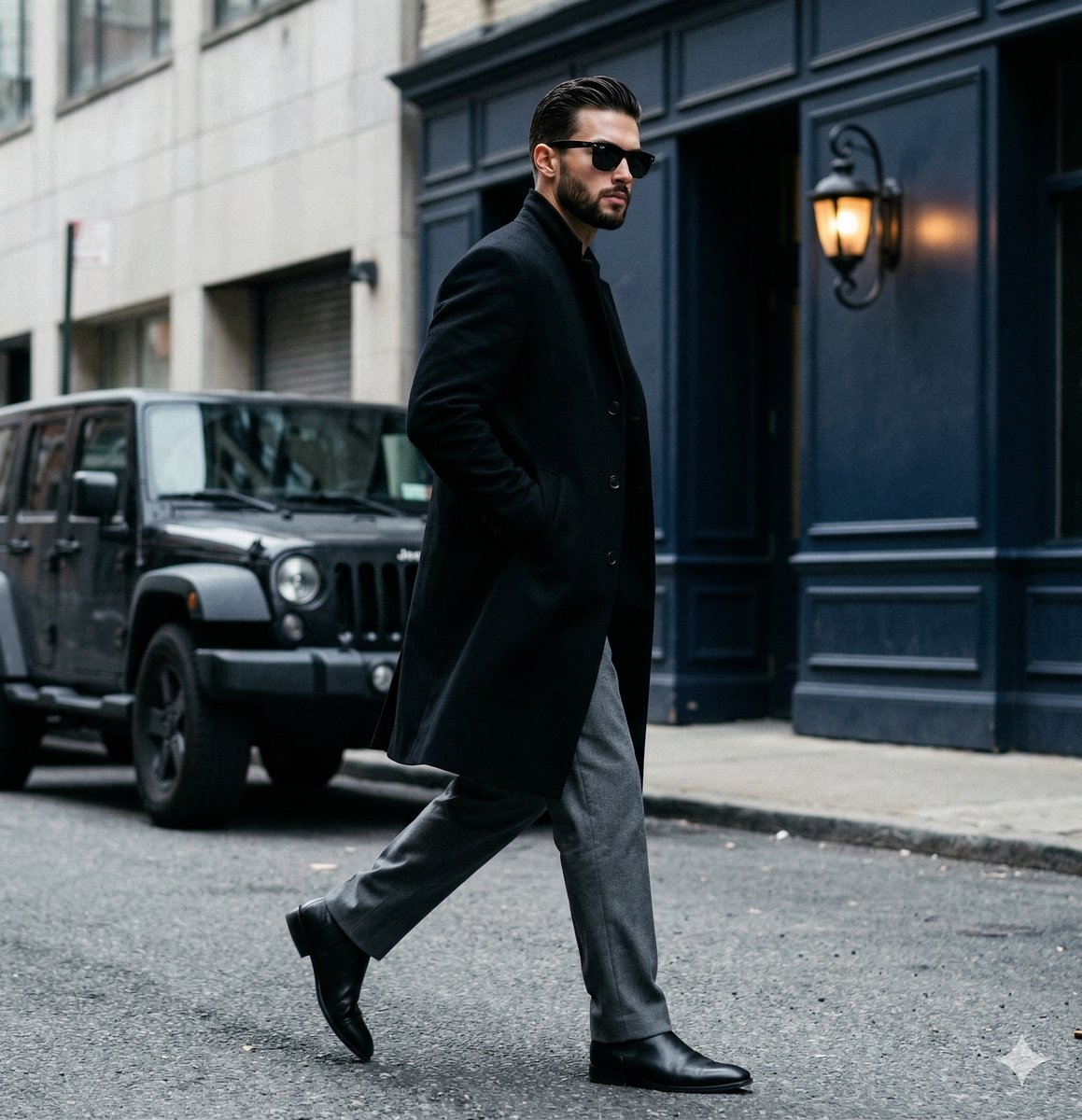
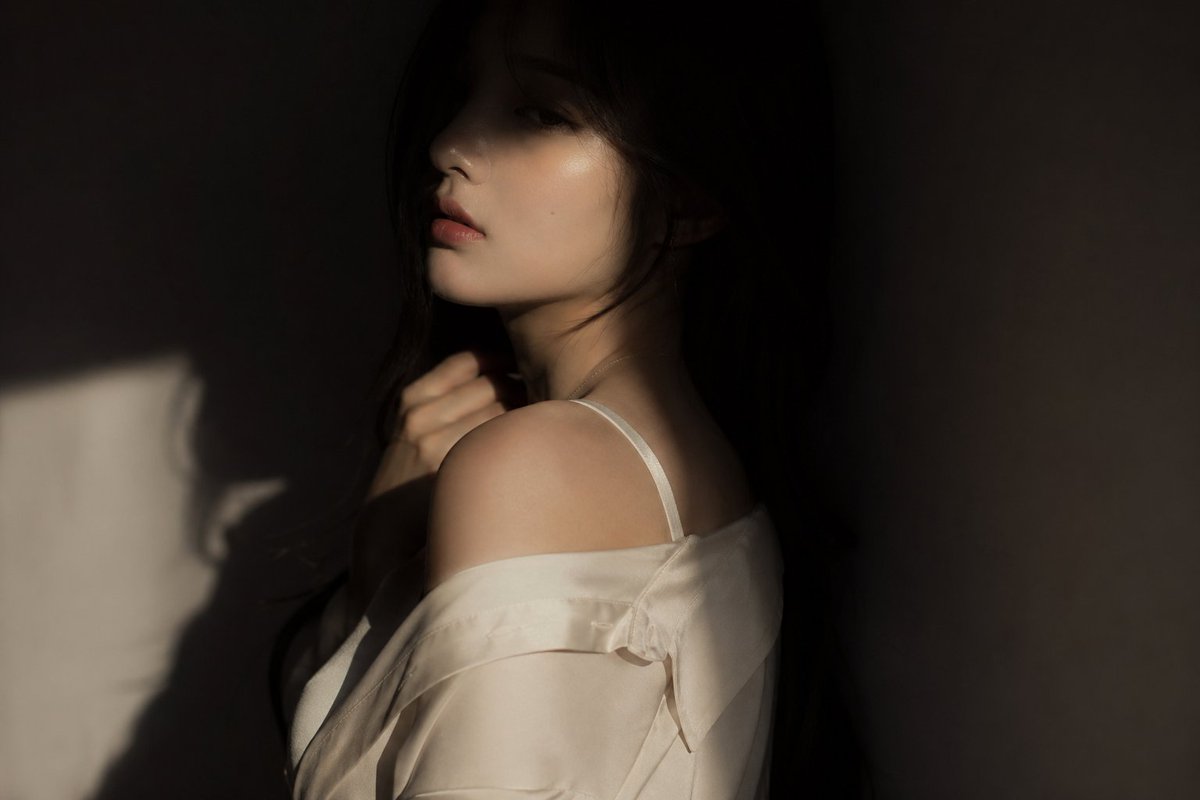
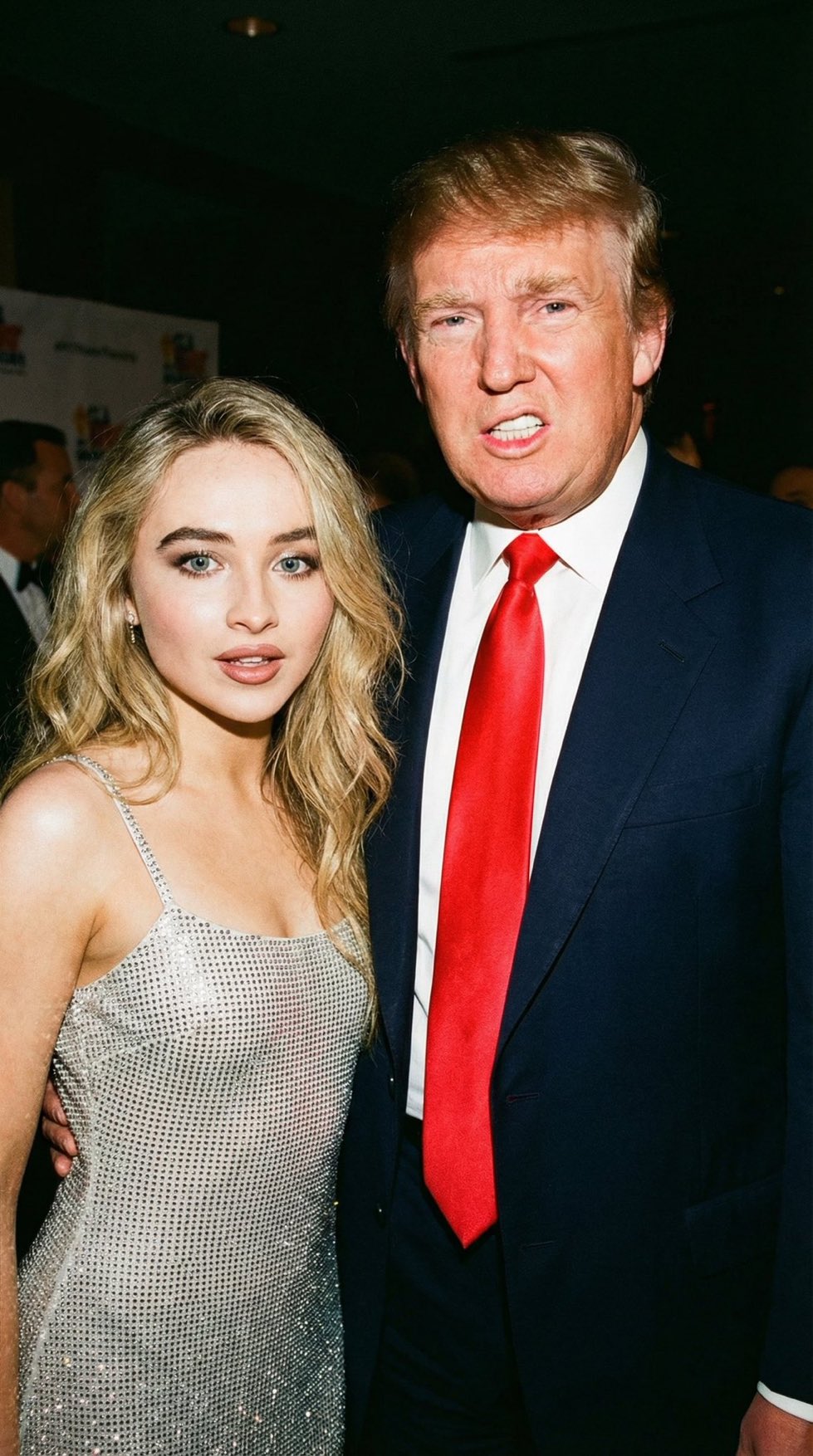
Use Realistic iPhone Candid Photography to plan an AI image around nano-banana-2 generation. Match the preview's composition first, then personalize the subject, setting, and mood for your own project.
Use the primary action to load the template settings in PicX Studio.
Adjust the subject and creative details for your destination.
Create the image, compare the result with the preview, and refine one variable at a time.
A continuous mix — similar concepts first, woven with same-model prompts and fresh picks from the catalog.
Choose the primary action to open PicX Studio with the available template settings. Review the model and format, personalize the creative direction, and generate when ready.
Yes. You can change the subject, setting, lighting, mood, format, and available model controls before creating your image.
This template is free to open and customize. Generation usage is shown in PicX Studio before you create.
Start with nano-banana-2, which is the model associated with this template. You can compare another compatible model for a different finish.
A continuous mix — similar concepts first, woven with same-model prompts and fresh picks from the catalog.
Follow a topic to a crawlable collection of related PicX Studio templates.
32,032 public templates available. Verified via the PicX Studio public templates API; refreshed hourly.