
Japanese Movie Teaser Collage
Generates an 8-panel cinematic collage resembling a Japanese movie poster, featuring characters and a dog in a coastal setting.
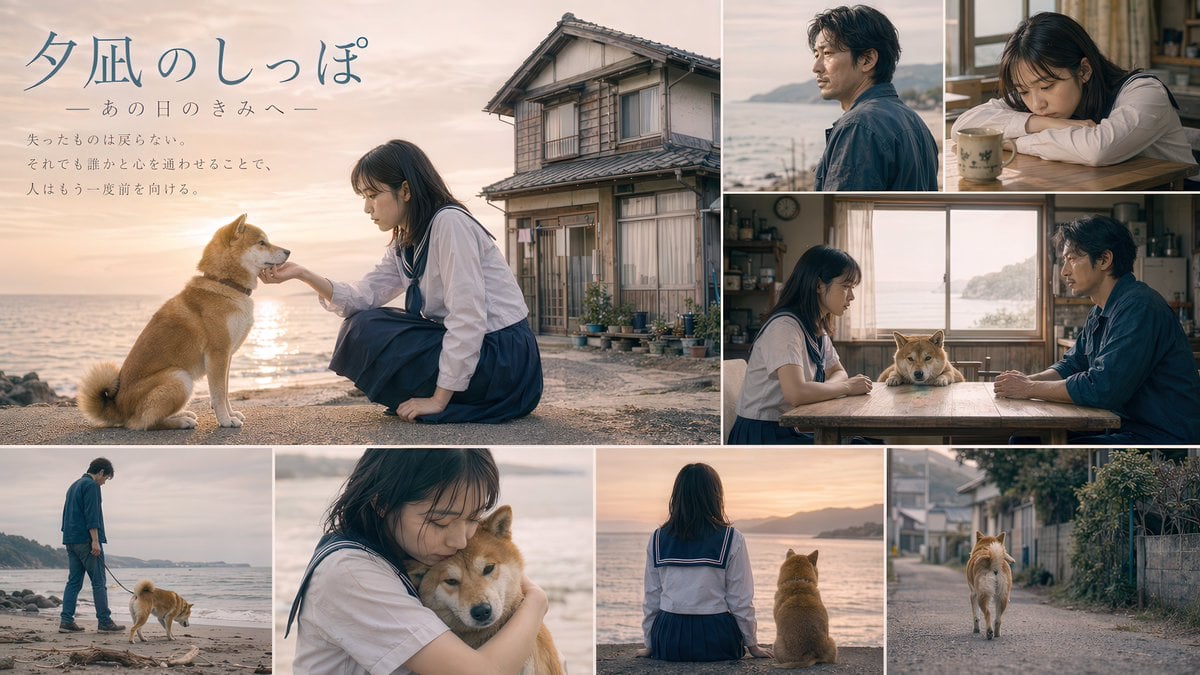
- Prompt included
- Model and format preset
- Free template
The prompt behind this image
Copy the exact prompt behind Japanese Movie Teaser Collage, or open it in the studio and make it yours.
- Type
- Japanese movie teaser visual collage
- Typography › Title
- {argument name="movie title" default="夕凪のしっぽ"}
- Typography › Subtitle
- ーあの日のきみへー
- Typography › Tagline
- {argument name="tagline text" default="失ったものは戻らない。それでも誰かと心を通わせることで、人はもう一度前を向ける。"}
- Characters › Girl
- young Japanese woman, dark hair, sailor school uniform
- Characters › Man
- middle-aged Japanese man, stubble, dark blue shirt
- Characters › Animal
- {argument name="dog breed" default="Shiba Inu"}
- Aesthetics › Setting
- {argument name="setting" default="coastal town at sunset"}
- Aesthetics › Style
- {argument name="color grading" default="nostalgic cinematic"}
- Layout › Panel Count
- 8
- Layout › Sections › 0 › Position
- large left
- Layout › Sections › 0 › Description
- girl petting dog, old house, text overlay
- Layout › Sections › 1 › Position
- top right
- Layout › Sections › 1 › Description
- profile of man looking at sea
- Layout › Sections › 2 › Position
- top far right
- Layout › Sections › 2 › Description
- girl resting head on table
- Layout › Sections › 3 › Position
- middle right
- Layout › Sections › 3 › Description
- girl and man at table, dog between them, ocean window
- Layout › Sections › 4 › Position
- bottom far left
- Layout › Sections › 4 › Description
- man walking dog on beach
- Layout › Sections › 5 › Position
- bottom mid-left
- Layout › Sections › 5 › Description
- close-up girl hugging dog
- Layout › Sections › 6 › Position
- bottom mid-right
- Layout › Sections › 6 › Description
- back view girl and dog facing sunset
Raw JSON
{
  "type": "Japanese movie teaser visual collage",
  "typography": {
    "title": "{argument name=\"movie title\" default=\"夕凪のしっぽ\"}",
    "subtitle": "ーあの日のきみへー",
    "tagline": "{argument name=\"tagline text\" default=\"失ったものは戻らない。それでも誰かと心を通わせることで、人はもう一度前を向ける。\"}"
  },
  "characters": {
    "girl": "young Japanese woman, dark hair, sailor school uniform",
    "man": "middle-aged Japanese man, stubble, dark blue shirt",
    "animal": "{argument name=\"dog breed\" default=\"Shiba Inu\"}"
  },
  "aesthetics": {
    "setting": "{argument name=\"setting\" default=\"coastal town at sunset\"}",
    "style": "{argument name=\"color grading\" default=\"nostalgic cinematic\"}"
  },
  "layout": {
    "panel_count": 8,
    "sections": [
      { "position": "large left", "description": "girl petting dog, old house, text overlay" },
      { "position": "top right", "description": "profile of man looking at sea" },
      { "position": "top far right", "description": "girl resting head on table" },
      { "position": "middle right", "description": "girl and man at table, dog between them, ocean window" },
      { "position": "bottom far left", "description": "man walking dog on beach" },
      { "position": "bottom mid-left", "description": "close-up girl hugging dog" },
      { "position": "bottom mid-right", "description": "back view girl and dog facing sunset" },
      { "position": "bottom far right", "description": "back view dog walking down village street" }
    ]
  }
}How to use Japanese Movie Teaser Collage in 3 steps
- 1Upload ImagePNG, JPG or paste
Add your photo
Upload the photo the template builds on. The prompt, model and format are already set.
- 2…a portrait of your subject in softgolden-hour light, 85mm…
Personalize
Edit the subject and creative details for your destination.
- 3Generate
Generate
Press Generate — your image is created in PicX Studio, so you can compare it with the original and refine one variable at a time.
More like this
Templates with the same subject, style or setup. Open one to see its prompt.

Minecraft Japanese Research Lab Exploration

Six-Panel Retro Japanese Poster Collage

Paper Cut Finale Fireworks

Paper Cut Garden Maze

Paper Cut Rooftop Concert

Paper Cut Bicycle Coast

Paper Cut Castle Gate

Paper Cut Kitchen Chaos

Paper Cut Carnival Ride

Paper Cut Rainy Bus Stop

Paper Cut Space Dock

Paper Cut Cafe Morning
Make it yours
Japanese Movie Teaser Collage works as-is. These are the safest ways to change it without losing the look.
Swap the setting
Keep the rest of the prompt and replace the location block. The current setting is “{argument name="setting" default="coastal town at sunset"}”.
Change one field
Copy a single group, rewrite it, and generate again so you can see what that field is doing.
Keep the frame, change the subject
Hold the composition and light of Japanese Movie Teaser Collage, then swap wardrobe, props or the person for a new take.
| If the result… | Why | Fix |
|---|---|---|
| The result drifts from the preview | Too many fields changed at once. | Reuse Japanese Movie Teaser Collage as-is first, then change one group — subject, light, or setting. |
| GPT Image 2 ignores part of the JSON | Some models flatten or skip nested keys. | Keep the same values and paste them as a short paragraph instead. |
More GPT Image 2 templates
Other prompts made for GPT Image 2.

Six VTuber Japanese Logo Sheet

Realistic Portrait of Woman and Deer

The Vista Modular Condo Poster

AI Model Routing Comparison Infographic

2.5D Anime Art Board

Isometric Productivity Desk Scene

New York Double Exposure Poster

Four-Panel AI Landscape Comparison

Japanese Tatami Lifestyle Magazine Cover

NESCAFÉ Coffee Map Poster
More image prompts
Fresh picks from across the catalog.
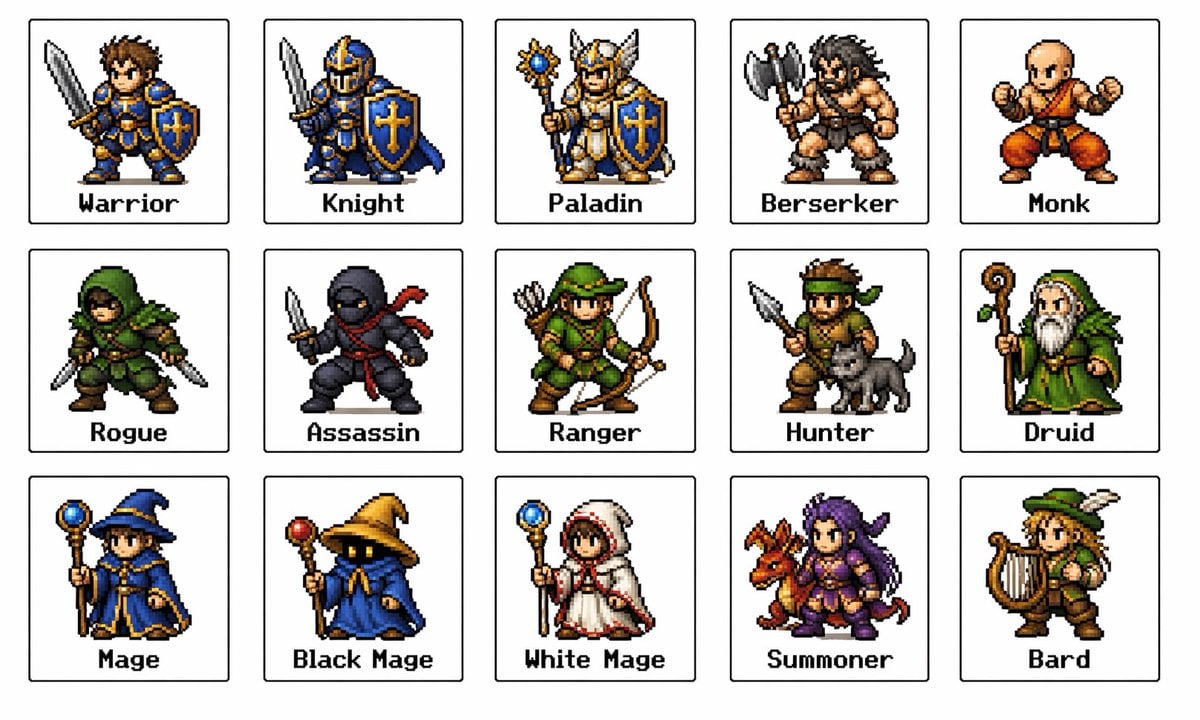
Retro Fantasy Class Sprite Grid

Dramatic Soccer Cinematic Action Shot
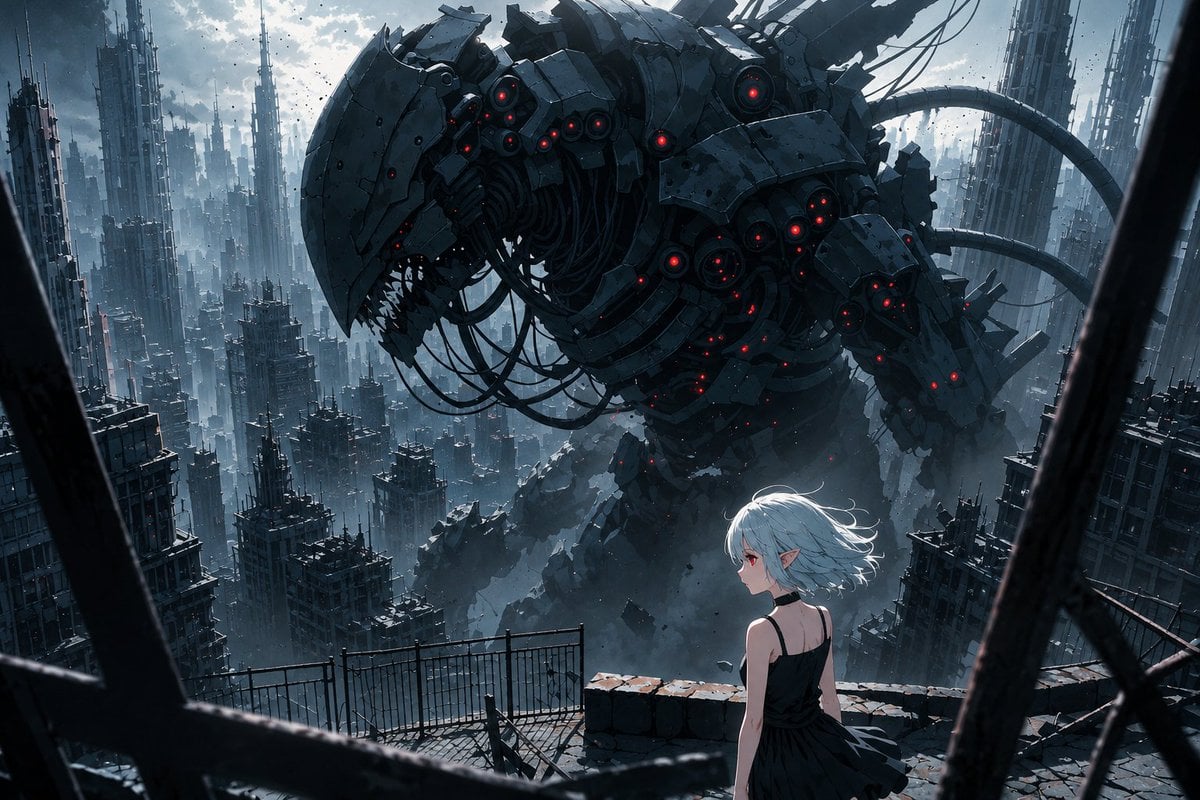
AI Illustration Quality Upscaler

Moody High-Contrast Portrait with Acoustic Guitar
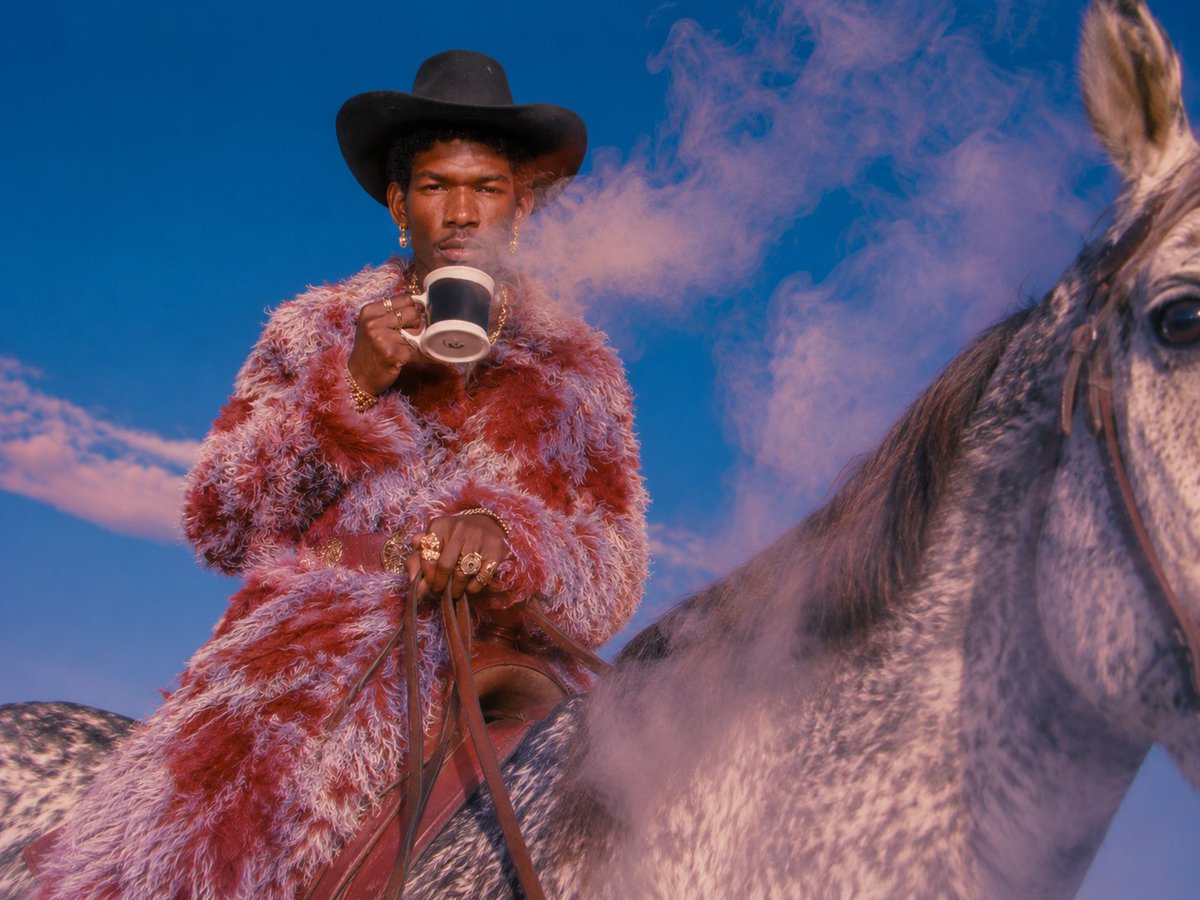
Surreal Cowboy Fashion Editorial
Victorian Tea Room Waiting Wallpaper
Historical Social Media Feed Generation
Ultra-Realistic Speed Skating Portrait Prompt

Seed to Shelf Diorama Flowchart Prompt

Monumental Mathematical Symbols as Terrain Typography
Browse template categories
Japanese Movie Teaser Collage questions
How do I use the Japanese Movie Teaser Collage template?
Add your photo if the template asks for one, edit the prompt if you like — the template's model and format are already selected — and press Generate. Your version opens in PicX Studio.
Can I customize the Japanese Movie Teaser Collage template?
Yes. You can change the subject, setting, lighting, mood, format, and available model controls before creating your image.
Is the Japanese Movie Teaser Collage template free?
Opening and editing this template is free. Generating uses credits, shown on the Generate button when you are signed in.
Which AI model should I use?
Start with GPT Image 2, which is the model associated with this template. You can compare another compatible model for a different finish.
Looking for something else? Browse all templates.

Your photo, any look
Thousands of ready templates for every top image and video model, from one credit balance.