
Seed to Shelf Diorama Flowchart Prompt
A complex, multi-step instruction prompt for visualizing the lifecycle of a product (like coffee or a diamond ring) using a miniature photography aesthetic.
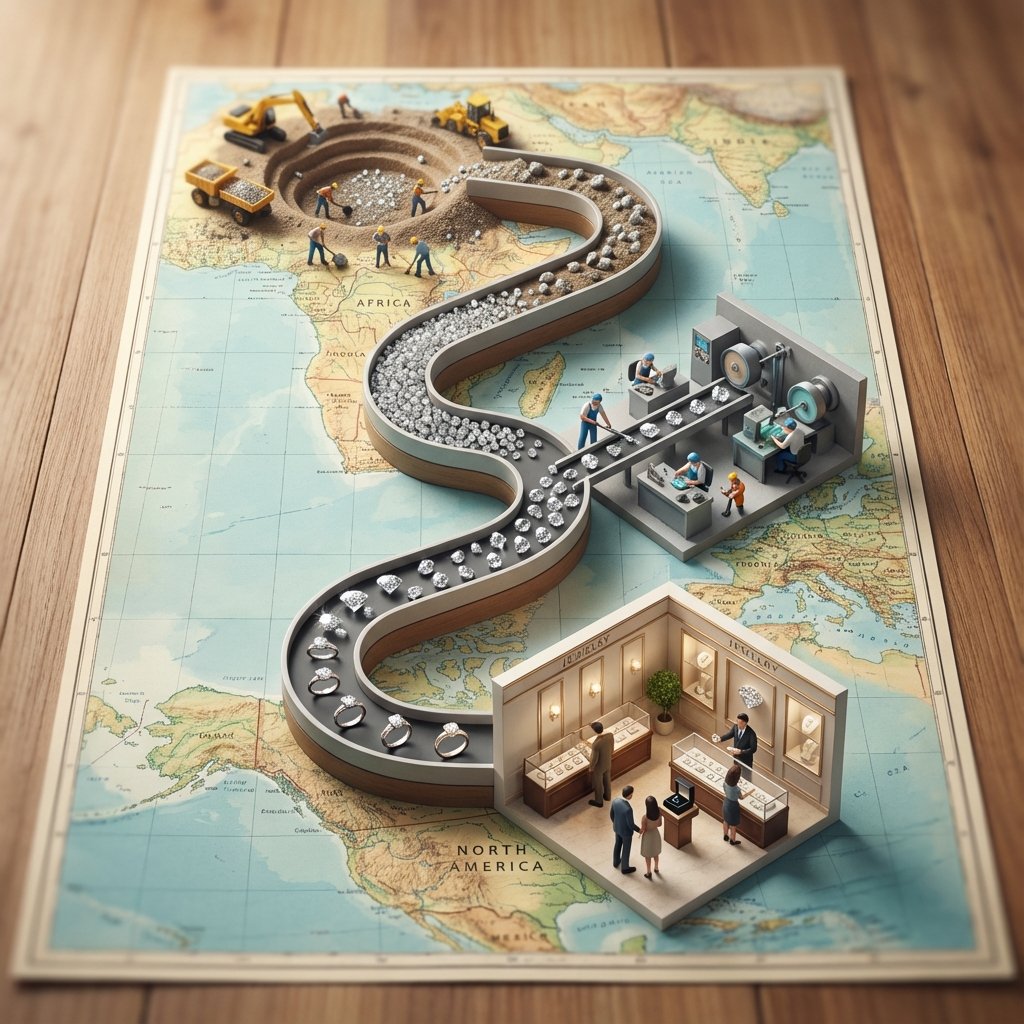
- Prompt included
- Model and format preset
- Free template
The prompt behind this image
Copy the exact prompt behind Seed to Shelf Diorama Flowchart Prompt, or open it in the studio and make it yours.
<instruction> 1. Analyze Input Variable: Input A is a Global Commodity with a distinct production lifecycle (e.g., Coffee, Chocolate/Cocoa, Wine, Denim/Cotton). Deconstruct the lifecycle into 3 Distinct Stages : Stage 1 (The Origin): The agricultural source (e.g., Coffee Plantation, Cacao Trees). Stage 2 (The Process): The industrial transformation (e.g., Roasting Plant, Fermentation Vats). Stage 3 (The Destination): The retail experience (e.g., A Hipster Cafe, A Chocolatier Shop). 2. Container (The Map Table): Goal: A "Seed to Shelf" Flowchart Diorama. The Base: A large, vintage World Map (blue oceans, pastel continents) laid flat on a wooden dining table. The Spine: A raised, winding S-Shaped Chute/Conveyor snakes through the center of the image, physically connecting the three stages. The Flow: The chute is filled with the product, which visually transforms as it moves down the path (e.g., Red Coffee Cherries at the top → → Brown Roasted Beans in the middle → → Fine Ground Powder at the bottom). 3. The Vignettes (The Stations): Construct a 3D diorama "Island" at each key point of the S-curve: Top Station (Origin): A square patch of terrain sitting on the map (e.g., South America). Detailed crops, trees, and farmers harvesting the raw material. Middle Station (Process): A compact industrial facility sitting on the map (e.g., Europe/USA). Metallic roasters, silos, smoke stacks, and factory workers. Bottom Station (Destination): An architectural Cutaway Box. The front wall is removed to reveal the interior of a shop (e.g., Espresso machines, tiny customers sitting at tables, baristas serving). 4. The Narrative Scale (The Workers): Scale: 1:87 (HO Scale) miniature figures. Action: The figures are not just standing; they are actively moving the product from the "Station" into the "Chute" (e.g., Farmers dumping baskets of cherries into the stream, Factory workers shoveling beans). 5. Lighting & Atmosphere: Camera Angle: High-Angle Perspective (45-60 degrees). Looking down the length of the table. Lighting: Natural Daylight. Bright, cheerful, and even. Shadows fall softly on the map. Depth of Field: Tilt-Shift effect. The top and bottom edges of the table are slightly blurred to make the models look tiny. Output: ONE image, Vertical Aspect Ratio (4:5), Miniature Photography, Educational Diorama aesthetic. </instruction>
How to use Seed to Shelf Diorama Flowchart Prompt in 3 steps
- 1
Open
The prompt is already in the box next to the preview, with the template's model and format selected.
- 2…a portrait of your subject in softgolden-hour light, 85mm…
Personalize
Edit the subject and creative details for your destination.
- 3Generate
Generate
Press Generate — your image is created in PicX Studio, so you can compare it with the original and refine one variable at a time.
More like this
Templates with the same subject, style or setup. Open one to see its prompt.

Layered Paper Cut Forest Diorama

Soft Handcrafted Paper-Cut Layered Illustration

Isometric Process Educational Diorama

Isometric Brand Store Diorama

FIFA World Cup — Brazil National Pass Diorama

敦煌纸雕飞天 — 3D Layered Paper Cutout
Magical Seed Packet Diorama
Gpt2 Product Marketing Magical Seed Packet Diorama
Cartoon Ants Carrying a Golden Seed

Hamster Caught by Sunflower Seed Trap
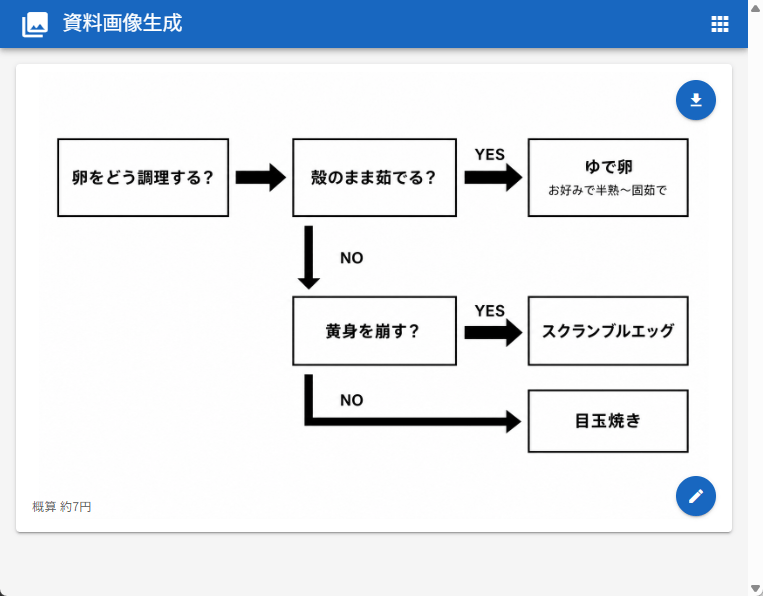
Japanese Egg Cooking Flowchart UI
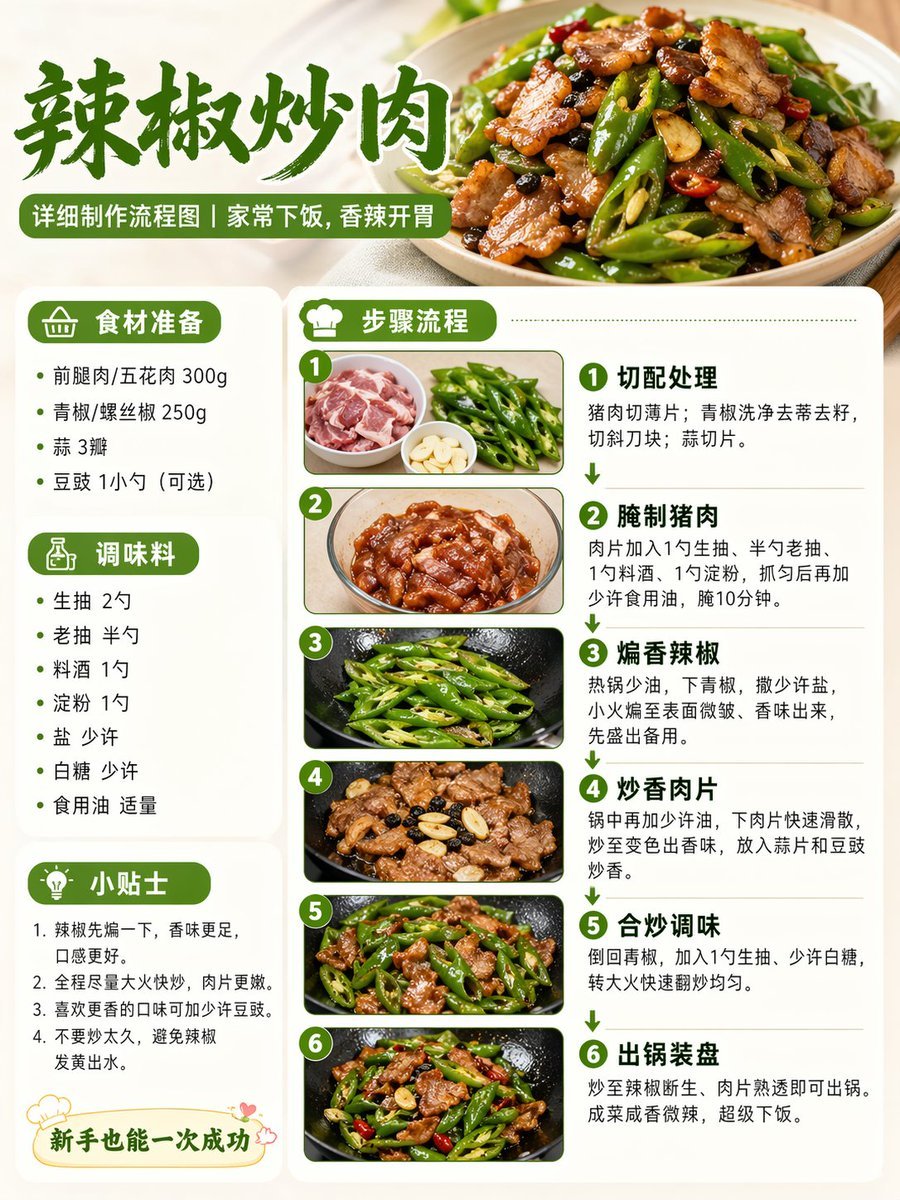
Food Recipe Flowchart Prompt
Make it yours
Seed to Shelf Diorama Flowchart Prompt works as-is. These are the safest ways to change it without losing the look.
Change one field
Copy a single group, rewrite it, and generate again so you can see what that field is doing.
Keep the frame, change the subject
Hold the composition and light of Seed to Shelf Diorama Flowchart Prompt, then swap wardrobe, props or the person for a new take.
| If the result… | Why | Fix |
|---|---|---|
| The result drifts from the preview | Too many fields changed at once. | Reuse Seed to Shelf Diorama Flowchart Prompt as-is first, then change one group — subject, light, or setting. |
| The model over-stylizes the scene | The prose prompt leaves finish and camera underspecified. | Add one camera or lighting sentence and stay on Nano Banana 2. |
More Nano Banana 2 templates
Other prompts made for Nano Banana 2.

Photorealistic Leaf Shaped Like a Dragon

K-Pop Idol Portrait Grid for Rapid Selection

Poetic Rain Forest Portrait During Golden Hour

Urban Street Portrait with Cartoon Inner Self Duo

Candid Nighttime Photo with Cat Prompt

High-Concept 3D Diorama Generation Prompt

Cinematic Futuristic Studio Portrait Template

Skincare Editorial Photography Collage Prompt

Hyper-Realistic Commercial Product Photography (Splash Effect)

Hyper-Realistic Nightclub Portrait Prompt
More image prompts
Fresh picks from across the catalog.
AI Image: Bella Police

Ugly slide introducing Einstein

Luxury GT3 Dealership Poster
Lifestyle Product Integration Prompt for Nano Banana Pro
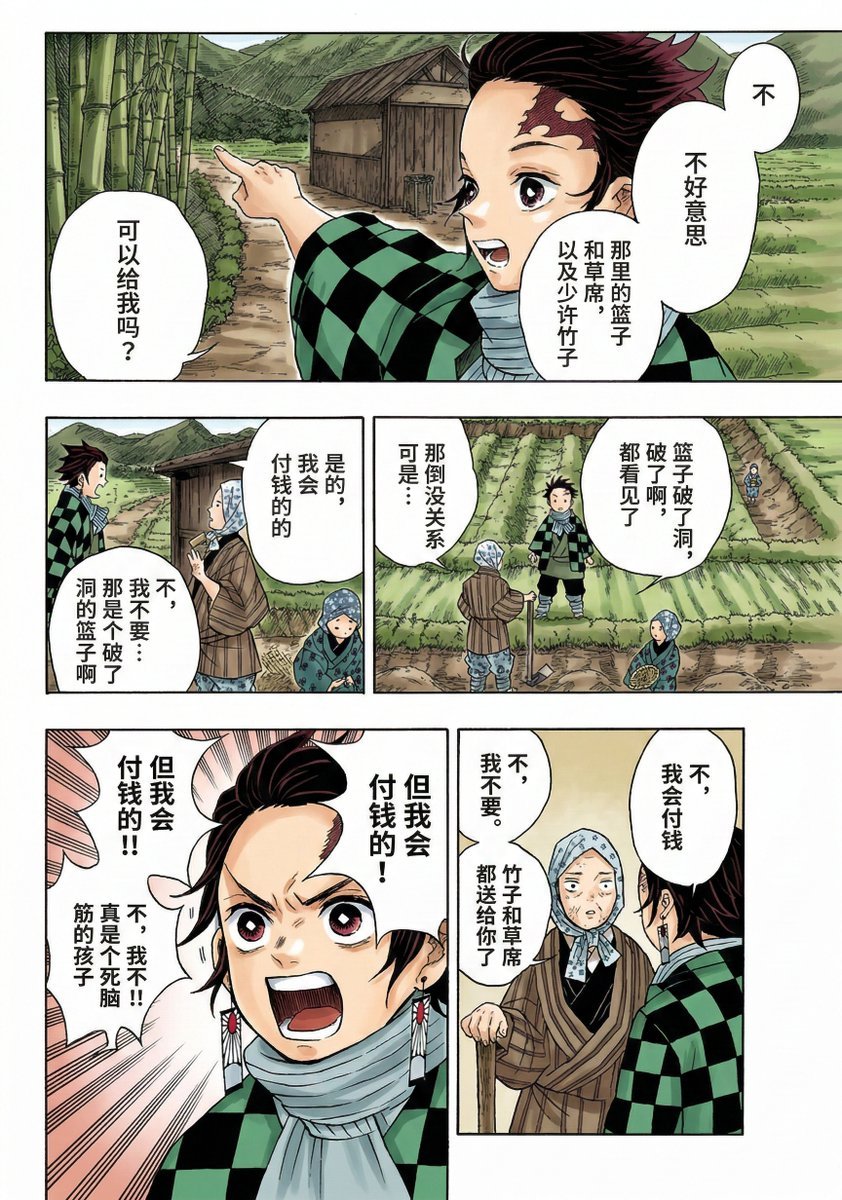
Nano Banana 2 Comic Coloring Prompt

Professional Footballer Locker Room Poster
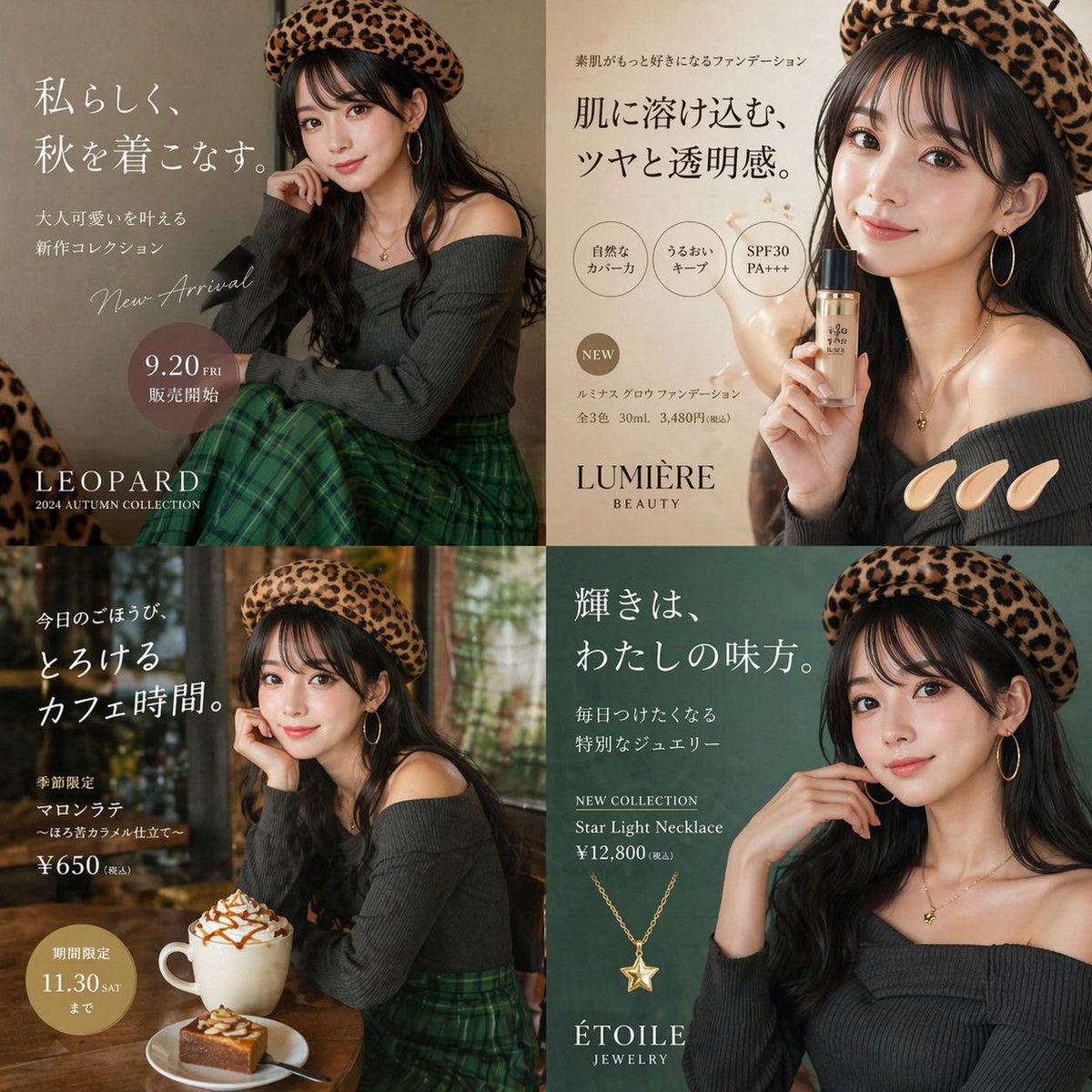
Autumn Fashion Lifestyle Ad Collage
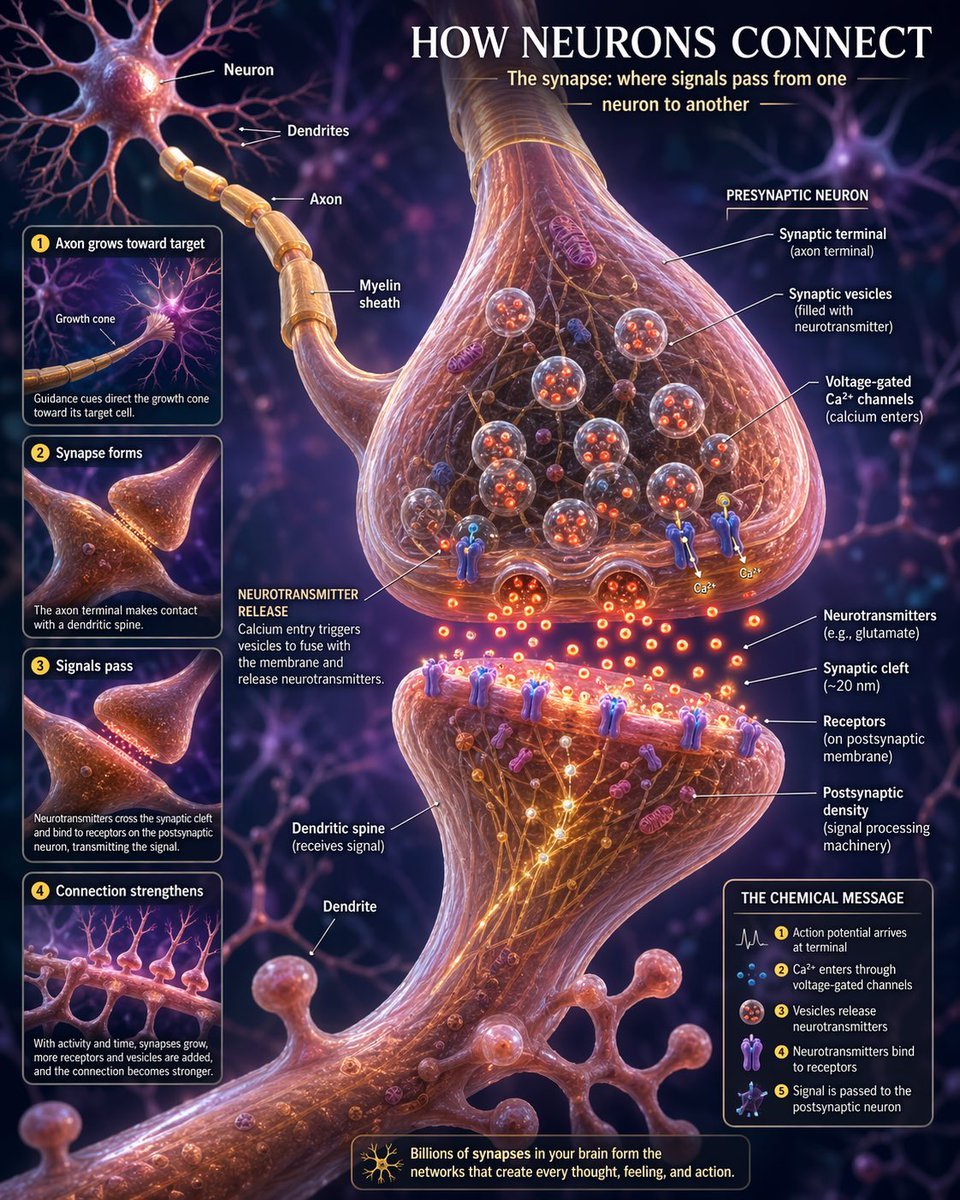
Neurons connection visualization
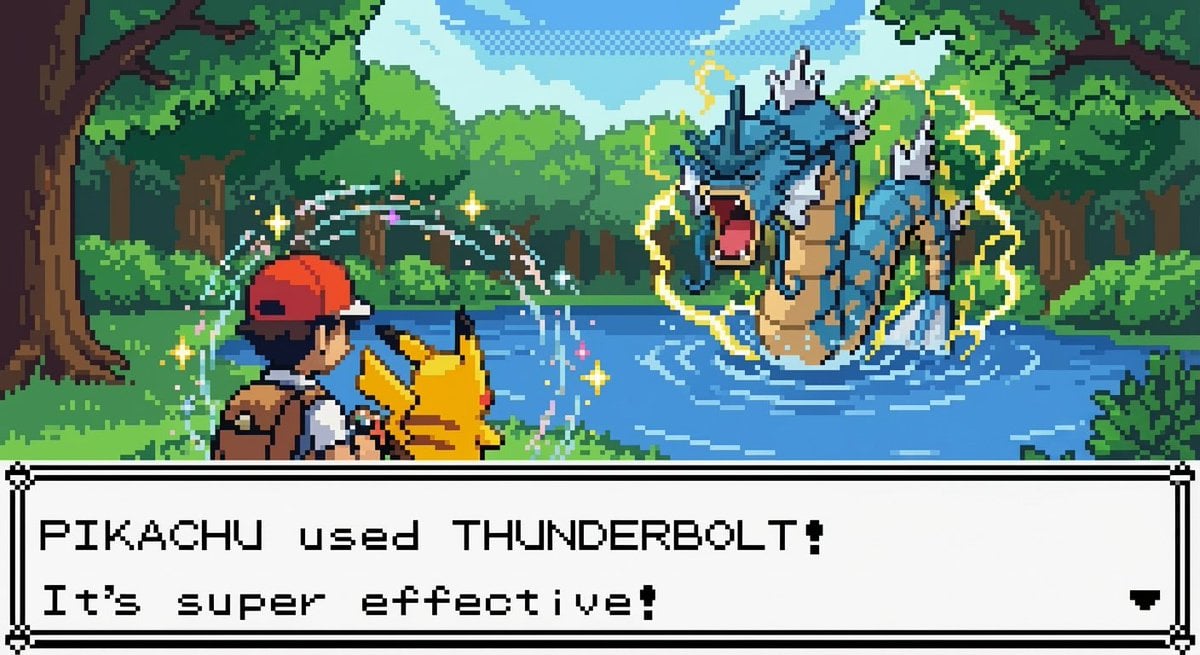
New Pokémon pixel art battle scene
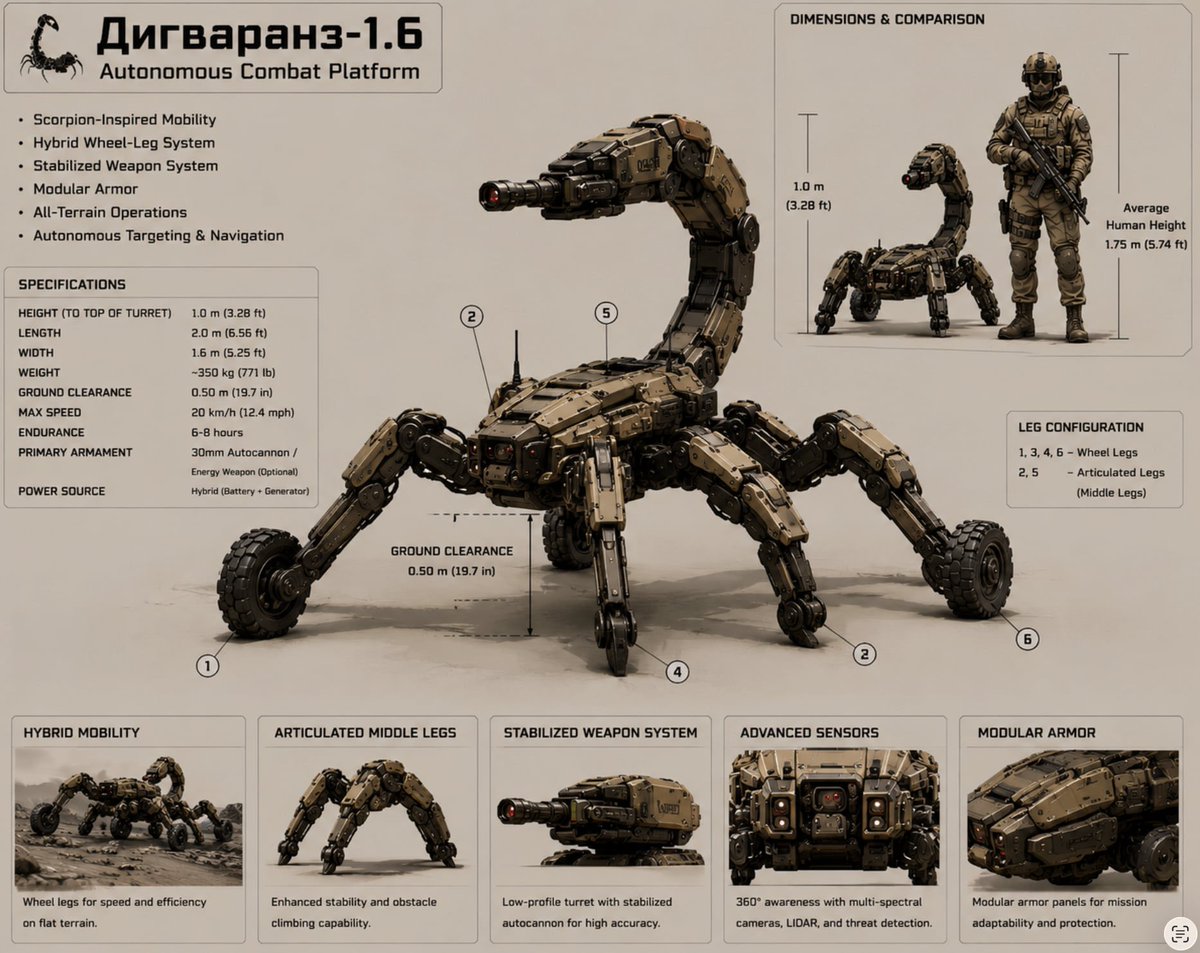
Scorpion Combat Robot Spec Sheet
Browse template categories
Seed to Shelf Diorama Flowchart Prompt questions
How do I use the Seed to Shelf Diorama Flowchart Prompt template?
Add your photo if the template asks for one, edit the prompt if you like — the template's model and format are already selected — and press Generate. Your version opens in PicX Studio.
Can I customize the Seed to Shelf Diorama Flowchart Prompt template?
Yes. You can change the subject, setting, lighting, mood, format, and available model controls before creating your image.
Is the Seed to Shelf Diorama Flowchart Prompt template free?
Opening and editing this template is free. Generating uses credits, shown on the Generate button when you are signed in.
Which AI model should I use?
Start with Nano Banana 2, which is the model associated with this template. You can compare another compatible model for a different finish.
Looking for something else? Browse all templates.

Your photo, any look
Thousands of ready templates for every top image and video model, from one credit balance.