
Sunlit Terracotta Colonnade
This prompt generates a photorealistic minimalist architectural scene of a warm-toned columned corridor with dramatic striped shadows, ideal for editorial, design, or mood imagery.
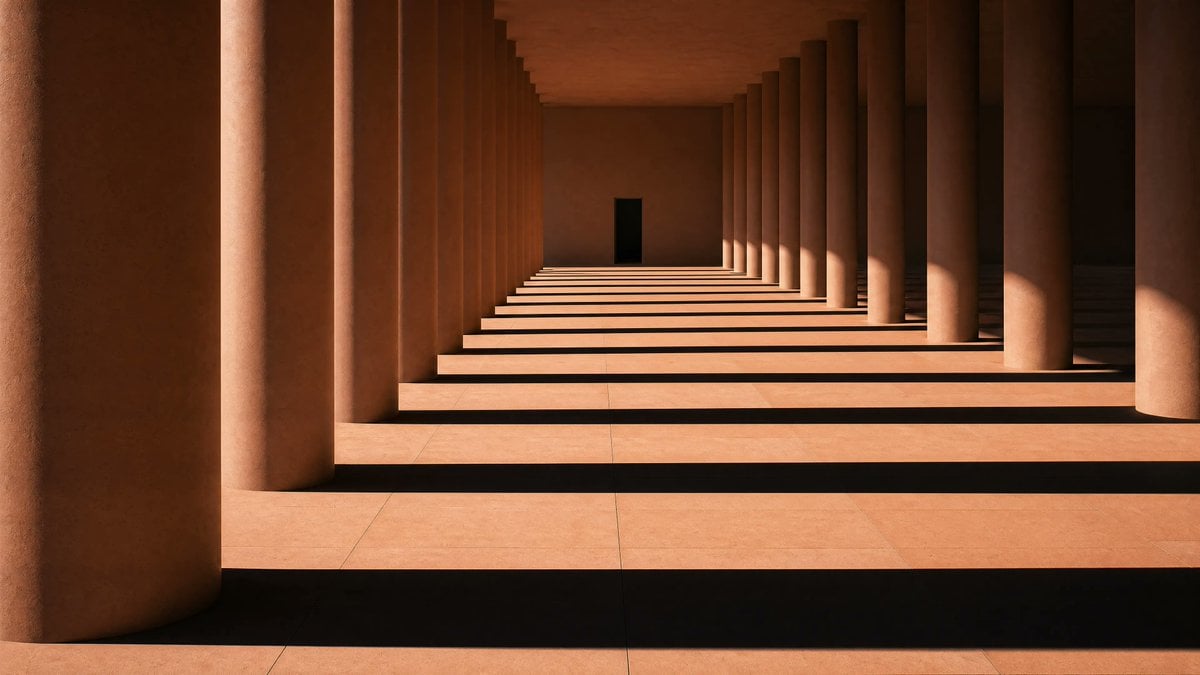
- Prompt included
- Model and format preset
- Free template
The prompt behind this image
Copy the exact prompt behind Sunlit Terracotta Colonnade, or open it in the studio and make it yours.
A minimalist architectural photograph of a long terracotta-colored colonnade with exactly 2 parallel rows of massive cylindrical columns receding into the distance, creating a strong one-point perspective toward a small dark rectangular doorway centered at the far end. Warm late-afternoon sunlight enters from the right side, casting dramatic long horizontal shadow bands across the pale stone floor, with alternating stripes of light and shadow stretching across the entire corridor. The walls, ceiling, and columns are all rendered in warm earthy clay and sandstone tones, with smooth matte surfaces and subtle texture. Compose the scene symmetrically but slightly offset so a single oversized foreground column dominates the left edge, while the repeating columns on the right form a rhythmic pattern. No people, no furniture, no decoration, no plants. Quiet monumental modernist architecture, serene and austere, high contrast, cinematic natural light, ultra-clean lines, photorealistic, sharp detail, wide horizontal framing.
How to use Sunlit Terracotta Colonnade in 3 steps
- 1Upload ImagePNG, JPG or paste
Add your photo
Upload the photo the template builds on. The prompt, model and format are already set.
- 2…a portrait of your subject in softgolden-hour light, 85mm…
Personalize
Edit the subject and creative details for your destination.
- 3Generate
Generate
Press Generate — your image is created in PicX Studio, so you can compare it with the original and refine one variable at a time.
More like this
Templates with the same subject, style or setup. Open one to see its prompt.

Broken Ancient Terracotta Vase

Hungry Man in Sunlit Garage

Sunlit Orchard Girl With Apples
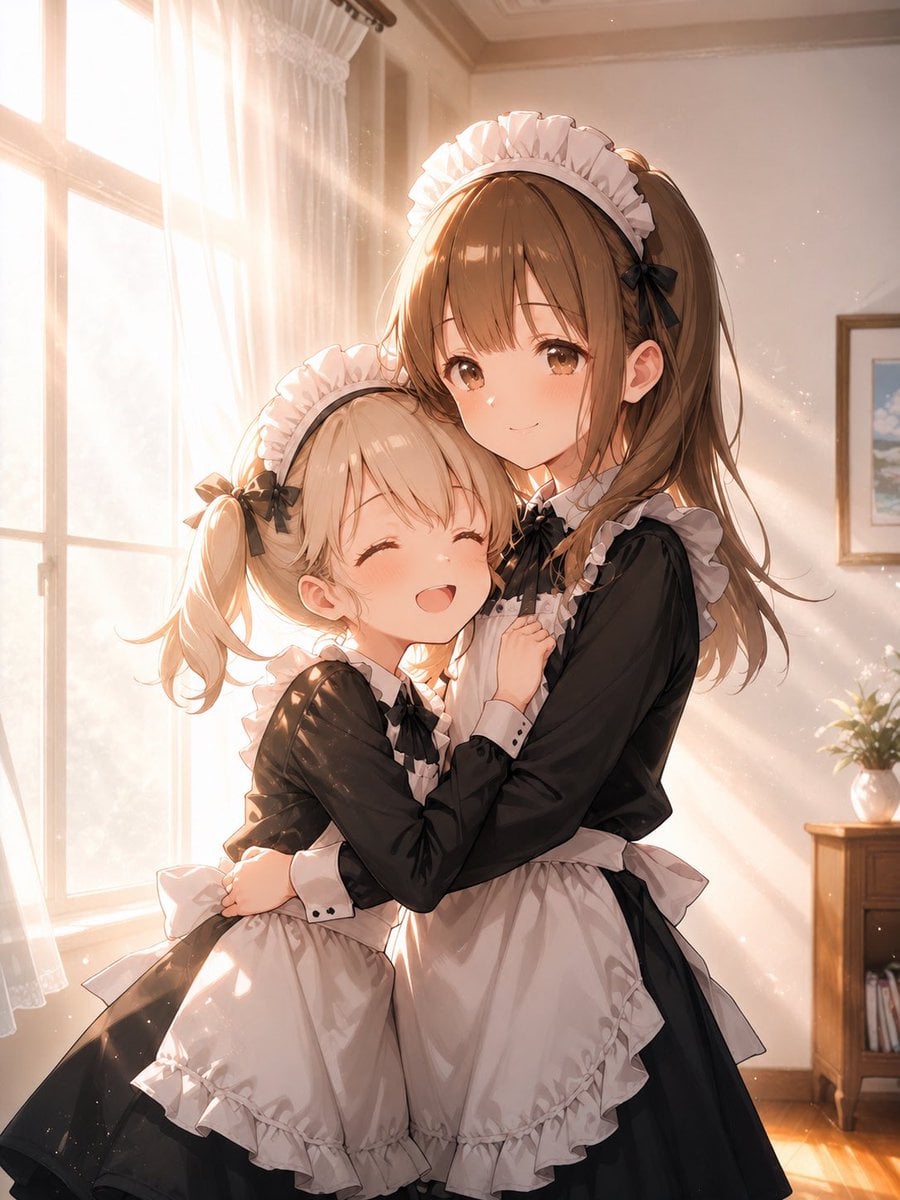
Sunlit Maid Sisters Hug

Soft Sunlit Anime Bedroom Selfie
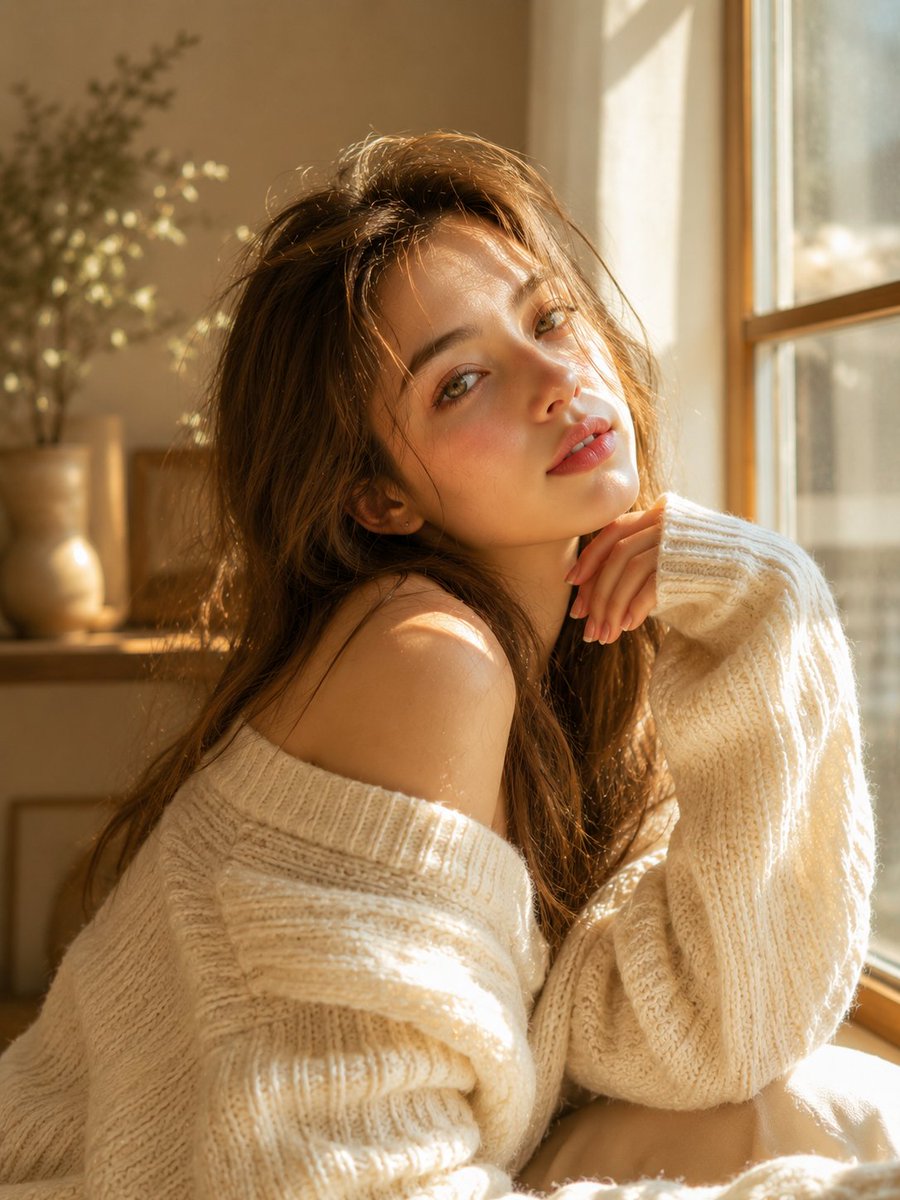
Dreamy Sunlit Window Portrait
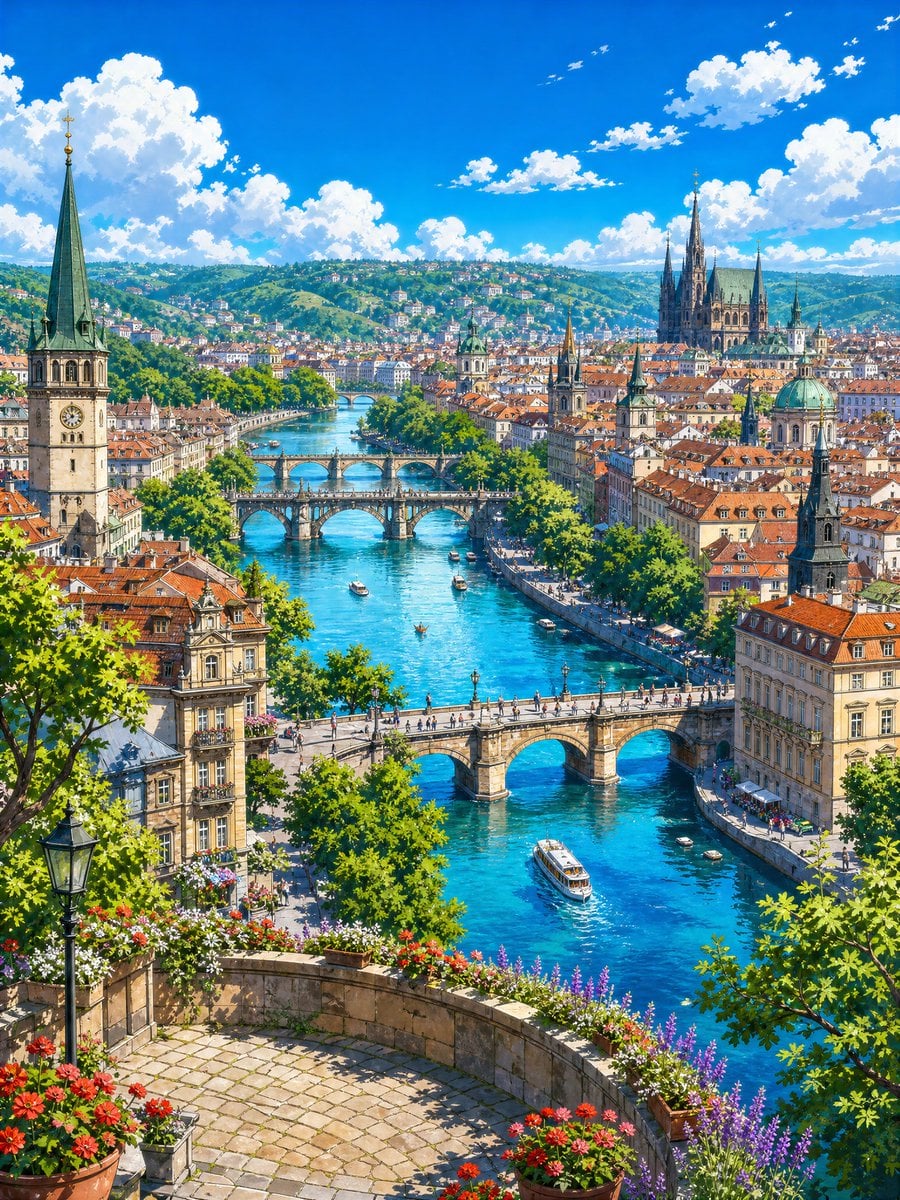
Sunlit Riverside City Fantasy
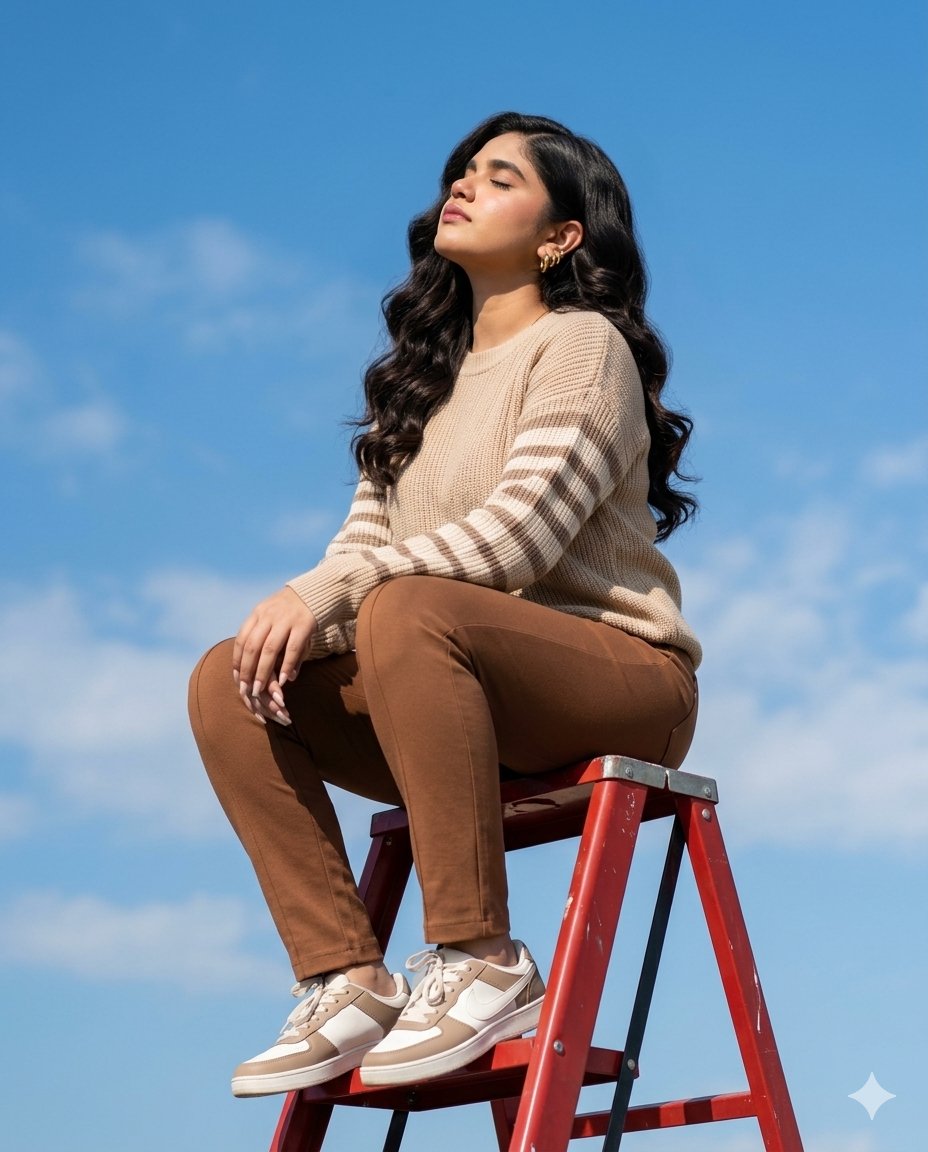
Sunlit Ladder Lifestyle Shot
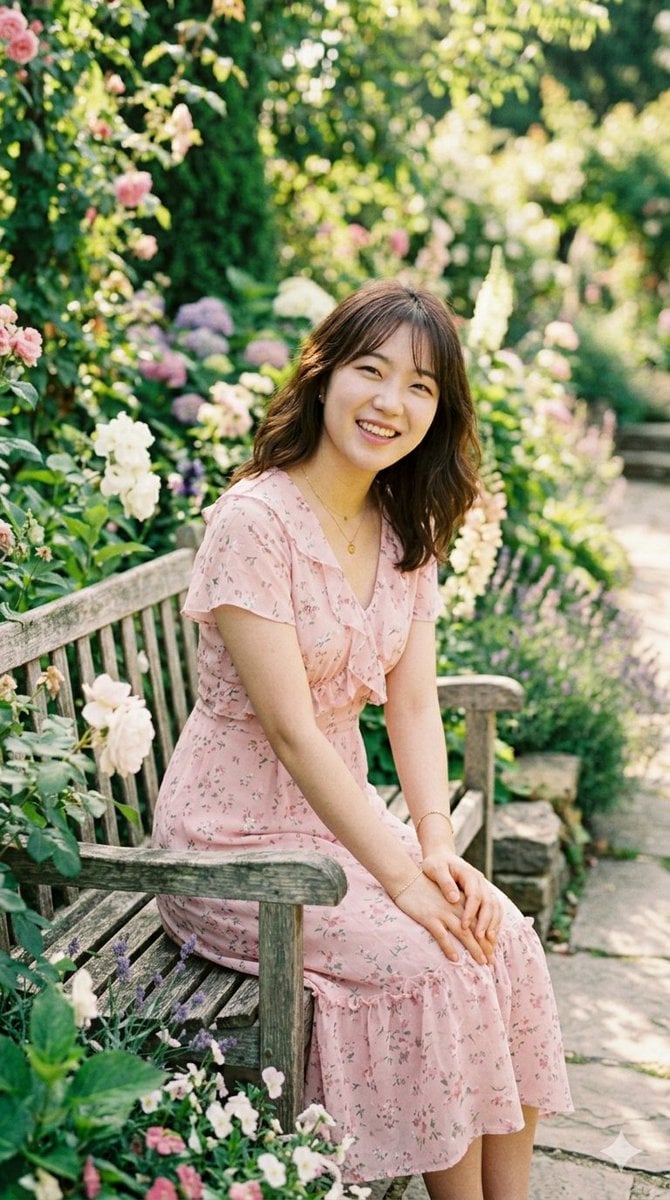
Sunlit Garden Portrait
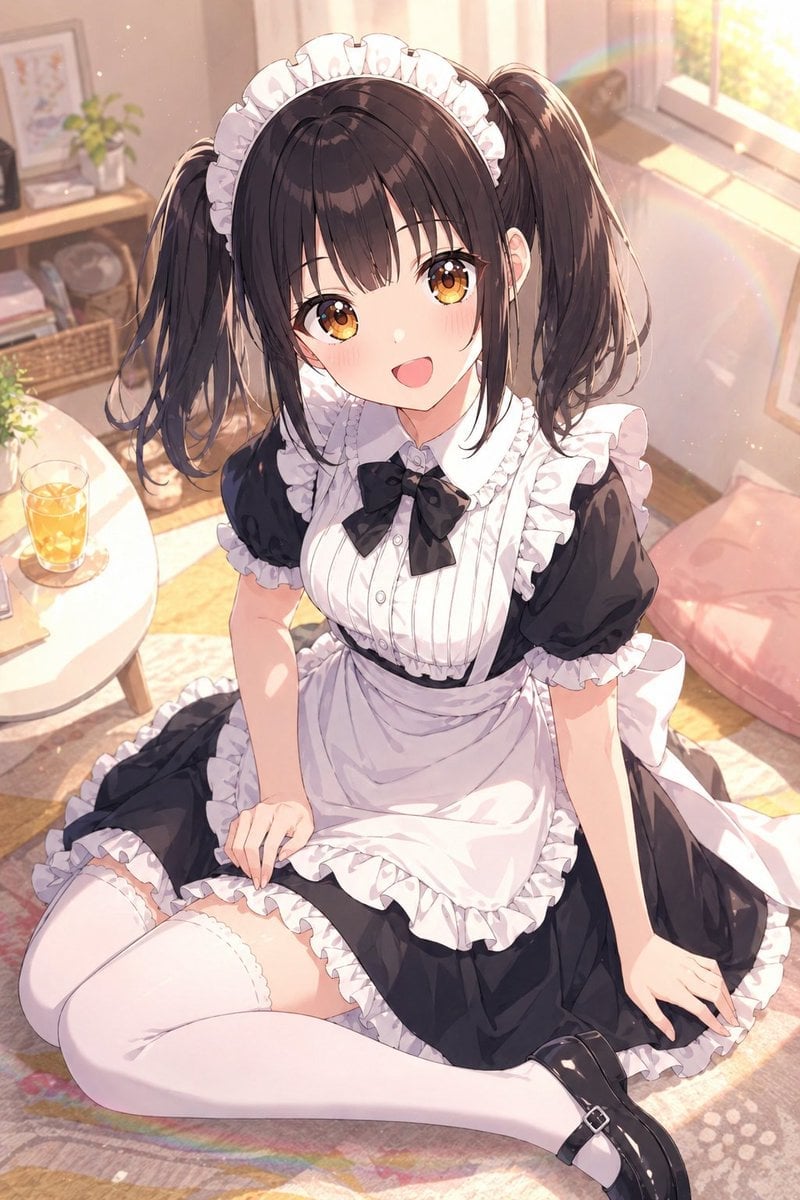
Sunlit Anime Maid Portrait
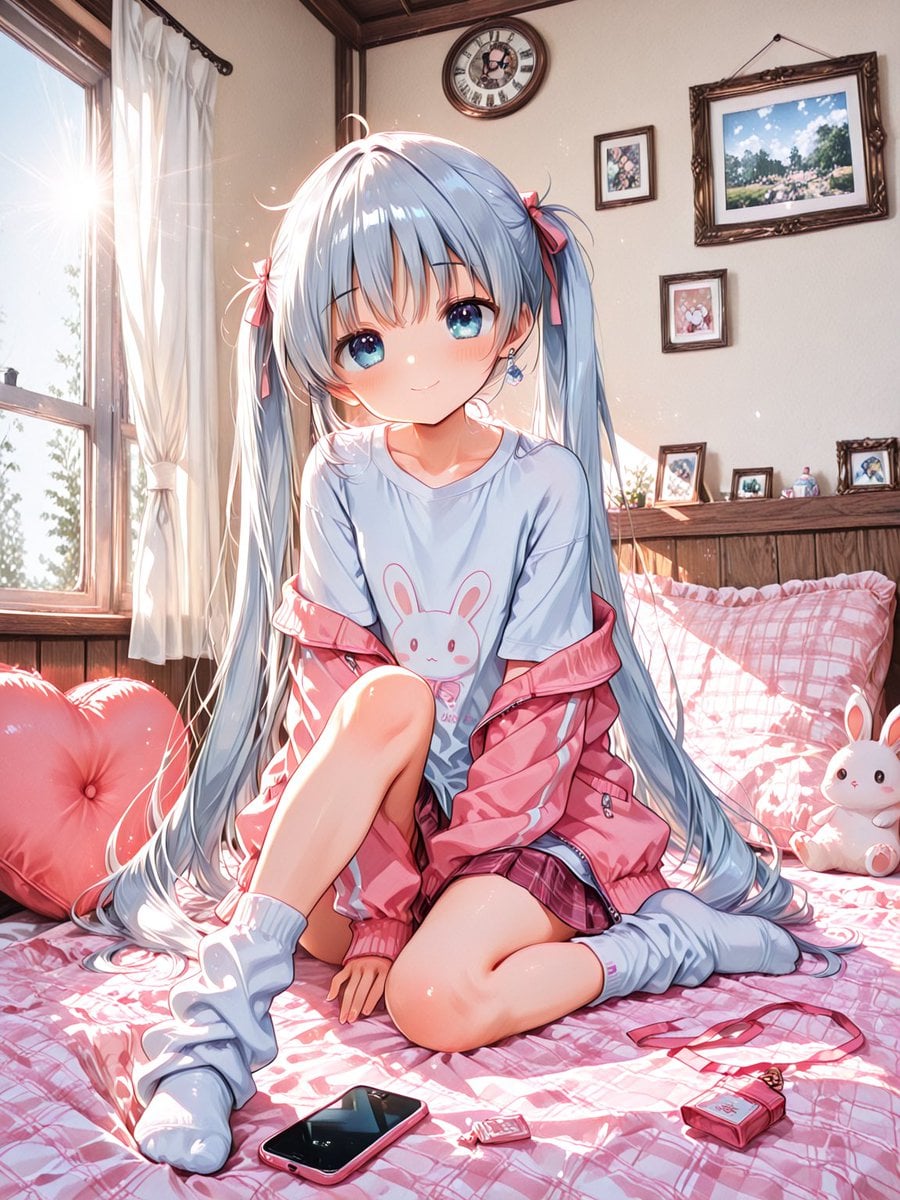
Sunlit Anime Bedroom Portrait
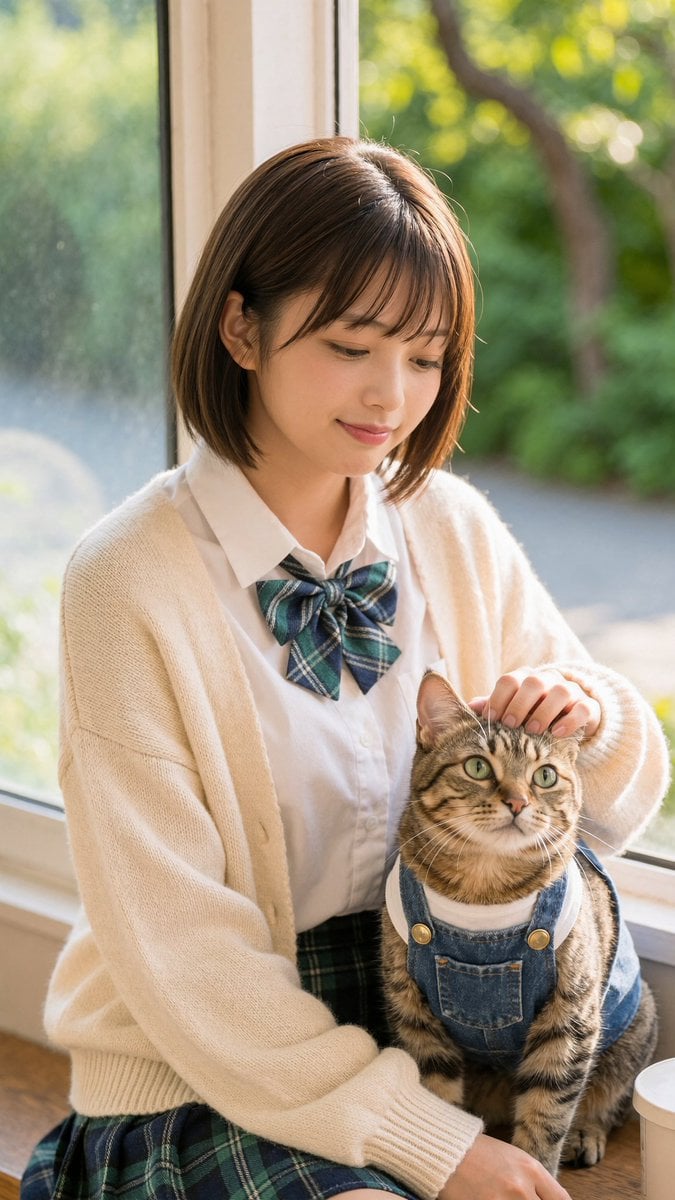
Schoolgirl With Cat by Sunlit Window
Make it yours
Sunlit Terracotta Colonnade works as-is. These are the safest ways to change it without losing the look.
Change one field
Copy a single group, rewrite it, and generate again so you can see what that field is doing.
Keep the frame, change the subject
Hold the composition and light of Sunlit Terracotta Colonnade, then swap wardrobe, props or the person for a new take.
| If the result… | Why | Fix |
|---|---|---|
| The result drifts from the preview | Too many fields changed at once. | Reuse Sunlit Terracotta Colonnade as-is first, then change one group — subject, light, or setting. |
| The model over-stylizes the scene | The prose prompt leaves finish and camera underspecified. | Add one camera or lighting sentence and stay on GPT Image 2. |
More GPT Image 2 templates
Other prompts made for GPT Image 2.

Six VTuber Japanese Logo Sheet

Realistic Portrait of Woman and Deer

The Vista Modular Condo Poster

AI Model Routing Comparison Infographic

2.5D Anime Art Board

Isometric Productivity Desk Scene

New York Double Exposure Poster

Four-Panel AI Landscape Comparison

Japanese Tatami Lifestyle Magazine Cover

NESCAFÉ Coffee Map Poster
More image prompts
Fresh picks from across the catalog.

Crumpled Fabric Editorial Poster
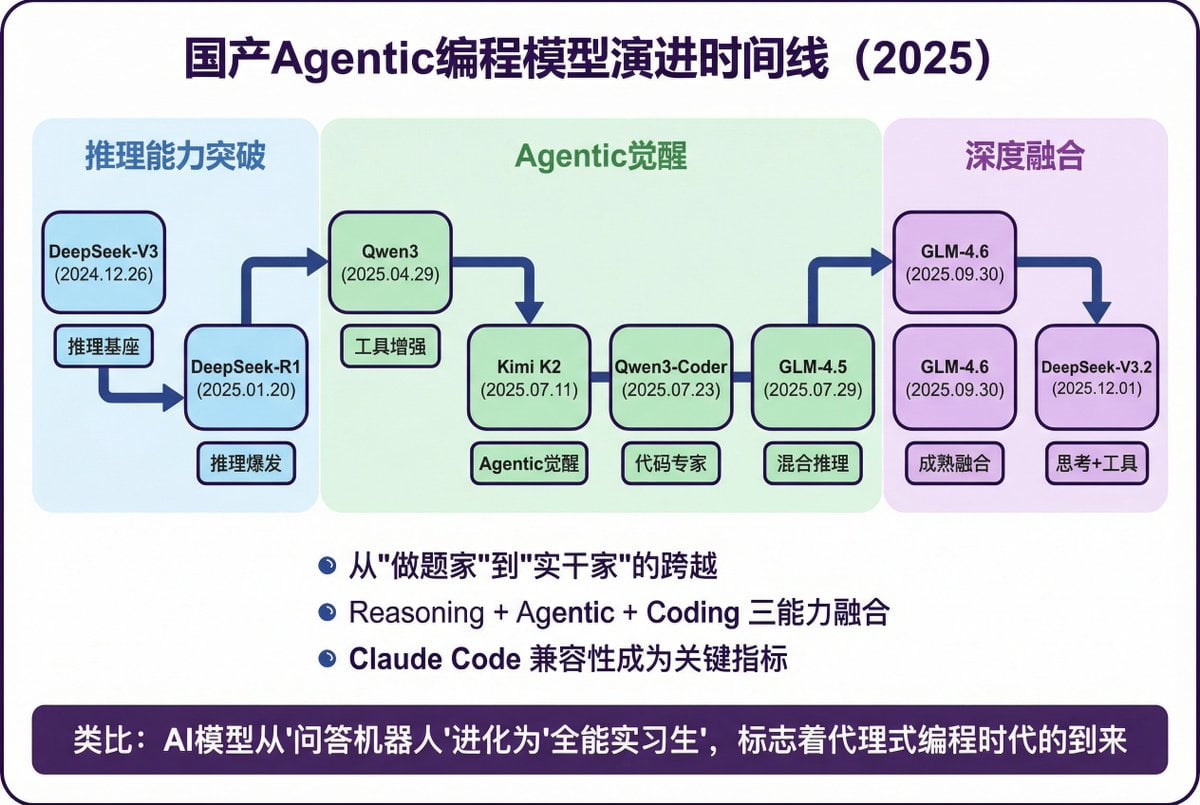
Modern Minimalist PPT/Diagram Generation Prompt

Minimalist Cave Painting Style Avatar

Luxury Business Leader Ink Portrait

Crayon Style Image Transformation

Elegant Luxurious Floral Vector Pattern Prompts (2 variations)
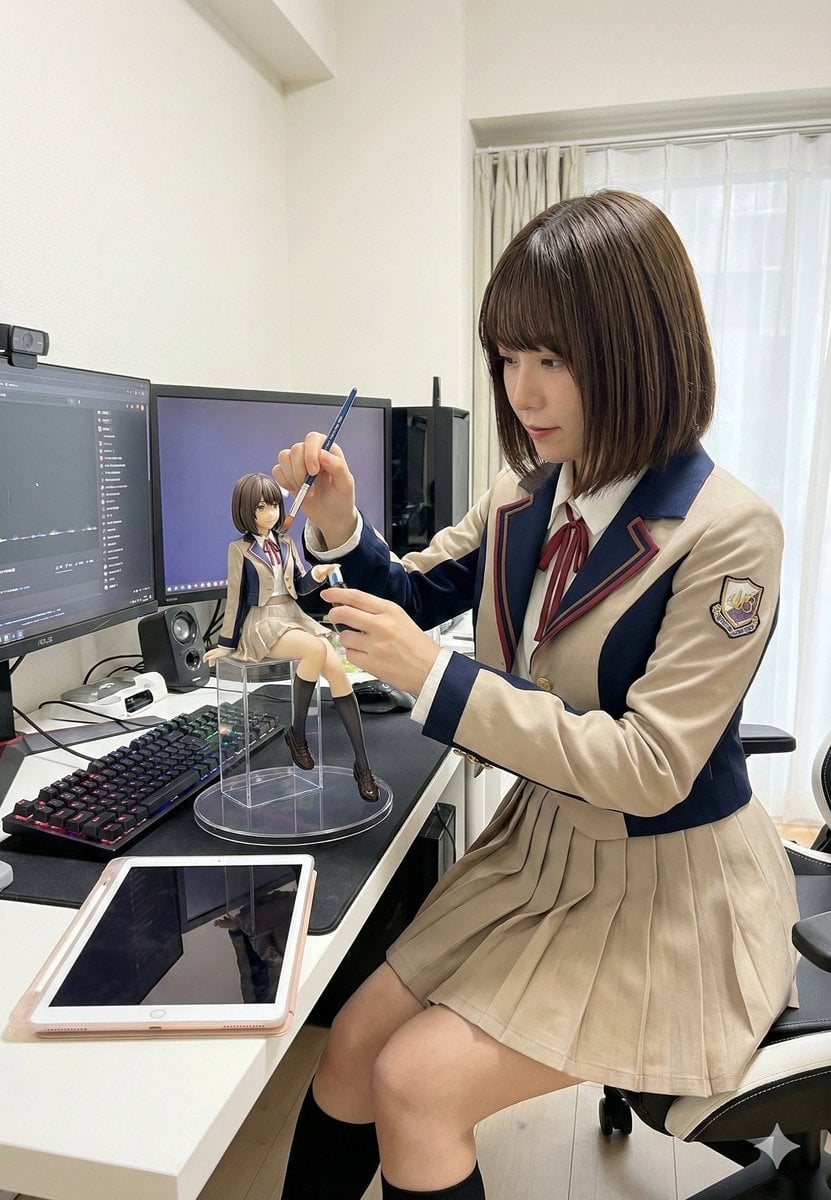
Model Cleaning Mini Me Scale Figure Prompt

YouTube thumbnail introducing Nano Banana Pro
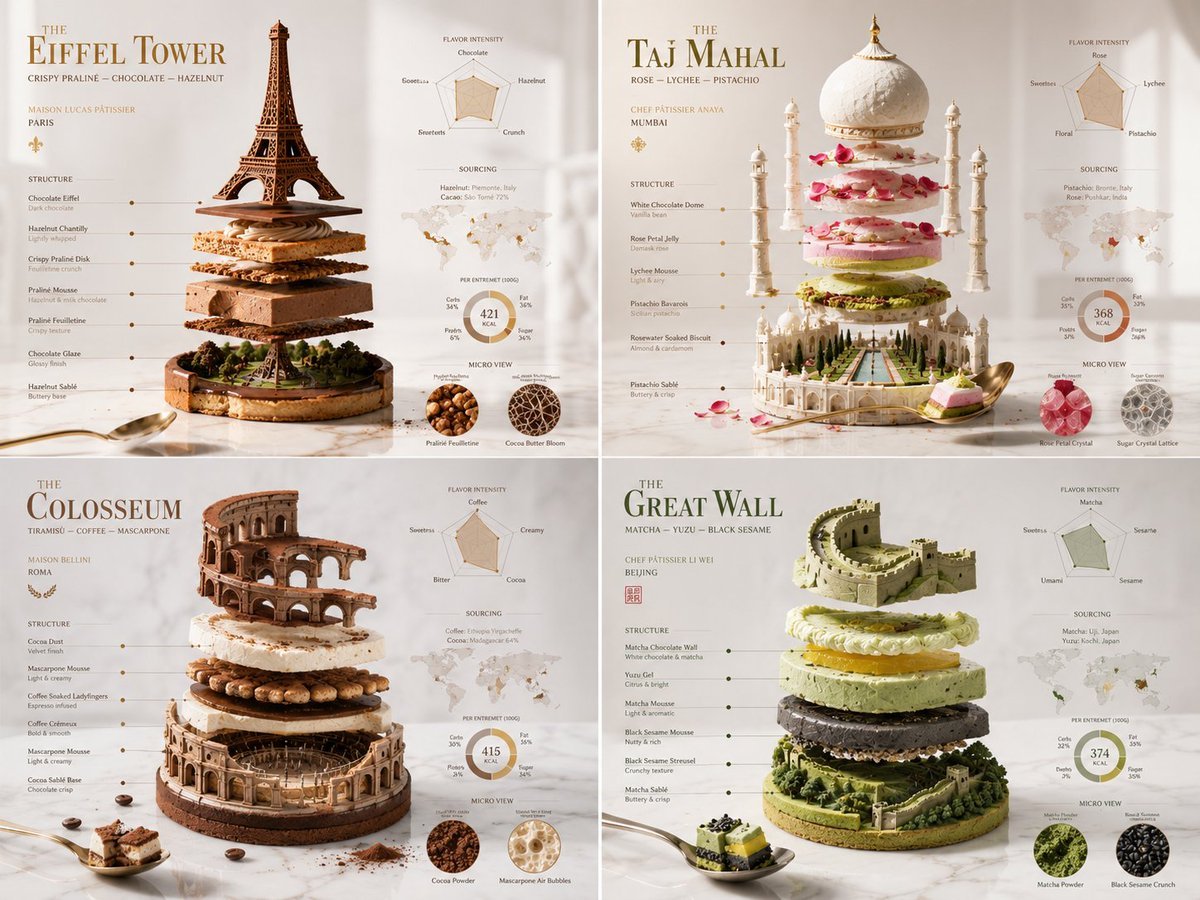
Exploded Monument Pastry Art
Regal Morning Portrait in a European Villa Prompt
Browse template categories
Sunlit Terracotta Colonnade questions
How do I use the Sunlit Terracotta Colonnade template?
Add your photo if the template asks for one, edit the prompt if you like — the template's model and format are already selected — and press Generate. Your version opens in PicX Studio.
Can I customize the Sunlit Terracotta Colonnade template?
Yes. You can change the subject, setting, lighting, mood, format, and available model controls before creating your image.
Is the Sunlit Terracotta Colonnade template free?
Opening and editing this template is free. Generating uses credits, shown on the Generate button when you are signed in.
Which AI model should I use?
Start with GPT Image 2, which is the model associated with this template. You can compare another compatible model for a different finish.
Looking for something else? Browse all templates.

Your photo, any look
Thousands of ready templates for every top image and video model, from one credit balance.