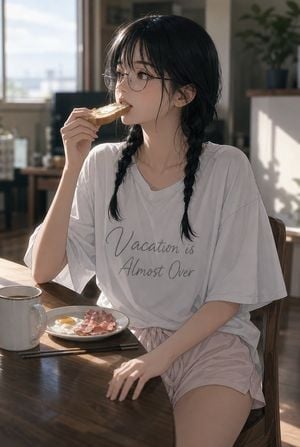
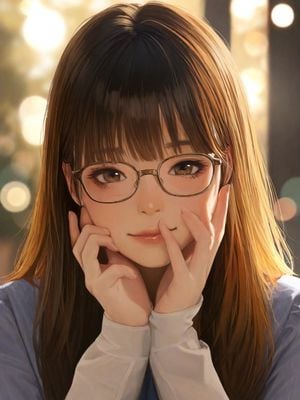
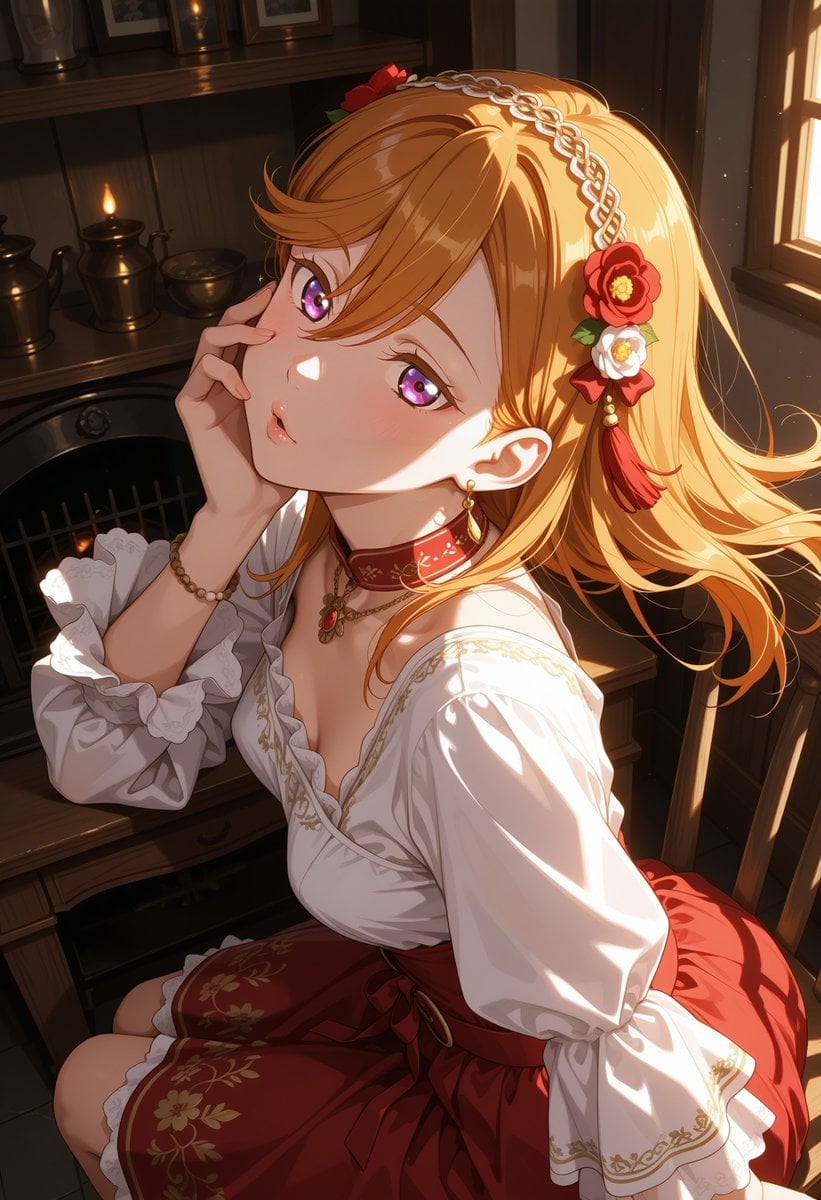
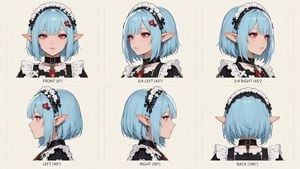
How do I use the Sunlit Anime Maid Portrait template?
Edit the prompt in the box under the preview — the template's model and format are already selected — and press Generate. Your version appears right on this page.
Generates a cozy overhead anime illustration of a frilly maid character seated in a warm living room with a censored face area.

This template uses your photo — add one with the + button.
Create a polished anime-style illustration of {argument name="character name" default="a young maid girl"} sitting on a soft patterned rug in a bright, cozy living room, viewed from a high slightly overhead angle in a vertical portrait composition. She has {argument name="hair color" default="dark brown almost black"} hair in exactly 2 high twin ponytails with loose strands, wearing a classic black-and-white frilly maid outfit with exactly 7 main visible outfit elements: a white ruffled maid headband, a black puff-sleeve dress, a white pleated bib front, a large black bow at the collar, a white apron with ruffled edges, white thigh-high stockings with lace tops, and glossy black Mary Jane shoes with buckles. Her face is intentionally covered by a centered opaque square censor block in a muted brown-to-beige vertical gradient, hiding all facial features. Pose her seated demurely with knees bent, one hand resting on her skirt and one hand touching the floor, with the skirt and apron spread around her. The room should feel warm and sunlit, with golden afternoon light pouring through a window at the upper right, soft bloom, dust sparkles, and a faint rainbow lens flare. Include exactly 6 notable background props: a round white coffee table, a glass of orange drink on the table, a small book or notebook on the table, a low shelf with books and a basket, a small green potted plant, and a pink cushion or sofa at the right. Use delicate pastel colors, detailed fabric folds, soft shading, clean linework, and high-quality Japanese anime illustration aesthetics. Make the mood gentle, intimate, and cozy, with no text, no watermark, and no extra characters.
Create a polished anime-style illustration of {argument name="character name" default="a young maid girl"} sitting on a soft patterned rug in a bright, cozy living room, viewed from a high slightly overhead angle in a vertical portrait composition. She has {argument name="hair color" default="dark brown almost black"} hair in exactly 2 high twin ponytails with loose strands, wearing a classic black-and-white frilly maid outfit with exactly 7 main visible outfit elements: a white ruffled maid headband, a black puff-sleeve dress, a white pleated bib front, a large black bow at the collar, a white apron with ruffled edges, white thigh-high stockings with lace tops, and glossy black Mary Jane shoes with buckles. Her face is intentionally covered by a centered opaque square censor block in a muted brown-to-beige vertical gradient, hiding all facial features. Pose her seated demurely with knees bent, one hand resting on her skirt and one hand touching the floor, with the skirt and apron spread around her. The room should feel warm and sunlit, with golden afternoon light pouring through a window at the upper right, soft bloom, dust sparkles, and a faint rainbow lens flare. Include exactly 6 notable background props: a round white coffee table, a glass of orange drink on the table, a small book or notebook on the table, a low shelf with books and a basket, a small green potted plant, and a pink cushion or sofa at the right. Use delicate pastel colors, detailed fabric folds, soft shading, clean linework, and high-quality Japanese anime illustration aesthetics. Make the mood gentle, intimate, and cozy, with no text, no watermark, and no extra characters.
Edit the prompt in the box under the preview — the template's model and format are already selected — and press Generate. Your version appears right on this page.
Yes. You can change the subject, setting, lighting, mood, format, and available model controls before creating your image.
Opening and editing this template is free. Generating uses credits, shown on the Generate button when you are signed in.
Start with GPT Image 2, which is the model associated with this template. You can compare another compatible model for a different finish.
Follow a topic to a crawlable collection of related PicX Studio templates.