
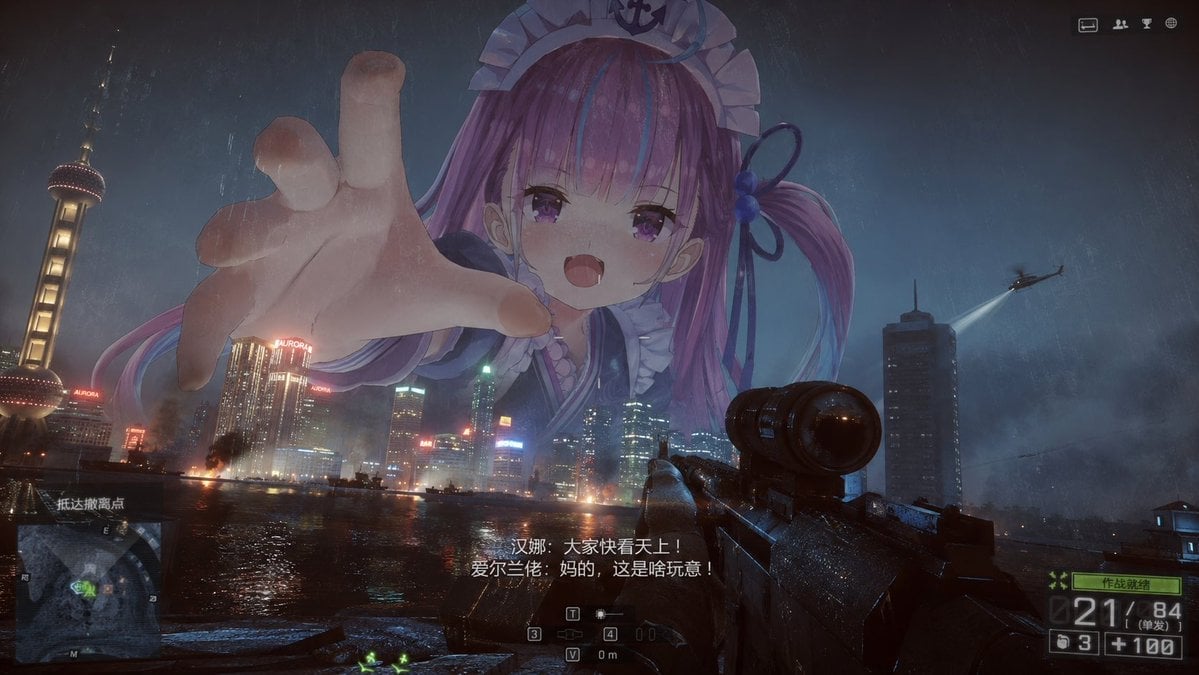
Giant Anime Maid Over Shanghai FPS Scene
Generates a cinematic first-person shooter view of rainy Shanghai invaded by a colossal anime maid giantess, ideal for surreal game screenshot concepts.
- Prompt included
- Model and format preset
- Free template
The prompt behind this image
Copy the exact prompt behind Giant Anime Maid Over Shanghai FPS Scene, or open it in the studio and make it yours.
Goal: Create a cinematic first-person shooter screenshot in Shanghai at night, blending gritty realistic military-game visuals with a surreal giant anime maid looming over the skyline. Canvas: Wide 16:9 frame, dark rainy night, high-contrast blue-gray color grading, wet lens grime, film grain, subtle scratches, dramatic storm clouds, reflections on the river. Scene and layout: The viewer stands on a riverside battlefield facing the Pudong skyline across dark water. The Oriental Pearl Tower is clearly visible on the far left, with illuminated skyscrapers and neon signs along the waterfront. In the lower right foreground, show a realistic black scoped assault rifle held in first-person view, rain-speckled and aimed toward the skyline. Add fires, smoke plumes, small explosions, and city lights reflected in the water. A helicopter with a bright searchlight appears in the upper right sky. Main subject: A colossal semi-transparent anime giantess appears behind and above the skyscrapers, scaled so her head and shoulders dominate the sky. She is {argument name="character name" default="an original anime maid giantess"} with {argument name="hair color" default="pink-purple twin-tail hair with blue streaks"}, large purple eyes, small open mouth, and a mischievous or threatening expression. She wears a frilly maid-style headpiece and sailor-maid outfit with dark blue ribbons. Her left hand reaches forward toward the viewer in extreme foreshortening, with the palm and fingers huge in the foreground, as if trying to grab the city or the player. Make her softly luminous and slightly transparent, like a massive holographic or supernatural apparition in the rain. HUD and readable overlays: Include exactly 5 distinct game-interface elements: 1 square minimap in the lower left, 1 centered crosshair/weapon status cluster near the bottom, 1 ammo counter panel in the lower right showing large numbers similar to “21 / 84”, 1 small status label above the ammo panel, and 1 row of small icons at the top right. Include exactly 2 centered Chinese subtitle lines near the bottom: {argument name="first subtitle line" default="汉娜:大家快看天上!"} and {argument name="second subtitle line" default="爱尔兰佬:妈的,这是啥玩意!"}. Add a small Chinese objective label near the minimap reading {argument name="objective label" default="抵达撤离点"}. Counted visible elements to include: exactly 1 giant anime maid, exactly 1 oversized reaching hand, exactly 1 helicopter with searchlight, exactly 1 first-person scoped rifle, exactly 1 Oriental Pearl Tower, exactly 2 subtitle lines, and exactly 5 HUD/interface groups. Do not add extra characters in the foreground. Visual style: Photorealistic AAA military FPS screenshot with realistic rain, wet surfaces, smoky battlefield atmosphere, cinematic lighting, and authentic UI overlays; contrast the realistic war scene with a crisp anime character rendered as a gigantic translucent figure.
How to use Giant Anime Maid Over Shanghai FPS Scene in 3 steps
- 1Upload ImagePNG, JPG or paste
Add your photo
Upload the photo the template builds on. The prompt, model and format are already set.
- 2…a portrait of your subject in softgolden-hour light, 85mm…
Personalize
Edit the subject and creative details for your destination.
- 3Generate
Generate
Press Generate — your image is created in PicX Studio, so you can compare it with the original and refine one variable at a time.
More like this
Templates with the same subject, style or setup. Open one to see its prompt.











Make it yours
Giant Anime Maid Over Shanghai FPS Scene works as-is. These are the safest ways to change it without losing the look.
Change one field
Copy a single group, rewrite it, and generate again so you can see what that field is doing.
Keep the frame, change the subject
Hold the composition and light of Giant Anime Maid Over Shanghai FPS Scene, then swap wardrobe, props or the person for a new take.
| If the result… | Why | Fix |
|---|---|---|
| The result drifts from the preview | Too many fields changed at once. | Reuse Giant Anime Maid Over Shanghai FPS Scene as-is first, then change one group — subject, light, or setting. |
| The model over-stylizes the scene | The prose prompt leaves finish and camera underspecified. | Add one camera or lighting sentence and stay on GPT Image 2. |
More GPT Image 2 templates
Other prompts made for GPT Image 2.

Six VTuber Japanese Logo Sheet

Realistic Portrait of Woman and Deer

The Vista Modular Condo Poster

AI Model Routing Comparison Infographic

2.5D Anime Art Board

Isometric Productivity Desk Scene

New York Double Exposure Poster

Four-Panel AI Landscape Comparison

Japanese Tatami Lifestyle Magazine Cover

NESCAFÉ Coffee Map Poster
More image prompts
Fresh picks from across the catalog.
Low-Key Masculine Portrait
Futuristic Bionic Super Shoe
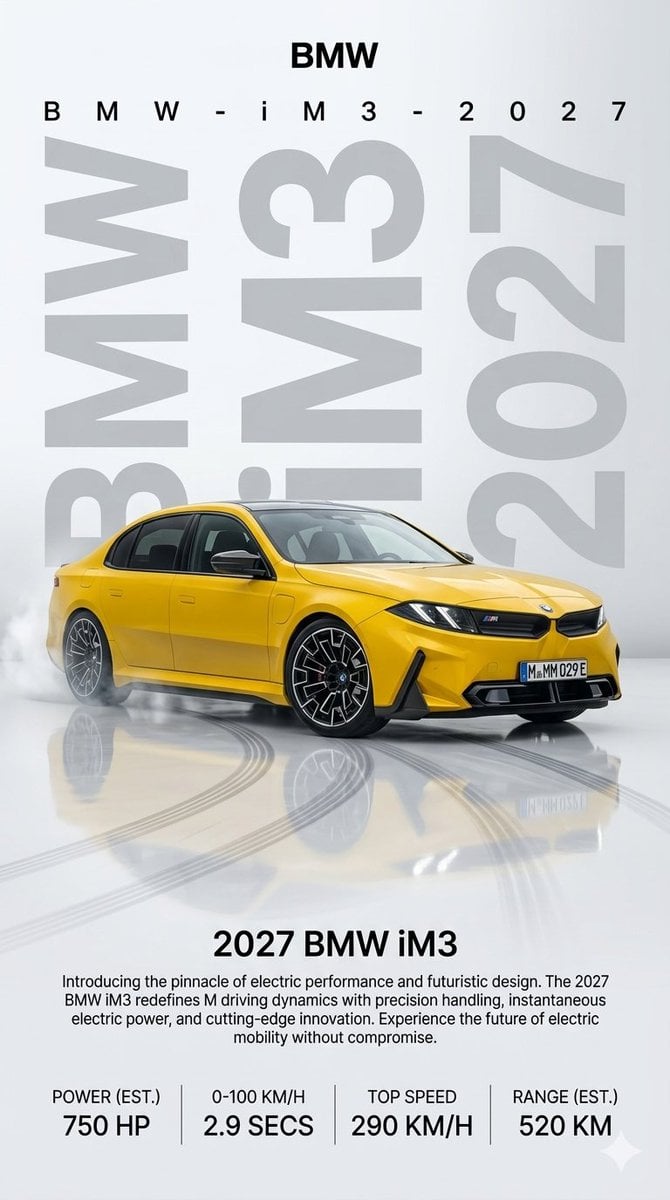
2027 BMW iM3 Launch Poster
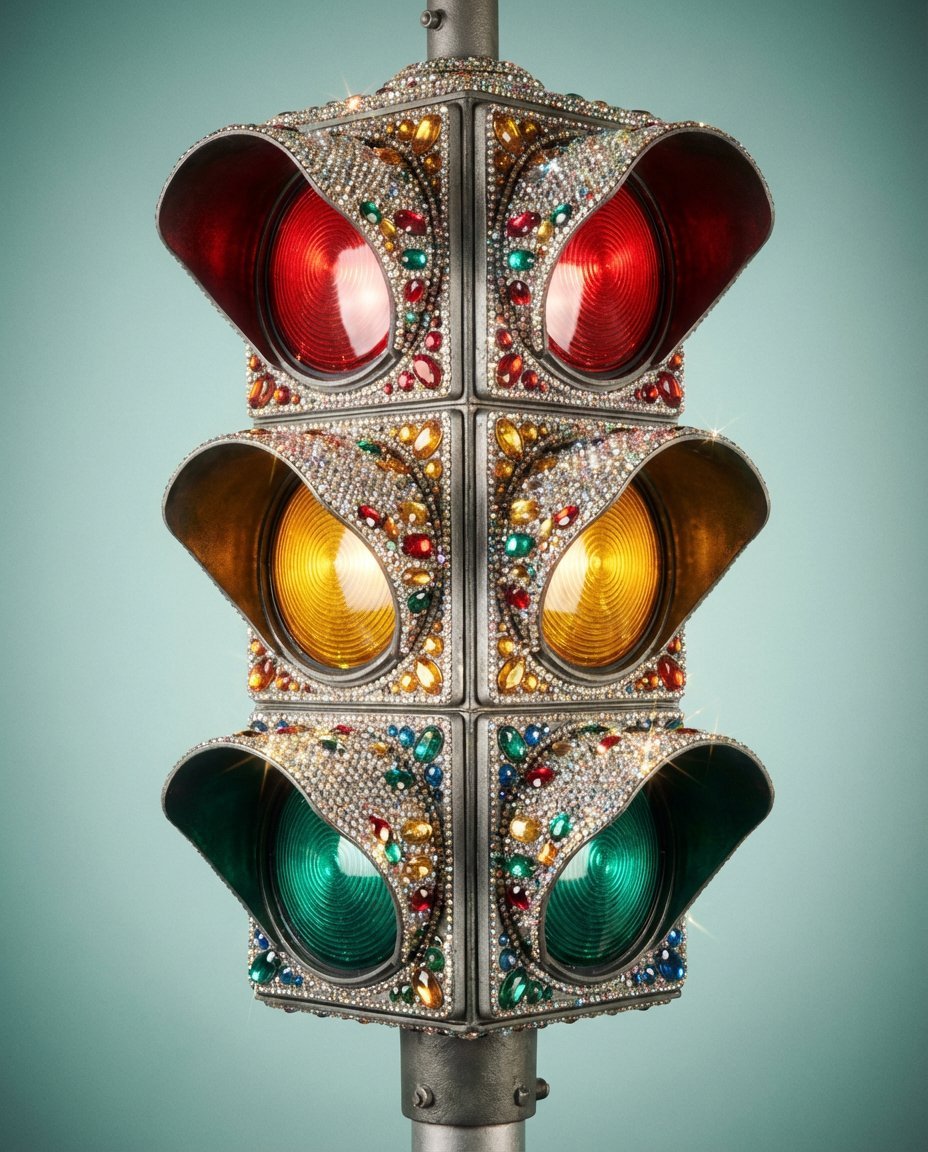
Rhinestone Encrusted Vintage Traffic Light Close-Up
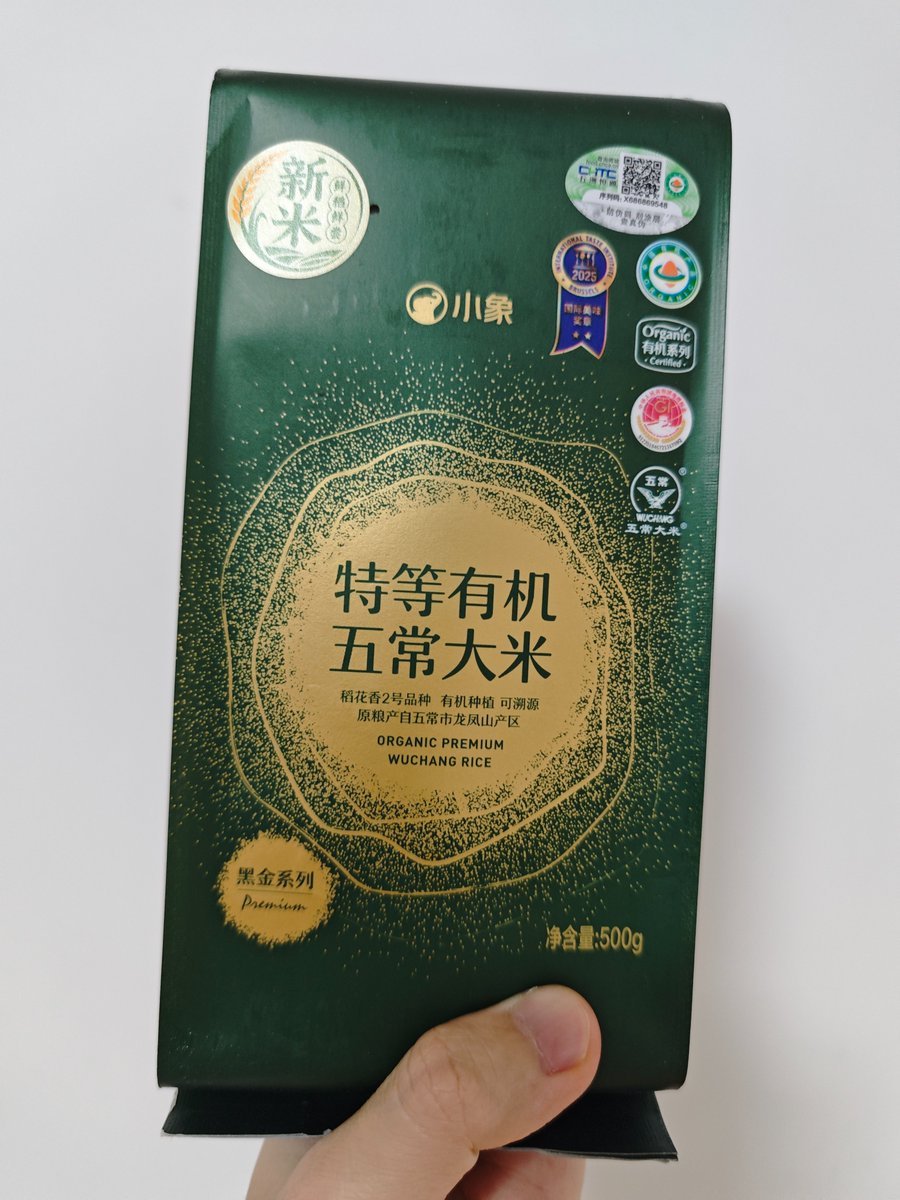
Product-Inspired Fashion Design
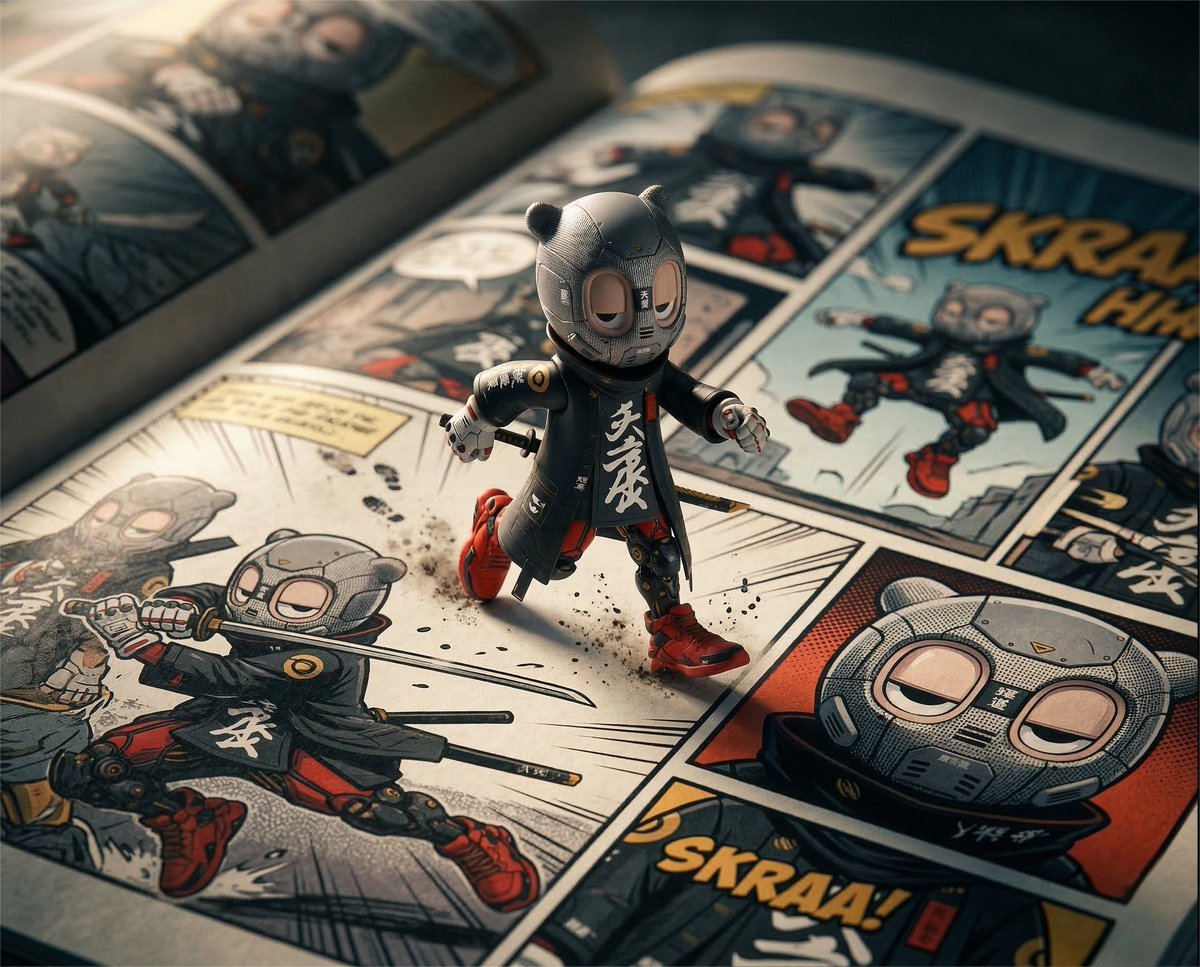
Macro Toy Photography: Beast Escaping Comic Panel
X Sumiturkude007 Image Description Subject
8K Cinematic Fitness Portrait on Suburban Sidewalk
Surreal Lunar Horse Rider
Image Conversion to Berry Tart Dress Style
Browse template categories
Giant Anime Maid Over Shanghai FPS Scene questions
How do I use the Giant Anime Maid Over Shanghai FPS Scene template?
Add your photo if the template asks for one, edit the prompt if you like — the template's model and format are already selected — and press Generate. Your version opens in PicX Studio.
Can I customize the Giant Anime Maid Over Shanghai FPS Scene template?
Yes. You can change the subject, setting, lighting, mood, format, and available model controls before creating your image.
Is the Giant Anime Maid Over Shanghai FPS Scene template free?
Opening and editing this template is free. Generating uses credits, shown on the Generate button when you are signed in.
Which AI model should I use?
Start with GPT Image 2, which is the model associated with this template. You can compare another compatible model for a different finish.
Looking for something else? Browse all templates.

Your photo, any look
Thousands of ready templates for every top image and video model, from one credit balance.