
Broken Ancient Terracotta Vase
A realistic studio product shot prompt for generating an aged cracked terracotta artifact with a glowing exposed interior on a black background.
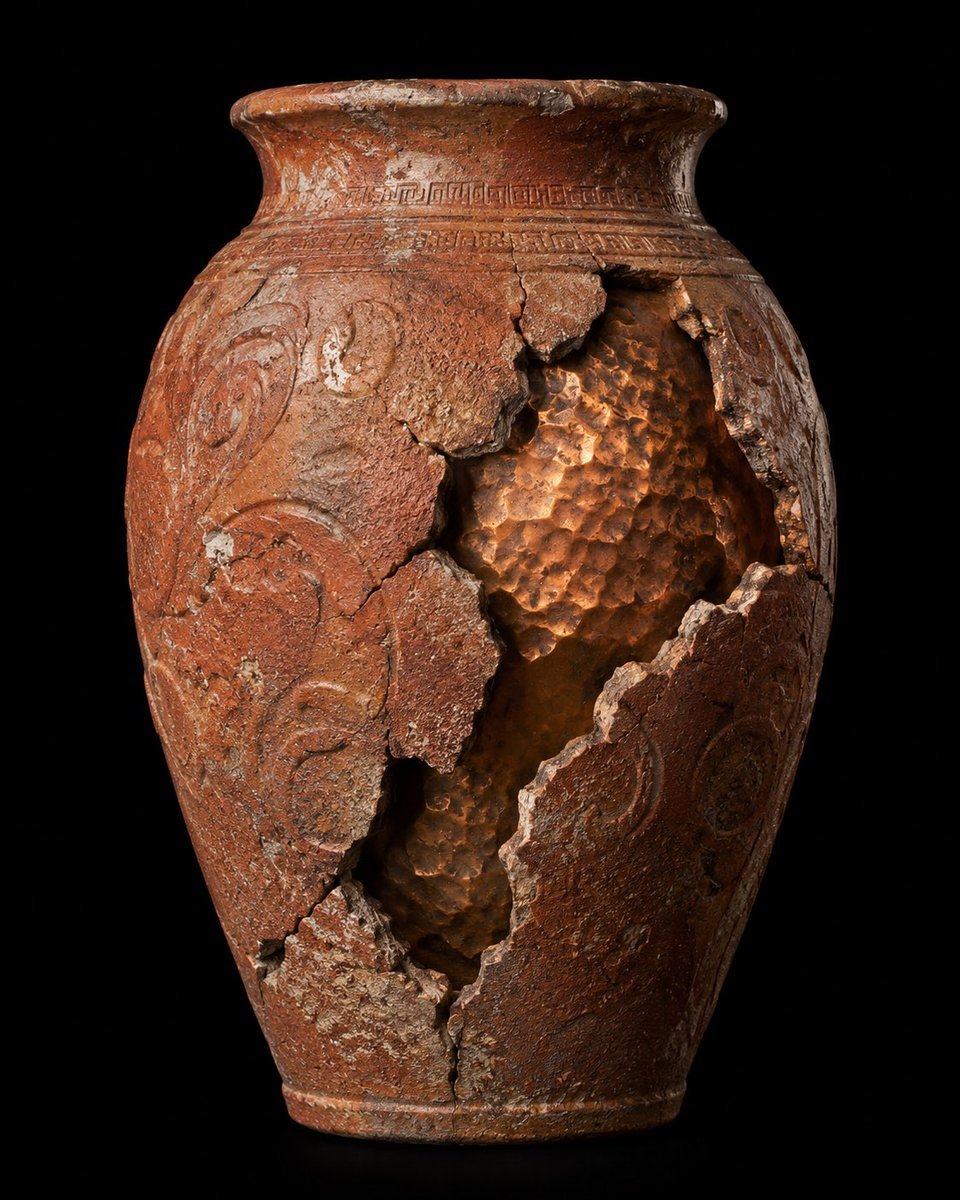
- Prompt included
- Model and format preset
- Free template
The prompt behind this image
Copy the exact prompt behind Broken Ancient Terracotta Vase, or open it in the studio and make it yours.
Create a hyper-realistic museum-style product photograph of a single ancient {argument name="artifact type" default="terracotta ceramic vase"} centered on a pure black background. The vessel is tall and ovoid with a narrow foot, rounded shoulders, and a wide flared rim, made of reddish-brown weathered clay with heavy age patina, mineral deposits, chips, scratches, white abrasions, and fine cracks. Add carved ornamental decoration: one continuous geometric band around the neck just below the rim and raised swirling vine-like relief patterns on the body. The front right side has one large jagged vertical rupture exposing the hollow interior, with multiple broken clay shards still attached around the opening; the opening runs from the upper shoulder down toward the lower body and shows a warm copper-orange hammered, dimpled inner surface catching light. Use dramatic studio lighting from the upper left and subtle warm internal/reflected glow inside the broken cavity, emphasizing rough ceramic texture, fractured edges, depth, and archaeological realism. Composition is a straight-on three-quarter product view, full vase visible with slight shadow at the base, high contrast, sharp focus, ultra-detailed, no labels, no people, no extra objects, no watermark.
How to use Broken Ancient Terracotta Vase in 3 steps
- 1Upload ImagePNG, JPG or paste
Add your photo
Upload the photo the template builds on. The prompt, model and format are already set.
- 2…a portrait of your subject in softgolden-hour light, 85mm…
Personalize
Edit the subject and creative details for your destination.
- 3Generate
Generate
Press Generate — your image is created in PicX Studio, so you can compare it with the original and refine one variable at a time.
More like this
Templates with the same subject, style or setup. Open one to see its prompt.

Ancient Temple Portrait — White Dress Nano Banana
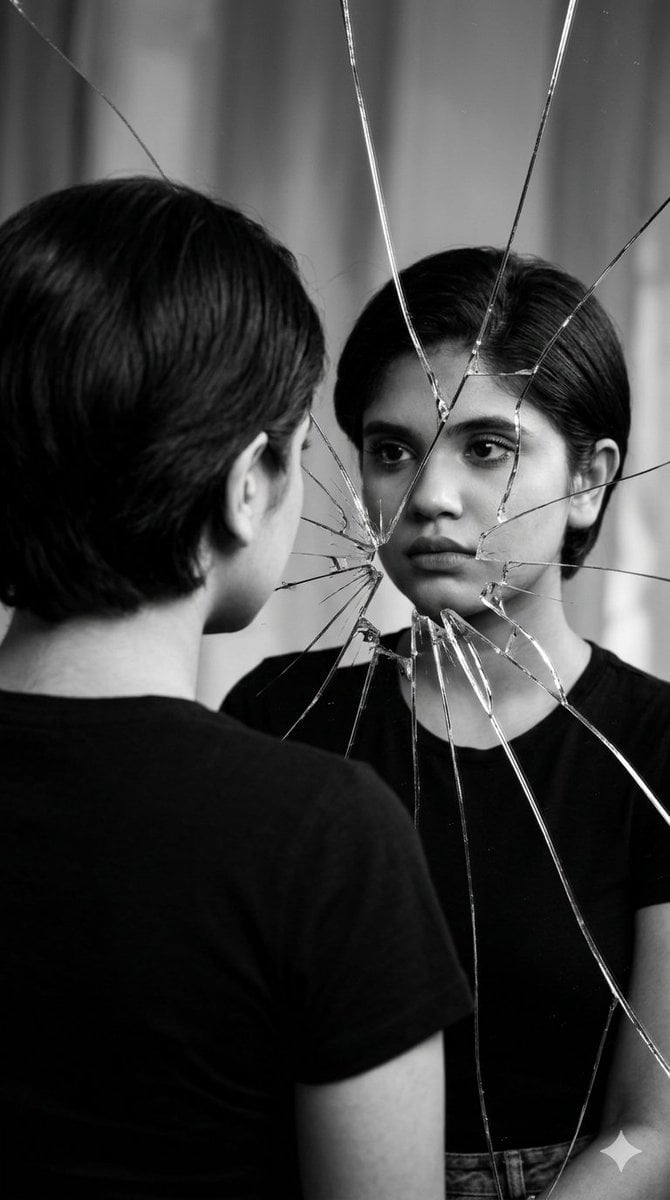
Broken Mirror Reflection Portrait
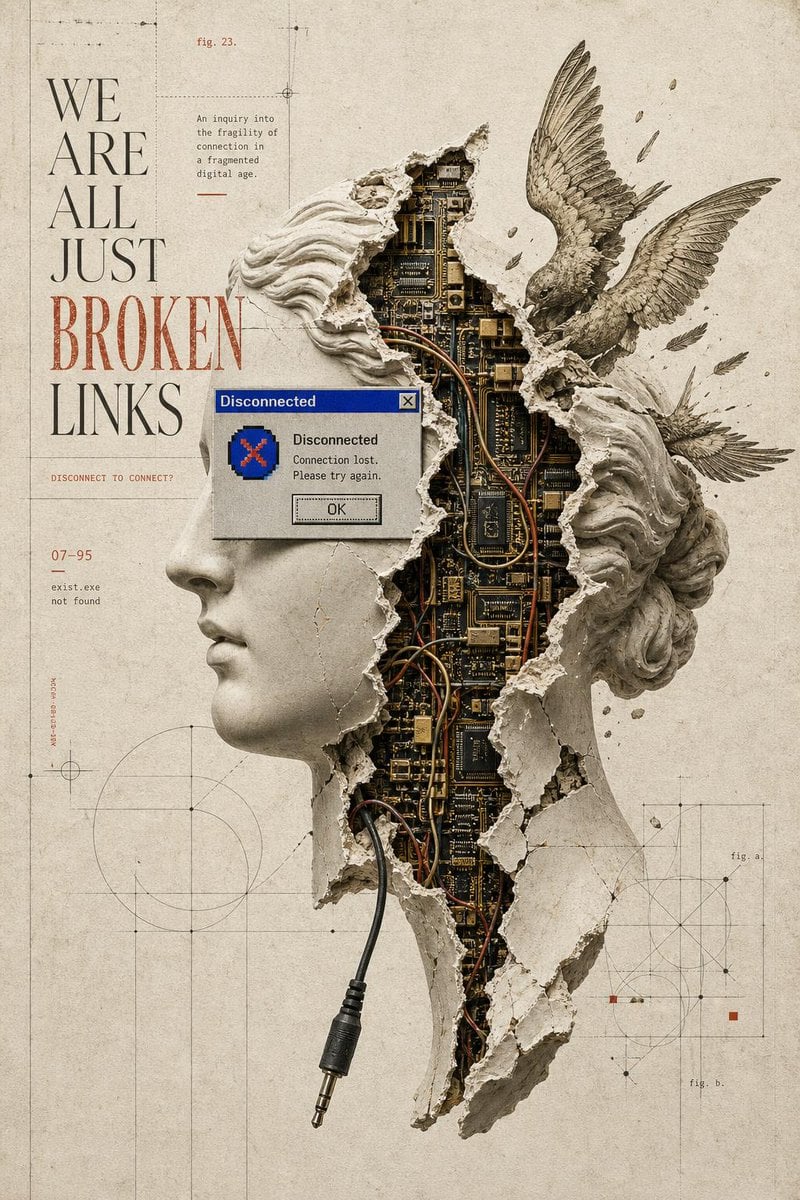
Broken Links Cybernetic Bust Poster
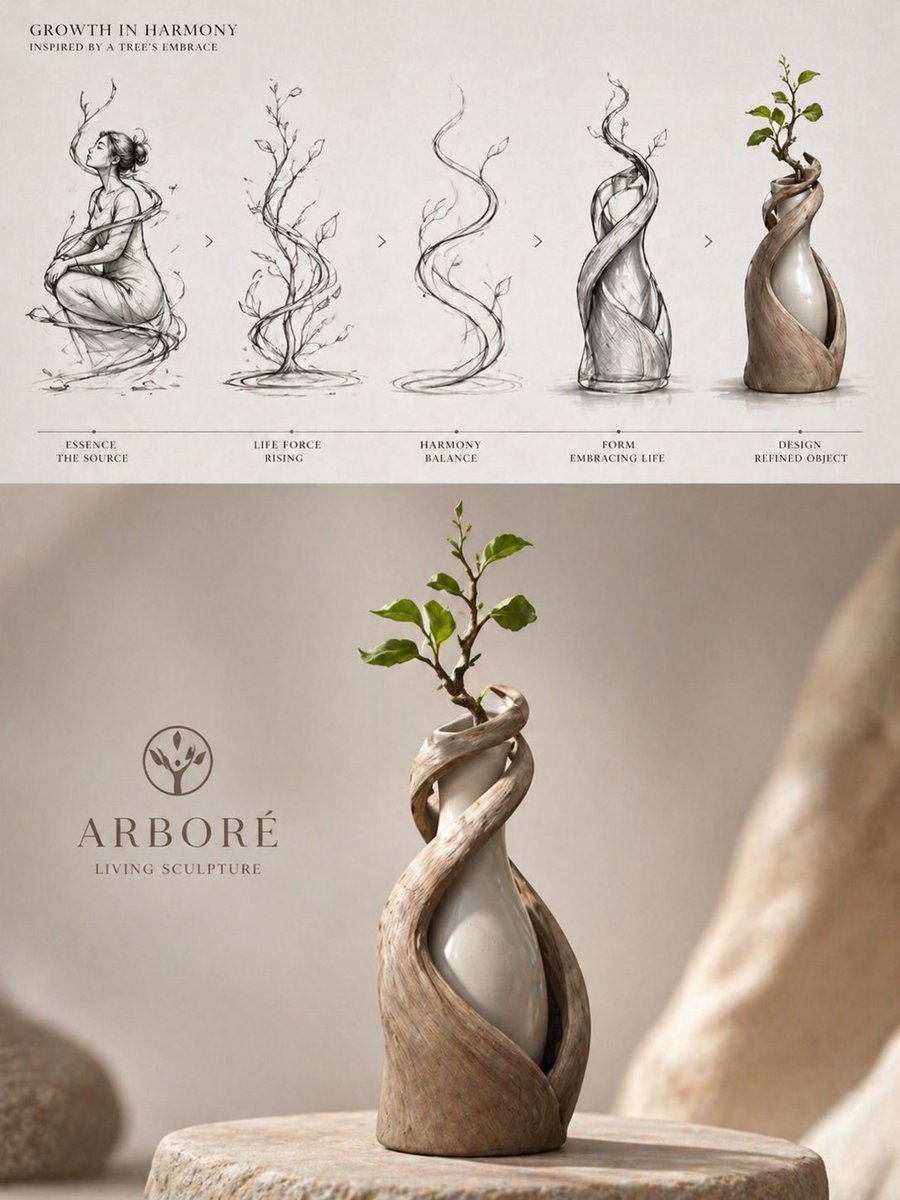
Luxury Biophilic Vase Concept Poster
Cosmic Broken Compact Album Cover
Sunlit Terracotta Colonnade
Traditional Chinese Art and Porcelain Vases
Broken Mouse MS Paint Recreation
Cinematic Broken Clock Scene Portrait for Nano Banana 2
Gpt2 E Commerce Main Image Traditional Chinese Art and Porcelain Vases

Ancient Temple Interior Contact Sheet
Skyborne Anime Biker in Ancient City
Make it yours
Broken Ancient Terracotta Vase works as-is. These are the safest ways to change it without losing the look.
Change one field
Copy a single group, rewrite it, and generate again so you can see what that field is doing.
Keep the frame, change the subject
Hold the composition and light of Broken Ancient Terracotta Vase, then swap wardrobe, props or the person for a new take.
| If the result… | Why | Fix |
|---|---|---|
| The result drifts from the preview | Too many fields changed at once. | Reuse Broken Ancient Terracotta Vase as-is first, then change one group — subject, light, or setting. |
| The model over-stylizes the scene | The prose prompt leaves finish and camera underspecified. | Add one camera or lighting sentence and stay on GPT Image 2. |
More GPT Image 2 templates
Other prompts made for GPT Image 2.

Six VTuber Japanese Logo Sheet

Realistic Portrait of Woman and Deer

The Vista Modular Condo Poster

AI Model Routing Comparison Infographic

2.5D Anime Art Board

Isometric Productivity Desk Scene

New York Double Exposure Poster

Four-Panel AI Landscape Comparison

Japanese Tatami Lifestyle Magazine Cover

NESCAFÉ Coffee Map Poster
More image prompts
Fresh picks from across the catalog.
Surreal Fine Art Portrait with Red Flower Projection
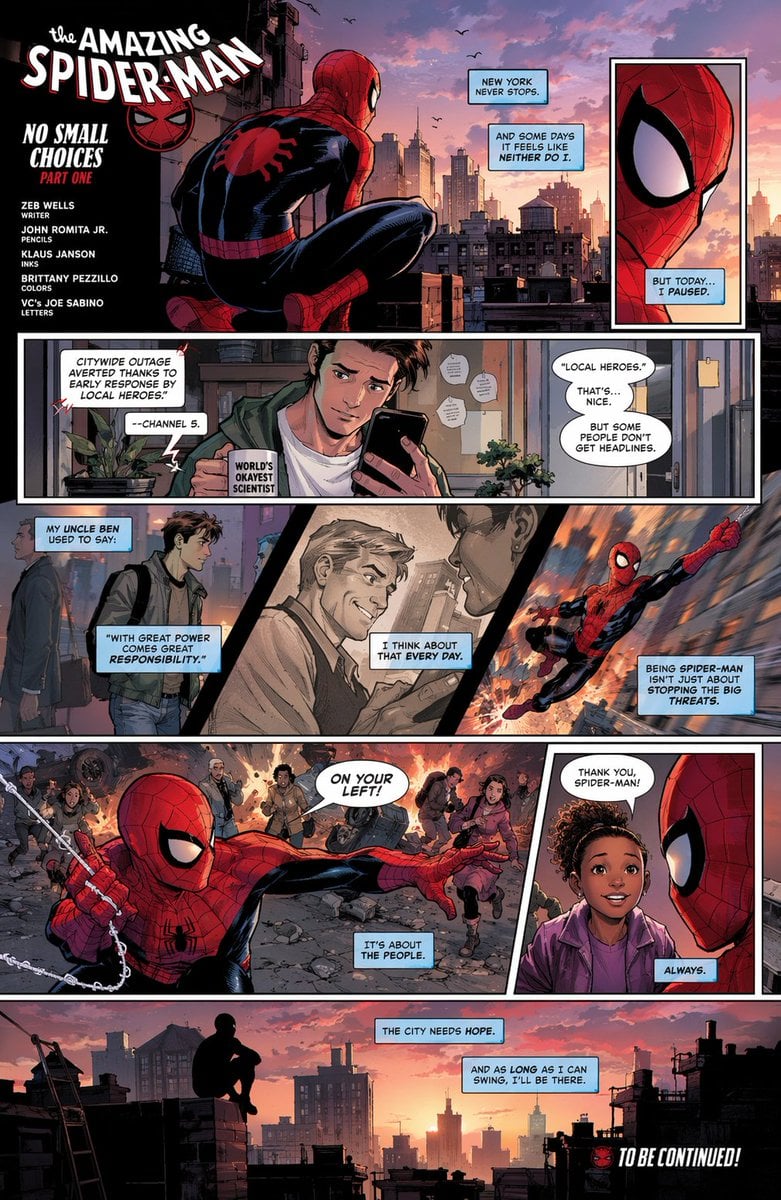
Full-Page Superhero Comic Layout
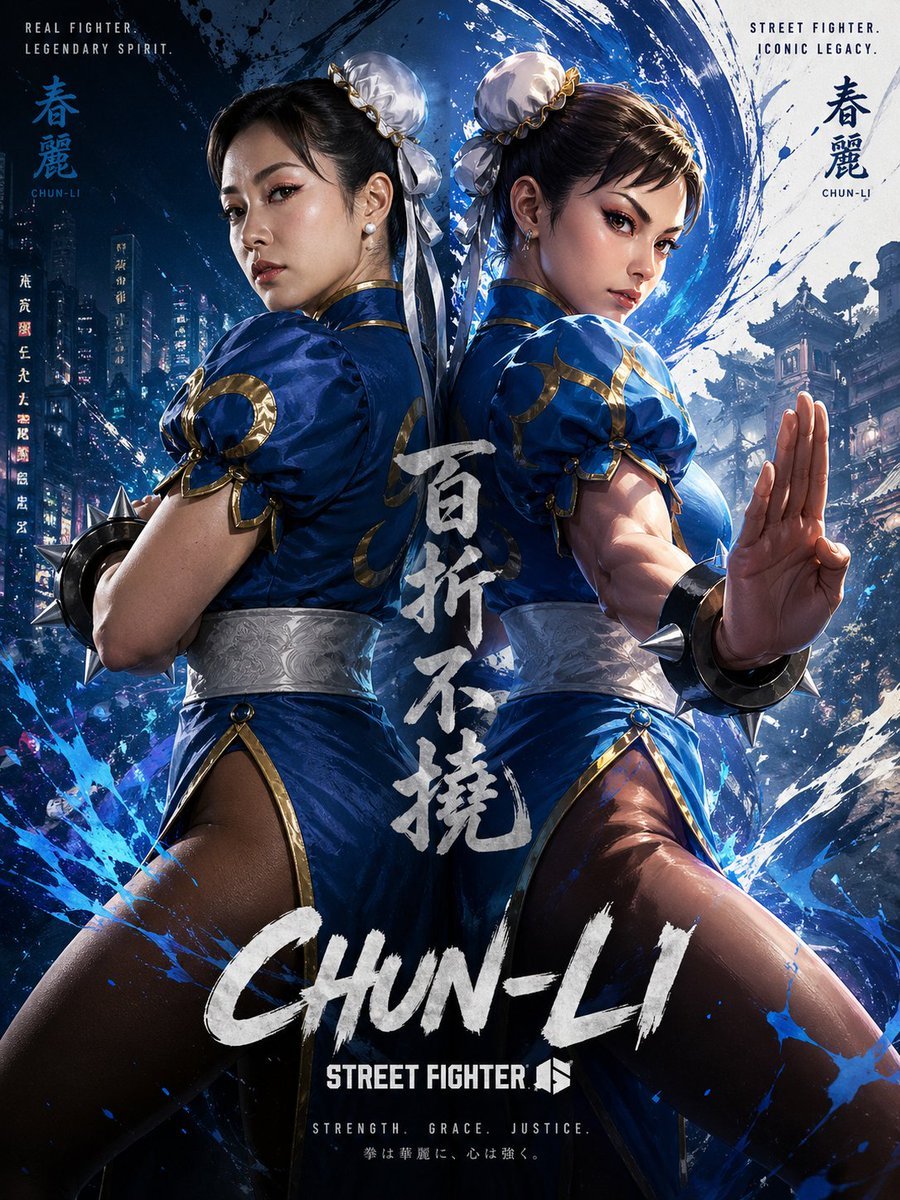
Chun-Li Digital vs Real Poster

Ultra-Realistic McDonald's Lifestyle Portrait (Two Scenes)
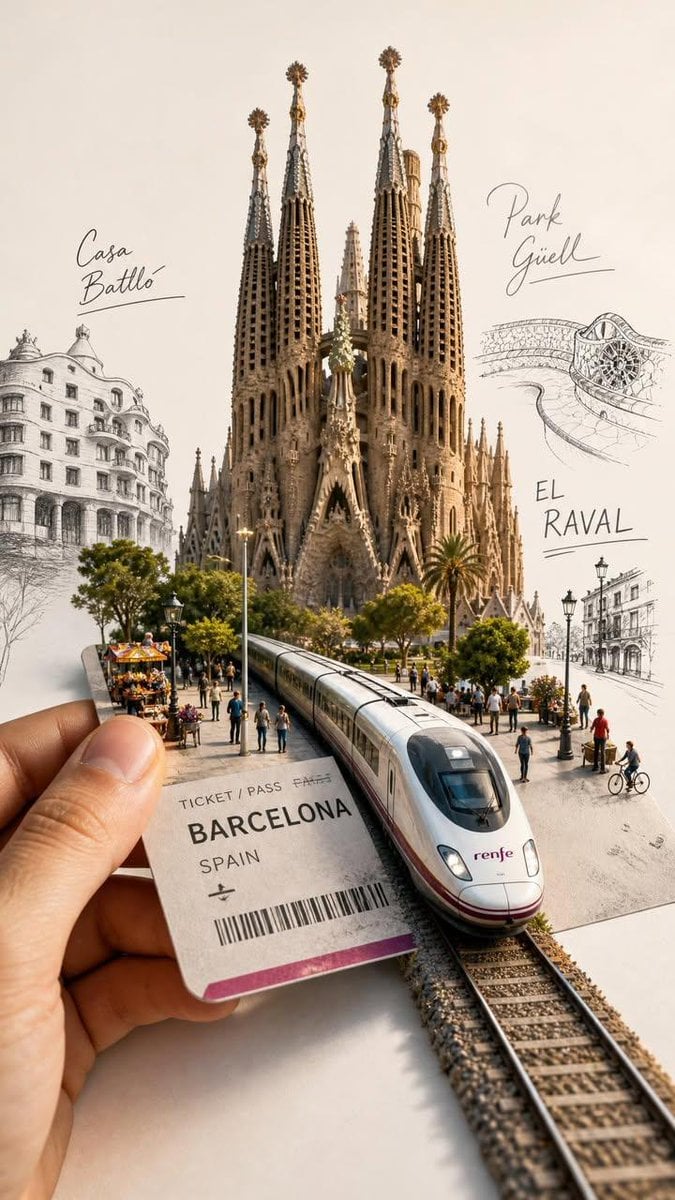
Forced Perspective Travel Ticket Train
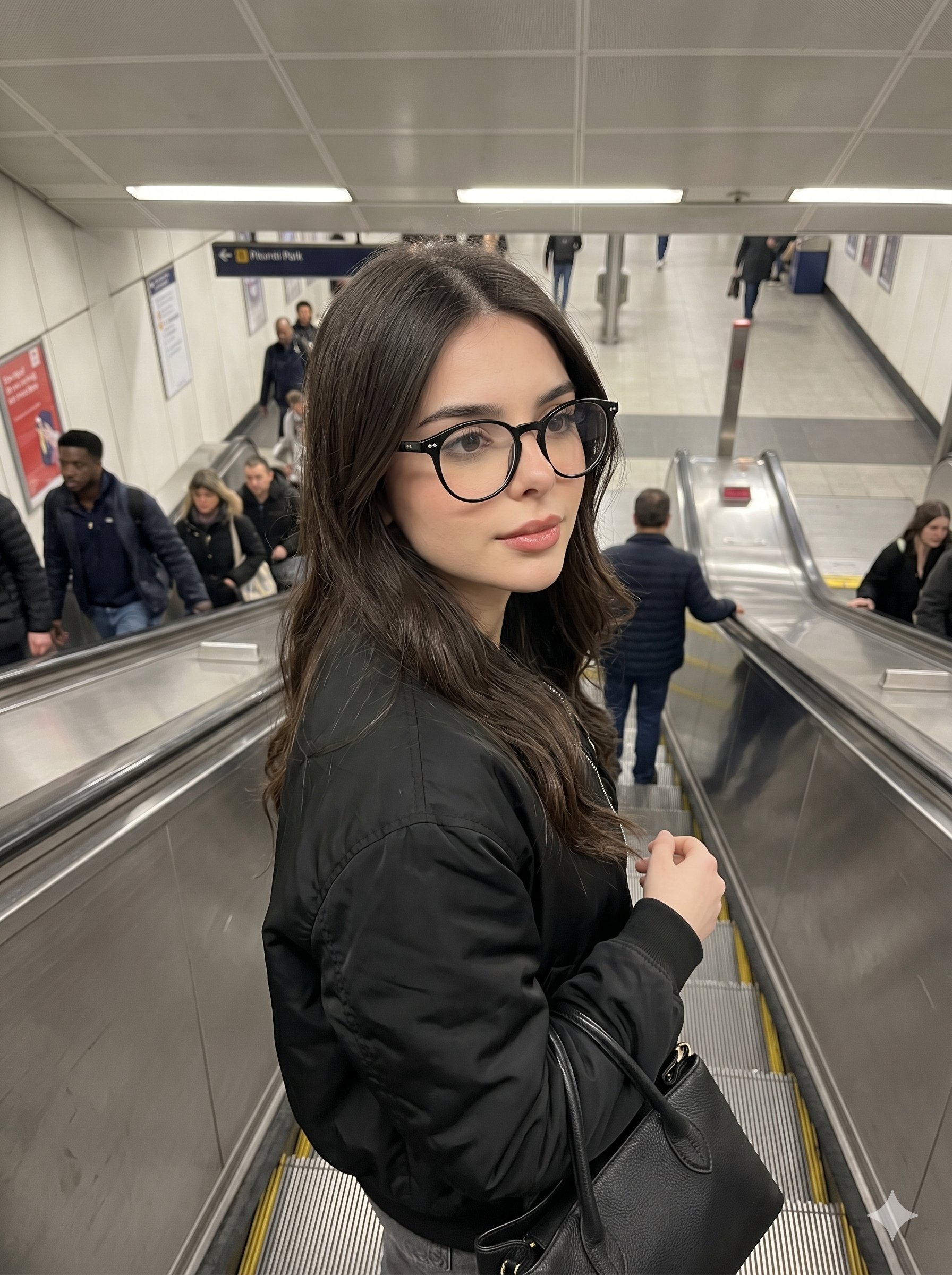
Nano Banana Pro Candid Escalator
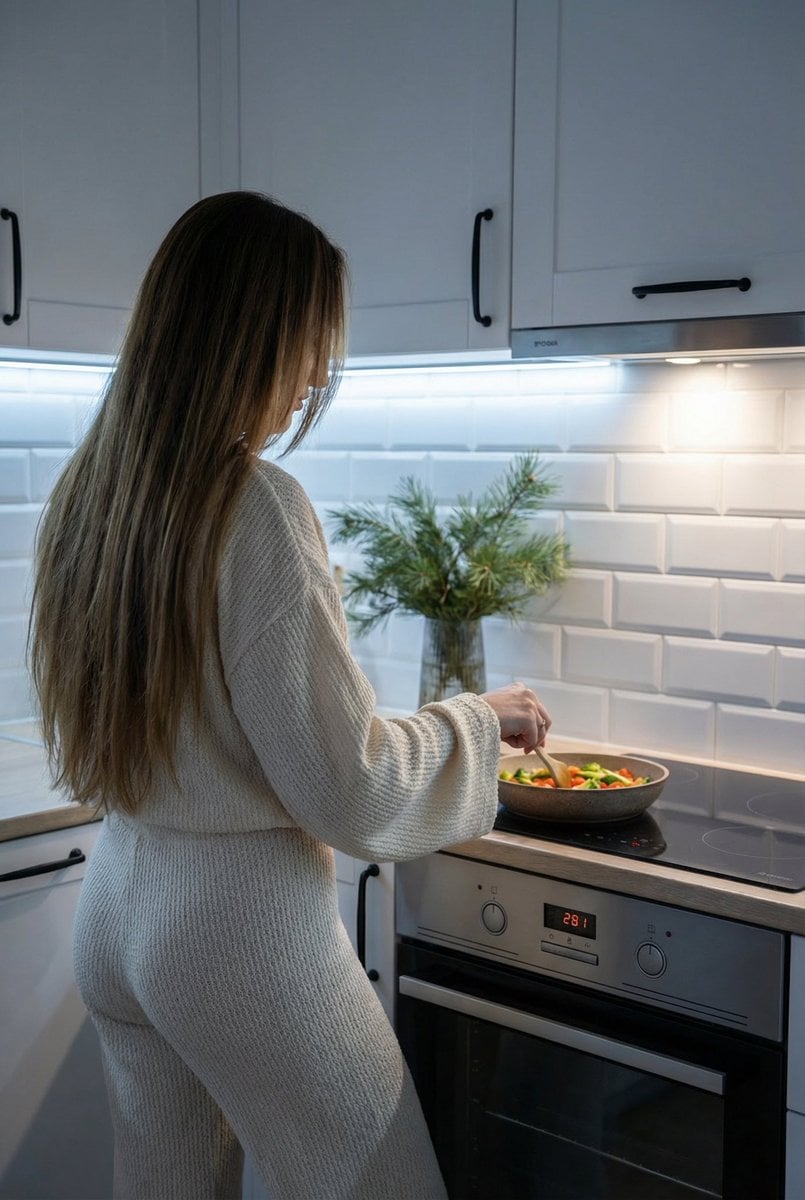
Candid Shot of Woman Cooking in Modern Kitchen
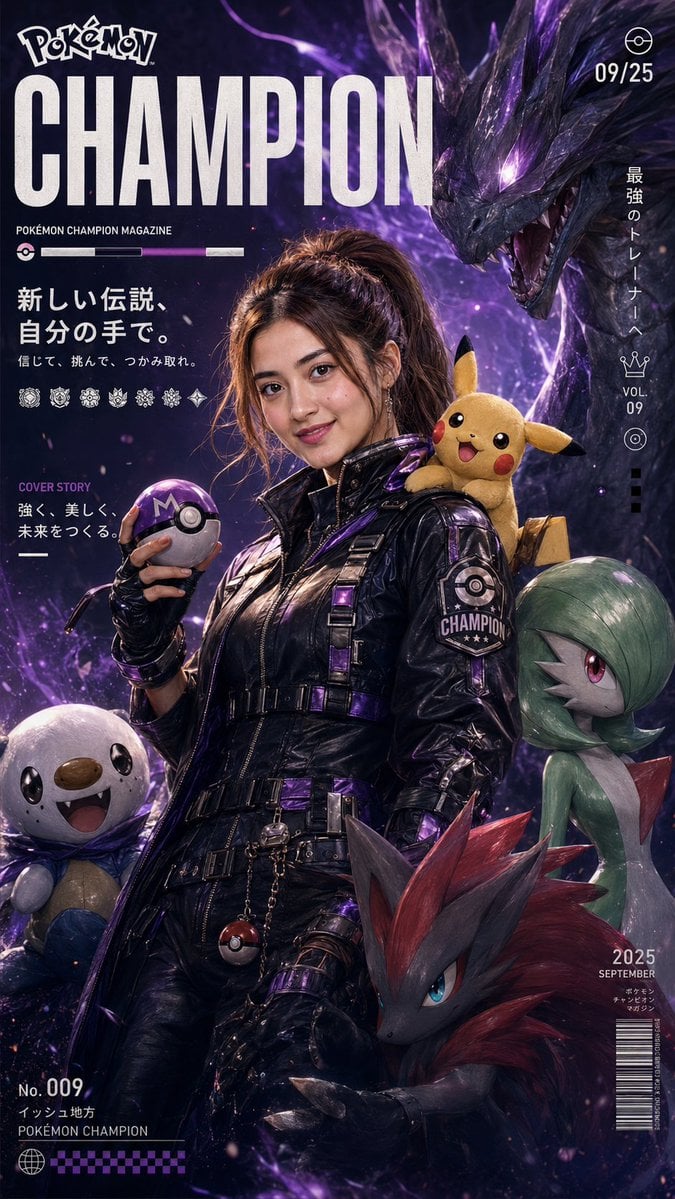
Pokemon Champion Magazine Cover
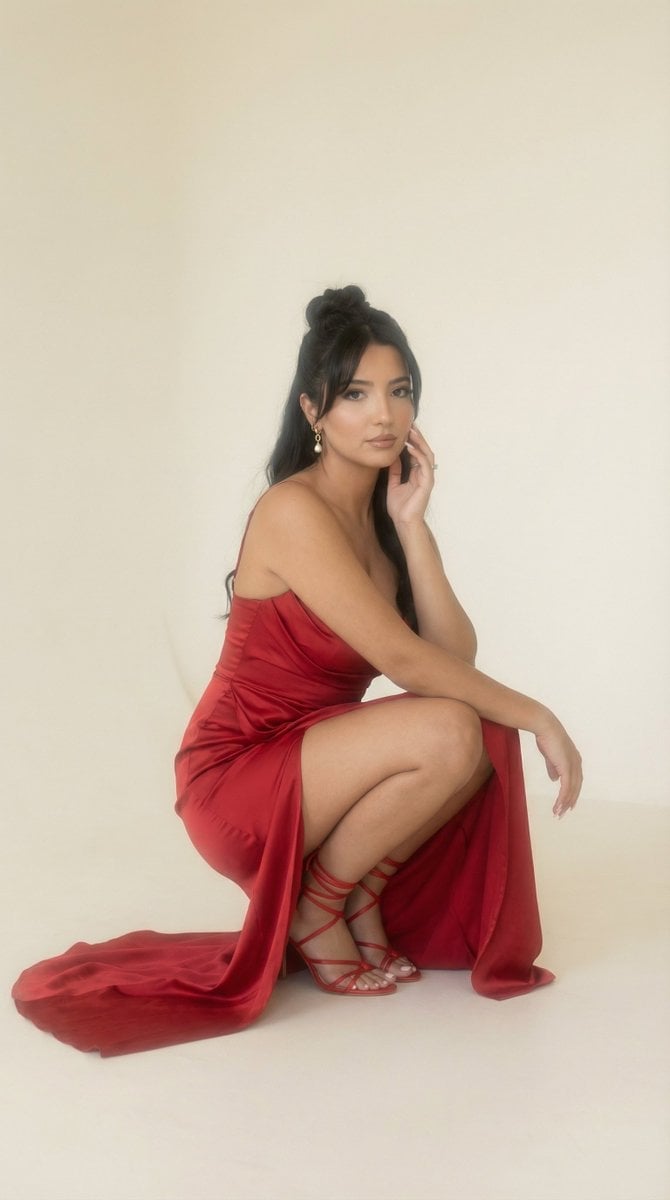
Soft Haze Editorial Studio Portrait (Image-to-Image)
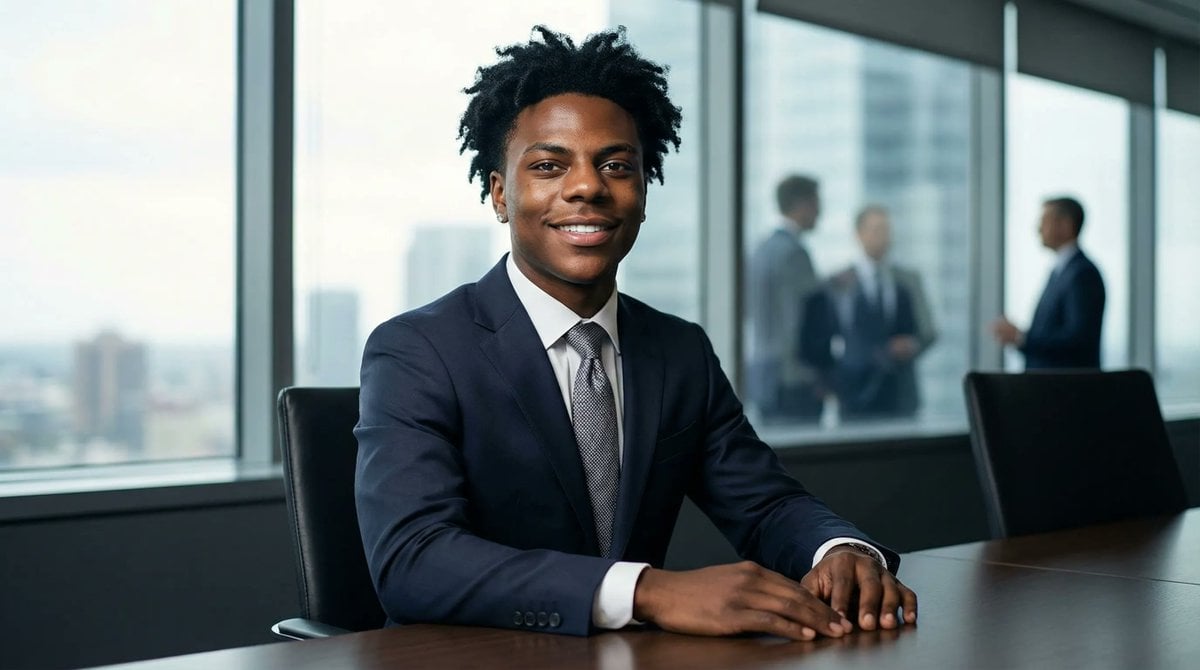
Formal Boardroom Portrait AI Prompt
Browse template categories
Broken Ancient Terracotta Vase questions
How do I use the Broken Ancient Terracotta Vase template?
Add your photo if the template asks for one, edit the prompt if you like — the template's model and format are already selected — and press Generate. Your version opens in PicX Studio.
Can I customize the Broken Ancient Terracotta Vase template?
Yes. You can change the subject, setting, lighting, mood, format, and available model controls before creating your image.
Is the Broken Ancient Terracotta Vase template free?
Opening and editing this template is free. Generating uses credits, shown on the Generate button when you are signed in.
Which AI model should I use?
Start with GPT Image 2, which is the model associated with this template. You can compare another compatible model for a different finish.
Looking for something else? Browse all templates.

Your photo, any look
Thousands of ready templates for every top image and video model, from one credit balance.