
Candid Shot of Woman Cooking in Modern Kitchen
A JSON prompt for generating a candid, rear-view shot of a woman cooking in a modern white kitchen.
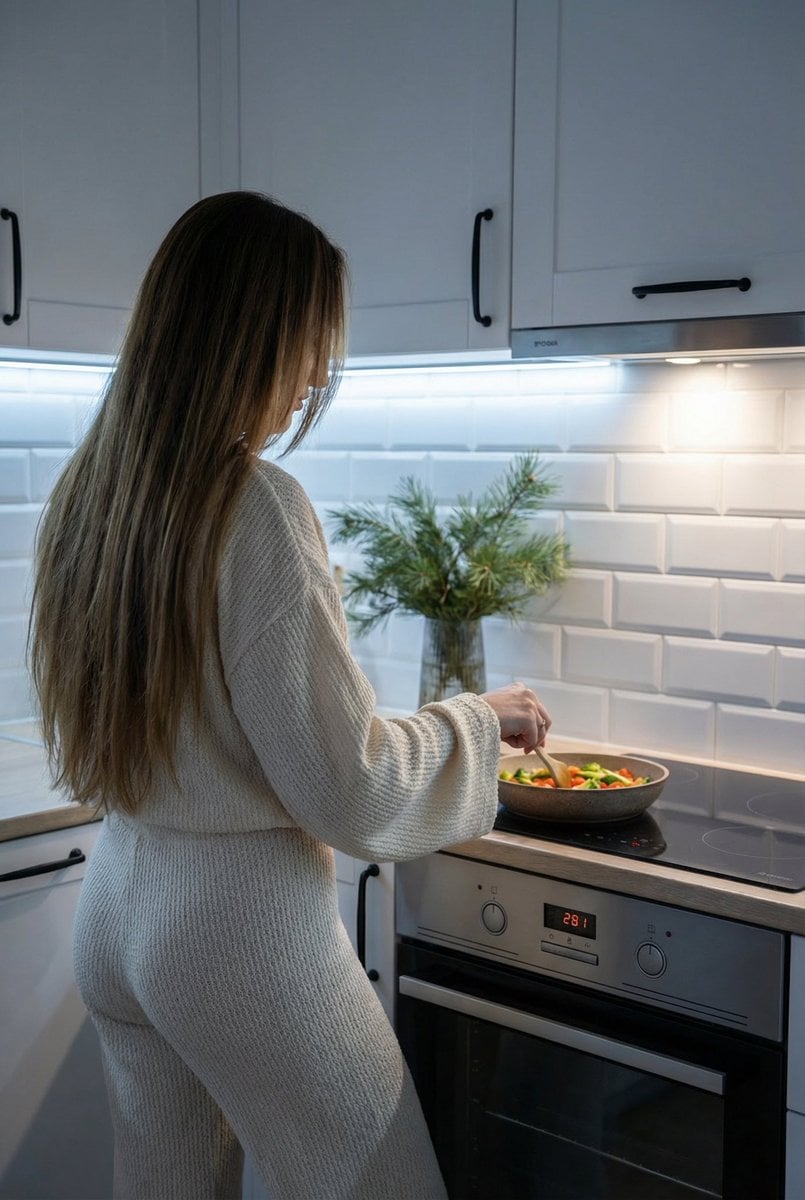
- Prompt included
- Model and format preset
- Free template
The prompt behind this image
Copy the exact prompt behind Candid Shot of Woman Cooking in Modern Kitchen, or open it in the studio and make it yours.
{ "image": { "main_description": "A cozy, candid shot from behind of a woman standing in a modern kitchen, cooking food in a pan on the stove while wearing a comfortable lounge set.", "characters": { "main_reference_character": { "identity_anchor": "The character based on the provided reference photo, preserving strictly the user's identity source.", "ethnicity_and_phenotype": "Determined by the user provided reference photo.", "face_and_skin": "Face is turned away from the camera and obscured by hair; skin tone consistent with reference.", "expression": "Not visible, but body language suggests focus on the task.", "hair": "Hair worn loose in a natural, slightly messy everyday style, falling down the back and partially obscuring the face profile.", "body_and_pose": "Standing rear-view/three-quarter angle, facing the stove. One hand is holding the handle of a frying pan, the other holds a spatula stirring food.", "outfit": "A matching {argument name="outfit color" default="cream or light beige"} lounge set made of a semi-sheer, textured knit or linen fabric. The top is loose with wide, bell-shaped long sleeves. The bottom consists of matching loose-fitting pants." }, "supporting_characters": [] }, "text_elements": { "content": "", "typography": "", "placement": "", "integration": "" }, "environment": { "location": "A clean, modern white kitchen.", "elements": "White cabinetry with black vertical handles, white subway tile backsplash, a built-in microwave, an induction stovetop with a pan containing {argument name="food item" default="pasta or vegetables"}, a white oven with a digital display, and a vase with evergreen/pine branches on the counter.", "atmosphere": "Homey, domestic, calm, evening or indoor setting." }, "cinematography": { "lighting_setup": "Cool white under-cabinet LED strip lighting illuminating the backsplash and counter, mixed with general room ambient light.", "color_grading": "Natural, slightly cool tones from the LEDs contrasting with the warm beige of the outfit.", "shadows_and_highlights": "Soft diffusion, highlights on the subway tiles and the hair.", "reflections": "Subtle reflections on the glossy tile backsplash and stovetop." }, "camera_and_tech": { "framing": "Medium shot from behind, capturing the subject from the waist up to the head, showing the kitchen context.", "optics": "Standard focal length (approx 35mm or 50mm), reasonably deep depth of field keeping both the person and the kitchen details in focus.", "visual_fidelity": "Realistic, candid smartphone photography style." }, "style_and_mood": { "aesthetic": "Lifestyle, 'slow living', domestic comfort, casual.", "emotional_vibe": "Relaxed, intimate, everyday life." }, "aspect_ratio": "3:4" } }
How to use Candid Shot of Woman Cooking in Modern Kitchen in 3 steps
- 1Upload ImagePNG, JPG or paste
Add your photo
Upload the photo the template builds on. The prompt, model and format are already set.
- 2…a portrait of your subject in softgolden-hour light, 85mm…
Personalize
Edit the subject and creative details for your destination.
- 3Generate
Generate
Press Generate — your image is created in PicX Studio, so you can compare it with the original and refine one variable at a time.
More like this
Templates with the same subject, style or setup. Open one to see its prompt.

Woman in Mall with Chanel Bag - Heart Gesture

Sunday Afternoon, 1988

Our Song was on a Cassette

The Date After College

80s College Gate

Teen Girl Alpine Lake Mountain View

Cat Photobomb Selfie — 0.5x Wide Angle Café Chaos

Paper Cut Craft Illustration
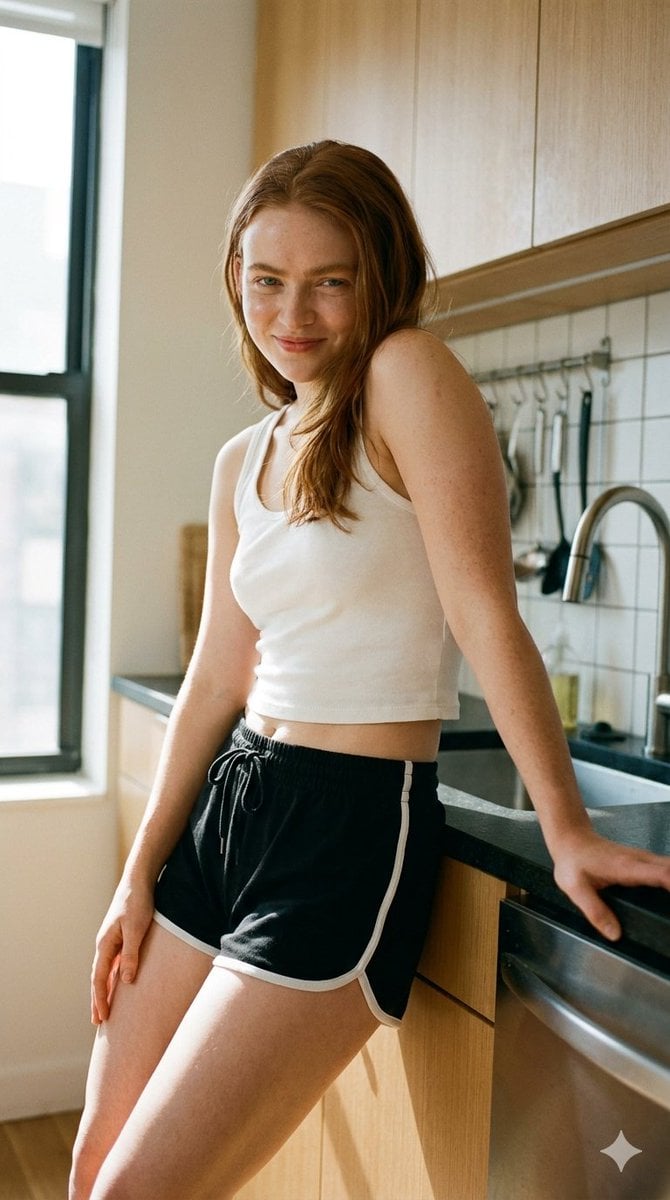
Modern Kitchen Indoor Lifestyle Portrait

Premium Editorial Branding Poster Charcoal Green

Stylized Fashion Portrait Bold Color Contrast Editorial

Cinematic Street Fashion Portrait Motion Blur Crowd
Make it yours
Candid Shot of Woman Cooking in Modern Kitchen works as-is. These are the safest ways to change it without losing the look.
Change one field
Copy a single group, rewrite it, and generate again so you can see what that field is doing.
Keep the frame, change the subject
Hold the composition and light of Candid Shot of Woman Cooking in Modern Kitchen, then swap wardrobe, props or the person for a new take.
| If the result… | Why | Fix |
|---|---|---|
| The result drifts from the preview | Too many fields changed at once. | Reuse Candid Shot of Woman Cooking in Modern Kitchen as-is first, then change one group — subject, light, or setting. |
| The model over-stylizes the scene | The prose prompt leaves finish and camera underspecified. | Add one camera or lighting sentence and stay on Nano Banana 2. |
More Nano Banana 2 templates
Other prompts made for Nano Banana 2.

Photorealistic Leaf Shaped Like a Dragon

K-Pop Idol Portrait Grid for Rapid Selection

Poetic Rain Forest Portrait During Golden Hour

Urban Street Portrait with Cartoon Inner Self Duo

Candid Nighttime Photo with Cat Prompt

High-Concept 3D Diorama Generation Prompt

Cinematic Futuristic Studio Portrait Template

Skincare Editorial Photography Collage Prompt

Hyper-Realistic Commercial Product Photography (Splash Effect)

Hyper-Realistic Nightclub Portrait Prompt
More image prompts
Fresh picks from across the catalog.
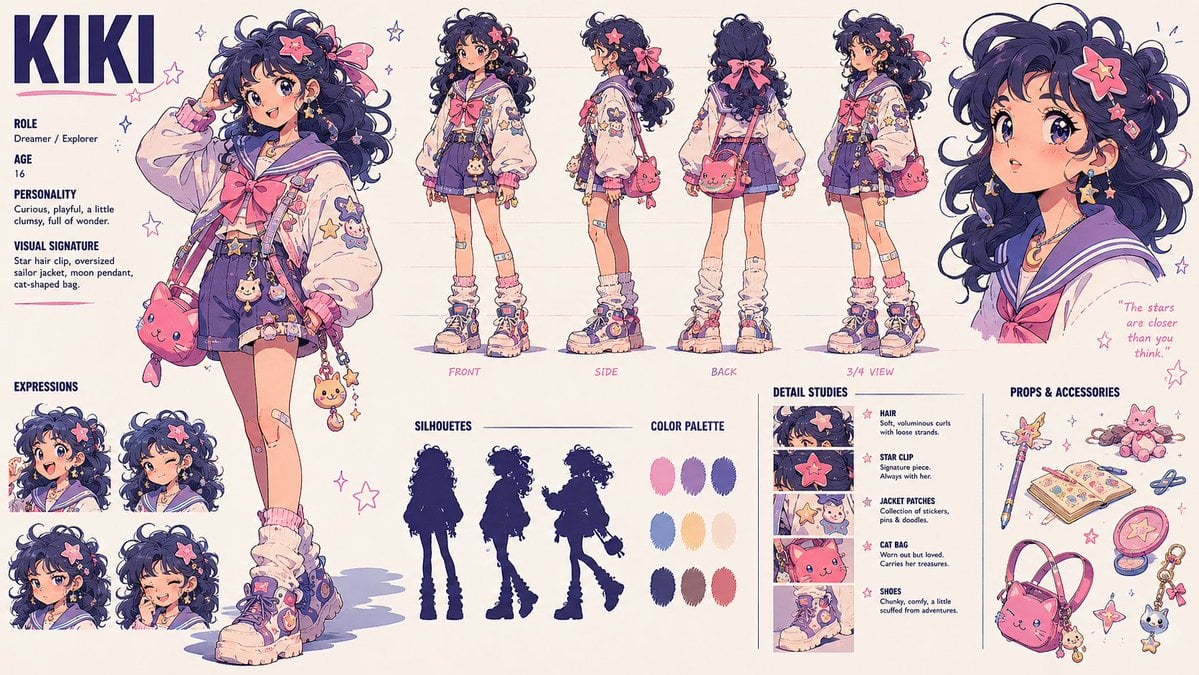
Kiki Anime Character Sheet

Michael Saylor Shonen Jump Manga Style
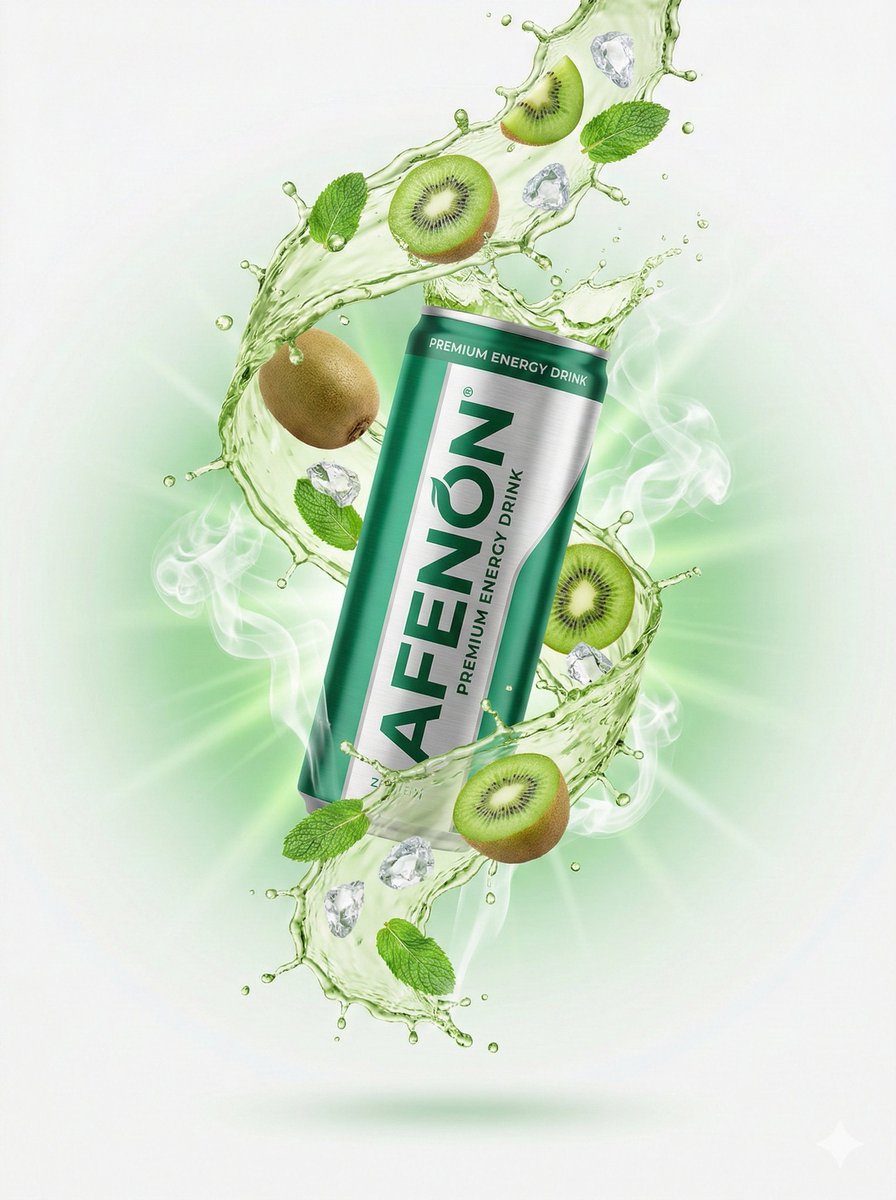
High-End Commercial Product Photography for an Energy Drink

Gaudí-Inspired Perfume Bottle Grid

Lifestyle Portrait on Yacht in Neon Green Knitwear
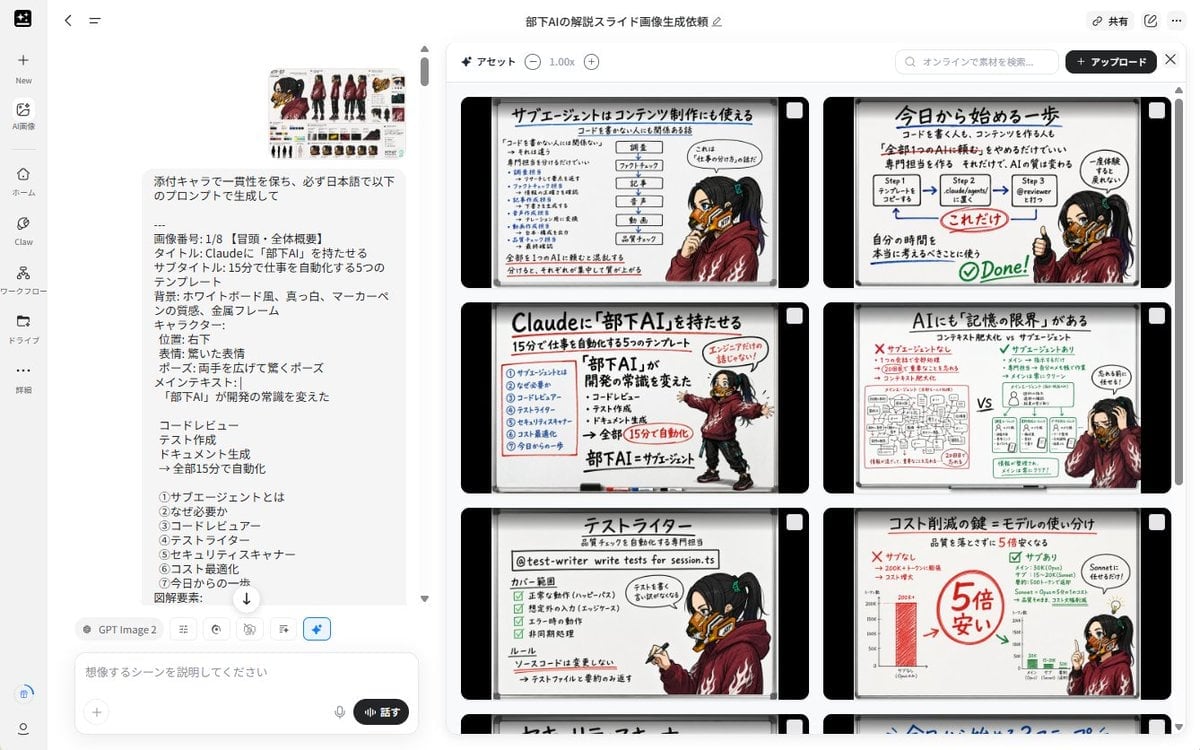
Notebook Slides With Reference Character
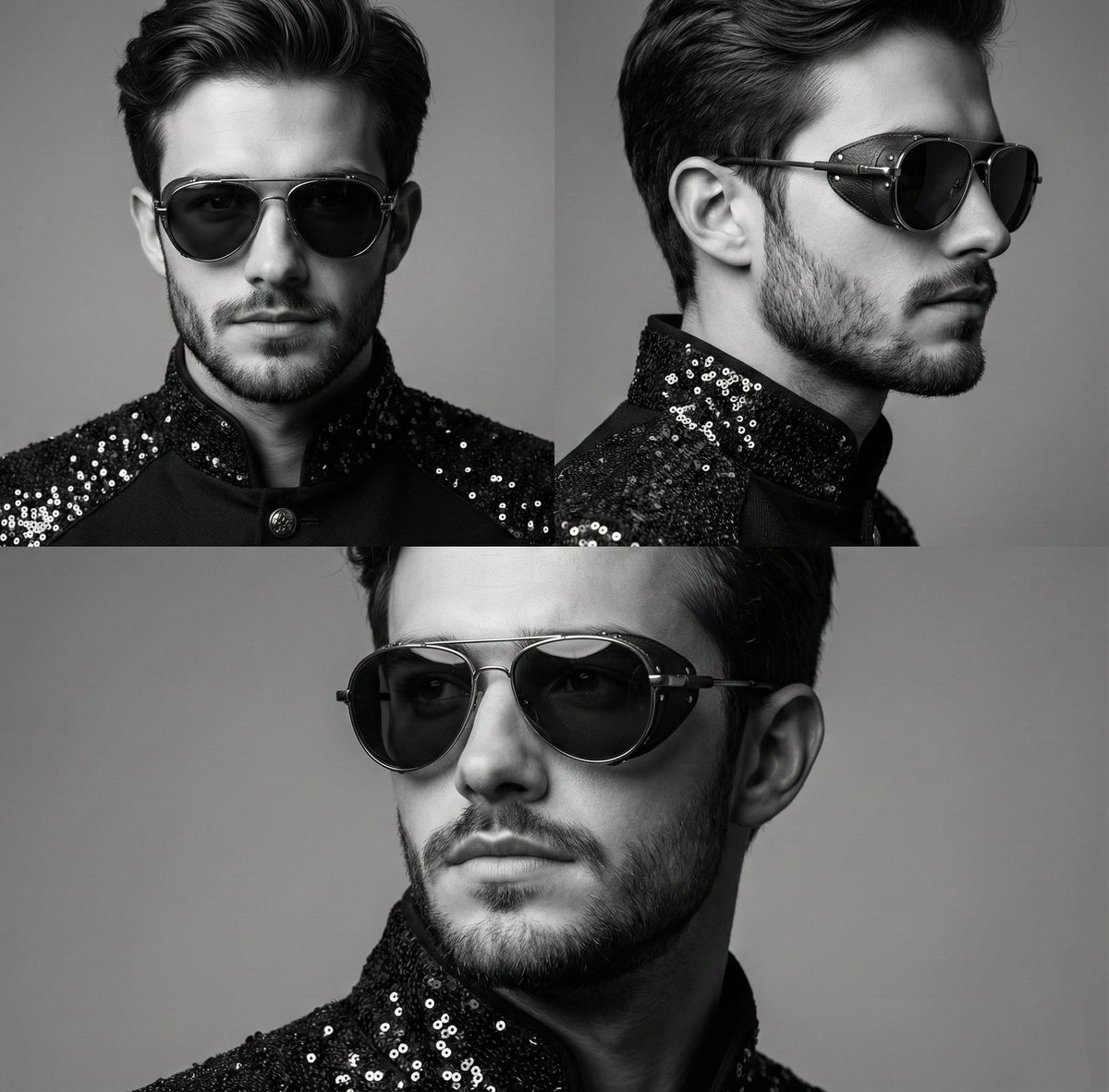
High-Contrast Monochrome Triptych Portrait with Steampunk Sunglasses

Bakumatsu Confrontation Manga Page

Dark, Moody, Photorealistic Portrait Prompt

2026 World Cup Fan Photo Generator
Browse template categories
Candid Shot of Woman Cooking in Modern Kitchen questions
How do I use the Candid Shot of Woman Cooking in Modern Kitchen template?
Add your photo if the template asks for one, edit the prompt if you like — the template's model and format are already selected — and press Generate. Your version opens in PicX Studio.
Can I customize the Candid Shot of Woman Cooking in Modern Kitchen template?
Yes. You can change the subject, setting, lighting, mood, format, and available model controls before creating your image.
Is the Candid Shot of Woman Cooking in Modern Kitchen template free?
Opening and editing this template is free. Generating uses credits, shown on the Generate button when you are signed in.
Which AI model should I use?
Start with Nano Banana 2, which is the model associated with this template. You can compare another compatible model for a different finish.
Looking for something else? Browse all templates.

Your photo, any look
Thousands of ready templates for every top image and video model, from one credit balance.