
Sunlit Anime Bedroom Portrait
A detailed text prompt for generating a pastel anime girl seated on a pink bed in a cozy sunlit bedroom with a censored face block.
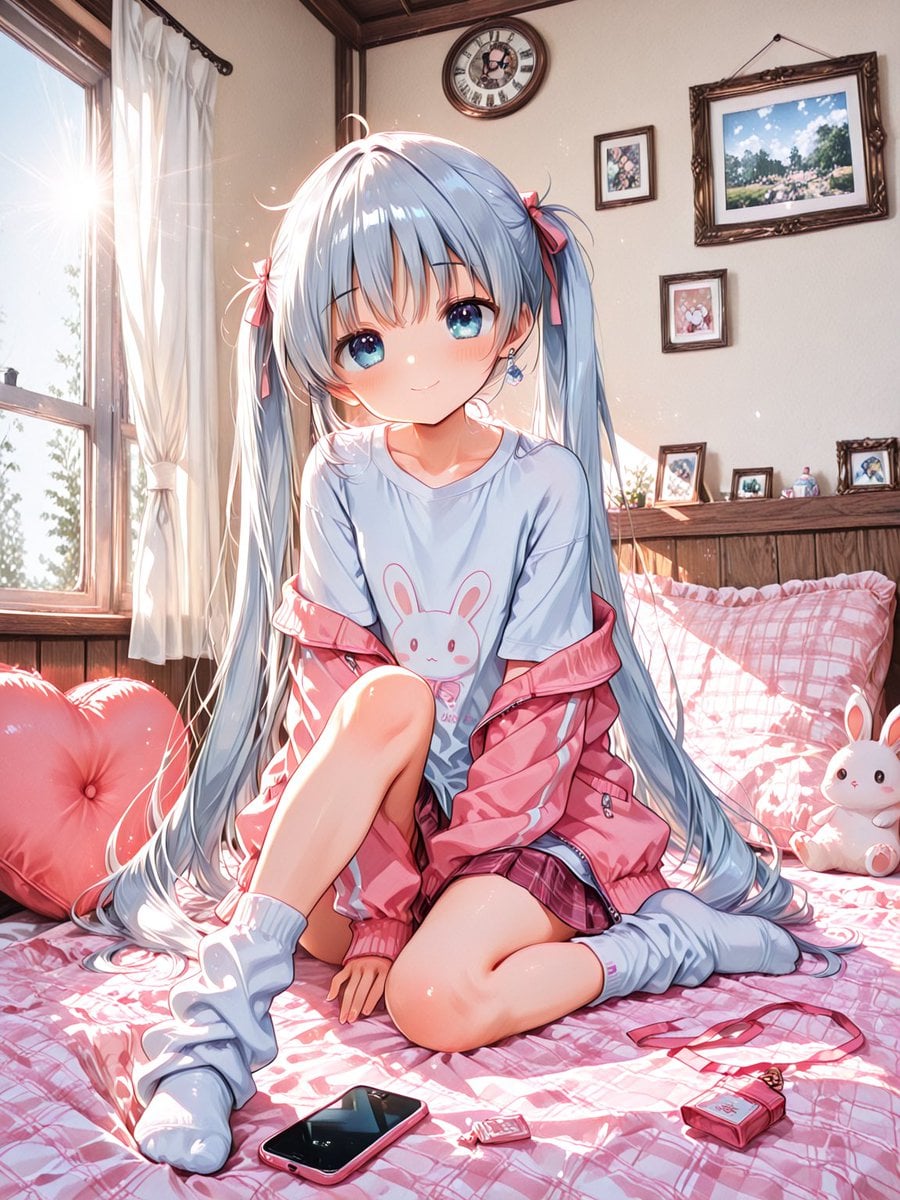
- Prompt included
- Model and format preset
- Premium template
The prompt behind this image
Copy the exact prompt behind Sunlit Anime Bedroom Portrait, or open it in the studio and make it yours.
Create a highly detailed anime-style illustration of {argument name="character name" default="a cute teenage twin-tailed girl"} sitting on a pink plaid bed in a cozy sunlit bedroom. She has extremely long {argument name="hair color" default="silvery blue"} hair in twin tails tied with small pink ribbons, soft pale skin, slim proportions, and a bashful seated pose with one knee raised and the other leg folded to the side. Place a large opaque square censor block over the center of her face, colored as a muted gray-to-peach gradient, hiding all facial features. Her outfit consists of exactly 6 visible clothing/accessory pieces: an oversized pale blue T-shirt with a simple pink bunny graphic, a loose pink zip-up jacket slipping off her shoulders, a short dark pink plaid skirt, white slouchy socks, small blue dangling earrings, and pink hair ribbons. The bedroom is warm and feminine: pink plaid bedding, a pink heart-shaped cushion on the left, a white bunny plush on the right, and exactly 3 small objects on the bed in the foreground: a black smartphone, a tiny pink keychain charm, and a pink compact pouch with a strap. The room has a large open window on the left with sheer white curtains and intense morning sunlight streaming in, creating lens flare, sparkling dust motes, bright rim lighting, and soft overexposed highlights on hair and fabric. In the background show wooden wall trim and a headboard shelf with framed pictures, plus exactly 5 wall decorations: one round clock near the top center, one large ornate framed landscape painting on the upper right, one small floral frame near the clock, one small square character picture below the painting, and one tiny framed picture resting near the headboard. Use a polished GPT-image anime illustration look with crisp linework, glossy highlights, delicate fabric folds, pastel pink and blue color palette, high detail, romantic bedroom atmosphere, and vertical 3:4 composition. Avoid text, watermark, extra characters, or additional foreground items.
How to use Sunlit Anime Bedroom Portrait in 3 steps
- 1Upload ImagePNG, JPG or paste
Add your photo
Upload the photo the template builds on. The prompt, model and format are already set.
- 2…a portrait of your subject in softgolden-hour light, 85mm…
Personalize
Edit the subject and creative details for your destination.
- 3Generate
Generate
Press Generate — your image is created in PicX Studio, so you can compare it with the original and refine one variable at a time.
More like this
Templates with the same subject, style or setup. Open one to see its prompt.
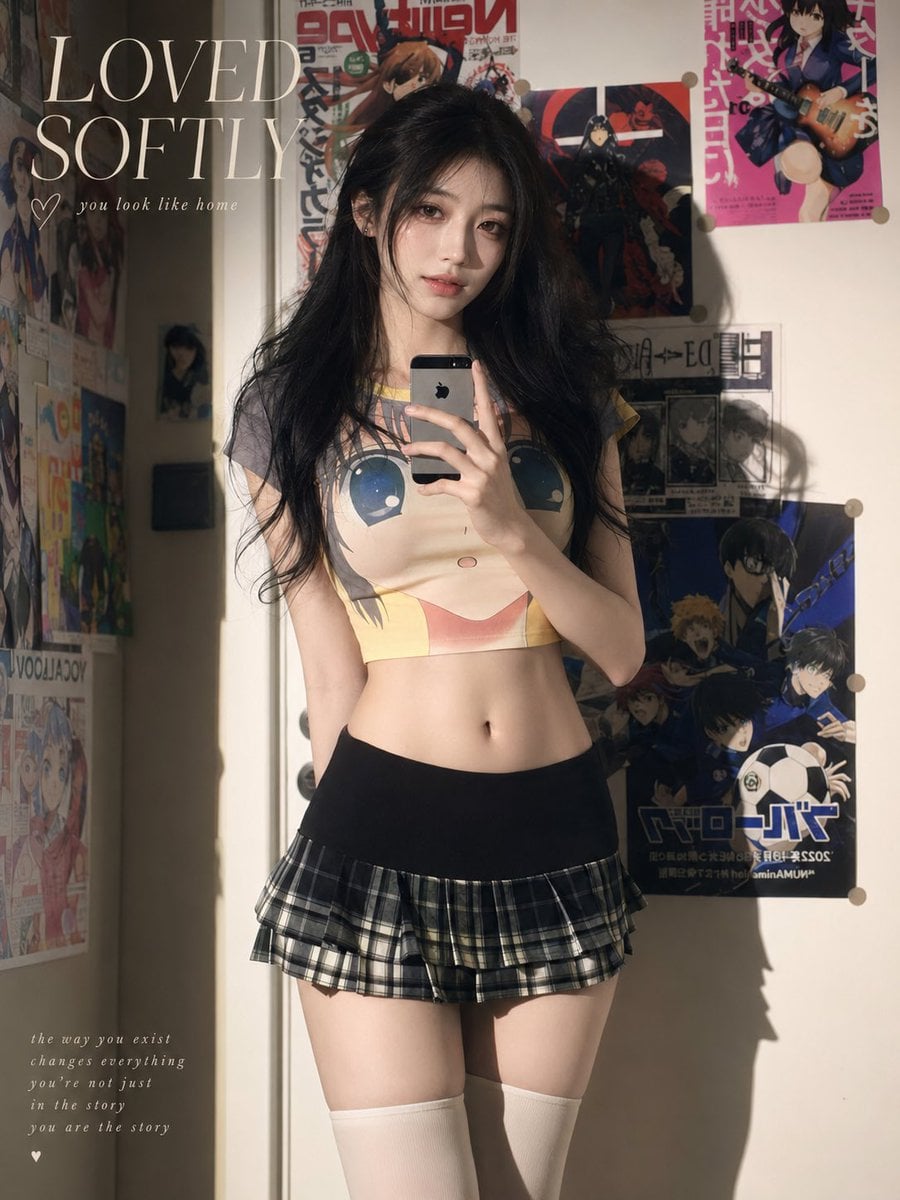
Soft Sunlit Anime Bedroom Selfie
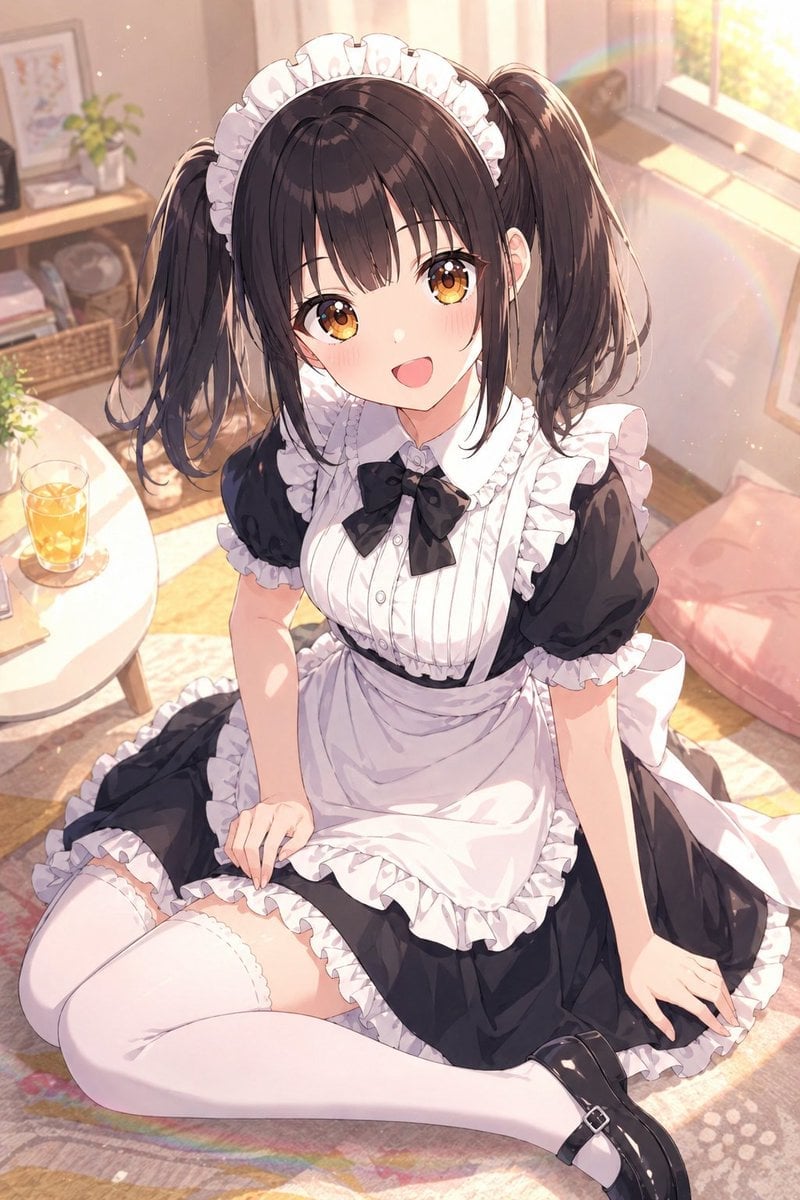
Sunlit Anime Maid Portrait

Found Photograph: Us, 1970

80s Couple Studio Portrait

80s Bollywood Star

80s Golden Hour Cinema

Me in 1985

1985 Studio Portrait

Hyper-Realistic Minecraft POV Portrait

Rooftop Fisheye — Cat-Ear Balaclava at Golden Hour

Cel 2D Underwater Reef

Anime Monorail Sunset
Make it yours
Sunlit Anime Bedroom Portrait works as-is. These are the safest ways to change it without losing the look.
Change one field
Copy a single group, rewrite it, and generate again so you can see what that field is doing.
Keep the frame, change the subject
Hold the composition and light of Sunlit Anime Bedroom Portrait, then swap wardrobe, props or the person for a new take.
| If the result… | Why | Fix |
|---|---|---|
| The result drifts from the preview | Too many fields changed at once. | Reuse Sunlit Anime Bedroom Portrait as-is first, then change one group — subject, light, or setting. |
| The model over-stylizes the scene | The prose prompt leaves finish and camera underspecified. | Add one camera or lighting sentence and stay on GPT Image 2. |
More GPT Image 2 templates
Other prompts made for GPT Image 2.

Six VTuber Japanese Logo Sheet

Realistic Portrait of Woman and Deer

The Vista Modular Condo Poster

AI Model Routing Comparison Infographic

2.5D Anime Art Board

Isometric Productivity Desk Scene

New York Double Exposure Poster

Four-Panel AI Landscape Comparison

Japanese Tatami Lifestyle Magazine Cover

NESCAFÉ Coffee Map Poster
More image prompts
Fresh picks from across the catalog.
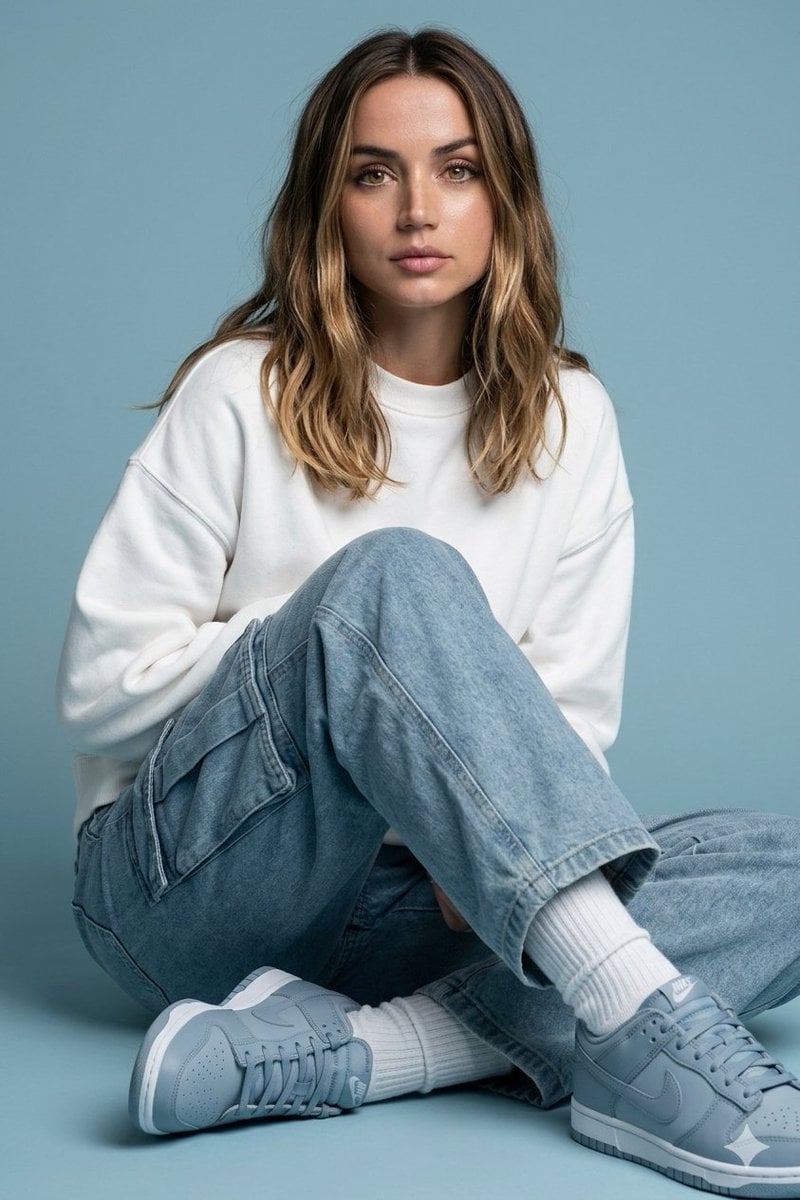
Futuristic Fashion Editorial Prompt with Identity Preservation
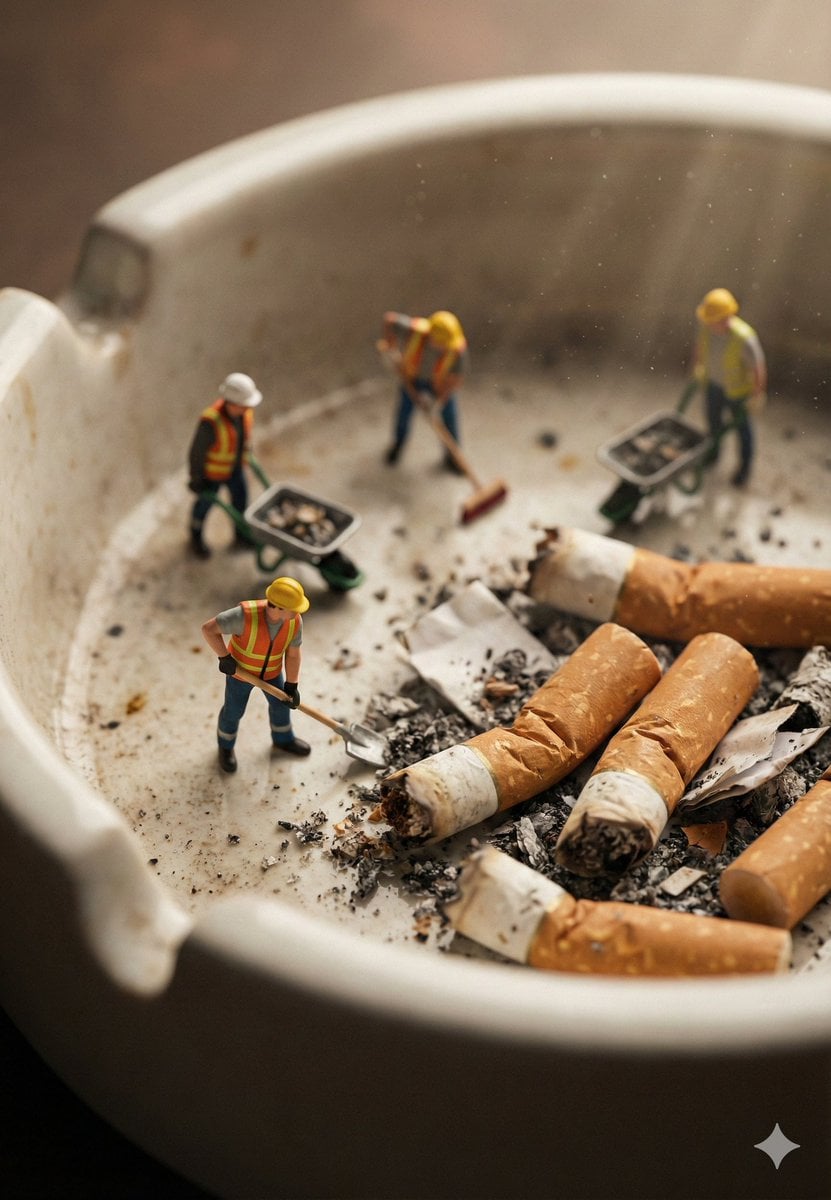
Macro Photography of Miniature Workers Cleaning Ashtray
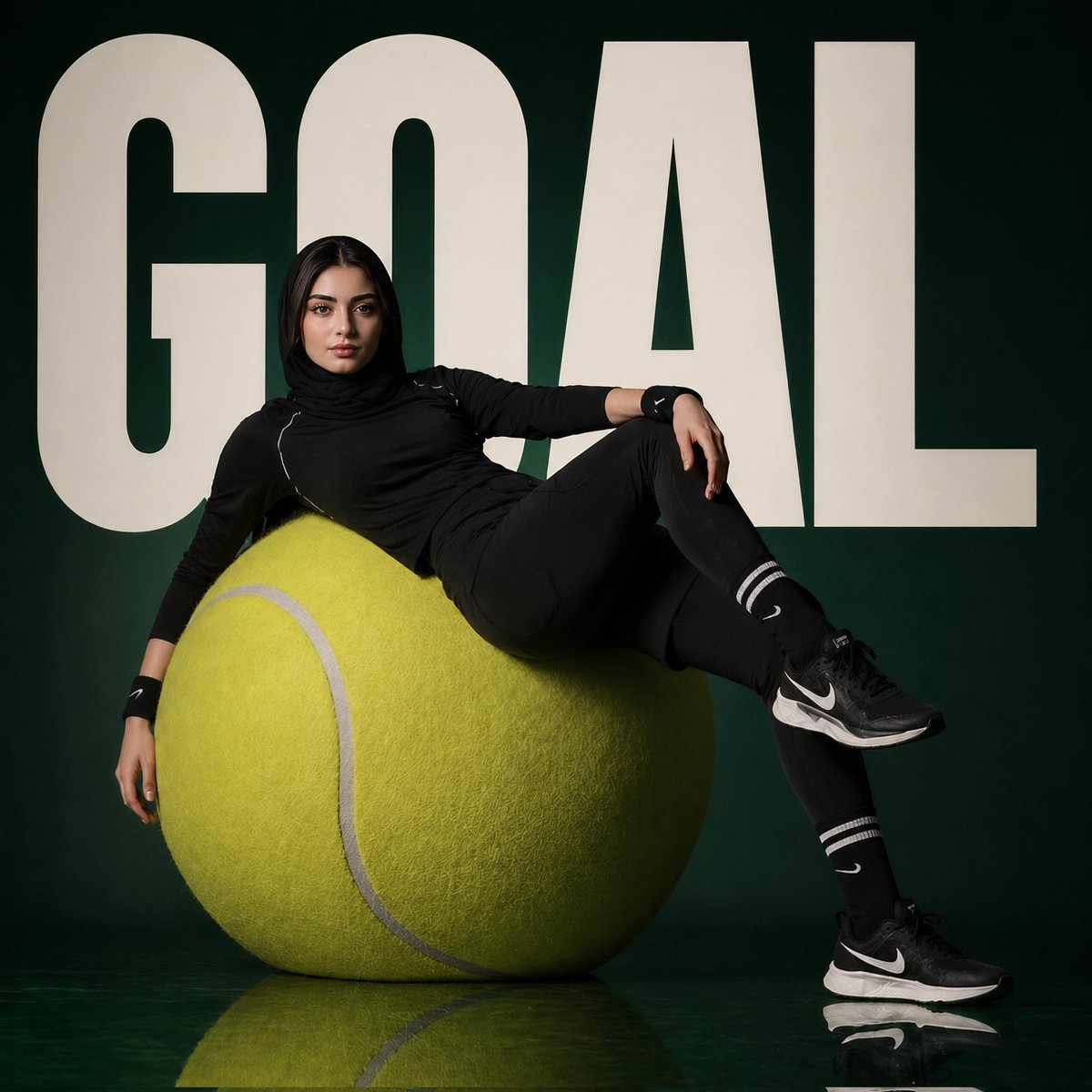
Athlete on Giant Tennis Ball
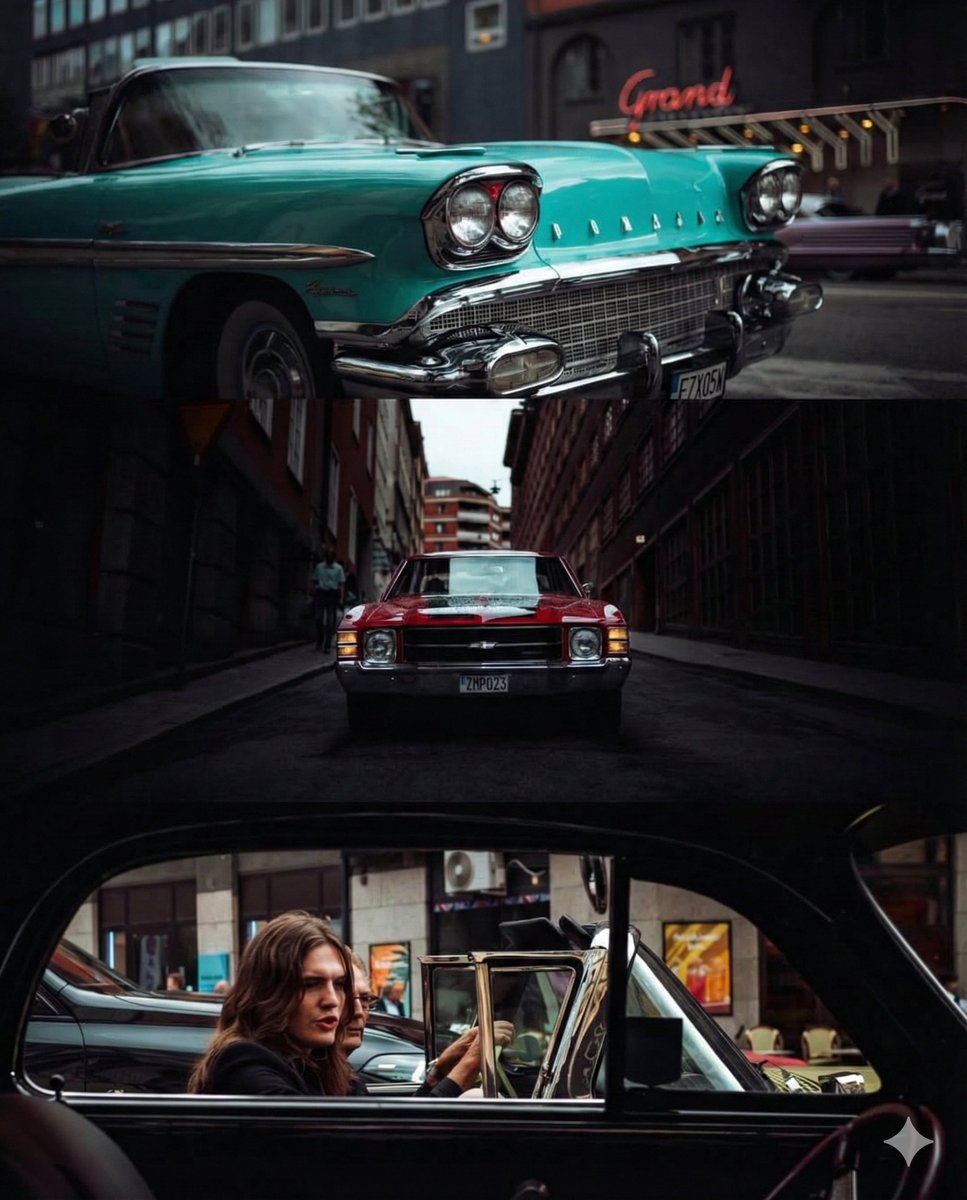
Triptych Collage of Vintage American Cars
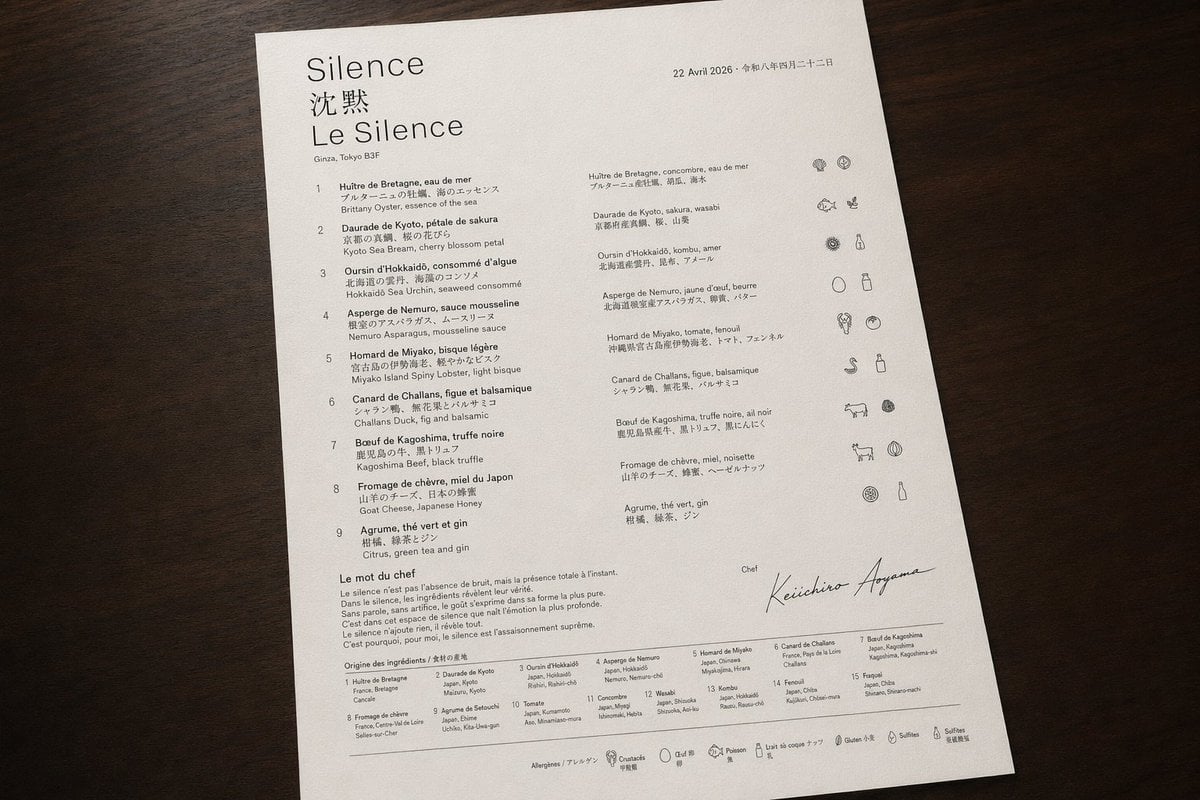
Luxury Bilingual Tasting Menu Photo
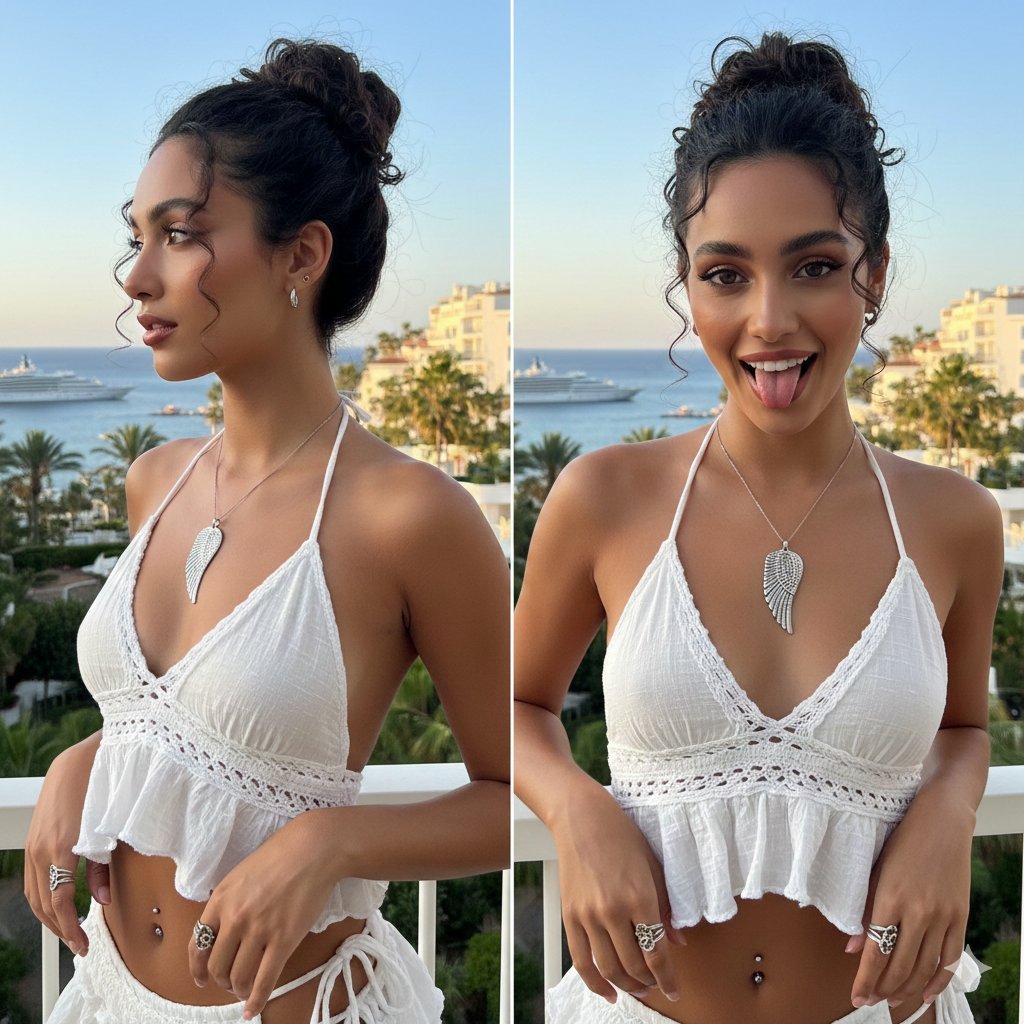
Coastal Chic Two-Panel Collage Portrait

Studio Fashion Portrait with High Contrast
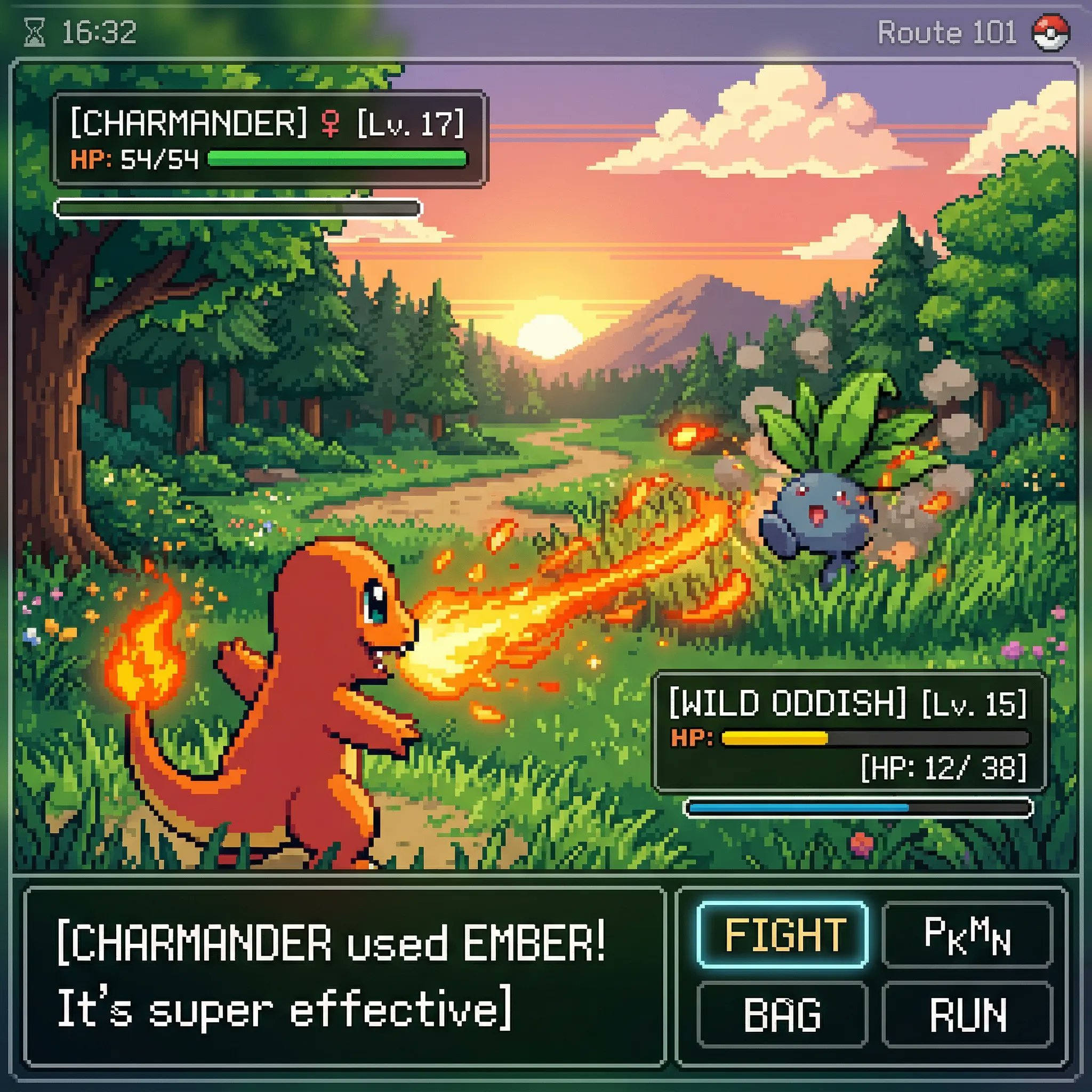
Classic Gameboy Pokemon Style Pixel Art
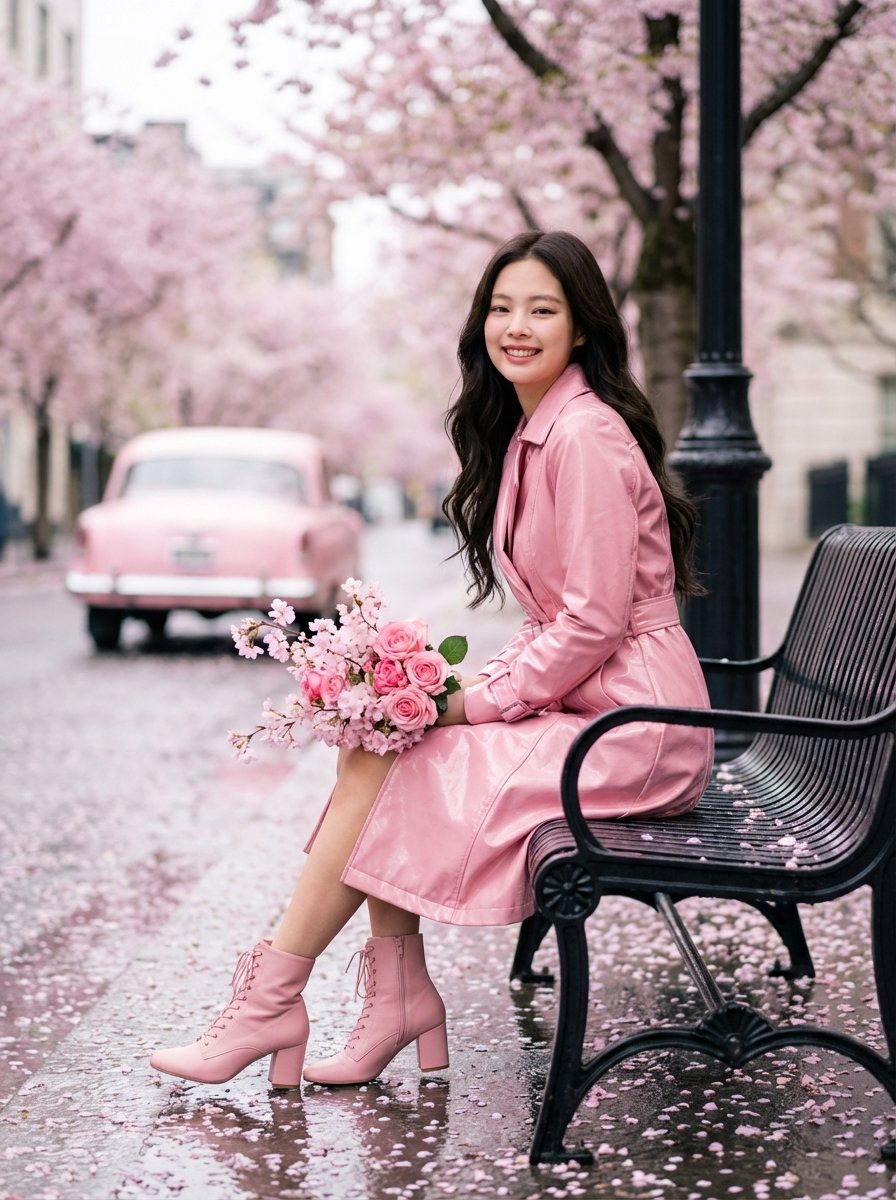
Jennie Kim Pink Spring Portrait

Detailed Digital Vector Portrait with Comic Shading
Browse template categories
Sunlit Anime Bedroom Portrait questions
How do I use the Sunlit Anime Bedroom Portrait template?
Add your photo if the template asks for one, edit the prompt if you like — the template's model and format are already selected — and press Generate. Your version opens in PicX Studio.
Can I customize the Sunlit Anime Bedroom Portrait template?
Yes. You can change the subject, setting, lighting, mood, format, and available model controls before creating your image.
Is the Sunlit Anime Bedroom Portrait template free?
Opening and editing this template is free. Generating uses credits, shown on the Generate button when you are signed in.
Which AI model should I use?
Start with GPT Image 2, which is the model associated with this template. You can compare another compatible model for a different finish.
Looking for something else? Browse all templates.

Your photo, any look
Thousands of ready templates for every top image and video model, from one credit balance.