
Luxury Bilingual Tasting Menu Photo
A realistic overhead photograph of an elegant French-Japanese fine-dining menu sheet, ideal for showcasing AI-generated editorial menu design systems.
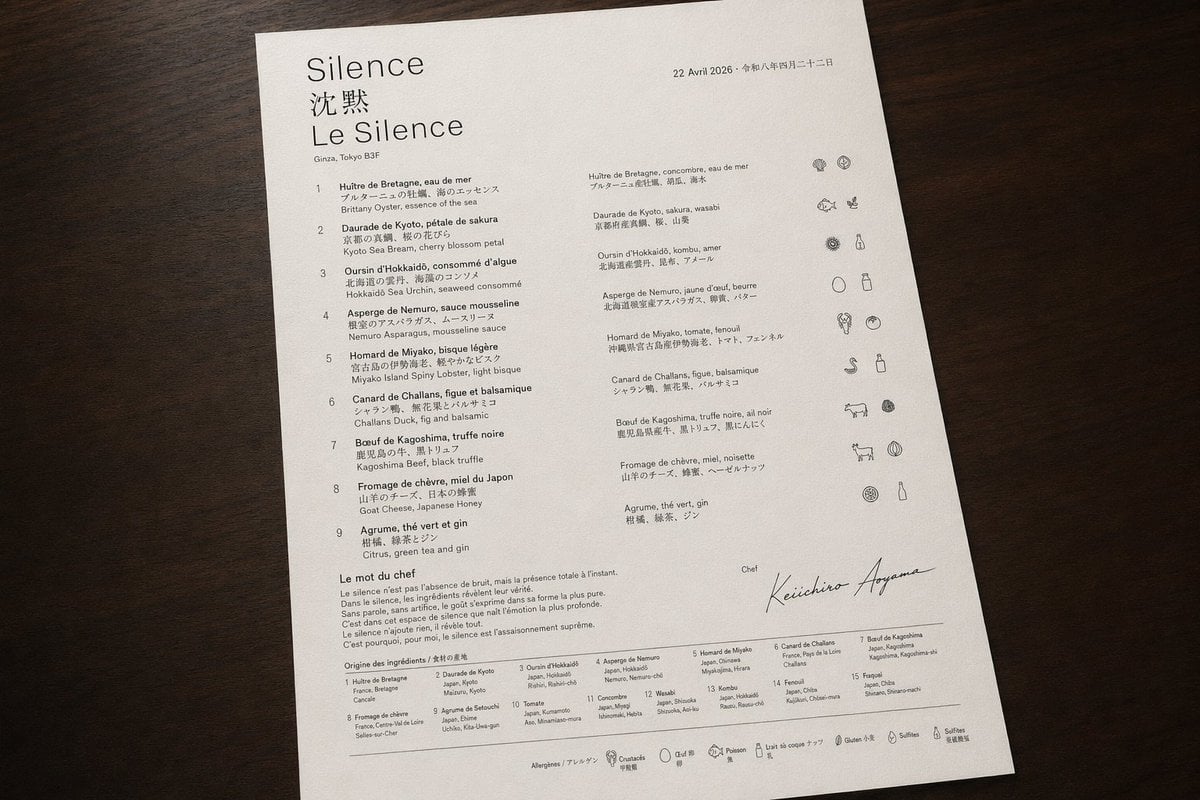
- Prompt included
- Model and format preset
- Free template
The prompt behind this image
Copy the exact prompt behind Luxury Bilingual Tasting Menu Photo, or open it in the studio and make it yours.
A photorealistic top-down product-style photograph of a single luxury tasting menu printed on bright white textured paper and placed on a dark walnut wooden tabletop, with soft warm ambient lighting and gentle natural shadows. The sheet is portrait orientation, slightly rotated clockwise, occupying most of the frame with clean margins around it. The design is an ultra-minimal fine-dining menu with elegant editorial typography, lots of negative space, precise alignment, and a refined black-and-dark-gray ink palette. At the upper left, the restaurant identity appears in 3 stacked lines: a large serif word {argument name="restaurant name" default="Silence"}, below it 2 Chinese characters "沈默", and below that a large serif French line "Le Silence". Under the title is a small location line reading "Ginza, Tokyo B3F". At the upper right is a small date line in French followed by Japanese date text: {argument name="date text" default="22 Avril 2026 • 令和八年四月二十二日"}. The main body is organized into 3 vertical content zones: a left numbered course list, a middle translated course list, and a far-right icon column. The left list contains exactly 9 numbered courses labeled 1 through 9, each with French title and Japanese subtitle and an English ingredient line beneath; the 9 visible course titles are: "Huître de Bretagne, eau de mer", "Daurade de Kyoto, pétale de sakura", "Oursin d’Hokkaidō, consommé d’algue", "Asperge de Nemuro, sauce mousseline", "Homard de Miyako, bisque légère", "Canard de Challans, figue et balsamique", "Boeuf de Kagoshima, truffe noire", "Fromage de chèvre, miel du Japon", and "Agrume, thé vert et gin". The middle list repeats the 9 dishes in a second compact column with French titles and Japanese descriptions. The far-right column contains exactly 9 horizontal icon rows aligned to the courses, each row showing small monochrome hand-drawn ingredient or allergen pictograms; some rows have 2 icons and some 3, for a total of 19 icons overall. Near the lower left is a section titled "Le mot du chef" followed by a short French paragraph in small serif text. Below that is a section titled "Origine des ingrédients / 食材の産地" with a dense 2-row ingredient-origin grid listing exactly 15 numbered origin entries in tiny text. In the lower right quadrant, include a small label "Chef" above a large sweeping handwritten signature reading {argument name="chef name" default="Keiichiro Aoyama"}. Along the very bottom edge is a thin horizontal rule and a centered allergen legend line with exactly 7 small outline icons and labels: shellfish, crustaceans, egg, fish, milk, gluten, sulfites, each labeled in French with Japanese beneath. The overall impression should be high-end Michelin-style menu design, editorial restraint, immaculate spacing, subtle paper grain, sharply legible text hierarchy, and realistic photography rather than a flat scan.
How to use Luxury Bilingual Tasting Menu Photo in 3 steps
- 1Upload ImagePNG, JPG or paste
Add your photo
Upload the photo the template builds on. The prompt, model and format are already set.
- 2…a portrait of your subject in softgolden-hour light, 85mm…
Personalize
Edit the subject and creative details for your destination.
- 3Generate
Generate
Press Generate — your image is created in PicX Studio, so you can compare it with the original and refine one variable at a time.
More like this
Templates with the same subject, style or setup. Open one to see its prompt.
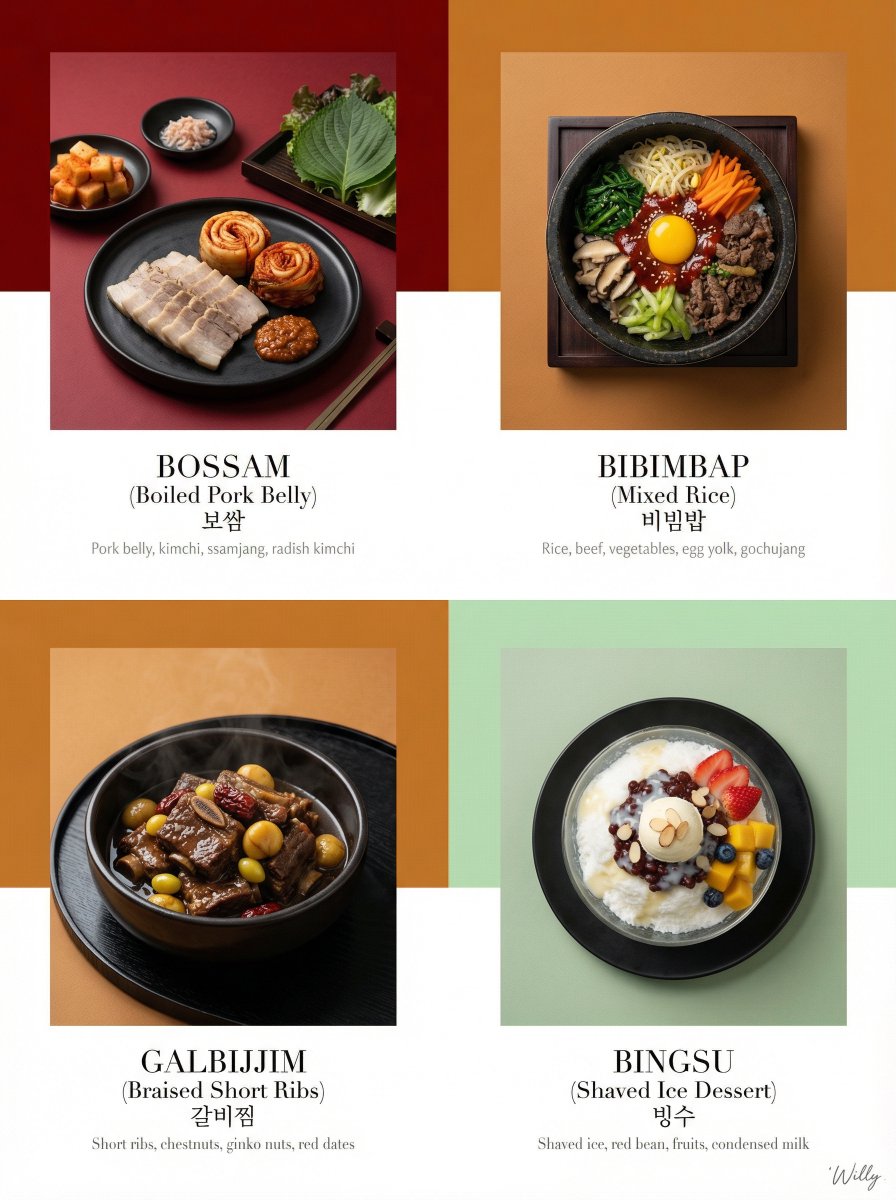
Luxury Korean Tasting Menu Editorial Layout Prompt
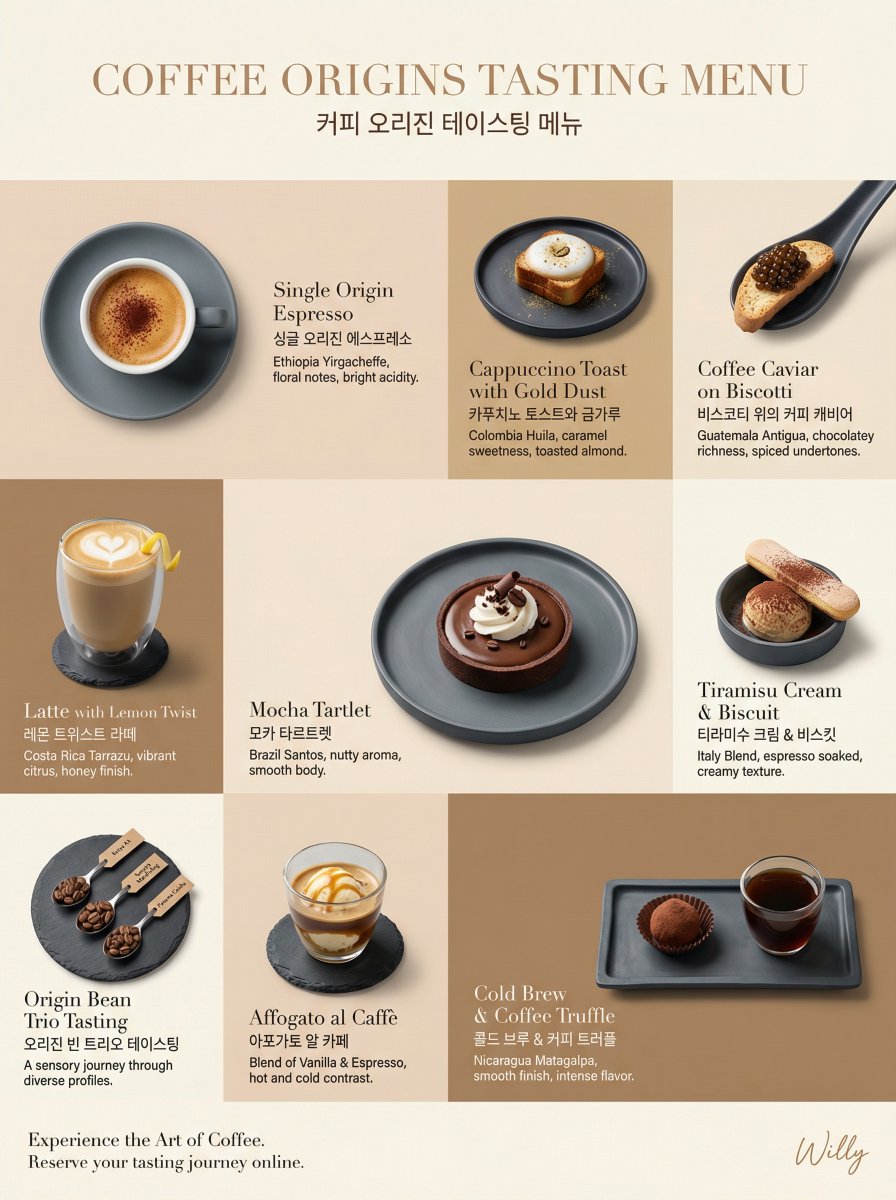
Luxury Coffee Tasting Menu Layout Prompt

Sealing Wax Letter Desk

Ballroom Floor Reflections

Vintage Camera Leather Case

Hedge Maze Aerial Dawn

Tuxedo Cuff Adjust

Cathedral Choir Loft

Pearl Necklace Vanity

Carriage House Courtyard

Leather Bound Law Books

Monochrome Jazz Club
Make it yours
Luxury Bilingual Tasting Menu Photo works as-is. These are the safest ways to change it without losing the look.
Change one field
Copy a single group, rewrite it, and generate again so you can see what that field is doing.
Keep the frame, change the subject
Hold the composition and light of Luxury Bilingual Tasting Menu Photo, then swap wardrobe, props or the person for a new take.
| If the result… | Why | Fix |
|---|---|---|
| The result drifts from the preview | Too many fields changed at once. | Reuse Luxury Bilingual Tasting Menu Photo as-is first, then change one group — subject, light, or setting. |
| The model over-stylizes the scene | The prose prompt leaves finish and camera underspecified. | Add one camera or lighting sentence and stay on GPT Image 2. |
More GPT Image 2 templates
Other prompts made for GPT Image 2.

Six VTuber Japanese Logo Sheet

Realistic Portrait of Woman and Deer

The Vista Modular Condo Poster

AI Model Routing Comparison Infographic

2.5D Anime Art Board

Isometric Productivity Desk Scene

New York Double Exposure Poster

Four-Panel AI Landscape Comparison

Japanese Tatami Lifestyle Magazine Cover

NESCAFÉ Coffee Map Poster
More image prompts
Fresh picks from across the catalog.
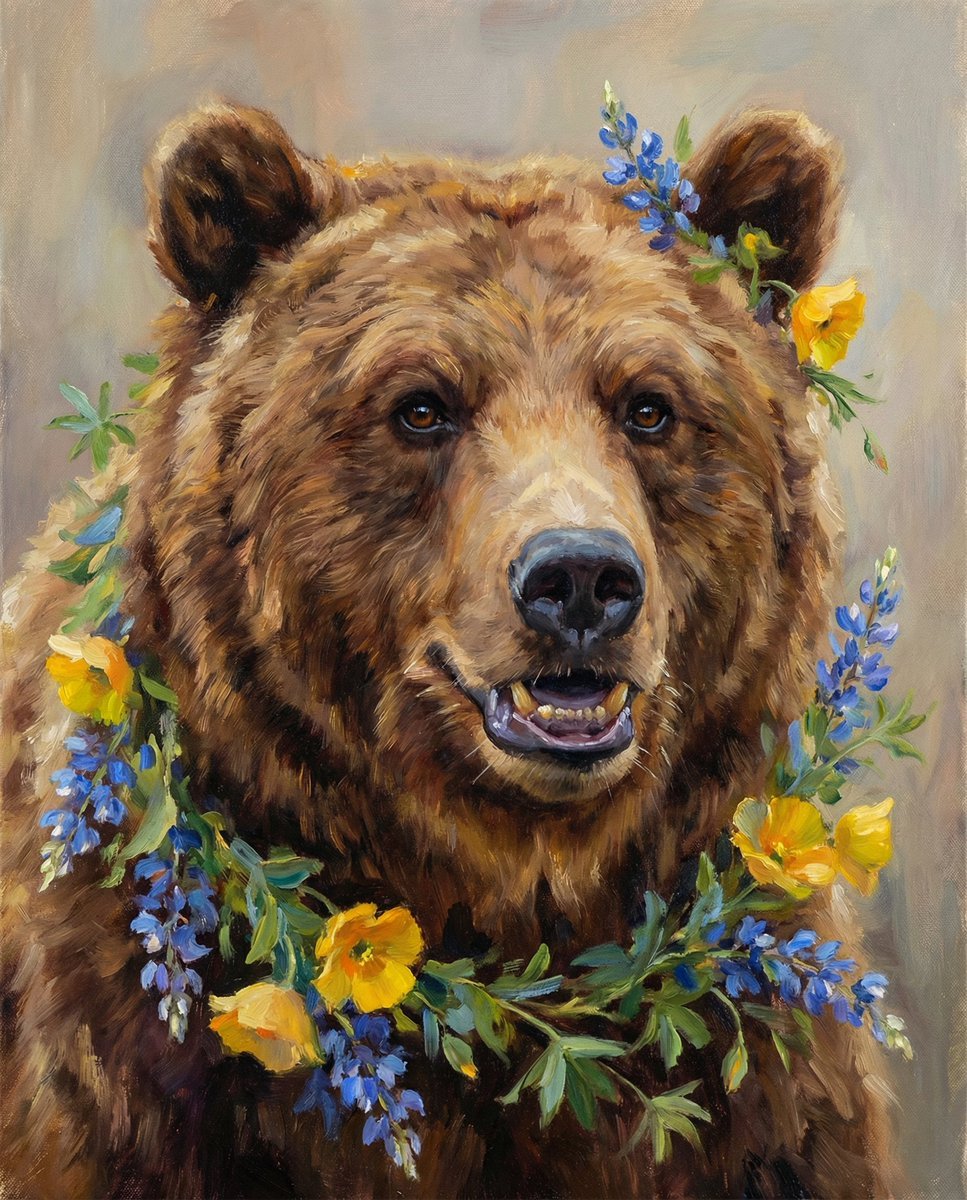
Nano Banana Pro Prompt (ALT Text)
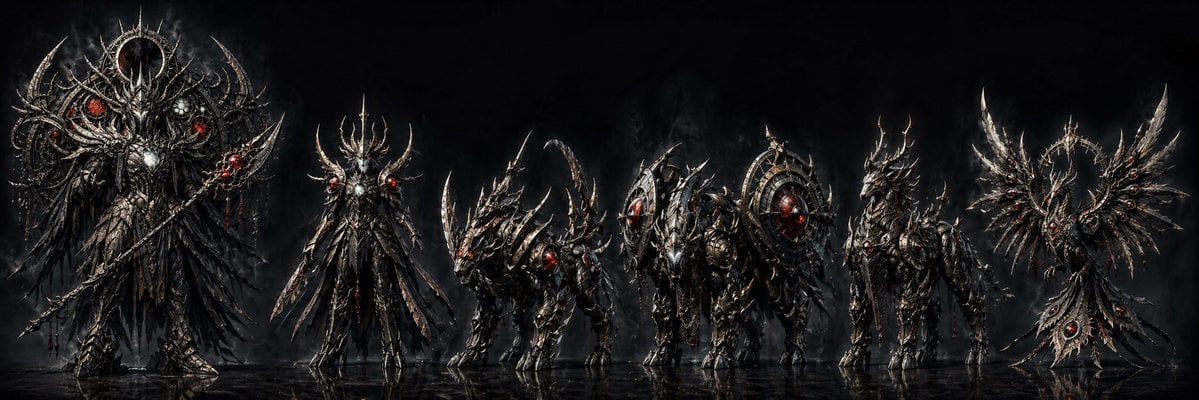
Dark Fantasy Combining Mecha Lineup

Surreal Fantasy Portrait Prompt (Fire and Ice)
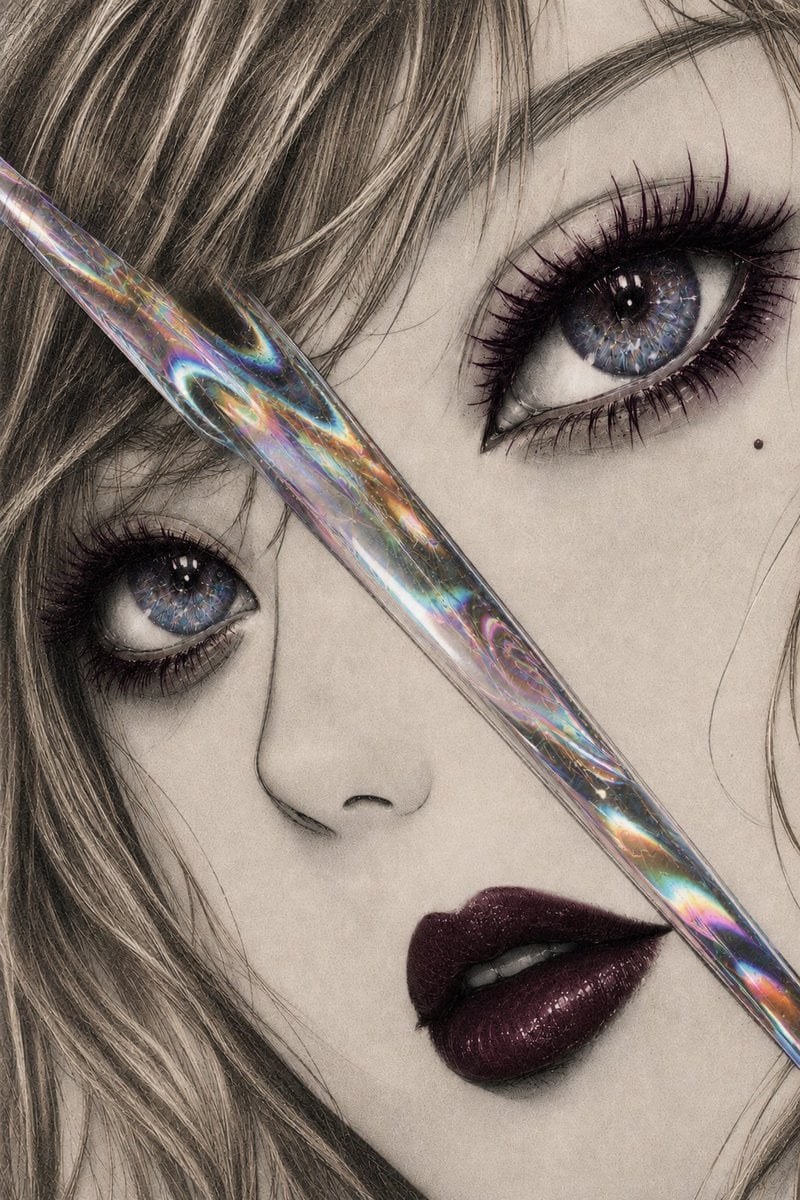
Iridescent Glass Gothic Beauty Portrait
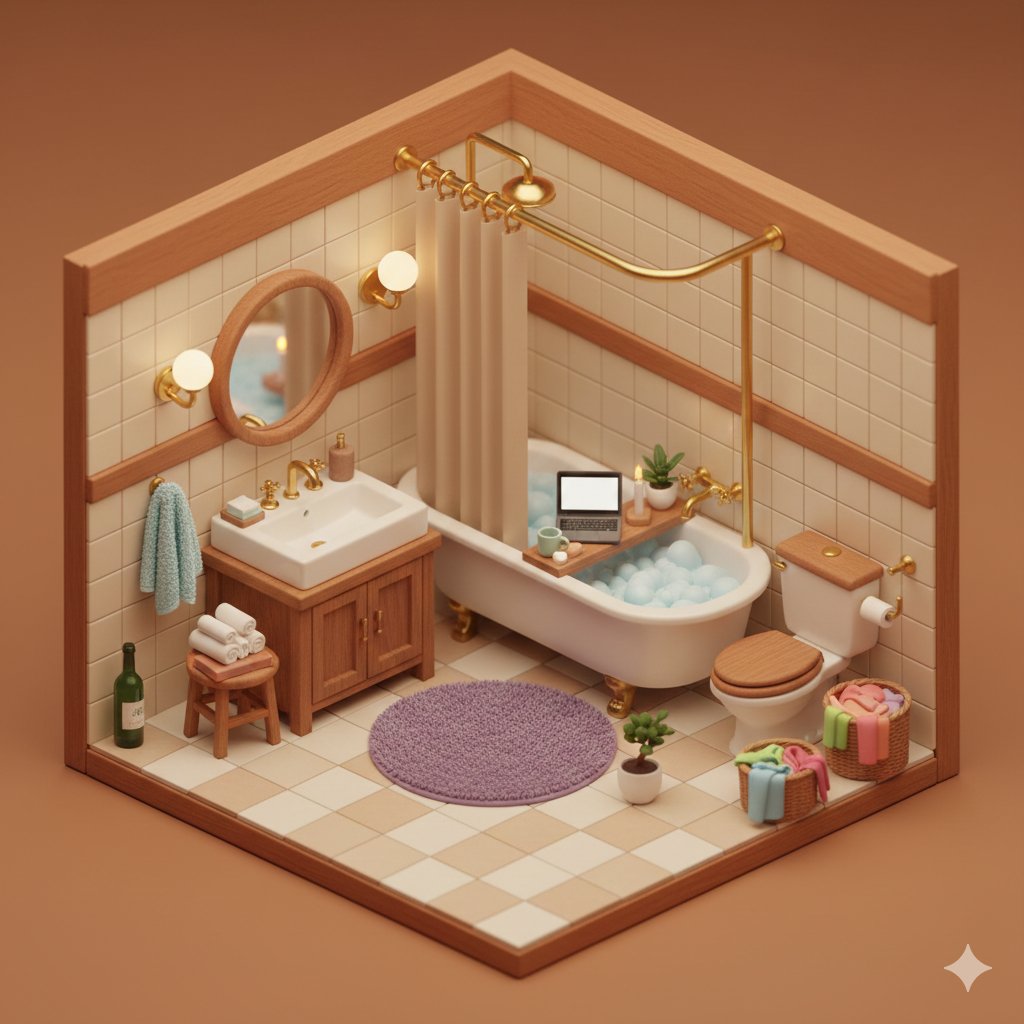
Isometric Cozy Bathroom Diorama Prompt
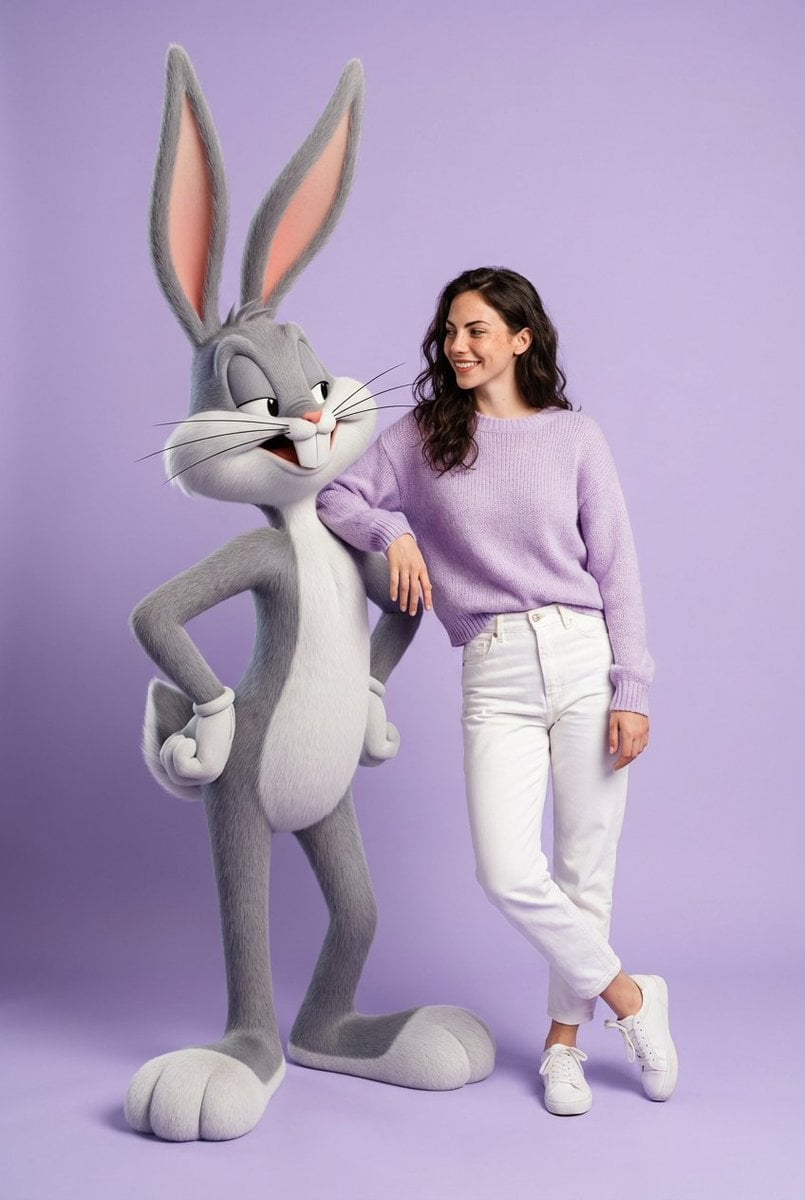
Playful Fashion Shoot with Giant Bugs Bunny
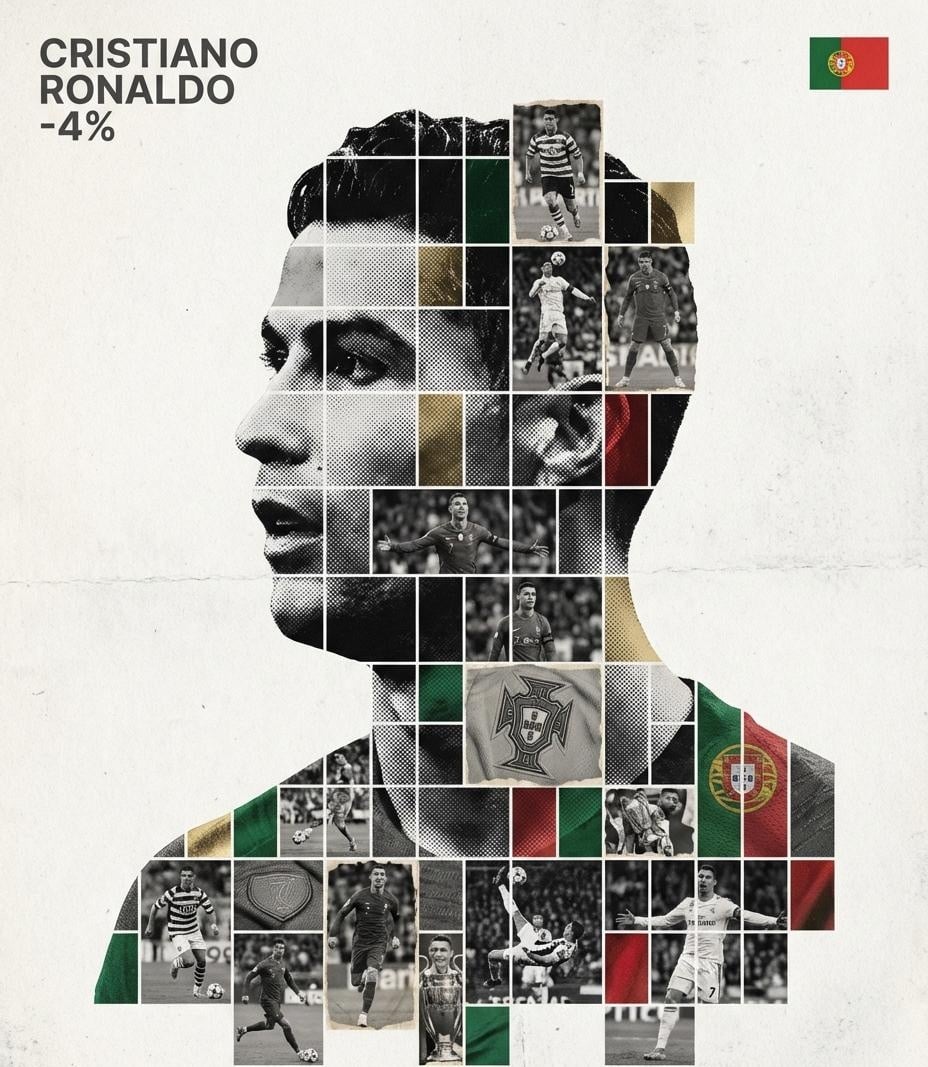
Gallery-Quality Tribute Poster with Textured Photo Mosaic Silhouette
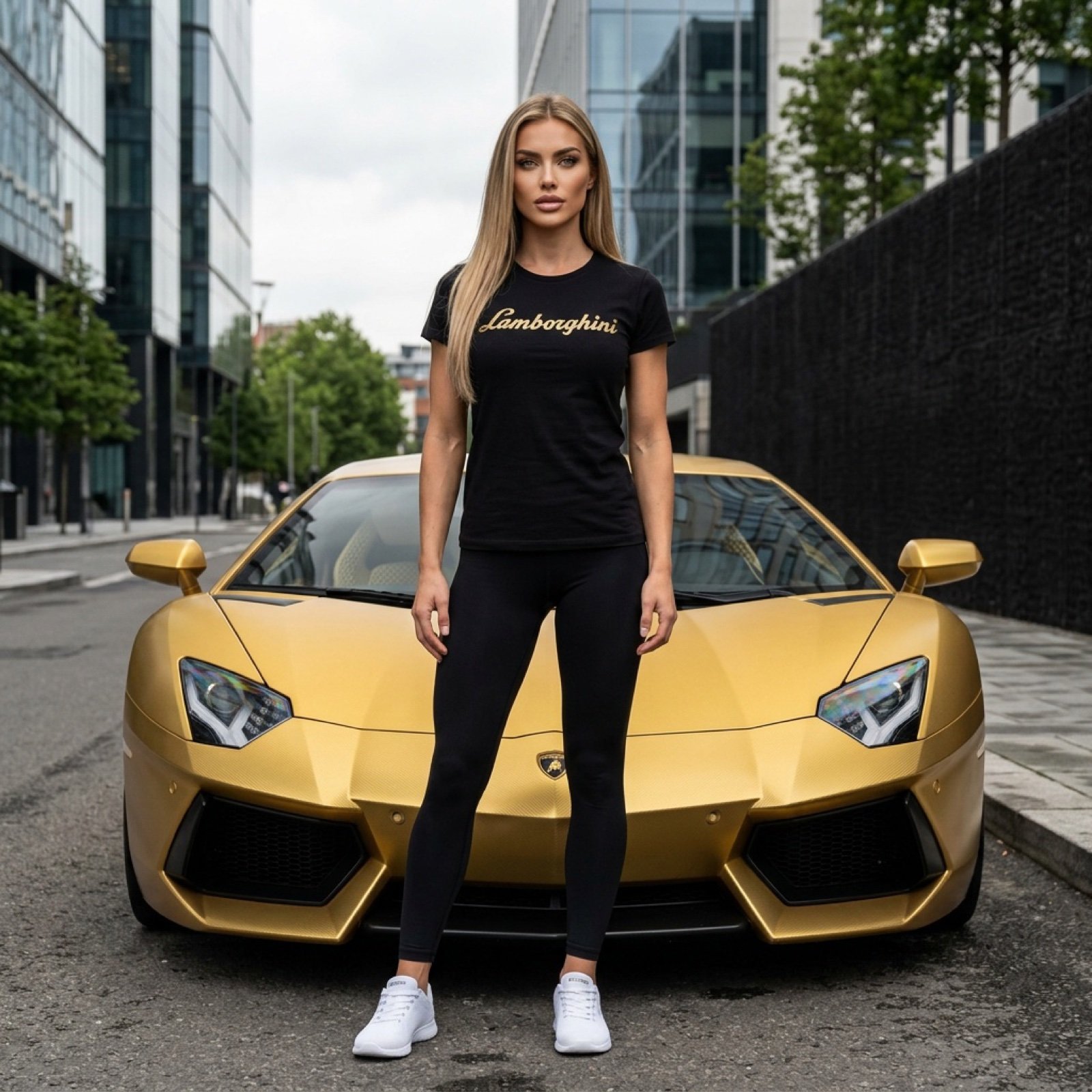
Gold Lamborghini Fashion Shoot Prompt
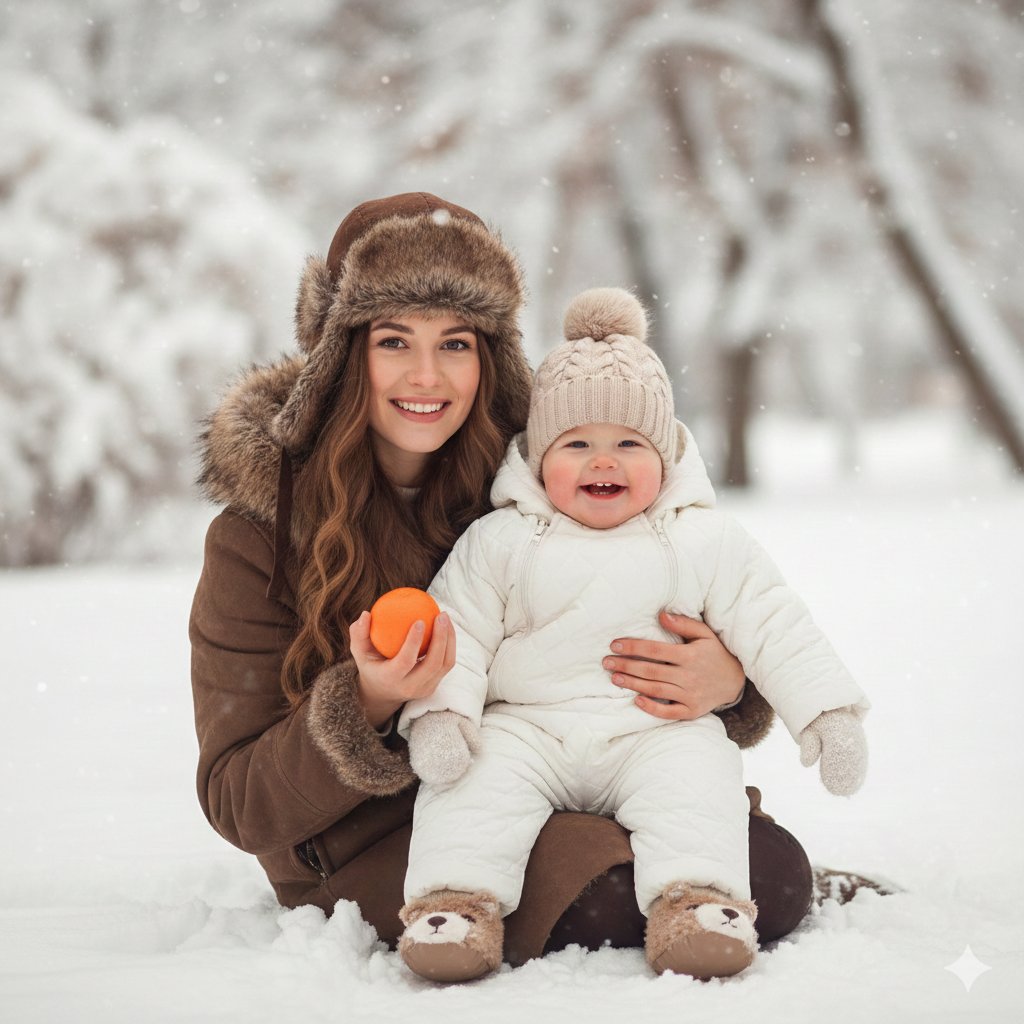
Hygge Winter Family Photo Prompt
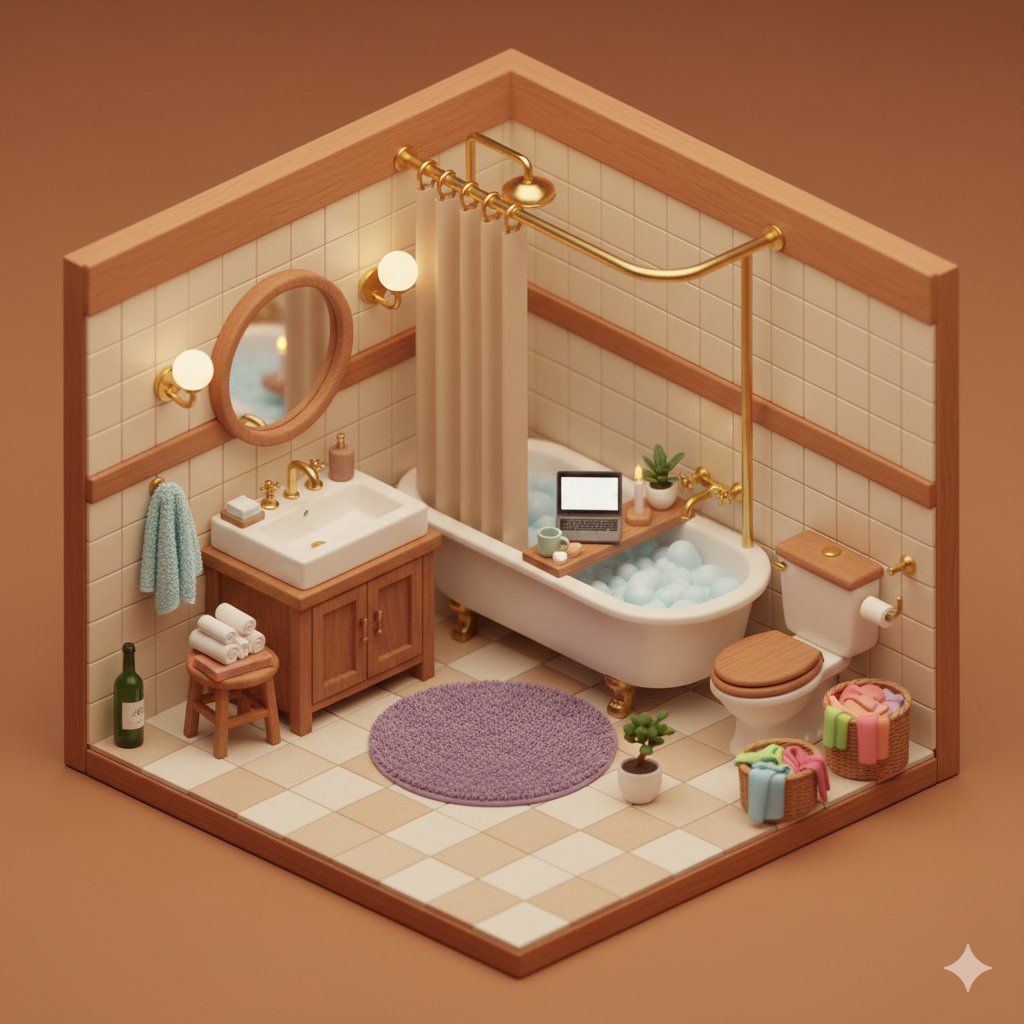
Cozy Isometric Bathroom Diorama
Browse template categories
Luxury Bilingual Tasting Menu Photo questions
How do I use the Luxury Bilingual Tasting Menu Photo template?
Add your photo if the template asks for one, edit the prompt if you like — the template's model and format are already selected — and press Generate. Your version opens in PicX Studio.
Can I customize the Luxury Bilingual Tasting Menu Photo template?
Yes. You can change the subject, setting, lighting, mood, format, and available model controls before creating your image.
Is the Luxury Bilingual Tasting Menu Photo template free?
Opening and editing this template is free. Generating uses credits, shown on the Generate button when you are signed in.
Which AI model should I use?
Start with GPT Image 2, which is the model associated with this template. You can compare another compatible model for a different finish.
Looking for something else? Browse all templates.

Your photo, any look
Thousands of ready templates for every top image and video model, from one credit balance.