
Moody Anime Schoolgirl Portrait
Generates a dark cinematic anime portrait of a schoolgirl in an industrial backstage setting for music-video or character visual use.
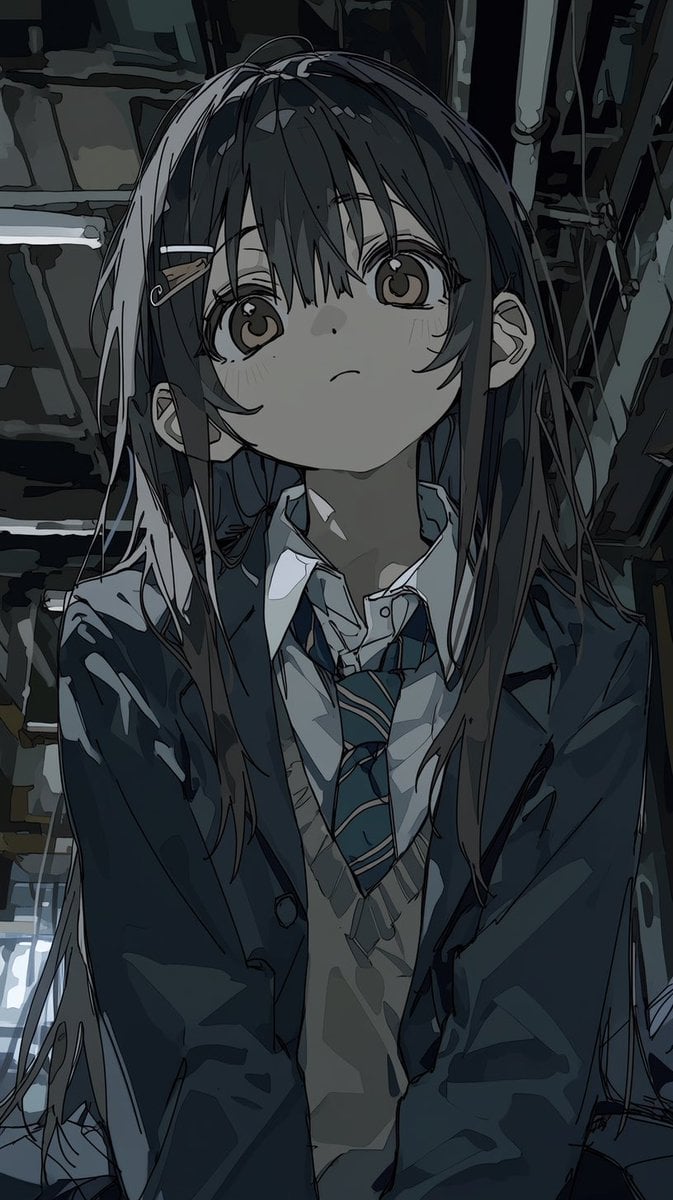
- Prompt included
- Model and format preset
- Free template
The prompt behind this image
Copy the exact prompt behind Moody Anime Schoolgirl Portrait, or open it in the studio and make it yours.
Create a vertical anime-style portrait of {argument name="character name" default="a quiet high school girl"} in a dim, photorealistic industrial backstage or storage-room setting, viewed from slightly below at close range. She has long straight {argument name="hair color" default="charcoal black"} hair with messy bangs, loose side strands, and one visible hair clip on the left side of her head, large reflective brown eyes, pale skin, a tiny nose and small closed mouth, looking upward with a calm, distant, slightly melancholic expression. She wears a Japanese school uniform with exactly 5 visible outfit elements: a dark oversized blazer, a white collared shirt, a loose blue striped necktie, a light gray sweater vest, and a small metal hairpin. Her posture is centered and slightly hunched forward, shoulders close together, filling most of the frame from head to waist. Use a moody dark blue-gray palette, heavy shadow shapes, sharp manga linework, painterly cel shading, glossy highlights in the eyes and hair, and a high-quality modern anime music-video aesthetic. The background should contain dark pipes, cables, metal framing, shelves, and panels, blurred and abstracted but still recognizable, with cool low-key lighting and small bright highlights near the lower left. No text, no watermark, no extra characters, no bright cheerful colors.
How to use Moody Anime Schoolgirl Portrait in 3 steps
- 1Upload ImagePNG, JPG or paste
Add your photo
Upload the photo the template builds on. The prompt, model and format are already set.
- 2…a portrait of your subject in softgolden-hour light, 85mm…
Personalize
Edit the subject and creative details for your destination.
- 3Generate
Generate
Press Generate — your image is created in PicX Studio, so you can compare it with the original and refine one variable at a time.
More like this
Templates with the same subject, style or setup. Open one to see its prompt.

Rainy Café Window Moody Portrait

Found Photograph: Us, 1970

80s Couple Studio Portrait

80s Bollywood Star

80s Golden Hour Cinema

Me in 1985

1985 Studio Portrait

Hyper-Realistic Minecraft POV Portrait
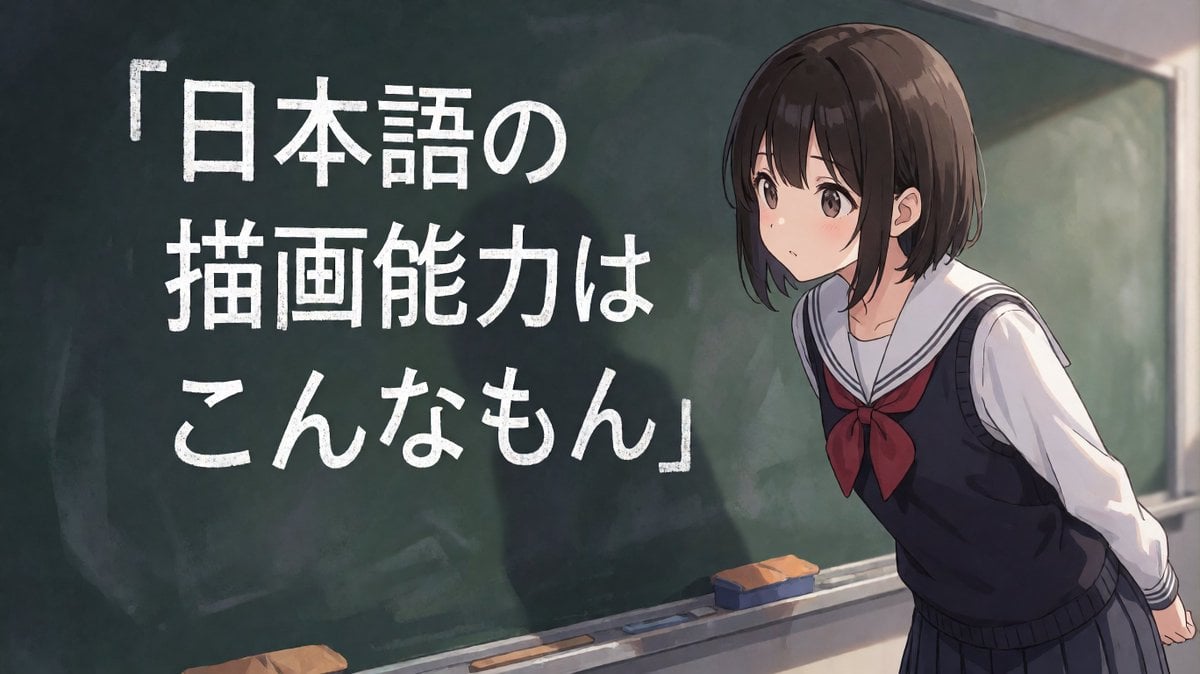
Anime Schoolgirl Chalkboard Quote
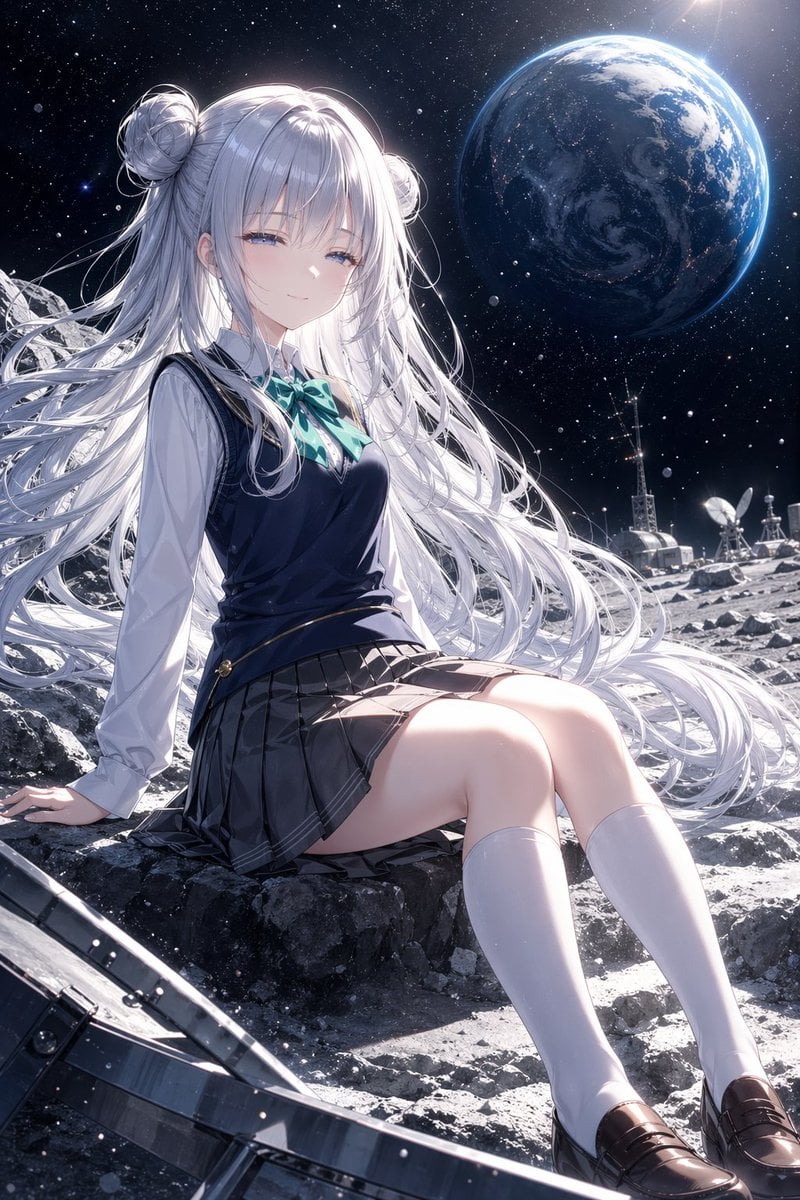
Anime Schoolgirl on the Moon

Chaotic Anime Schoolgirl Fan Collage

Rooftop Fisheye — Cat-Ear Balaclava at Golden Hour
Make it yours
Moody Anime Schoolgirl Portrait works as-is. These are the safest ways to change it without losing the look.
Change one field
Copy a single group, rewrite it, and generate again so you can see what that field is doing.
Keep the frame, change the subject
Hold the composition and light of Moody Anime Schoolgirl Portrait, then swap wardrobe, props or the person for a new take.
| If the result… | Why | Fix |
|---|---|---|
| The result drifts from the preview | Too many fields changed at once. | Reuse Moody Anime Schoolgirl Portrait as-is first, then change one group — subject, light, or setting. |
| The model over-stylizes the scene | The prose prompt leaves finish and camera underspecified. | Add one camera or lighting sentence and stay on GPT Image 2. |
More GPT Image 2 templates
Other prompts made for GPT Image 2.

Six VTuber Japanese Logo Sheet

Realistic Portrait of Woman and Deer

The Vista Modular Condo Poster

AI Model Routing Comparison Infographic

2.5D Anime Art Board

Isometric Productivity Desk Scene

New York Double Exposure Poster

Four-Panel AI Landscape Comparison

Japanese Tatami Lifestyle Magazine Cover

NESCAFÉ Coffee Map Poster
More image prompts
Fresh picks from across the catalog.
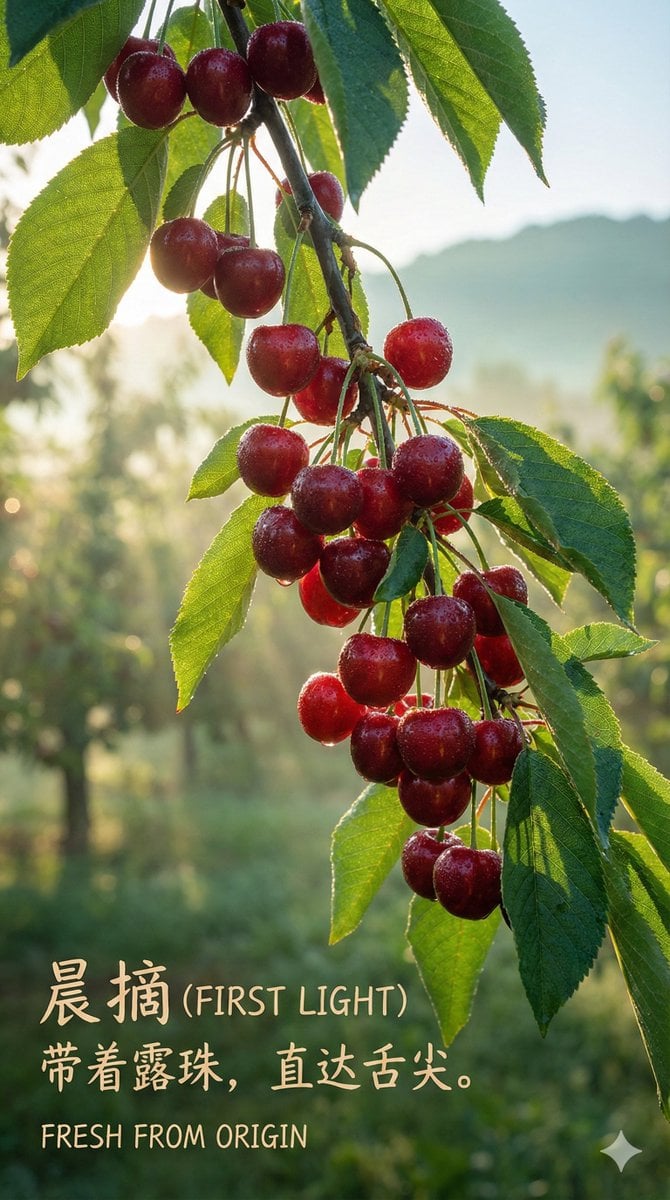
Luxury Cherry Product Photography Prompt (Black Diamond)
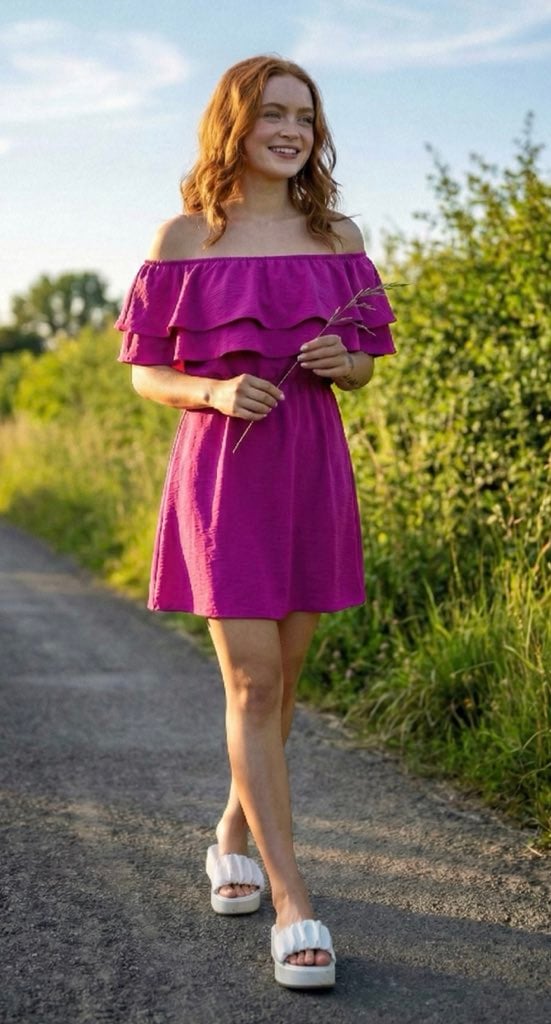
Ultra-Photorealistic Full-Body Shot on a Rural Road at Golden Hour
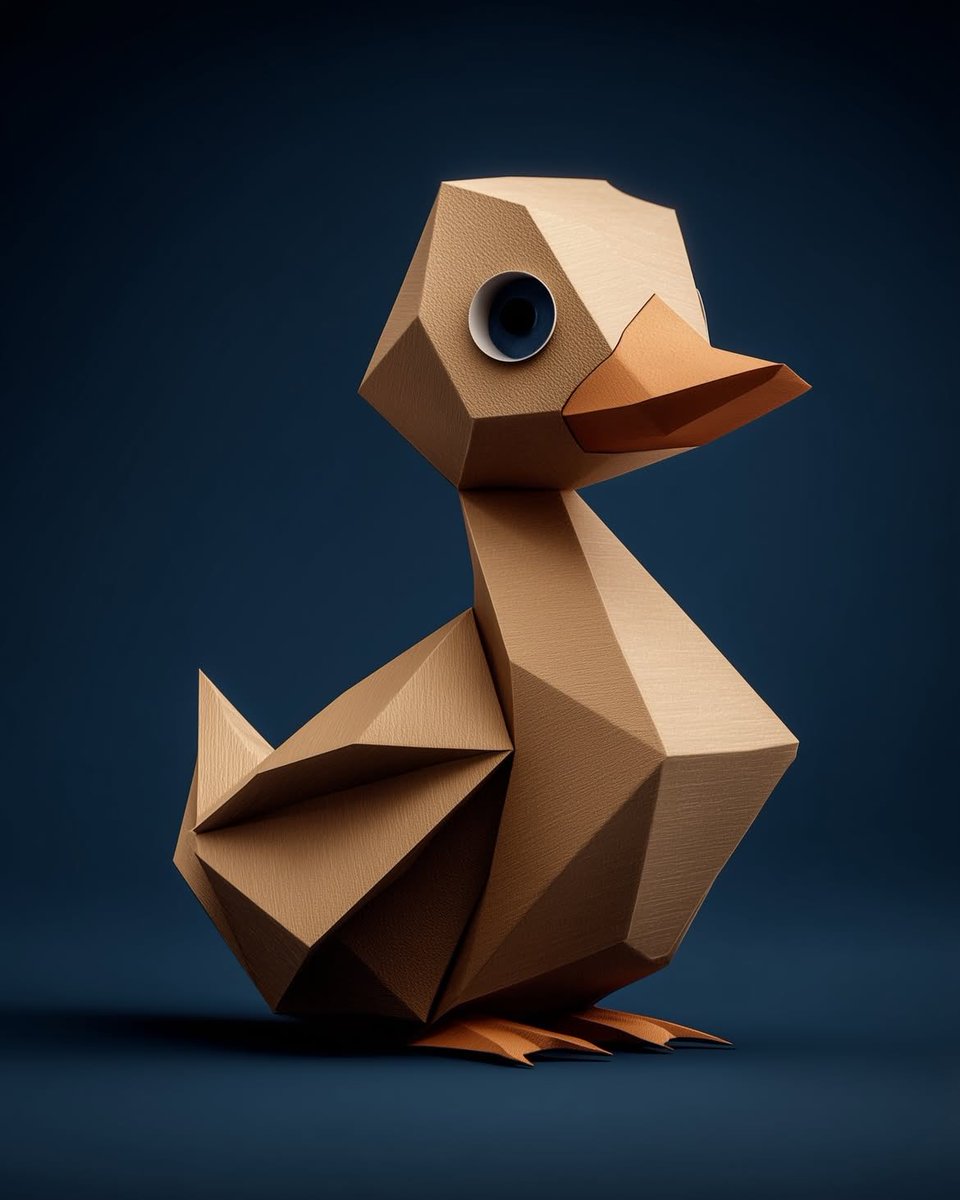
Collection of Low-Poly Origami Animals
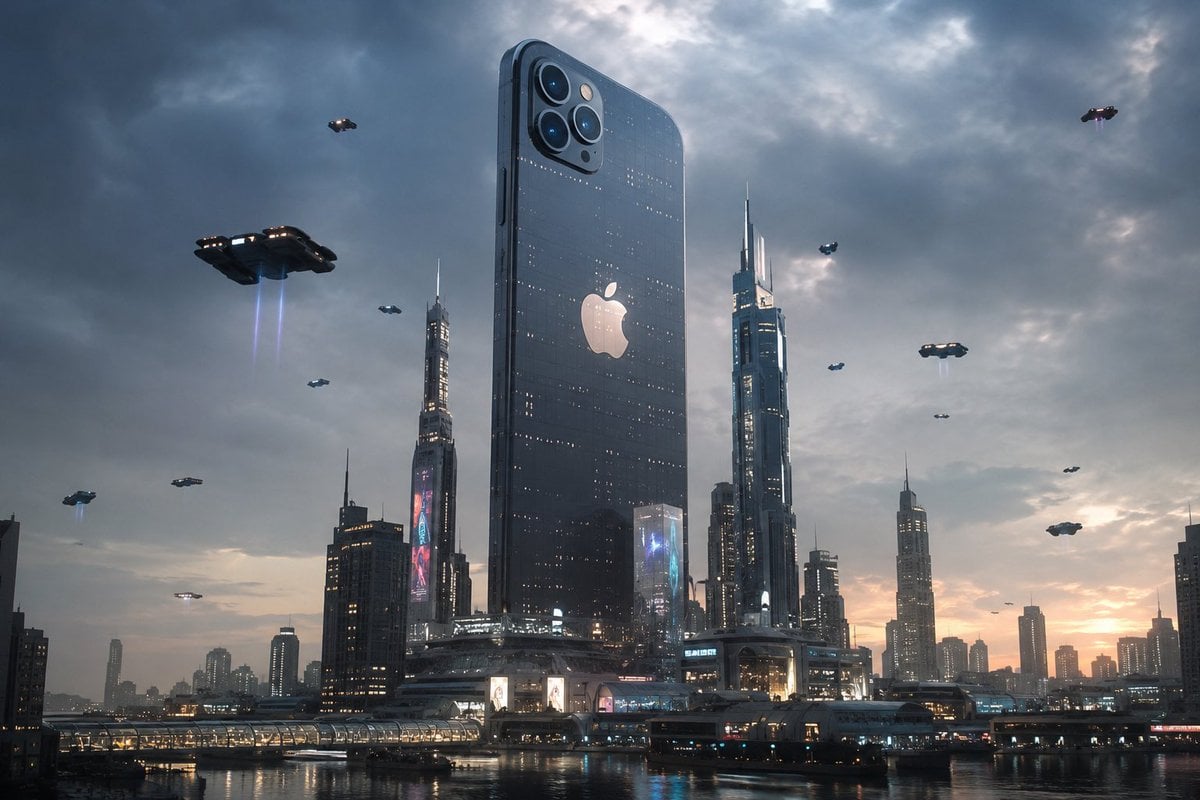
Futuristic Tech Skyscraper City
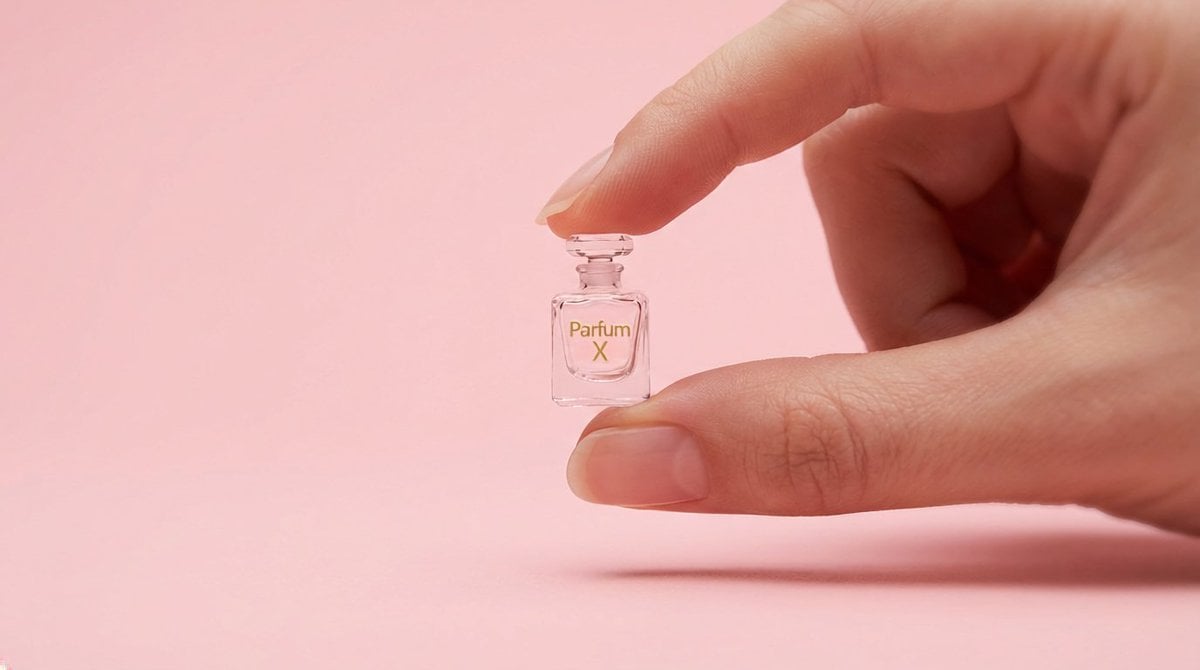
Hyper-Realistic Miniature Product Ad Prompt
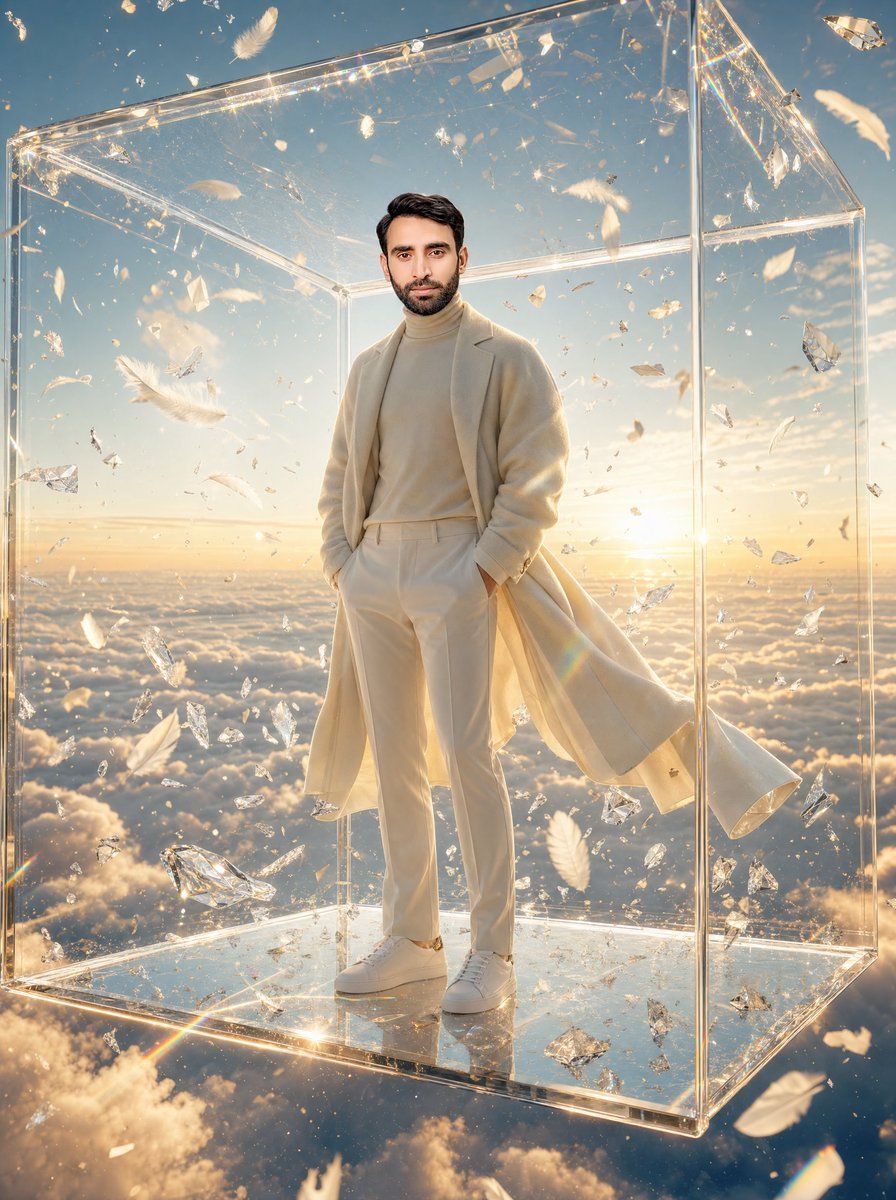
Man in Glass Cube Above Clouds
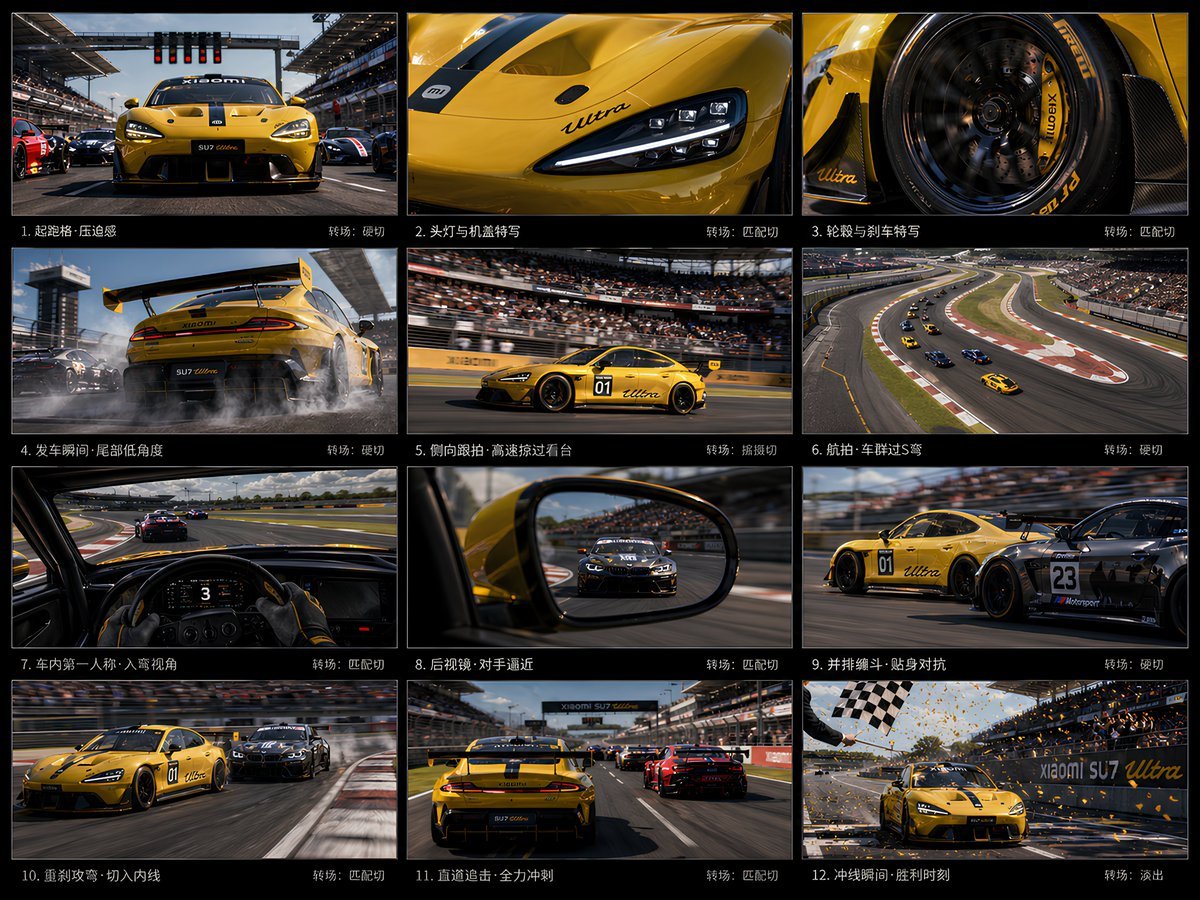
Panel Racing Storyboard Sheet
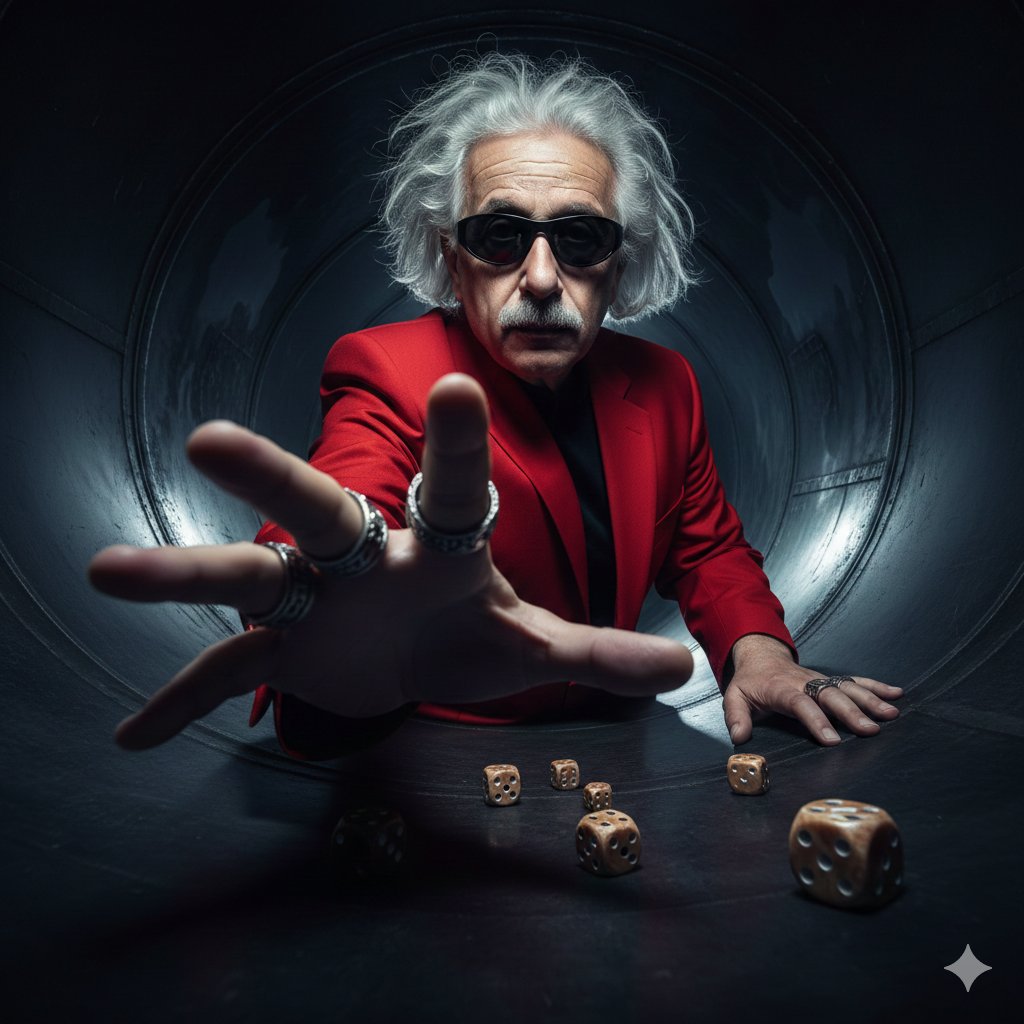
Cinematic Industrial Portrait with Macro Perspective
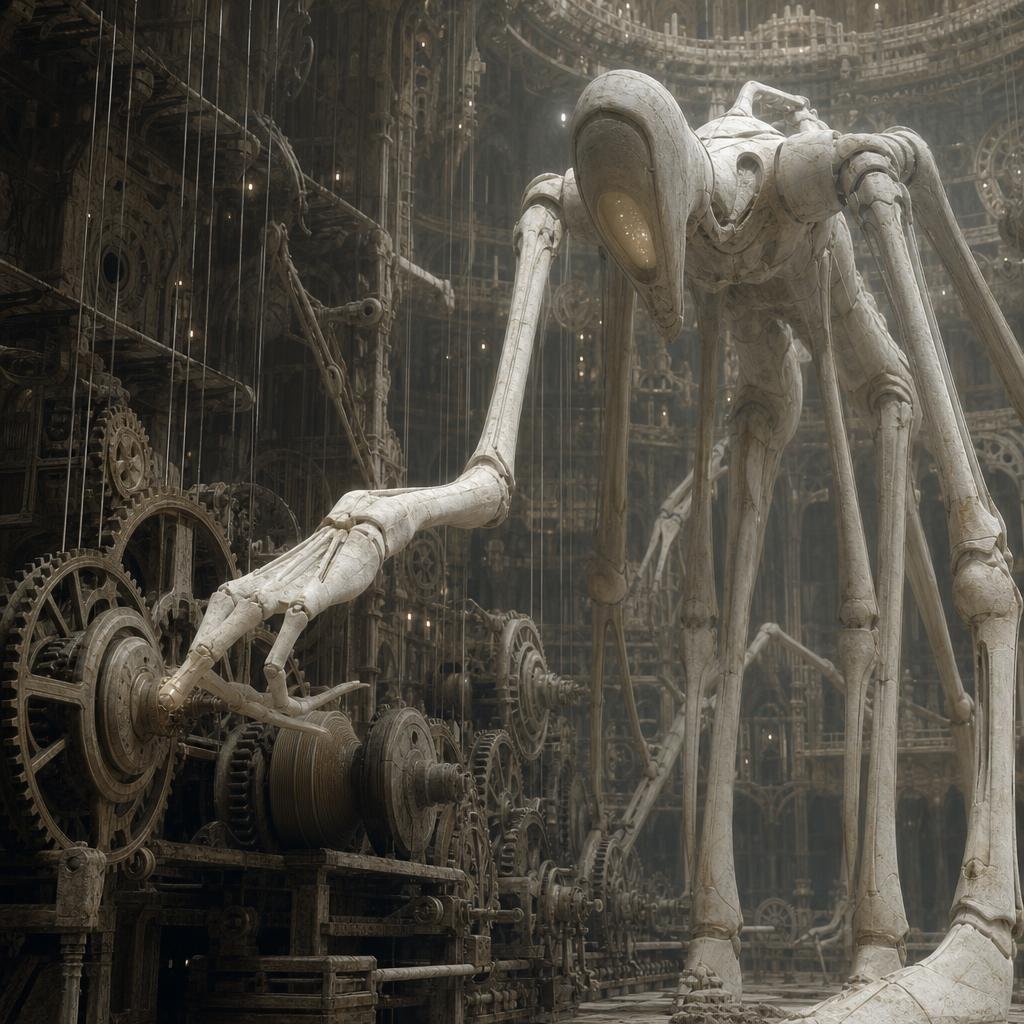
Ivory Automaton in Clockwork Cathedral
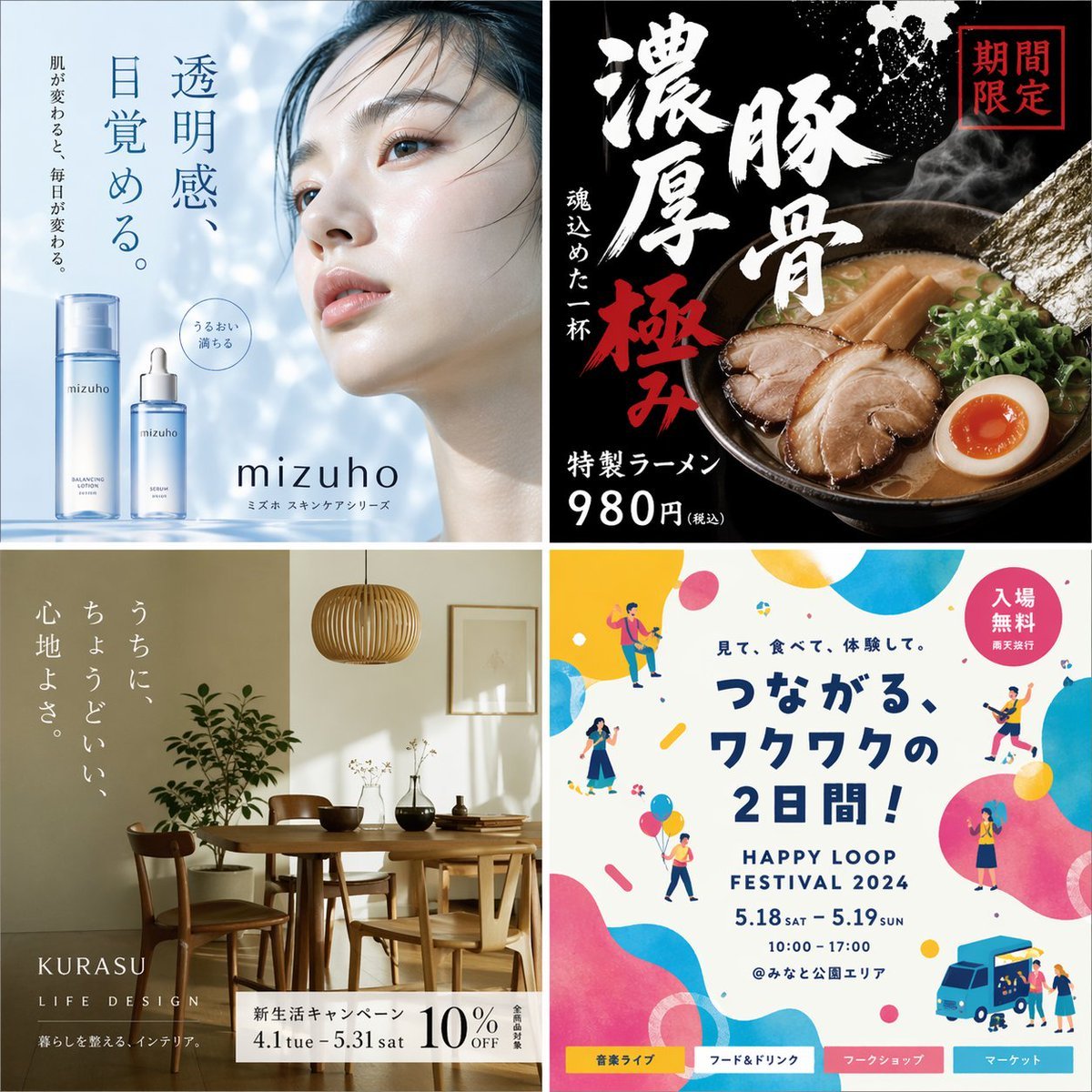
Japanese Ad Poster Grid Collage
Browse template categories
Moody Anime Schoolgirl Portrait questions
How do I use the Moody Anime Schoolgirl Portrait template?
Add your photo if the template asks for one, edit the prompt if you like — the template's model and format are already selected — and press Generate. Your version opens in PicX Studio.
Can I customize the Moody Anime Schoolgirl Portrait template?
Yes. You can change the subject, setting, lighting, mood, format, and available model controls before creating your image.
Is the Moody Anime Schoolgirl Portrait template free?
Opening and editing this template is free. Generating uses credits, shown on the Generate button when you are signed in.
Which AI model should I use?
Start with GPT Image 2, which is the model associated with this template. You can compare another compatible model for a different finish.
Looking for something else? Browse all templates.

Your photo, any look
Thousands of ready templates for every top image and video model, from one credit balance.