
Pastel Beluga Idol Gacha Card
Generates a premium underwater anime gacha character card with Japanese UI labels, rarity stats, and a cute beluga idol heroine.
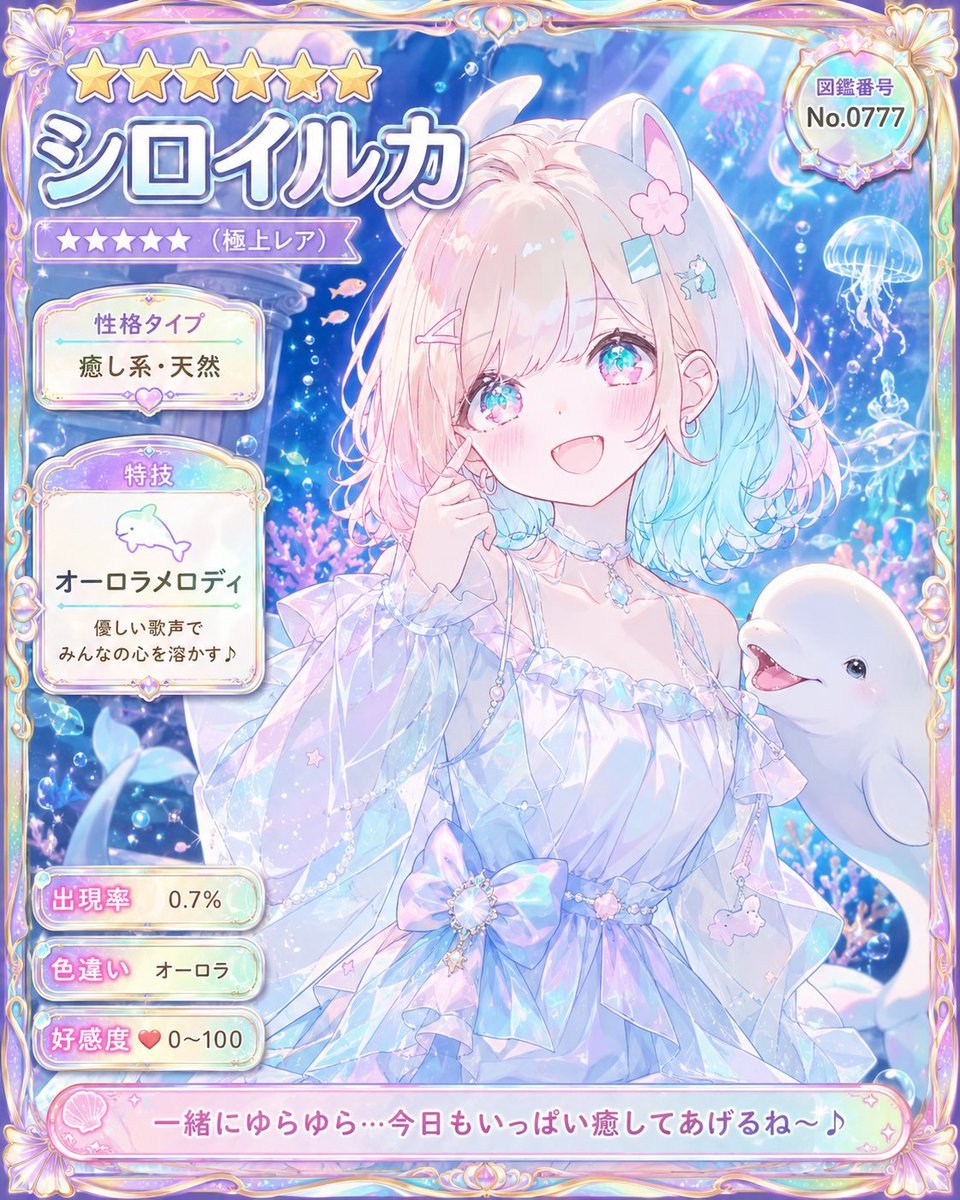
- Prompt included
- Model and format preset
- Free template
The prompt behind this image
Copy the exact prompt behind Pastel Beluga Idol Gacha Card, or open it in the studio and make it yours.
Goal: Create an ultra-rare collectible anime character card for a pastel underwater idol named {argument name="character name" default="シロイルカ"}, styled like a premium gacha game profile card. Canvas: Vertical portrait card, 4:5 aspect ratio, filled edge to edge with an ornate iridescent frame. Use dreamy pastel colors: pearl white, lavender, aqua blue, soft pink, holographic highlights, and sparkling bubbles. Main subject: Center-right is a cheerful anime girl with beluga whale traits, looking at the viewer with a warm open smile. She has fluffy shoulder-length hair with pale pink roots fading into aqua-blue ends, large sparkling turquoise-pink eyes, rosy cheeks, small earrings, and cute hair accessories: exactly 4 visible hair decorations — one pink flower clip, one blue rectangular clip, one pink bobby pin, and one tiny blue whale clip. She has soft white beluga-like animal ears on top of her head. Her pose is gentle and idol-like, with one hand touching her cheek. Outfit: an airy translucent off-shoulder ocean-princess dress with ruffled sleeves, pearl chains, crystal choker, star charms, a large iridescent bow at the waist, and delicate sea-themed dangling ornaments. To her lower right, include one smiling white beluga whale companion emerging into the frame. Background: Magical aquarium scene with deep blue water, light rays from above, glowing bubbles, coral and sea plants, tiny pink fish, sparkles, and jellyfish. Include exactly 3 prominent jellyfish in the background: one pink jellyfish near the upper right, one blue-white jellyfish at the right edge, and one smaller glowing jellyfish beneath it. Frame and UI layout: Make the card look like a rare character encyclopedia entry. Use an ornate gold-and-pearl fantasy frame with shell motifs at the corners and rainbow holographic trim. Top left has exactly 6 large gold stars. Beneath them, a huge Japanese character name title reading {argument name="name text" default="シロイルカ"} in thick white letters with blue-purple shadow. Under the name, show exactly 5 small purple rarity stars followed by the label 「(極上レア)」. Top right contains a round badge with the label 「図鑑番号」 and number {argument name="catalog number" default="No.0777"}. Left information panels: Use exactly 5 separate rounded information boxes stacked vertically. Box 1: title 「性格タイプ」 with value {argument name="personality type" default="癒し系・天然"}. Box 2: title 「特技」, a simple dolphin icon, skill name 「オーロラメロディ」, and description 「優しい歌声で みんなの心を溶かす♪」. Box 3: title 「出現率」 with value 「0.7%」. Box 4: title 「色違い」 with value 「オーロラ」. Box 5: title 「好感度」 with a heart icon and value 「0~100」. Bottom caption: Add a long pink rounded dialogue banner across the bottom with shell icon decoration and the quote {argument name="bottom quote" default="一緒にゆらゆら…今日もいっぱい癒してあげるね〜♪"}. Visual style: High-detail modern Japanese anime illustration, cute magical-girl gacha card aesthetic, glossy translucent UI, pearlescent highlights, soft bloom, luminous underwater lighting, clean readable Japanese typography, intricate but not cluttered. No watermark, no extra characters, no additional text beyond the specified labels.
How to use Pastel Beluga Idol Gacha Card in 3 steps
- 1Upload ImagePNG, JPG or paste
Add your photo
Upload the photo the template builds on. The prompt, model and format are already set.
- 2…a portrait of your subject in softgolden-hour light, 85mm…
Personalize
Edit the subject and creative details for your destination.
- 3Generate
Generate
Press Generate — your image is created in PicX Studio, so you can compare it with the original and refine one variable at a time.
More like this
Templates with the same subject, style or setup. Open one to see its prompt.

Reiwa Slang Reaction Gacha Card

Pastel Anime Idol Concert Finale
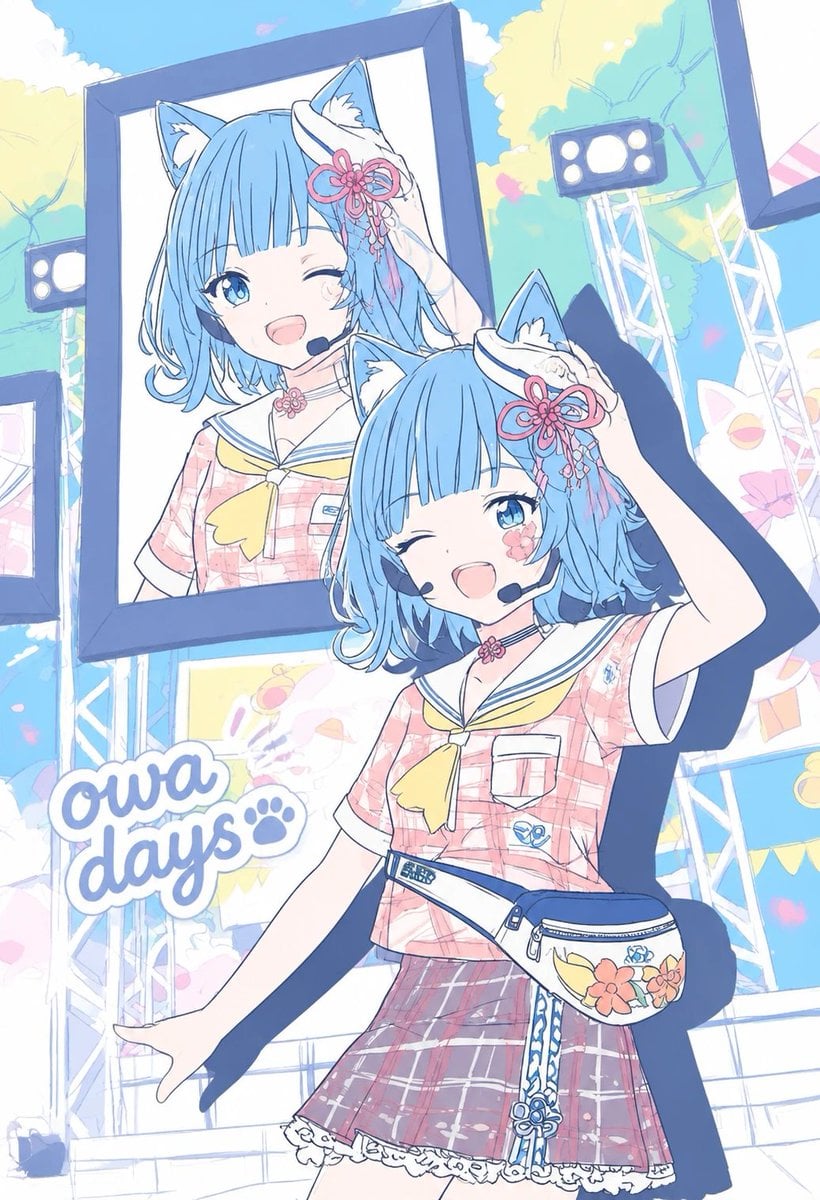
Pastel Cat-Eared Summer Idol Stage
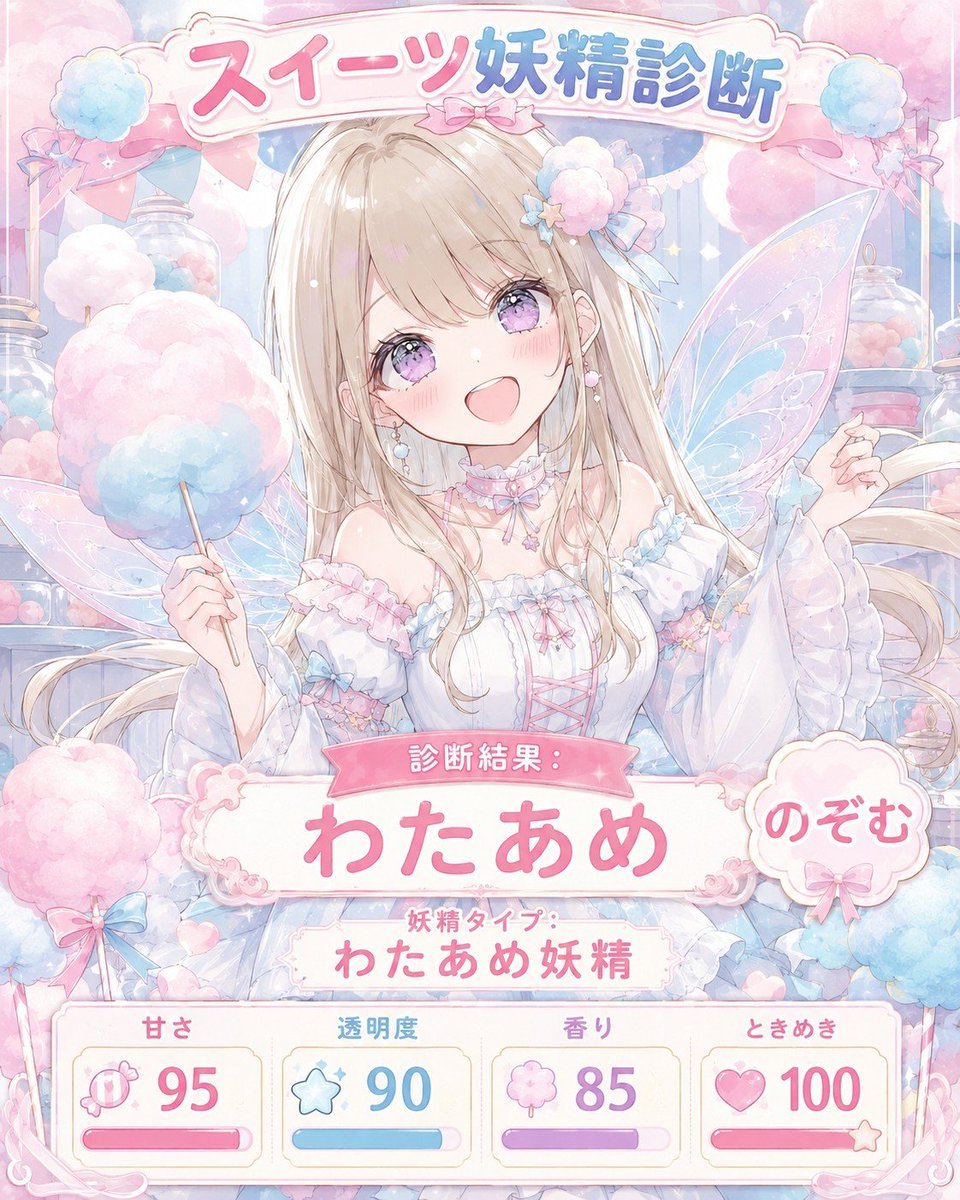
Pastel Sweets Fairy Diagnosis Card

Eid al-Adha Cute Chaos — Fisheye Selfie with Farm Selfie, Mosque & Animals

Cute Layered Paper Cut Chibi Girl

Layered Paper Cut Illustration Template

Premium Vintage Travel Poster Landscape

Quiet Minimalist Anime Style Guide
Premium Vintage Travel Poster Landscape

Pastel Fantasy Pagoda Mountain Landscape

Korean Cafe Courtyard Gold Frame Mirror Selfie
Make it yours
Pastel Beluga Idol Gacha Card works as-is. These are the safest ways to change it without losing the look.
Change one field
Copy a single group, rewrite it, and generate again so you can see what that field is doing.
Keep the frame, change the subject
Hold the composition and light of Pastel Beluga Idol Gacha Card, then swap wardrobe, props or the person for a new take.
| If the result… | Why | Fix |
|---|---|---|
| The result drifts from the preview | Too many fields changed at once. | Reuse Pastel Beluga Idol Gacha Card as-is first, then change one group — subject, light, or setting. |
| The model over-stylizes the scene | The prose prompt leaves finish and camera underspecified. | Add one camera or lighting sentence and stay on GPT Image 2. |
More GPT Image 2 templates
Other prompts made for GPT Image 2.

Six VTuber Japanese Logo Sheet

Realistic Portrait of Woman and Deer

The Vista Modular Condo Poster

AI Model Routing Comparison Infographic

2.5D Anime Art Board

Isometric Productivity Desk Scene

New York Double Exposure Poster

Four-Panel AI Landscape Comparison

Japanese Tatami Lifestyle Magazine Cover

NESCAFÉ Coffee Map Poster
More image prompts
Fresh picks from across the catalog.

Hyper-Realistic Underwater Snorkeling Portrait
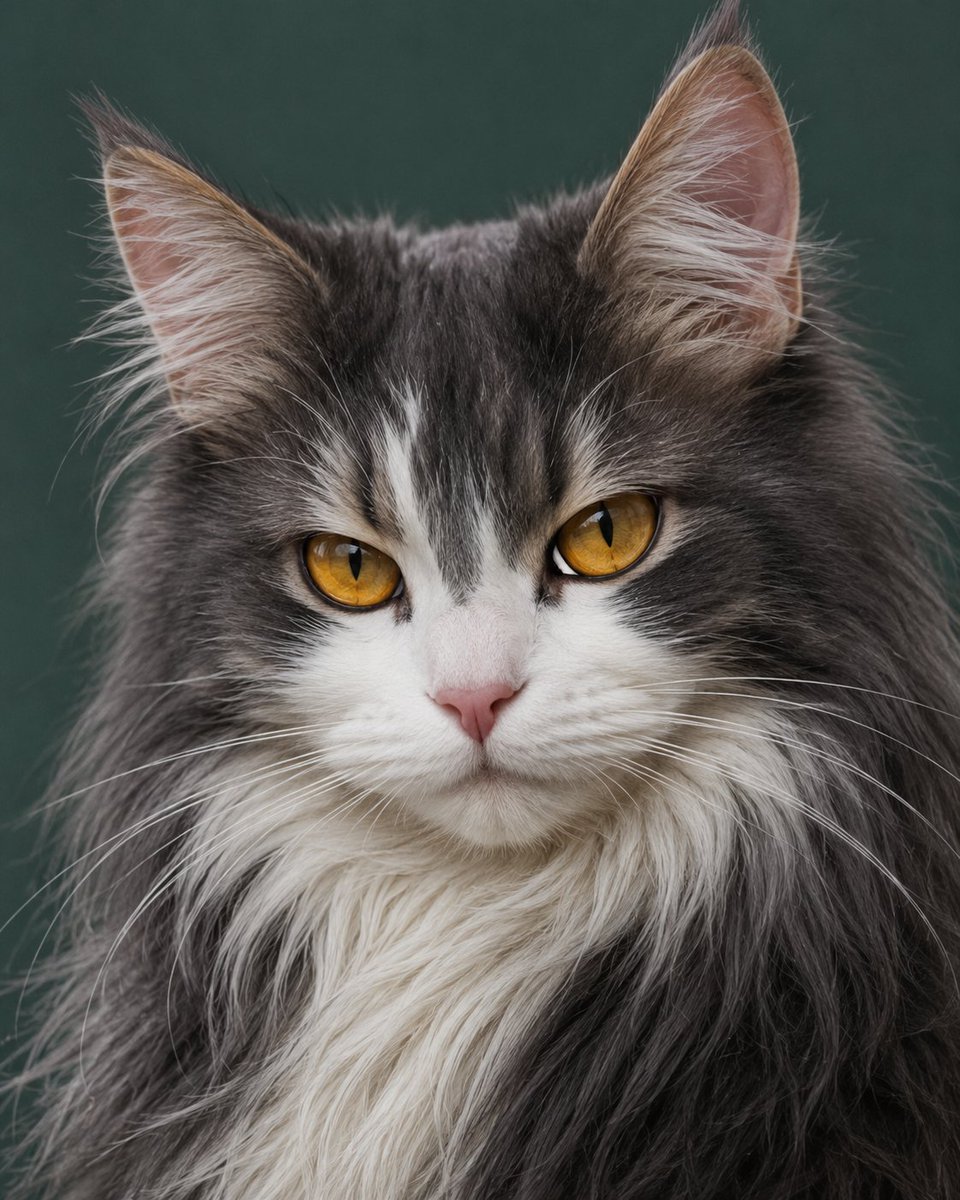
Photorealistic Amber-Eyed Cat Portrait

Photorealistic Fashion Portrait on Car Hood at Seaside

Cinematic Noir Neon Identity Portrait

Brown Editorial Couple Collage

Sci-Fi Comic Poster Illustration JSON Prompt for Nano Banana Pro

Luxury Golf Fashion Editorial Campaign
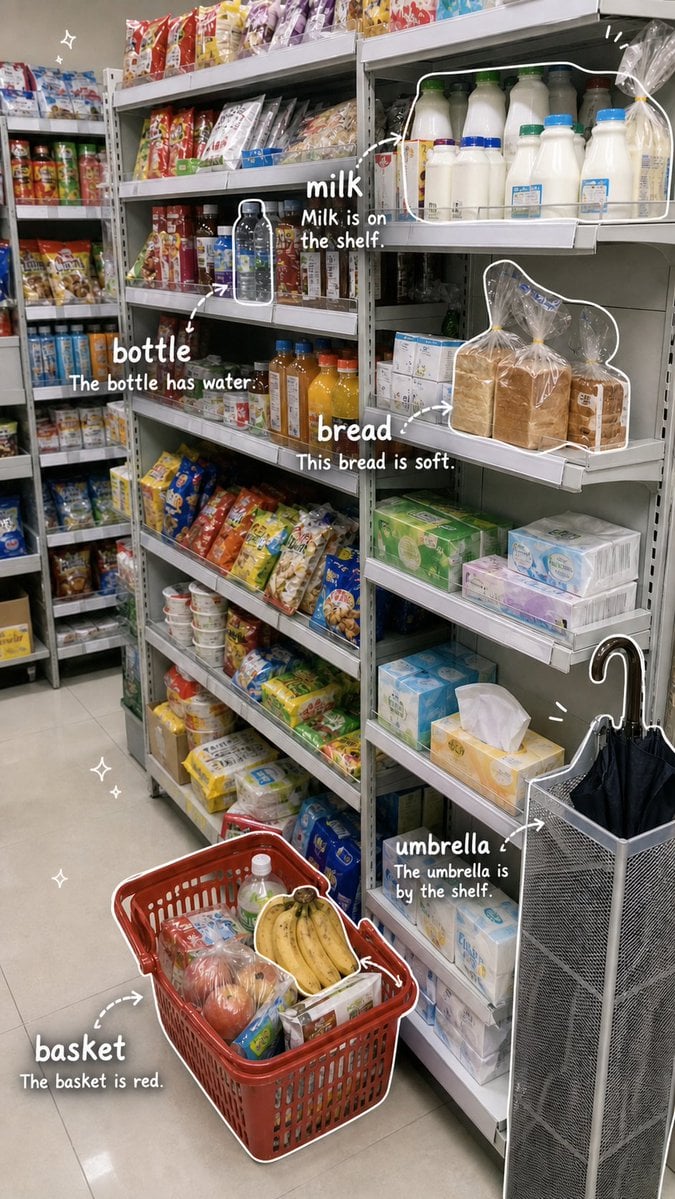
Grocery Vocabulary Notebook Photo

untitled

Green Sport Motorcycle Mountain Road
Browse template categories
Pastel Beluga Idol Gacha Card questions
How do I use the Pastel Beluga Idol Gacha Card template?
Add your photo if the template asks for one, edit the prompt if you like — the template's model and format are already selected — and press Generate. Your version opens in PicX Studio.
Can I customize the Pastel Beluga Idol Gacha Card template?
Yes. You can change the subject, setting, lighting, mood, format, and available model controls before creating your image.
Is the Pastel Beluga Idol Gacha Card template free?
Opening and editing this template is free. Generating uses credits, shown on the Generate button when you are signed in.
Which AI model should I use?
Start with GPT Image 2, which is the model associated with this template. You can compare another compatible model for a different finish.
Looking for something else? Browse all templates.

Your photo, any look
Thousands of ready templates for every top image and video model, from one credit balance.