
Sci-Fi Comic Poster Illustration JSON Prompt for Nano Banana Pro
A highly structured JSON prompt designed for Nano Banana Pro (or Gemini Pro/Grok Imagine) to generate a complex, multi-panel sci-fi comic book poster illustration.
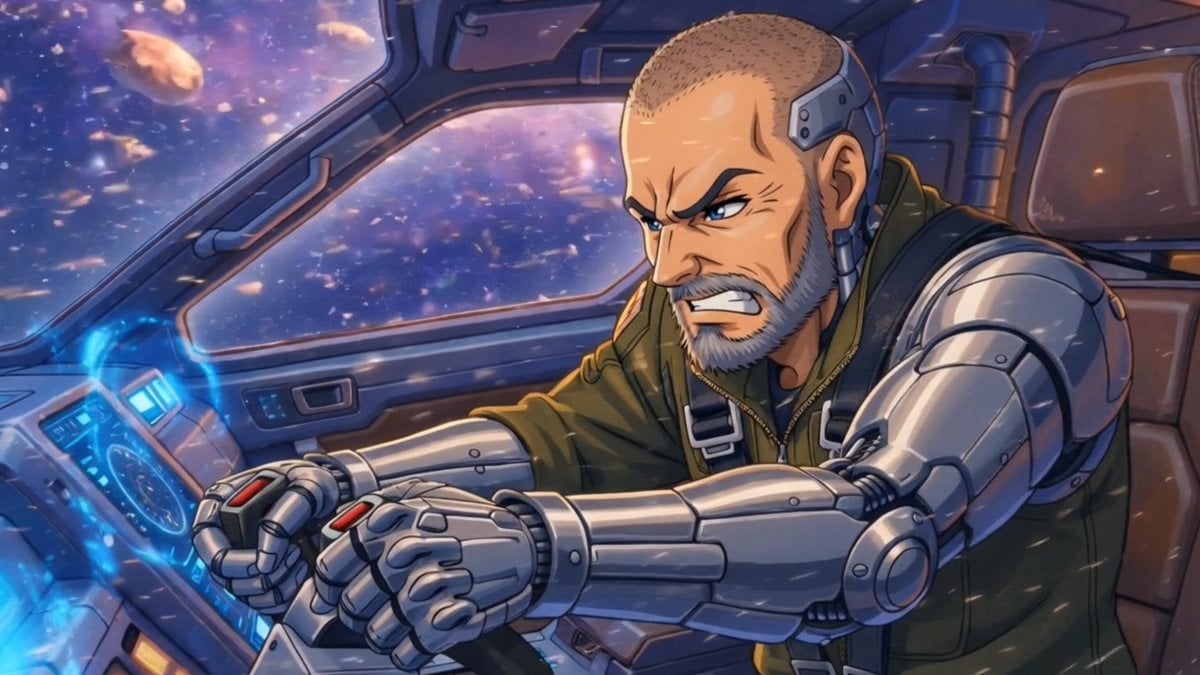
- Prompt included
- Model and format preset
- Free template
The prompt behind this image
Copy the exact prompt behind Sci-Fi Comic Poster Illustration JSON Prompt for Nano Banana Pro, or open it in the studio and make it yours.
{ "image_type": "comic_poster_illustration", "reference_image": { "use": true, "identity_preservation": "strict", "face_similarity": "high", "no_face_morphing": true }, "canvas": { "aspect_ratio": "16:9", "resolution": "4K", "orientation": "horizontal poster" }, "title_text": { "text": "{argument name="title text" default="ZOOM!!!"}", "position": "top_center", "style": "bold comic title lettering", "font_look": "thick hand-drawn comic font", "color": "cream white with black outline", "effects": [ "slight 3D emboss", "comic ink shadow", "subtle halftone texture" ] }, "main_character": { "subject": "{argument name="main subject" default="spacecraft and pilot with metallic implant using my first reference image"}", "pose": "angry heroic", "style": "modern space miner hero" }, "lighting": "dramatic comic-style rim lighting", "render_style": "healing Japanese Anime comic illustration" }, "comic_panels": [ { "position": "top_left", "pose": "Extreme close-up from behind spiderwebbed glass", "expression": "Angry", "panel_effect": "burst explosion background" "panel_effect": "comic sound effect craaack" }, { "position": "top_right", "subject": "pilot with metallic implant using my first reference image", "pose": "mouth open eyes wide", "speech_text": "NOOO!", "expression": "Worried", "speech_text": "LUNA!", }, { "position": "bottom_left", "subject": "spacecraft and astronaut using my second reference image", "pose": " profile of a small black ship facing frame left with a pointed nose sleek narrow fuselage swept down delta wings a single rear jet engine and a single tall rear tail fin and astronaut looking at it", "speech_text": "WHAAA?!", "motion_lines": true }, { "position": "bottom_right", "subject": "spacecraft and pilot with metallic implant using my third reference image", "expression": "scared", "speech_text": "LAZARUS!", "panel_effect": "starburst" } ], "background": { "style": "comic book panels collage", "colors": [ "orange", "yellow", "blue", "teal" ], "elements": [ "halftone dots", "ink splashes", "dynamic action lines", "comic explosion shapes" ], "bottom_scene": "asteroid field with gold veins in the asteroids" }, "art_style": { "genre": "modern comic book / graphic novel", "influences": [ "Marvel comic covers", "DC character posters", "Pop-art illustration" ], "line_work": "clean b"
How to use Sci-Fi Comic Poster Illustration JSON Prompt for Nano Banana Pro in 3 steps
- 1Upload ImagePNG, JPG or paste
Add your photo
Upload the photo the template builds on. The prompt, model and format are already set.
- 2…a portrait of your subject in softgolden-hour light, 85mm…
Personalize
Edit the subject and creative details for your destination.
- 3Generate
Generate
Press Generate — your image is created in PicX Studio, so you can compare it with the original and refine one variable at a time.
More like this
Templates with the same subject, style or setup. Open one to see its prompt.

Hero Portrait Comic Multi-Panel Poster

City Posters by Nano Banana Pro

Pop Art Superhero Explosion Poster

Spider-Verse Painterly Portrait Poster

Captain Tsubasa Anime World Cup Poster
Sci-Fi AI Battle Movie Poster

Japan Travel Brochure Poster
Paper Cut Scientific Illustration

Master Paper Cut Illustration — Saudi Arabia Travel Poster in Layered Paper Art
Multi-Panel Comic Illustration
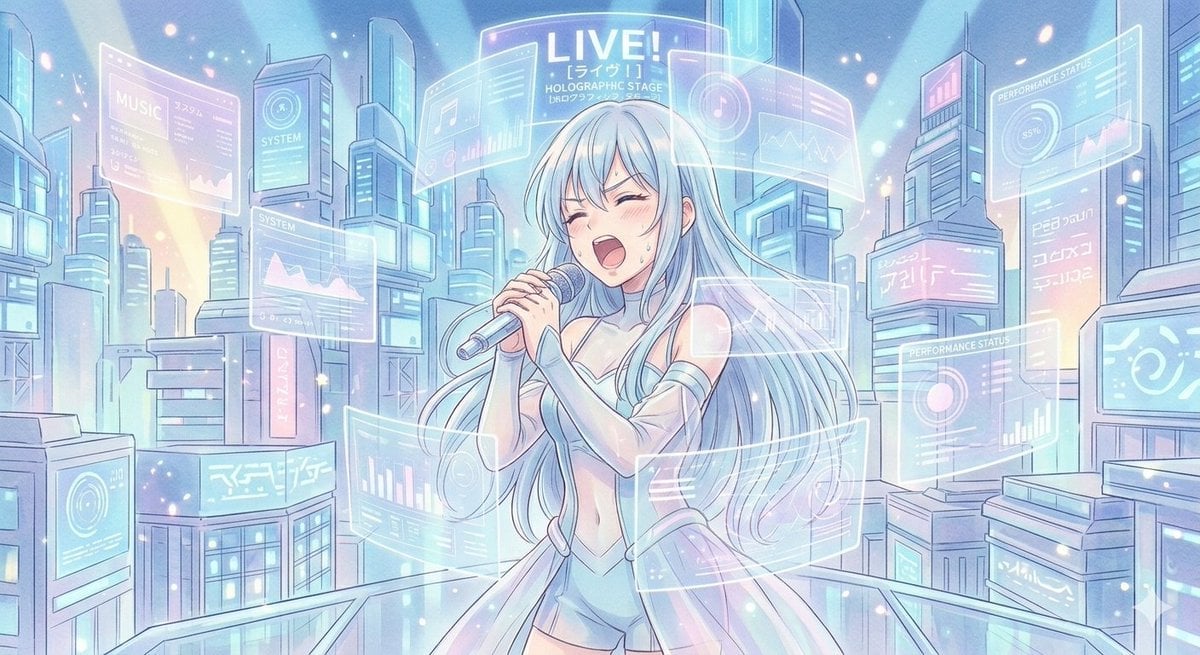
Sci-Fi Anime Songstress Illustration

Cartoon TV Show Poster Pack
Make it yours
Sci-Fi Comic Poster Illustration JSON Prompt for Nano Banana Pro works as-is. These are the safest ways to change it without losing the look.
Change one field
Copy a single group, rewrite it, and generate again so you can see what that field is doing.
Keep the frame, change the subject
Hold the composition and light of Sci-Fi Comic Poster Illustration JSON Prompt for Nano Banana Pro, then swap wardrobe, props or the person for a new take.
| If the result… | Why | Fix |
|---|---|---|
| The result drifts from the preview | Too many fields changed at once. | Reuse Sci-Fi Comic Poster Illustration JSON Prompt for Nano Banana Pro as-is first, then change one group — subject, light, or setting. |
| The model over-stylizes the scene | The prose prompt leaves finish and camera underspecified. | Add one camera or lighting sentence and stay on Nano Banana 2. |
More Nano Banana 2 templates
Other prompts made for Nano Banana 2.

Photorealistic Leaf Shaped Like a Dragon

K-Pop Idol Portrait Grid for Rapid Selection

Poetic Rain Forest Portrait During Golden Hour

Urban Street Portrait with Cartoon Inner Self Duo

Candid Nighttime Photo with Cat Prompt

High-Concept 3D Diorama Generation Prompt

Cinematic Futuristic Studio Portrait Template

Skincare Editorial Photography Collage Prompt

Hyper-Realistic Commercial Product Photography (Splash Effect)

Hyper-Realistic Nightclub Portrait Prompt
More image prompts
Fresh picks from across the catalog.
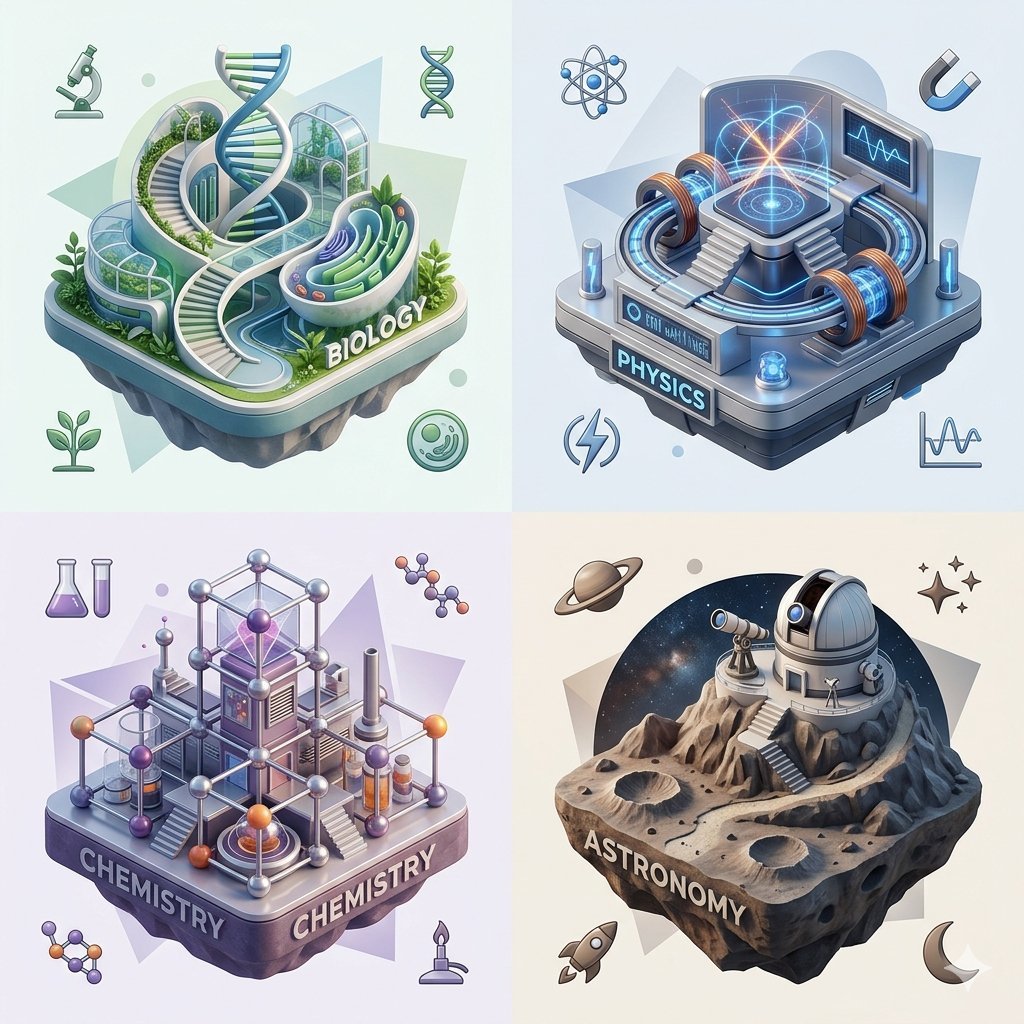
Isometric Science Concept Diorama Grid
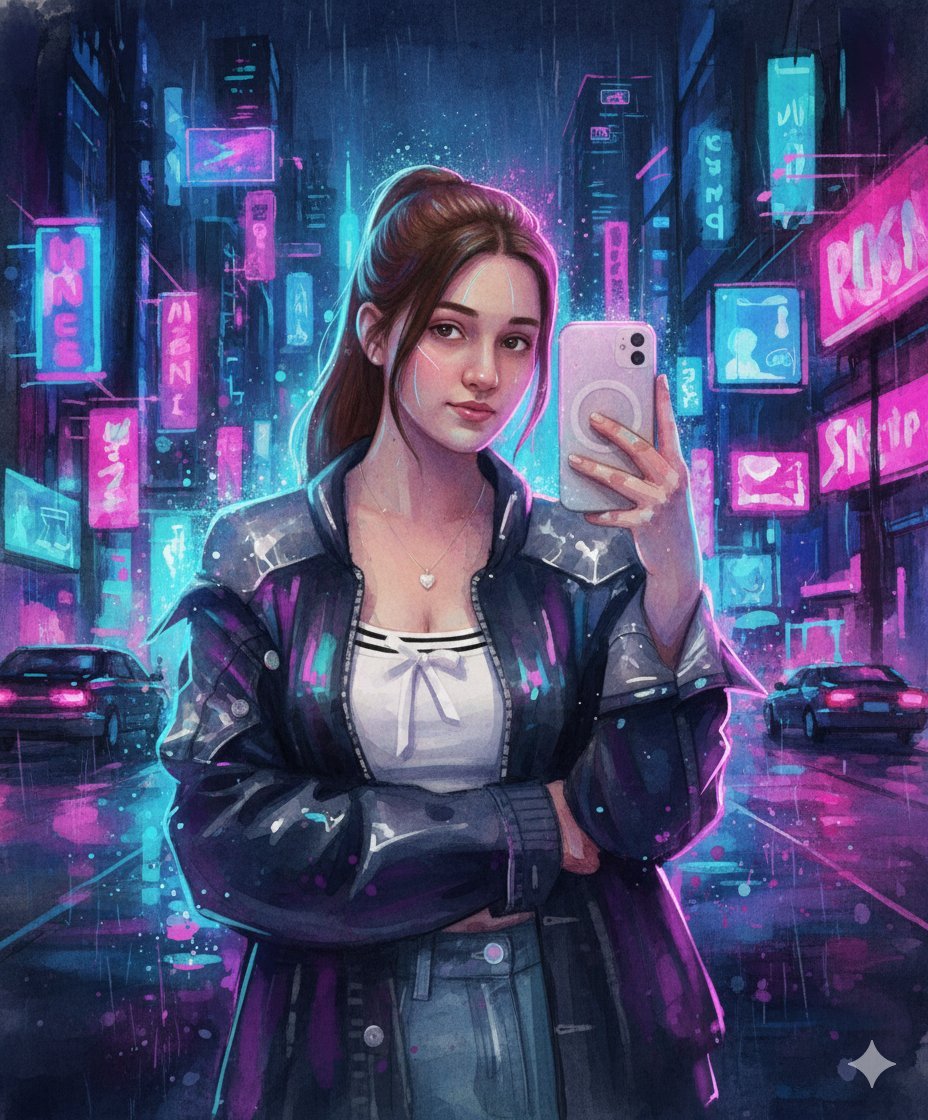
Neon Cyberpunk Watercolor Fusion Illustration Prompt
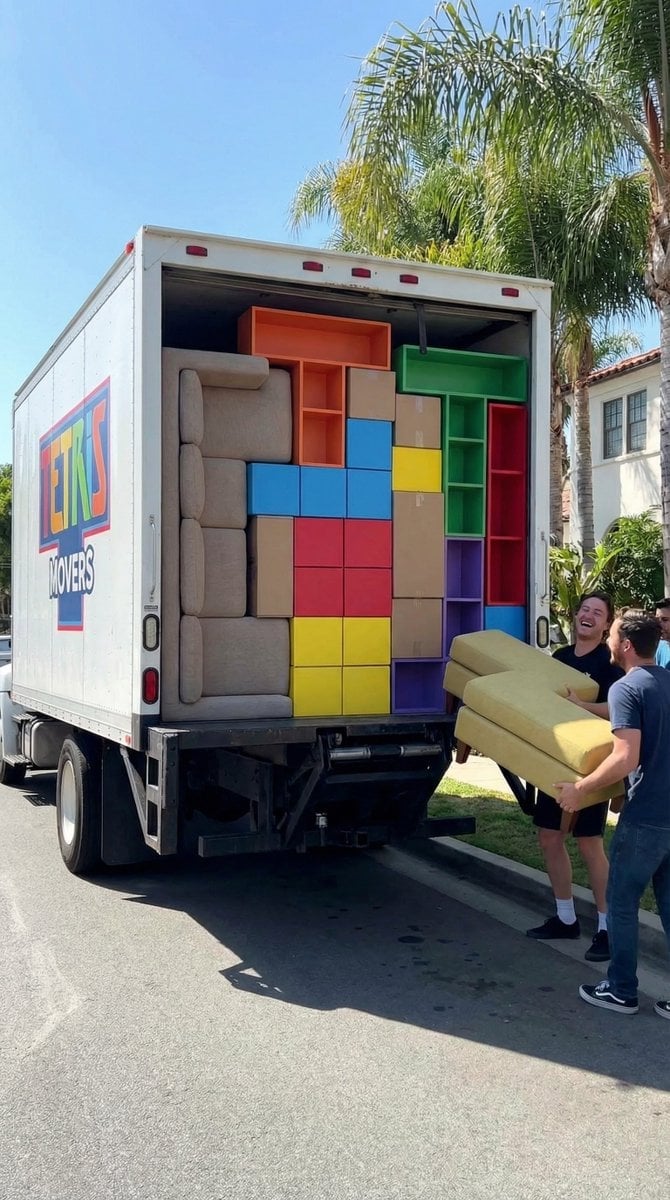
Tetris Home Organization Humor Prompt
Fresh Summer Sky Portrait Poster
Cyberpunk Y2K Editorial Cover

Ultra-Realistic 8K Candid Street Portrait
Ultra-Realistic Fashion Typography Poster

China Southern A380 Takeoff at Pudong

Darkly Comic Bug Spray Ad
Fantasy Comic Page of Korvax in Eldergate
Browse template categories
Sci-Fi Comic Poster Illustration JSON Prompt for Nano Banana Pro questions
How do I use the Sci-Fi Comic Poster Illustration JSON Prompt for Nano Banana Pro template?
Add your photo if the template asks for one, edit the prompt if you like — the template's model and format are already selected — and press Generate. Your version opens in PicX Studio.
Can I customize the Sci-Fi Comic Poster Illustration JSON Prompt for Nano Banana Pro template?
Yes. You can change the subject, setting, lighting, mood, format, and available model controls before creating your image.
Is the Sci-Fi Comic Poster Illustration JSON Prompt for Nano Banana Pro template free?
Opening and editing this template is free. Generating uses credits, shown on the Generate button when you are signed in.
Which AI model should I use?
Start with Nano Banana 2, which is the model associated with this template. You can compare another compatible model for a different finish.
Looking for something else? Browse all templates.

Your photo, any look
Thousands of ready templates for every top image and video model, from one credit balance.