
Fantasy Comic Page of Korvax in Eldergate
Generates a dark fantasy comic page showing a regal blue dragon humanoid striding through a medieval city market, ideal for graphic novel scenes and narrative concept art.
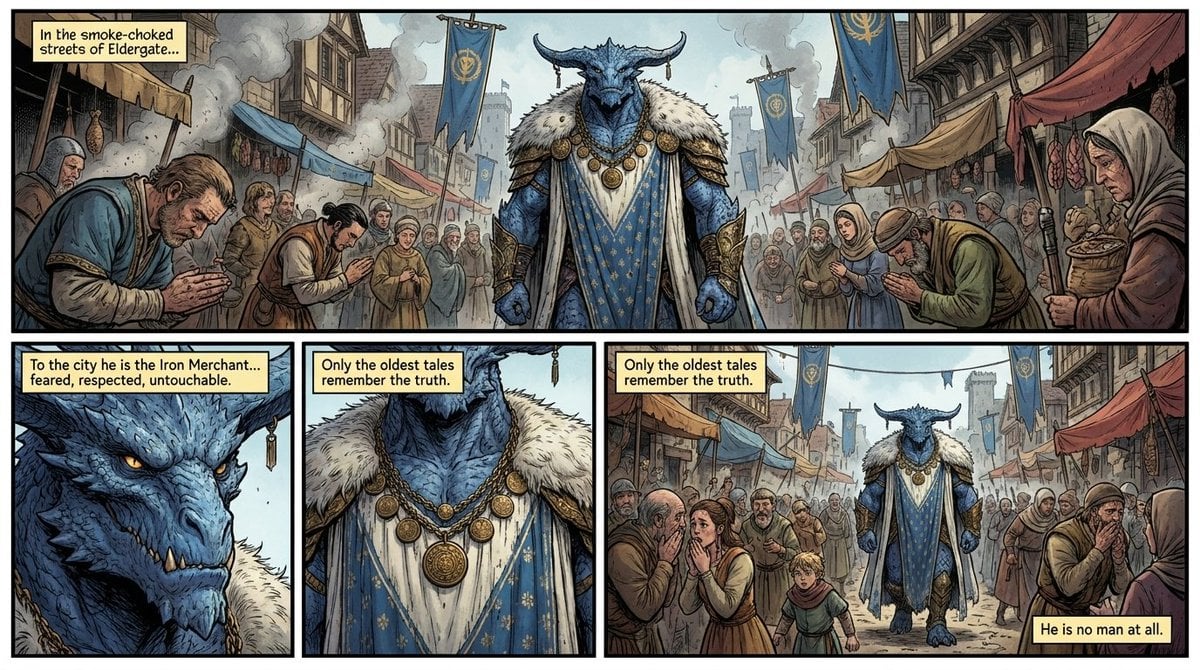
- Prompt included
- Model and format preset
- Free template
The prompt behind this image
Copy the exact prompt behind Fantasy Comic Page of Korvax in Eldergate, or open it in the studio and make it yours.
- Type
- fantasy comic page
- Style
- dark medieval fantasy graphic novel, painterly linework, highly detailed inked outlines, muted earthy palette with steel blue accents, cinematic shading, textured parchment-like coloring
- Format
- single comic page with 4 panels
- Setting › Location
- a crowded medieval market street in {argument name="city name" default="Eldergate"}
- Setting › Atmosphere
- smoke-choked air, busy bazaar, old timber buildings, hanging cloth awnings, blue heraldic banners, distant stone towers, grim urban fantasy mood
- Main Subject › Identity
- a towering humanoid dragon known as {argument name="character name" default="Korvax the Azur"}
- Main Subject › Appearance › Species
- blue-scaled dragon humanoid
- Main Subject › Appearance › Build
- very tall, broad-shouldered, imposing and muscular
- Main Subject › Appearance › Head
- horned draconic head with long black curved horns, ridged snout, sharp teeth, stern expression, glowing amber eyes
- Main Subject › Appearance › Skin
- detailed blue scales
- Main Subject › Appearance › Clothing
- ornate royal blue and white robe with gold patterning, large white fur mantle over the shoulders, heavy gold medallion necklace with multiple round discs, gold bracers and decorative armor accents
- Main Subject › Appearance › Presence
- regal, feared, untouchable, walking calmly through the crowd
- Supporting Characters › Count
- 17
- Supporting Characters › Description
- medieval townspeople in humble robes and head coverings lining both sides of the street, many bowing, praying, or recoiling in awe as the dragon passes
- Layout › Sections › 0 › Title
- top panel
- Layout › Sections › 0 › Position
- top full width
- Layout › Sections › 0 › Count
- 1
- Layout › Sections › 0 › Description
- wide establishing shot of the market street with the dragon centered and townspeople bowing on both sides
- Layout › Sections › 0 › Caption Boxes
- In the smoke-choked streets of Eldergate...
- Layout › Sections › 1 › Title
- bottom left panel
- Layout › Sections › 1 › Position
- bottom left
- Layout › Sections › 1 › Count
- 1
- Layout › Sections › 1 › Description
- close-up portrait of the dragon's face, emphasizing scales, horns, teeth, and amber eye
- Layout › Sections › 1 › Caption Boxes
- To the city he is the Iron Merchant... feared, respected, untouchable.
Raw JSON
{"type":"fantasy comic page","style":"dark medieval fantasy graphic novel, painterly linework, highly detailed inked outlines, muted earthy palette with steel blue accents, cinematic shading, textured parchment-like coloring","format":"single comic page with 4 panels","setting":{"location":"a crowded medieval market street in {argument name=\"city name\" default=\"Eldergate\"}","atmosphere":"smoke-choked air, busy bazaar, old timber buildings, hanging cloth awnings, blue heraldic banners, distant stone towers, grim urban fantasy mood"},"main subject":{"identity":"a towering humanoid dragon known as {argument name=\"character name\" default=\"Korvax the Azur\"}","appearance":{"species":"blue-scaled dragon humanoid","build":"very tall, broad-shouldered, imposing and muscular","head":"horned draconic head with long black curved horns, ridged snout, sharp teeth, stern expression, glowing amber eyes","skin":"detailed blue scales","clothing":["ornate royal blue and white robe with gold patterning","large white fur mantle over the shoulders","heavy gold medallion necklace with multiple round discs","gold bracers and decorative armor accents"],"presence":"regal, feared, untouchable, walking calmly through the crowd"}},"supporting characters":{"count":17,"description":"medieval townspeople in humble robes and head coverings lining both sides of the street, many bowing, praying, or recoiling in awe as the dragon passes"},"layout":{"sections":[{"title":"top panel","position":"top full width","count":1,"description":"wide establishing shot of the market street with the dragon centered and townspeople bowing on both sides","caption_boxes":["In the smoke-choked streets of Eldergate..."]},{"title":"bottom left panel","position":"bottom left","count":1,"description":"close-up portrait of the dragon's face, emphasizing scales, horns, teeth, and amber eye","caption_boxes":["To the city he is the Iron Merchant... feared, respected, untouchable."]},{"title":"bottom middle panel","position":"bottom center","count":1,"description":"close-up of the dragon's chest and ceremonial clothing, highlighting the fur mantle, blue robe, and large gold medallions","caption_boxes":["Only the oldest tales remember the truth."]},{"title":"bottom right panel","position":"bottom right","count":1,"description":"medium-long shot of the dragon walking through the street while commoners shrink back and whisper","caption_boxes":["Only the oldest tales remember the truth.","He is no man at all."]}],"panel_count":4,"reading_order":"left to right, top to bottom"},"text":{"language":"English","render_as":"comic narration boxes with pale yellow backgrounds and black hand-lettered text"},"composition":"the dragon dominates every panel as the central figure, with the crowd framing him to stress social power and supernatural menace","quality":"polished indie comic page, dramatic storytelling, coherent character design across panels"}How to use Fantasy Comic Page of Korvax in Eldergate in 3 steps
- 1Upload ImagePNG, JPG or paste
Add your photo
Upload the photo the template builds on. The prompt, model and format are already set.
- 2…a portrait of your subject in softgolden-hour light, 85mm…
Personalize
Edit the subject and creative details for your destination.
- 3Generate
Generate
Press Generate — your image is created in PicX Studio, so you can compare it with the original and refine one variable at a time.
More like this
Templates with the same subject, style or setup. Open one to see its prompt.
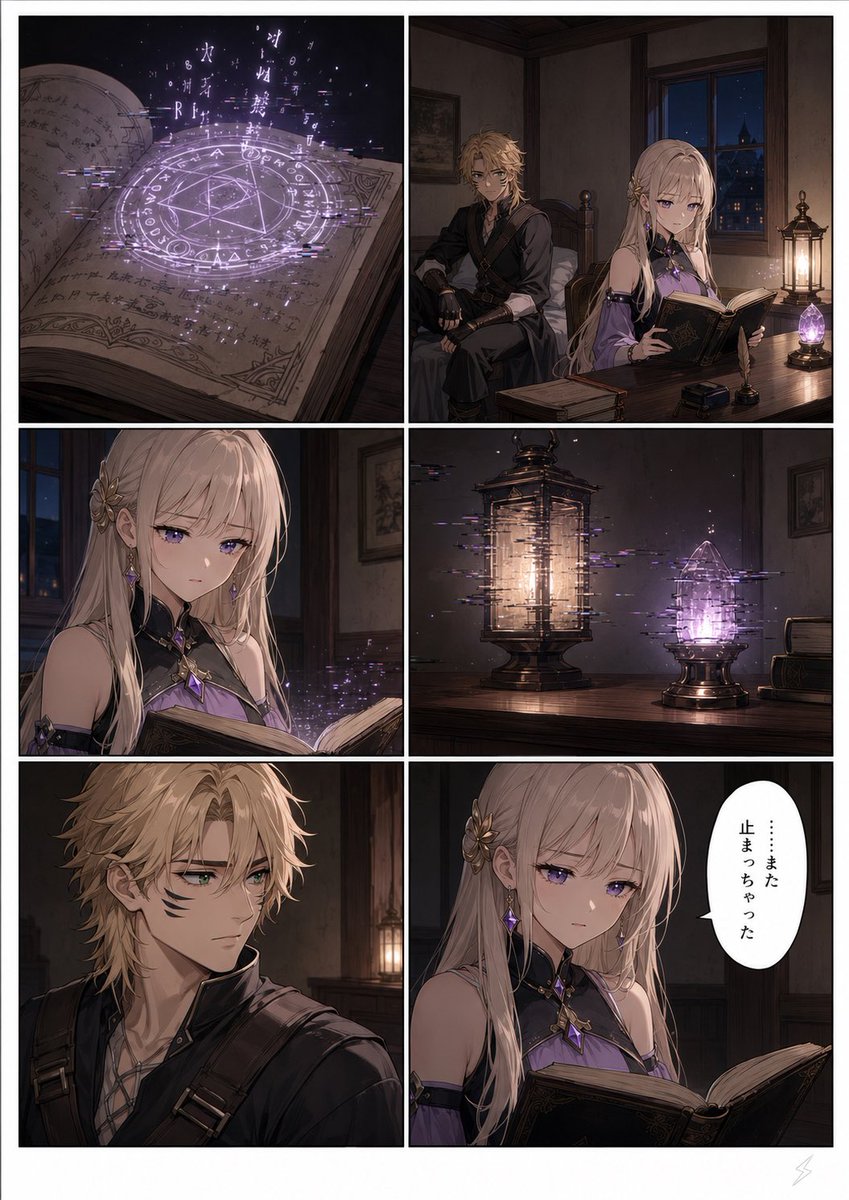
Six-Panel Fantasy Magic Comic Page

Cute AI Manga Lesson Comic Page
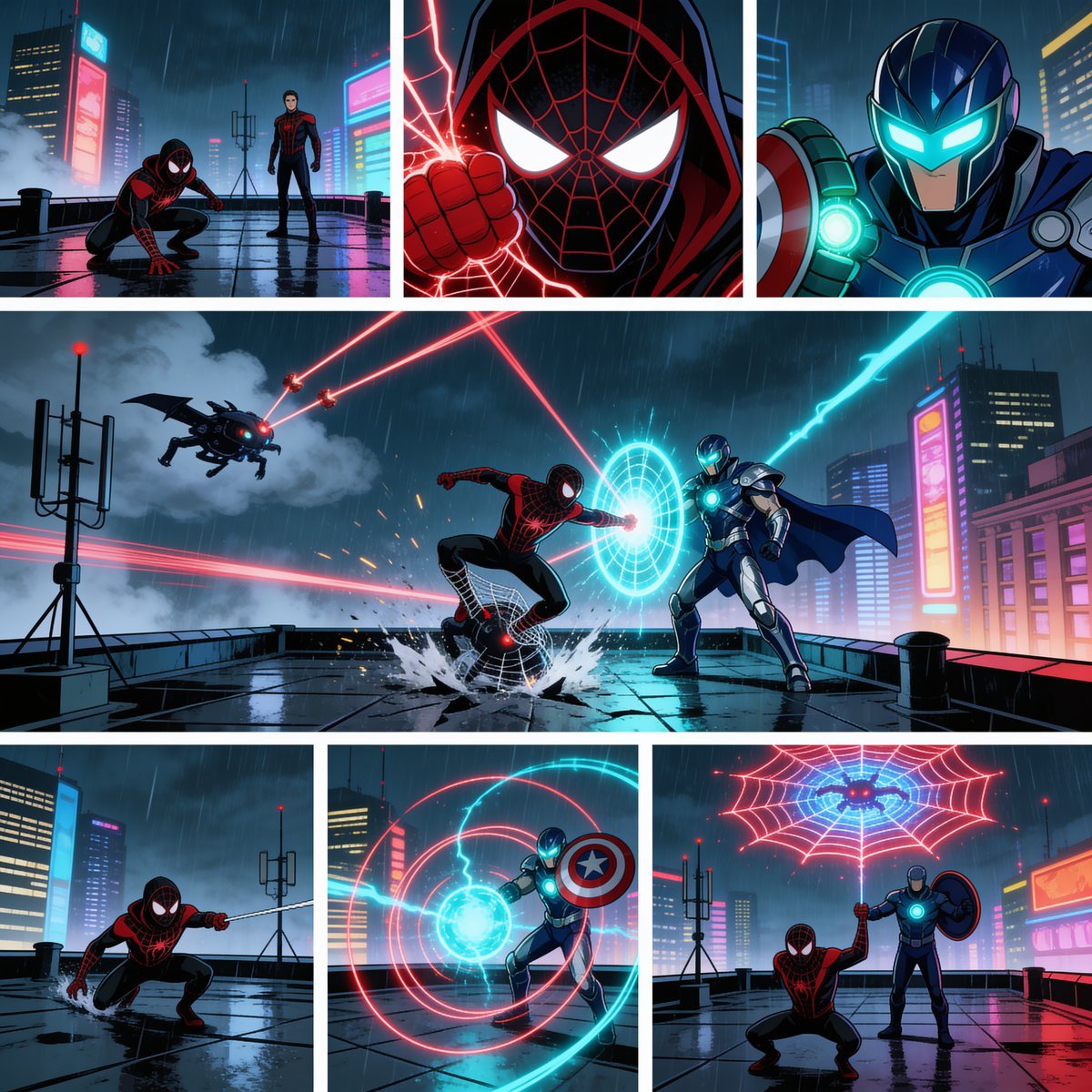
Rainy Cyberpunk Superhero Comic Page

Fantasy Wagashi Manga Cooking Page

Anime Fantasy Celestial Movie Poster
Anime Fantasy Celestial Movie Poster

Pop Art Superhero Explosion Poster

Hero Portrait Comic Multi-Panel Poster

Spider-Man Noir Detective Rain Alley

Minecraft Fantasy Kingdom Voxel Landscape

Unfinished Sketch Comes Alive Portrait

Open Travel Journal Overhead Still Life
Make it yours
Fantasy Comic Page of Korvax in Eldergate works as-is. These are the safest ways to change it without losing the look.
Swap the setting
Keep the rest of the prompt and replace the location block. The current setting is “a crowded medieval market street in {argument name="city name" default="Eldergat”.
Change one field
Copy a single group, rewrite it, and generate again so you can see what that field is doing.
Keep the frame, change the subject
Hold the composition and light of Fantasy Comic Page of Korvax in Eldergate, then swap wardrobe, props or the person for a new take.
| If the result… | Why | Fix |
|---|---|---|
| The result drifts from the preview | Too many fields changed at once. | Reuse Fantasy Comic Page of Korvax in Eldergate as-is first, then change one group — subject, light, or setting. |
| GPT Image 2 ignores part of the JSON | Some models flatten or skip nested keys. | Keep the same values and paste them as a short paragraph instead. |
More GPT Image 2 templates
Other prompts made for GPT Image 2.

Six VTuber Japanese Logo Sheet

Realistic Portrait of Woman and Deer

The Vista Modular Condo Poster

AI Model Routing Comparison Infographic

2.5D Anime Art Board

Isometric Productivity Desk Scene

New York Double Exposure Poster

Four-Panel AI Landscape Comparison

Japanese Tatami Lifestyle Magazine Cover

NESCAFÉ Coffee Map Poster
More image prompts
Fresh picks from across the catalog.

Cinematic Evening Street Portrait Prompt
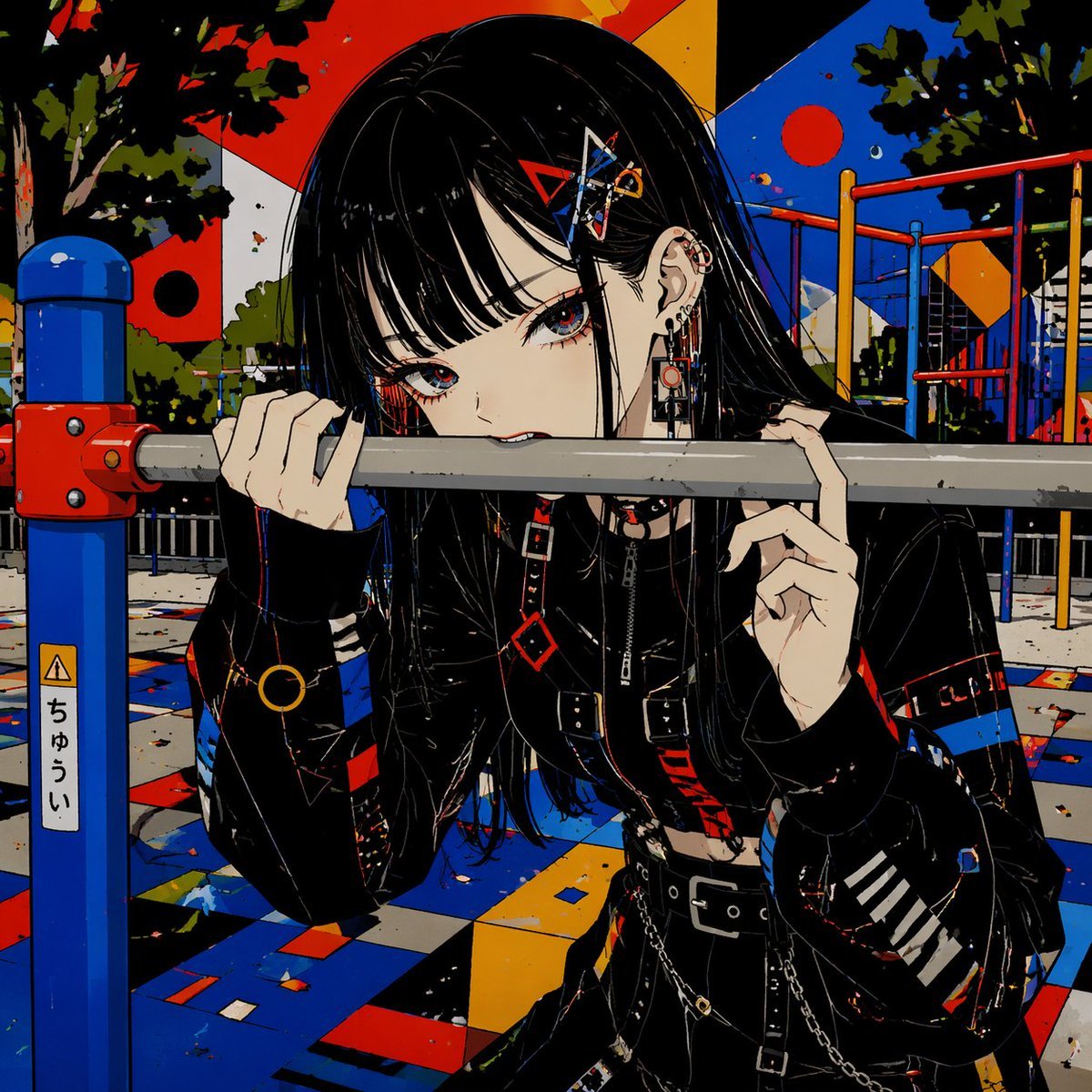
Goth Anime Girl at Playground Bar

Ultra-Realistic Cinematic Street Portrait
Colorizing a High-Contrast Monochrome Image with Intermediate Tones

E-commerce Product Poster Transformation
Editorial Fashion Photography with Motion Blur
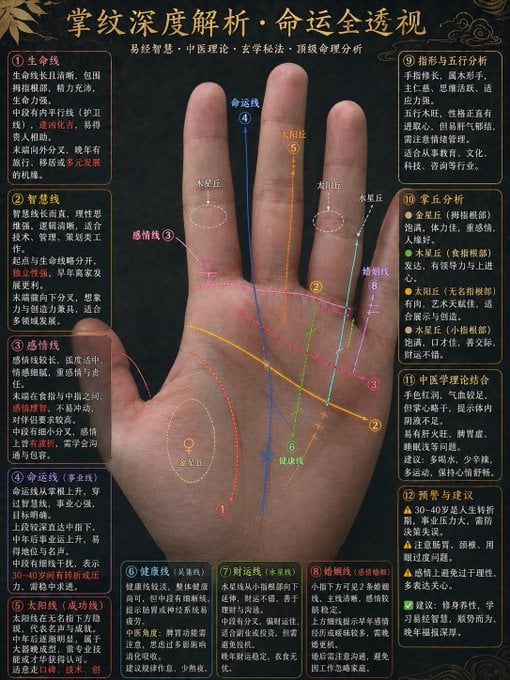
Traditional Palmistry Analysis Infographic

World Cup Tunnel Champion

Streetwear Pop Portrait

Romantic Couple Mirror Selfie Kiss
Browse template categories
Fantasy Comic Page of Korvax in Eldergate questions
How do I use the Fantasy Comic Page of Korvax in Eldergate template?
Add your photo if the template asks for one, edit the prompt if you like — the template's model and format are already selected — and press Generate. Your version opens in PicX Studio.
Can I customize the Fantasy Comic Page of Korvax in Eldergate template?
Yes. You can change the subject, setting, lighting, mood, format, and available model controls before creating your image.
Is the Fantasy Comic Page of Korvax in Eldergate template free?
Opening and editing this template is free. Generating uses credits, shown on the Generate button when you are signed in.
Which AI model should I use?
Start with GPT Image 2, which is the model associated with this template. You can compare another compatible model for a different finish.
Looking for something else? Browse all templates.

Your photo, any look
Thousands of ready templates for every top image and video model, from one credit balance.