
Cyberpunk Y2K Editorial Cover
A sophisticated prompt for creating a high-fashion magazine cover with cyberpunk aesthetics and consistent facial identity.
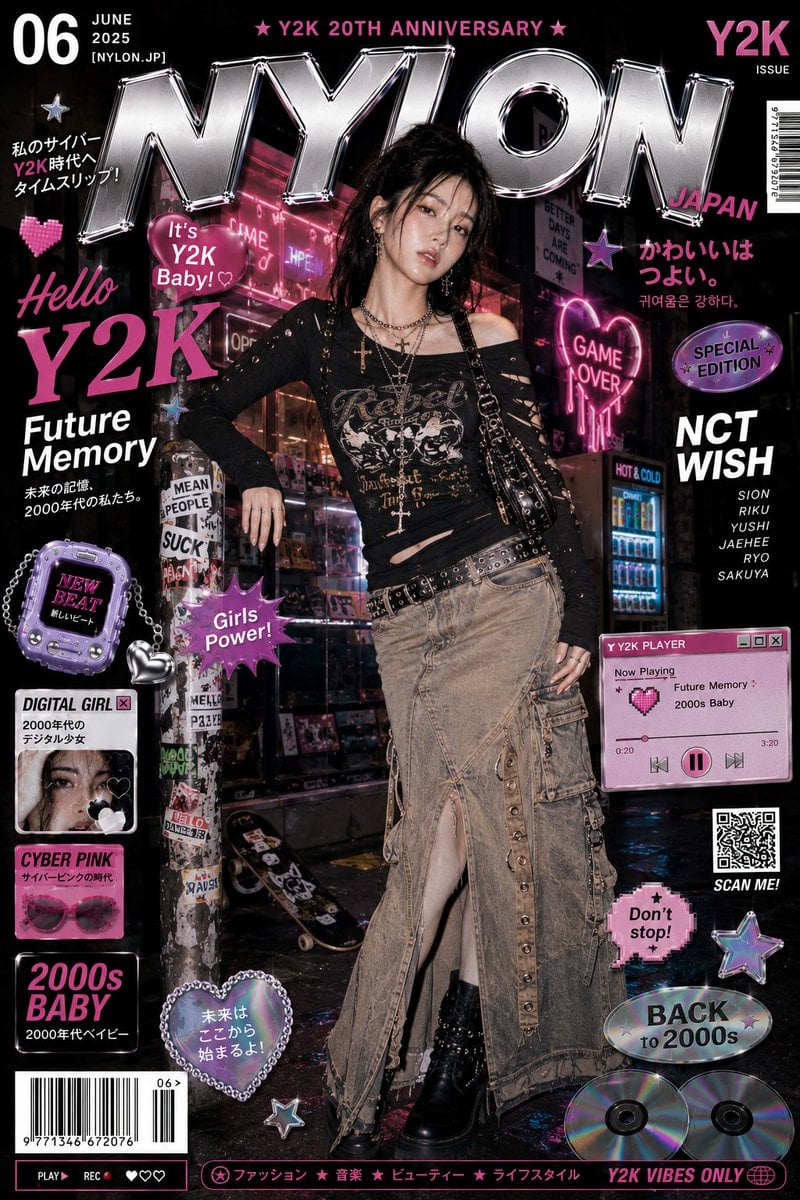
- Prompt included
- Model and format preset
- Free template
The prompt behind this image
Copy the exact prompt behind Cyberpunk Y2K Editorial Cover, or open it in the studio and make it yours.
Use the uploaded reference image as the exact facial identity reference. Keep the girl’s face completely unchanged, same facial structure, eyes, nose, lips, eye shape, skin texture, expression, hairstyle vibe, and overall identity. Do not redesign or beautify the face differently. Preserve the authentic look of the reference girl exactly. Create a high-fashion Y2K-inspired editorial magazine cover featuring the same young East Asian woman in a completely different outfit and pose from previous versions. She is standing in a moody neon-lit cyber street at night, leaning casually with one leg forward and body tilted slightly sideways in a confident editorial stance. Expression should feel cool, relaxed, and fashionable. Outfit should feature edgy Korean street-fashion mixed with punk-Y2K aesthetics: distressed asymmetrical black graphic top with cutout sleeves and metallic details, layered silver cross necklaces, chain belt accessories, long rugged beige denim cargo skirt with buttons, straps, zipper pockets, and combat boots. Include glossy black shoulder bag and multiple rings for styling. Background should be entirely different: futuristic neon convenience store street corner with glowing pink signs, wet reflective pavement, holographic posters, arcade lights, retro vending machines, sticker-covered poles, graffiti textures, blurry cyberpunk city depth, and cinematic nightlife atmosphere inspired by Seoul and Tokyo youth fashion districts. Fill the composition with layered magazine-cover graphics and editorial design elements: oversized chrome “NYLON” typography, retro UI windows, loading bars, pixel hearts, barcode strips, Japanese and Korean text overlays, holographic stickers, chrome stars, speech bubbles, CD discs, glossy buttons, Y2K pop graphics, and playful cyber-fashion overlays. Lighting should feel like luxury studio flash mixed with neon nightlife glow. Strong contrast, glossy skin highlights, premium fashion photography realism, highly detailed fabrics, razor-sharp focus, ultra-detailed textures, immersive layered composition, luxury print-quality finish, cinematic framing, vibrant neon pink + chrome + black palette, visually dense but balanced, ultra-premium Korean fashion campaign energy, 8K, realistic, highly detailed.
How to use Cyberpunk Y2K Editorial Cover in 3 steps
- 1Upload ImagePNG, JPG or paste
Add your photo
Upload the photo the template builds on. The prompt, model and format are already set.
- 2…a portrait of your subject in softgolden-hour light, 85mm…
Personalize
Edit the subject and creative details for your destination.
- 3Generate
Generate
Press Generate — your image is created in PicX Studio, so you can compare it with the original and refine one variable at a time.
More like this
Templates with the same subject, style or setup. Open one to see its prompt.

Premium Fashion Editorial Cover Layout System

High-Fashion Editorial Magazine Cover ICON
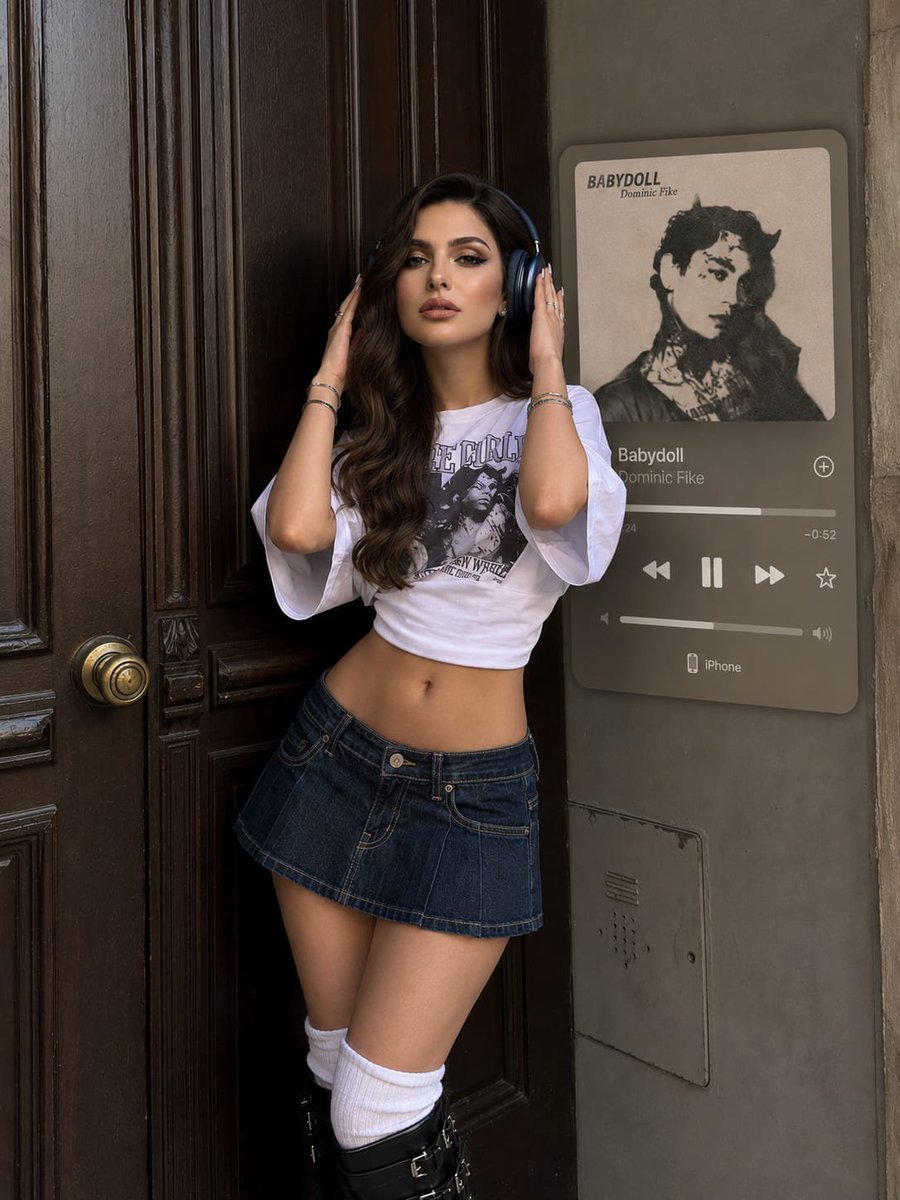
Y2K Music Editorial Portrait

Urban Fashion Editorial Collage Streetwear Poster

Monochrome Hypebeast Street Fashion Editorial Motion

Elegant Green Evening Gown Studio Fashion Portrait

Artistic Patchwork Fashion Portrait Spring Festival

Japanese Architectural Concrete Studio Fashion Campaign

Monroe and Ash Mediterranean Luxury Fashion Campaign

Fine Art Monochrome Fashion Portrait

Korean Streetwear Minimalist Campaign Portrait

Cinematic Korean Streetwear Street Portrait
Make it yours
Cyberpunk Y2K Editorial Cover works as-is. These are the safest ways to change it without losing the look.
Change one field
Copy a single group, rewrite it, and generate again so you can see what that field is doing.
Keep the frame, change the subject
Hold the composition and light of Cyberpunk Y2K Editorial Cover, then swap wardrobe, props or the person for a new take.
| If the result… | Why | Fix |
|---|---|---|
| The result drifts from the preview | Too many fields changed at once. | Reuse Cyberpunk Y2K Editorial Cover as-is first, then change one group — subject, light, or setting. |
| The model over-stylizes the scene | The prose prompt leaves finish and camera underspecified. | Add one camera or lighting sentence and stay on GPT Image 2. |
More GPT Image 2 templates
Other prompts made for GPT Image 2.

Six VTuber Japanese Logo Sheet

Realistic Portrait of Woman and Deer

The Vista Modular Condo Poster

AI Model Routing Comparison Infographic

2.5D Anime Art Board

Isometric Productivity Desk Scene

New York Double Exposure Poster

Four-Panel AI Landscape Comparison

Japanese Tatami Lifestyle Magazine Cover

NESCAFÉ Coffee Map Poster
More image prompts
Fresh picks from across the catalog.
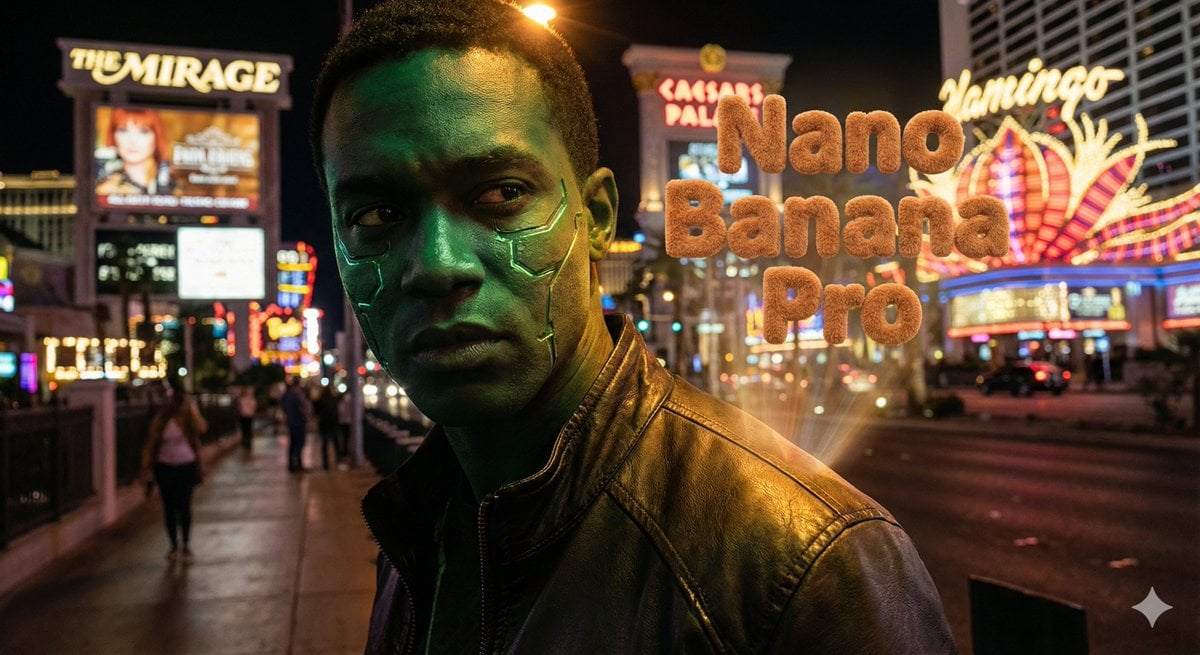
Hyper-realistic portrait with vibrant green skin on the Las Vegas Strip

Retro AI Survival Guide Poster
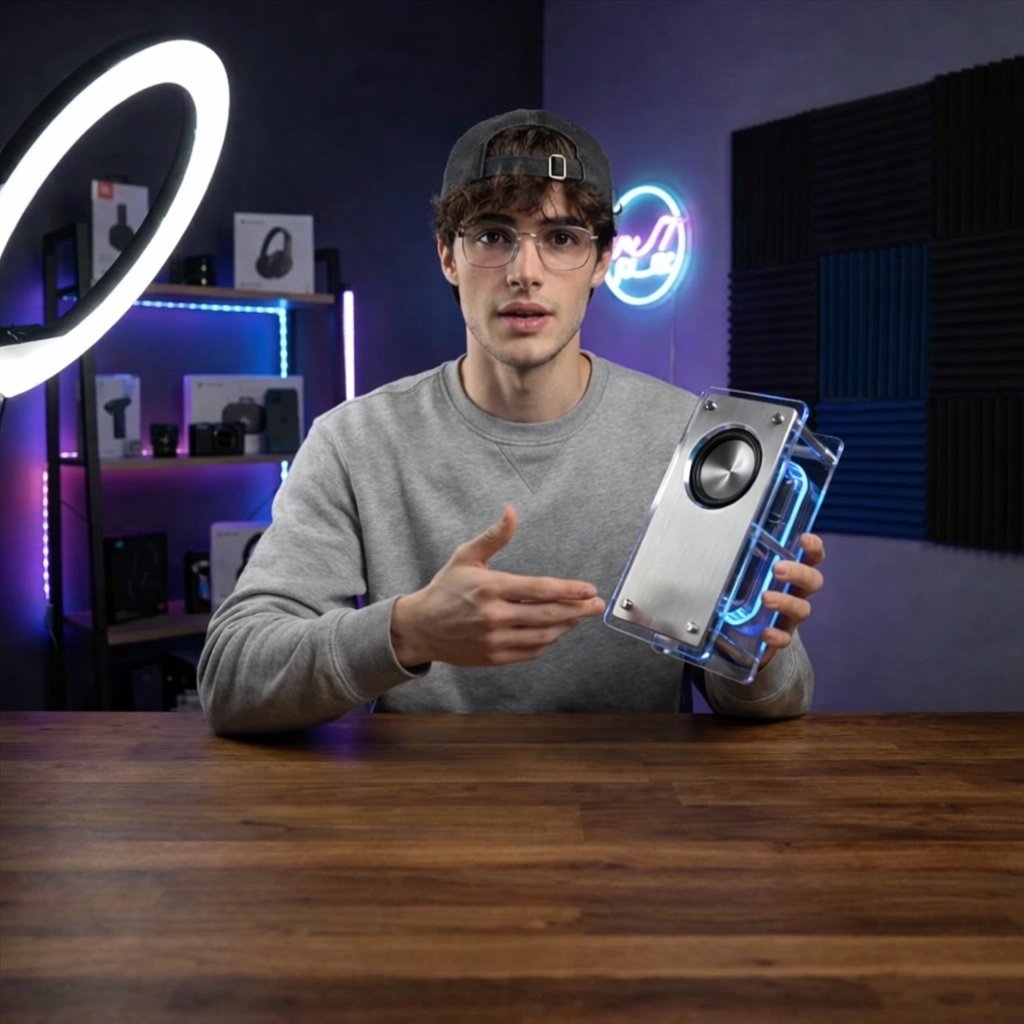
Tech YouTuber Demoing Bluetooth Speaker Video Prompt
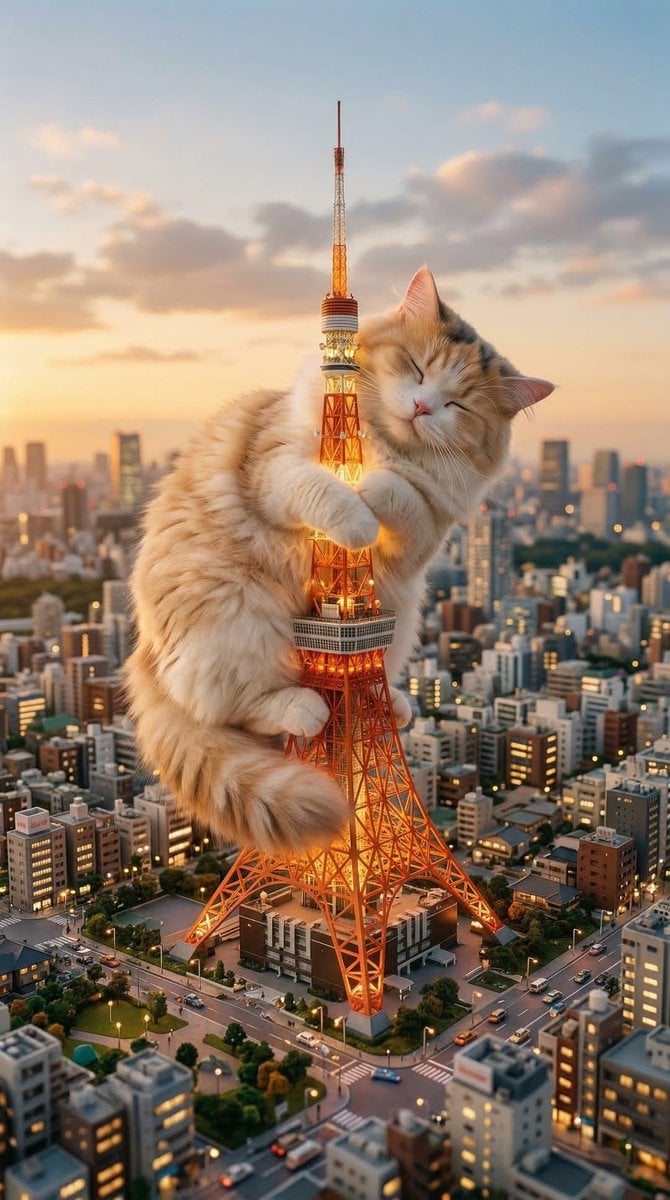
Giant Cat Occupying Tokyo Tower
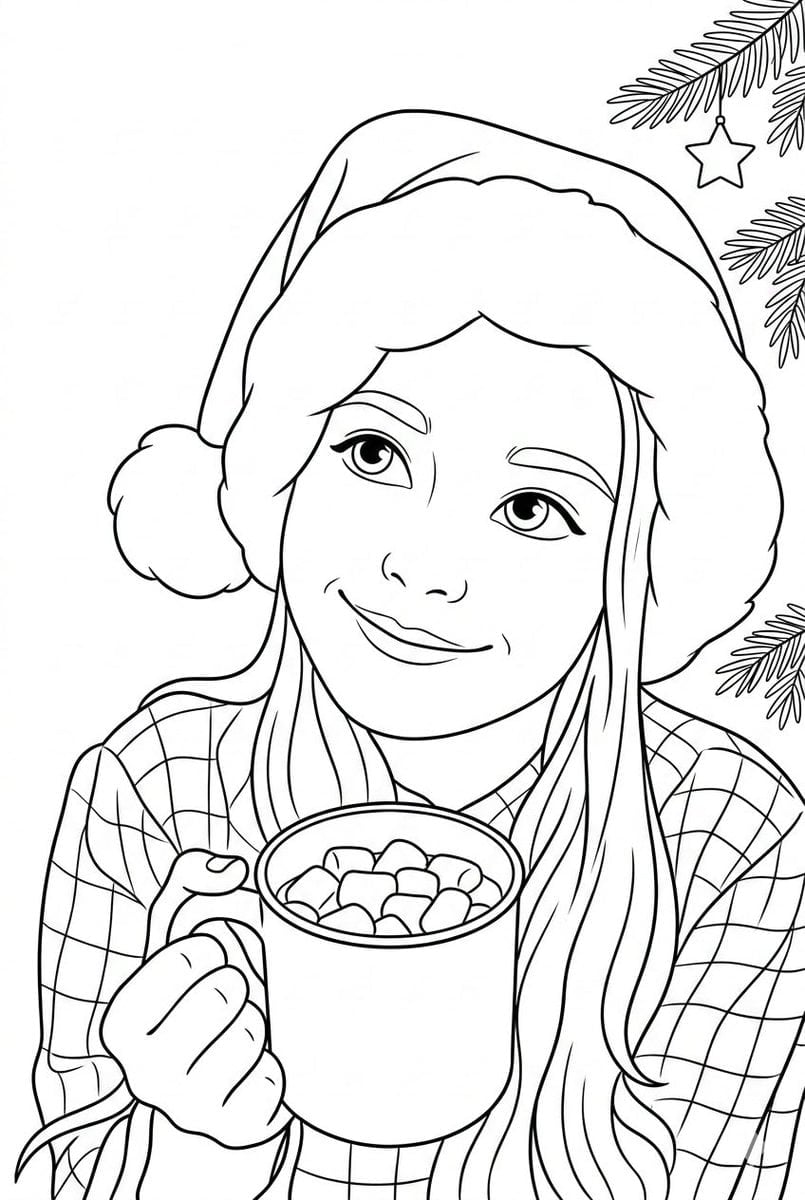
Convert Photo to Black and White Coloring Page
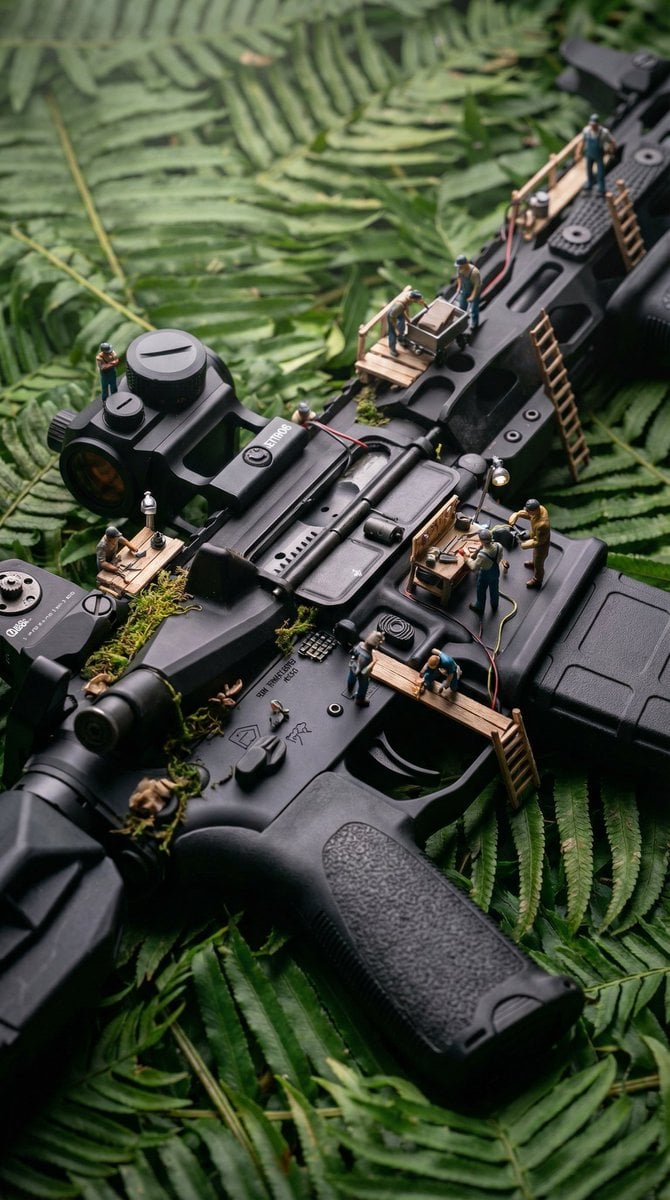
Object-Based Miniature Surreal Ecosystem
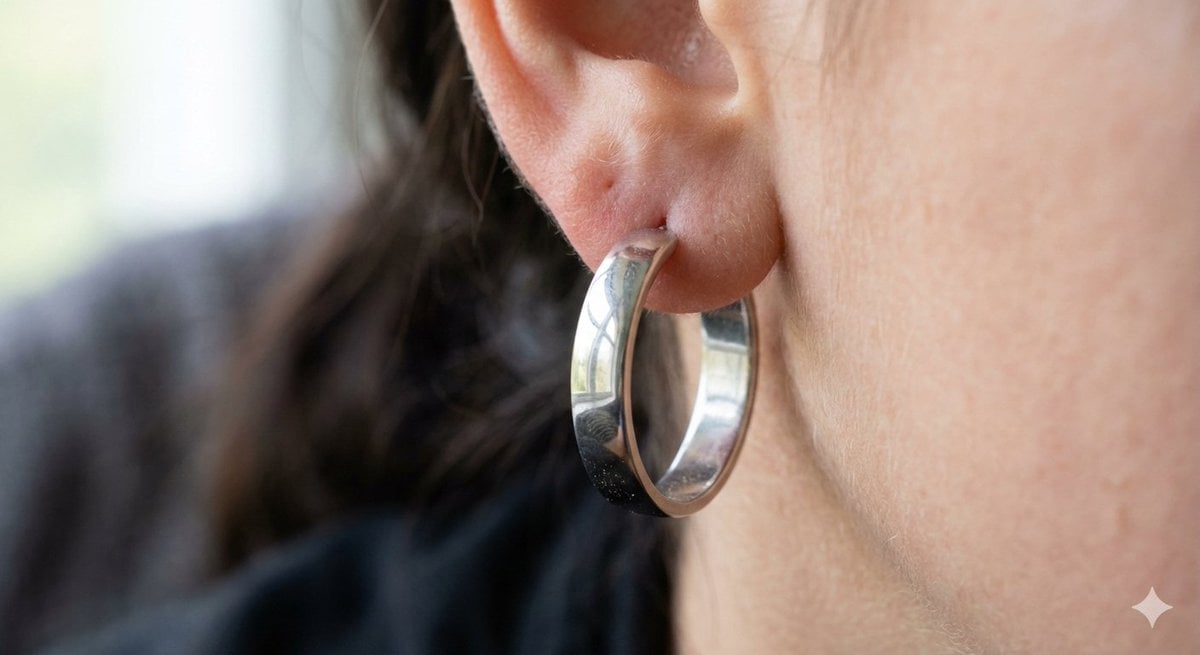
Realistic Macro Photograph of an Ear with Earring
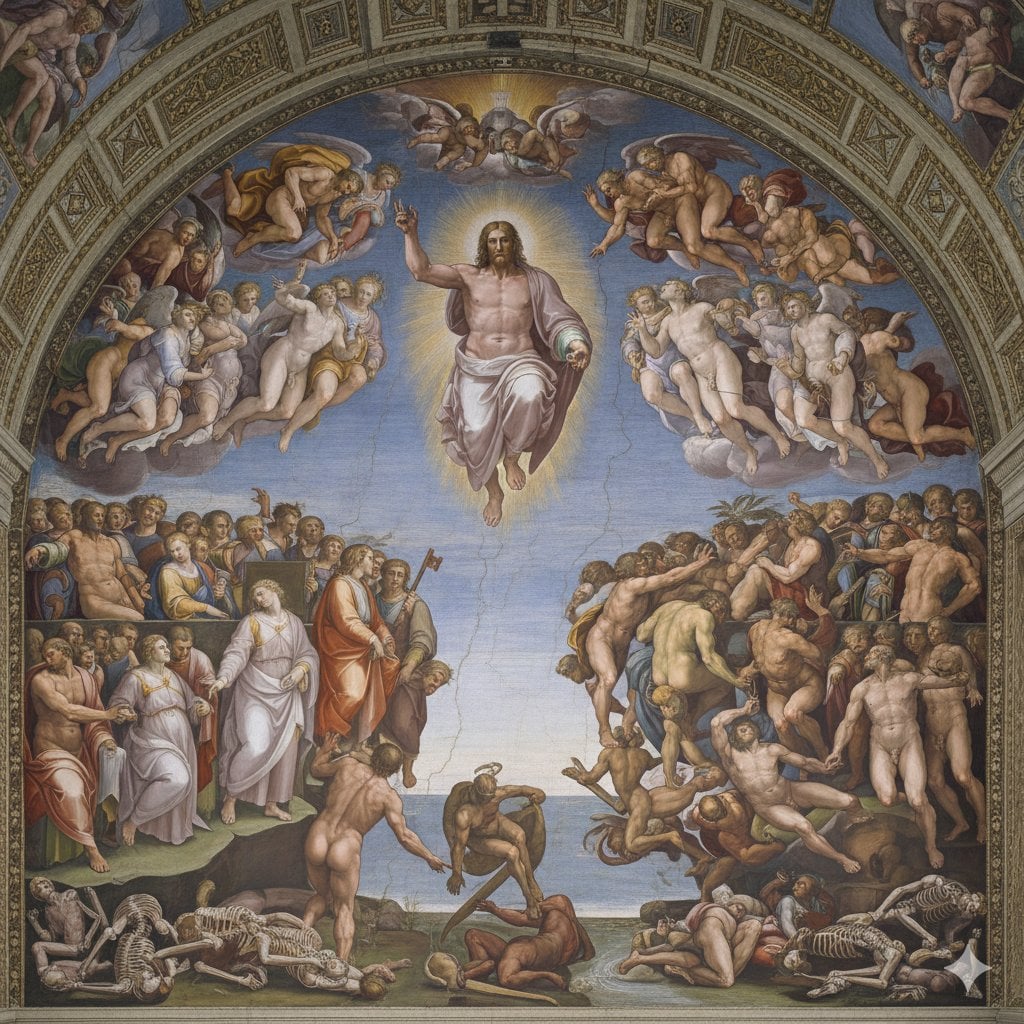
Michelangelo's Last Judgment Style Image
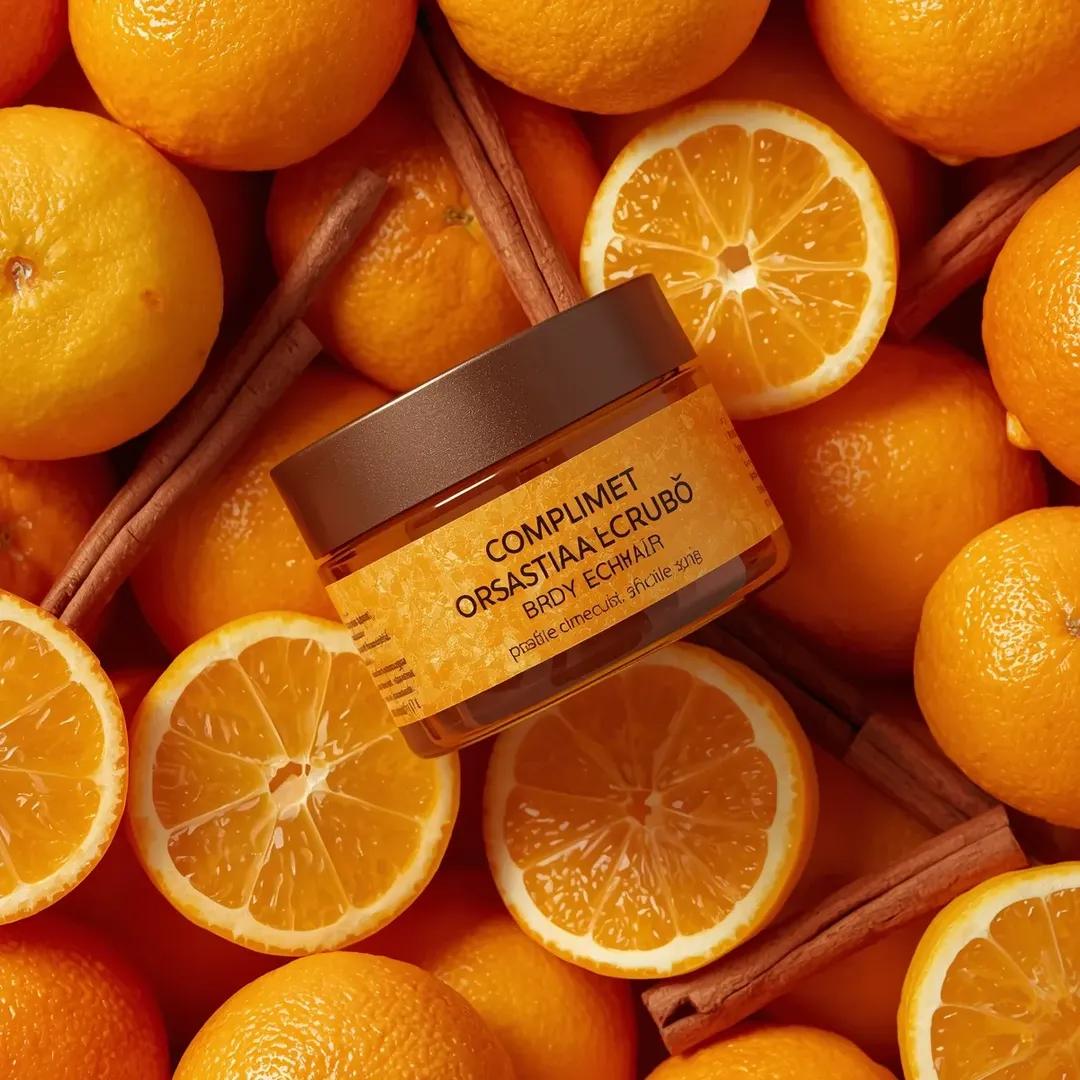
Top-Down Product Zoom Video Prompt

untitled
Browse template categories
Cyberpunk Y2K Editorial Cover questions
How do I use the Cyberpunk Y2K Editorial Cover template?
Add your photo if the template asks for one, edit the prompt if you like — the template's model and format are already selected — and press Generate. Your version opens in PicX Studio.
Can I customize the Cyberpunk Y2K Editorial Cover template?
Yes. You can change the subject, setting, lighting, mood, format, and available model controls before creating your image.
Is the Cyberpunk Y2K Editorial Cover template free?
Opening and editing this template is free. Generating uses credits, shown on the Generate button when you are signed in.
Which AI model should I use?
Start with GPT Image 2, which is the model associated with this template. You can compare another compatible model for a different finish.
Looking for something else? Browse all templates.

Your photo, any look
Thousands of ready templates for every top image and video model, from one credit balance.