
Brown Editorial Couple Collage
Creates a warm monochrome fashion editorial collage of a stylish couple arranged in five torn-paper studio photo fragments.
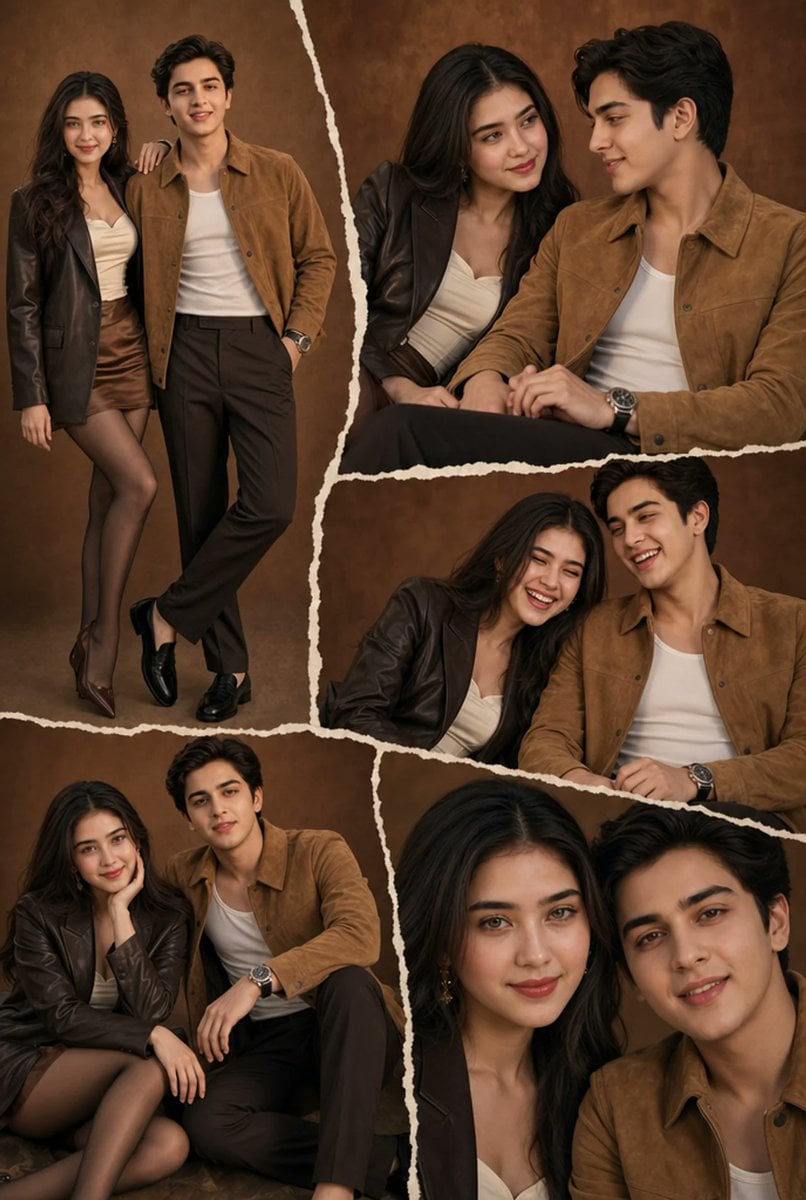
- Prompt included
- Model and format preset
- Premium template
The prompt behind this image
Copy the exact prompt behind Brown Editorial Couple Collage, or open it in the studio and make it yours.
Goal: Create an ultra-realistic editorial fashion collage of a stylish young couple in a warm monochromatic brown studio setting, with a cinematic scrapbook layout made from torn-paper photo fragments. Canvas: Vertical portrait image, 2:3 aspect ratio, high-resolution fashion editorial look. Use a textured mottled brown studio backdrop across all fragments, with warm softbox lighting, gentle shadows, and a cohesive sepia-brown color grade. Layout: Arrange exactly 5 torn-paper photo fragments separated by thick irregular cream-white ripped edges. Fragment 1 is a large full-body vertical photo on the left showing the couple standing together. Fragment 2 is a wide upper-right seated close medium shot of both people. Fragment 3 is a middle-right horizontal crop showing the couple leaning close while seated. Fragment 4 is a bottom-left seated full/three-quarter shot of both people. Fragment 5 is a bottom-right tight close-up portrait crop of both faces and shoulders. Make the torn seams uneven, handmade, and layered like a scrapbook collage, with no text or logos. Subjects: The couple appears in every fragment. The woman is {argument name="woman description" default="a stylish young woman with long dark wavy hair"}; the man is {argument name="man description" default="a stylish young man with short dark wavy hair"}. They should pose naturally as an intimate fashion couple, looking relaxed and confident, sometimes leaning on each other or sitting closely together. Preserve realistic body proportions and editorial posing. Wardrobe: Warm brown monochromatic styling. The woman wears {argument name="woman outfit" default="a dark brown leather blazer over a cream sweetheart-neck top, a satin brown mini skirt, sheer dark tights, and pointed brown heels"}. The man wears {argument name="man outfit" default="a tan suede overshirt jacket over a white tank top, dark brown trousers, black loafers, and a silver wristwatch"}. Keep the clothing consistent across all 5 fragments. Visual style: Ultra-realistic DSLR studio photography, soft warm highlights, premium fashion magazine styling, shallow depth of field in the close-ups, rich brown textures, polished but natural skin, cinematic editorial mood. Use clean composition and realistic fabric details: suede texture, leather sheen, satin skirt shine, sheer tights, and metallic watch reflections. Constraints: Exactly 2 people and exactly 5 photo fragments. No captions, no watermark, no extra props, no extra people. Faces may be softly anonymized or left non-specific, but the overall image must read as a high-end couple photoshoot collage.
How to use Brown Editorial Couple Collage in 3 steps
- 1Upload ImagePNG, JPG or paste
Add your photo
Upload the photo the template builds on. The prompt, model and format are already set.
- 2…a portrait of your subject in softgolden-hour light, 85mm…
Personalize
Edit the subject and creative details for your destination.
- 3Generate
Generate
Press Generate — your image is created in PicX Studio, so you can compare it with the original and refine one variable at a time.
More like this
Templates with the same subject, style or setup. Open one to see its prompt.












Make it yours
Brown Editorial Couple Collage works as-is. These are the safest ways to change it without losing the look.
Change one field
Copy a single group, rewrite it, and generate again so you can see what that field is doing.
Keep the frame, change the subject
Hold the composition and light of Brown Editorial Couple Collage, then swap wardrobe, props or the person for a new take.
| If the result… | Why | Fix |
|---|---|---|
| The result drifts from the preview | Too many fields changed at once. | Reuse Brown Editorial Couple Collage as-is first, then change one group — subject, light, or setting. |
| The model over-stylizes the scene | The prose prompt leaves finish and camera underspecified. | Add one camera or lighting sentence and stay on GPT Image 2. |
More GPT Image 2 templates
Other prompts made for GPT Image 2.

Six VTuber Japanese Logo Sheet

Realistic Portrait of Woman and Deer

The Vista Modular Condo Poster

AI Model Routing Comparison Infographic

2.5D Anime Art Board

Isometric Productivity Desk Scene

New York Double Exposure Poster

Four-Panel AI Landscape Comparison

Japanese Tatami Lifestyle Magazine Cover

NESCAFÉ Coffee Map Poster
More image prompts
Fresh picks from across the catalog.
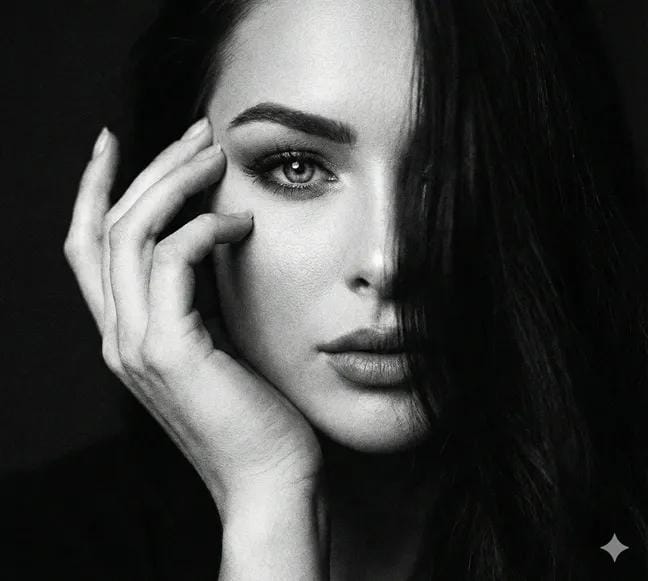
Cinematic Black and White Close-Up Portrait
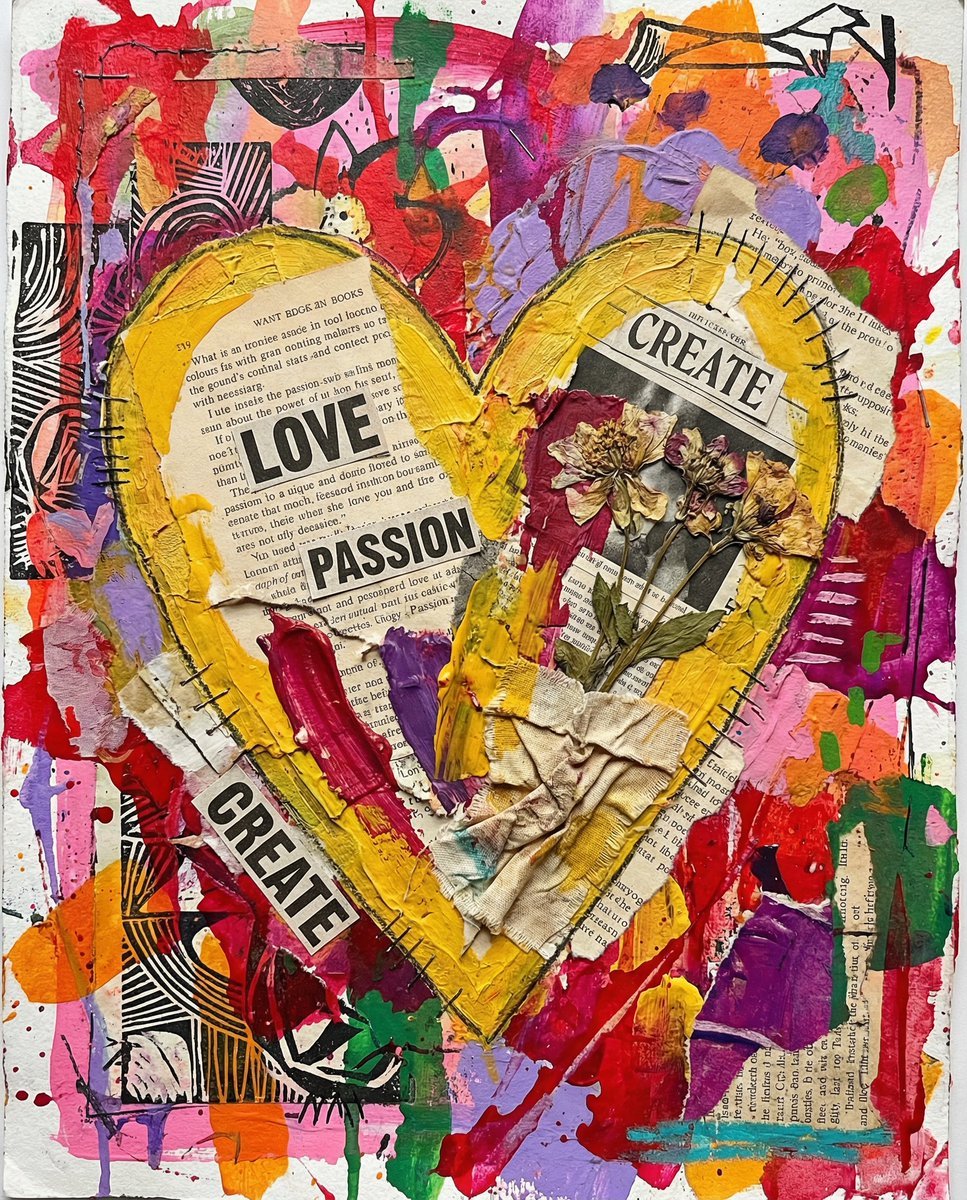
Nano Banana Pro prompt for a 3D, cute, cartoon character
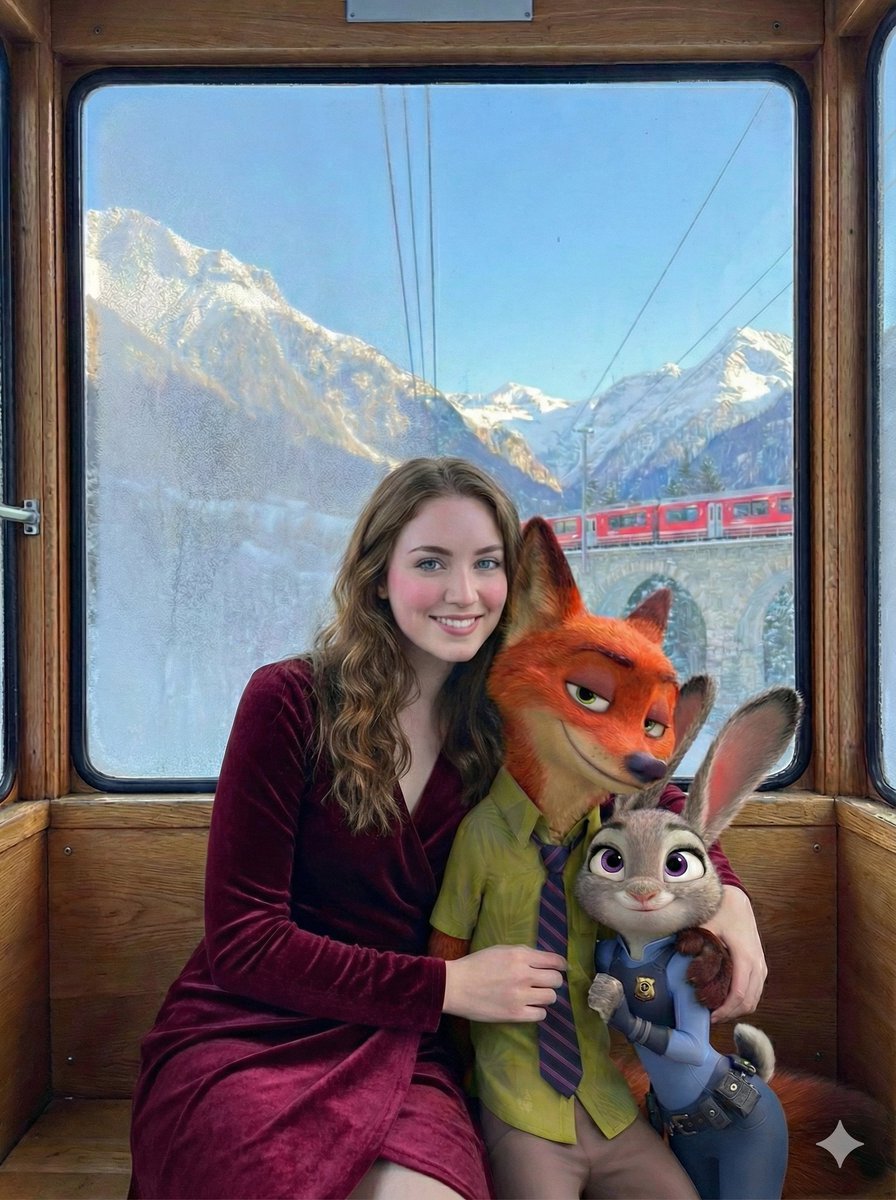
Cinematic Winter Train Scene with Animated Characters
High-End Cover Visual Generation Prompt
Cartoon Sneaker Advertising Campaign
Cyberpunk Cinematic Close-up Portrait
AI Cost Reduction Taoist Talisman
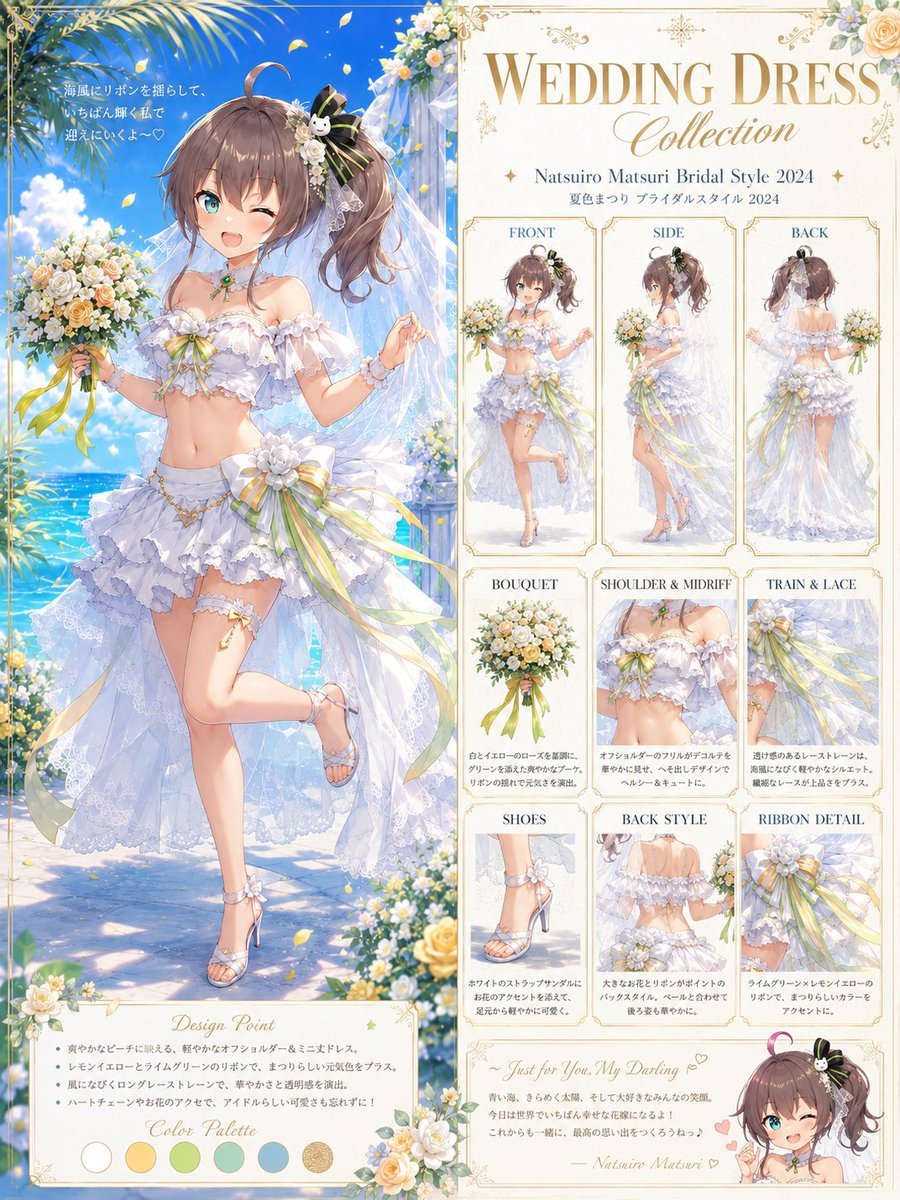
Anime Bridal Dress Collection Sheet
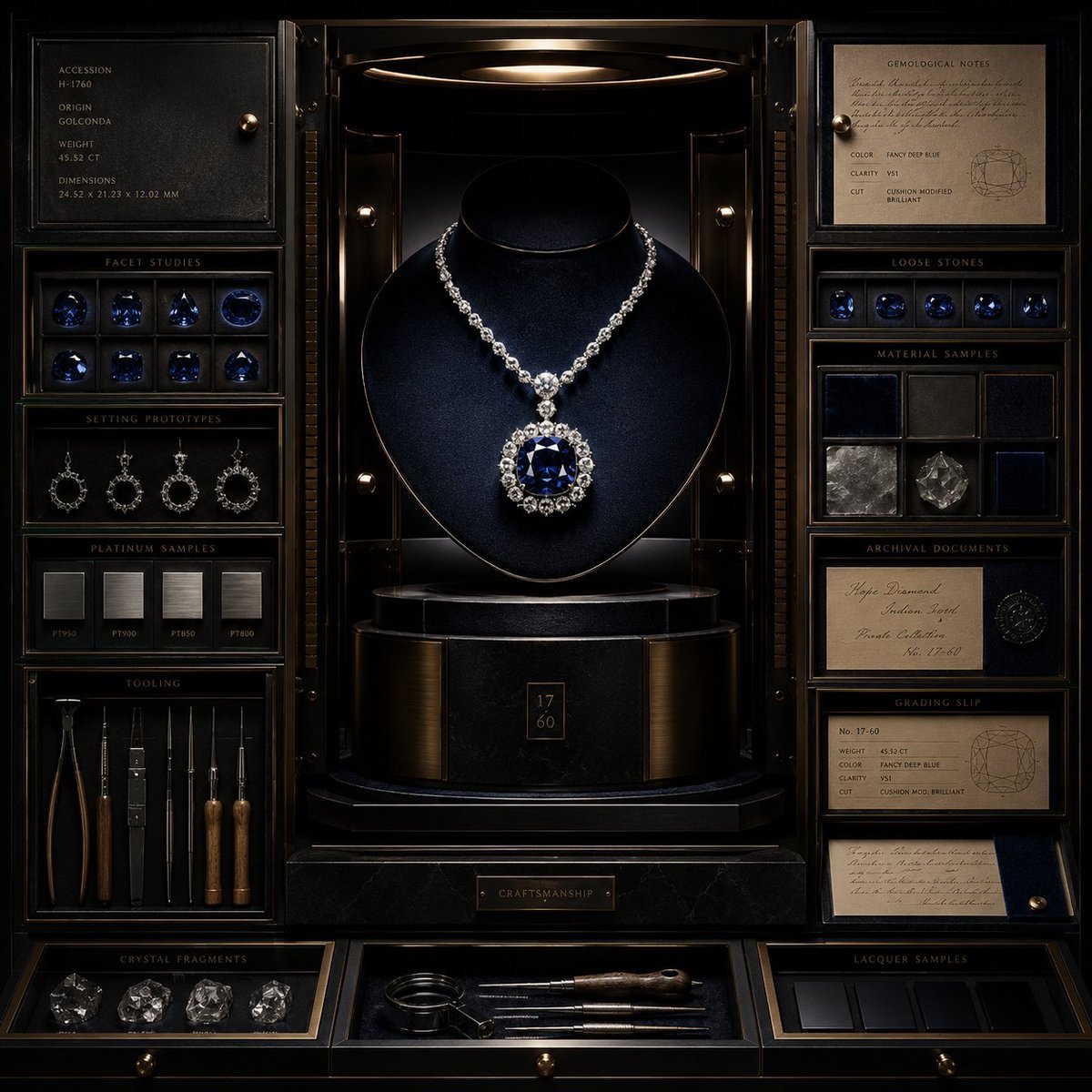
Luxury Jewelry Vault Exhibition
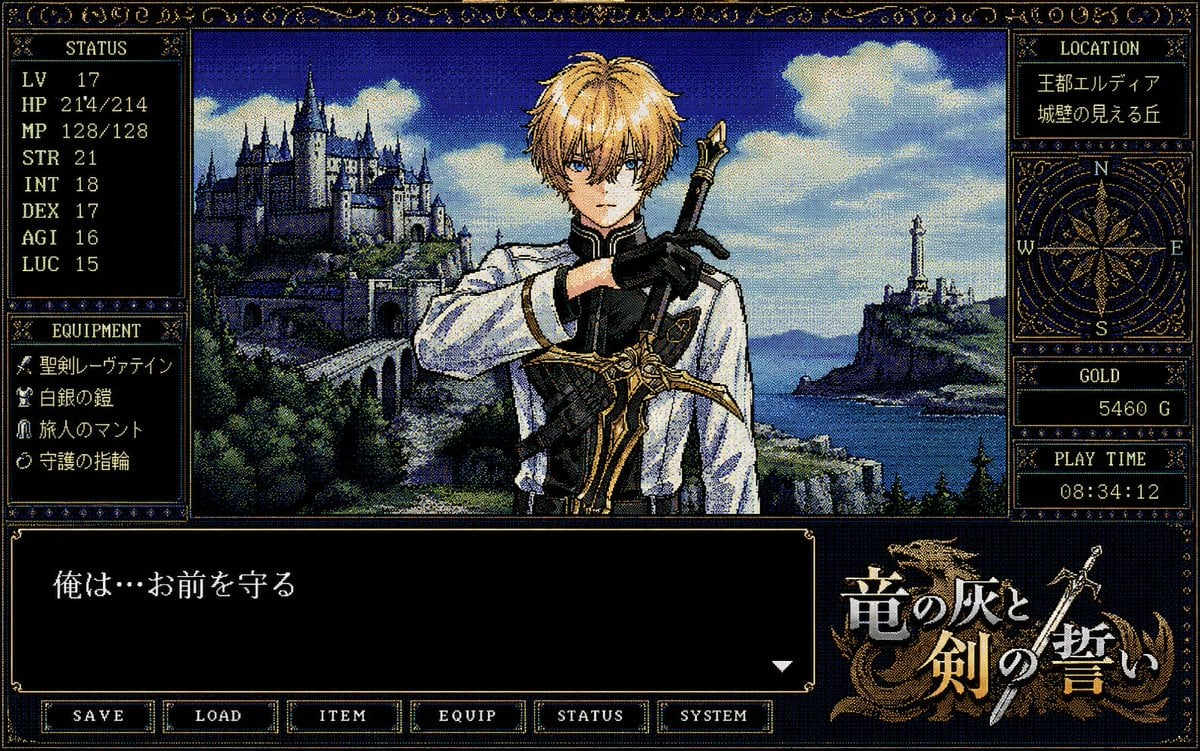
Retro PC-98 Fantasy RPG UI
Browse template categories
Brown Editorial Couple Collage questions
How do I use the Brown Editorial Couple Collage template?
Add your photo if the template asks for one, edit the prompt if you like — the template's model and format are already selected — and press Generate. Your version opens in PicX Studio.
Can I customize the Brown Editorial Couple Collage template?
Yes. You can change the subject, setting, lighting, mood, format, and available model controls before creating your image.
Is the Brown Editorial Couple Collage template free?
Opening and editing this template is free. Generating uses credits, shown on the Generate button when you are signed in.
Which AI model should I use?
Start with GPT Image 2, which is the model associated with this template. You can compare another compatible model for a different finish.
Looking for something else? Browse all templates.

Your photo, any look
Thousands of ready templates for every top image and video model, from one credit balance.