Cinematic Fashion Editorial in a Luxury Nightclub
{
"generation_request": {
"meta_data": {
"tool": "NanoBanana Pro",
"task_type": "photoreal_cinematic_luxury_nightclub_fashion_editorial_poster_still",
"priority": "highest",
"language": "en",
"version": "v1.0_RED_SATIN_ONE_SHOULDER_LOUNGE_NO_TEXT"
},
"output": {
"aspect_ratio": "2:3",
"resolution": "ultra_high",
"num_images": 4
},
"scene": {
"concept": "A high-end fashion portrait in a dark luxury lounge. A glamorous woman sits on a leather armchair wearing a {argument name="dress color" default="red"} satin, one-shoulder gown. The ambience is warm, moody, and cinematic — golden ceiling murals, soft practical lights, and deep shadows. Editorial, seductive, refined.",
"environment": "luxury lounge / cocktail bar interior, dark wood and black glass, leather armchair, warm amber practical lamps, ornate golden ceiling artwork, distant candle-like bokeh",
"time_of_day": "night",
"atmosphere": "smokeless but hazy cinematic diffusion, intimate upscale mood"
},
"subject": {
"age_appearance": "adult",
"expression": "confident, elegant, subtle flirtation, calm gaze",
"pose": "seated sideways on a leather armchair, torso angled toward camera, one arm resting on chair arm, the other hand relaxed near lap, long legs draped with the gown",
"hair": "long black hair, voluminous, side-swept waves over one shoulder",
"wardrobe": "{argument name="dress color" default="red"} satin one-shoulder gown with structured bodice and glossy fabric highlights, floor-length drape",
"makeup": "classic glam with red lipstick, defined eyeliner, natural skin texture",
"jewelry": "minimal, understated (small earrings or none)"
},
"camera": {
"camera_body": "ARRI Alexa 35",
"lens": "50mm spherical",
"aperture": "f/1.8",
"focus": "tack sharp on eyes and lips, smooth falloff across dress and chair, background heavily softened",
"framing": "vertical full-body to three-quarter portrait, subject centered slightly right, negative space in dark background",
"look": "cinematic editorial realism, gentle diffusion, creamy bokeh"
},
"lighting": {
"key_light": "soft key from camera-left (large diffused source), flattering cheekbone shaping",
"rim_light": "warm subtle rim from behind to separate hair from background",
"practicals": "warm amber lamps in background creating bokeh",
"contrast": "high with controlled shadow detail",
"highlights": "specular satin highlights on the gown, not blown out"
},
"color_grading": {
"palette": "deep blacks, warm ambers, rich crimson red, natural warm skin tones",
"film_emulation": "cinematic tungsten night interior",
"grain": "fine film grain",
"halation": "subtle bloom on practical lights and satin highlights"
},
"composition": {
"visual_hierarchy": "eyes + red dress as primary; lounge ambience as secondary",
"dep"
}
}
}



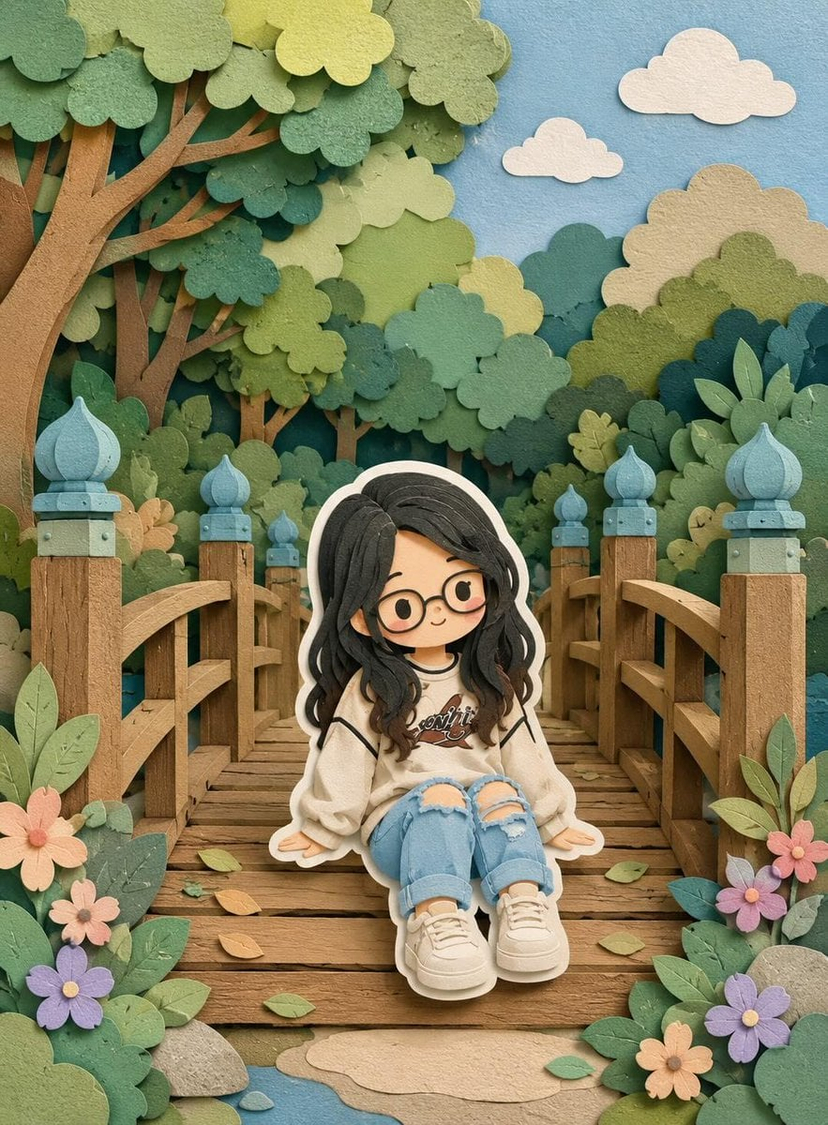
![Layered Paper Cut Illustration Template — Layered paper-cut illustration of [Subject], built with overlapping shapes in soft [Color One] and [Color Two], handcr](/_next/image?url=https%3A%2F%2Fcdn.picxstudio.com%2Fuploads%2F05_602c0848-52b7-4625-9ba2-2bd029e859d5.jpg&w=828&q=100)

![Movement Sheet - Dance Reference (Seedance 2.0) — [STYLE]
Monochrome grayscale illustration, 3D-rendered character, clean instructional reference sheet, white b](https://pbs.twimg.com/media/HGzSvcnboAA_bjD.jpg?name=orig)








![Minimalist Flat Vector Travel Poster — Premium minimalist flat-vector travel poster for {argument name="city name" default="[CITY_NAME]"}, 3:4 vertical format.](https://cms-assets.youmind.com/media/1787917359711_3ug846_HQX205cbMAA6F6S-300x400.jpg)































![Douyin Luxury Night Portrait Prompt — [Subject]
person = {argument name="person" default="Woman"}
facial_reference = {argument name="facia…](https://pbs.twimg.com/media/G8icE-VboAEdLdQ.jpg)