How do I use the Summer Tennis Girl Photography Series template?
Choose the primary action to open PicX Studio with the available template settings. Review the model and format, personalize the creative direction, and generate when ready.
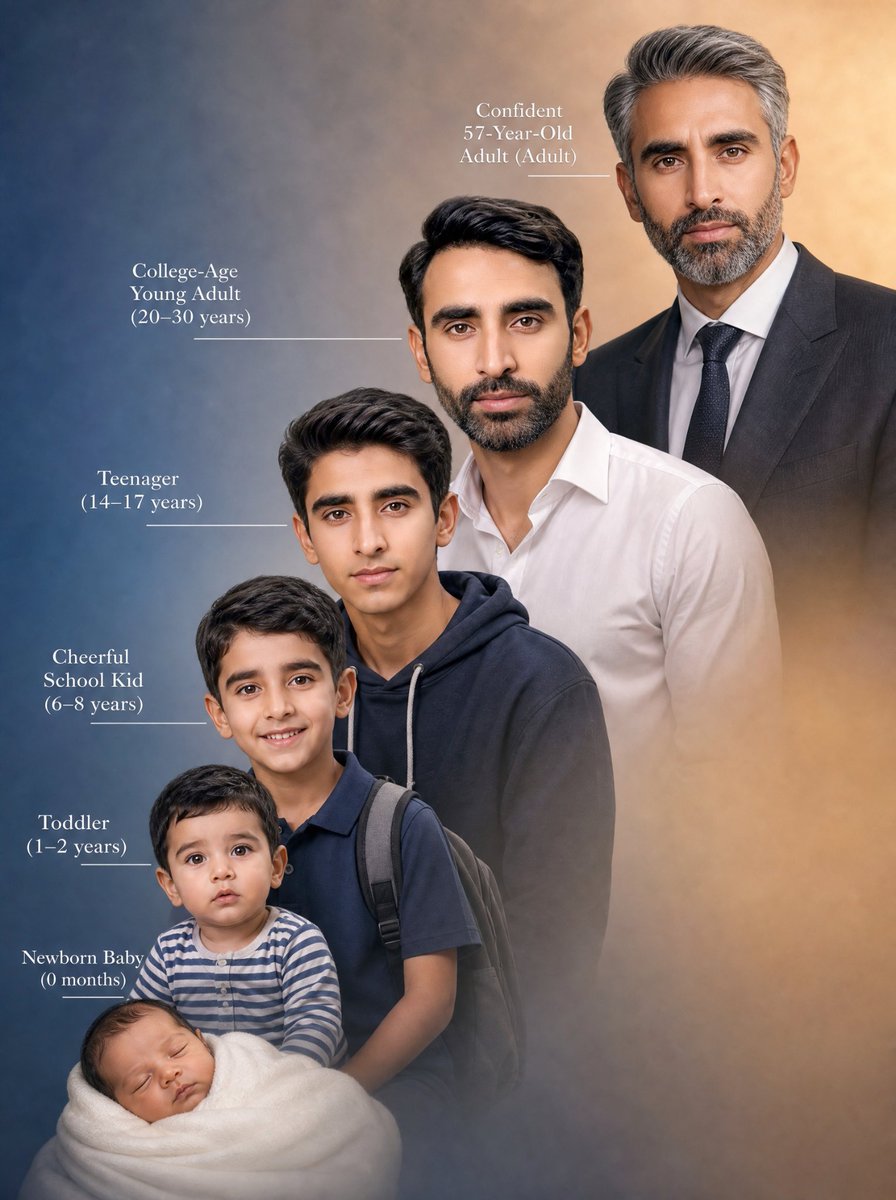
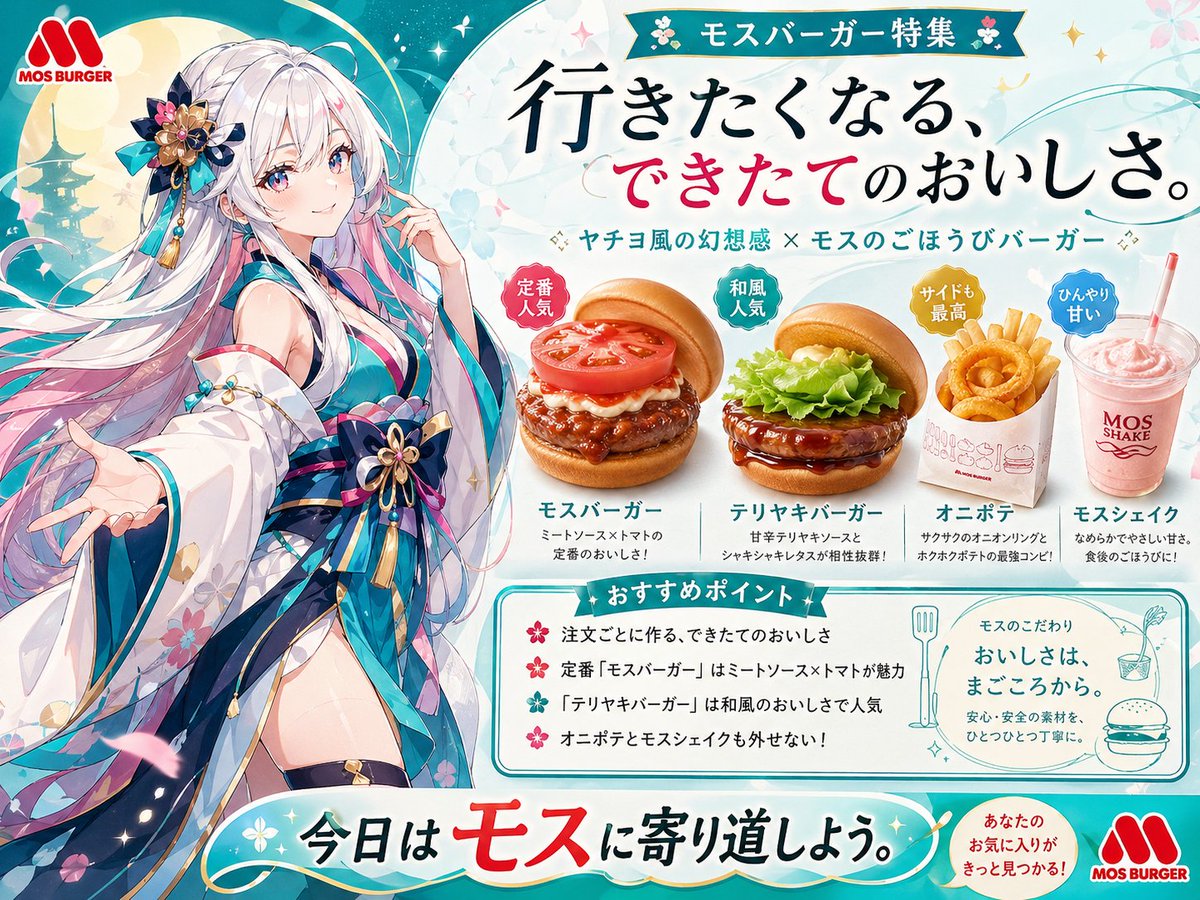
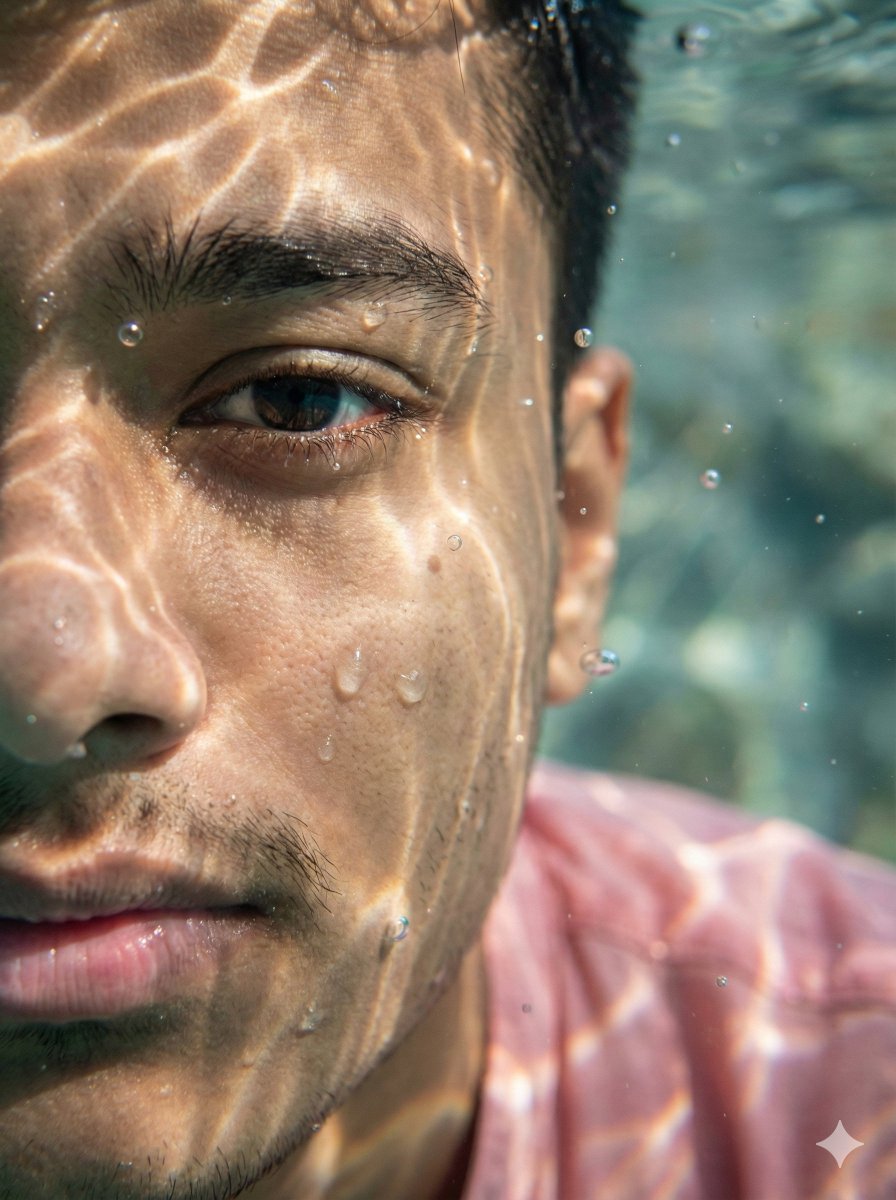
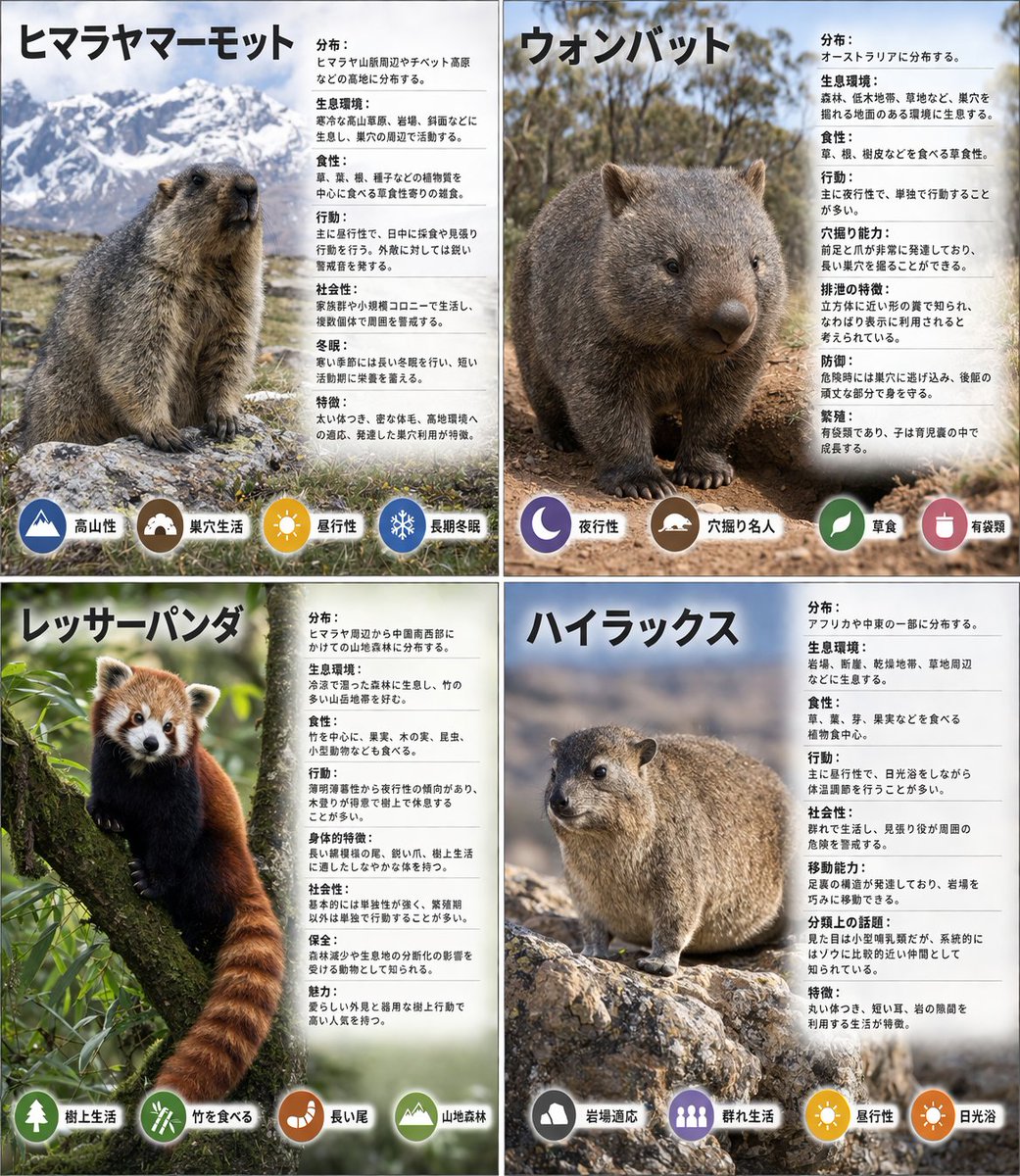
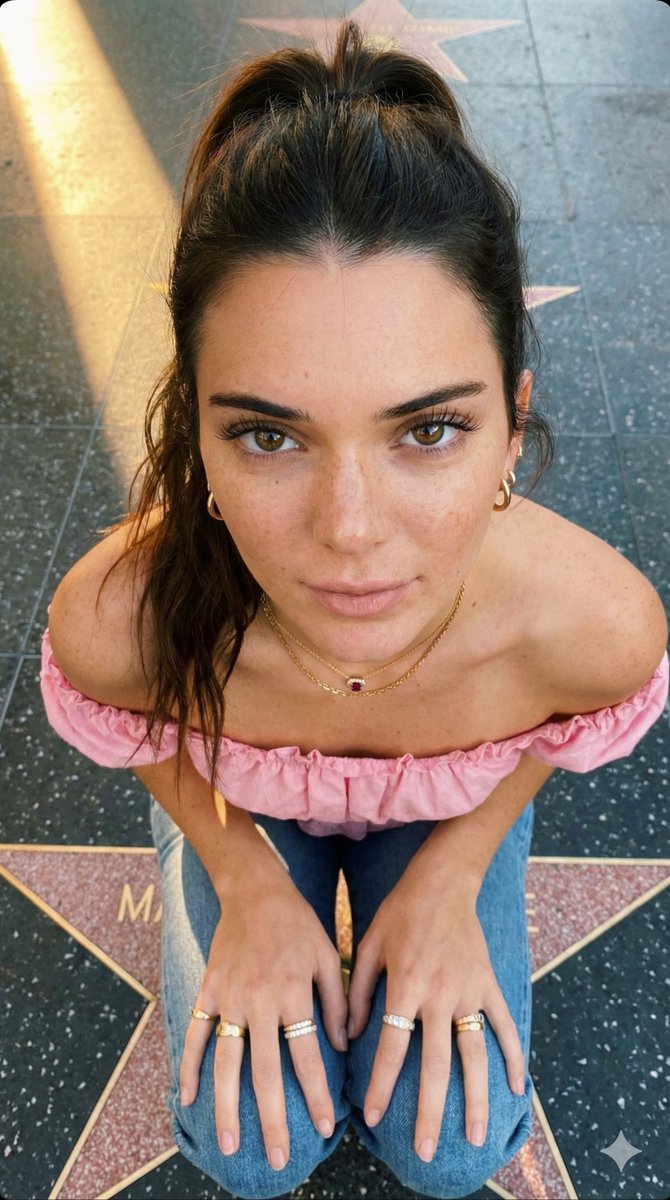
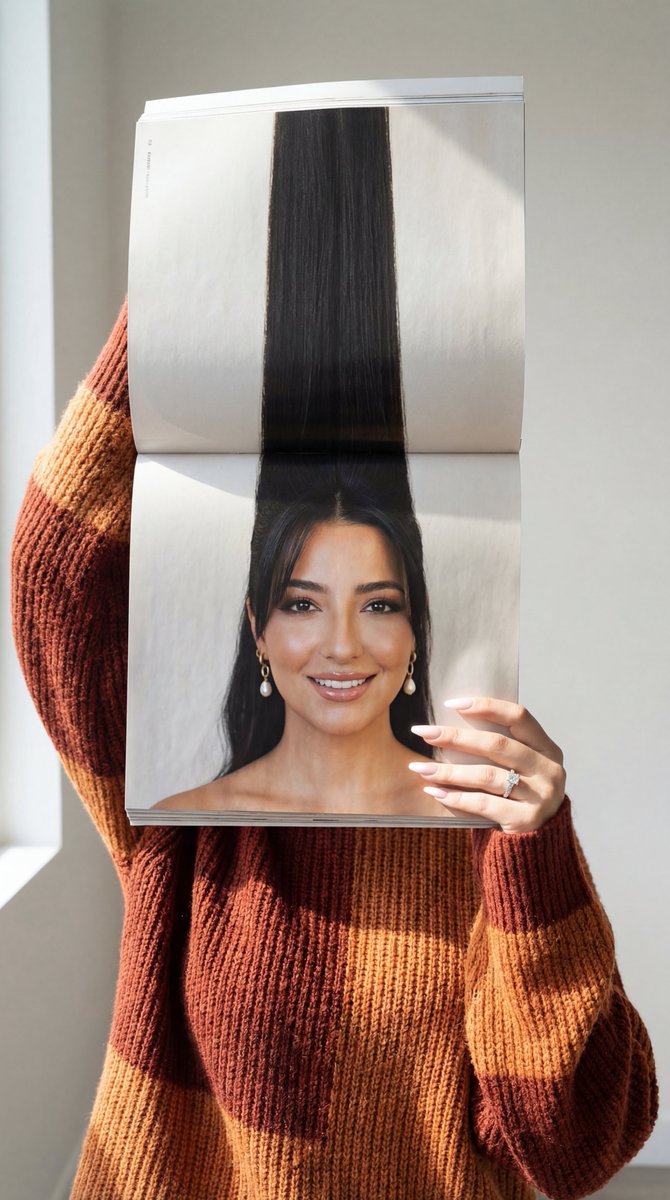
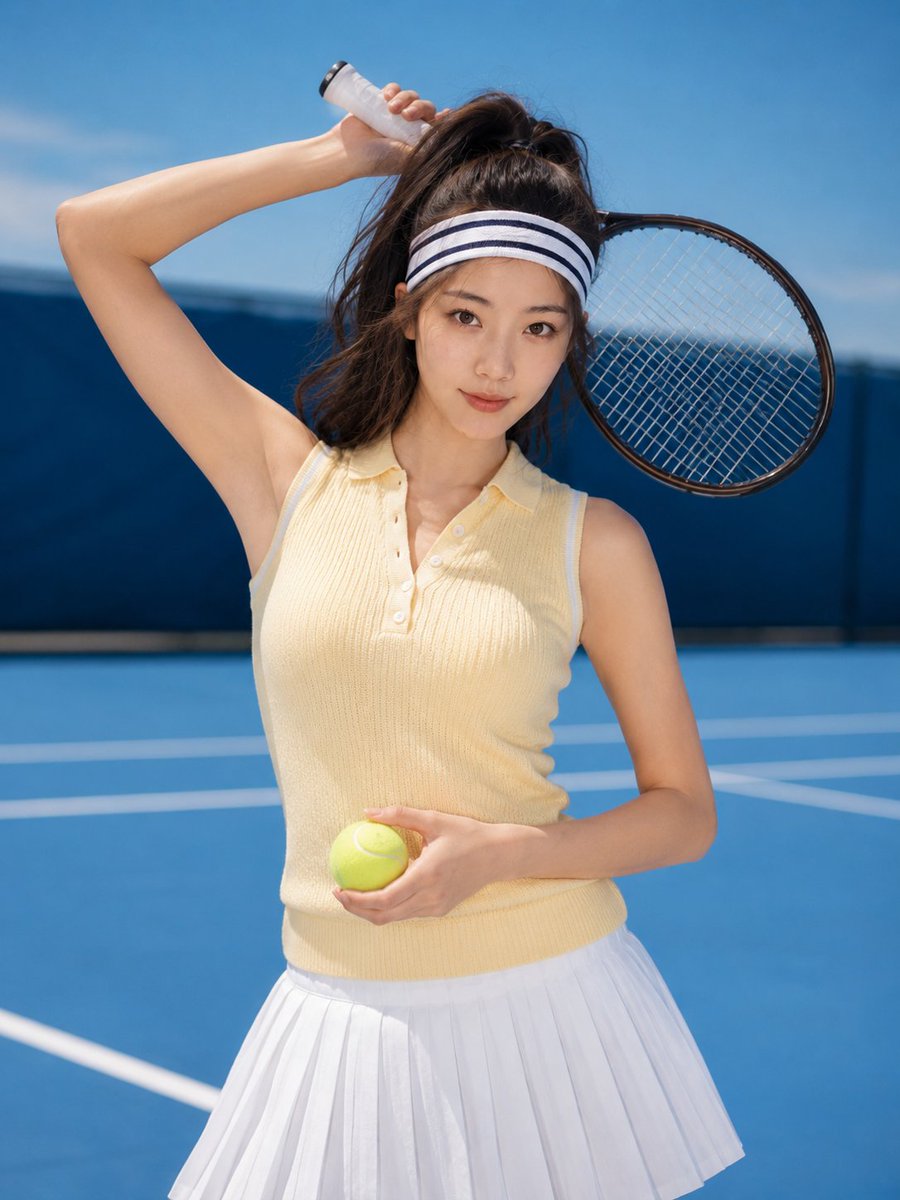
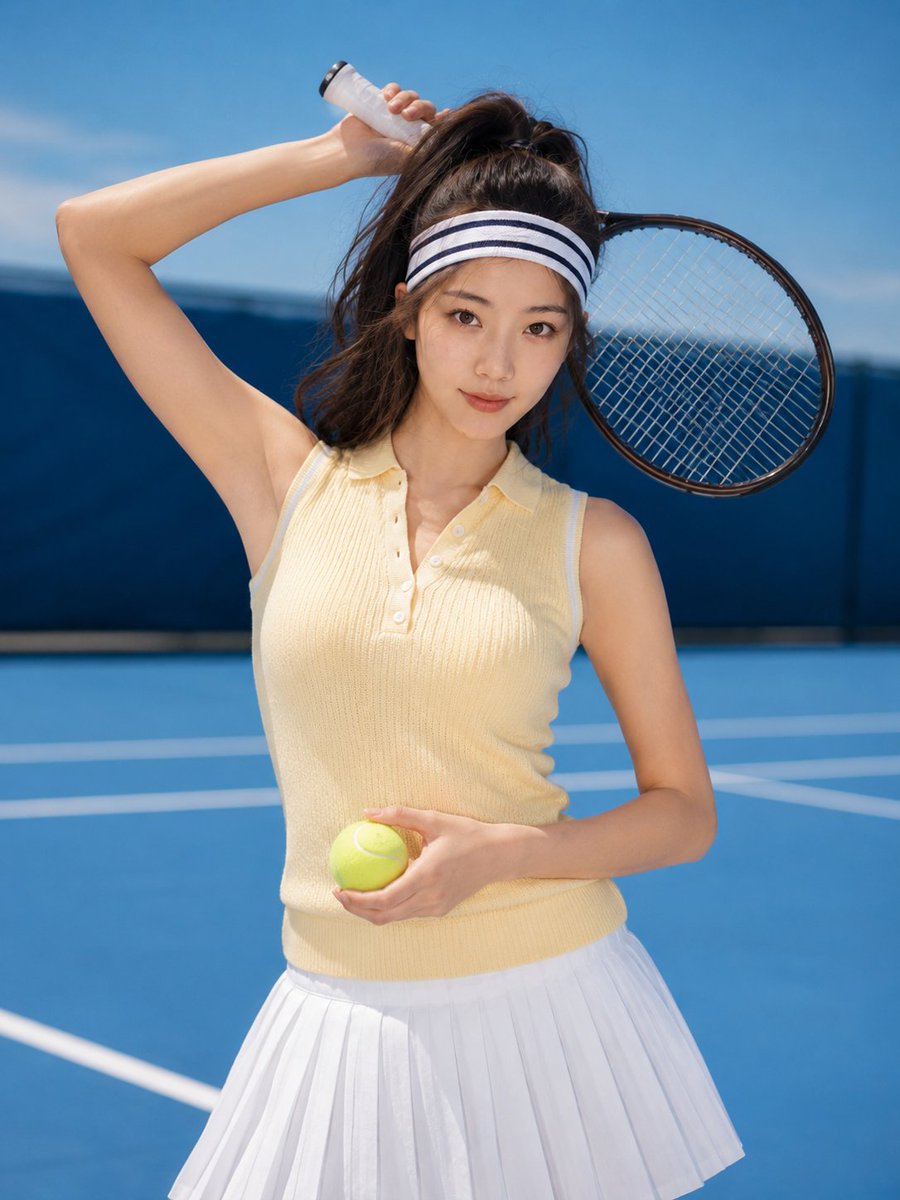
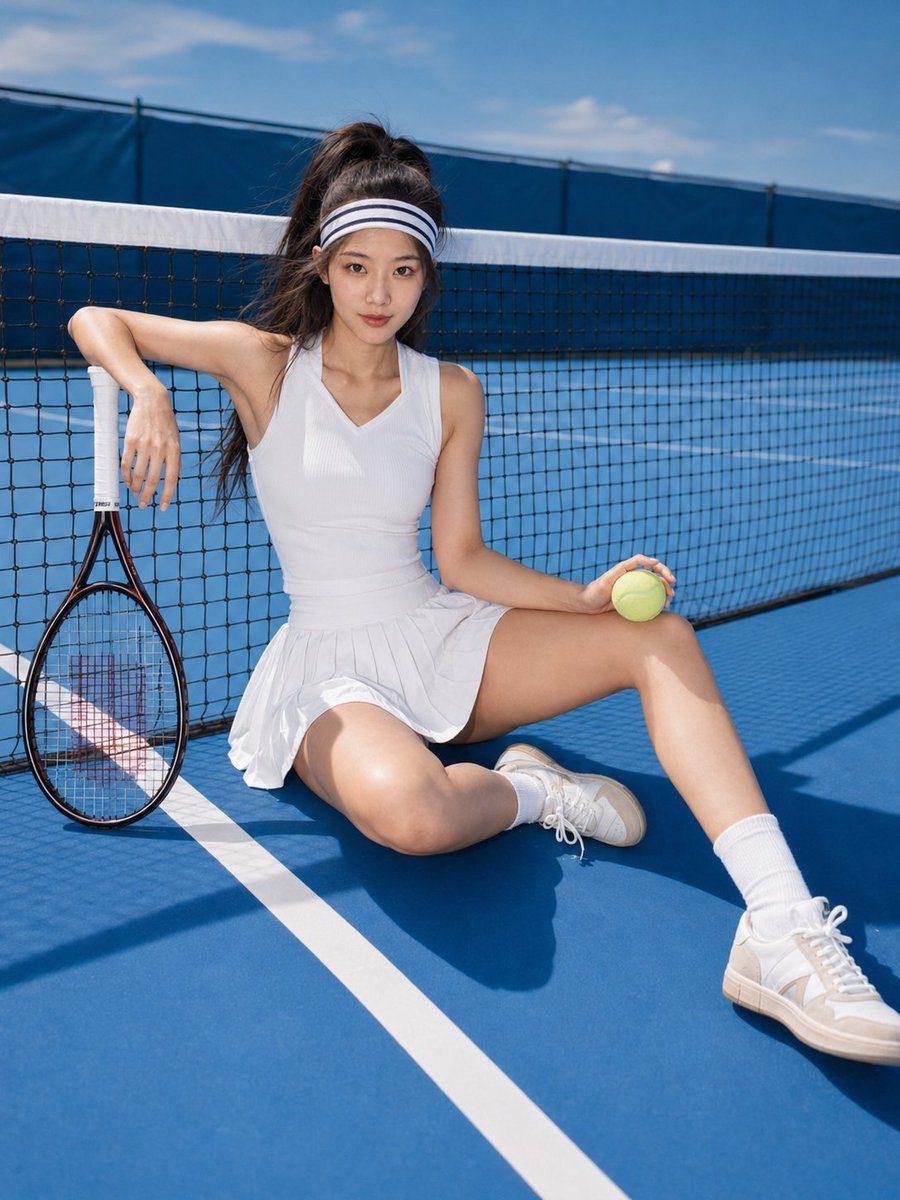
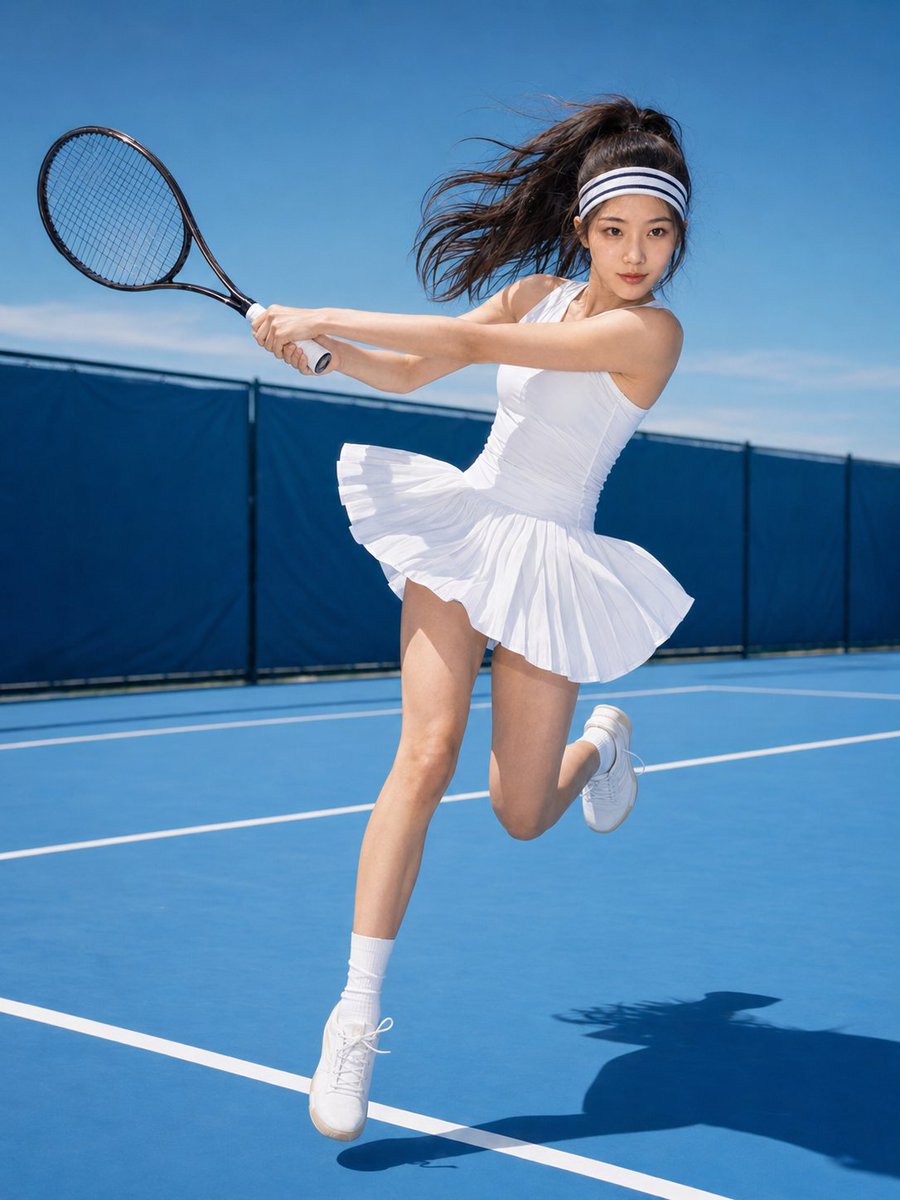
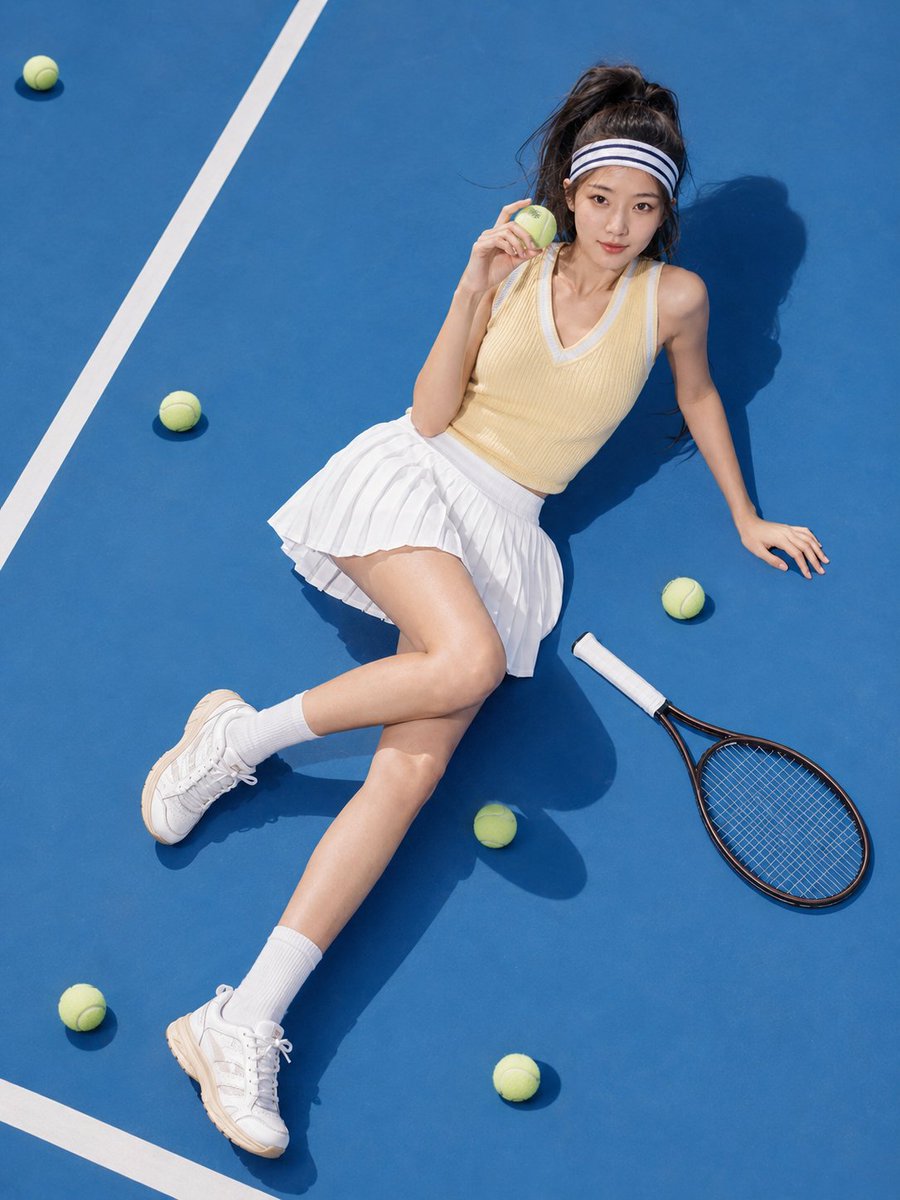
A comprehensive multi-shot prompt for a tennis-themed fashion photoshoot, maintaining character consistency across various poses and magazine-quality aesthetics. (free to use) — Free AI image template on PicX Studio.
请基于我上传的清晰单人人像参考图,创作一组 8 张「{argument name="主题" default="网球女孩"}」主题时尚写真,全部为 3:4 竖构图,分别独立成片。必须保留参考人物本人的真实五官特征、脸型、眼睛、鼻子、嘴唇、肤色和辨识度。整体风格为:夏日网球少女、时尚运动大片、Y2K 体育杂志、青春、活力、甜酷、健康性感。色彩以{argument name="主色" default="蓝色"}、白色、{argument name="辅色" default="黄色"}为主。 01|趴网开场图 请生成第 1 张:蓝色户外网球场,人物穿黄色 V 领针织毛衣和白色百褶网球裙,戴发带,身体轻轻趴在网球网上,一只手垂下拿网球拍,另一只手扶住球网。看向镜头,眼神自信、俏皮、灵动。高饱和蓝黄撞色,夏日硬光,时尚运动杂志质感。 02|坐姿甜酷图 请生成第 2 张:人物坐在蓝色网球场地面,穿白色网球裙、白色运动背心、白色运动外套,腿部自然延展,一只手扶着网球拍,另一只手拿网球。表情甜酷、放松、自信。背景有网球网 and 蓝天,画面明亮,像运动时尚大片。 03|挥拍动态图 请生成第 3 张:人物穿白色无袖网球连衣裙,扎高马尾,在蓝色网球场做真实挥拍动作,裙摆和头发随动作扬起。表情专注,有比赛感。全身或七分身构图,动态抓拍感强,阳光硬光清晰。 04|封面半身图 请生成第 4 张:人物站在网球场或纯蓝背景前,穿白色运动背心和白色外套,露出健康腰腹线条,手举网球拍靠近头顶,另一只手自然抬起或拿球。半身近景构图,眼神直视镜头,冷静、自信、时尚,像体育杂志封面。 05|躺地反差图 请生成第 5 张:人物躺在蓝色球场地面,穿黄色针织毛衣和白色百褶裙,身边散落网球和球拍。镜头俯拍,身体自然舒展,一只手拿网球,一只手搭在球拍上。表情慵懒、俏皮、轻松,画面有明显蓝黄撞色和阳光阴影。 06|球拍前景近景图 请生成第 6 张:人物站在网球网前,穿白色网球裙和蓝白运动外套,手持网球拍靠近镜头形成前景透视,另一只手拿网球靠近脸侧。半身近景,眼神漂亮、自信、有一点胜负欲。闪光灯质感,五官清晰,手和球拍结构正常。 07|回头抓拍图 请生成第 7 张:人物穿白色 polo 网球裙,黄色针织衫披在肩上,背对镜头向前走,在网球场边突然回头看镜头,一只手拿球拍,另一只手整理发带。全身或七分身构图,像被叫住的一瞬间,真实抓拍感,轻松明亮。 08|收束胜利图 请生成第 8 张:训练结束后的球场边,人物穿白色网球裙和黄色针织毛衣,发带略松,头发有一点凌乱和汗感,坐在场边抱着球拍,手里拿着网球。表情满足、放松、带一点胜利后的余韵。画面柔和但明亮,像整组写真的收尾大片。
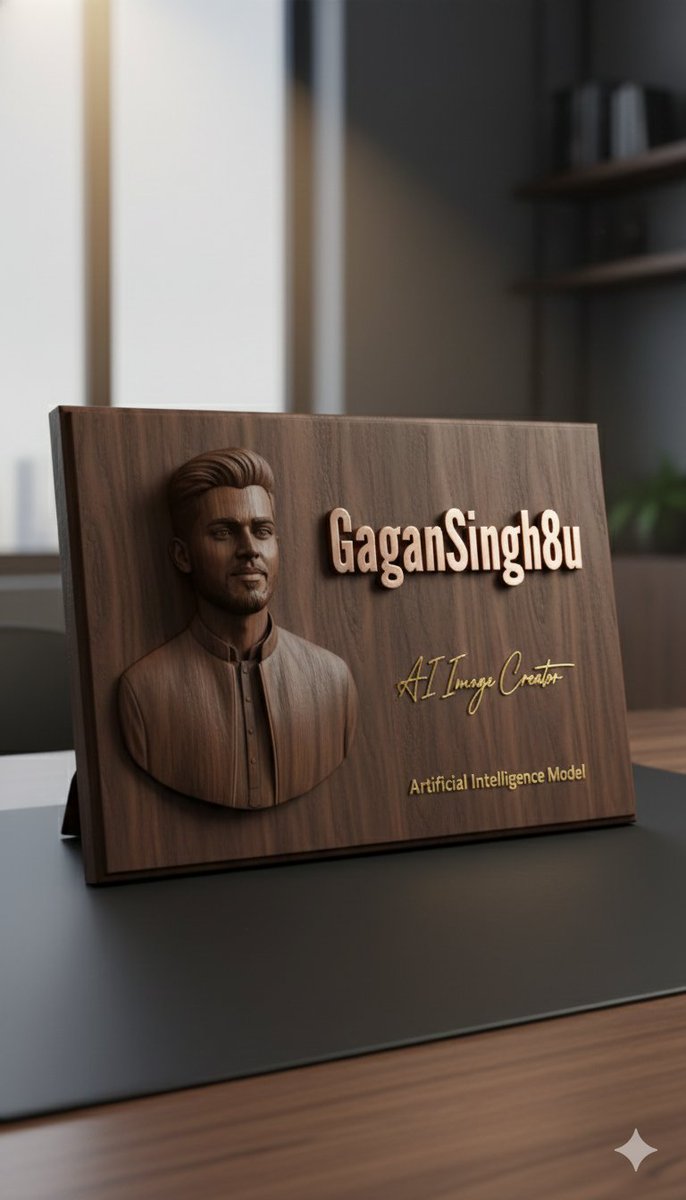
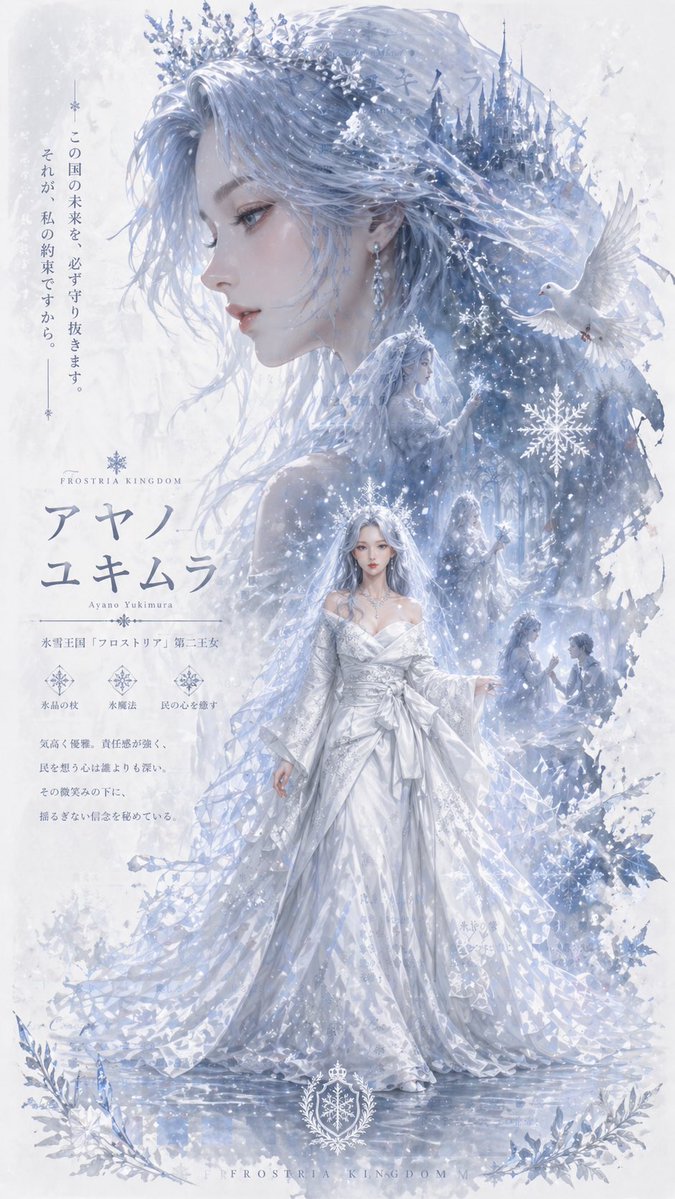
Use Summer Tennis Girl Photography Series to plan an AI image around gpt-image-2 generation, themes such as zh and gpt-image-2. Match the preview's composition first, then personalize the subject, setting, and mood for your own project.
Use the primary action to load the template settings in PicX Studio.
Adjust the subject and creative details for your destination.
Create the image, compare the result with the preview, and refine one variable at a time.
A continuous mix — similar concepts first, woven with same-model prompts and fresh picks from the catalog.
Choose the primary action to open PicX Studio with the available template settings. Review the model and format, personalize the creative direction, and generate when ready.
Yes. You can change the subject, setting, lighting, mood, format, and available model controls before creating your image.
This template is free to open and customize. Generation usage is shown in PicX Studio before you create.
Start with gpt-image-2, which is the model associated with this template. You can compare another compatible model for a different finish.
Follow a topic to a crawlable collection of related PicX Studio templates.
39,157 public templates available. Verified via the PicX Studio public templates API; refreshed hourly.
A continuous mix — similar concepts first, woven with same-model prompts and fresh picks from the catalog.