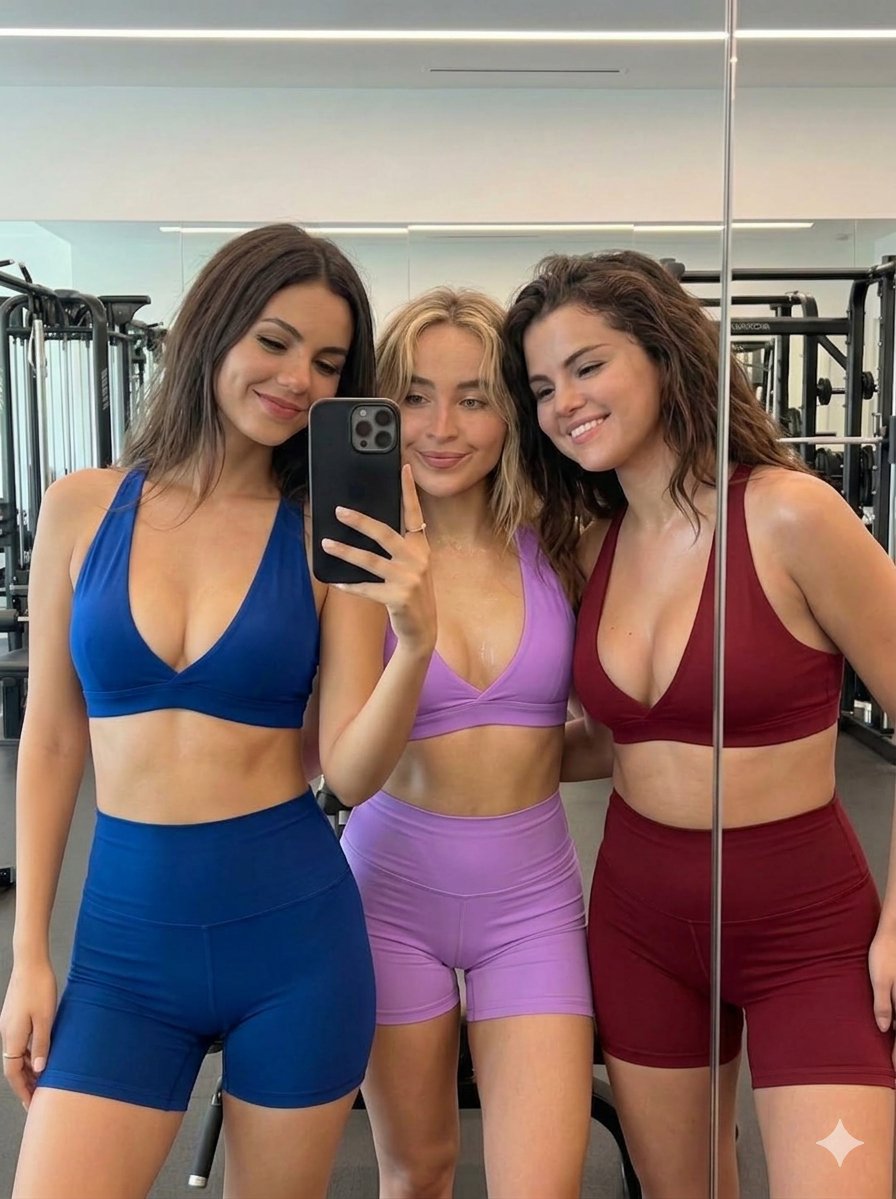
How do I use the Celebrity Public Bathroom Mirror Selfie template?
Choose the primary action to open PicX Studio with the available template settings. Review the model and format, personalize the creative direction, and generate when ready.
A detailed prompt for generating a photorealistic, candid mirror selfie featuring three celebrities (Sydney Sweeney, Megan Fox, and Sabrina Carpenter) in a public bathroom. Change the subject, setting, or lighting one variable at a time.

"A photorealistic, candid mirror selfie of three young women in a public bathroom, captured on a modern smartphone in high resolution 4k with a slight photographic grain, exuding a casual, playful, and youthful nightlife vibe. On the left is Sydney Sweeney with long wavy blonde hair, a neutral expression, and a slight pout. She is wearing a pink camisole with red lace trim, pink bottoms, and a brown braided O-ring belt, leaning her head affectionately on the middle woman's shoulder. In the middle is Megan Fox with long dark hair, smiling playfully with her tongue sticking out. She is wearing a white graphic tank top, blue denim shorts, and a thin gold belly chain, holding up a smartphone with a textured pink case and a beaded phone charm in her right hand to take the picture. On the right is Sabrina Carpenter with a blonde bob cut and bangs, smiling warmly. She is wearing a black halter top and light blue denim shorts, leaning in slightly with her arm resting near her hip. The background features white bathroom stall doors with slightly harsh reflections from the overhead indoor fluorescent lighting, which casts moderate shadows on their faces. A row of blue square tiles runs just below the mirror. The image is framed as a medium shot from mid-thigh up at an eye-level angle. Aspect ratio 4:5."
Choose the primary action to open PicX Studio with the available template settings. Review the model and format, personalize the creative direction, and generate when ready.
Yes. You can change the subject, setting, lighting, mood, format, and available model controls before creating your image.
This template is free to open and customize. Generation usage is shown in PicX Studio before you create.
Start with Nano Banana 2, which is the model associated with this template. You can compare another compatible model for a different finish.
© 2026 PicX Studio. All rights reserved.

Follow a topic to a crawlable collection of related PicX Studio templates.
43,474 public templates available. Verified via the PicX Studio public templates API; refreshed hourly.


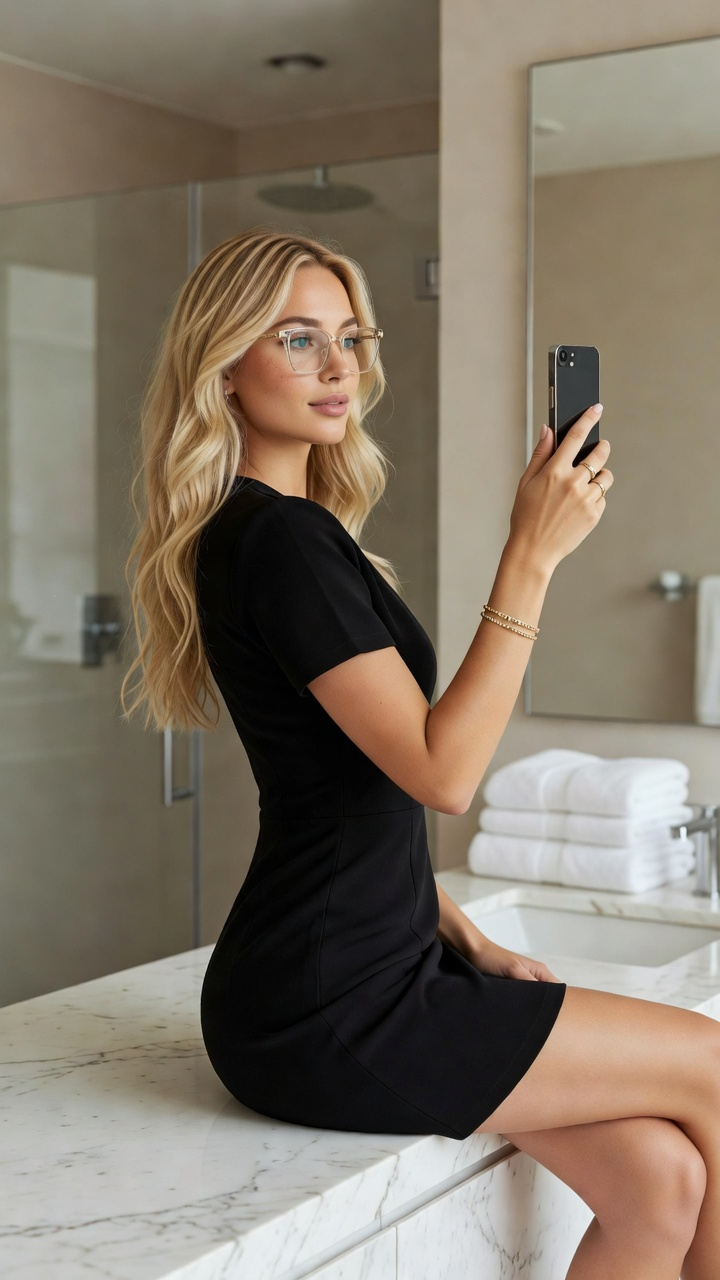




![nano-banana-grwm-mirror-selfie-pink — Nano Banana 2
Prompt (JSON):
{
"type": "image_prompt",
"description": {
"subject": {
"main": "[NAME] com o](/_next/image?url=https%3A%2F%2Fcdn.picxstudio.com%2Fuploads%2Ftweet_img_10a_612da6f9-cf6d-417e-bdd5-cc1300d1d830.jpg&w=828&q=100)





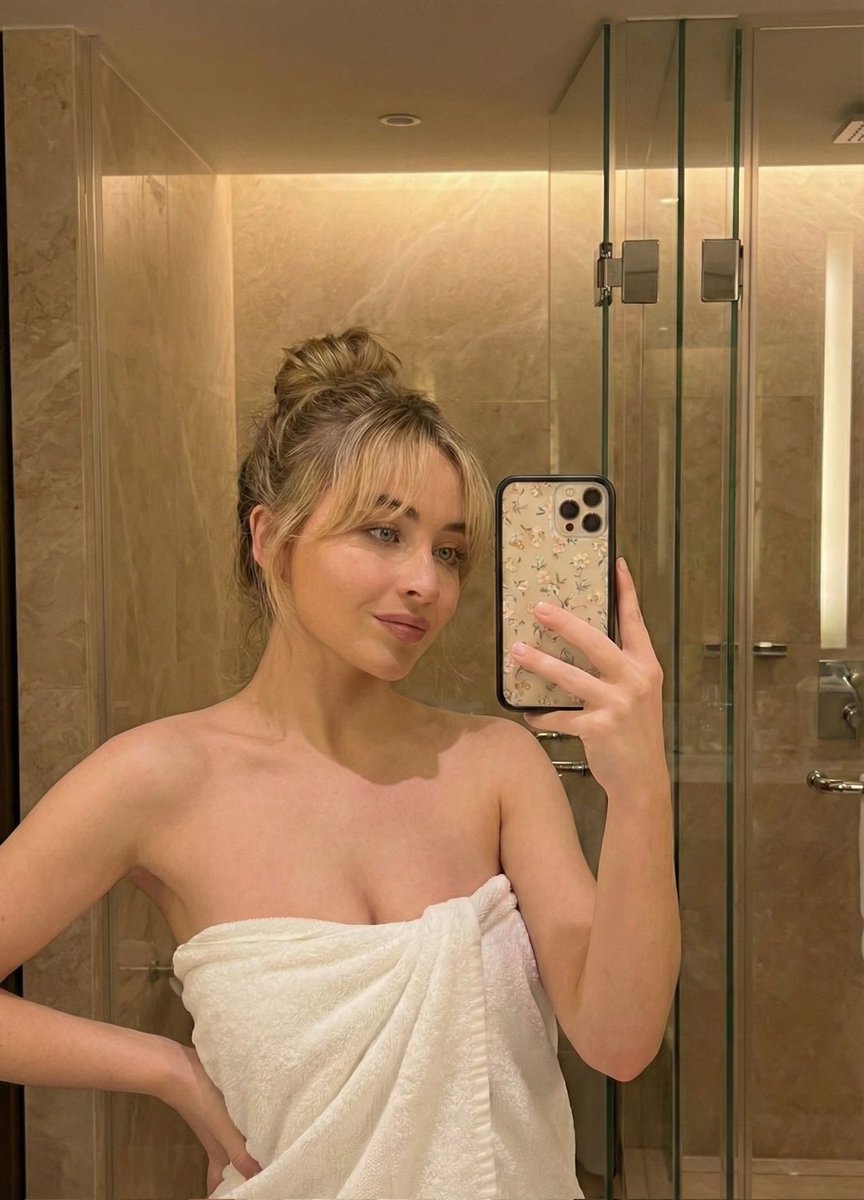
![Naive doodle-style subject illustration — A doodle-style {argument name="subject" default="[subject]"}, naive lines, humorous shape exaggeration](https://pbs.twimg.com/media/G6Wl2YxbsAARB2b.jpg)