
Futuristic Mecha Kimono Warrior
Generates a photorealistic sci-fi character concept of a helmeted mecha-kimono warrior in a massive industrial future-city setting.
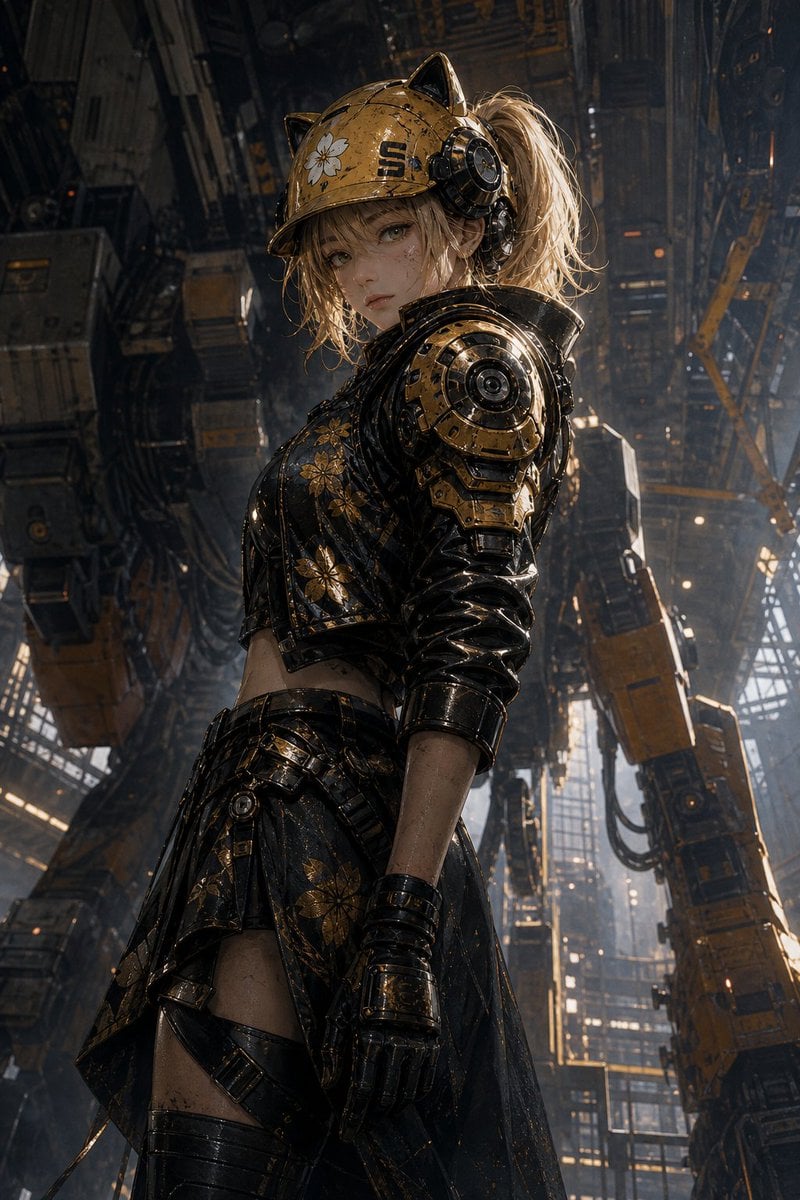
- Prompt included
- Model and format preset
- Free template
The prompt behind this image
Copy the exact prompt behind Futuristic Mecha Kimono Warrior, or open it in the studio and make it yours.
Create a cinematic, photorealistic vertical character design portrait of {argument name="character name" default="SUZUNE"}, a futuristic female warrior standing in profile inside a towering industrial sci-fi megastructure. She wears a weathered {argument name="helmet color" default="yellow"} construction-style combat helmet with cat-ear-like protrusions, mechanical ear modules, small decals including a white flower, and worn black lettering. Her messy blonde hair is tied into a high ponytail spilling from the back of the helmet. The face is intentionally hidden by a plain opaque brown square censor block centered over the facial area. Her outfit is a black-and-gold mechanical Japanese-inspired battle kimono: glossy black lacquer armor, metallic gold floral patterns, cropped armored bodice, layered asymmetrical skirt panels, exposed waist, thigh straps, black gloves, and heavy cybernetic shoulder armor with circular mechanical joints. The material finish should feel real and tactile, with scratches, grime, chipped paint, rain-speckled shine, and hard reflective surfaces. Pose her in a confident side-facing stance, head slightly lowered, body angled left, one arm relaxed at her side. The background is a massive futuristic city-factory interior filled with suspended machinery, vertical steel beams, cranes, cables, gantries, orange-black industrial modules, dust, haze, and shafts of cold daylight cutting through high windows. Use dramatic low-angle composition, high contrast, moody cinematic lighting, shallow depth of field, ultra-detailed textures, realistic live-action styling, and a strong presence that would stand out in a futuristic city. Color palette: black, worn gold, yellow helmet accents, smoky gray industrial shadows, subtle warm orange lights. Aspect ratio 2:3, full-body to three-quarter character framing, premium game cinematic concept art realism.
How to use Futuristic Mecha Kimono Warrior in 3 steps
- 1Upload ImagePNG, JPG or paste
Add your photo
Upload the photo the template builds on. The prompt, model and format are already set.
- 2…a portrait of your subject in softgolden-hour light, 85mm…
Personalize
Edit the subject and creative details for your destination.
- 3Generate
Generate
Press Generate — your image is created in PicX Studio, so you can compare it with the original and refine one variable at a time.
More like this
Templates with the same subject, style or setup. Open one to see its prompt.

Gothic Mecha Sword Warrior

Futuristic Chrome Helmet Fashion Portrait

Futuristic Studio Neon Ring Minimalist Portrait
Futuristic Chrome Helmet Fashion Portrait
Futuristic Studio Neon Ring Minimalist Portrait

Black Liquid Cyberpunk Portrait Poster

Cyberpunk Neon Brazil World Cup Poster

Playful Futuristic Brand Kit Board
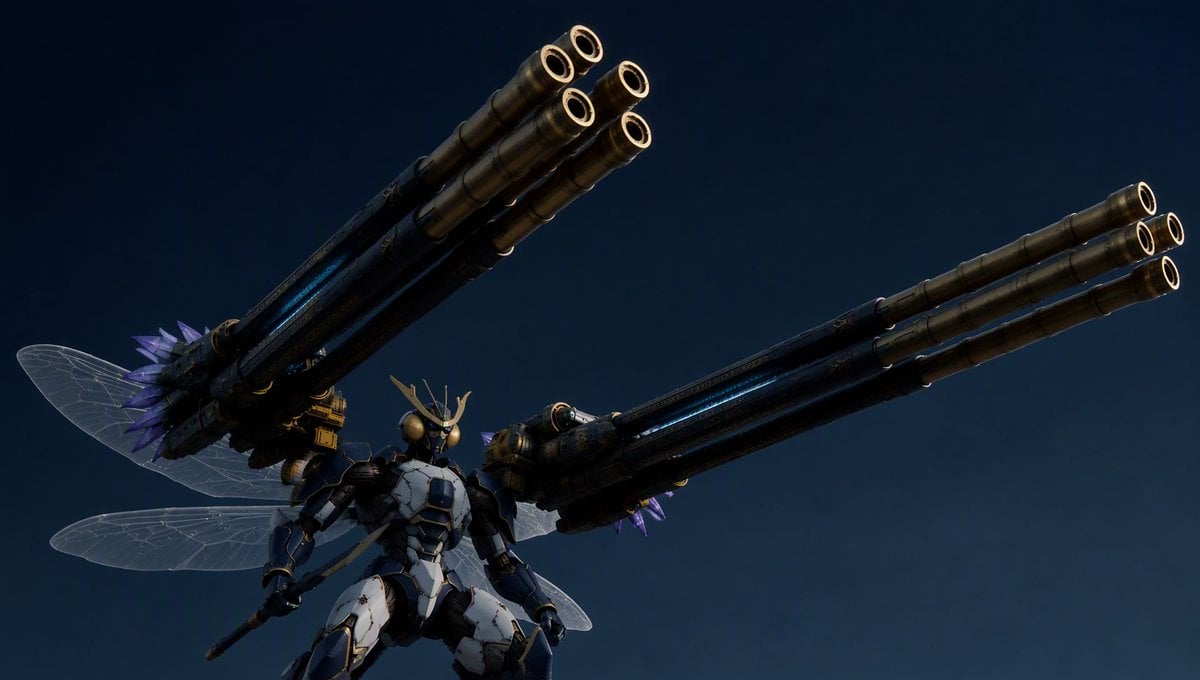
Insect Mecha Cannon Attack
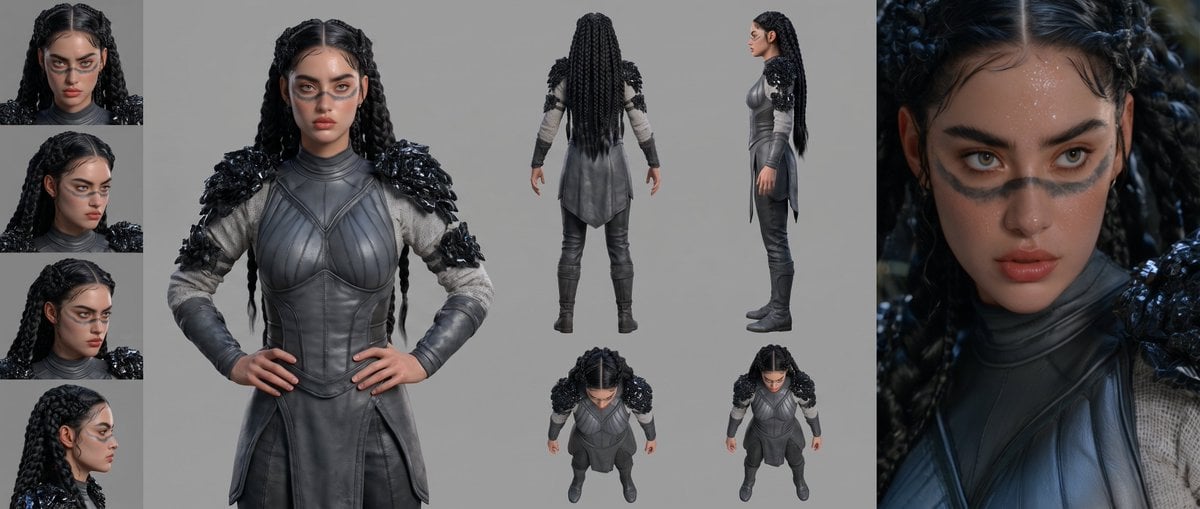
Mesoamerican Warrior Character Sheet
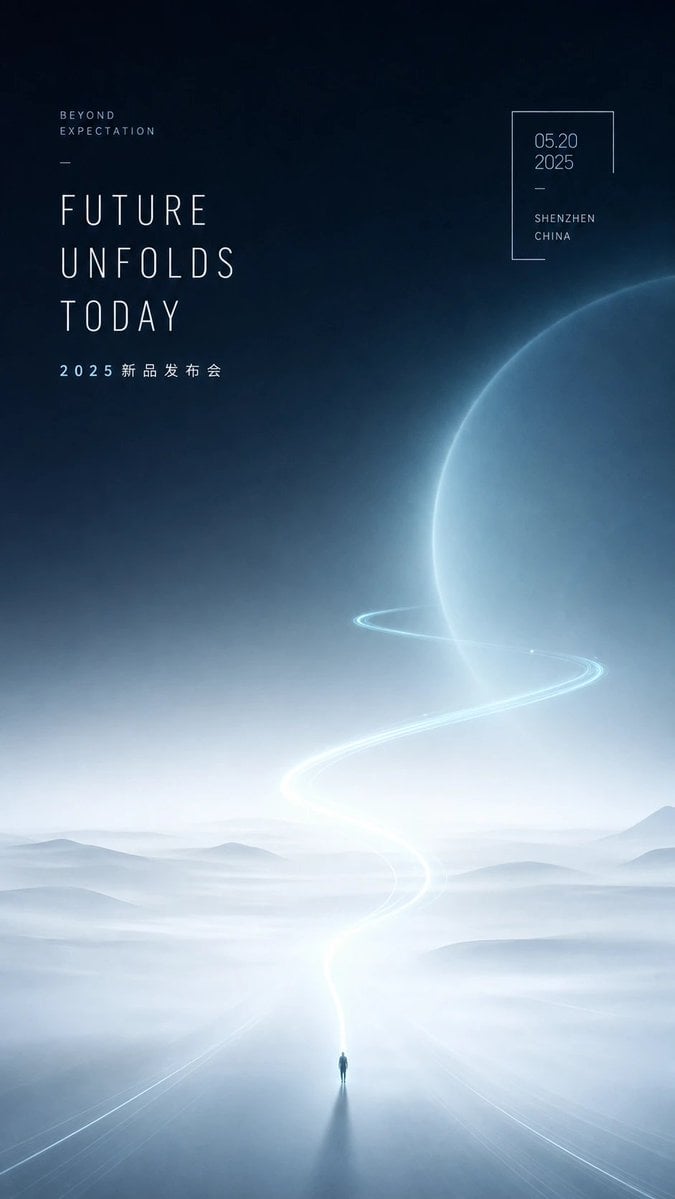
Futuristic Product Launch Poster

Celestial Sakura Kimono Maiden
Make it yours
Futuristic Mecha Kimono Warrior works as-is. These are the safest ways to change it without losing the look.
Change one field
Copy a single group, rewrite it, and generate again so you can see what that field is doing.
Keep the frame, change the subject
Hold the composition and light of Futuristic Mecha Kimono Warrior, then swap wardrobe, props or the person for a new take.
| If the result… | Why | Fix |
|---|---|---|
| The result drifts from the preview | Too many fields changed at once. | Reuse Futuristic Mecha Kimono Warrior as-is first, then change one group — subject, light, or setting. |
| The model over-stylizes the scene | The prose prompt leaves finish and camera underspecified. | Add one camera or lighting sentence and stay on GPT Image 2. |
More GPT Image 2 templates
Other prompts made for GPT Image 2.

Six VTuber Japanese Logo Sheet

Realistic Portrait of Woman and Deer

The Vista Modular Condo Poster

AI Model Routing Comparison Infographic

2.5D Anime Art Board

Isometric Productivity Desk Scene

New York Double Exposure Poster

Four-Panel AI Landscape Comparison

Japanese Tatami Lifestyle Magazine Cover

NESCAFÉ Coffee Map Poster
More image prompts
Fresh picks from across the catalog.
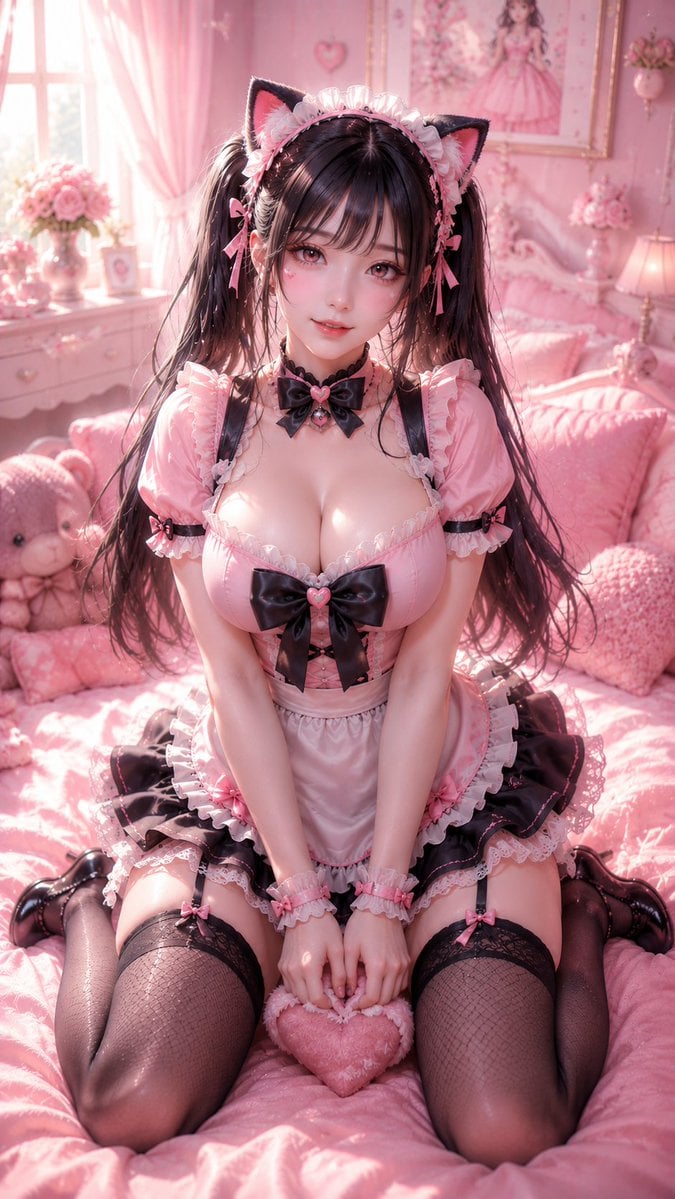
3D CG Pink Maid Illustration
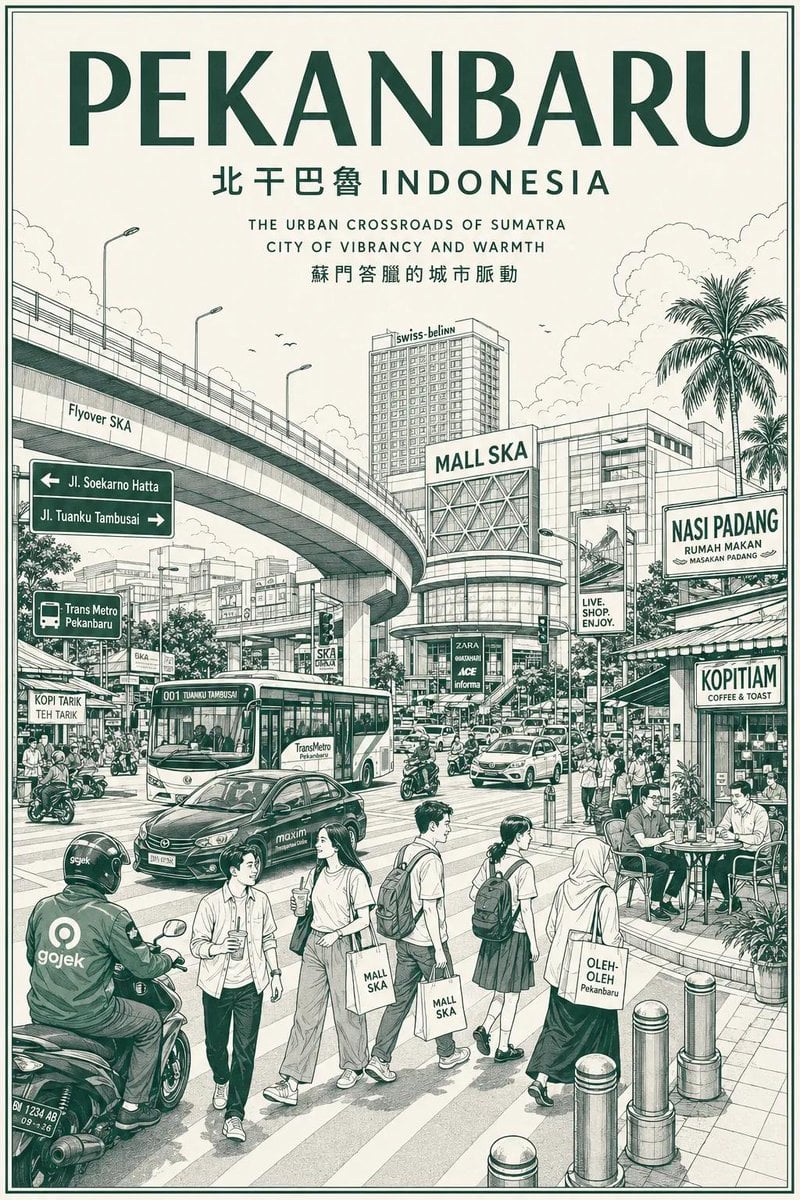
Vintage Monochrome City Travel Poster
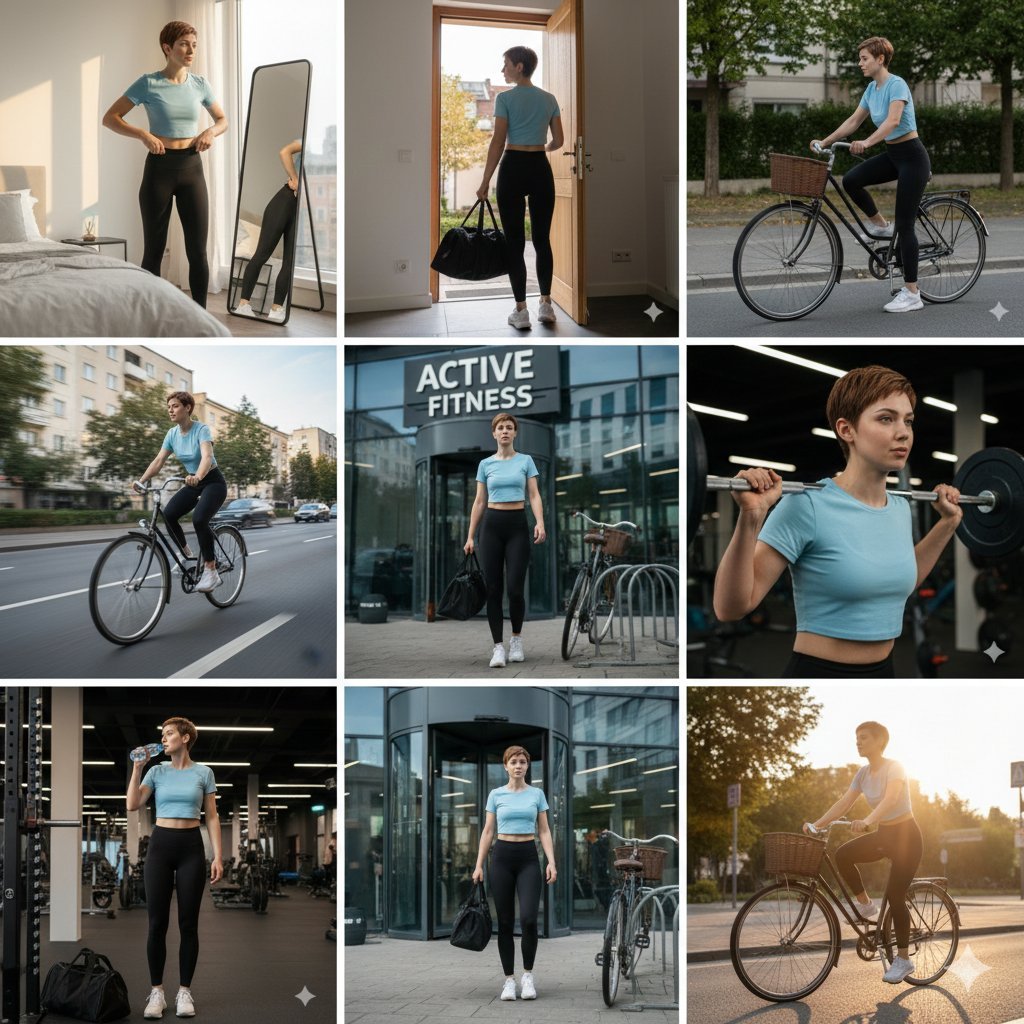
Ultra-realistic cinematic 9-photo collage of a gym girl's fitness journey
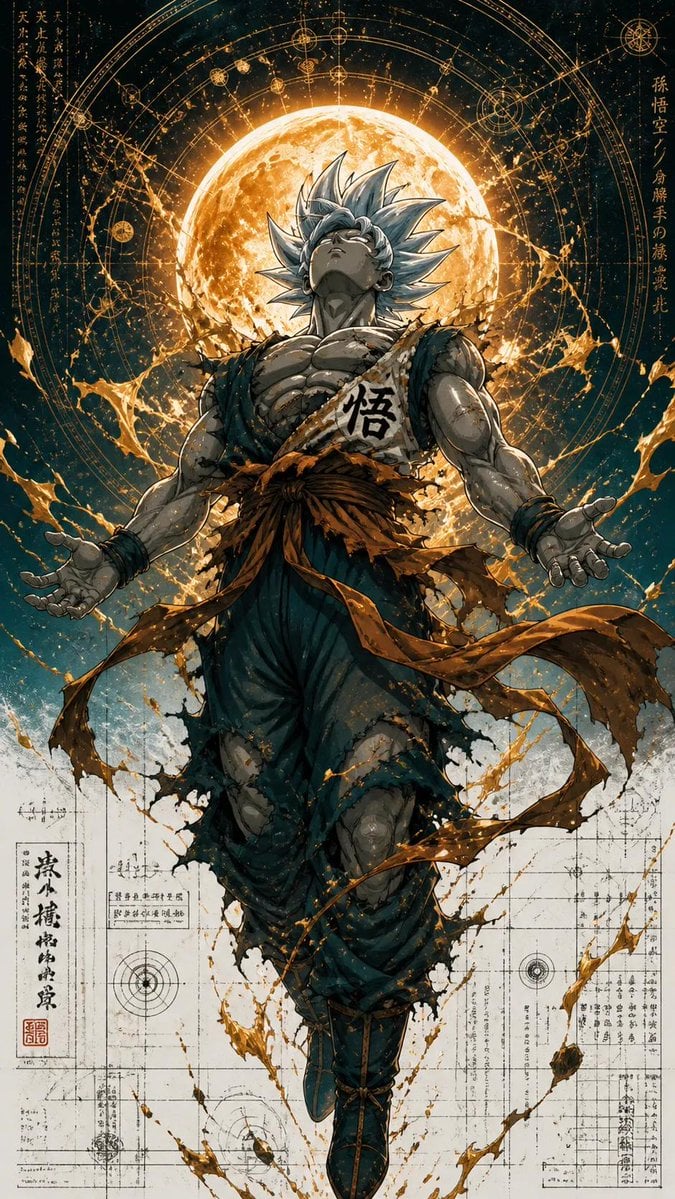
Ultra Detailed Shonen Anime Warrior

Anime Fantasy Rock Band Fusion
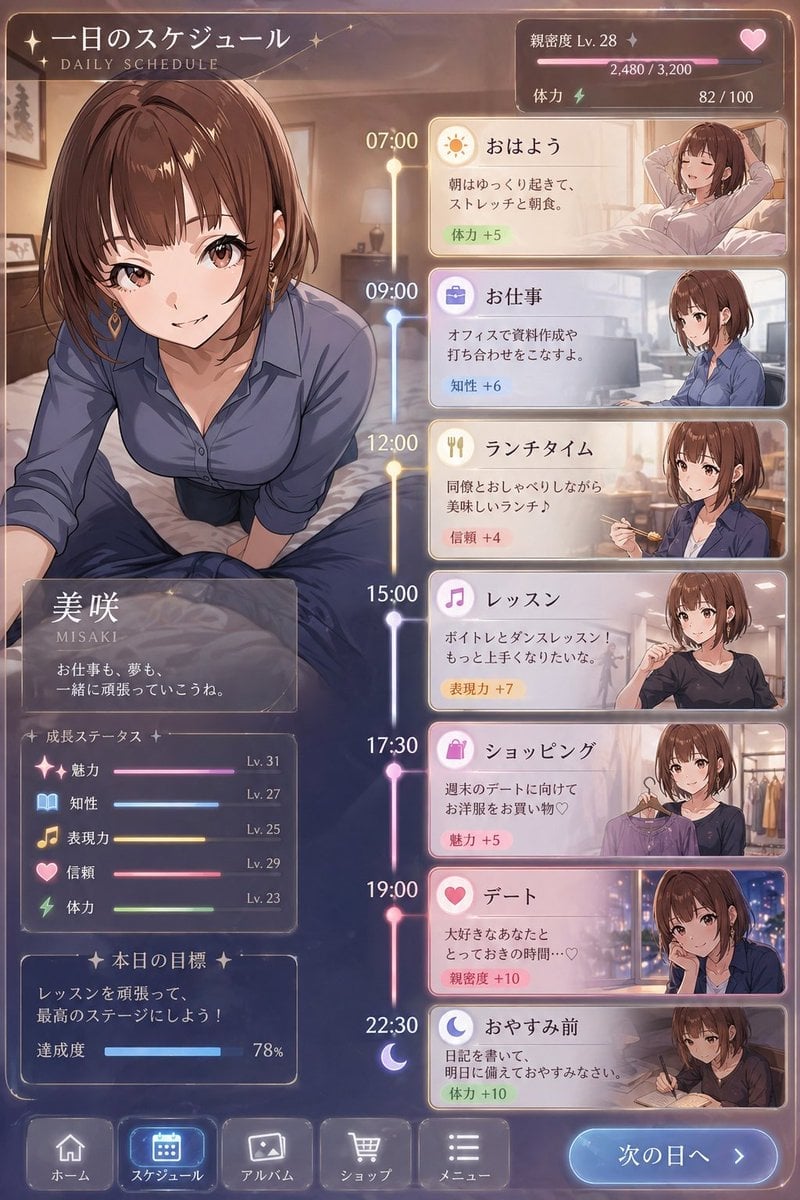
Character Schedule UI Design
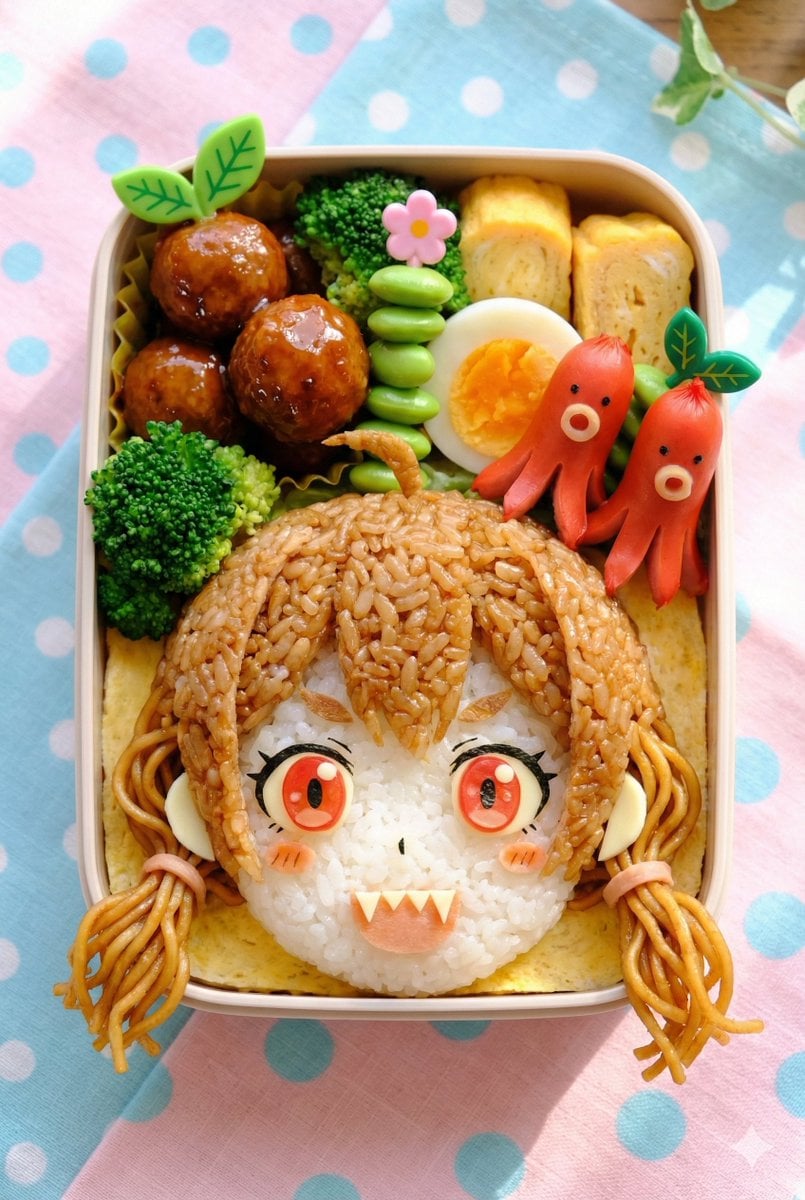
Kyaraben (Character Bento Box) Generation Prompt
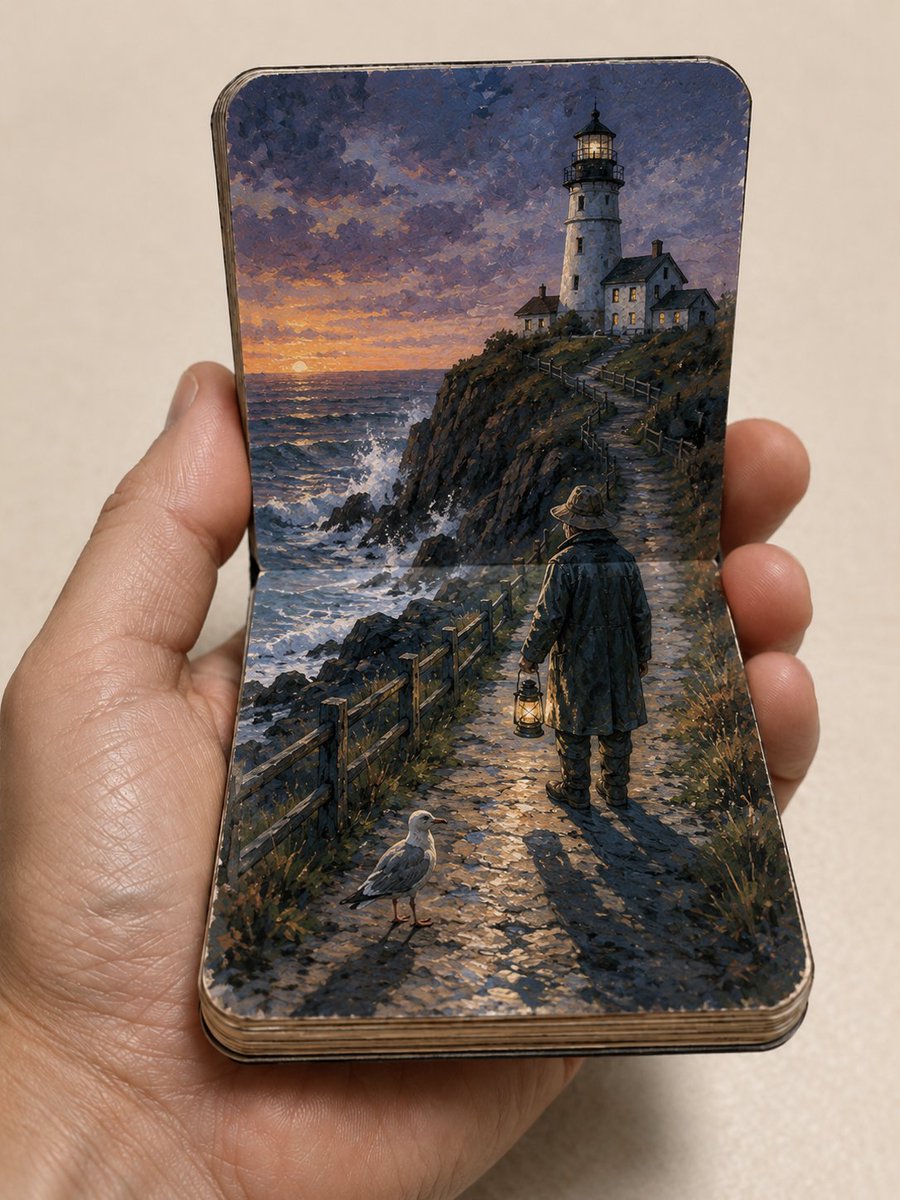
Miniature Paper Theater Sketchbook
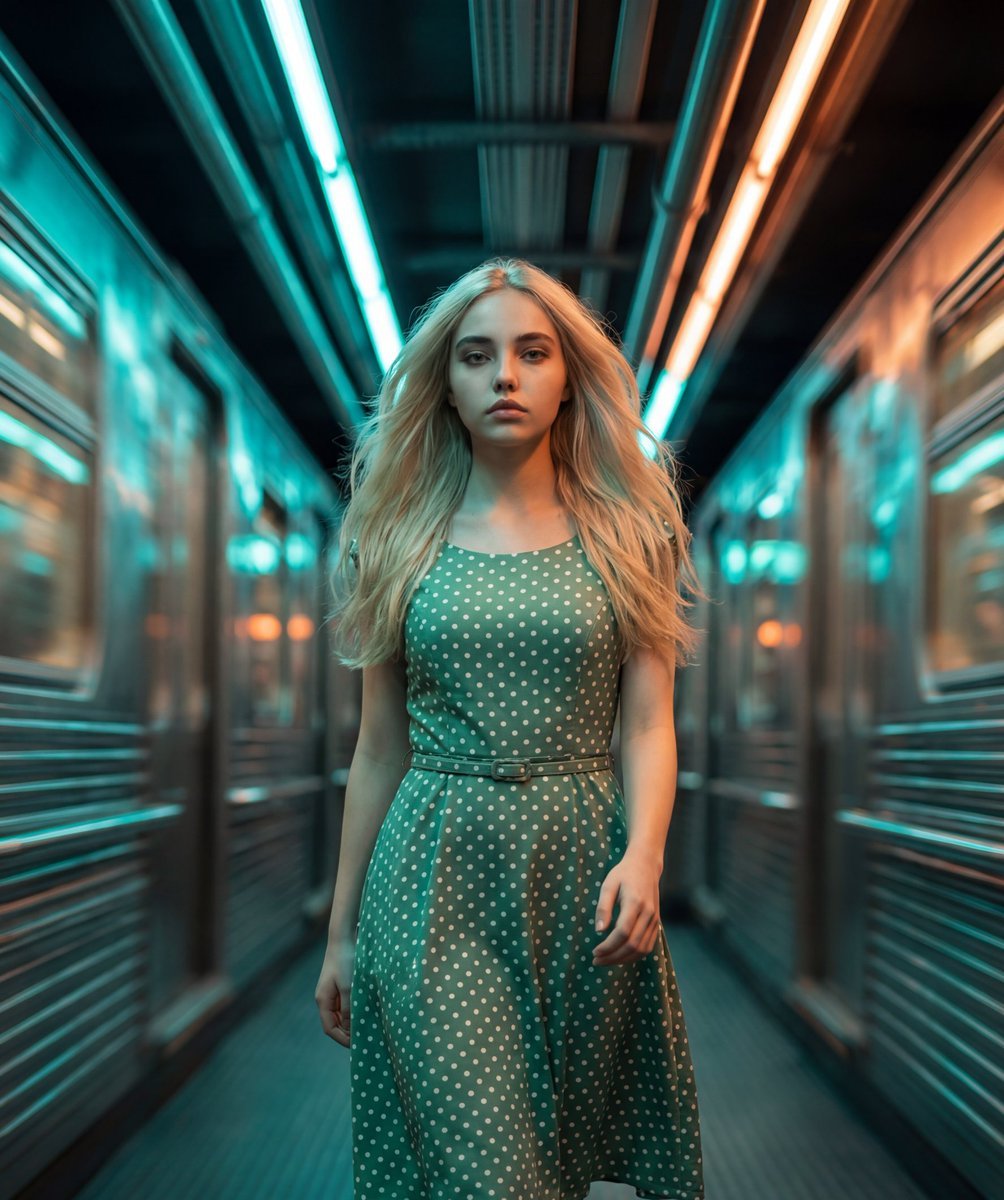
Cinematic Futuristic Tunnel Walk
Vacation Style Portrait By the Marina
Browse template categories
Futuristic Mecha Kimono Warrior questions
How do I use the Futuristic Mecha Kimono Warrior template?
Add your photo if the template asks for one, edit the prompt if you like — the template's model and format are already selected — and press Generate. Your version opens in PicX Studio.
Can I customize the Futuristic Mecha Kimono Warrior template?
Yes. You can change the subject, setting, lighting, mood, format, and available model controls before creating your image.
Is the Futuristic Mecha Kimono Warrior template free?
Opening and editing this template is free. Generating uses credits, shown on the Generate button when you are signed in.
Which AI model should I use?
Start with GPT Image 2, which is the model associated with this template. You can compare another compatible model for a different finish.
Looking for something else? Browse all templates.

Your photo, any look
Thousands of ready templates for every top image and video model, from one credit balance.