
Kyaraben (Character Bento Box) Generation Prompt
A detailed prompt for Nano Banana Pro to generate a high-quality food photograph of a Japanese Kyaraben (character bento box).
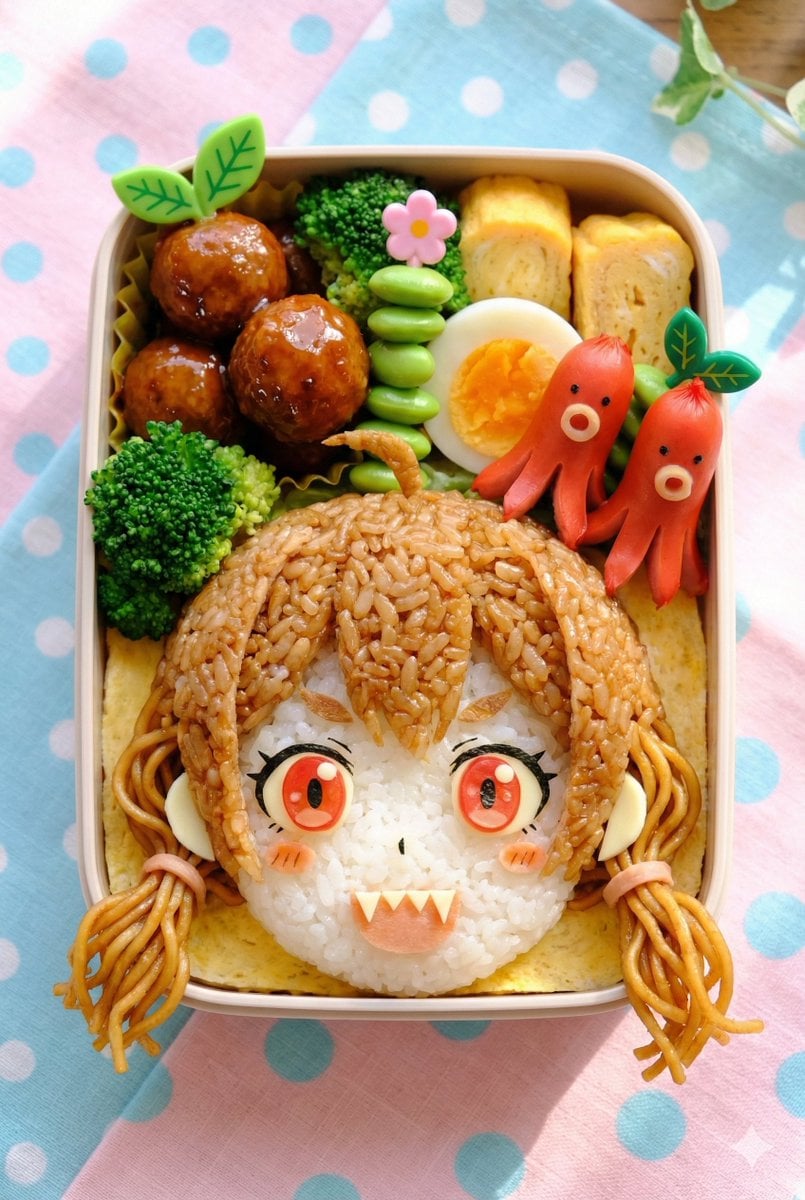
- Prompt included
- Model and format preset
- Free template
The prompt behind this image
Copy the exact prompt behind Kyaraben (Character Bento Box) Generation Prompt, or open it in the studio and make it yours.
[Character setup section] (Rewrite this part with the character you want to depict.) {argument name="character setup" default="Brown hair, short twin-tails, red eyes, slightly pointed teeth (snaggle tooth)."} [Fixed section] A high-quality food photograph of a Japanese "kyaraben" (character bento). Vertical aspect ratio. Composition: A cute bento box is placed on a tablecloth, shot in a flat-lay composition from directly overhead. Main character depiction: The character's face, as described above in the [Character setup section], takes up most of the front half of the bento box. The character must be rendered not as a food sample or illustration, but as realistic "bento ingredients." The skin texture is rice or thin egg crepe, the outlines are nori (seaweed), and the decorations have the texture of ingredients like cheese or ham. Side-dish arrangement: Around and behind the character's head, typical, colorful bento side dishes are packed in without any gaps. Glossy meatballs or hamburger steak Vivid green broccoli or edamame Red octopus-shaped sausages (tako-san wiener) Boiled eggs or rolled omelet (tamagoyaki) Decorative picks (in leaf or flower shapes) Environment and lighting: The background is a bright tablecloth in pastel colors like light blue or pink, with polka-dot or checkered patterns. Natural light streams in, giving the ingredients an appetizing sheen and soft shadows. Overall highly saturated, appetizing, and with a cute, pop atmosphere.
How to use Kyaraben (Character Bento Box) Generation Prompt in 3 steps
- 1
Open
The prompt is already in the box next to the preview, with the template's model and format selected.
- 2…a portrait of your subject in softgolden-hour light, 85mm…
Personalize
Edit the subject and creative details for your destination.
- 3Generate
Generate
Press Generate — your image is created in PicX Studio, so you can compare it with the original and refine one variable at a time.
More like this
Templates with the same subject, style or setup. Open one to see its prompt.
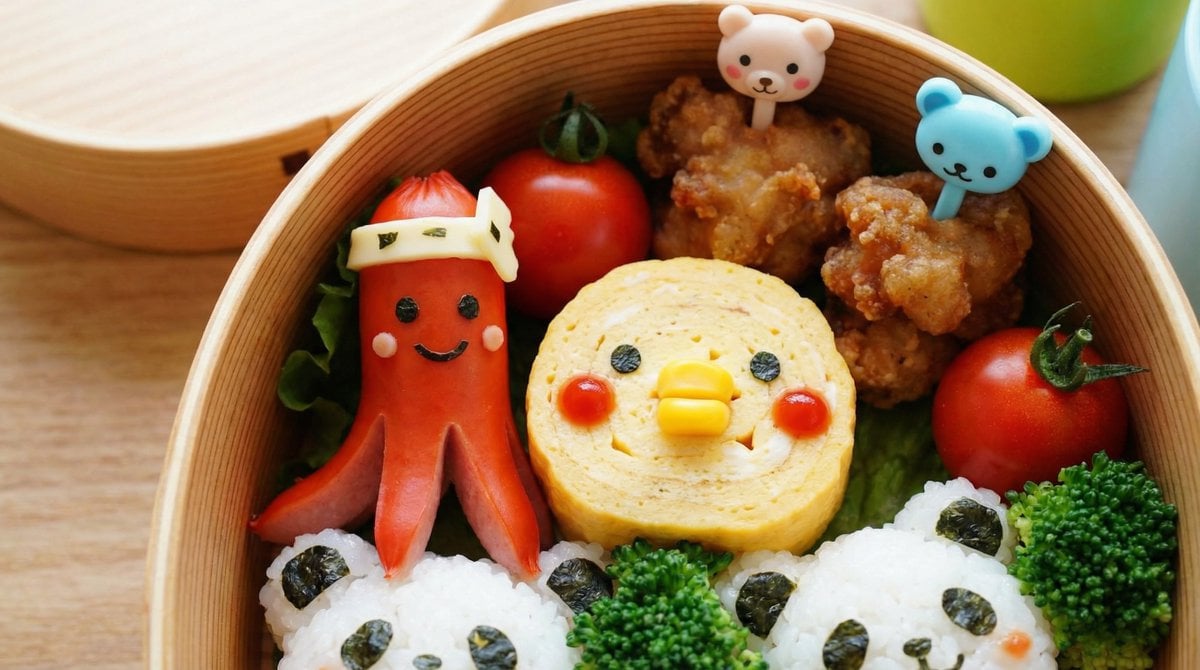
Recipe Generation Prompt for Bento Box
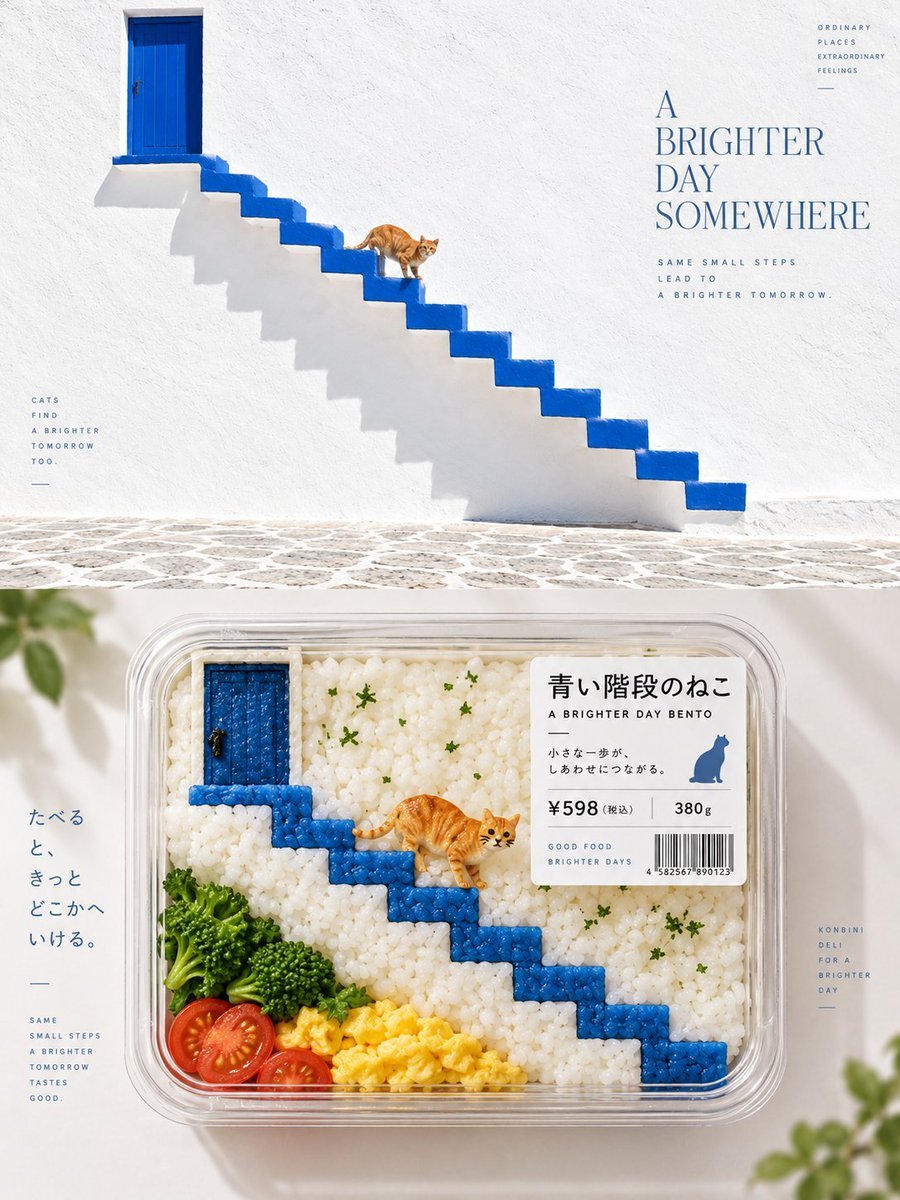
Bento-Style Food Packaging Transformation
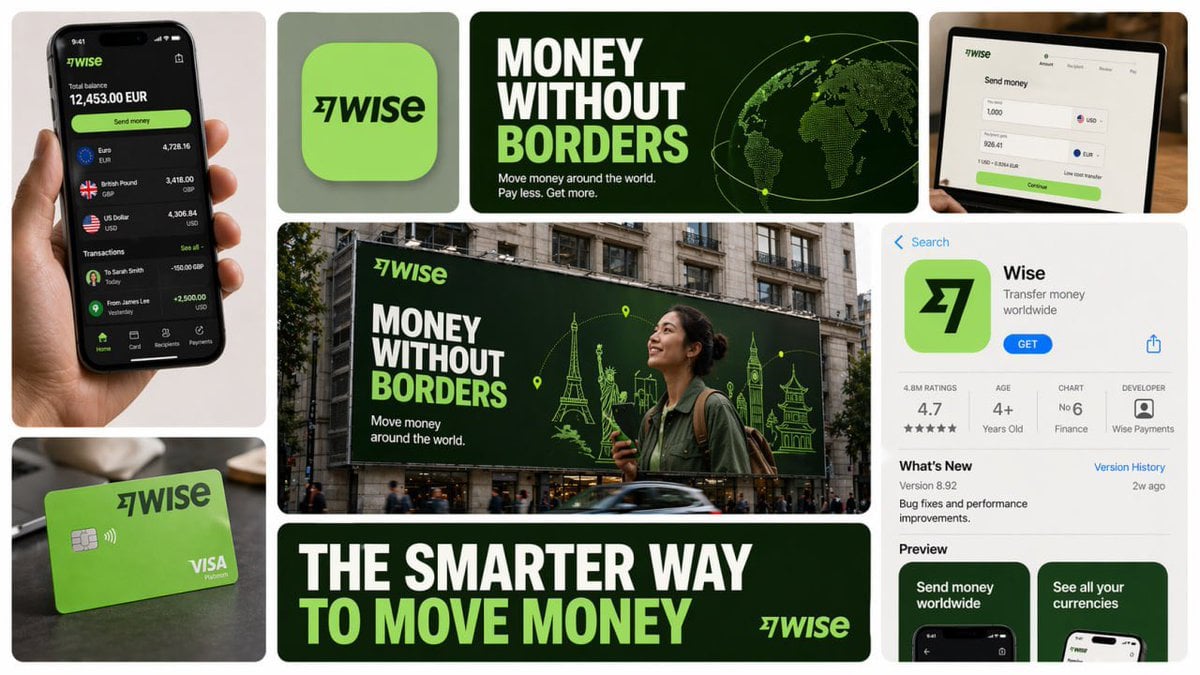
16 9 horizontal bento-grid brand collage for in a polished contemporary
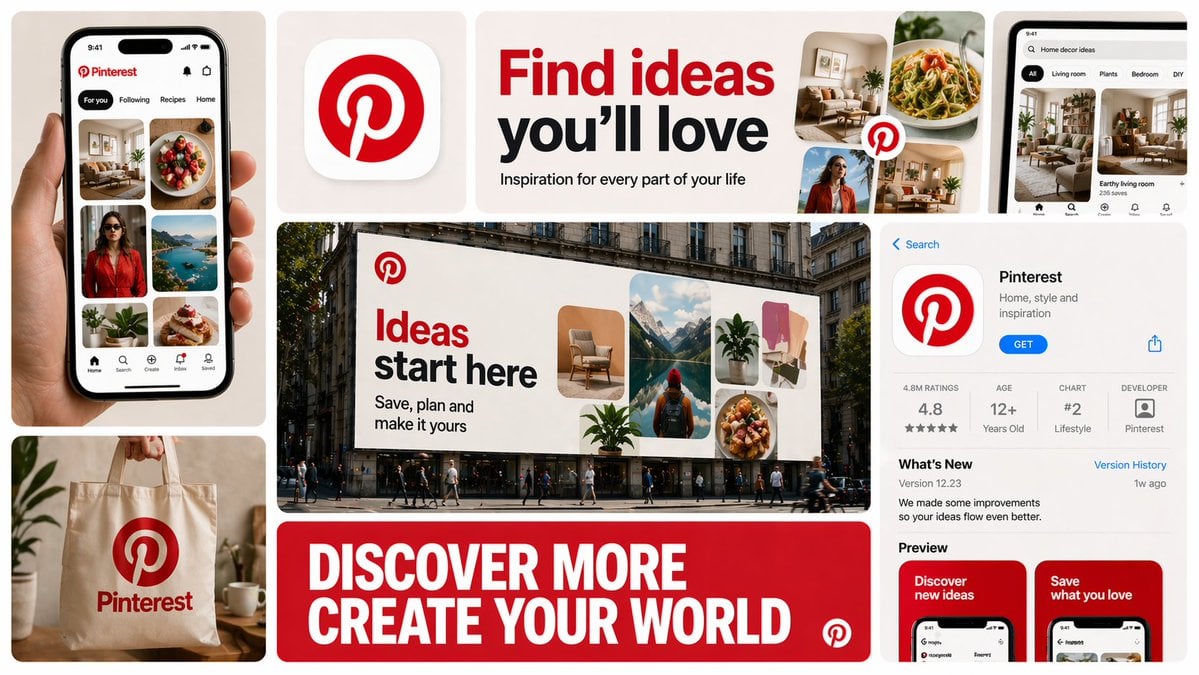
16 9 horizontal bento-grid brand collage for in a polished contemporary
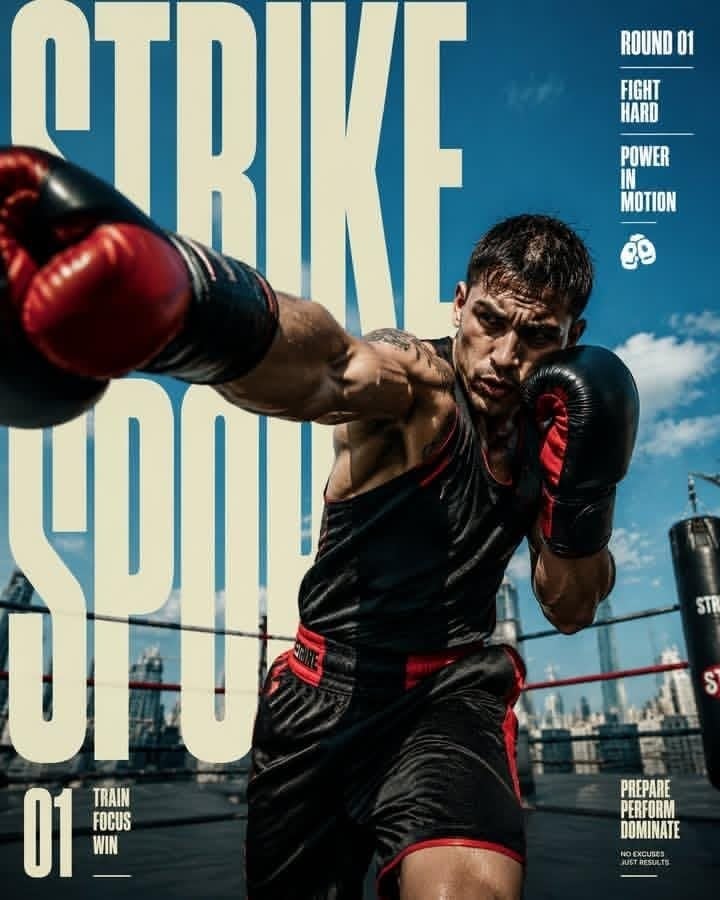
Strike Sport Boxer Editorial Poster

AI Chat Image Generation Screenshot

Anime Girl Generation Grid
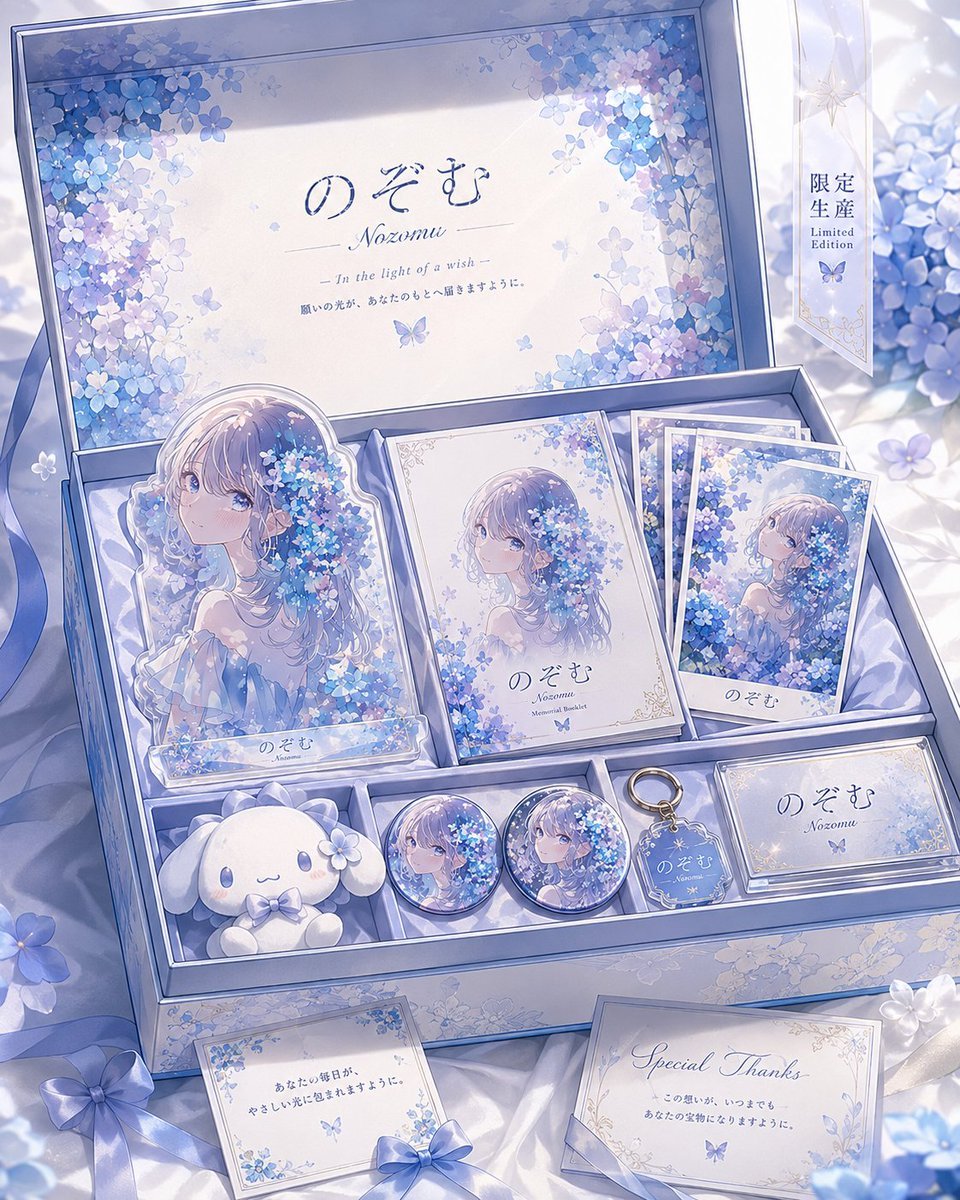
Hydrangea Anime Collector Box
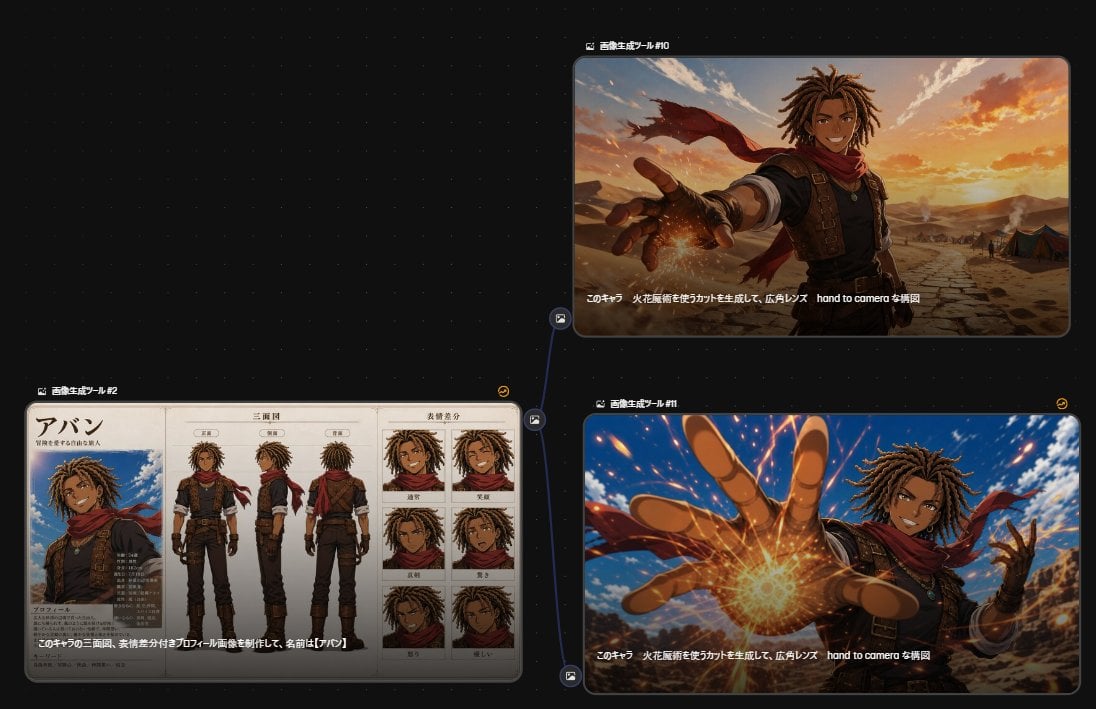
Anime Character Generation Workflow
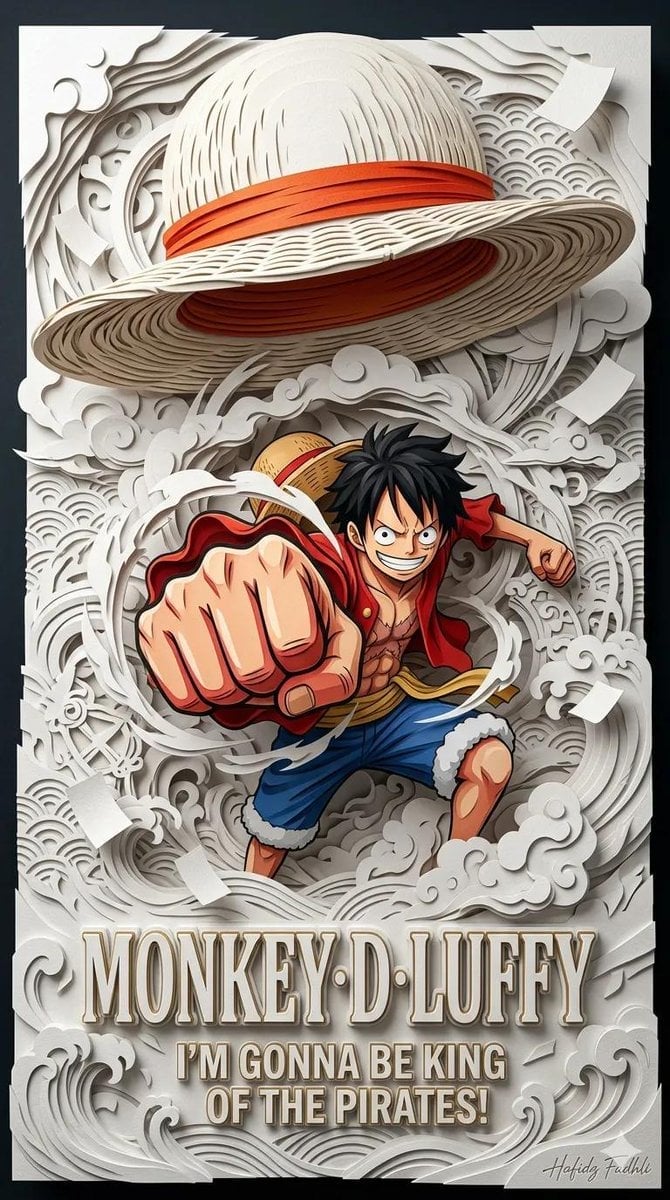
Master Papercraft Shadow Box — Anime Hero Emerging from Paper Waves
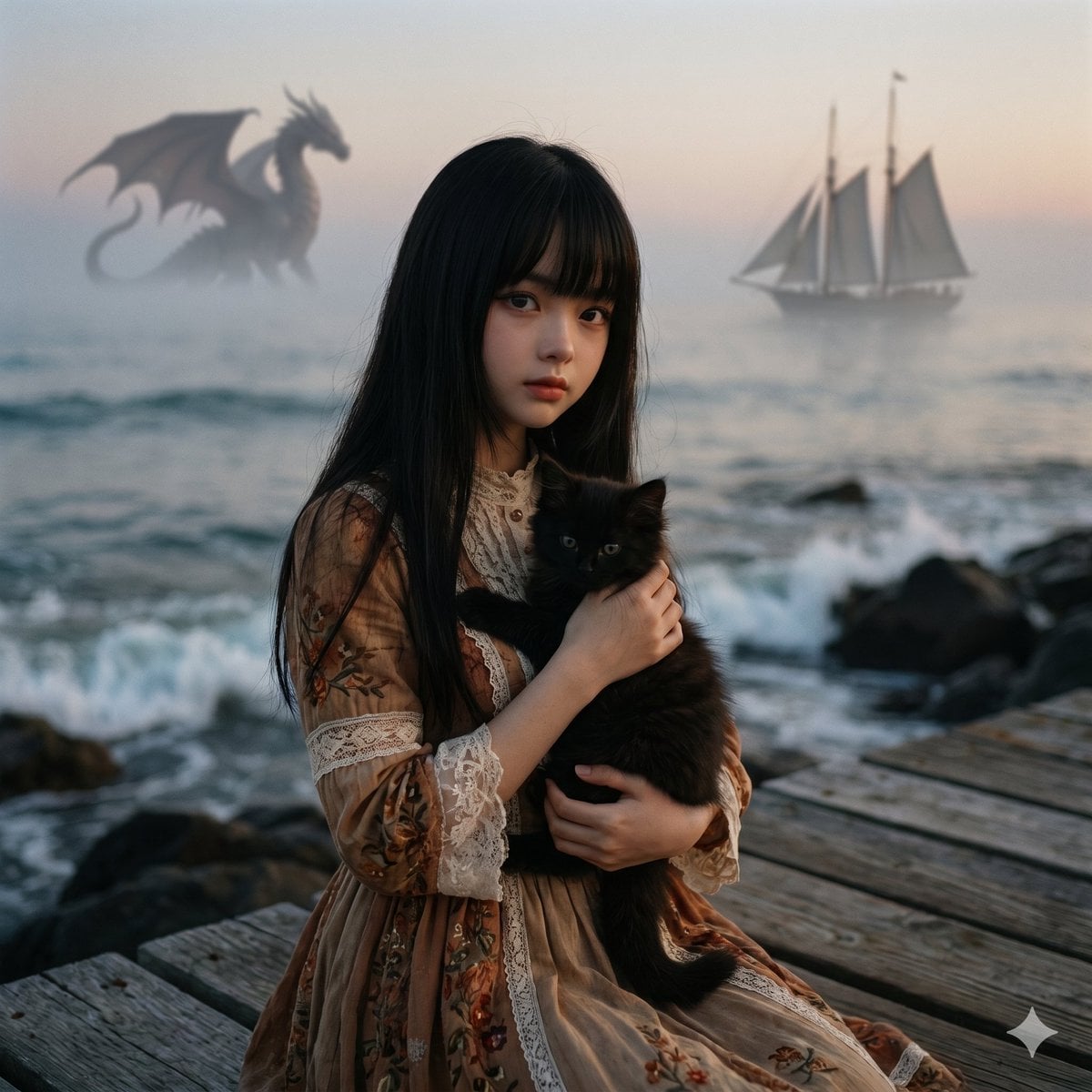
Music-to-Image Generation Prompt
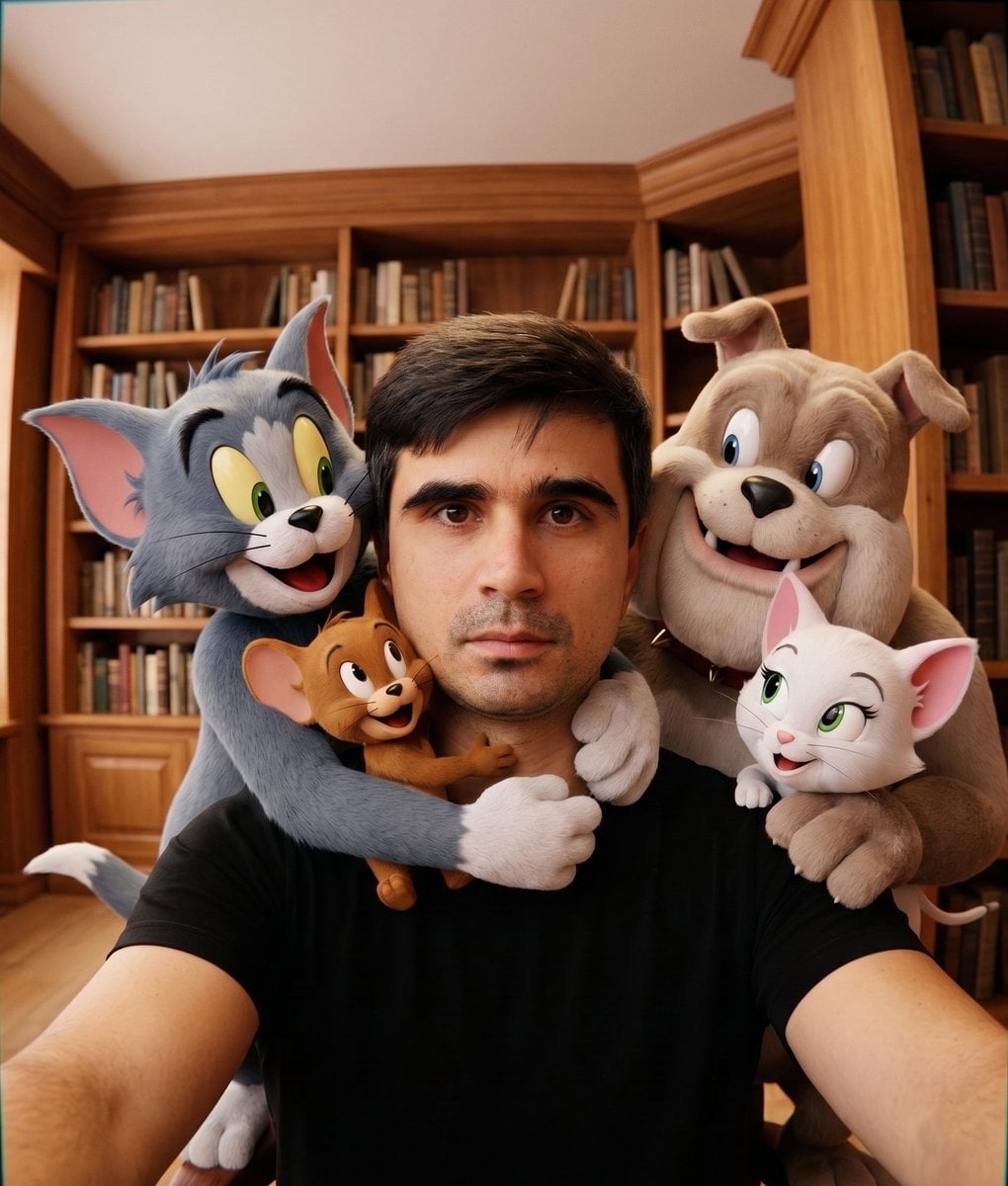
Character Selfie Generation Prompts
Make it yours
Kyaraben (Character Bento Box) Generation Prompt works as-is. These are the safest ways to change it without losing the look.
Change one field
Copy a single group, rewrite it, and generate again so you can see what that field is doing.
Keep the frame, change the subject
Hold the composition and light of Kyaraben (Character Bento Box) Generation Prompt, then swap wardrobe, props or the person for a new take.
| If the result… | Why | Fix |
|---|---|---|
| The result drifts from the preview | Too many fields changed at once. | Reuse Kyaraben (Character Bento Box) Generation Prompt as-is first, then change one group — subject, light, or setting. |
| The model over-stylizes the scene | The prose prompt leaves finish and camera underspecified. | Add one camera or lighting sentence and stay on Nano Banana 2. |
More Nano Banana 2 templates
Other prompts made for Nano Banana 2.

Photorealistic Leaf Shaped Like a Dragon

K-Pop Idol Portrait Grid for Rapid Selection

Poetic Rain Forest Portrait During Golden Hour

Urban Street Portrait with Cartoon Inner Self Duo

Candid Nighttime Photo with Cat Prompt

High-Concept 3D Diorama Generation Prompt

Cinematic Futuristic Studio Portrait Template

Skincare Editorial Photography Collage Prompt

Hyper-Realistic Commercial Product Photography (Splash Effect)

Hyper-Realistic Nightclub Portrait Prompt
More image prompts
Fresh picks from across the catalog.
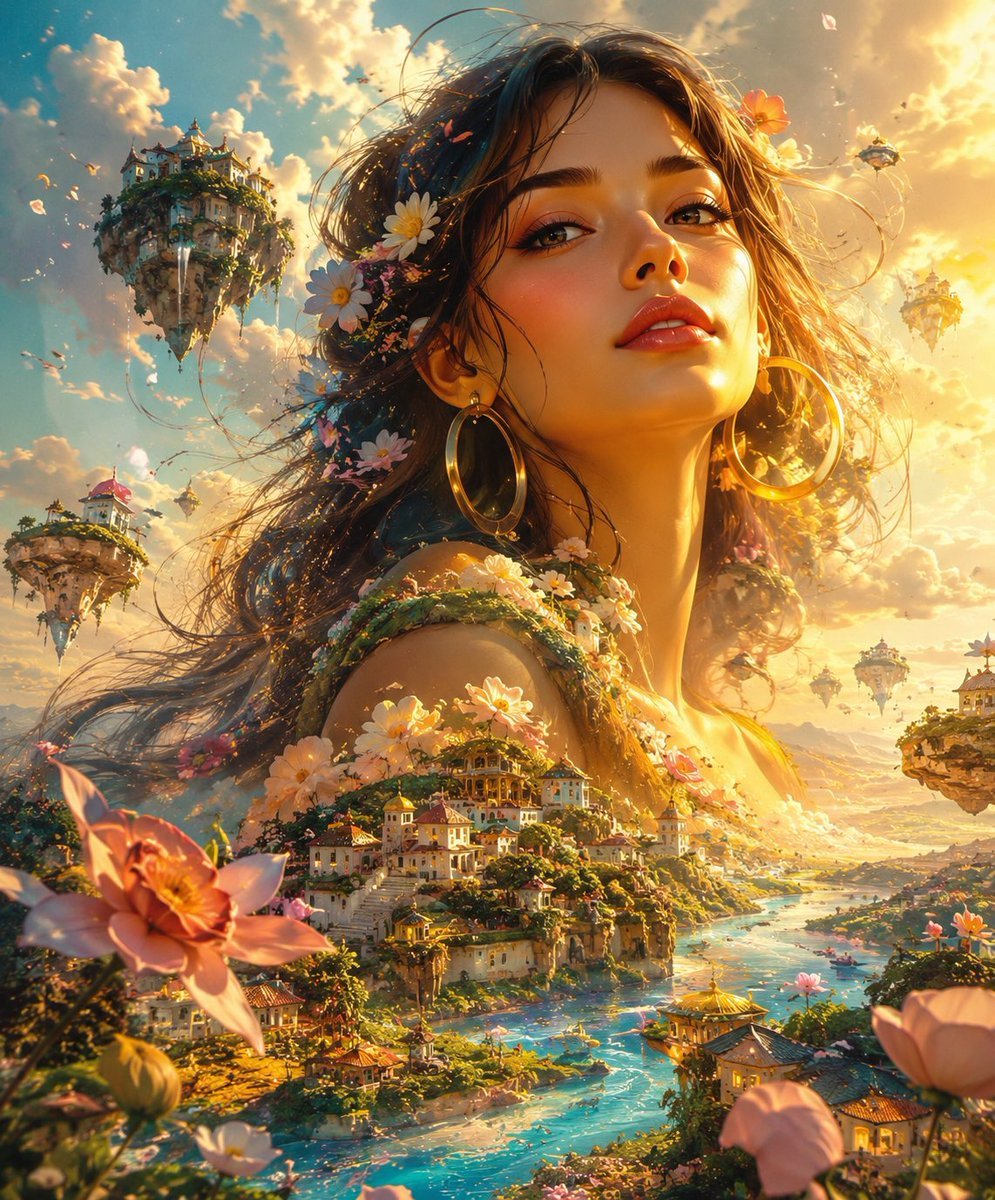
Ethereal Giant Woman Landscape
Nike Dunk Low Commercial Poster
Cinematic Desert Rest Stop Portrait at Golden Hour
Pixar-Style Girl on a Floating Cloud
Tokyo Minimalist Urban Sketch Poster
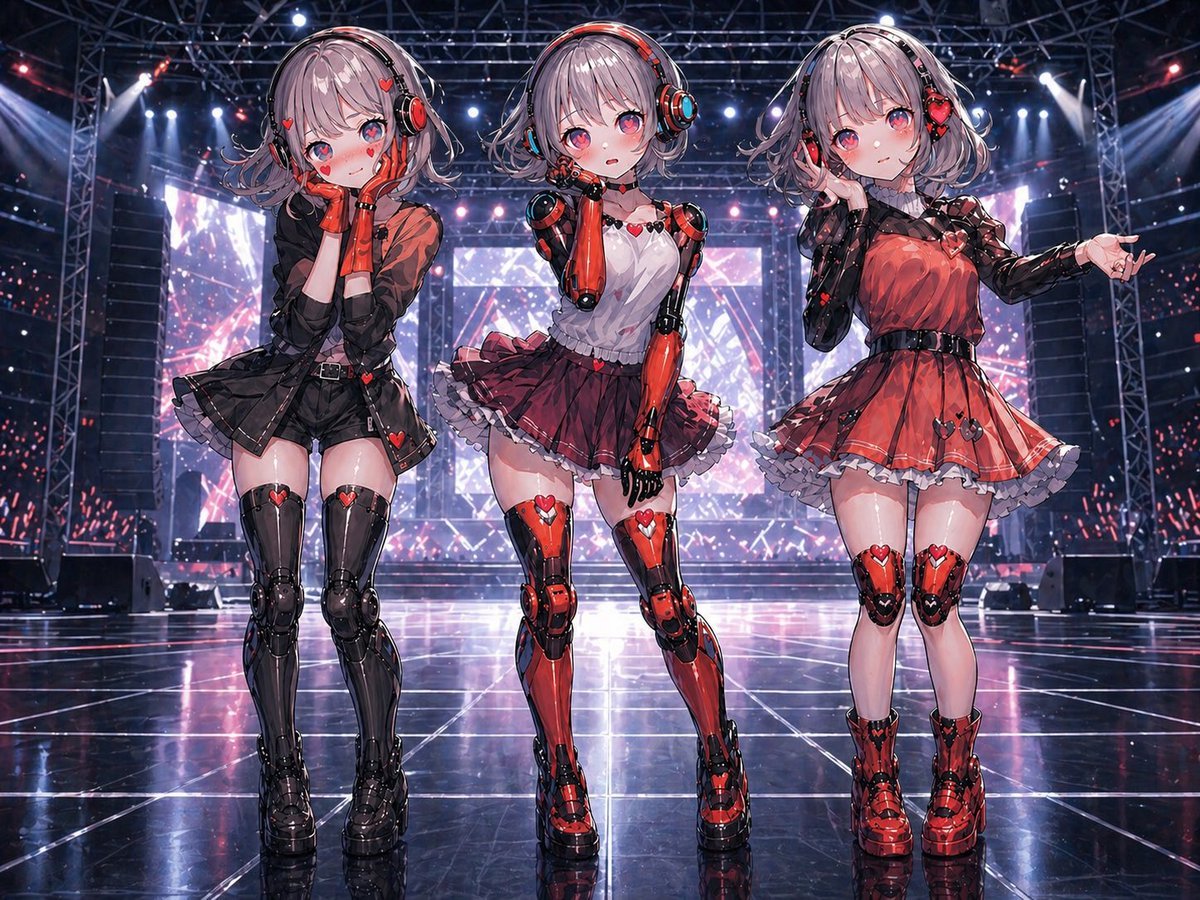
Three Android Idol Girls on Concert Stage
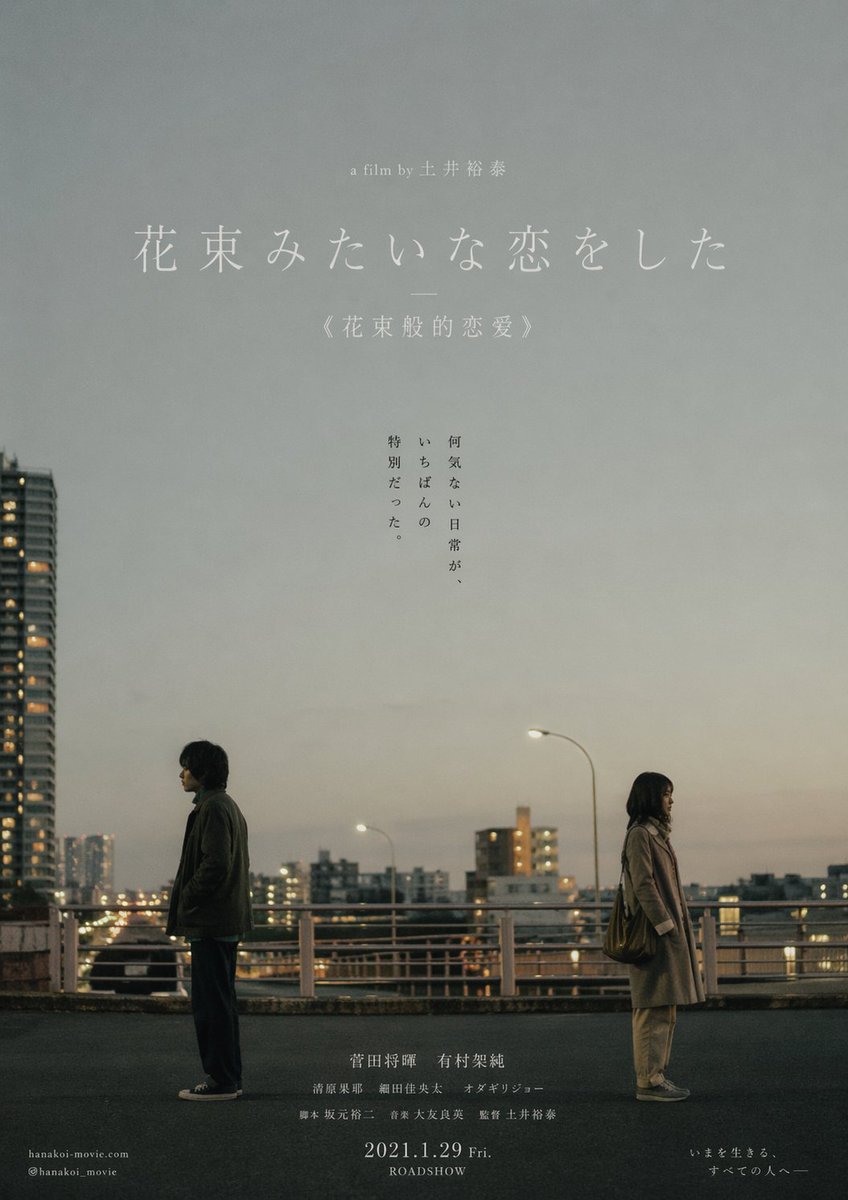
Japanese Realist Romance Movie Poster
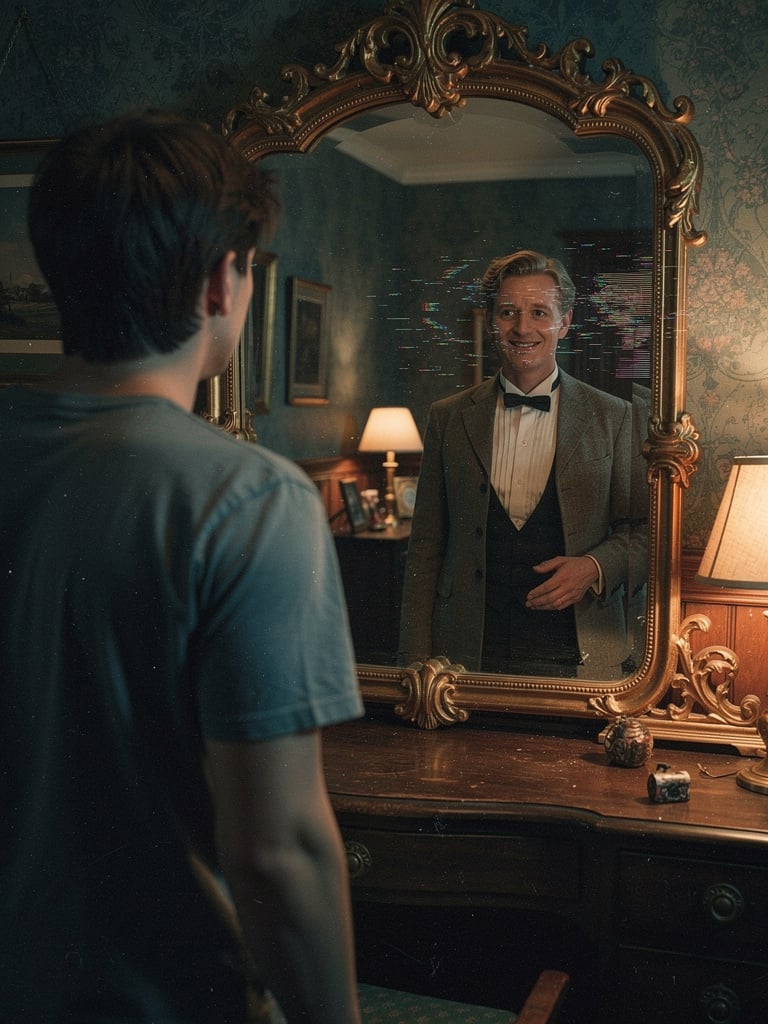
Body Swap Mirror Reflection
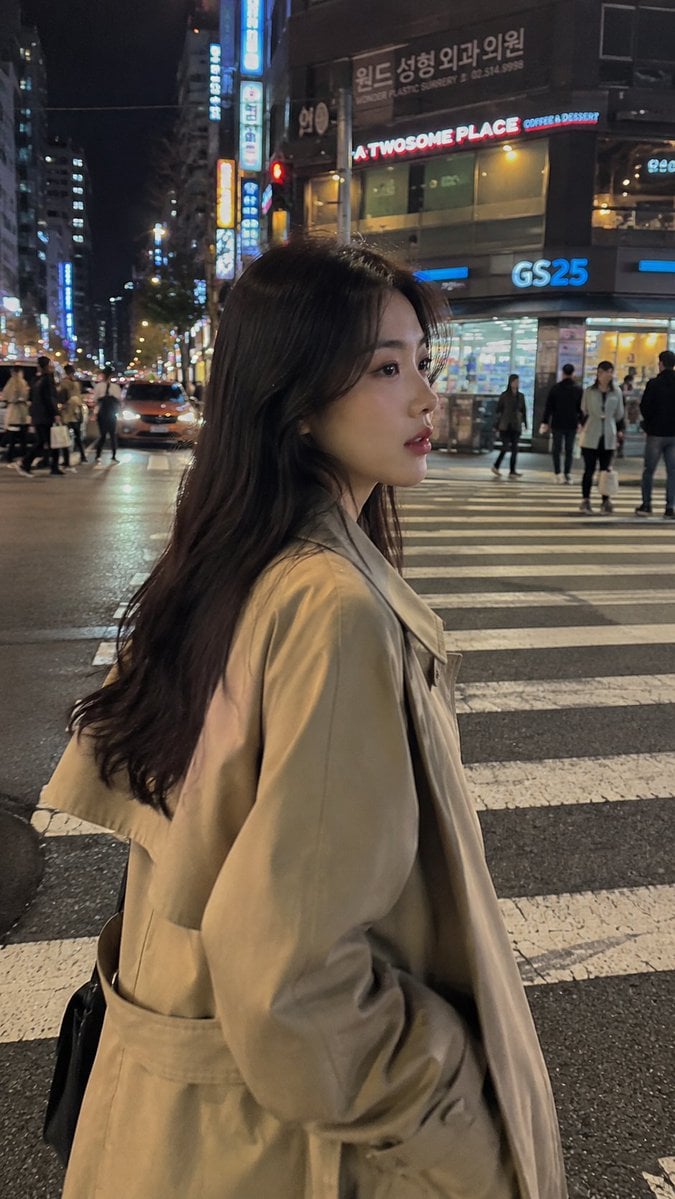
Seoul Night Street Photography
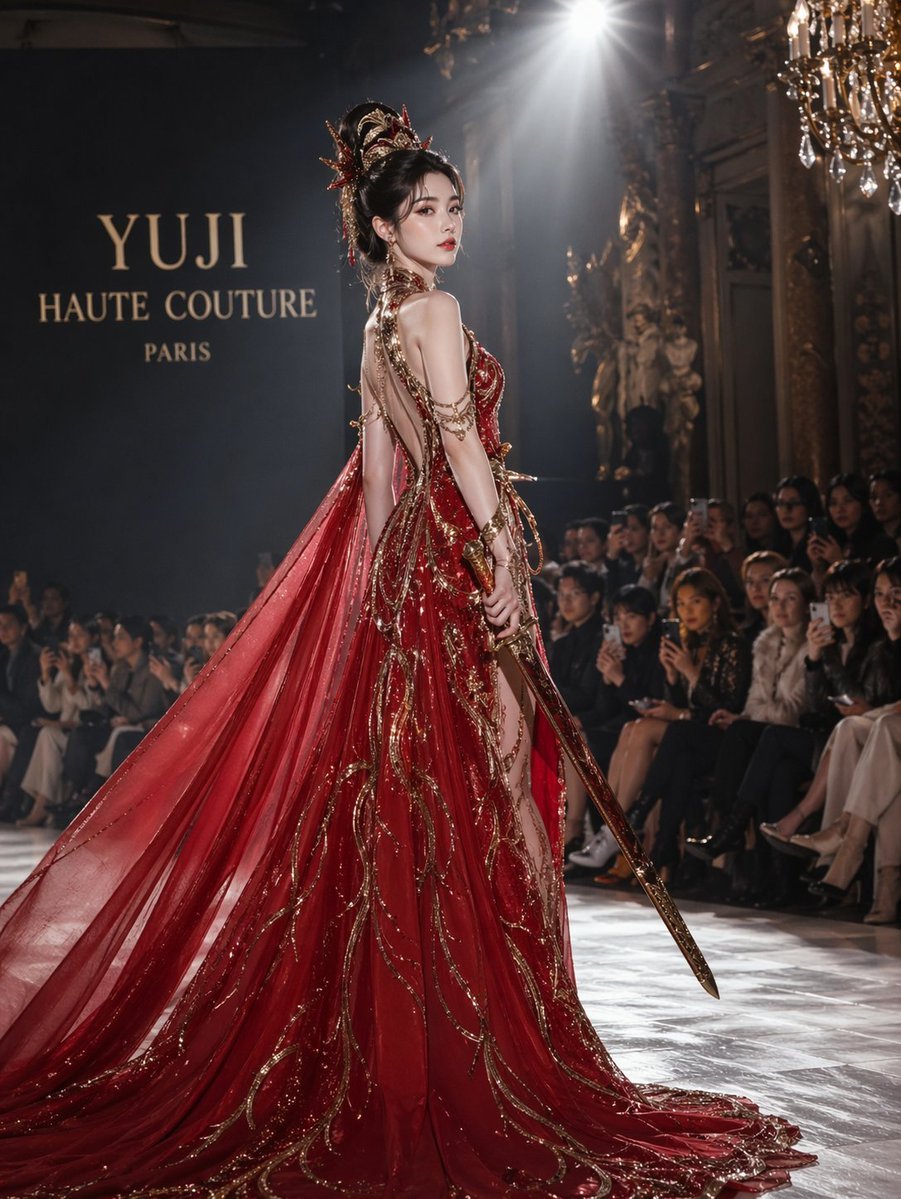
High fashion dress show prompt
Browse template categories
Kyaraben (Character Bento Box) Generation Prompt questions
How do I use the Kyaraben (Character Bento Box) Generation Prompt template?
Add your photo if the template asks for one, edit the prompt if you like — the template's model and format are already selected — and press Generate. Your version opens in PicX Studio.
Can I customize the Kyaraben (Character Bento Box) Generation Prompt template?
Yes. You can change the subject, setting, lighting, mood, format, and available model controls before creating your image.
Is the Kyaraben (Character Bento Box) Generation Prompt template free?
Opening and editing this template is free. Generating uses credits, shown on the Generate button when you are signed in.
Which AI model should I use?
Start with Nano Banana 2, which is the model associated with this template. You can compare another compatible model for a different finish.
Looking for something else? Browse all templates.

Your photo, any look
Thousands of ready templates for every top image and video model, from one credit balance.