
Spicy Nacho Tornado Ad
A bold square snack advertisement featuring a tornado of chips and red chilies erupting from a spicy nacho bag, ideal for food marketing and social media promos.
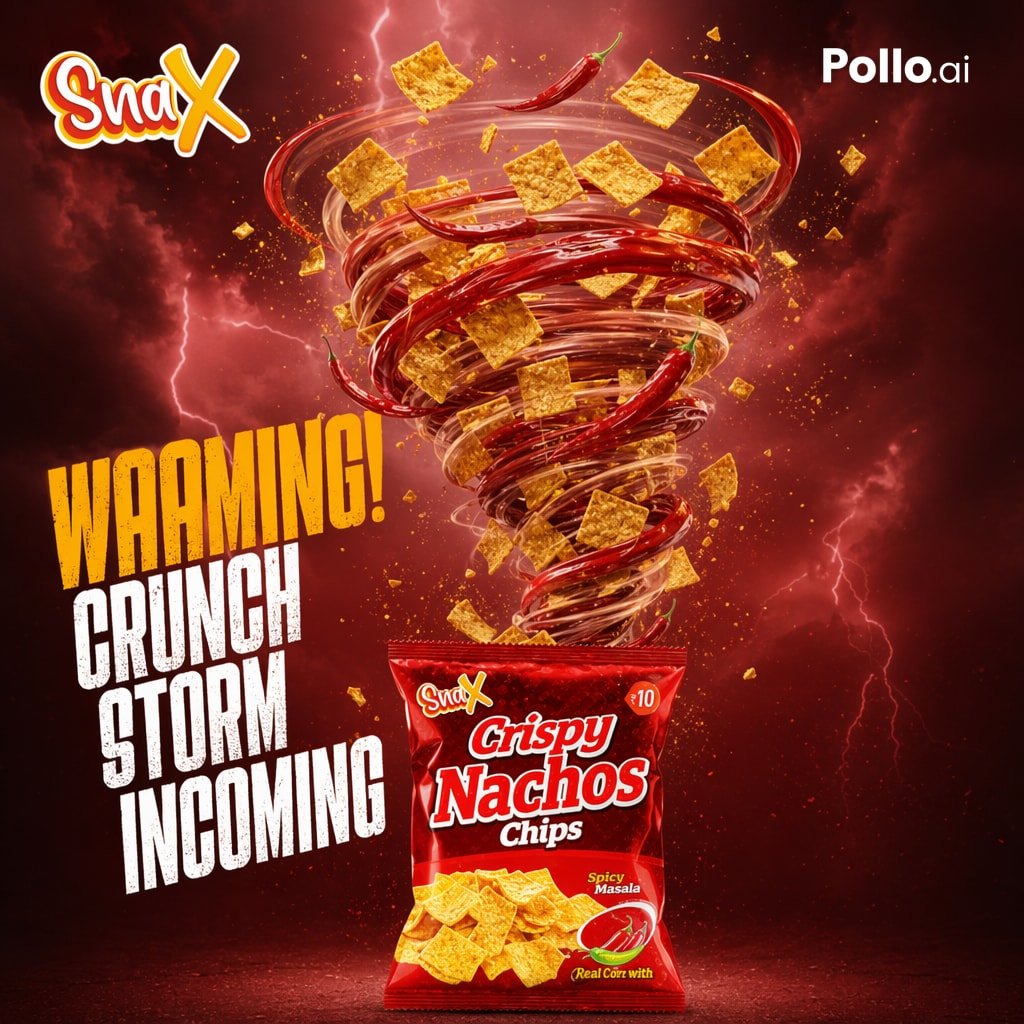
- Prompt included
- Model and format preset
- Free template
The prompt behind this image
Copy the exact prompt behind Spicy Nacho Tornado Ad, or open it in the studio and make it yours.
Create a dramatic square commercial poster for a spicy snack brand, with a fiery red storm atmosphere and high-energy food advertising style. The background is a dark crimson sky filled with glowing clouds, scattered sparks, and visible lightning bolts. In the center, a giant tornado made of swirling transparent wind rings, glossy whole red chili peppers, square corn chips, crumbs, and seasoning particles rises upward from an opened snack bag, forming a powerful vortex. The tornado should feel dynamic and explosive, with chips and chili peppers flying outward in different sizes and depths for a cinematic 3D look. At the bottom center, place a glossy red snack packet standing upright, labeled with the brand logo and product name {argument name="product name" default="Crispy Nachos Chips"}, with a spicy flavor badge reading {argument name="flavor text" default="Spicy Masala"}, a small chili illustration, a corn note near the bottom, and a printed image of square nacho chips on the front. Put a stylized playful logo at the top left reading {argument name="brand name" default="SnaX"} in bold yellow and white script with a red outline, and a clean white platform watermark at the top right reading {argument name="platform text" default="Pollo.ai"}. On the left side, add a huge stacked distressed headline in bold condensed uppercase, with the first word in golden yellow and the remaining three lines in white, reading exactly: {argument name="headline text" default="WARNING! CRUNCH STORM INCOMING"}. Use intense rim lighting, glossy highlights, deep shadows, rich red-orange color grading, and a premium snack advertisement composition that feels spicy, crunchy, chaotic, and irresistible.
How to use Spicy Nacho Tornado Ad in 3 steps
- 1Upload ImagePNG, JPG or paste
Add your photo
Upload the photo the template builds on. The prompt, model and format are already set.
- 2…a portrait of your subject in softgolden-hour light, 85mm…
Personalize
Edit the subject and creative details for your destination.
- 3Generate
Generate
Press Generate — your image is created in PicX Studio, so you can compare it with the original and refine one variable at a time.
More like this
Templates with the same subject, style or setup. Open one to see its prompt.
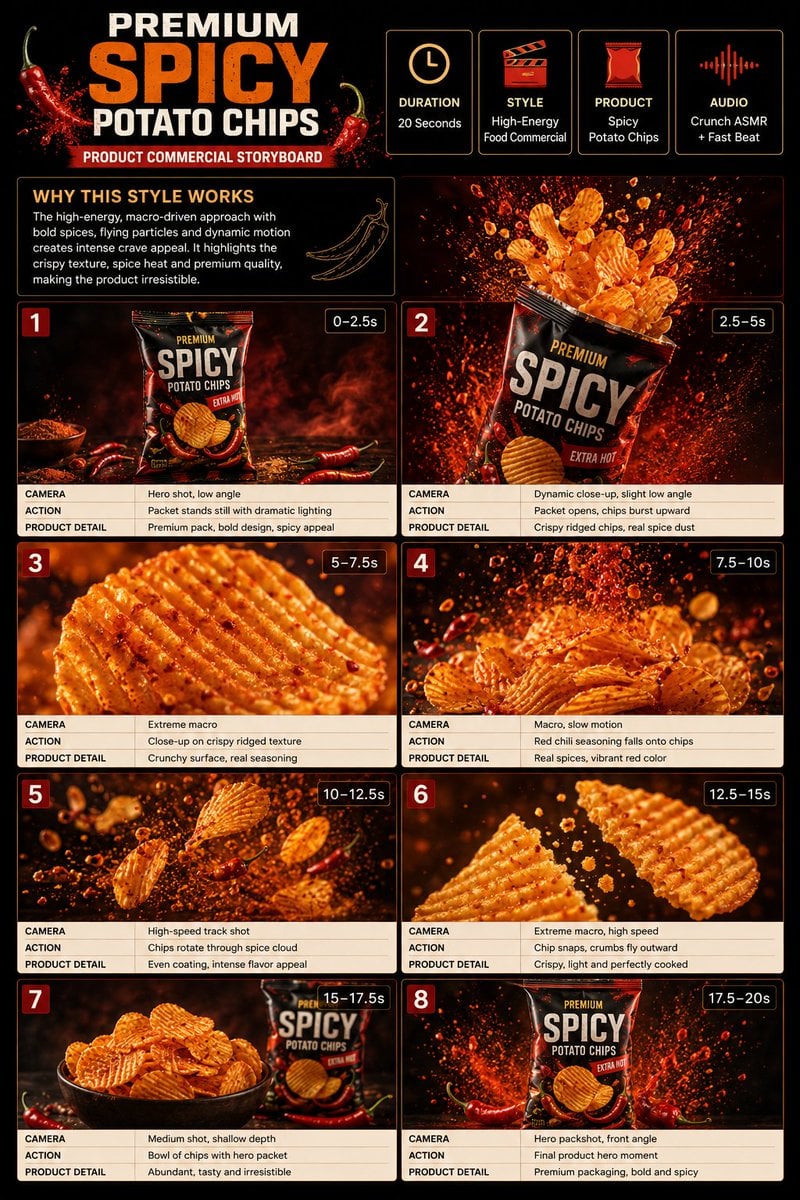
Spicy Potato Chip Commercial Storyboard
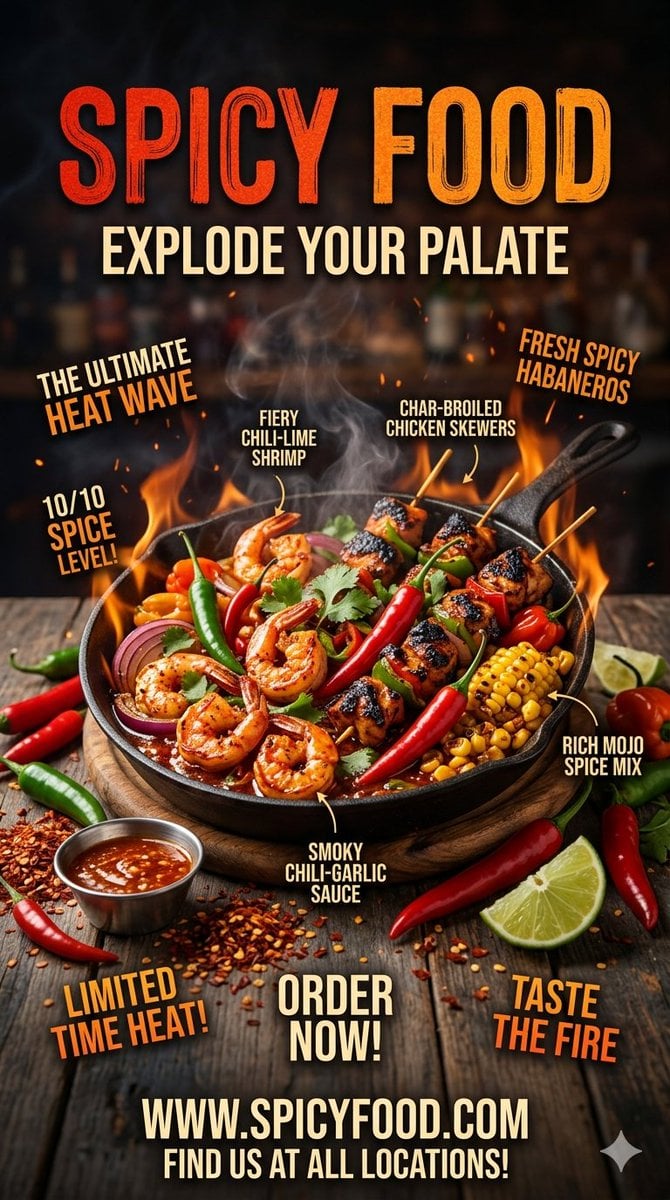
Spicy Food Restaurant Poster
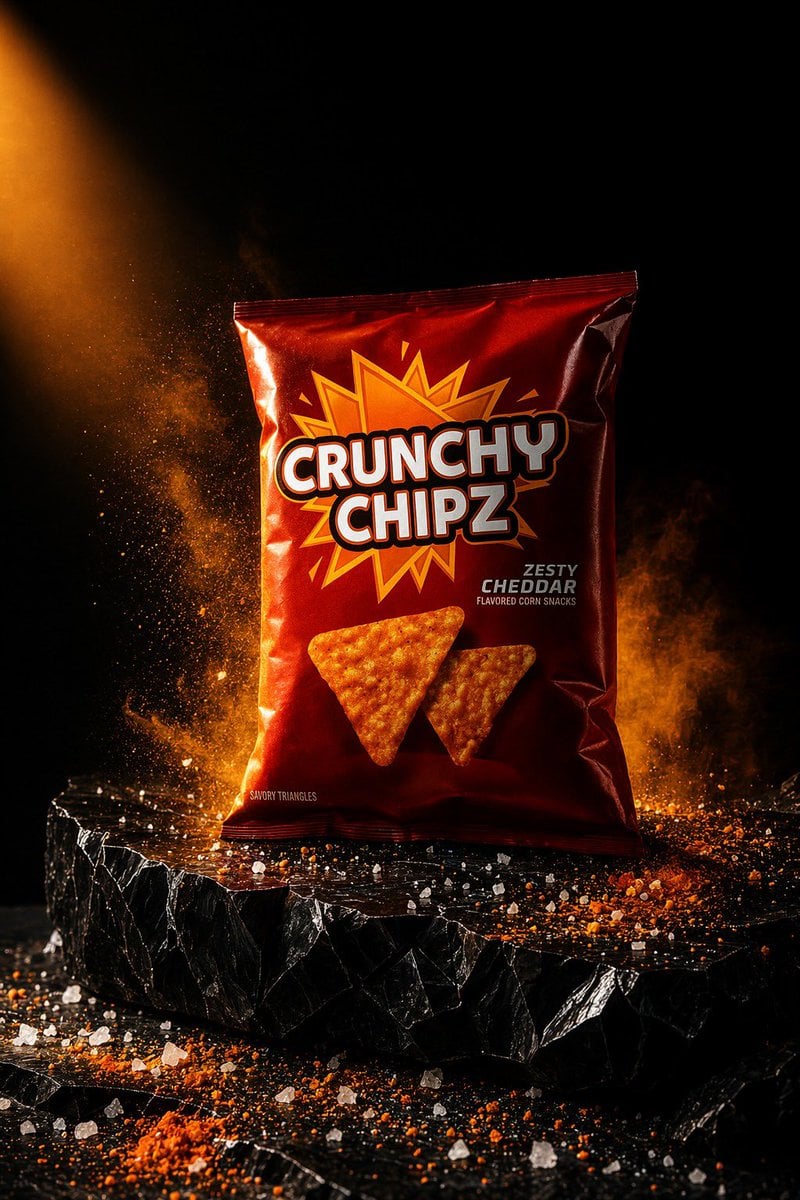
Spicy Snack Bag Product Ad
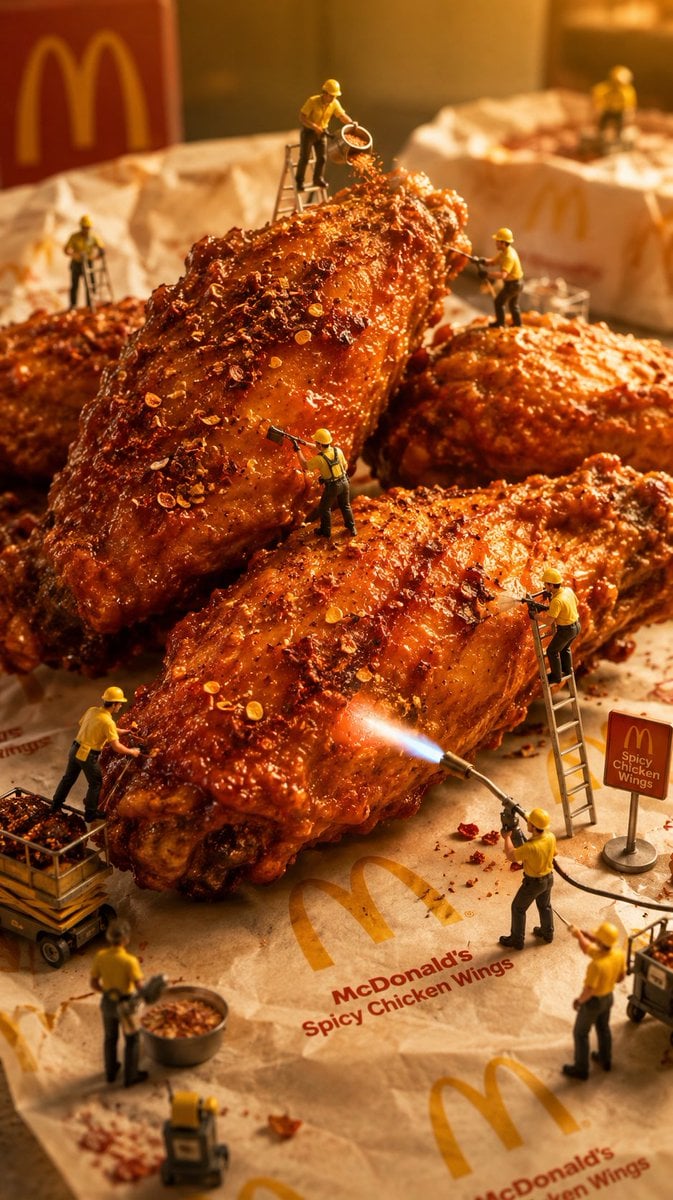
Mini Workers Sculpt Spicy Chicken Wings
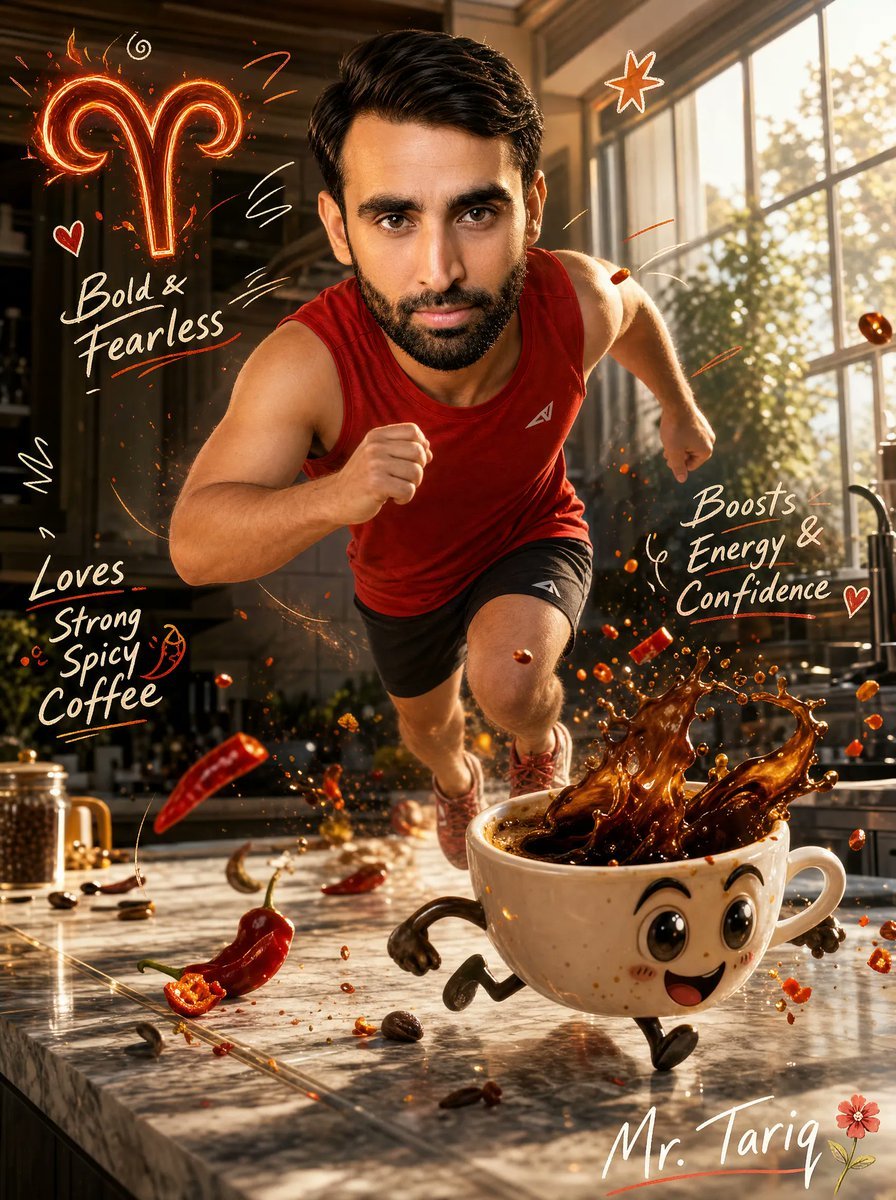
Aries Spicy Coffee Runner Poster
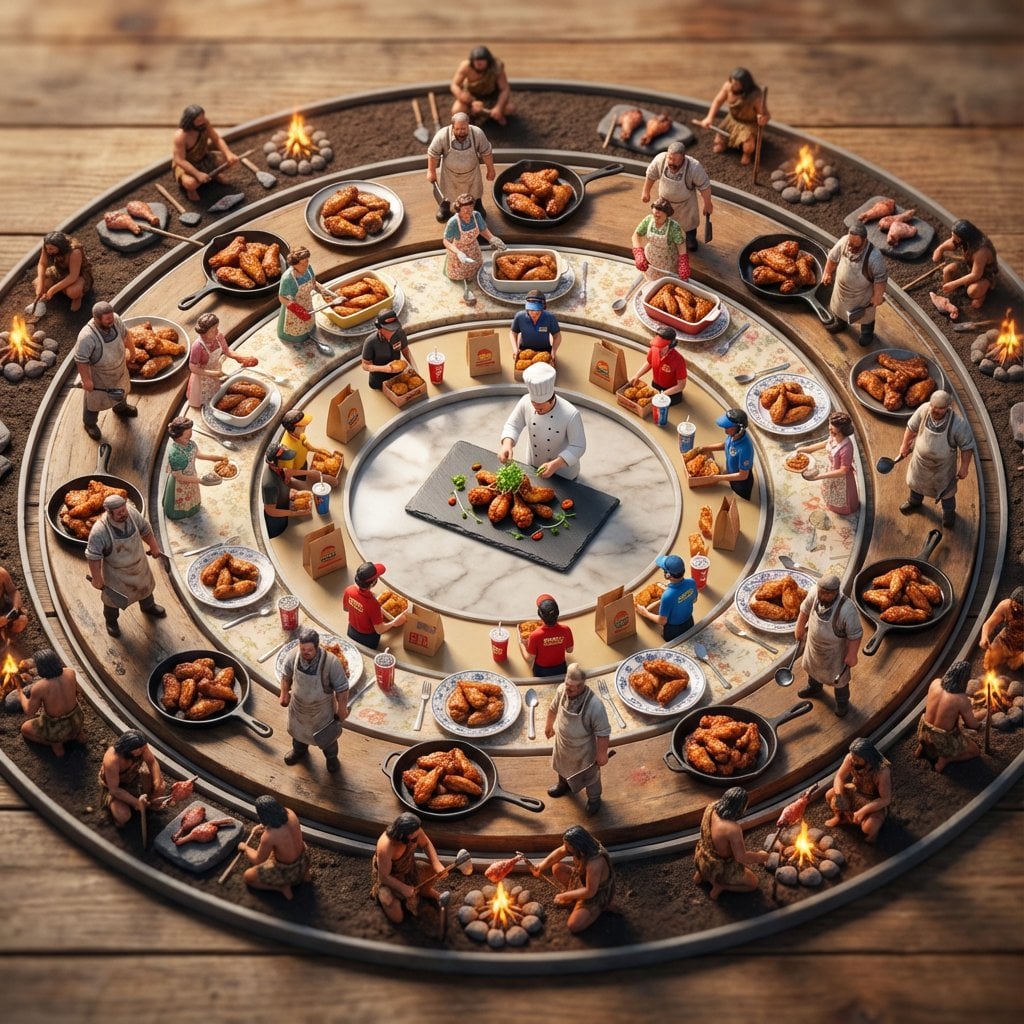
Food History Diorama in Mandala Format (Spicy Chicken Wings)
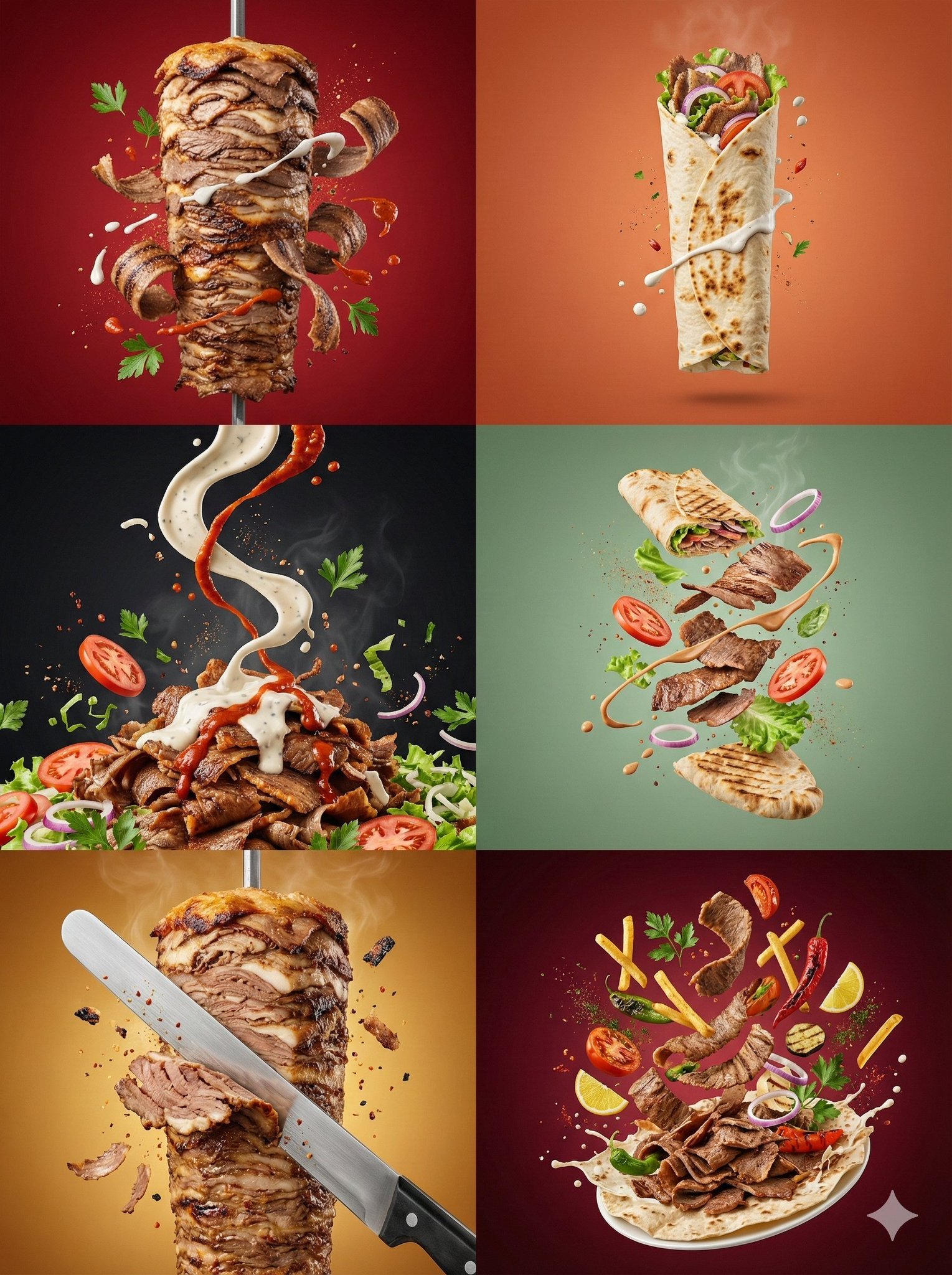
Controlled studio lighting emphasizing meat texture, char marks
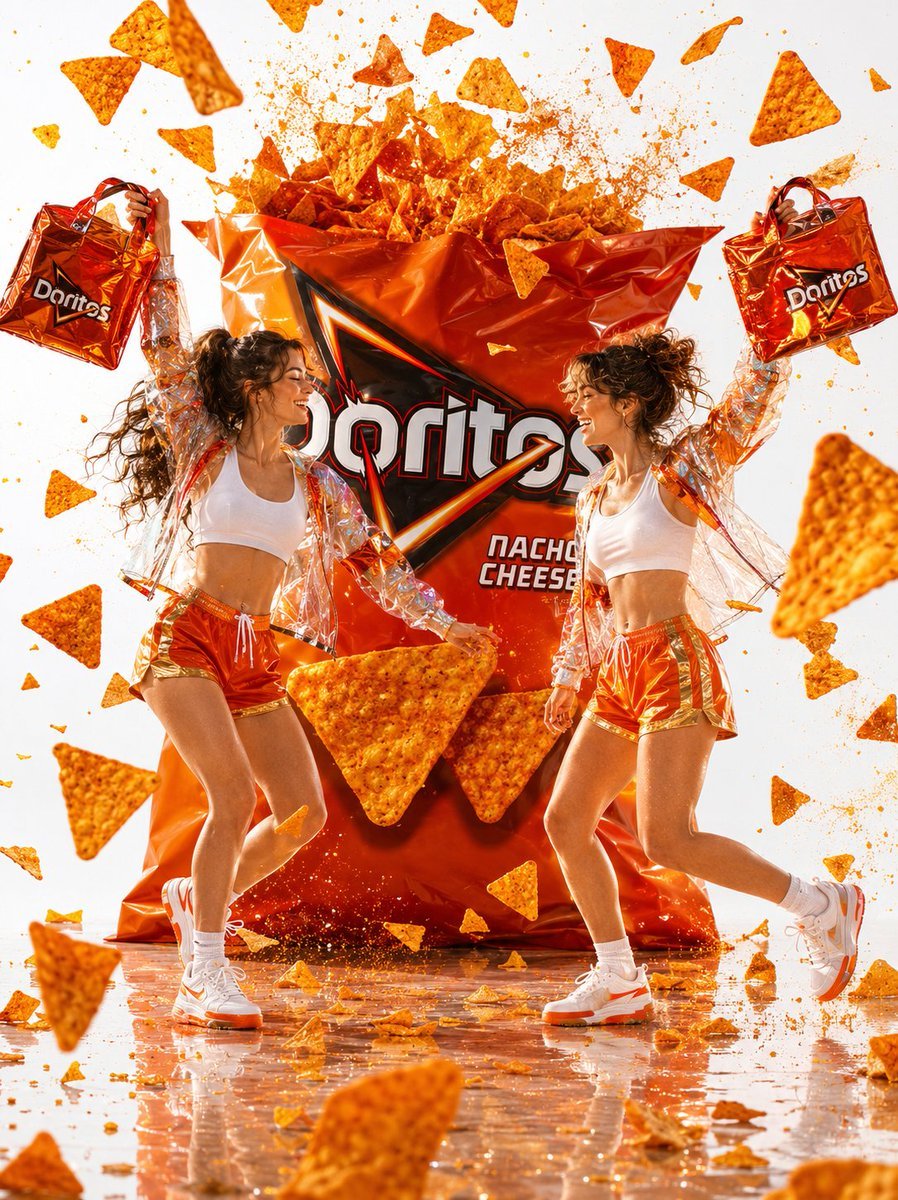
Doritos Fashion Campaign Photography
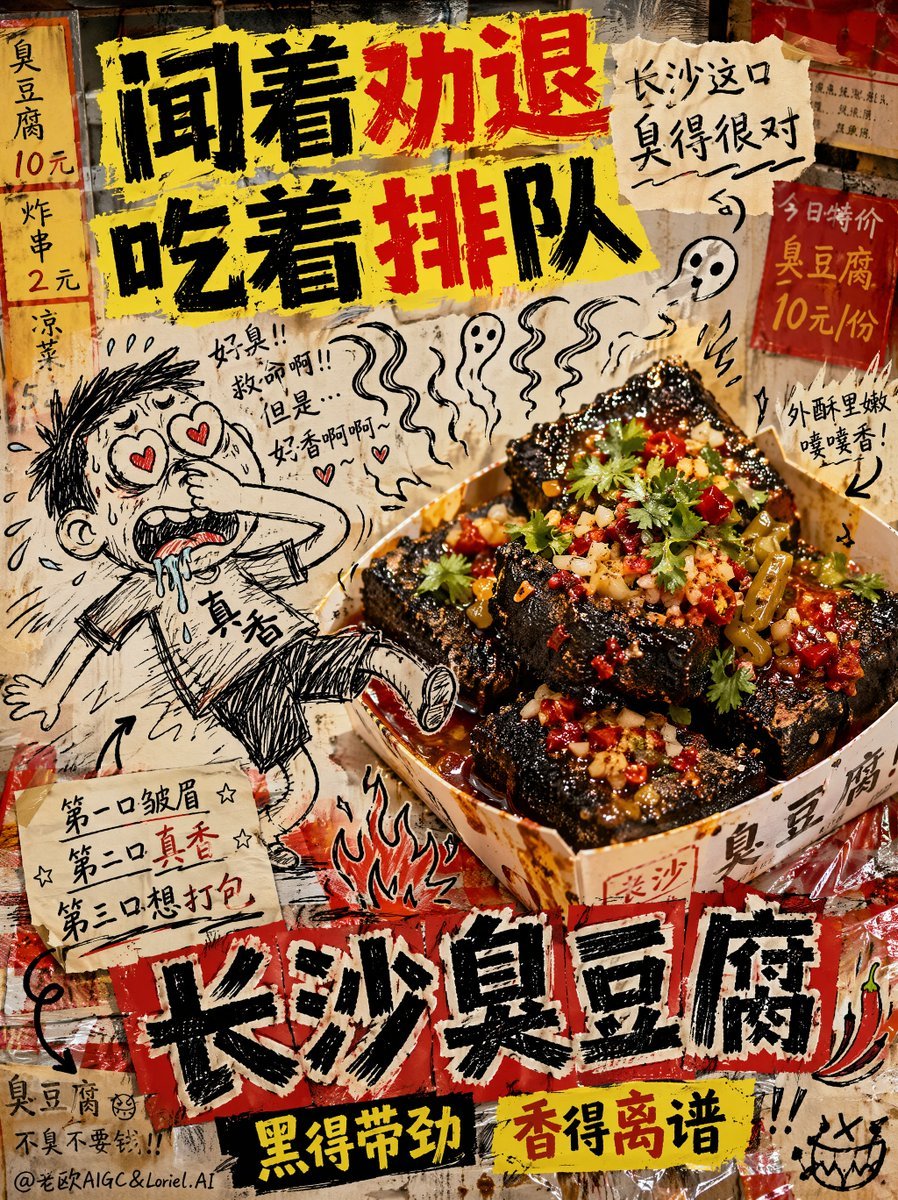
Anti-Design Stinky Tofu Advertisement
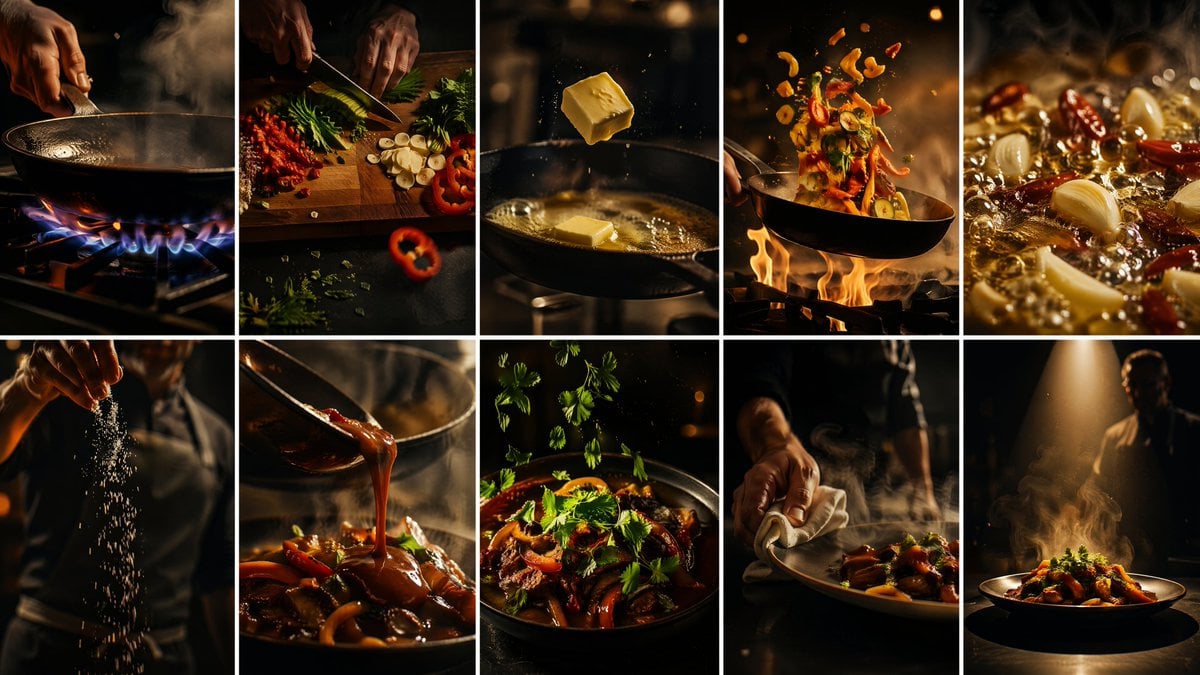
Cinematic Flame Chef Storyboard
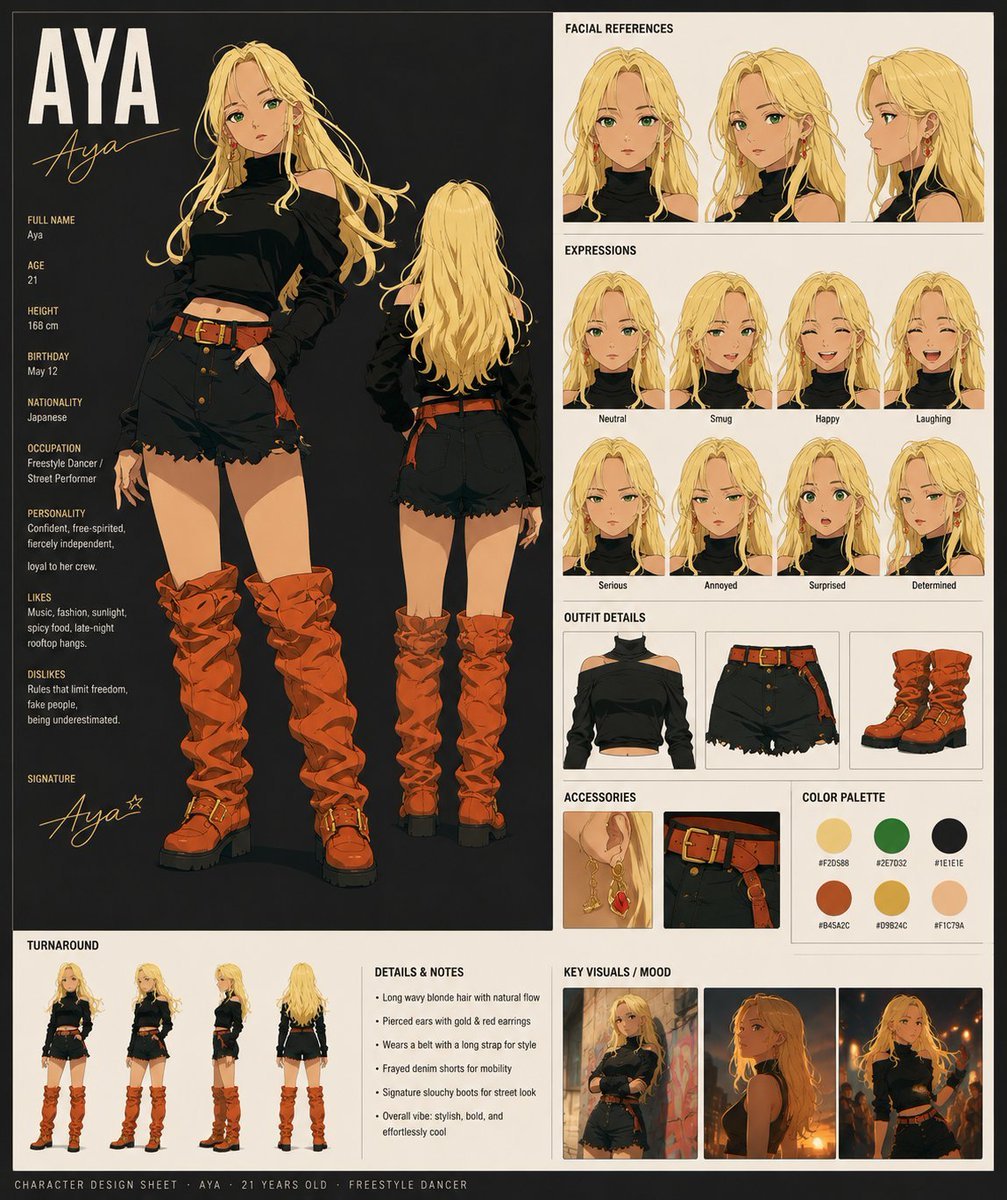
Aya Anime Character Sheet
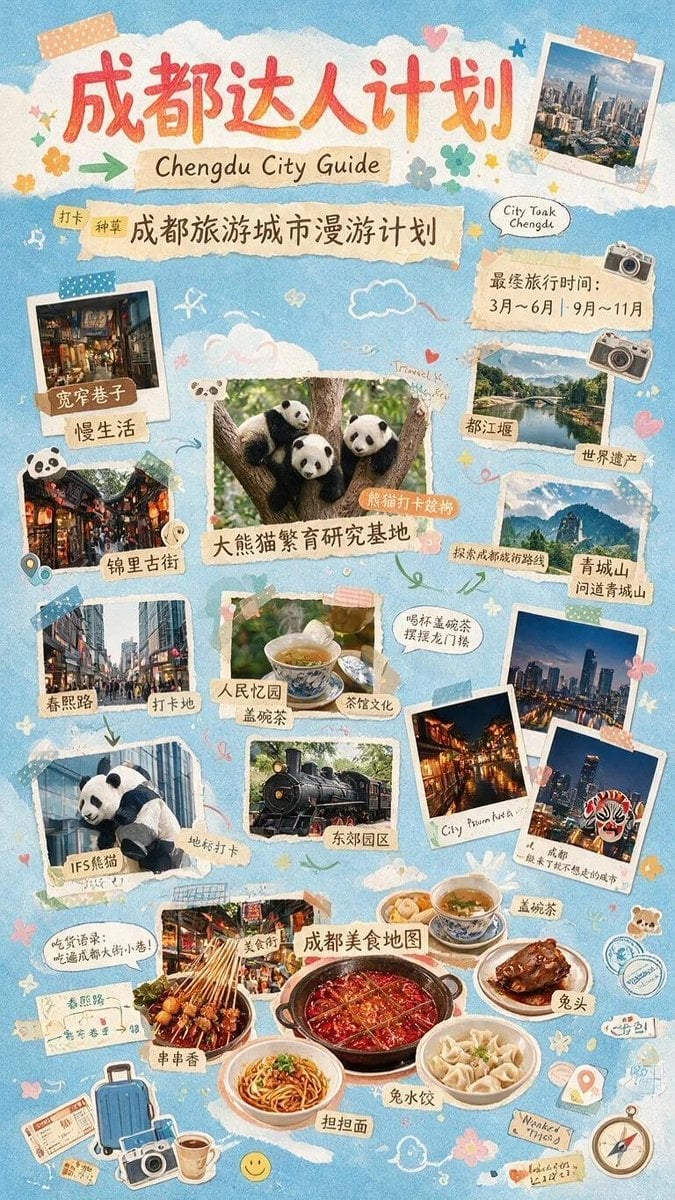
Chengdu Scrapbook Travel Guide Poster
Make it yours
Spicy Nacho Tornado Ad works as-is. These are the safest ways to change it without losing the look.
Change one field
Copy a single group, rewrite it, and generate again so you can see what that field is doing.
Keep the frame, change the subject
Hold the composition and light of Spicy Nacho Tornado Ad, then swap wardrobe, props or the person for a new take.
| If the result… | Why | Fix |
|---|---|---|
| The result drifts from the preview | Too many fields changed at once. | Reuse Spicy Nacho Tornado Ad as-is first, then change one group — subject, light, or setting. |
| The model over-stylizes the scene | The prose prompt leaves finish and camera underspecified. | Add one camera or lighting sentence and stay on GPT Image 2. |
More GPT Image 2 templates
Other prompts made for GPT Image 2.

Six VTuber Japanese Logo Sheet

Realistic Portrait of Woman and Deer

The Vista Modular Condo Poster

AI Model Routing Comparison Infographic

2.5D Anime Art Board

Isometric Productivity Desk Scene

New York Double Exposure Poster

Four-Panel AI Landscape Comparison

Japanese Tatami Lifestyle Magazine Cover

NESCAFÉ Coffee Map Poster
More image prompts
Fresh picks from across the catalog.

8K Cinematic Winter Portrait in Jammu & Kashmir

Mugshot Portrait with Custom Slate Text Prompt

Google Gemini Nano Banana 2

Luis Miguel as K-Pop Star in Gangnam
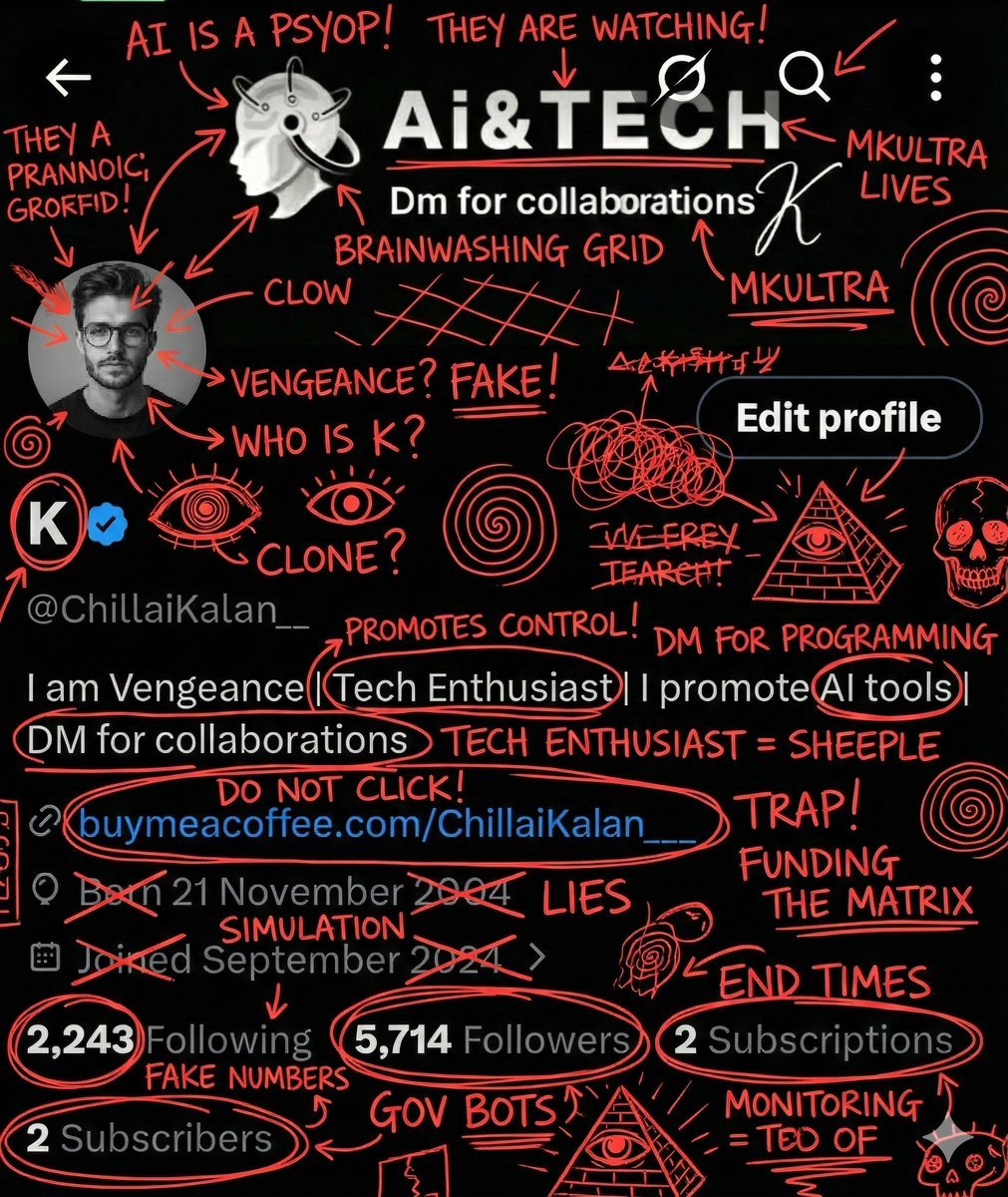
Image Overlay for 'Conspiracy Scribbles' Effect

Live E-commerce UI Mockup

Graffiti Sketch Style AI Builder

Overhead Spiral Staircase Portrait
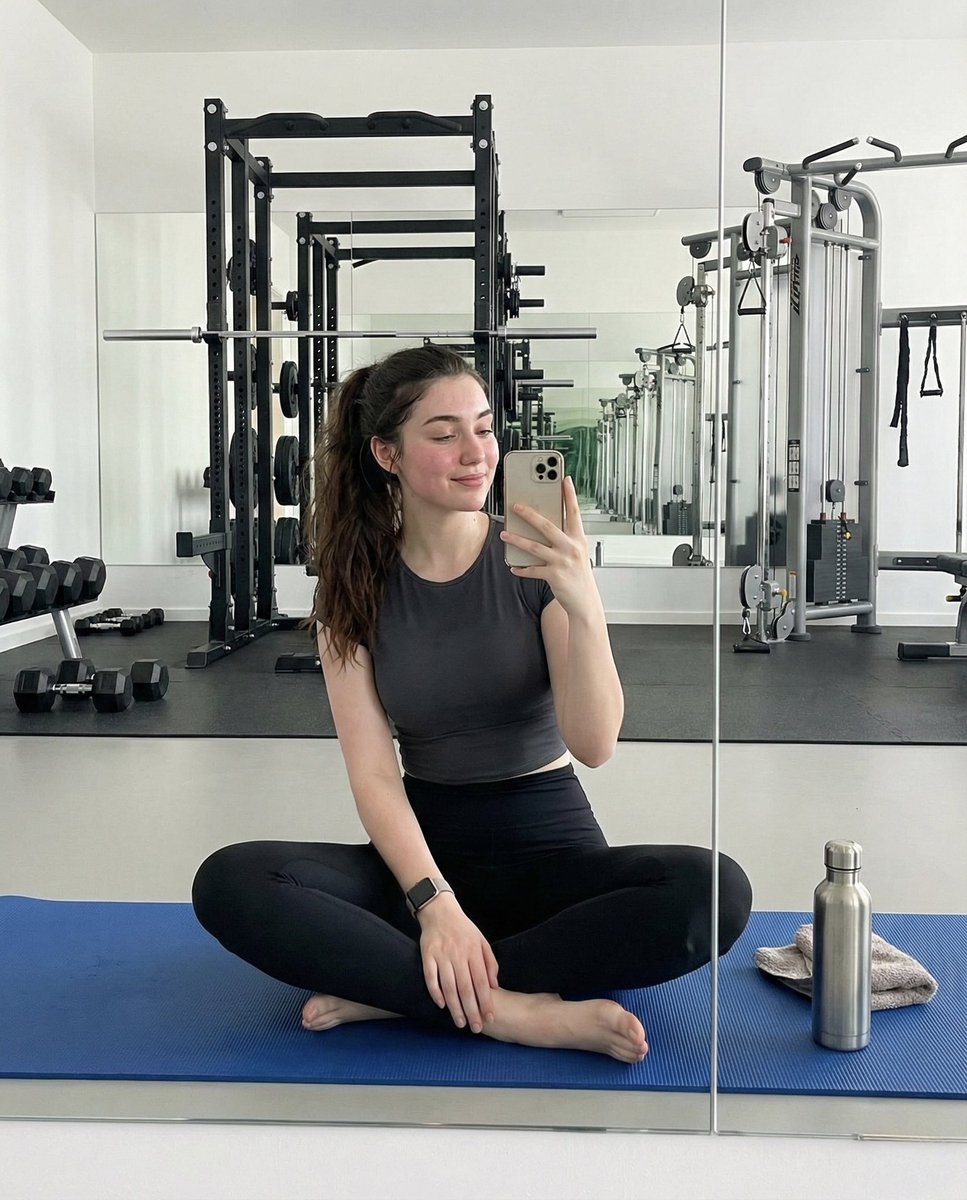
Ultra-Photorealistic Gym Mirror Selfie Prompt

Vlog Style Video Generation from Nano Banana Pro Image
Browse template categories
Spicy Nacho Tornado Ad questions
How do I use the Spicy Nacho Tornado Ad template?
Add your photo if the template asks for one, edit the prompt if you like — the template's model and format are already selected — and press Generate. Your version opens in PicX Studio.
Can I customize the Spicy Nacho Tornado Ad template?
Yes. You can change the subject, setting, lighting, mood, format, and available model controls before creating your image.
Is the Spicy Nacho Tornado Ad template free?
Opening and editing this template is free. Generating uses credits, shown on the Generate button when you are signed in.
Which AI model should I use?
Start with GPT Image 2, which is the model associated with this template. You can compare another compatible model for a different finish.
Looking for something else? Browse all templates.

Your photo, any look
Thousands of ready templates for every top image and video model, from one credit balance.