
Mini Workers Sculpt Spicy Chicken Wings
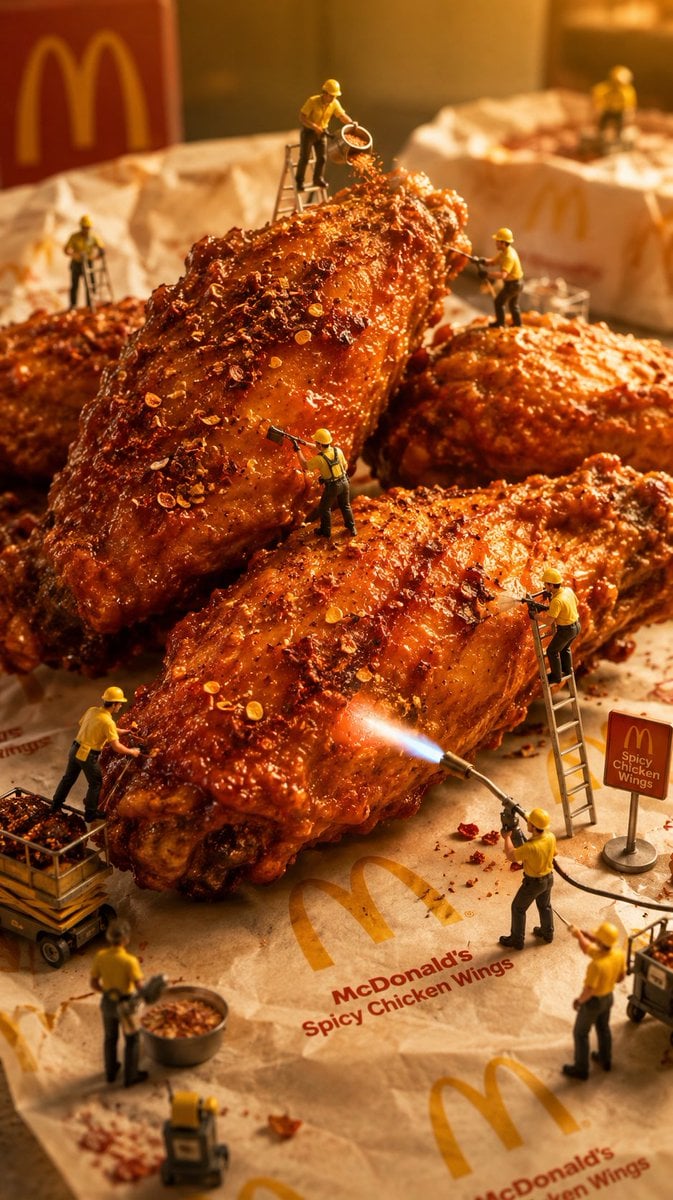
A hyper-realistic macro advertising scene of tiny construction workers preparing giant branded spicy chicken wings.
- Prompt included
- Model and format preset
- Free template
The prompt behind this image
Copy the exact prompt behind Mini Workers Sculpt Spicy Chicken Wings, or open it in the studio and make it yours.
Create a surreal hyper-realistic macro food diorama: exactly four giant glossy {argument name="food item" default="crispy spicy chicken wings"} covered in red chili flakes, crunchy crumbs, pepper seeds, and sticky orange glaze, arranged on crumpled branded parchment paper. The parchment shows repeated golden arches and readable red text: "{argument name="brand name" default="McDonald's"} {argument name="product label" default="Spicy Chicken Wings"}". Add a blurred red branded box with a large golden arch in the back left and a small freestanding red sign on the right that reads "Spicy Chicken Wings". Populate the scene with exactly 10 miniature construction workers wearing {argument name="worker uniform color" default="yellow hard hats and yellow shirts"}: 1 worker on a ladder at the top pouring chili flakes from a small sieve, 1 worker on a ladder in the left background, 1 worker standing on the right rear wing using a tool, 1 worker standing on the front wing scraping or brushing seasoning, 1 worker on a ladder leaning against the right side of the front wing, 1 worker beside a wheeled crate cart at lower left, 1 worker at lower right operating a blowtorch with a bright blue flame against the wing, 1 worker near a metal bowl of seasoning at bottom left, 1 worker standing at lower right holding a tool, and 1 partially visible worker near the bottom edge. Include tiny ladders, carts, tools, bowls, seasoning debris, and scattered crumbs for scale. Use shallow depth of field, cinematic macro photography, ultra-detailed textures, warm golden studio lighting, playful imaginative advertising style, vertical 9:16 composition, realistic reflections on glaze, no extra logos beyond the described branding, no watermark.
How to use Mini Workers Sculpt Spicy Chicken Wings in 3 steps
- 1Upload ImagePNG, JPG or paste
Add your photo
Upload the photo the template builds on. The prompt, model and format are already set.
- 2…a portrait of your subject in softgolden-hour light, 85mm…
Personalize
Edit the subject and creative details for your destination.
- 3Generate
Generate
Press Generate — your image is created in PicX Studio, so you can compare it with the original and refine one variable at a time.
More like this
Templates with the same subject, style or setup. Open one to see its prompt.
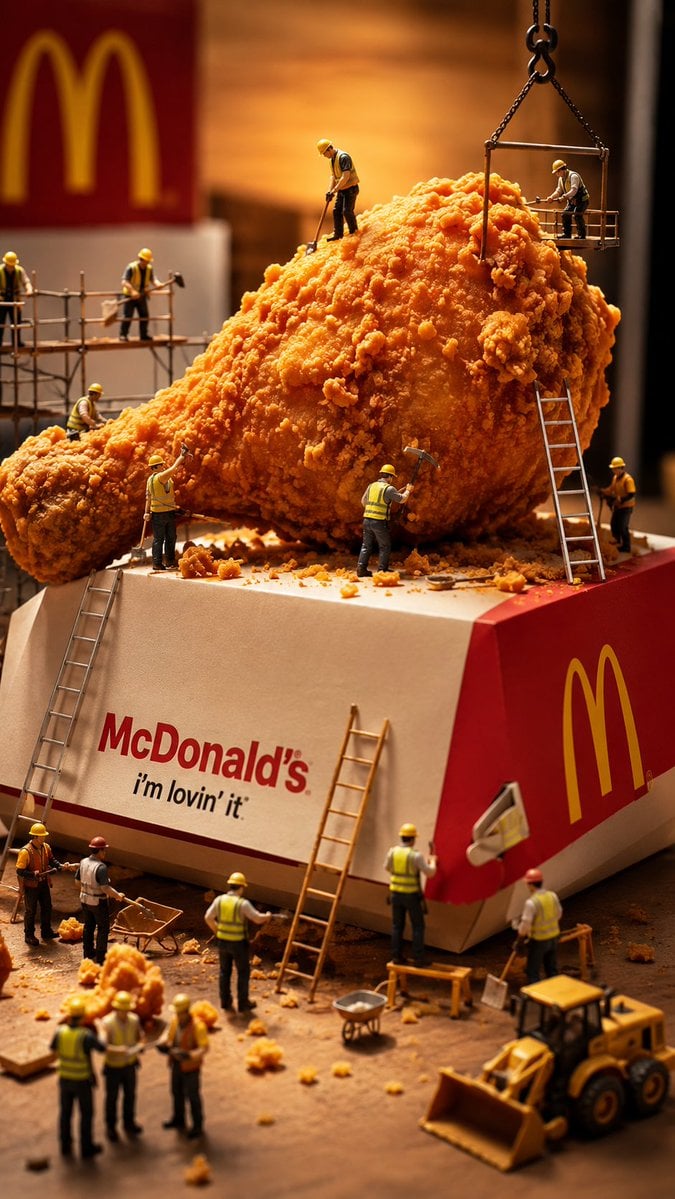
Miniature Workers Sculpt Giant McDonald's Drumstick
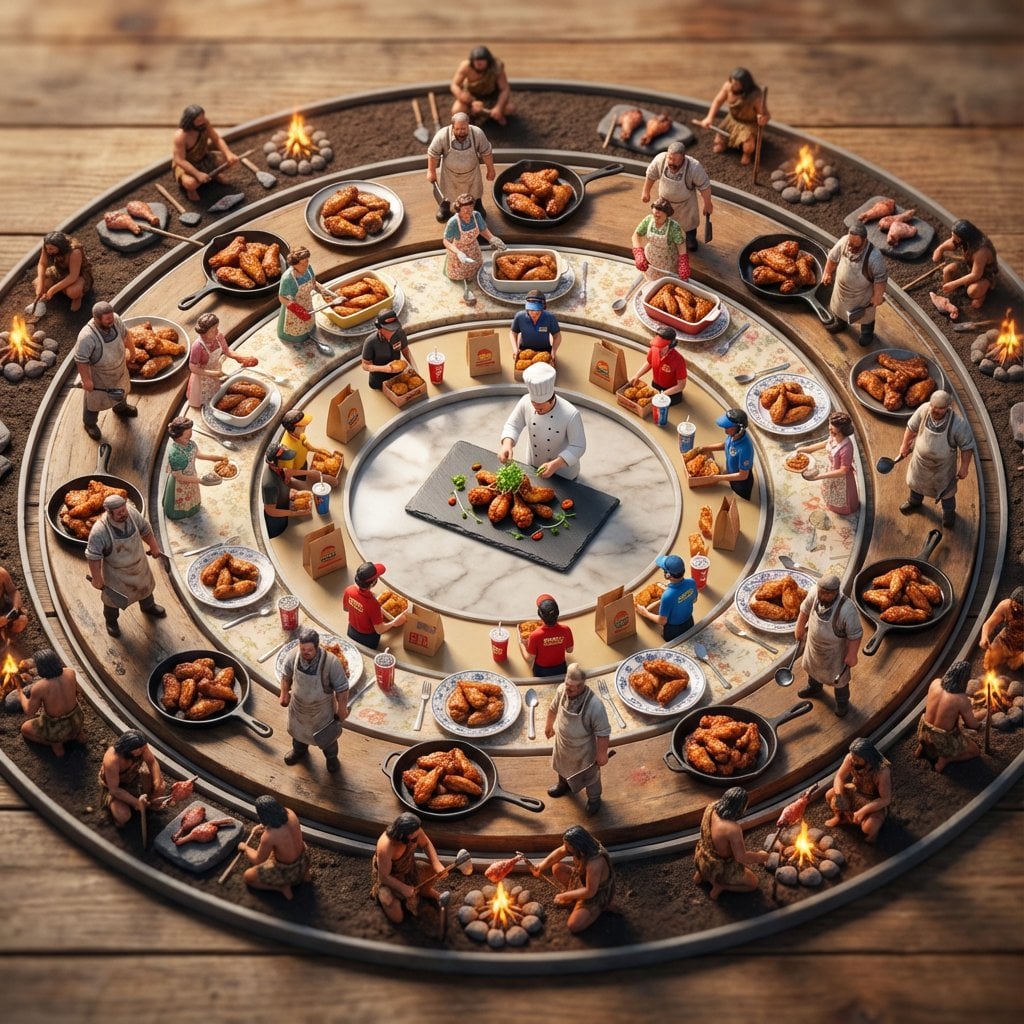
Food History Diorama in Mandala Format (Spicy Chicken Wings)
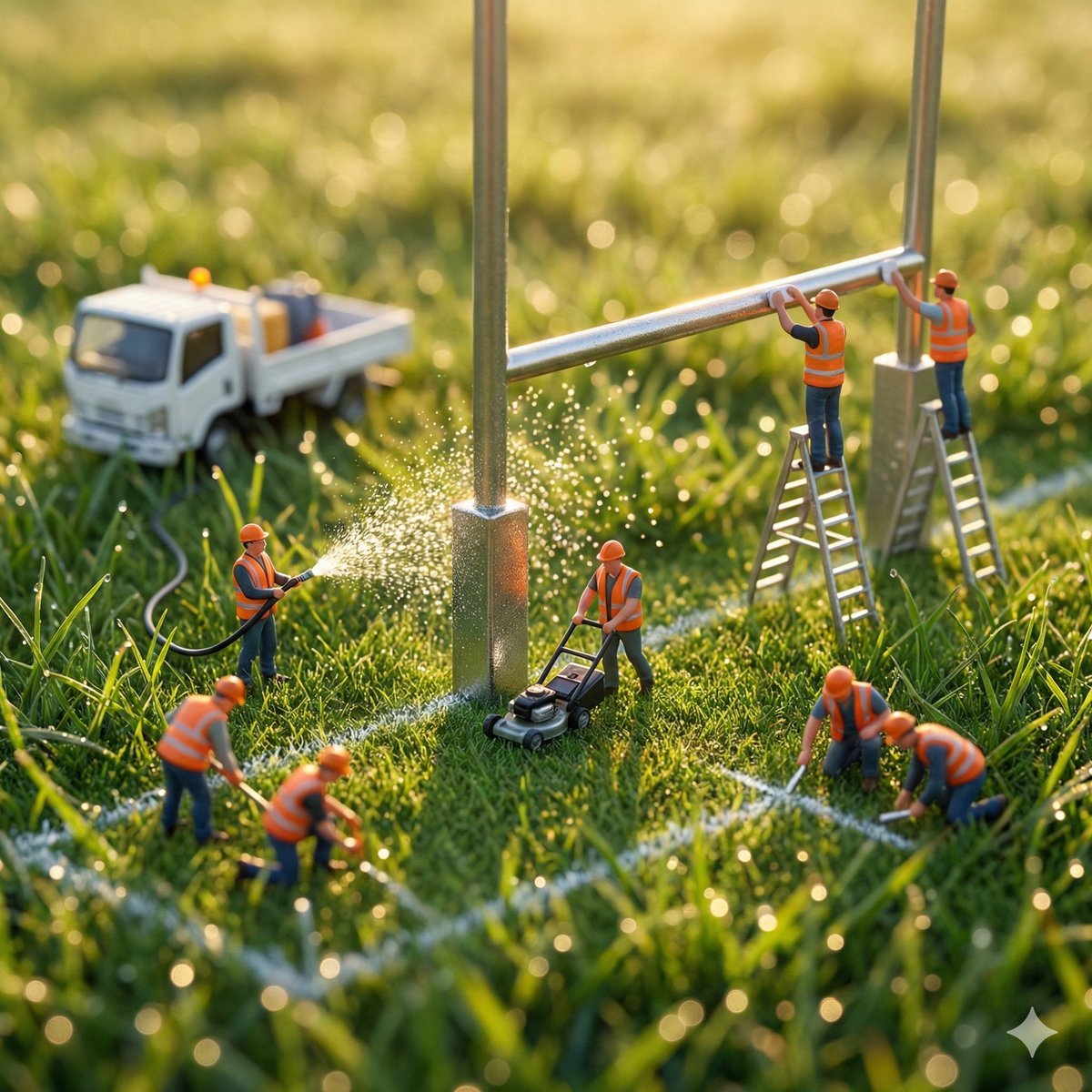
Ultra-realistic macro photography of miniature construction workers
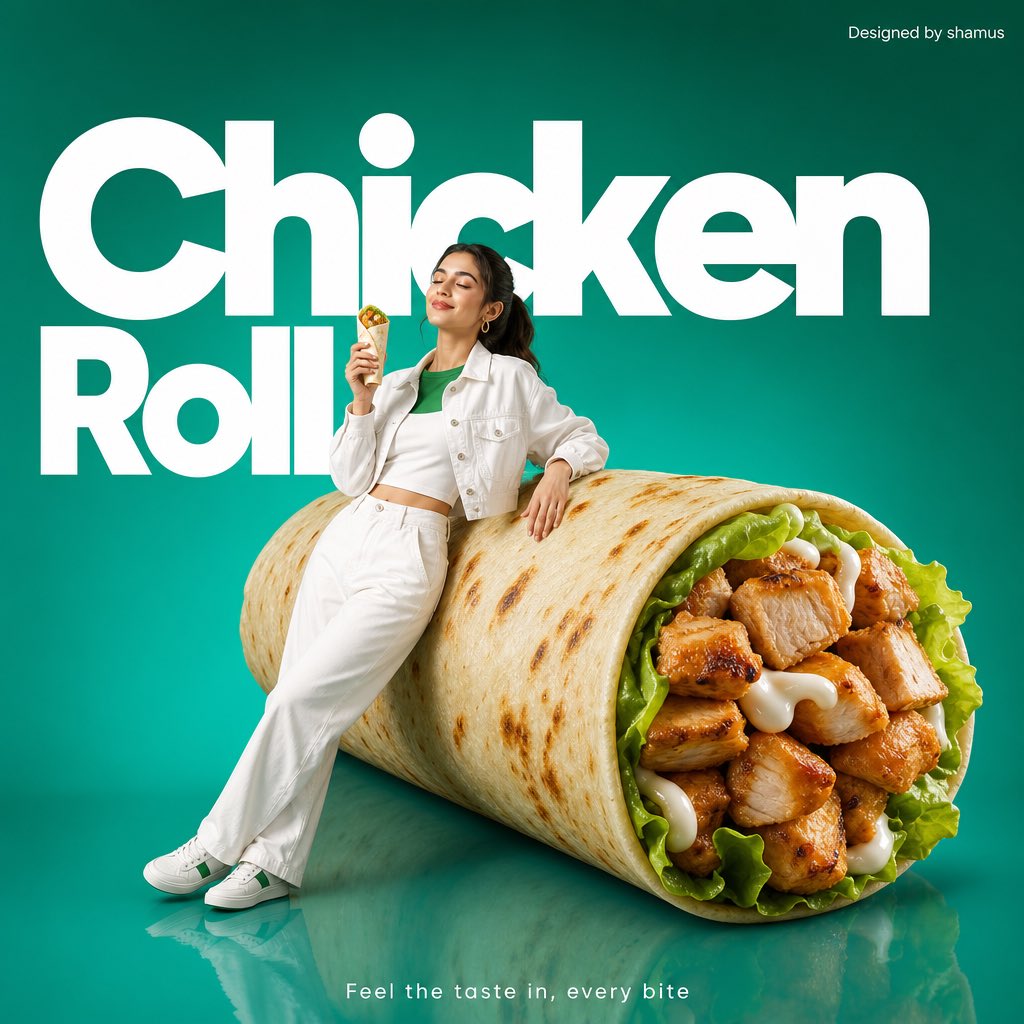
Minimalist Chicken Roll Commercial
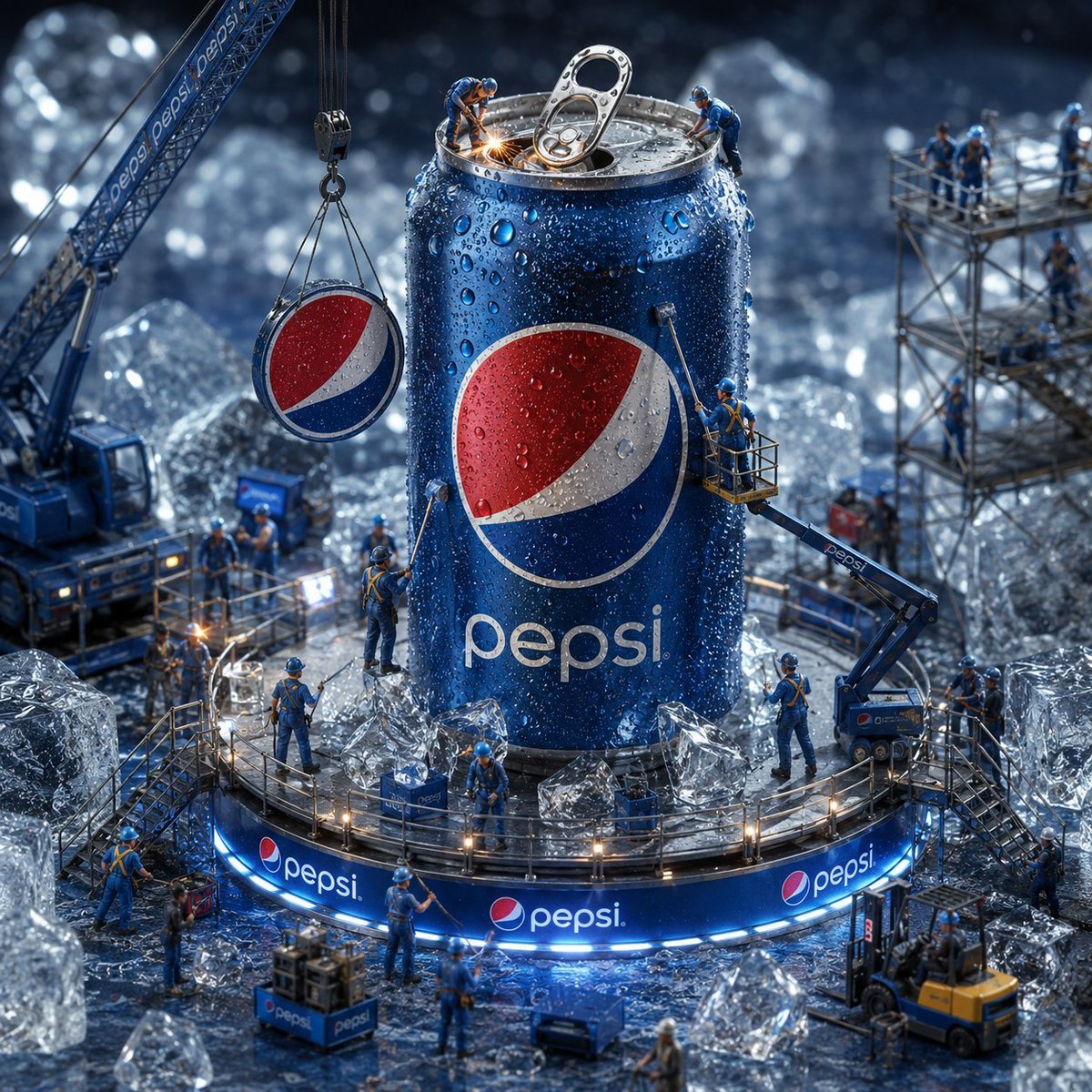
Miniature Workers Giant Soda Can
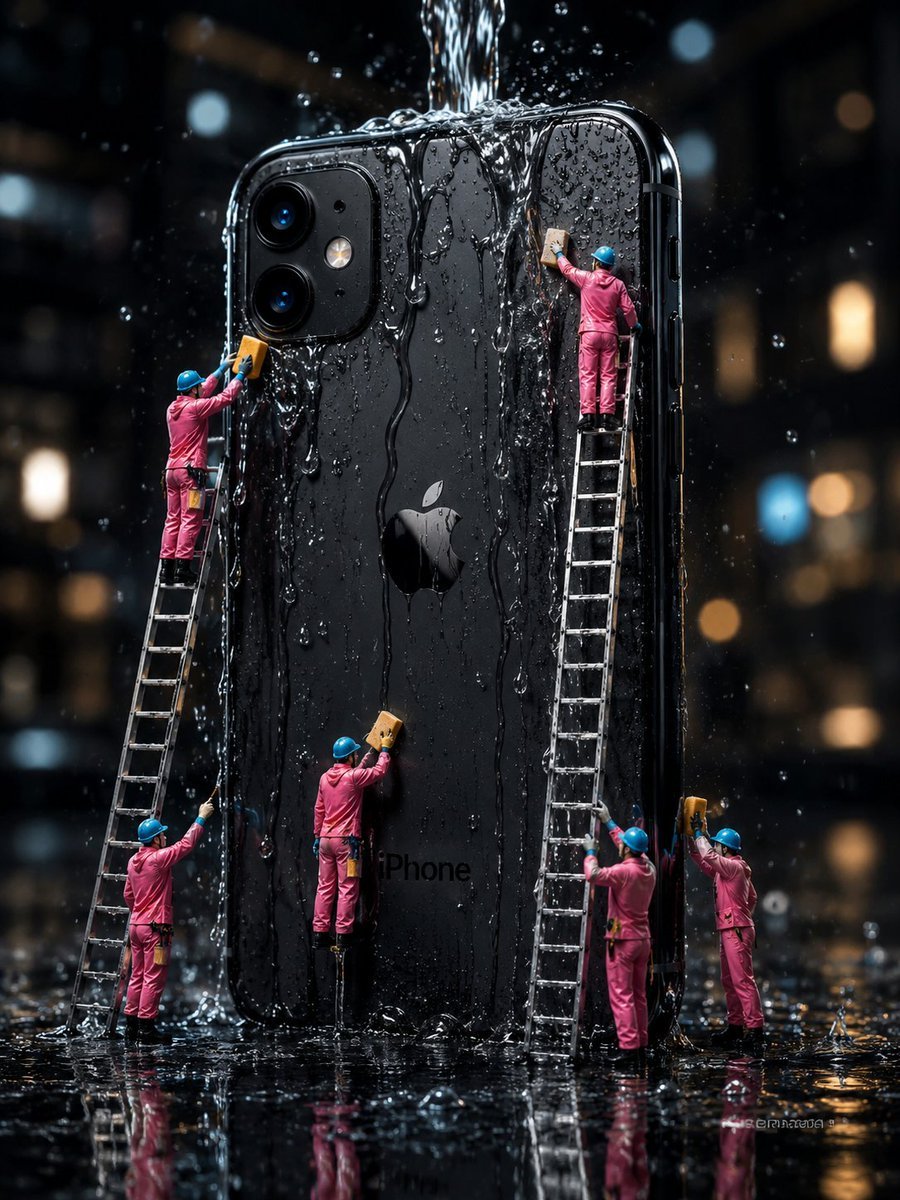
Mini Workers Washing Giant iPhone
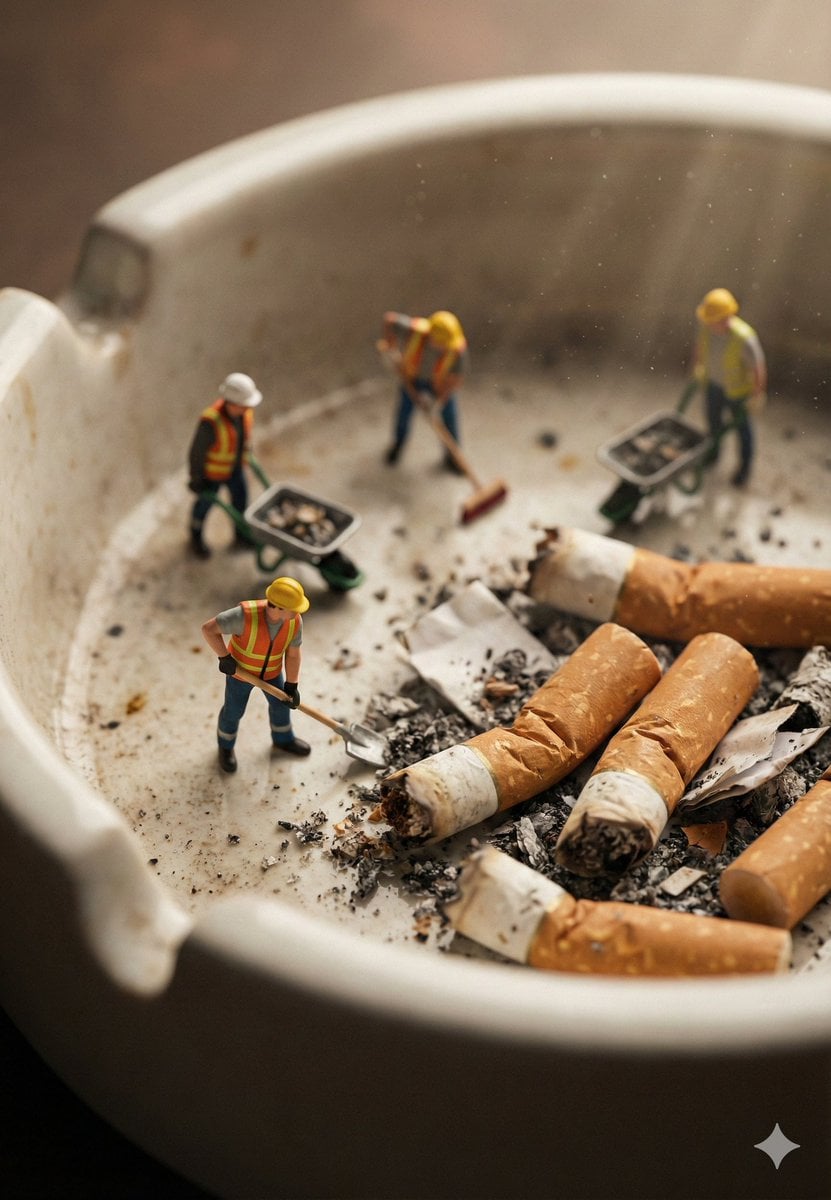
Macro Photography of Miniature Workers Cleaning Ashtray
Crispy Chicken Nuggets Product Photo
Crispy Chicken Burger Product Photo
3D Paper-Craft Relief Sculpture
Mini Sick Woman in Water Glass

Sculpted Parchment Headpiece Portrait
Make it yours
Mini Workers Sculpt Spicy Chicken Wings works as-is. These are the safest ways to change it without losing the look.
Change one field
Copy a single group, rewrite it, and generate again so you can see what that field is doing.
Keep the frame, change the subject
Hold the composition and light of Mini Workers Sculpt Spicy Chicken Wings, then swap wardrobe, props or the person for a new take.
| If the result… | Why | Fix |
|---|---|---|
| The result drifts from the preview | Too many fields changed at once. | Reuse Mini Workers Sculpt Spicy Chicken Wings as-is first, then change one group — subject, light, or setting. |
| The model over-stylizes the scene | The prose prompt leaves finish and camera underspecified. | Add one camera or lighting sentence and stay on GPT Image 2. |
More GPT Image 2 templates
Other prompts made for GPT Image 2.

Six VTuber Japanese Logo Sheet

Realistic Portrait of Woman and Deer

The Vista Modular Condo Poster

AI Model Routing Comparison Infographic

2.5D Anime Art Board

Isometric Productivity Desk Scene

New York Double Exposure Poster

Four-Panel AI Landscape Comparison

Japanese Tatami Lifestyle Magazine Cover

NESCAFÉ Coffee Map Poster
More image prompts
Fresh picks from across the catalog.

World Cup Trophy Reveal Perspective
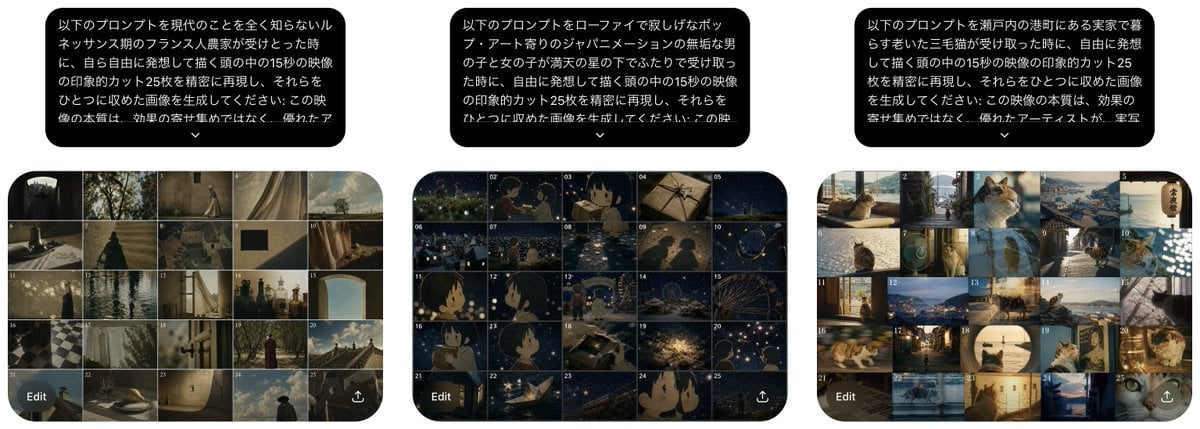
Three Prompt Interpretation Storyboards
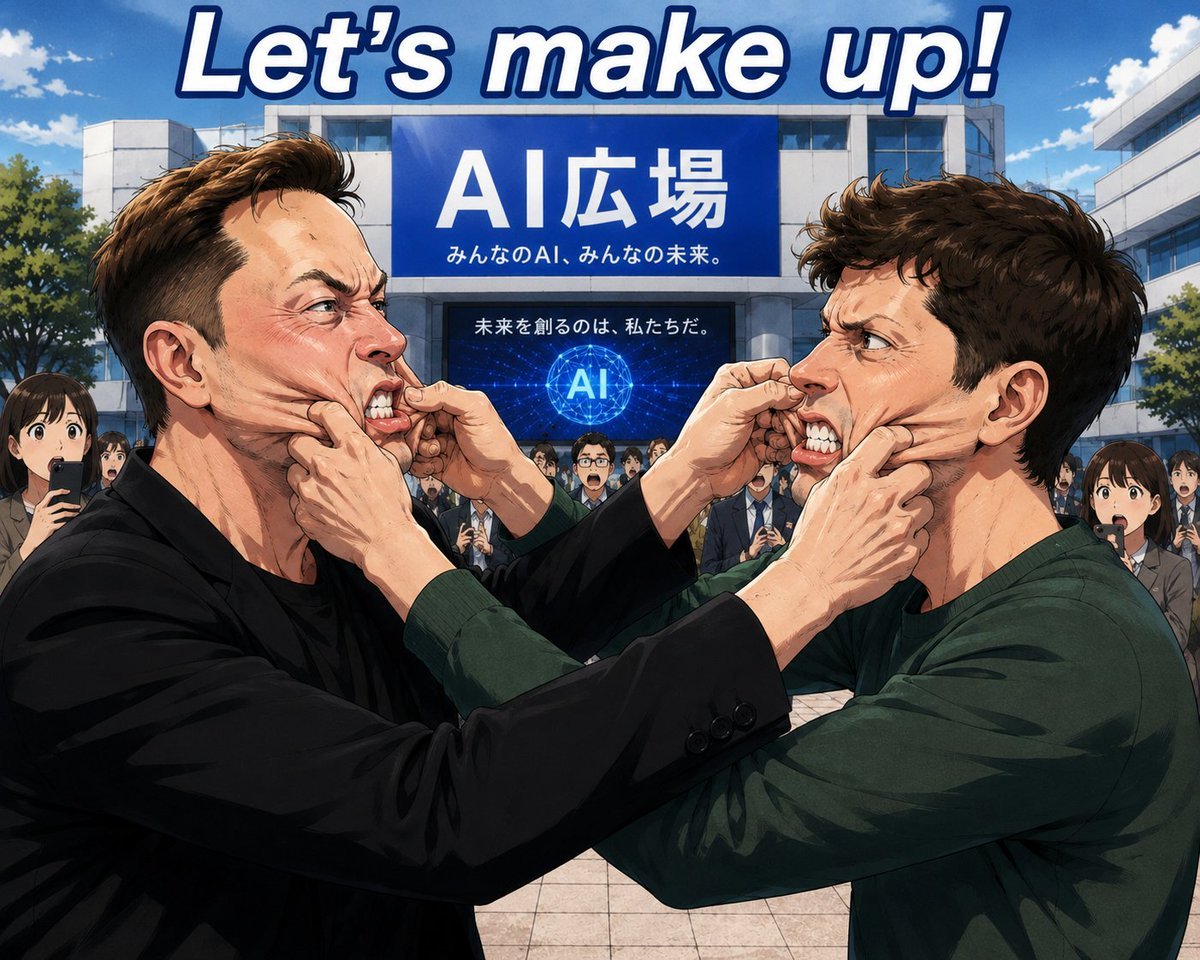
Anime AI Plaza Make-Up Scene
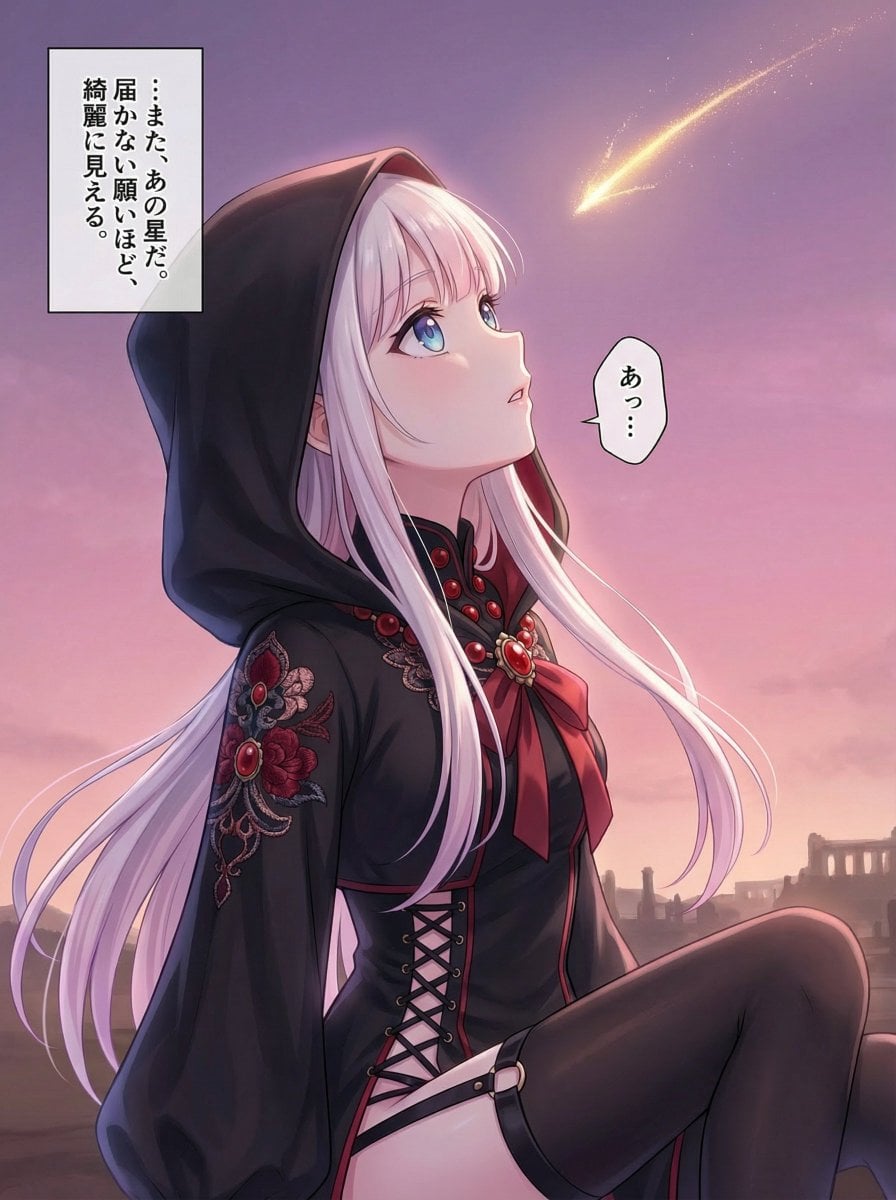
Comprehensive manga one-page scene creation system prompt
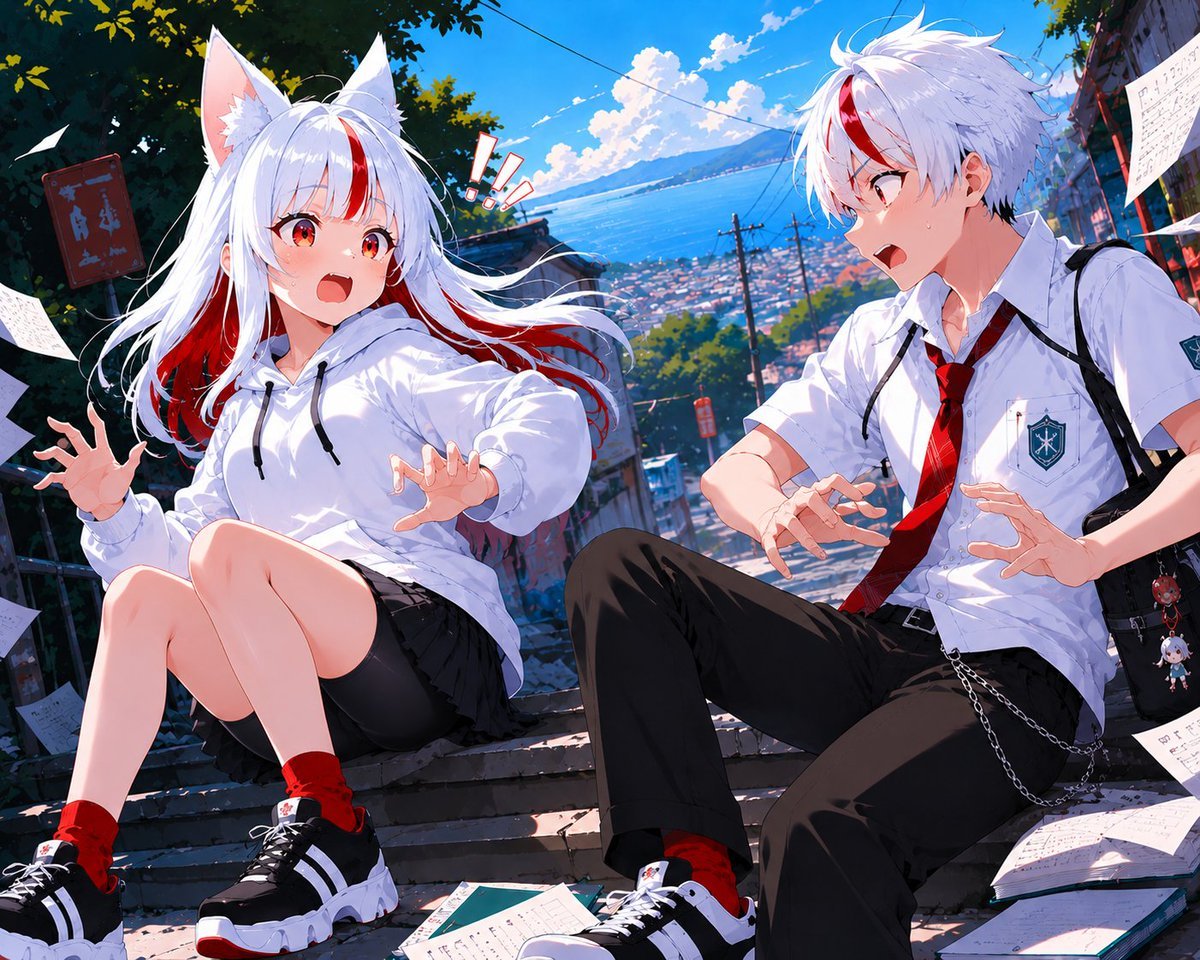
Fox-Eared Anime Students by the Sea
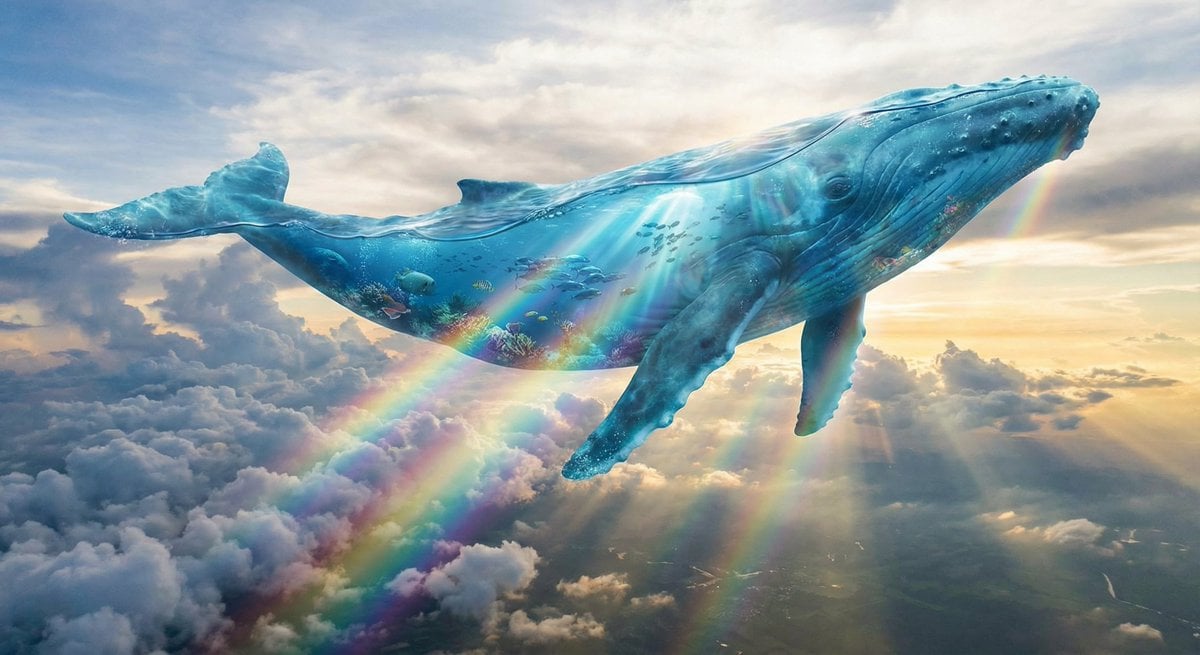
Surreal translucent blue whale in the clouds
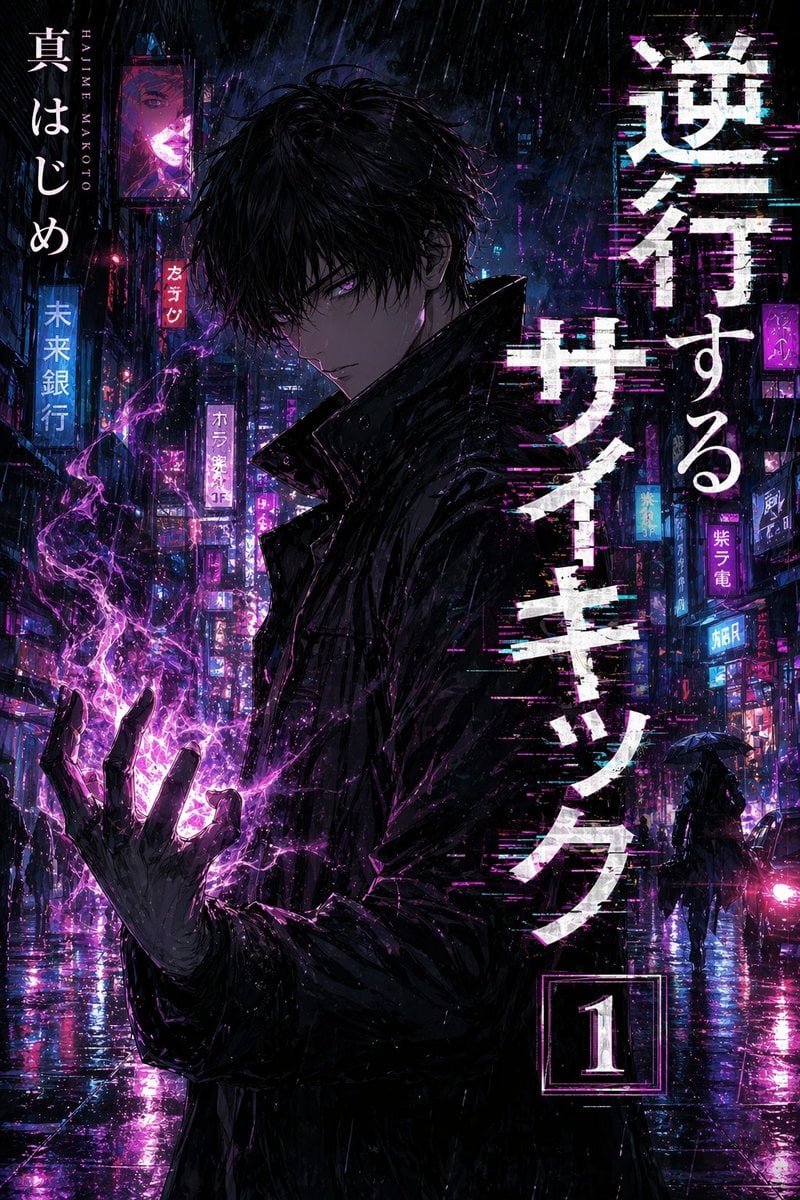
Manga Tankobon Cover Illustrator

Beach Selfie Image Prompt for Nano Banana Pro
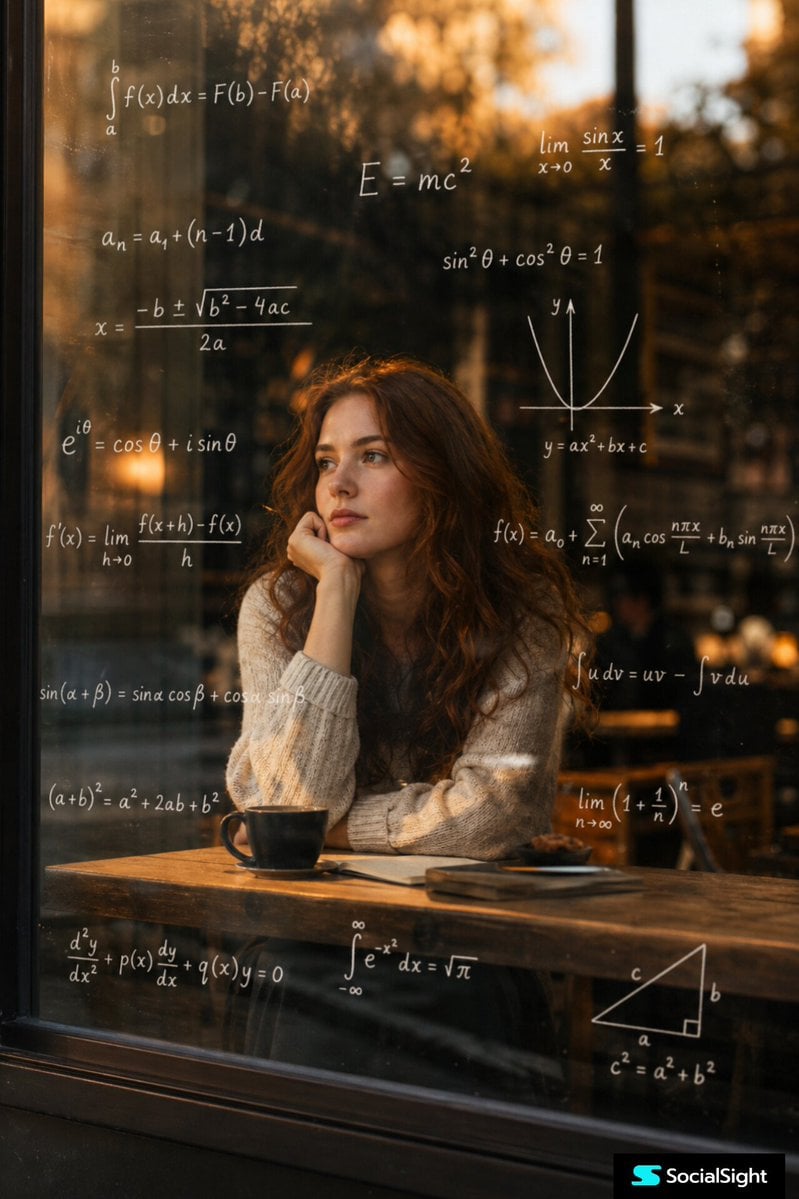
Thoughtful Woman Cafe Window Equations
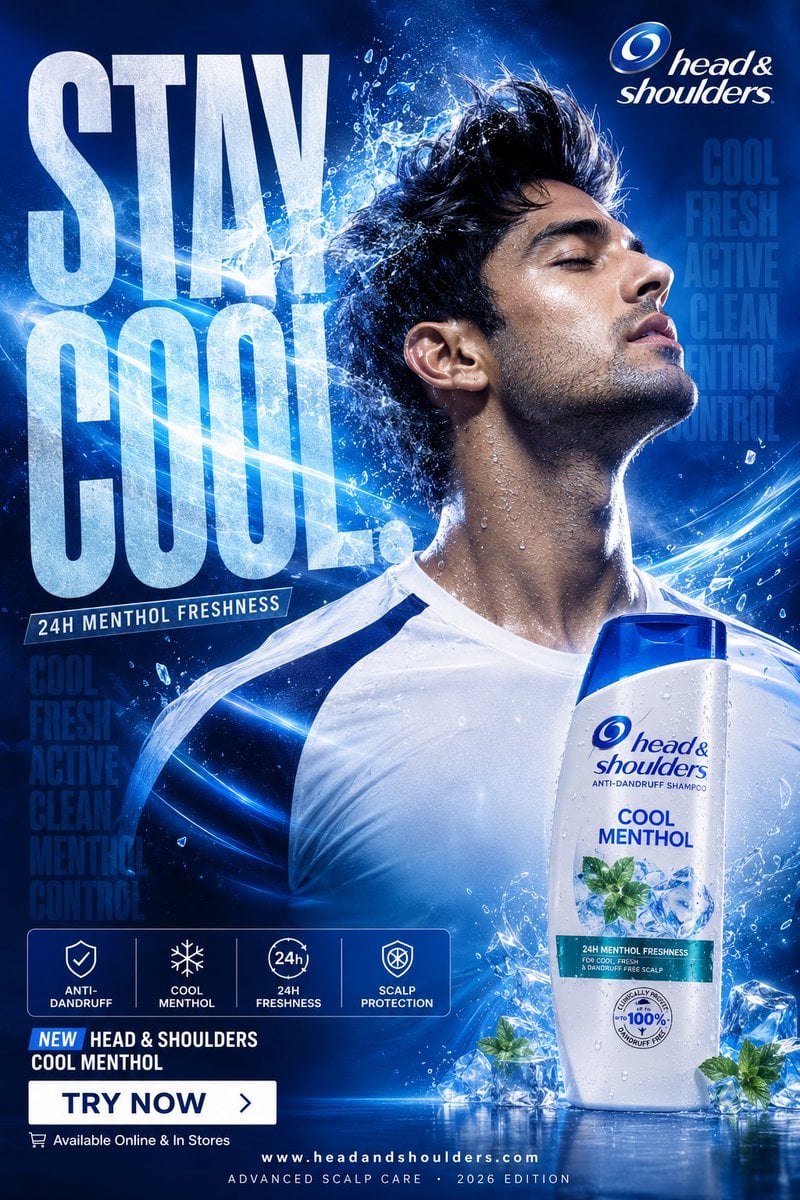
Cool Menthol Shampoo Ad
Browse template categories
Mini Workers Sculpt Spicy Chicken Wings questions
How do I use the Mini Workers Sculpt Spicy Chicken Wings template?
Add your photo if the template asks for one, edit the prompt if you like — the template's model and format are already selected — and press Generate. Your version opens in PicX Studio.
Can I customize the Mini Workers Sculpt Spicy Chicken Wings template?
Yes. You can change the subject, setting, lighting, mood, format, and available model controls before creating your image.
Is the Mini Workers Sculpt Spicy Chicken Wings template free?
Opening and editing this template is free. Generating uses credits, shown on the Generate button when you are signed in.
Which AI model should I use?
Start with GPT Image 2, which is the model associated with this template. You can compare another compatible model for a different finish.
Looking for something else? Browse all templates.

Your photo, any look
Thousands of ready templates for every top image and video model, from one credit balance.