
Felt Cat Character Reference Sheet
A handcrafted felt-style Japanese character sheet showing a cute cat mascot with turnaround views, expression set, pose collection, profile details, and a color palette for design presentation.

- Prompt included
- Model and format preset
- Free template
The prompt behind this image
Copy the exact prompt behind Felt Cat Character Reference Sheet, or open it in the studio and make it yours.
- Type
- felt character reference sheet
- Style
- flat-lay craft illustration made from soft felt fabric with visible stitching, plush handmade texture, warm off-white paper background, clean Japanese character sheet design, cute and tidy layout
- Subject › Character › Name
- {argument name="character name" default="maki"}
- Subject › Character › Species
- cat
- Subject › Character › Theme
- mini character setting sheet
- Subject › Character › Material
- cream-colored felt plush with stitched edges
- Subject › Character › Features
- large round red glasses, small black nose and mouth, short limbs, curved tail, red flower-like tassel accessory beside the head
- Subject › Main Views › Count
- 3
- Subject › Main Views › Labels
- まえ, よこ, うしろ
- Subject › Main Views › Description
- three full-body turnaround views of the felt cat character: front, side, and back
- Layout › Title Area › Top Text
- {argument name="headline text" default="maki"}
- Layout › Title Area › Subtitle
- ミニキャラ設定シート
- Layout › Title Area › Decoration
- a small red felt tree/flower icon to the right of the name and a dashed red divider line below
- Layout › Sections › 0 › Title
- profile card
- Layout › Sections › 0 › Position
- upper left
- Layout › Sections › 0 › Count
- 7
- Layout › Sections › 0 › Labels
- 名前, 種族, 性別, 性格, 好きなもの, 苦手なもの, 口ぐせ
- Layout › Sections › 0 › Content › 名前
- maki
- Layout › Sections › 0 › Content › 種族
- ねこ
- Layout › Sections › 0 › Content › 性別
- ひみつ
- Layout › Sections › 0 › Content › 性格
- 好奇心いっぱいでちょっとマイペース。新しいことを見つけるのが大好き!
- Layout › Sections › 0 › Content › 好きなもの
- 本・おさんぽ・さくらんぼ
- Layout › Sections › 0 › Content › 苦手なもの
- 雷・怒られること
- Layout › Sections › 0 › Content › 口ぐせ
- 「へぇ〜」「なるほどね!」
Raw JSON
{"type":"felt character reference sheet","style":"flat-lay craft illustration made from soft felt fabric with visible stitching, plush handmade texture, warm off-white paper background, clean Japanese character sheet design, cute and tidy layout","subject":{"character":{"name":"{argument name=\"character name\" default=\"maki\"}","species":"cat","theme":"mini character setting sheet","material":"cream-colored felt plush with stitched edges","features":["large round red glasses","small black nose and mouth","short limbs","curved tail","red flower-like tassel accessory beside the head"]},"main_views":{"count":3,"labels":["まえ","よこ","うしろ"],"description":"three full-body turnaround views of the felt cat character: front, side, and back"}},"layout":{"title_area":{"top_text":"{argument name=\"headline text\" default=\"maki\"}","subtitle":"ミニキャラ設定シート","decoration":"a small red felt tree/flower icon to the right of the name and a dashed red divider line below"},"sections":[{"title":"profile card","position":"upper left","count":7,"labels":["名前","種族","性別","性格","好きなもの","苦手なもの","口ぐせ"],"content":{"名前":"maki","種族":"ねこ","性別":"ひみつ","性格":"好奇心いっぱいでちょっとマイペース。新しいことを見つけるのが大好き!","好きなもの":"本・おさんぽ・さくらんぼ","苦手なもの":"雷・怒られること","口ぐせ":"「へぇ〜」「なるほどね!」"}},{"title":"表情バリエーション","position":"middle left","count":8,"labels":["ノーマル","うれしい","びっくり","考え中","わくわく","ねむい","てへっ","ぷんぷん"],"description":"eight felt face-only expression icons, each with the red tassel accessory and red glasses; include small symbolic doodles like sparkles, question mark, sleep bubbles, and an anger mark where appropriate"},{"title":"ポーズ集","position":"bottom left","count":6,"labels":["book pose","standing smile pose","neutral standing pose","holding mug pose","magnifying glass pose","sitting pose"],"description":"six small full-body felt poses arranged in a row; one reading a red book, one cheerful with sparkles, one plain standing, one holding a beige mug, one holding a magnifying glass, and one sitting without glasses"},{"title":"カラーパレット","position":"middle right","count":4,"labels":["#FFF6D6","#173539","#FF1E56","#333333"],"description":"four felt color swatches with corresponding hex codes"},{"title":"プロフィールメモ","position":"bottom right","count":1,"labels":["blank memo box"],"description":"empty stitched note area with horizontal guide lines"}]},"visual_details":{"colors":{"body":"{argument name=\"body color\" default=\"#FFF6D6\"}","accent_dark":"#173539","accent_red":"{argument name=\"accent color\" default=\"#FF1E56\"}","outline":"#333333"},"craft_details":["all elements look cut from felt","soft shadows from overhead lighting","slightly rounded plush edges","hand-sewn border stitching on cards and character pieces"],"background":"warm cream tabletop or paper backdrop"},"composition":"landscape reference-sheet poster, centered and evenly spaced, high-resolution flat lay, charming Japanese handmade craft aesthetic"}How to use Felt Cat Character Reference Sheet in 3 steps
- 1Upload ImagePNG, JPG or paste
Add your photo
Upload the photo the template builds on. The prompt, model and format are already set.
- 2…a portrait of your subject in softgolden-hour light, 85mm…
Personalize
Edit the subject and creative details for your destination.
- 3Generate
Generate
Press Generate — your image is created in PicX Studio, so you can compare it with the original and refine one variable at a time.
More like this
Templates with the same subject, style or setup. Open one to see its prompt.

Dancer Character - Four View Reference Sheet

Movement Sheet - Dance Reference (Seedance 2.0)

Gray Studio Character Reference Sheet

Anime Character Sheet Reference Prompt
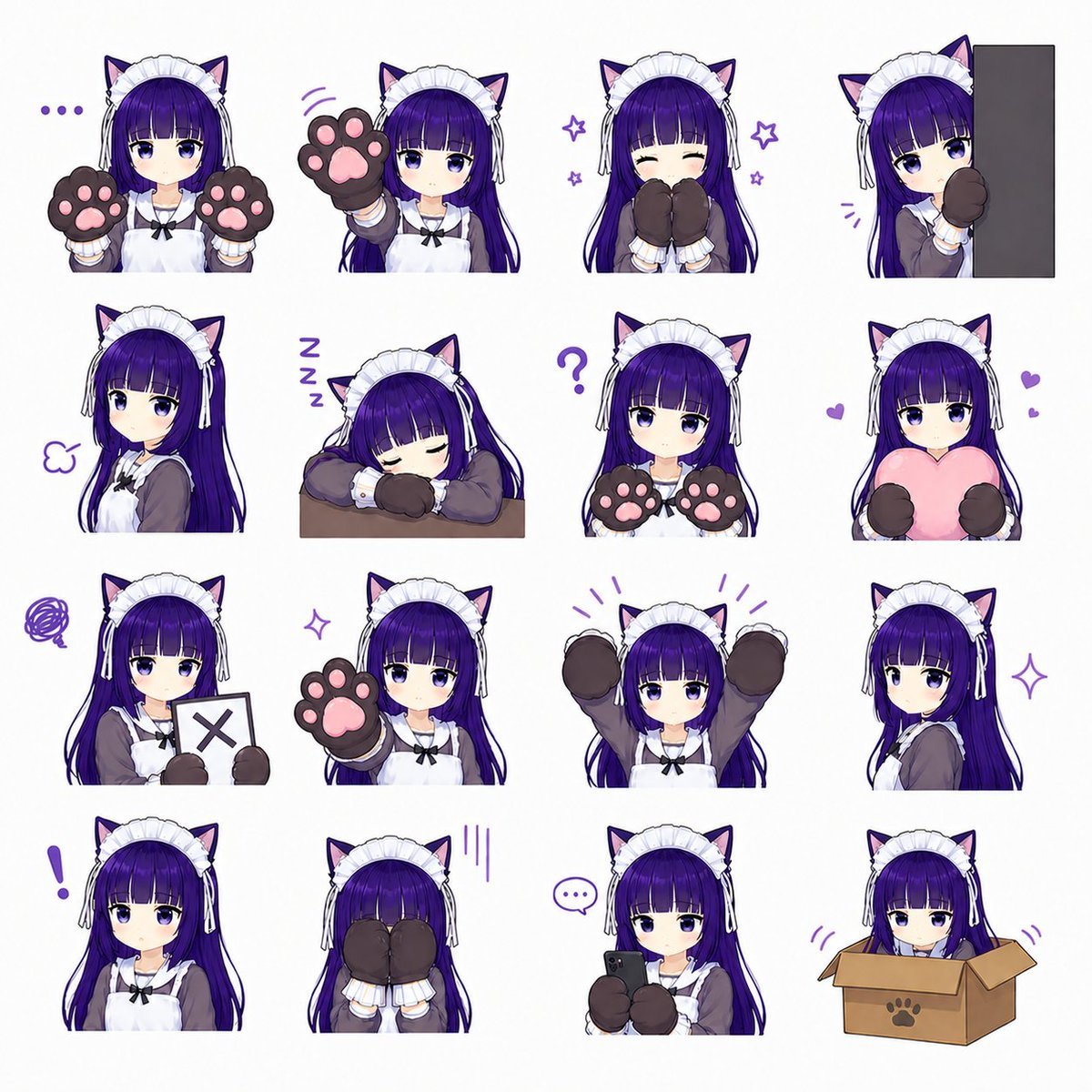
Cat-Eared Maid Emote Sticker Sheet
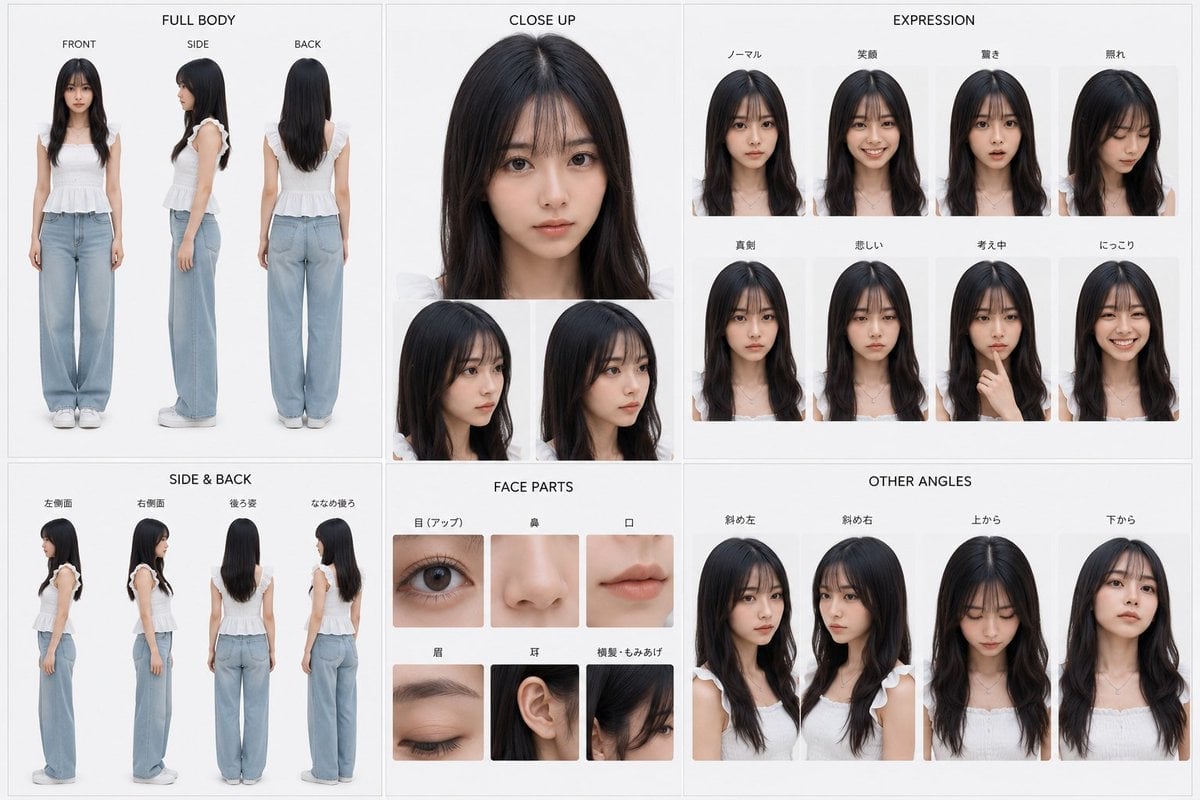
Photoreal Character Reference Sheet
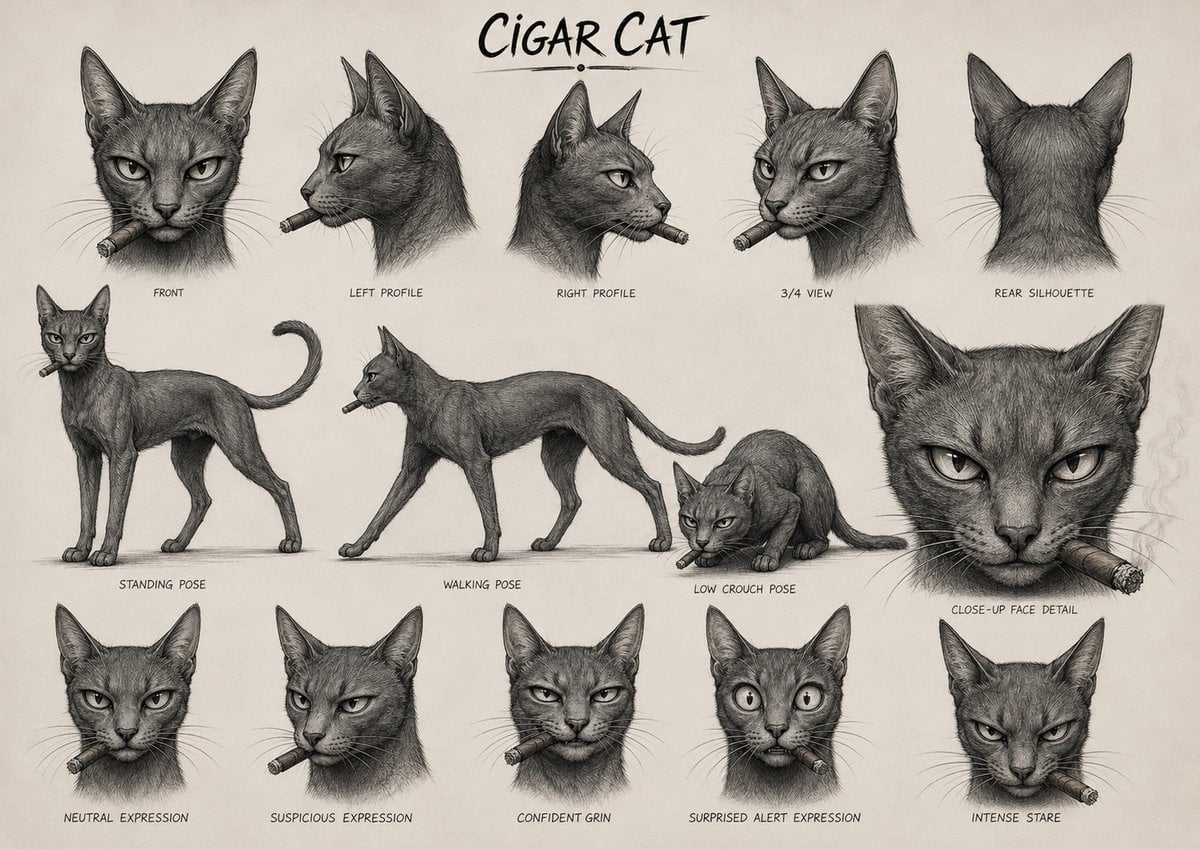
Cigar Cat Character Sheet
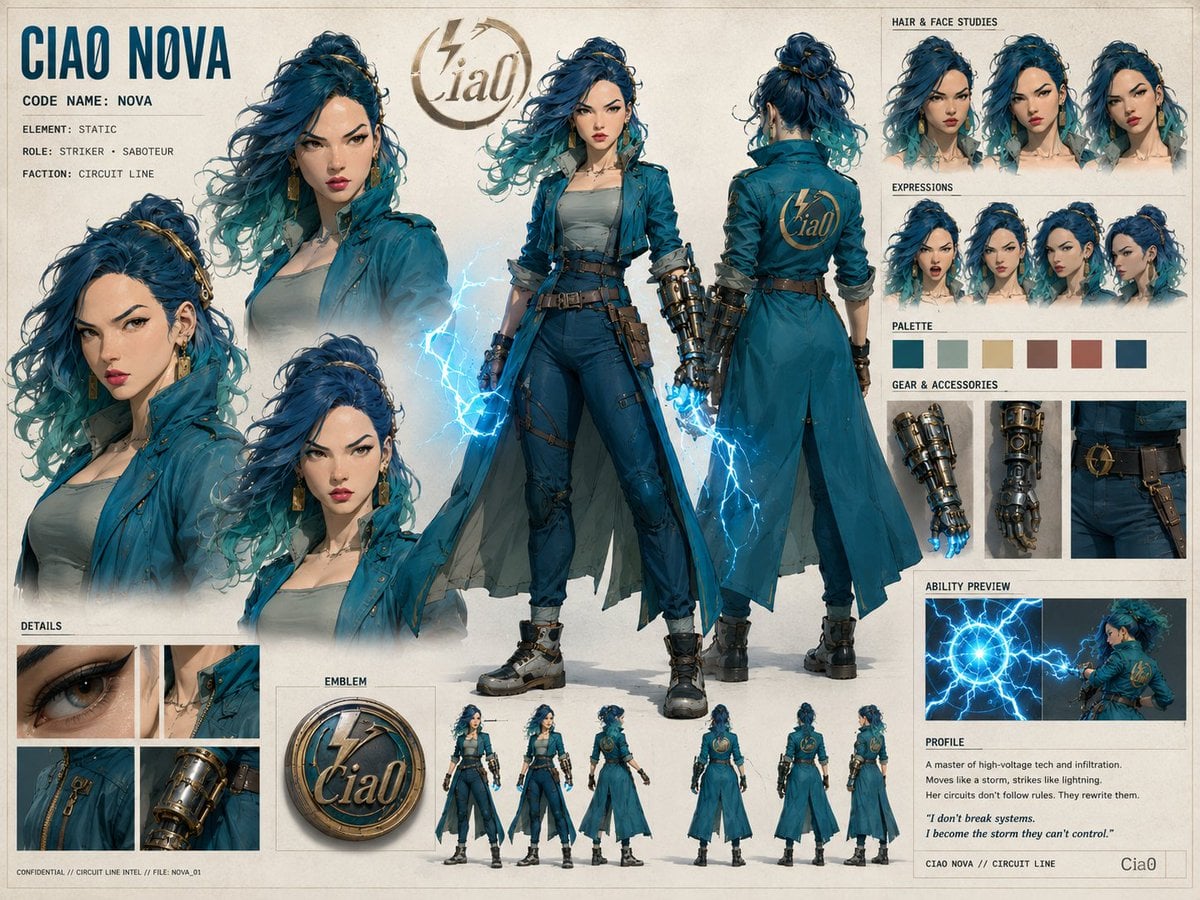
Ciao Nova Character Reference Sheet

Felt & Knit 3D Character — Photo-Exact Face, Pixar-Quality Plush Figurine

Cat Photobomb Selfie — 0.5x Wide Angle Café Chaos

Surreal Cat Astronaut — Humanoid Face Freefall

Low Angle Floor Selfie With Upside Down Cat
Make it yours
Felt Cat Character Reference Sheet works as-is. These are the safest ways to change it without losing the look.
Swap the setting
Keep the rest of the prompt and replace the location block. The current setting is “warm cream tabletop or paper backdrop”.
Change one field
Copy a single group, rewrite it, and generate again so you can see what that field is doing.
Keep the frame, change the subject
Hold the composition and light of Felt Cat Character Reference Sheet, then swap wardrobe, props or the person for a new take.
| If the result… | Why | Fix |
|---|---|---|
| The result drifts from the preview | Too many fields changed at once. | Reuse Felt Cat Character Reference Sheet as-is first, then change one group — subject, light, or setting. |
| GPT Image 2 ignores part of the JSON | Some models flatten or skip nested keys. | Keep the same values and paste them as a short paragraph instead. |
More GPT Image 2 templates
Other prompts made for GPT Image 2.

Six VTuber Japanese Logo Sheet

Realistic Portrait of Woman and Deer

The Vista Modular Condo Poster

AI Model Routing Comparison Infographic

2.5D Anime Art Board

Isometric Productivity Desk Scene

New York Double Exposure Poster

Four-Panel AI Landscape Comparison

Japanese Tatami Lifestyle Magazine Cover

NESCAFÉ Coffee Map Poster
More image prompts
Fresh picks from across the catalog.
Typography Tunnel Fashion Portrait
Whimsical Animated Townsfolk Lineup
Handmade Enamel Souvenir Magnet Design

untitled
Moon Silk Glow Anime Beauty Poster

Object as Shelter: Naturalistic Storytelling

Nano Banana - Window Wine Red Dress

Portal Scene Generation Prompt

A Cartoonish Take on the Master of Mars

Spherical Miniature World Cityscape
Browse template categories
Felt Cat Character Reference Sheet questions
How do I use the Felt Cat Character Reference Sheet template?
Add your photo if the template asks for one, edit the prompt if you like — the template's model and format are already selected — and press Generate. Your version opens in PicX Studio.
Can I customize the Felt Cat Character Reference Sheet template?
Yes. You can change the subject, setting, lighting, mood, format, and available model controls before creating your image.
Is the Felt Cat Character Reference Sheet template free?
Opening and editing this template is free. Generating uses credits, shown on the Generate button when you are signed in.
Which AI model should I use?
Start with GPT Image 2, which is the model associated with this template. You can compare another compatible model for a different finish.
Looking for something else? Browse all templates.

Your photo, any look
Thousands of ready templates for every top image and video model, from one credit balance.