
Whimsical Animated Townsfolk Lineup
This prompt generates a 13-character full-body ensemble lineup in a stylized stop-motion-inspired animated film aesthetic, useful for cast sheets, concept art, or character worldbuilding.
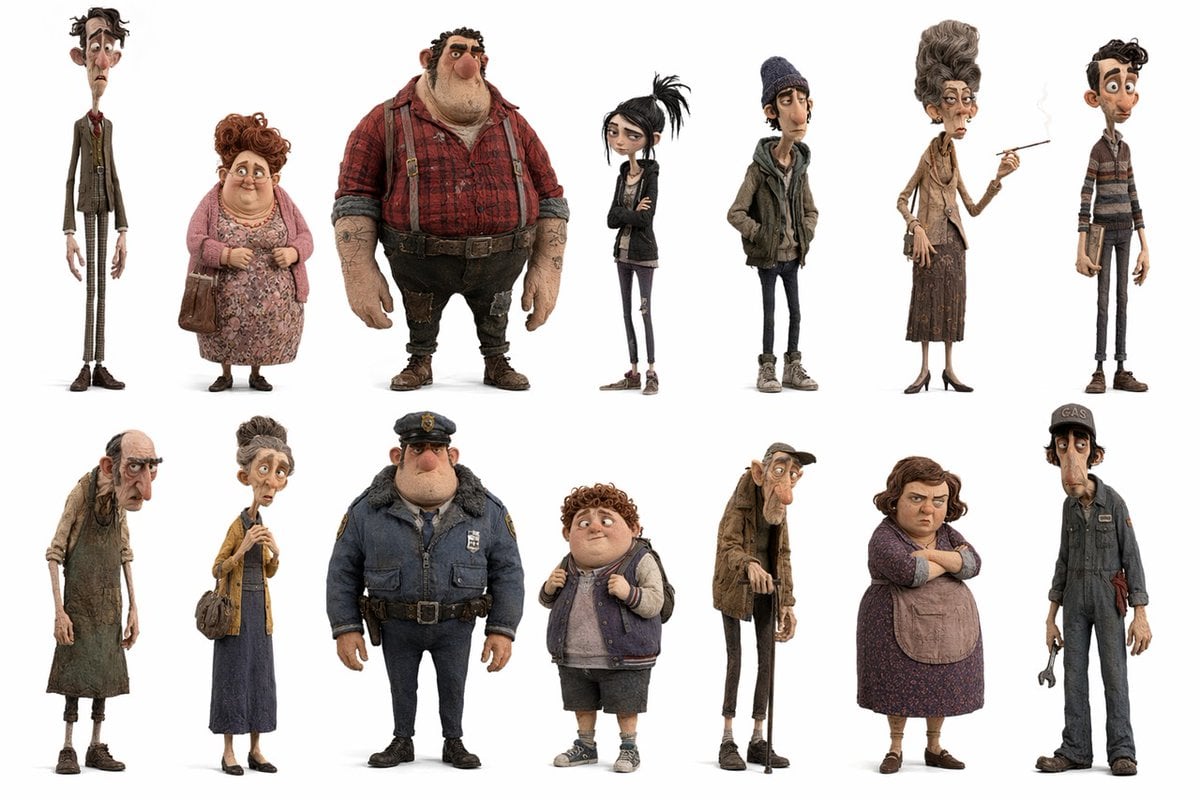
- Prompt included
- Model and format preset
- Premium template
The prompt behind this image
Copy the exact prompt behind Whimsical Animated Townsfolk Lineup, or open it in the studio and make it yours.
A clean character lineup sheet on a pure white background, showing 13 full-body stylized 3D characters in a whimsical stop-motion-inspired design with exaggerated proportions, textured fabrics, worn surfaces, muted earthy colors, and slightly creepy yet charming personality. Arrange them in 2 rows: 7 characters across the top row and 6 across the bottom row, each isolated with soft grounding shadows and plenty of white space, like a studio casting board for an animated film. Top row, left to right: 1) an extremely tall and painfully thin middle-aged man in a shabby brown suit, white shirt, narrow red tie, and checked trousers, with long fingers and slouched posture; 2) a short heavyset older woman with curly reddish hair, wearing a pink cardigan over a floral dress, sensible shoes, and carrying a brown handbag; 3) a very large burly man with tattooed forearms, wearing a red plaid flannel shirt, suspenders, dark worn pants, heavy boots, and a rough worker look; 4) a skinny teenage goth girl with pale skin, black messy ponytail, black jacket, dark shirt, skinny jeans, crossed arms, and a bored expression; 5) a lanky teenage boy in a knit beanie, layered hoodie and jacket, skinny jeans, and sneakers, hands in pockets; 6) a very tall elderly woman with an elegant beehive hairstyle, narrow face, tan blouse, scarf, long brown skirt, heels, handbag, and a cigarette held in one hand; 7) a slim teenage or young adult male with curly dark hair, wearing a striped sweater, narrow pants, and brown shoes. Bottom row, left to right: 8) a gaunt frail old person in ragged layered clothing and a stained apron, stooped forward with tired posture; 9) a thin middle-aged woman with hair in a high bun, mustard cardigan, long blue dress, flats, and a shoulder bag, holding something delicately in front of her chest; 10) a stocky police officer in a bulky navy winter uniform with fur collar, badge, utility belt, dark pants, and black shoes; 11) a chubby curly-haired boy wearing a varsity-style sleeveless jacket over a hoodie, knee-length shorts, socks, and sneakers, gripping his backpack straps; 12) a skeletal elderly man with a cap, huge nose, hunched spine, long coat, skinny trousers, and a cane; 13) a lanky mechanic or gas station worker in a dark blue jumpsuit and cap with the visible text {argument name="cap text" default="GAS"}, holding a wrench. Keep the rendering highly detailed with felt, wool, denim, knit, leather, and dust-like material realism, but maintain caricatured anatomy and expressive silhouettes. Use a subdued palette of browns, rust reds, dusty pinks, charcoal, navy, beige, and faded denim. The overall mood should feel like quirky residents of a rundown small town from a darkly comic animated feature, presented as a polished ensemble cast sheet.
How to use Whimsical Animated Townsfolk Lineup in 3 steps
- 1Upload ImagePNG, JPG or paste
Add your photo
Upload the photo the template builds on. The prompt, model and format are already set.
- 2…a portrait of your subject in softgolden-hour light, 85mm…
Personalize
Edit the subject and creative details for your destination.
- 3Generate
Generate
Press Generate — your image is created in PicX Studio, so you can compare it with the original and refine one variable at a time.
More like this
Templates with the same subject, style or setup. Open one to see its prompt.

Cute Layered Paper Cut Chibi Girl

Decorative Folk Flat Paper Cut Illustration

Ghibli Final Takeoff Field

Ghibli Rainy Tram Interior

Ghibli Star Observatory

Ghibli Tiny House On Back

Ghibli Lantern River Festival

Ghibli Whale Bone Beach

Ghibli Abandoned Amusement

Ghibli Shadow Puppet Theater

Ghibli Bakery Morning Rush

Ghibli Paper Crane Flock
Make it yours
Whimsical Animated Townsfolk Lineup works as-is. These are the safest ways to change it without losing the look.
Change one field
Copy a single group, rewrite it, and generate again so you can see what that field is doing.
Keep the frame, change the subject
Hold the composition and light of Whimsical Animated Townsfolk Lineup, then swap wardrobe, props or the person for a new take.
| If the result… | Why | Fix |
|---|---|---|
| The result drifts from the preview | Too many fields changed at once. | Reuse Whimsical Animated Townsfolk Lineup as-is first, then change one group — subject, light, or setting. |
| The model over-stylizes the scene | The prose prompt leaves finish and camera underspecified. | Add one camera or lighting sentence and stay on GPT Image 2. |
More GPT Image 2 templates
Other prompts made for GPT Image 2.

Six VTuber Japanese Logo Sheet

Realistic Portrait of Woman and Deer

The Vista Modular Condo Poster

AI Model Routing Comparison Infographic

2.5D Anime Art Board

Isometric Productivity Desk Scene

New York Double Exposure Poster

Four-Panel AI Landscape Comparison

Japanese Tatami Lifestyle Magazine Cover

NESCAFÉ Coffee Map Poster
More image prompts
Fresh picks from across the catalog.
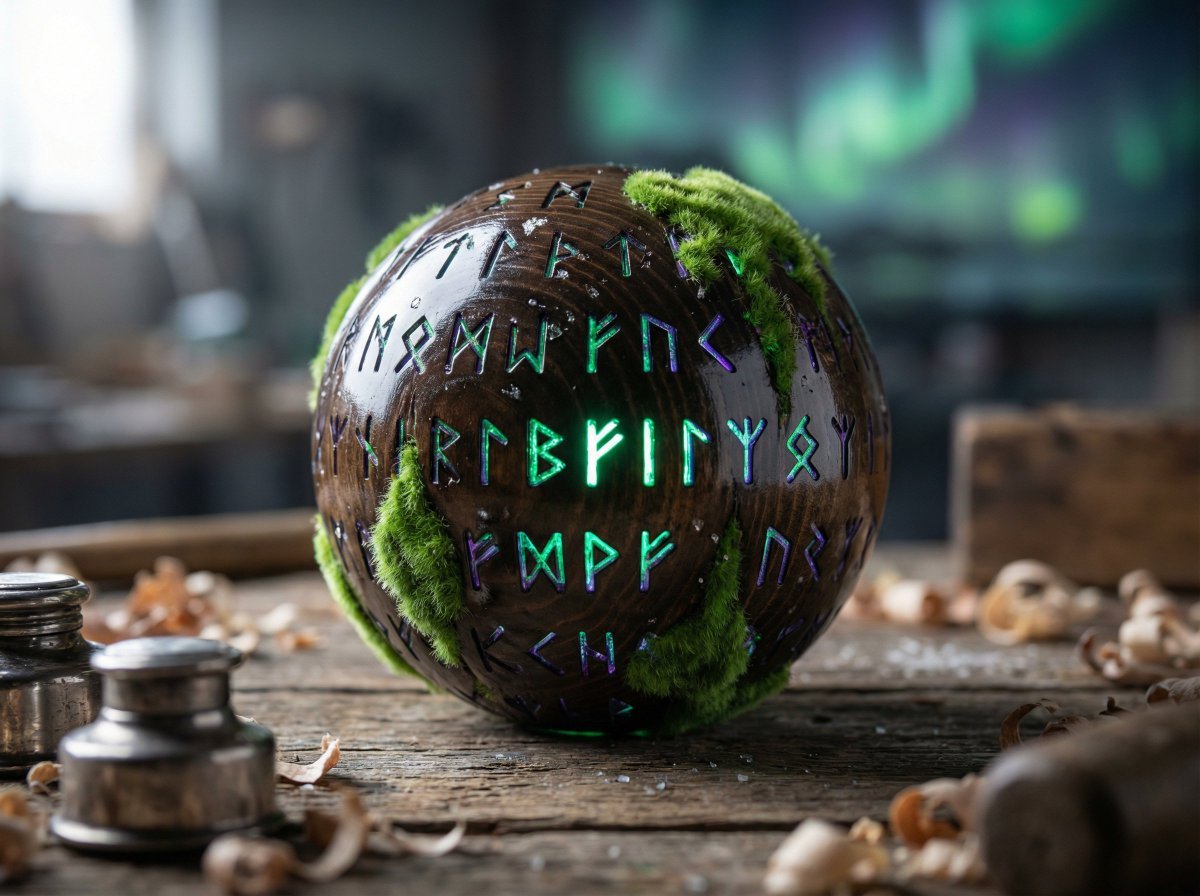
Artisan Toy Product Photography Prompt

Darkly Comic Bug Spray Ad
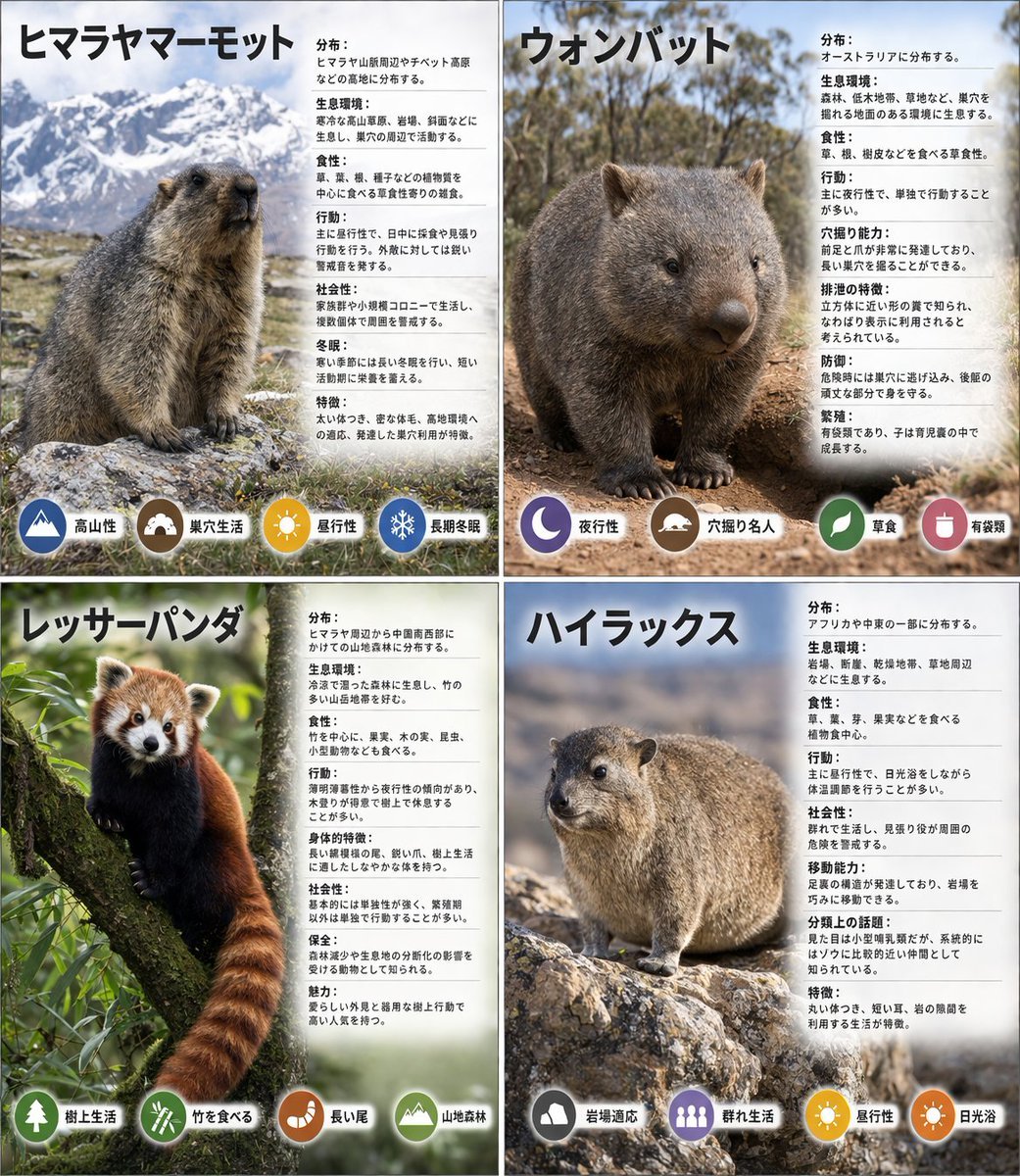
Panel Animal Infographic Grid
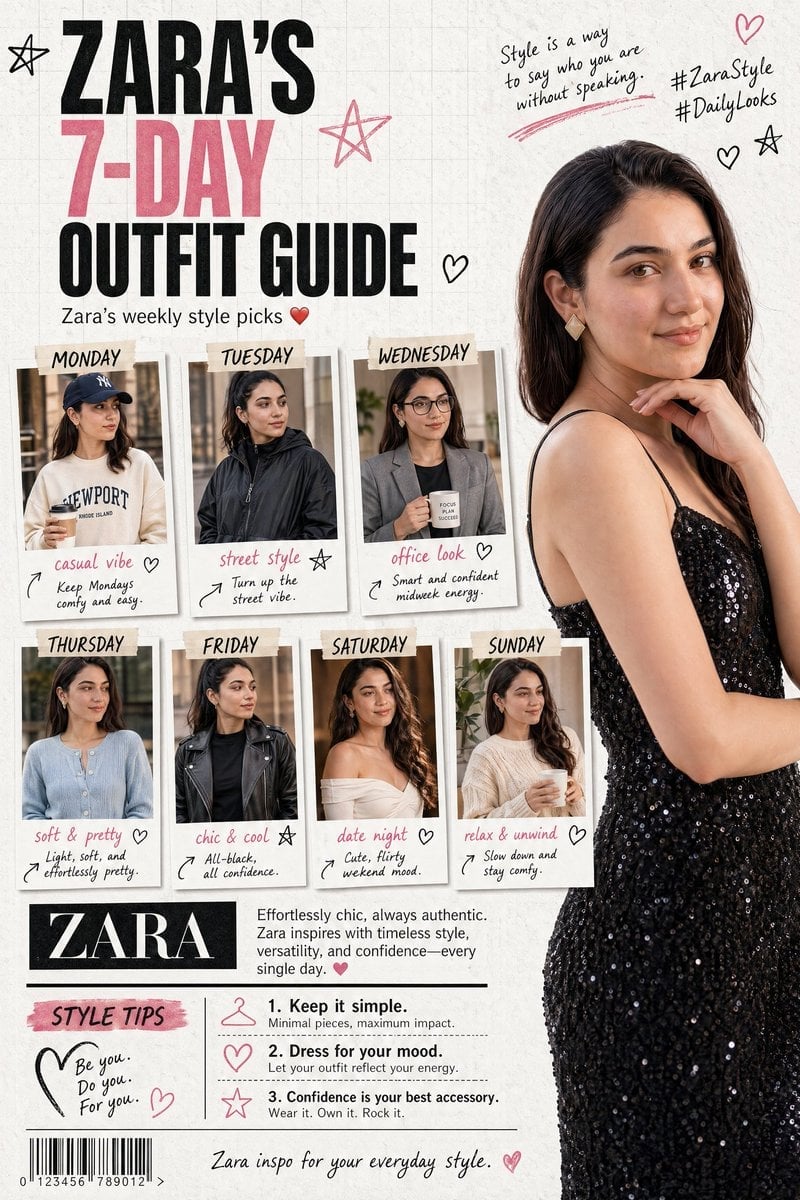
Fashion Magazine Collage Guide
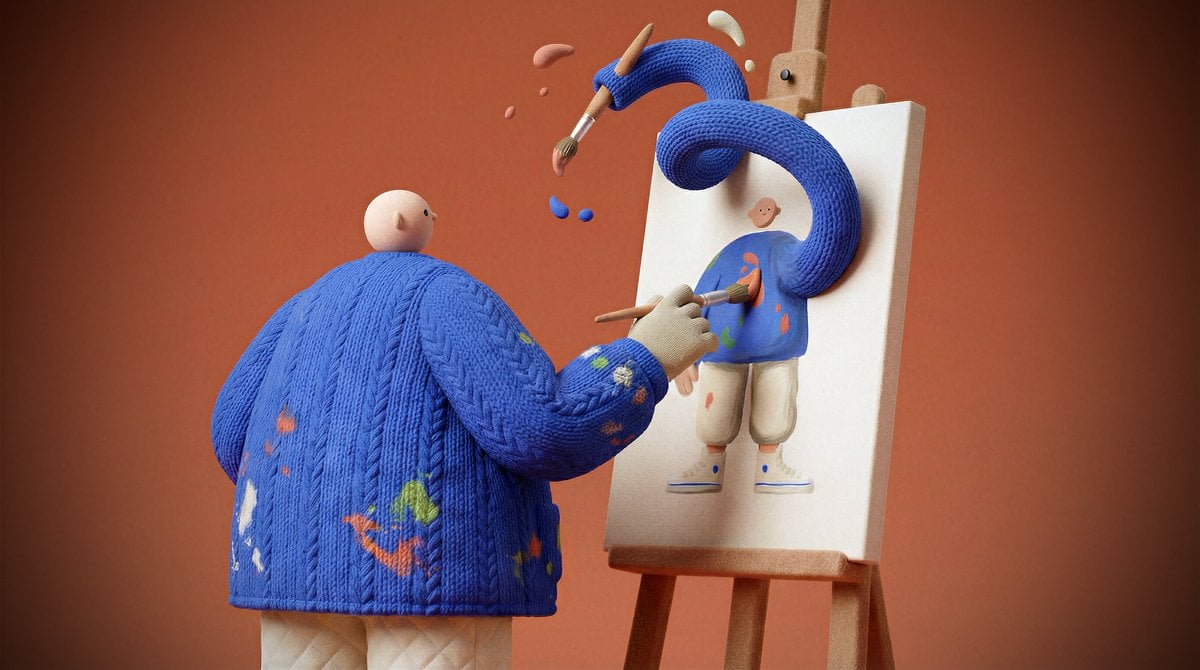
System Prompt for Generating Image Prompts
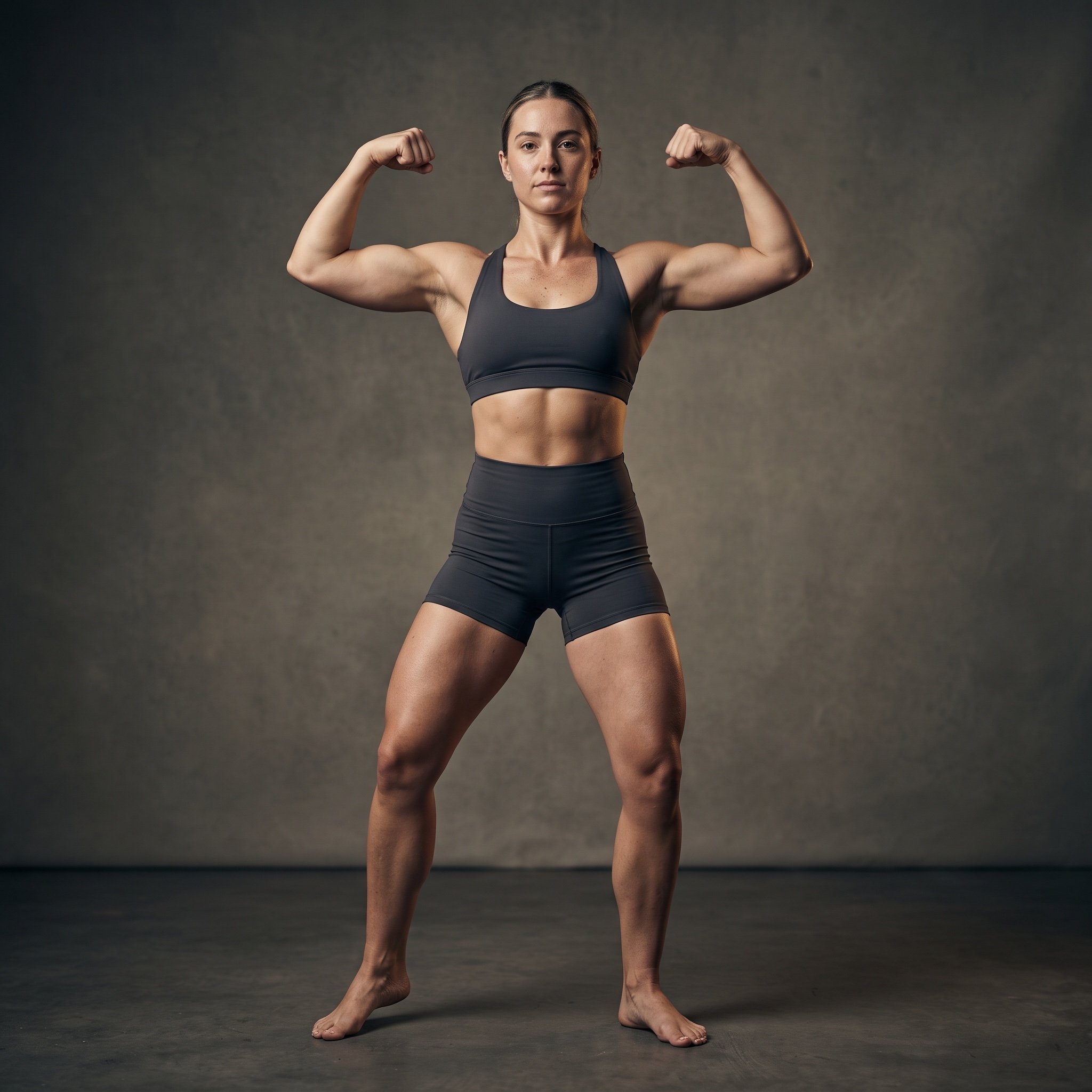
Cinematic Fitness Editorial Flex Pose Prompt
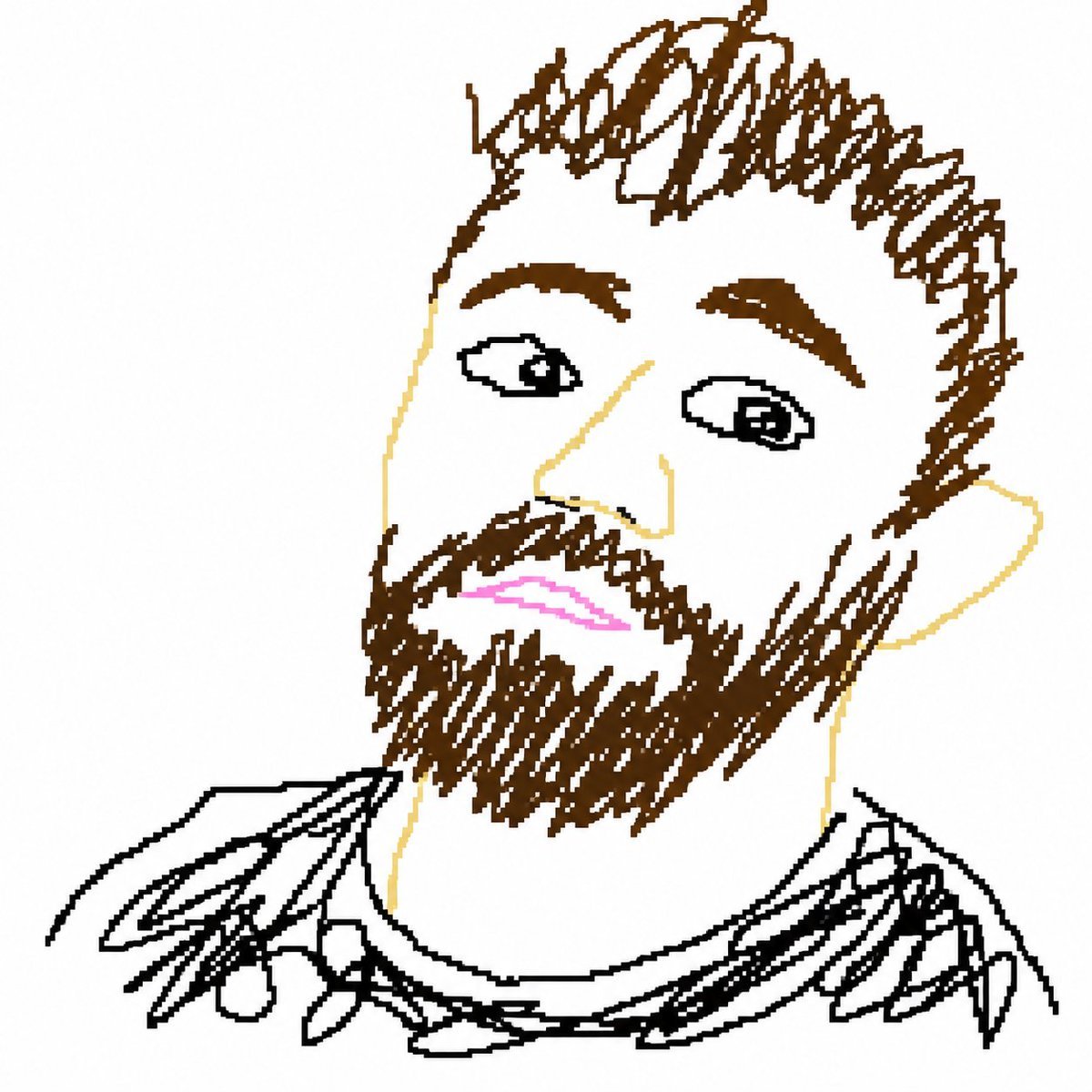
Bad MS Paint Redraw
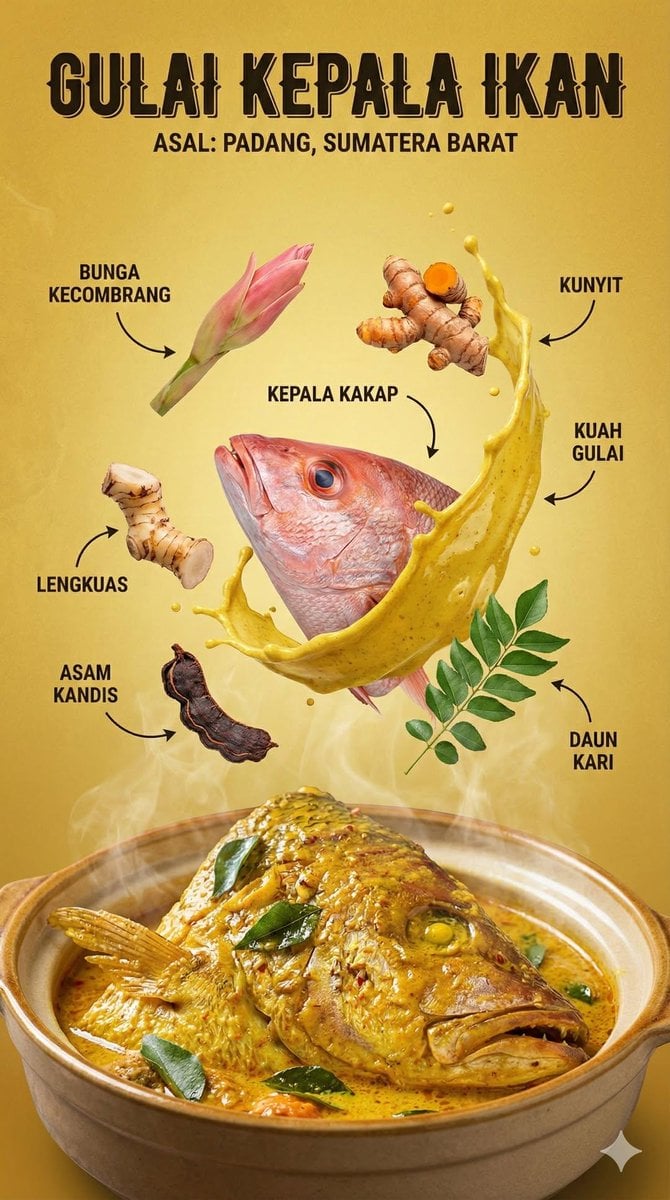
Structured Indonesian Food Infographic Prompt
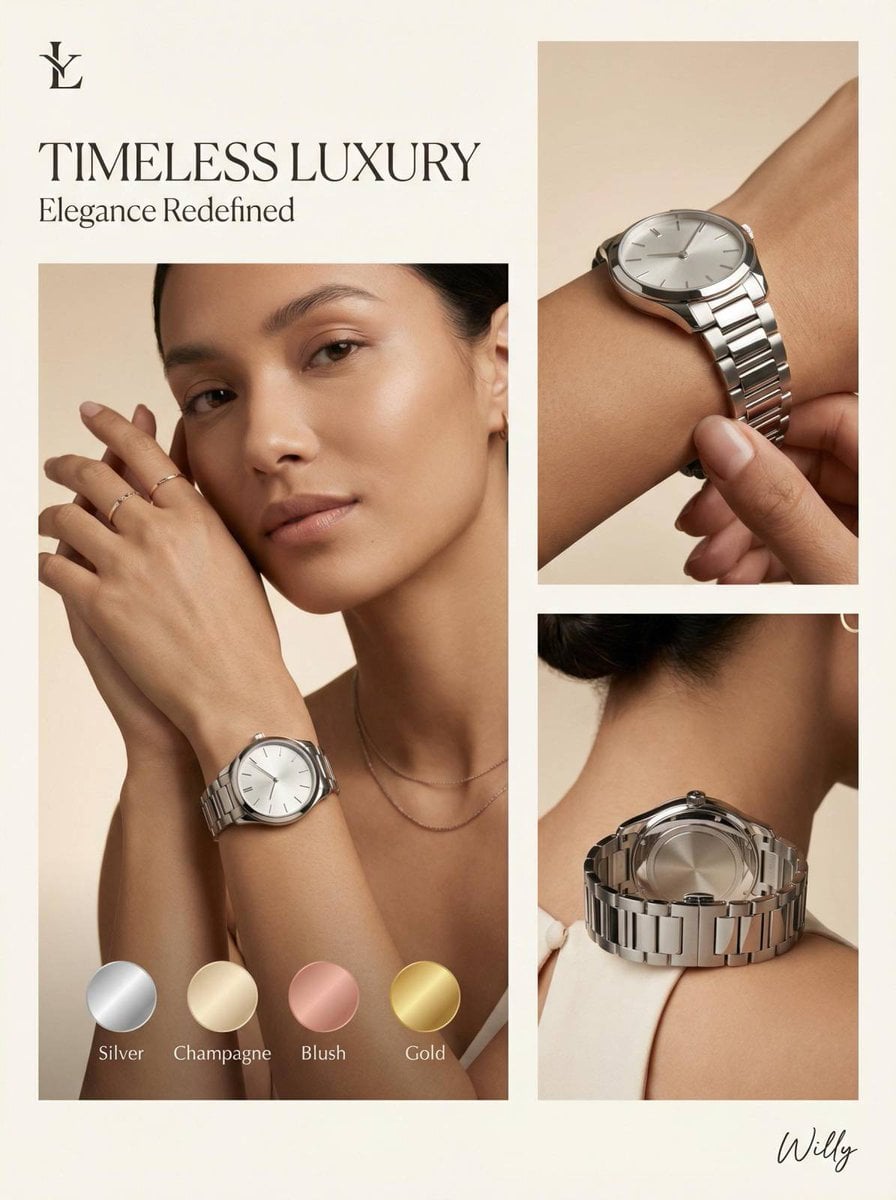
Luxury Watch Editorial Layout Prompt
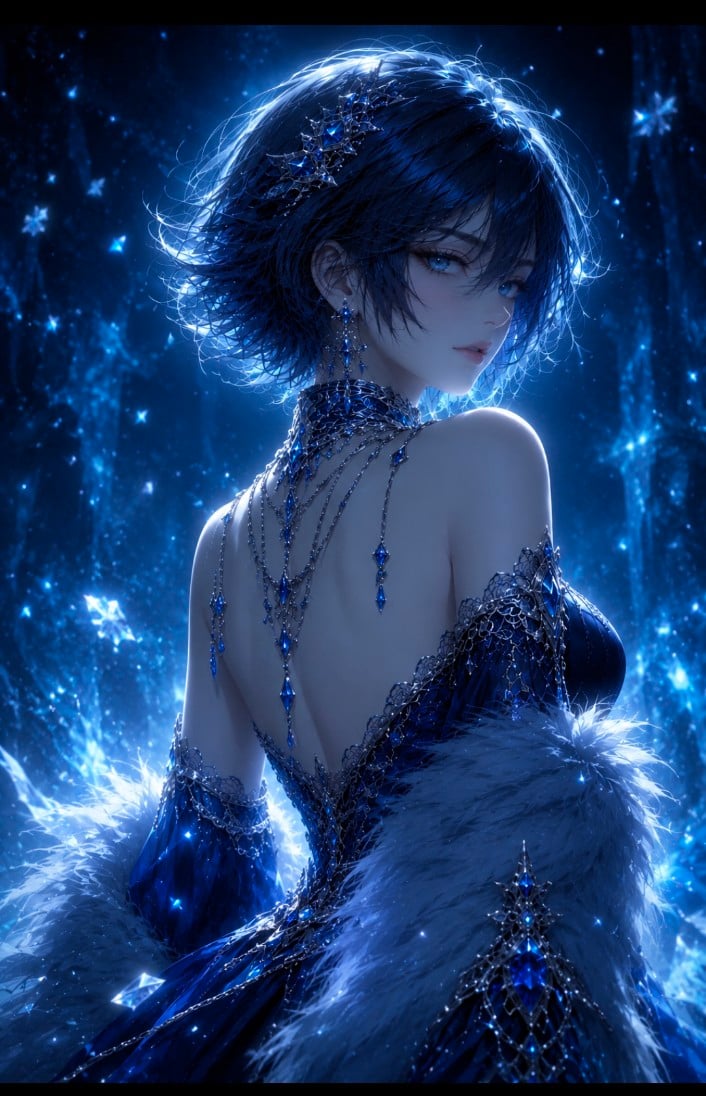
Dark Fantasy Anime Gothic Portrait
Browse template categories
Whimsical Animated Townsfolk Lineup questions
How do I use the Whimsical Animated Townsfolk Lineup template?
Add your photo if the template asks for one, edit the prompt if you like — the template's model and format are already selected — and press Generate. Your version opens in PicX Studio.
Can I customize the Whimsical Animated Townsfolk Lineup template?
Yes. You can change the subject, setting, lighting, mood, format, and available model controls before creating your image.
Is the Whimsical Animated Townsfolk Lineup template free?
Opening and editing this template is free. Generating uses credits, shown on the Generate button when you are signed in.
Which AI model should I use?
Start with GPT Image 2, which is the model associated with this template. You can compare another compatible model for a different finish.
Looking for something else? Browse all templates.

Your photo, any look
Thousands of ready templates for every top image and video model, from one credit balance.