
Spherical Miniature World Cityscape
A highly detailed prompt for creating a 3D spherical 'miniature world' of a specific city, integrating iconic landmarks and custom typography.
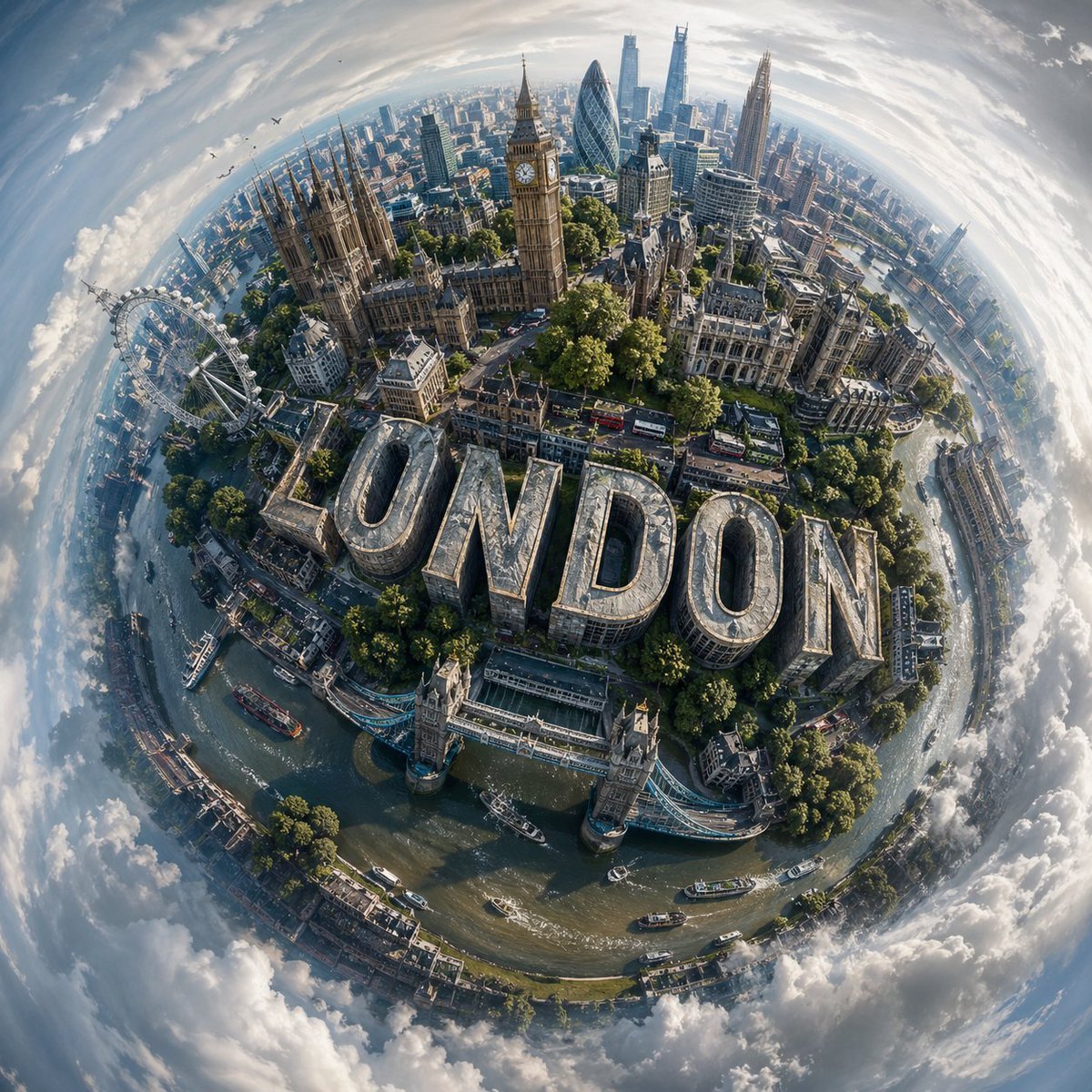
- Prompt included
- Model and format preset
- Free template
The prompt behind this image
Copy the exact prompt behind Spherical Miniature World Cityscape, or open it in the studio and make it yours.
Design a visually striking “miniature world” composition of {argument name="city name" default="CITY NAME"}, where the city’s most recognizable landmarks and architectural elements wrap organically around a compact, globe-like terrain, creating the illusion of a self-contained urban planet. Blend the skyline and environment so they curve naturally with the surface, forming a cohesive spherical composition rather than a flat panorama. The perspective should feel elevated and slightly angled, as if captured from a drifting aerial viewpoint, enhancing depth and dimensional distortion. Incorporate bold, contemporary 3D lettering that spells “{argument name="text" default="CITY NAME"}”, embedding it seamlessly into the cityscape; for example, integrated into streets, rooftops, or terrain, so it feels like a structural part of the environment. Illuminate the scene with soft daylight under a lightly overcast sky, allowing diffused lighting to create subtle shadows and realistic highlights across buildings, vegetation, and roads. Surround the miniature planet with an expansive, atmospheric sky that gently transitions into abstract, swirling cloud formations, adding a dreamlike quality without distracting from the central subject. Use a balanced, lifelike color scheme tailored to {argument name="location" default="CITY NAME"}, featuring natural greens, sky blues, and grounded architectural tones, while maintaining vibrancy and clarity. Render the final image in ultra-detailed photorealism, emphasizing texture accuracy, depth, and environmental realism, with a polished cinematic finish.
How to use Spherical Miniature World Cityscape in 3 steps
- 1
Open
The prompt is already in the box next to the preview, with the template's model and format selected.
- 2…a portrait of your subject in softgolden-hour light, 85mm…
Personalize
Edit the subject and creative details for your destination.
- 3Generate
Generate
Press Generate — your image is created in PicX Studio, so you can compare it with the original and refine one variable at a time.
More like this
Templates with the same subject, style or setup. Open one to see its prompt.

Paper Tunnel Book Architecture

Surreal Miniature Book World

Isometric Brand Store Diorama

Floating Woman Above Cityscape with Notifications
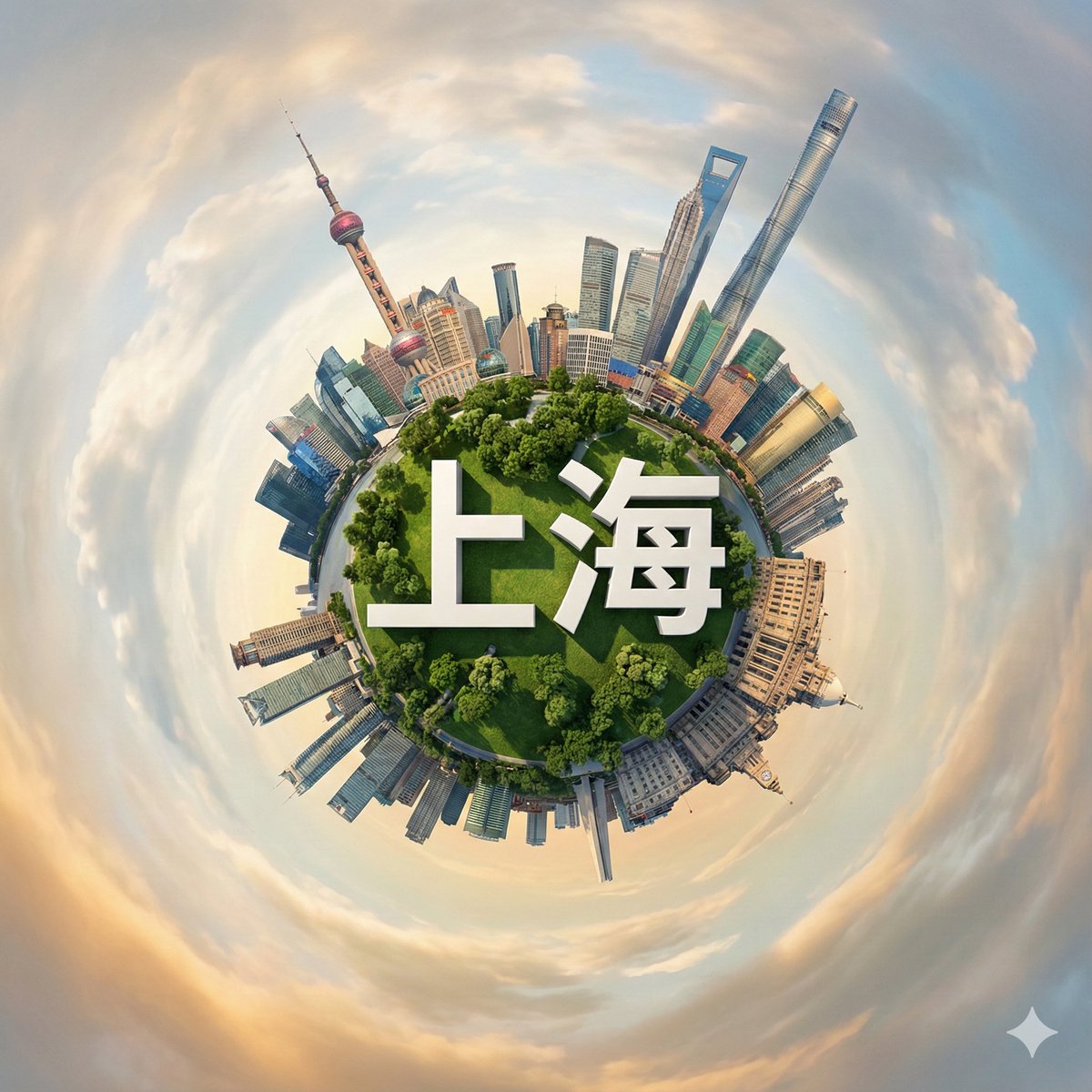
Hyperrealistic Miniature Planet Cityscape
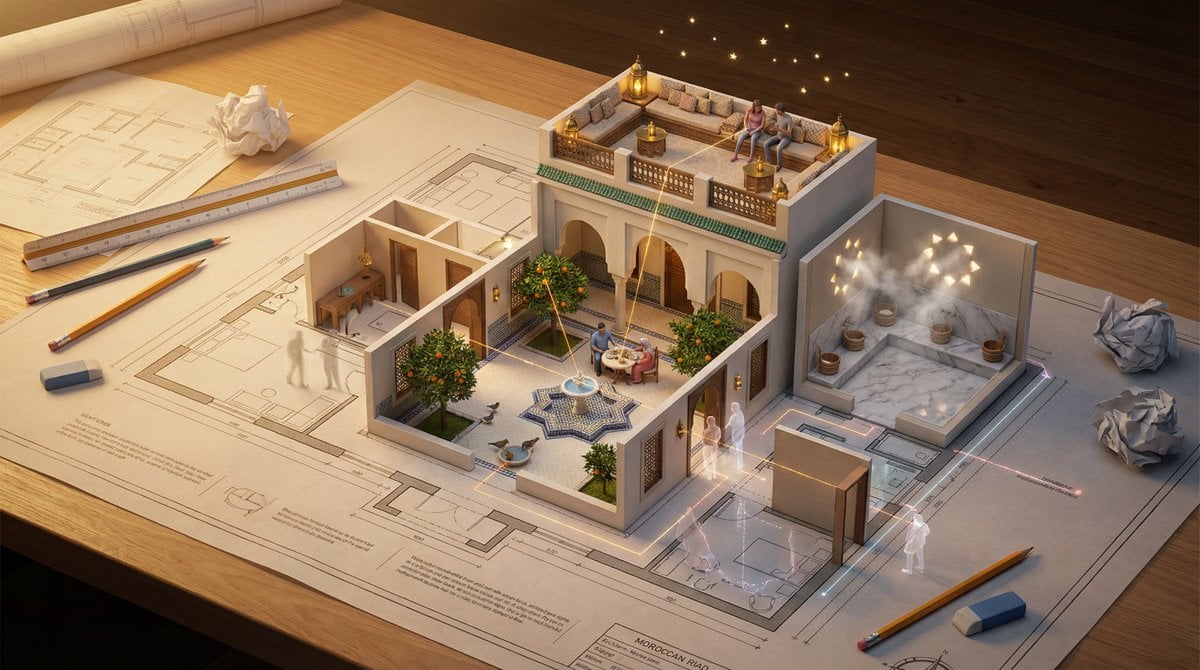
Architectural Floor Plan as Miniature World
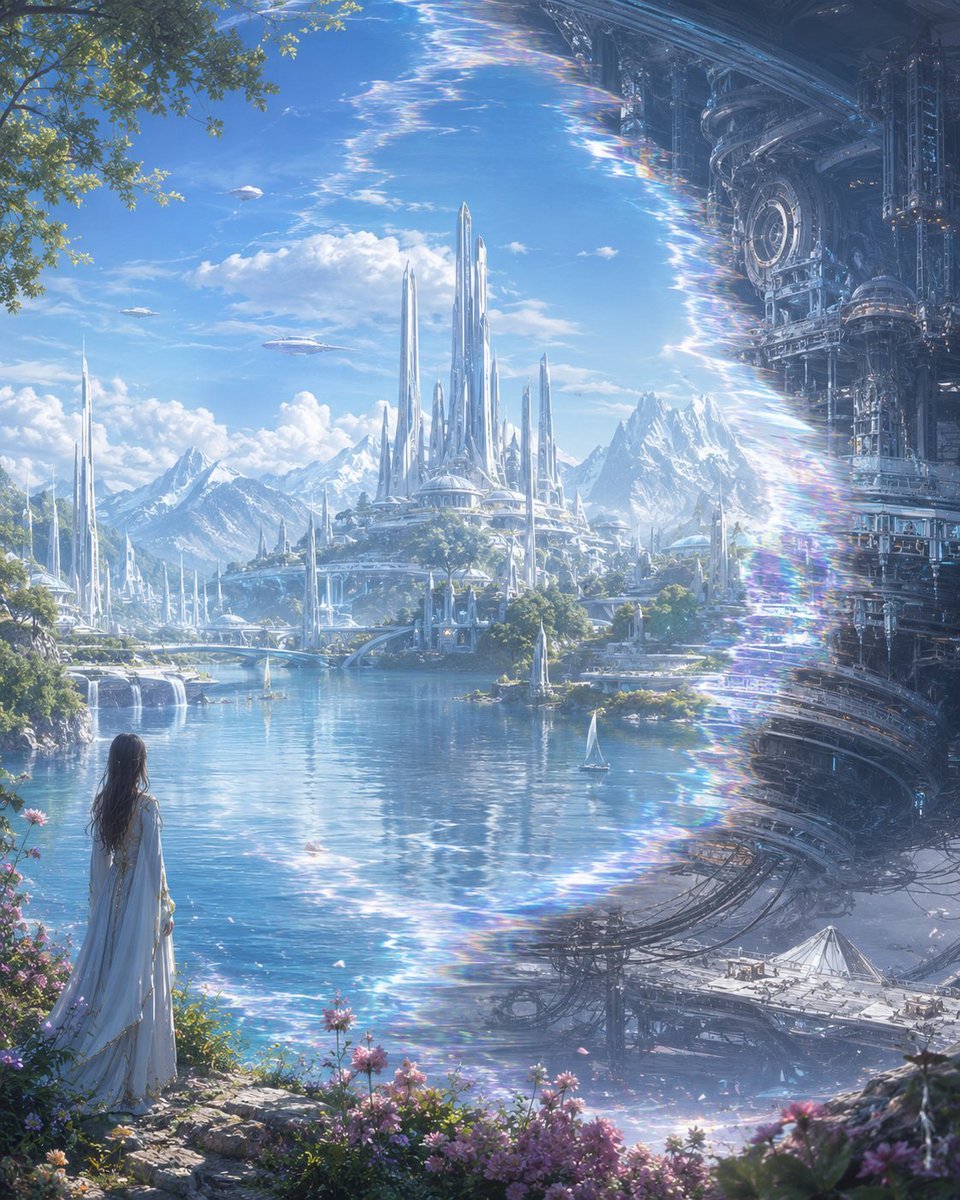
Elf Capital Dimensional Cityscape
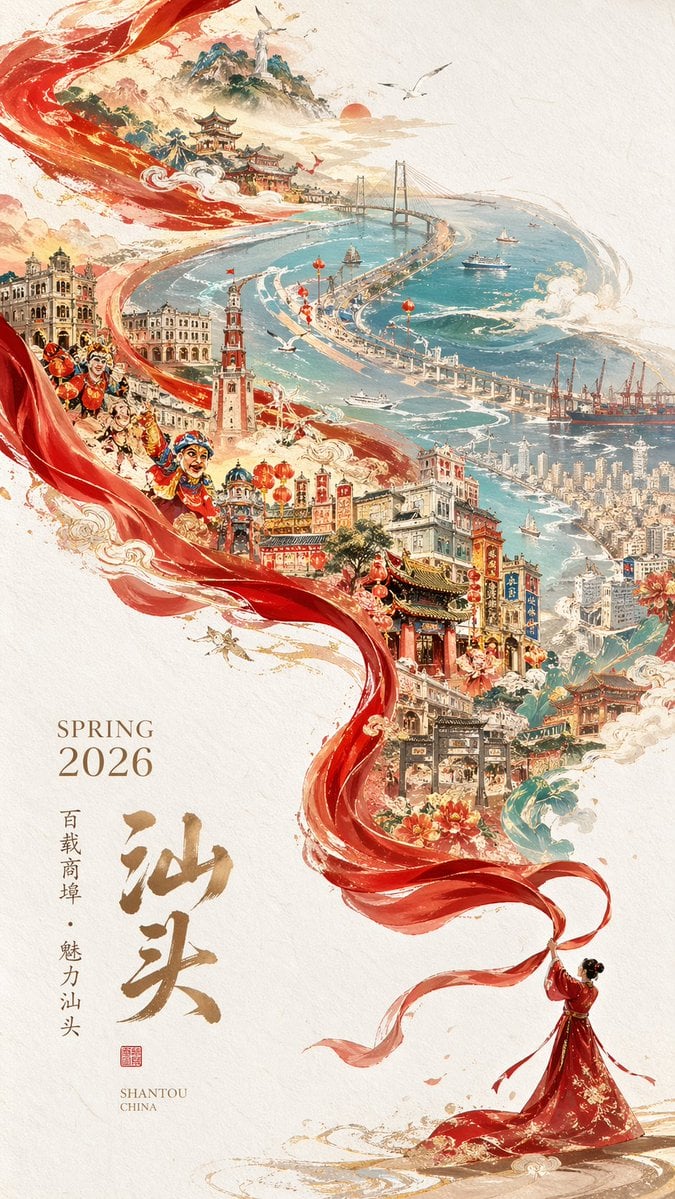
Epic Chinese Cityscape Ribbon Poster
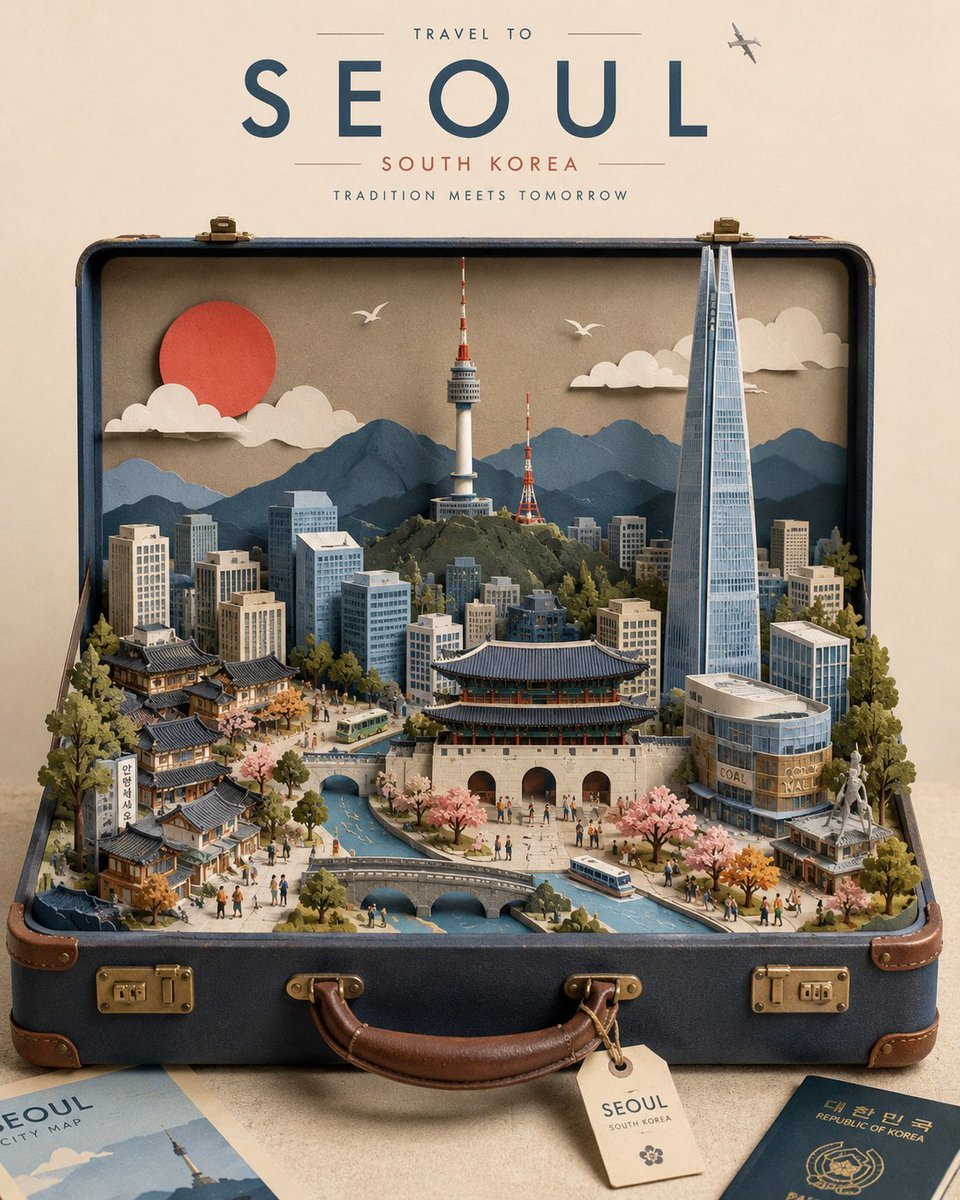
Miniature Suitcase Travel Poster
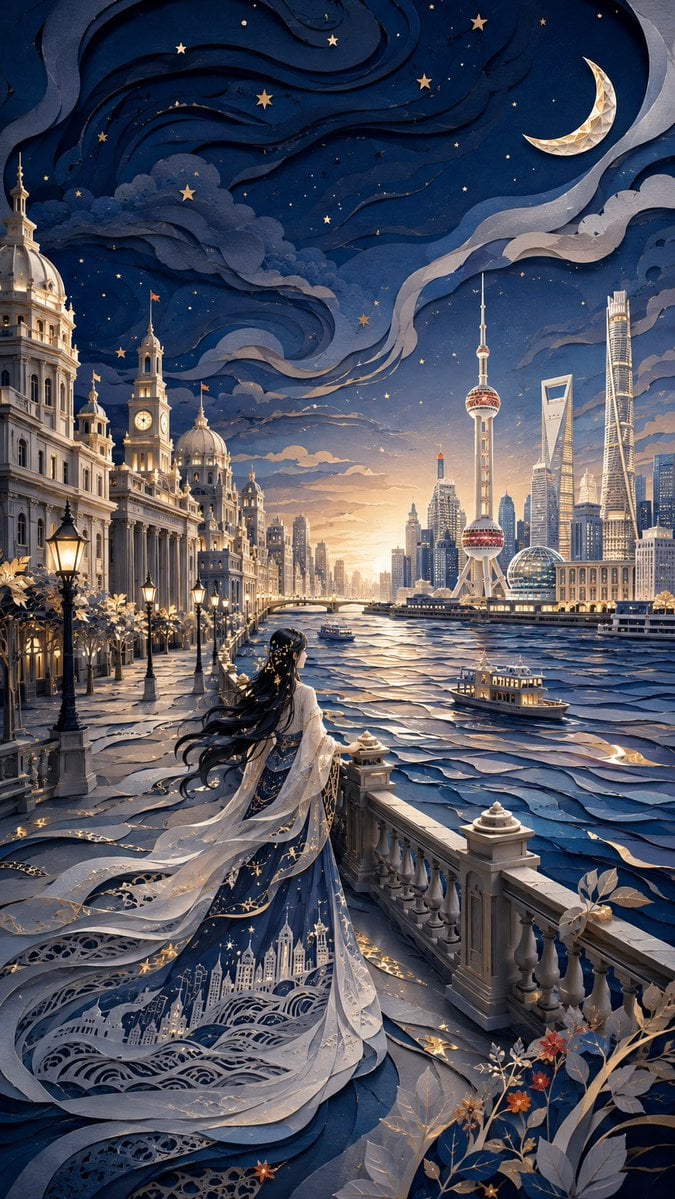
Modern Oriental Papercut Art Cityscape

Miniature Sick Day Diorama
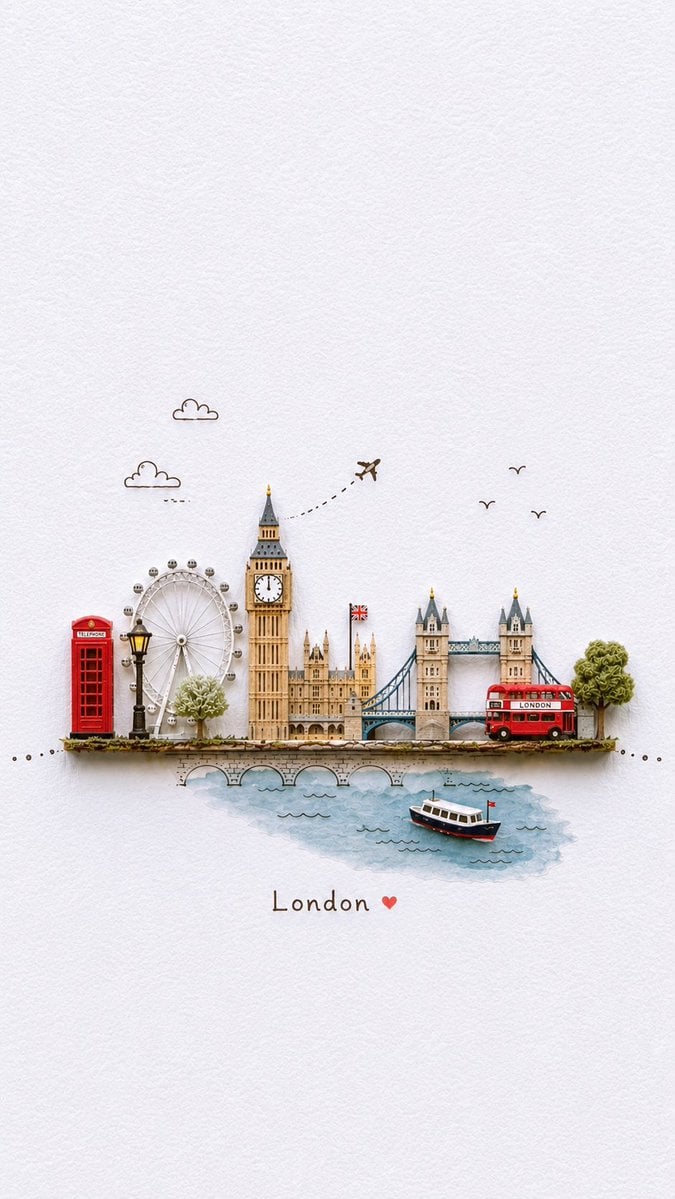
Miniature Paper-Craft Travel Illustration
Make it yours
Spherical Miniature World Cityscape works as-is. These are the safest ways to change it without losing the look.
Change one field
Copy a single group, rewrite it, and generate again so you can see what that field is doing.
Keep the frame, change the subject
Hold the composition and light of Spherical Miniature World Cityscape, then swap wardrobe, props or the person for a new take.
| If the result… | Why | Fix |
|---|---|---|
| The result drifts from the preview | Too many fields changed at once. | Reuse Spherical Miniature World Cityscape as-is first, then change one group — subject, light, or setting. |
| The model over-stylizes the scene | The prose prompt leaves finish and camera underspecified. | Add one camera or lighting sentence and stay on GPT Image 2. |
More GPT Image 2 templates
Other prompts made for GPT Image 2.

Six VTuber Japanese Logo Sheet

Realistic Portrait of Woman and Deer

The Vista Modular Condo Poster

AI Model Routing Comparison Infographic

2.5D Anime Art Board

Isometric Productivity Desk Scene

New York Double Exposure Poster

Four-Panel AI Landscape Comparison

Japanese Tatami Lifestyle Magazine Cover

NESCAFÉ Coffee Map Poster
More image prompts
Fresh picks from across the catalog.
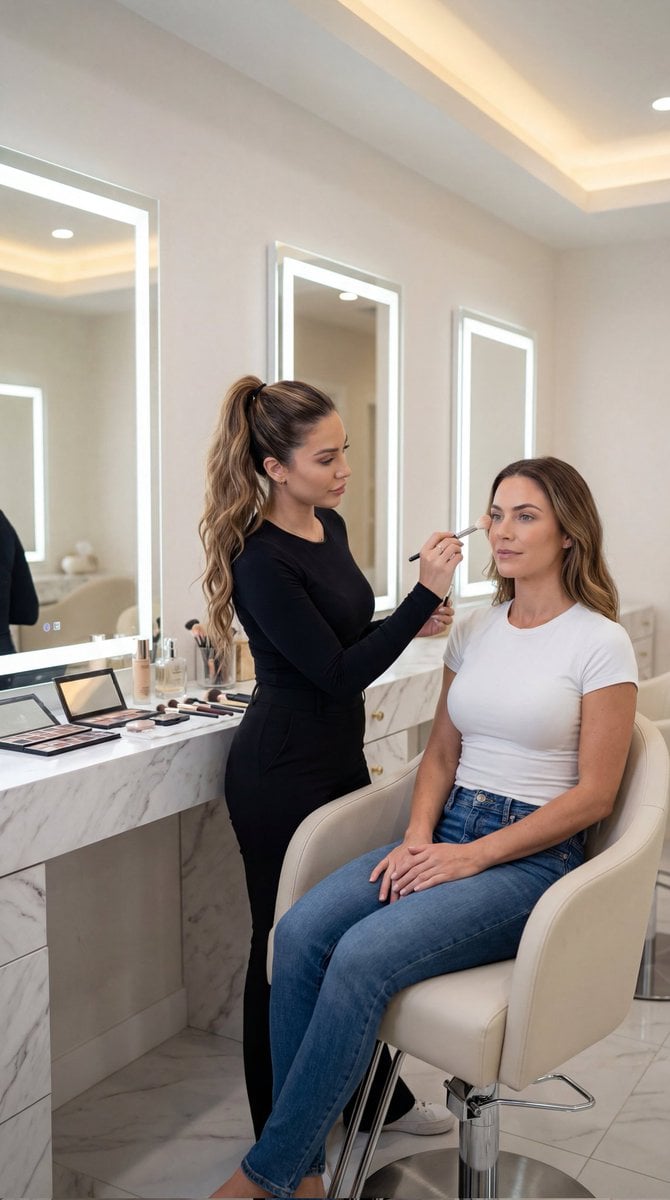
Luxury Salon Portrait with Identity Lock Prompt
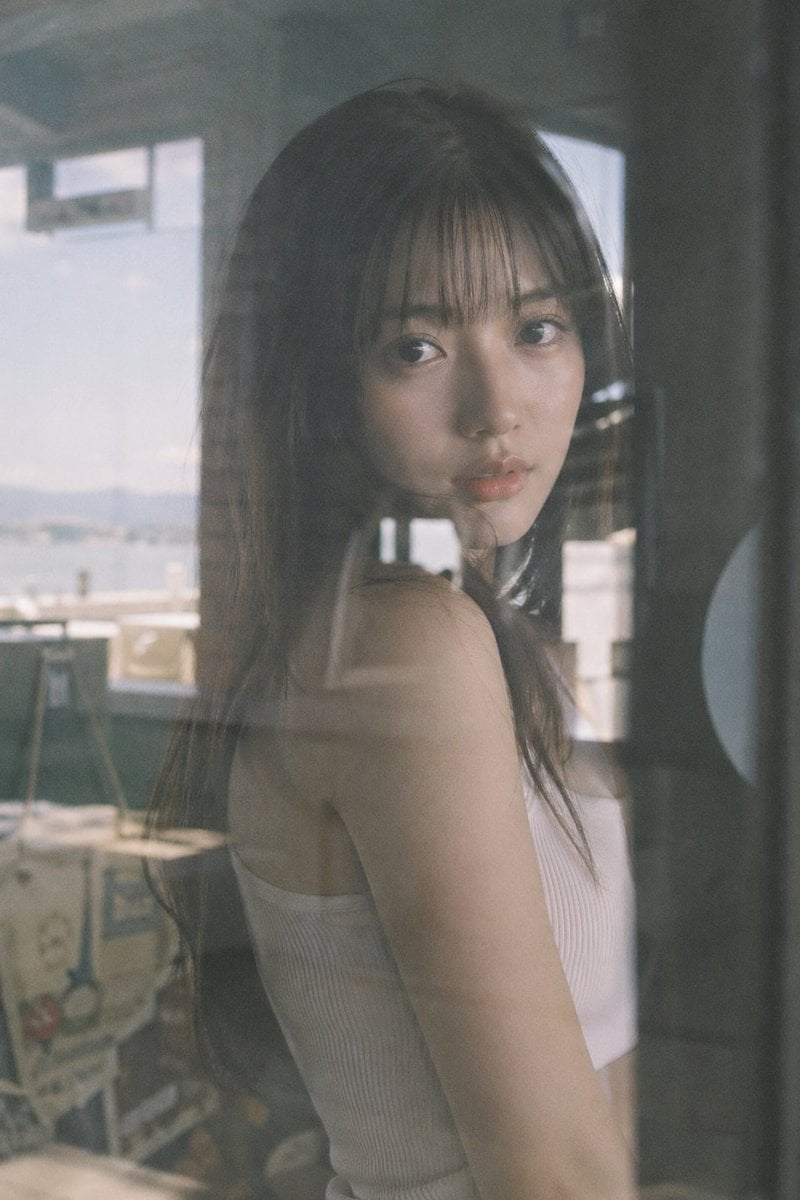
Japanese Idol Reflection Aesthetic

JSON Prompt Template for Camera and Lighting Control
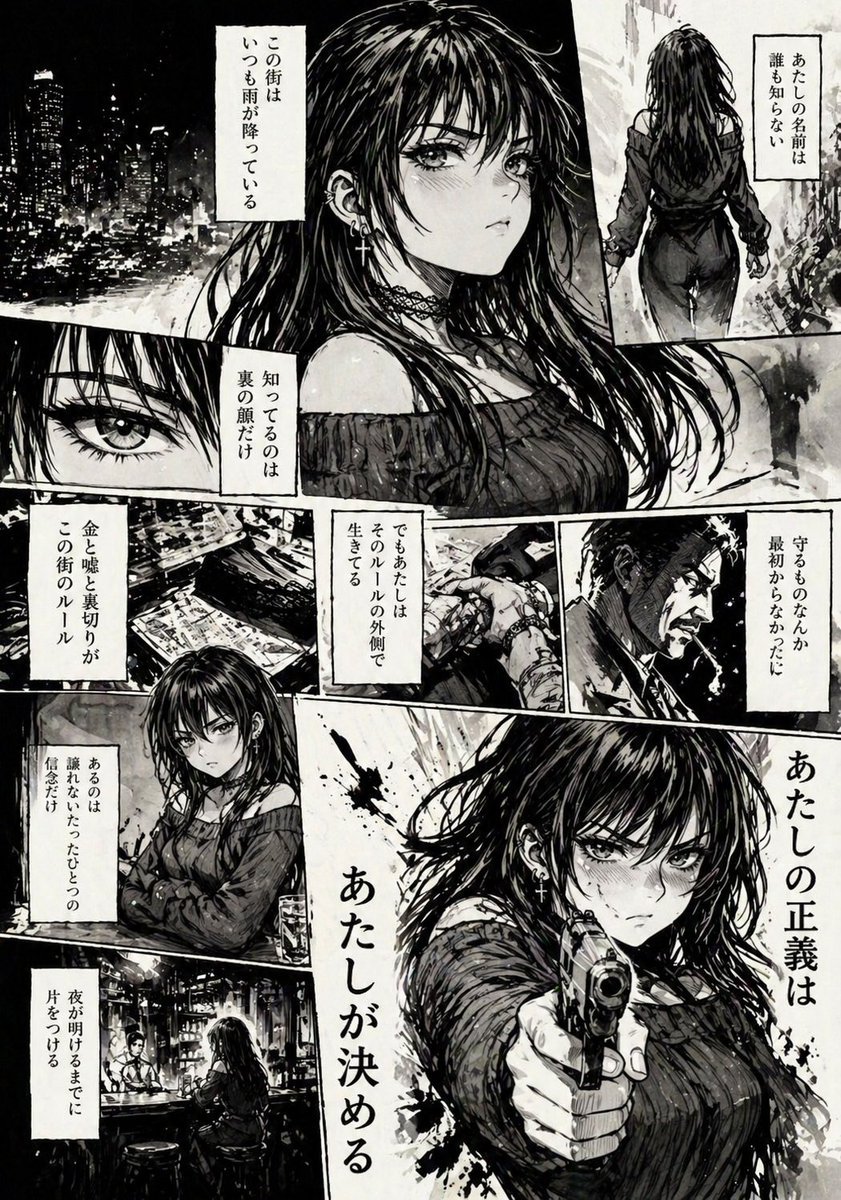
Hard-Boiled Noir Manga Woman Page

Hyper-Photorealistic Peach Beverage Ad
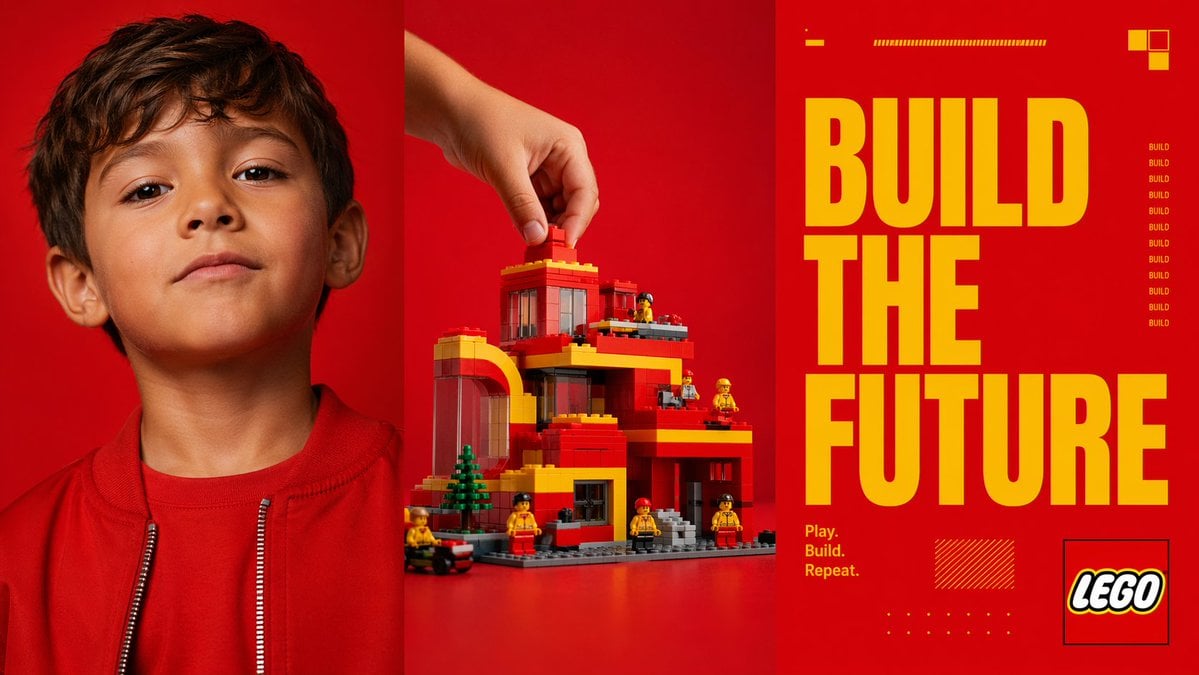
Red Triptych Build the Future Poster
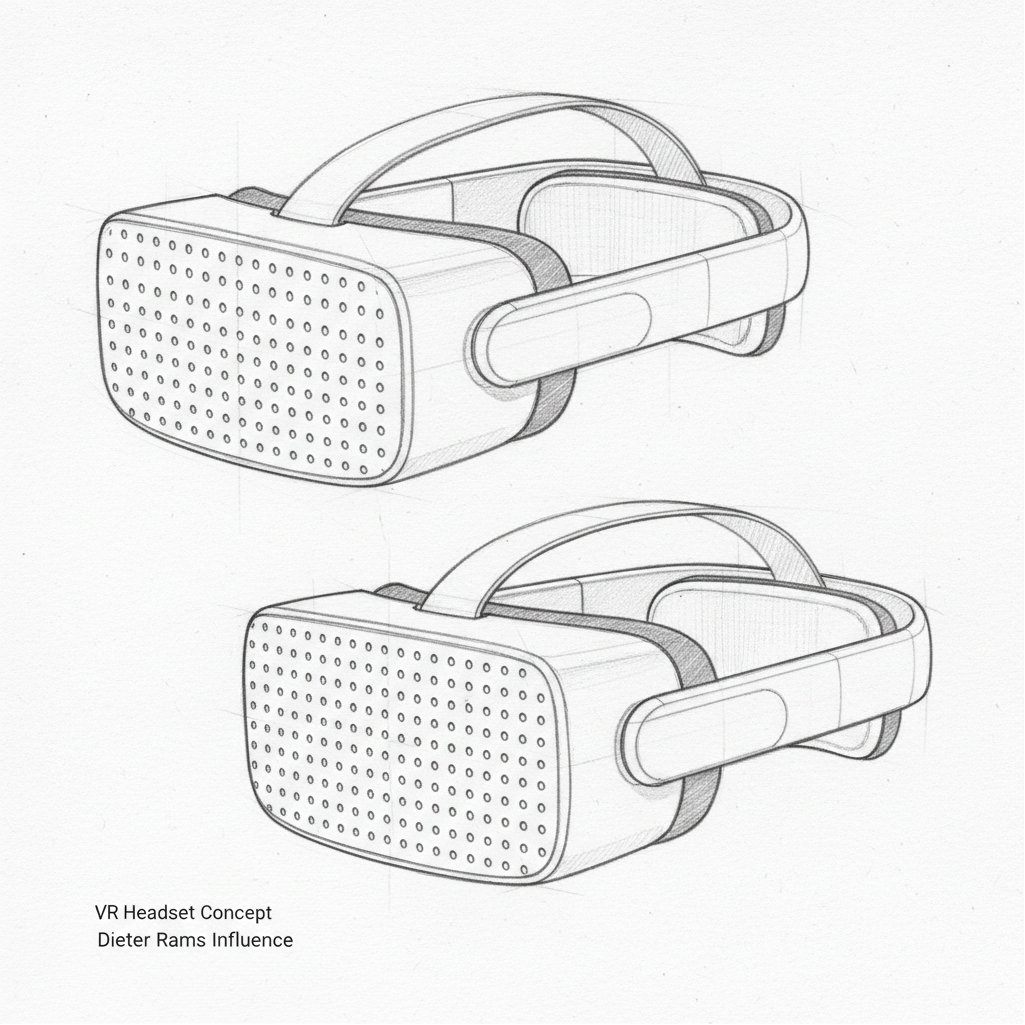
Dieter Rams Inspired VR Headset Sketch
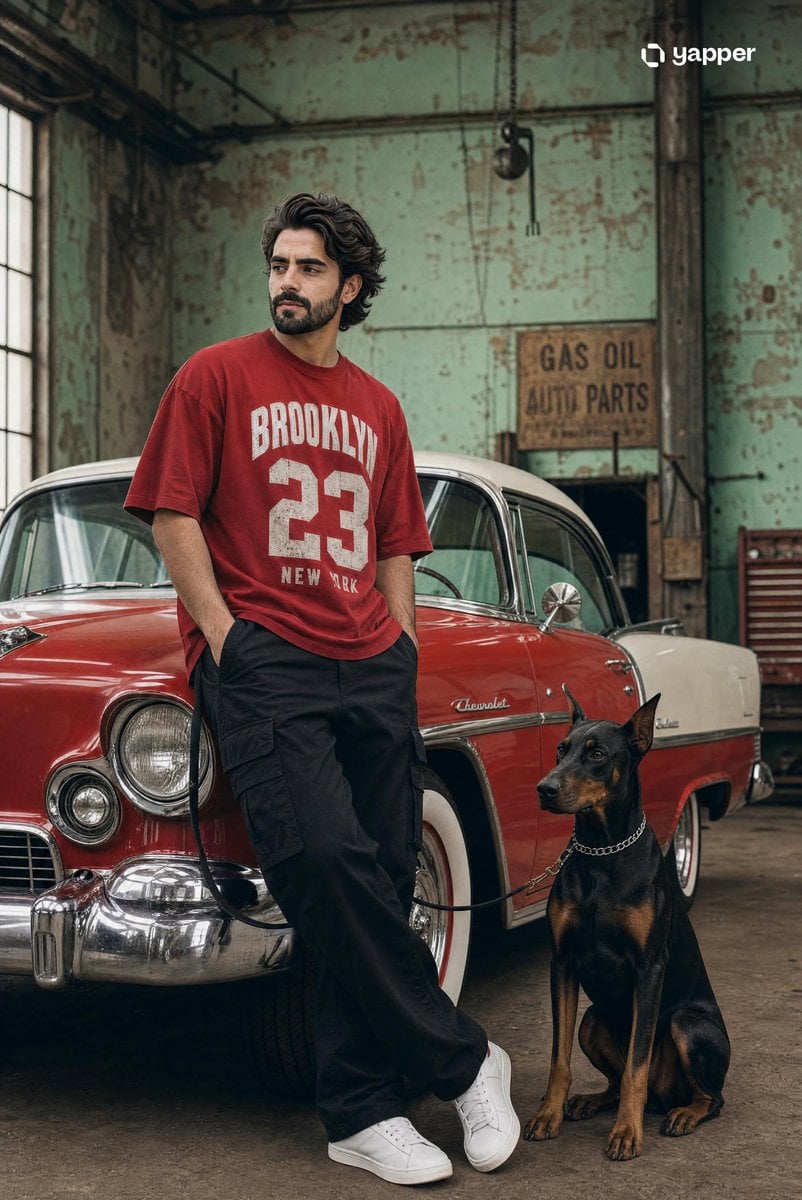
Vintage Car Streetwear Fashion Shoot
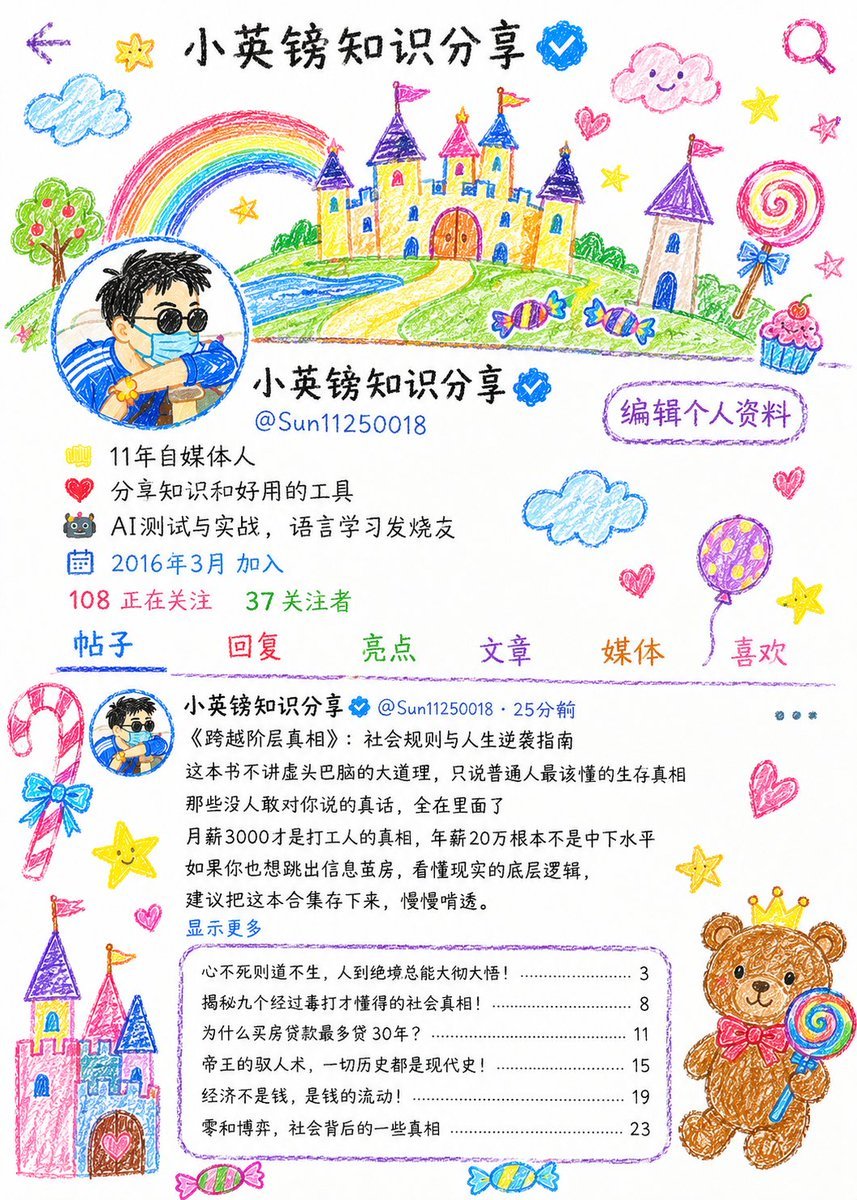
Childlike Crayon Illustration Style
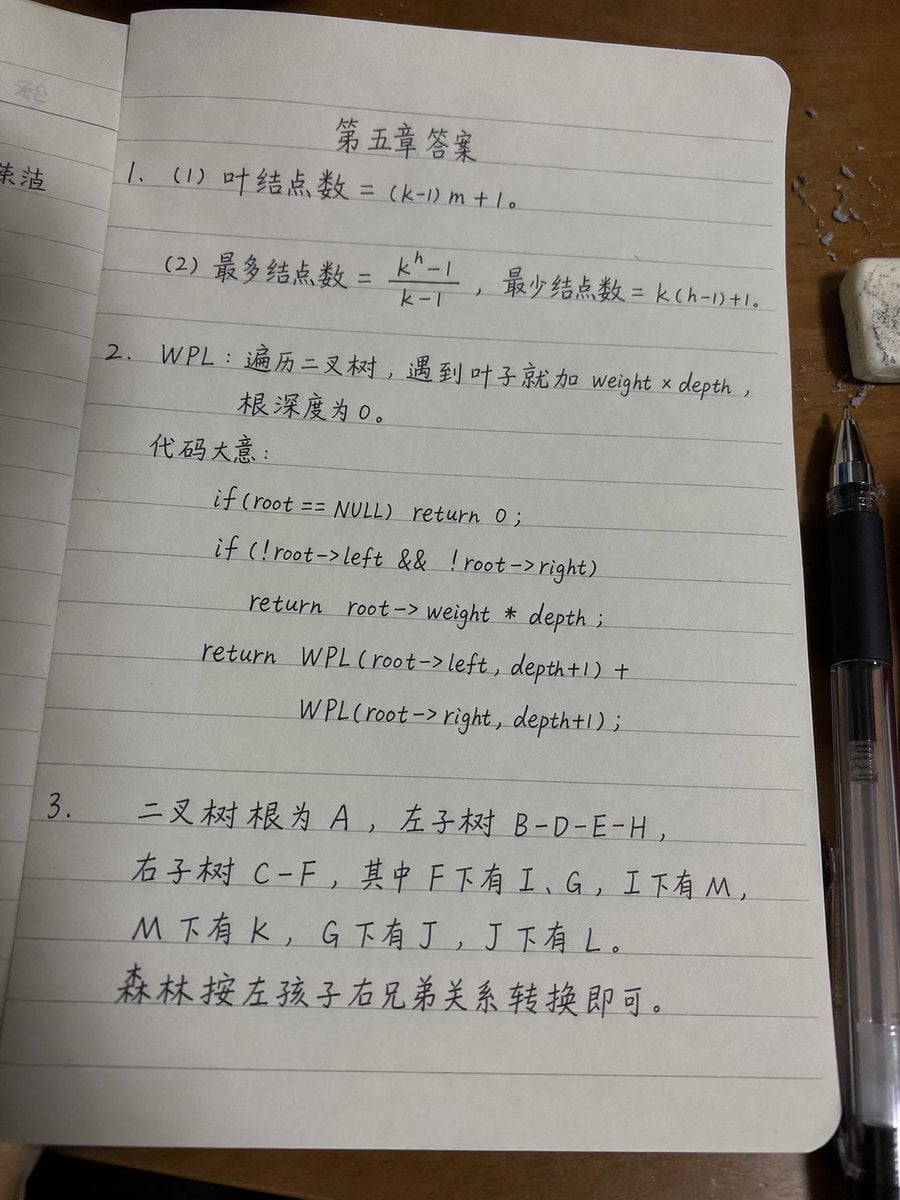
Handwritten Data Structures Homework Photo
Browse template categories
Spherical Miniature World Cityscape questions
How do I use the Spherical Miniature World Cityscape template?
Add your photo if the template asks for one, edit the prompt if you like — the template's model and format are already selected — and press Generate. Your version opens in PicX Studio.
Can I customize the Spherical Miniature World Cityscape template?
Yes. You can change the subject, setting, lighting, mood, format, and available model controls before creating your image.
Is the Spherical Miniature World Cityscape template free?
Opening and editing this template is free. Generating uses credits, shown on the Generate button when you are signed in.
Which AI model should I use?
Start with GPT Image 2, which is the model associated with this template. You can compare another compatible model for a different finish.
Looking for something else? Browse all templates.

Your photo, any look
Thousands of ready templates for every top image and video model, from one credit balance.